Week 4 - 2D Meshing for Sheet Metal
1. First import the model.
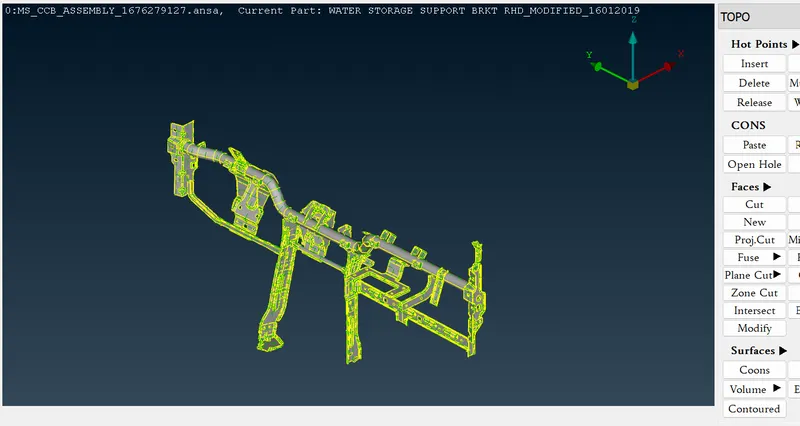
2. As all model is in red line as error. Preform TOPO Comand and patch all the cons with out any Triple cons. as shown in below image.
3. Now check for if any defect using Geometry command.
4. Now Check dimension for all the part separately and store in memory.
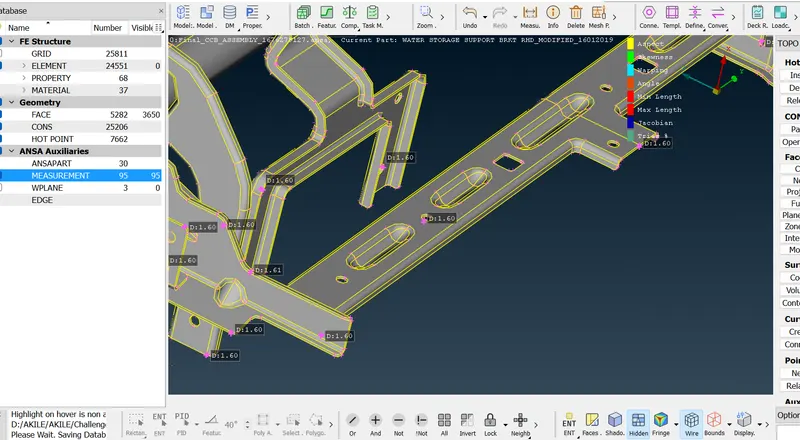
5. Now create Mid Surface for every part separately and store as new PDI.
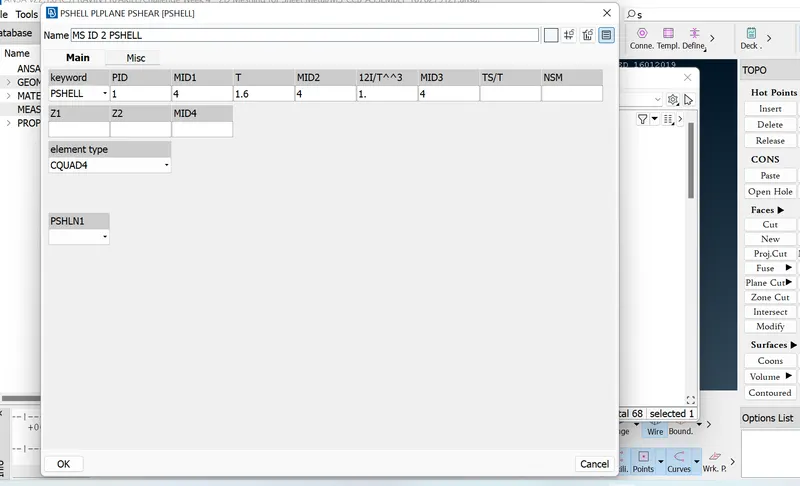
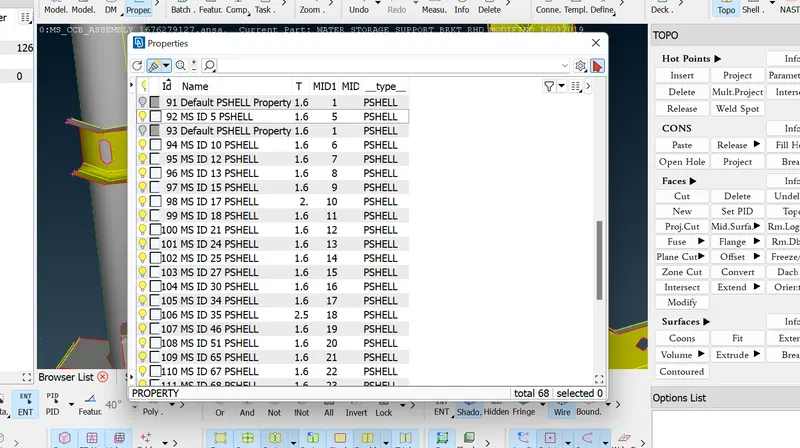
Like wise set PDI for all part.
6. Now start with meshing using Quality Criterias given and store.
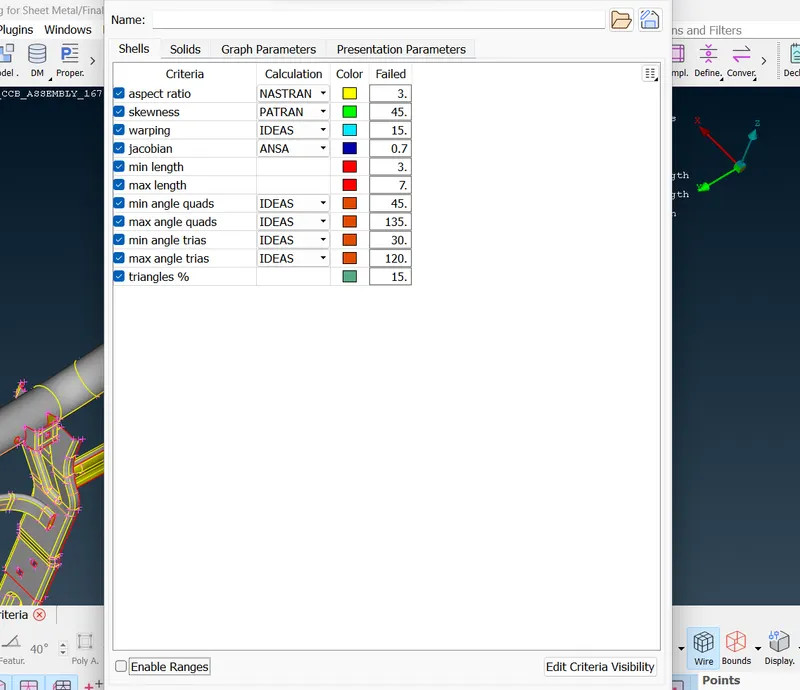
7. Use Mesh-> Best -> Select for meshing method. Make the meshing the be under 2 to 7 and make every area as rectangular as possible for best output result for meshing. After completing the meshing on one side using Best -> Select under Mesh Generation tab, Using Reconstruct -> Select & Smooth under Shell Mesh, Cut under Marcus command, Num+/- under Perimeter command and Insert or Delete under Hot Point. Using all the above command and tools create a best meshing and under all quality criteria conditions.
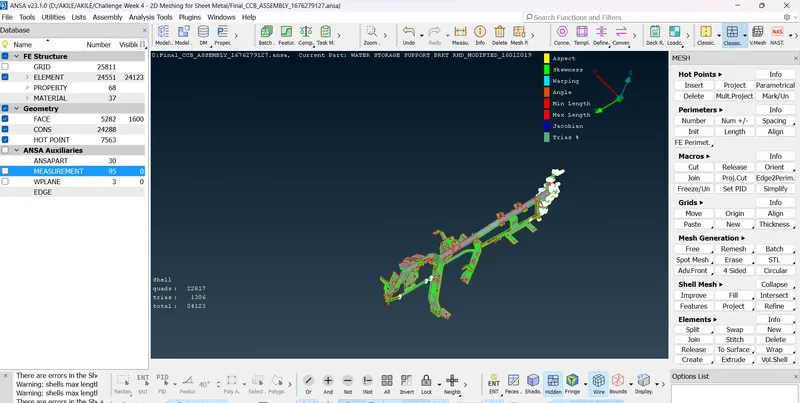
8. Finally save the file with least number of trias as possible and must have meet all the quality criteria.