Project 1 - Meshing of Floor Panel
Objective:
Generating Midsurface and geometry clean up on the given component with proper mesh flow. The model should pass all the given parameters.
First import the model to your ansa workbench.
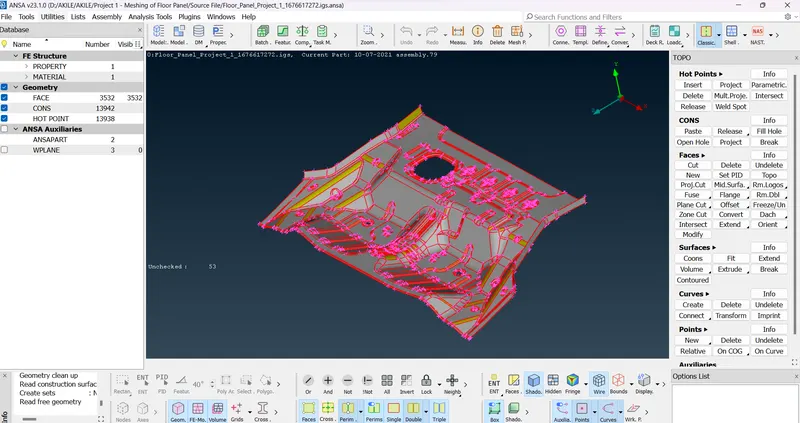
Then perform Topo to patch all the nodes.
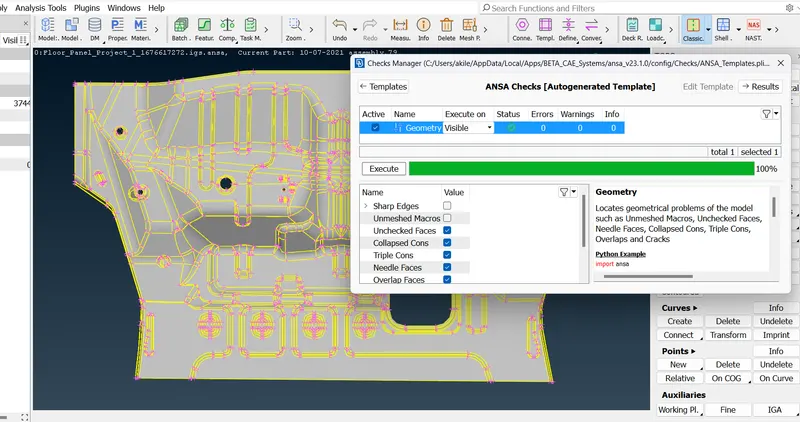
After that check for orientation perform a Gemorty check to check 1. Unchecked face, 2. Collapsed cons, 3. Triple cons, 4. Needle Faces, 5. Overlap faces and 6. cracks .
Execute and check for error in model and select auto fix, by this method most of the error will be cleared.
Some of them have to cleared manually and again run Geometry Check on model with visible.
Now take mid surfce for the model and store as new PDI.
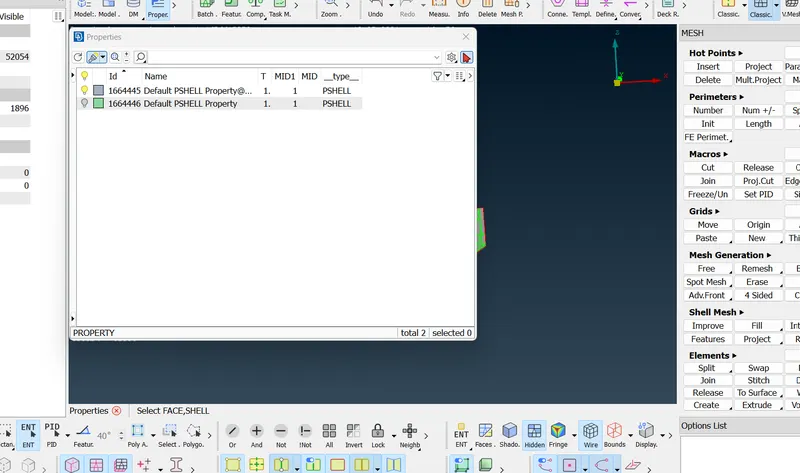
After completing, Lets go for next meshing section.
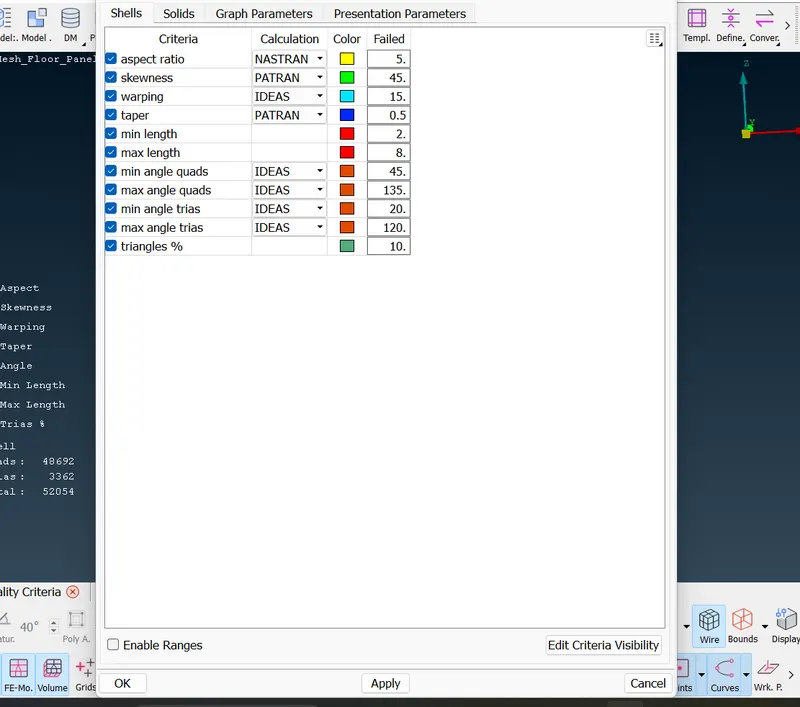
now use F11 shortcut for assign Quality Criteria as given and save it.
Now run meshing for the model using some comand and to adject for best possible outcome with minimum trias.
change the mesh flow by using smooth command, Reconstruct and split to get best possible result.
Finally check for best outcome and achive all the given quality criteria and run mesh check to see if any error has occured.
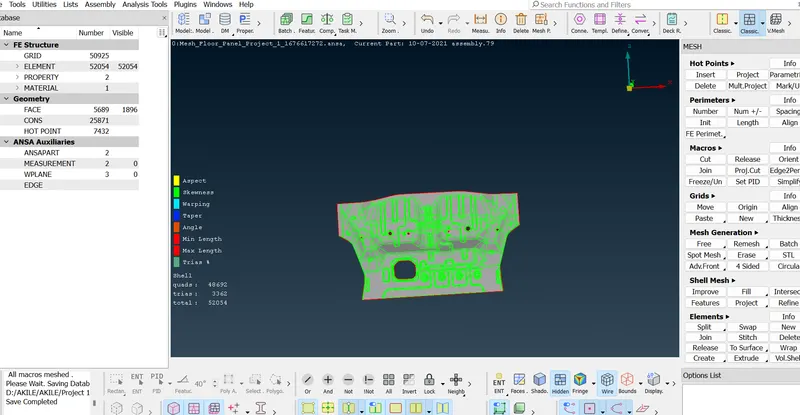
Finally out with minimum trias as possible has been achived and saved.
Conclusion:
Final meshing for the given model is successfully done and passed all Geometry clean up and Midsurface also taken for meshing. All the features in the model are captured properly with good mesh flow and trias as low as possible.