Week - 4 - 2D meshing for Plastic components
Aim- to extract mid surface of a given Plastic component (bottle cap) using given quality criteria
|
S.No |
Quality Criteria |
Value |
|
1 |
Target/Average length |
1 |
|
2 |
Minimum Length |
0.5 |
|
3 |
Maximum Length |
3 |
|
4 |
Aspect |
3 |
|
5 |
Warpage |
15 |
|
6 |
Skewness |
45 |
|
7 |
Jacobian |
0.7 |
|
8 |
Minimum Quad Angle |
45 |
|
9 |
Maximum Quad Angle |
135 |
|
10 |
Minimum Tria Angle |
30 |
|
11 |
Maximum Tria Angle |
120 |
|
10 |
Tria Percentage |
15 |
before starting the task we have opened the model into ANSA software firstly we will do the use of checking geometry command to check the geomtry error like single cons, tripple cons, cracks etc.
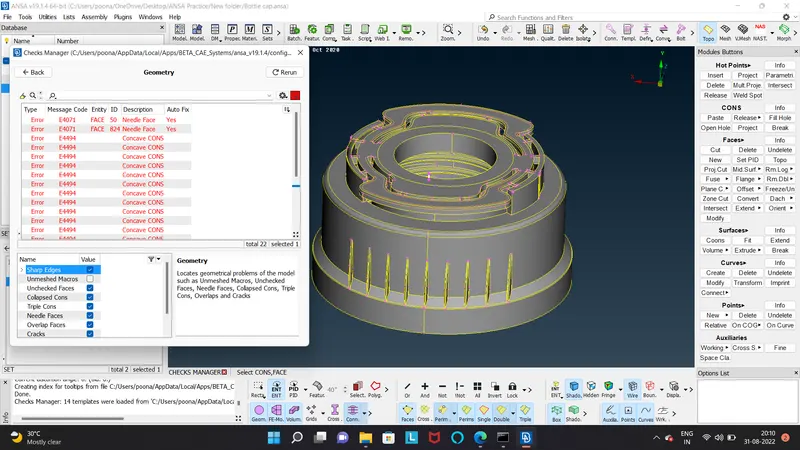
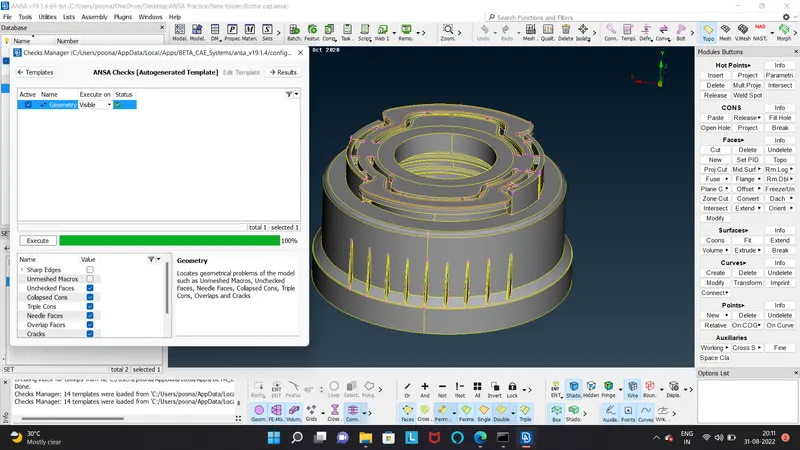
if it is exists then we will remove them all and make the geometry error free we can go for manual process if it is not resolved automatically by clicking right click select fix option.
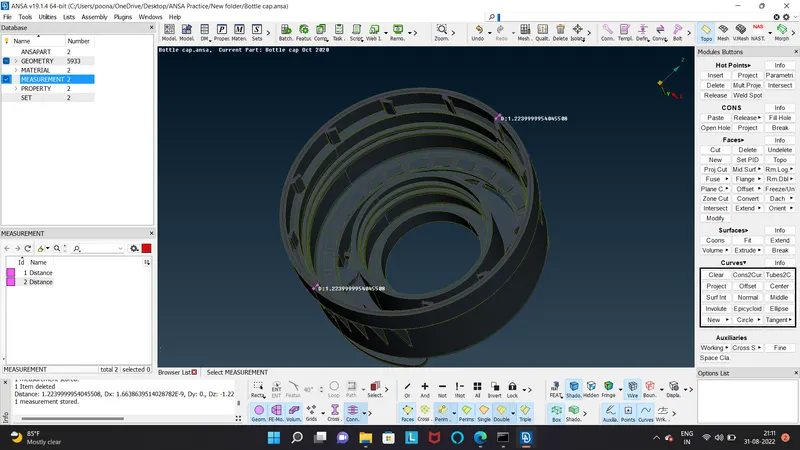
then we took next step for extracting mid surface of the component we measure the thickness with measure tool and use the measured values in the offset command.
with creation of mid surface we will also made a seperate PID ID for mid surface so that we can check the mid surface with a single click it will help for mesh creating also.
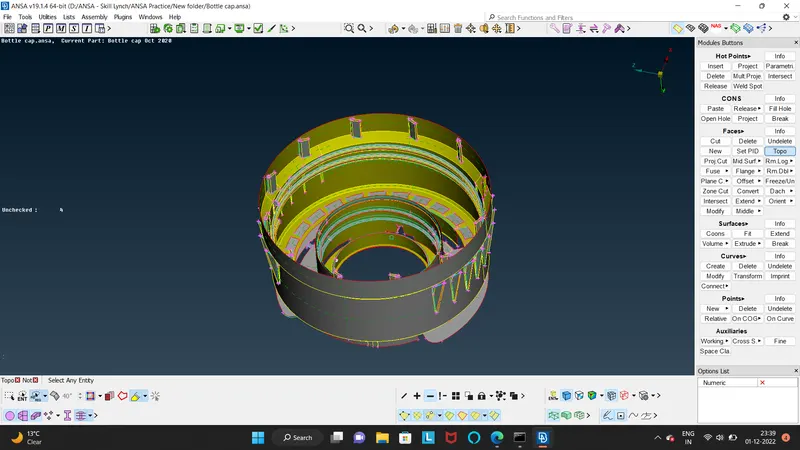
for compalicating part like outer ribs and inner top teeth parts we can use mutli- middle command to excecute the proper mid surface.
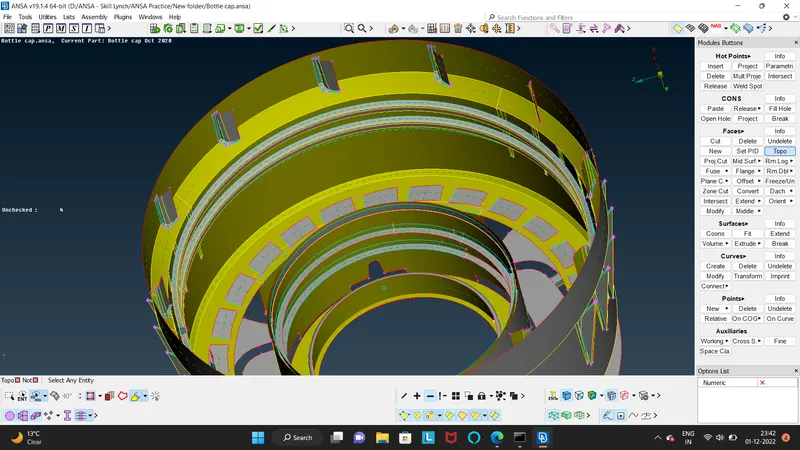
for creating mid of the threaded feature we will be going to generate a curve by using of middle curve command to make a referance con and project the existing opossite cons on the main inside surface and join then by using new face with coons options same procedure followed to make mid surfce for bottom thread feature.
For creating mid surface on the bottom tooth like feature also used middle curve command used to make curve and join them to make a new face after creating mid it is very time consuming job to extract mid one by one to reduce time so we will going to pattern one feature. we have to create two points on diff height by selcting the outer surface of bottle by using on COG command.
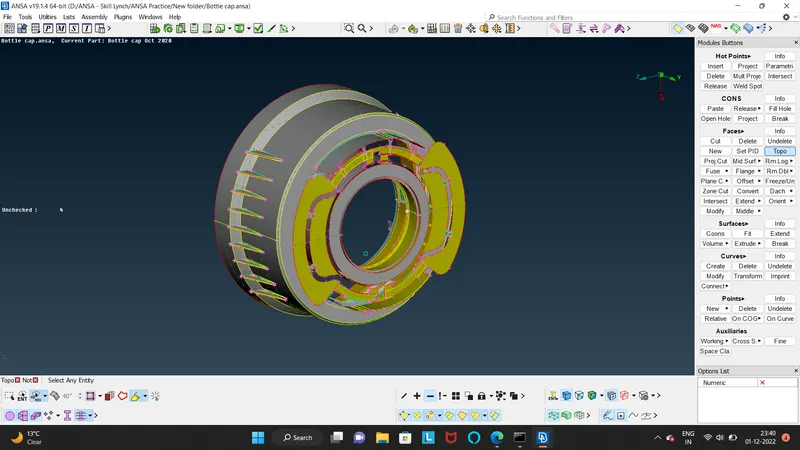
After creating the middle surface of whole component we will going to mesh the same. for meshing we will set the meshing quality criteria. the swith the tab to mesh from topolgy.
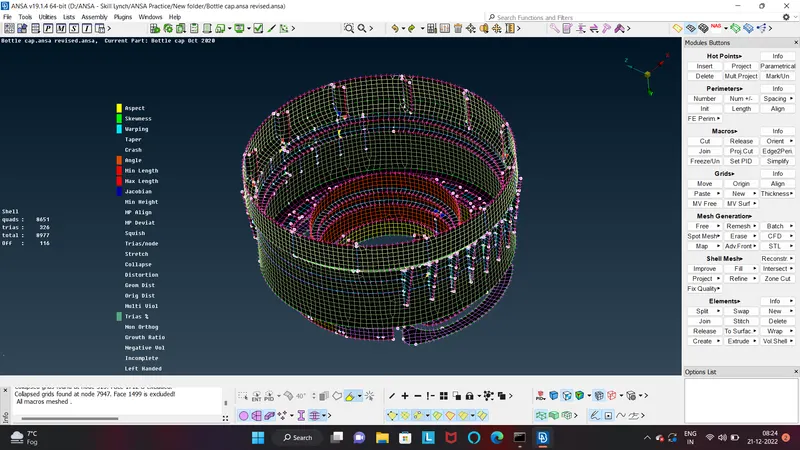
by using command like free, smooth, and reconstruction etc command used for mesh generation.
activate the quatilty icon to check the quality of generated mesh if some elements lacks from quality then we can use fixed quality command.
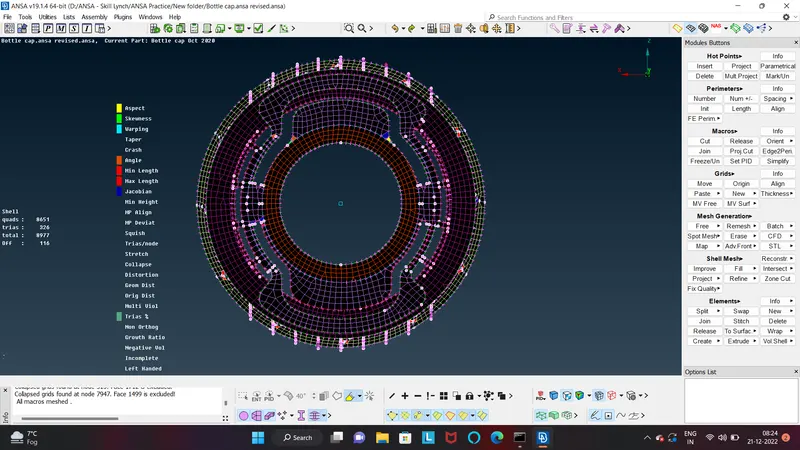
after completion fo meshing part then we will create set of different PID's for separte mid surface with the thickness values.
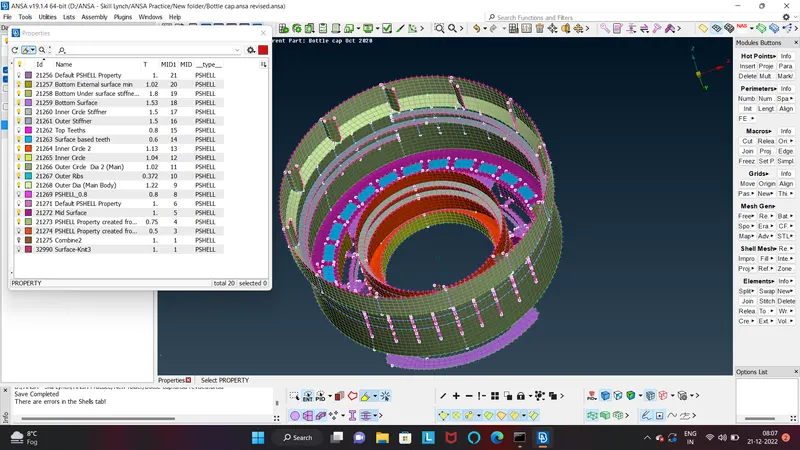
Asign them all to the every surface with their thickness and colour coding PID's.
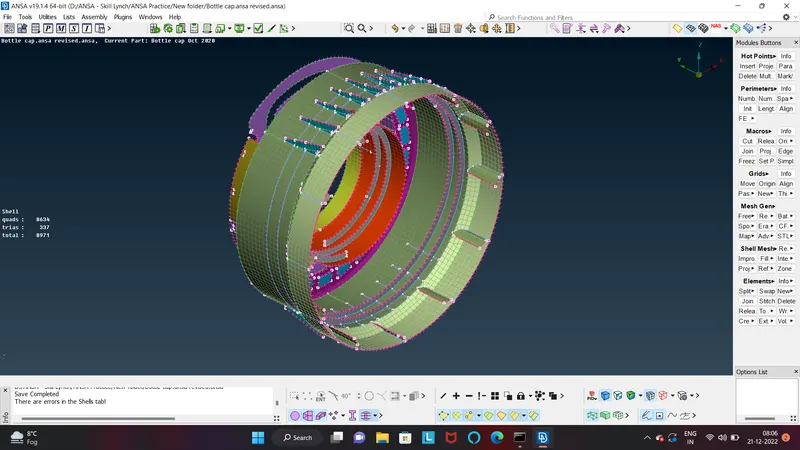
In the last setp we use the shells as solids command to apply all the thickness in comparision to solid geometry.
Learnings-
in this assignments i found how to deal with small gaps like faces, patterns(rotating) mid surface extracting on complicated features.