Week - 4 - 2D meshing for Plastic components
Solution
First open the file by going to File-Open
Now,After opening the file select the whole component and do Topo option (it connect the cons if they are not connected)
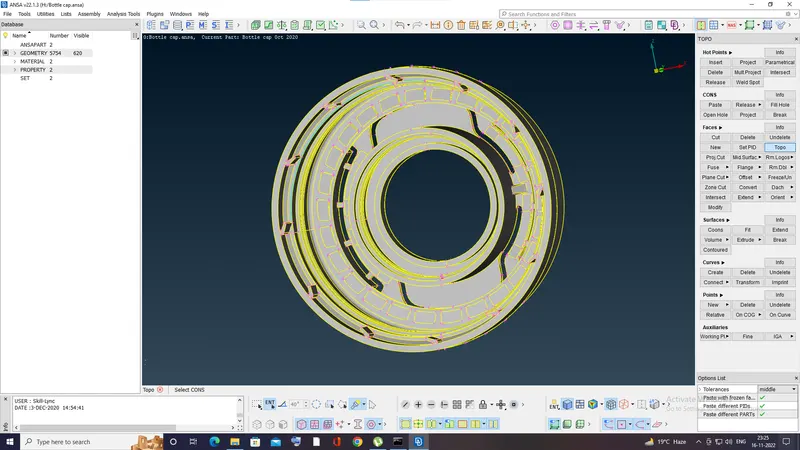
Now,check for any geometrical errors by going to Tools-checks-geometry Or search check on search box
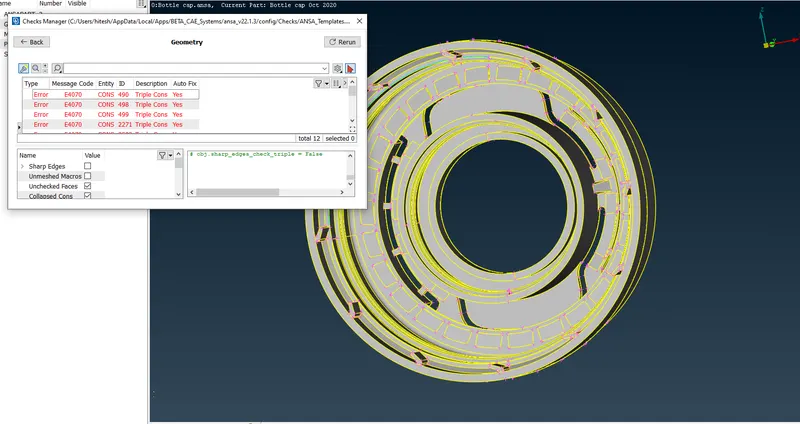
select all the errors by Ctrl+A and then right click and fix the errors automatically
But,even after using automatic fix there remains one error and now i will fix it manually
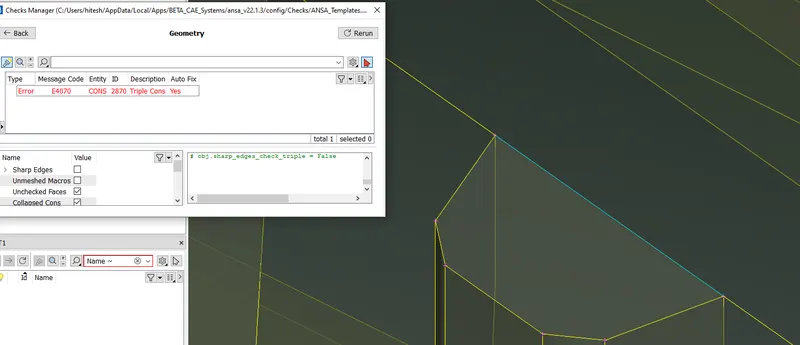
Now,to solve this error first use release option in CONS
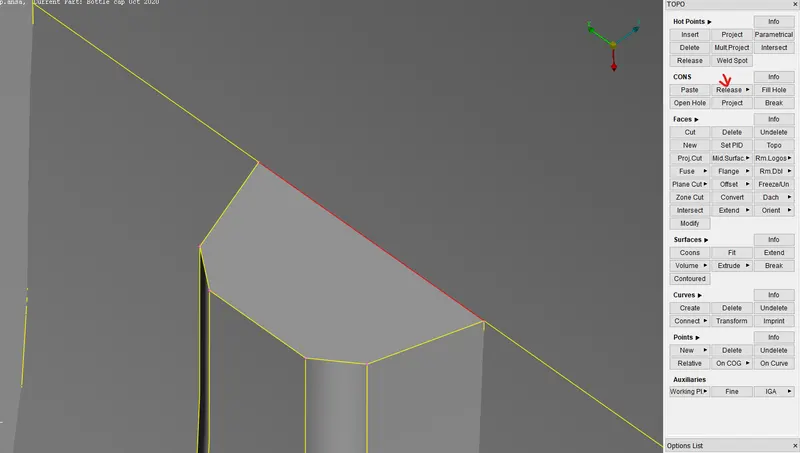
then you will see two different cons and then topo up them separately
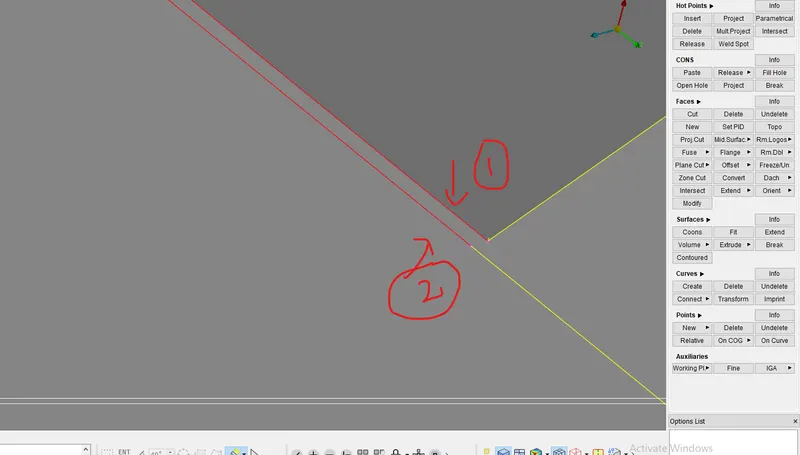
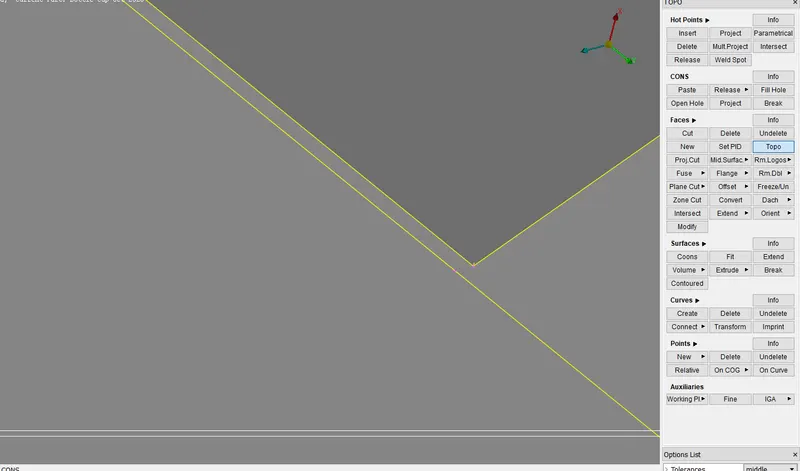
error is now solved. so run the geometry check up again.
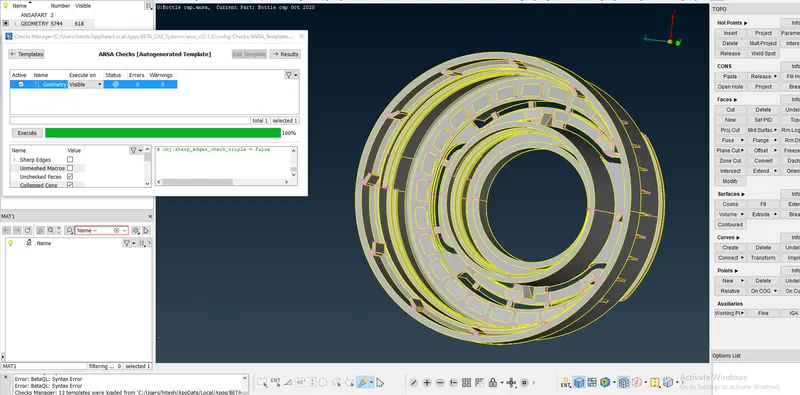
Geometry check up is done.
NOW, extract the Mid-surface
This is a plastic model with varying thickness and lots of features so we have to the extract the mid surface manually
there are different methods for extracting the mid-surface
I will show you the methods i have used
1.OFFSET
first,check the thickness by going to Utilities-measure-CONES
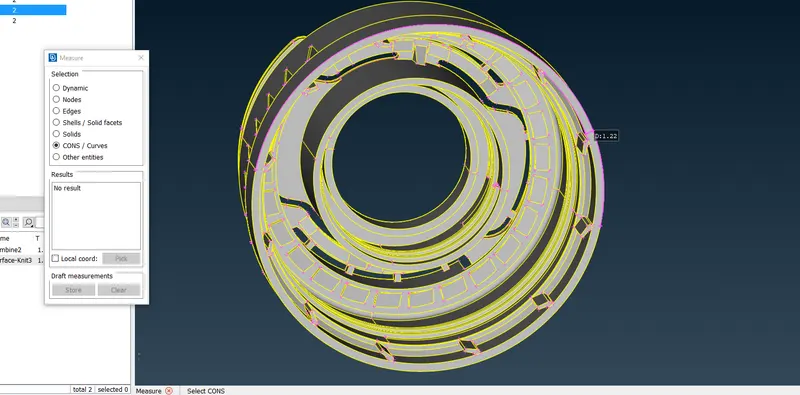
then click on FACES-OFFSET-select the surface-give the offset distance(half of the measured distance)
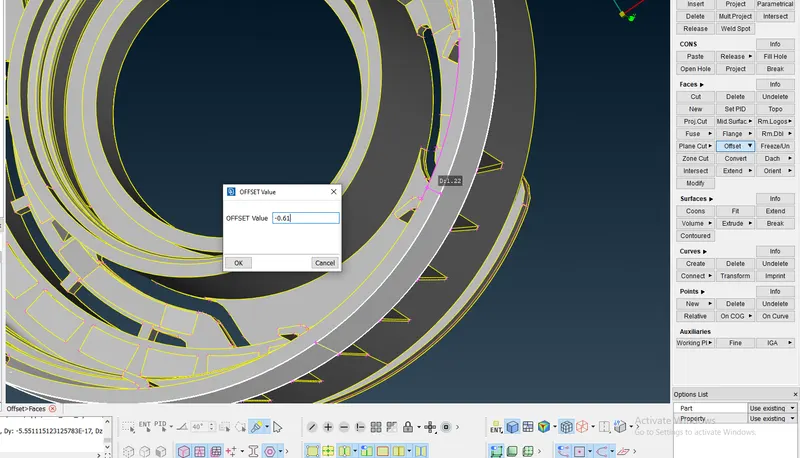
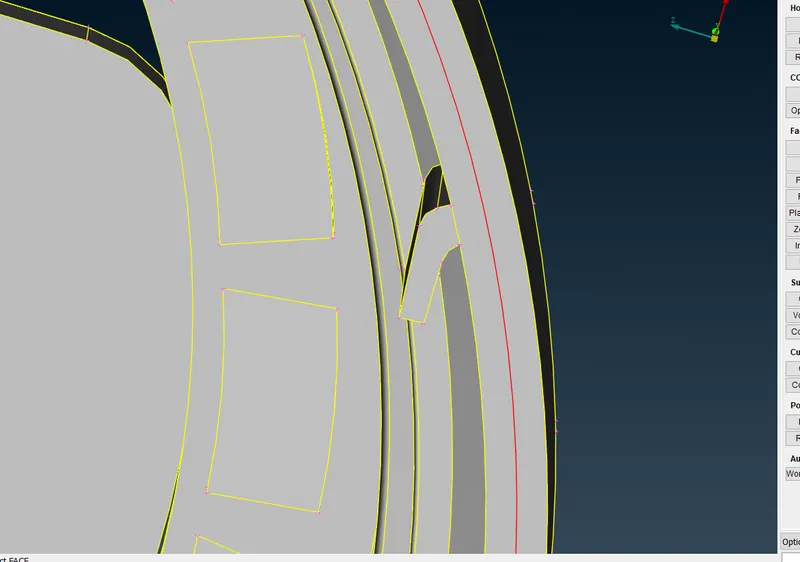
OFFSET is Done.
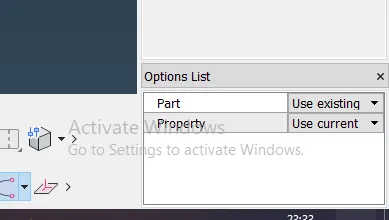
After offset is done, A new property will be generated and if you want all your mid surface capture in one property
then set property to use current (on right side bottom corner) .
2.CURVES-MIDDLE
To use this option click on middle on curves and select the first group of cons and then press middle mouse and then select second group.
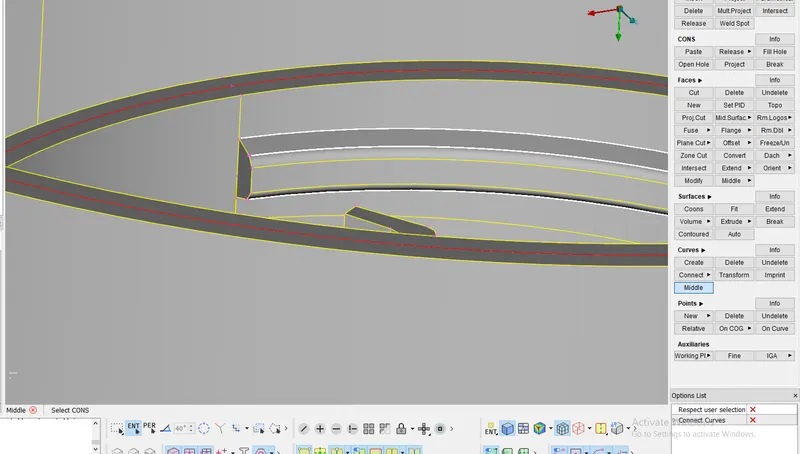
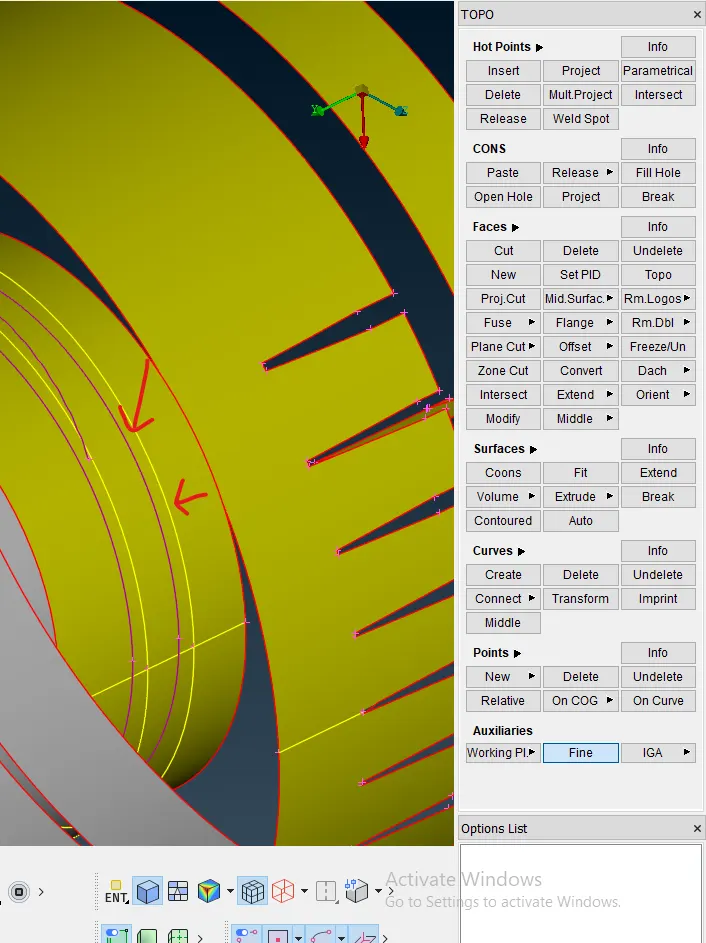
after getting the curves , i have used fine option to make it look smooth
then i have project it on the surface and made the new surface.
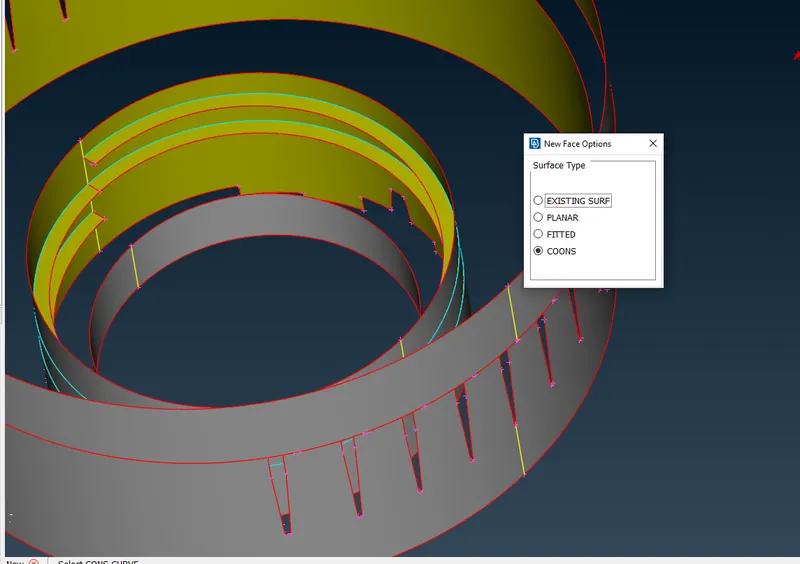
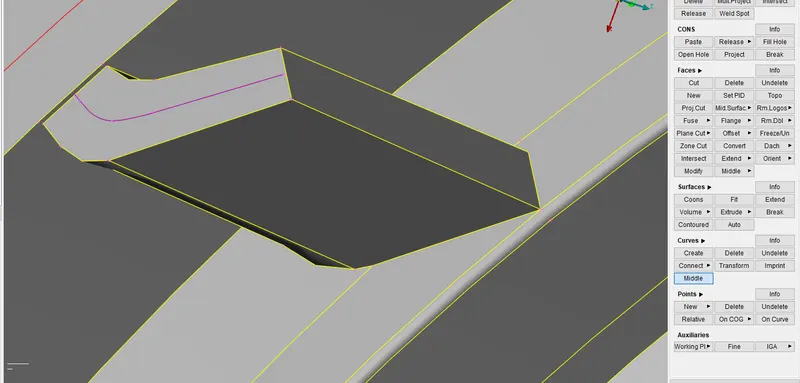
another feature by curve-middle
3.FACES-MIDDLE
in this option all you have to do is select one side and then select other side and it will make mid- surface between them.
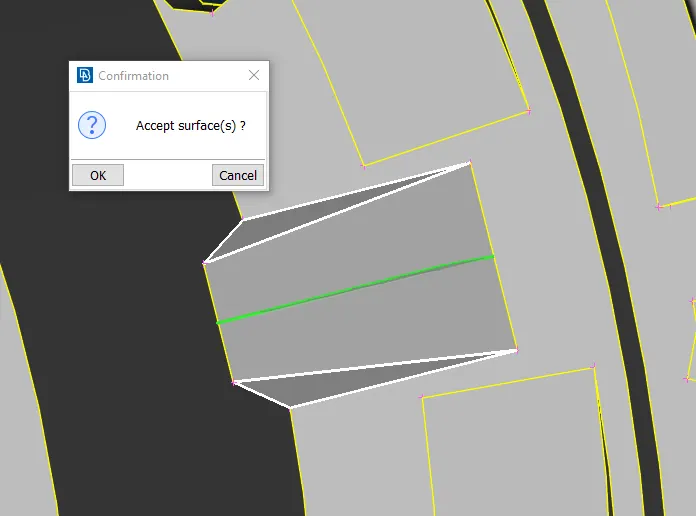
after accepting the surface,mid surface is generated
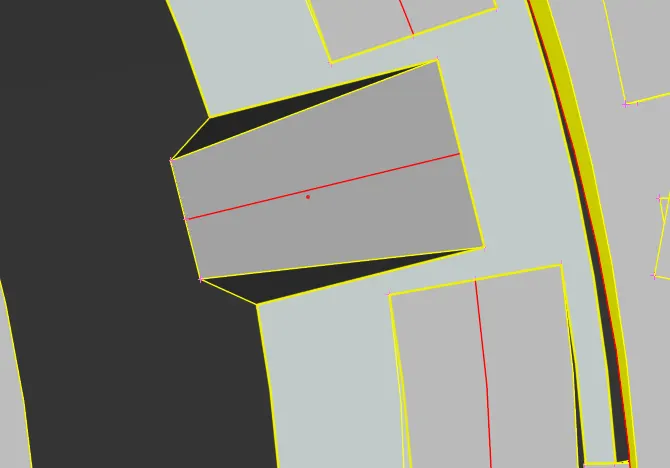
Done.
these are the options i have used for mid-surface extraction.
NOW, COG(ROTATE OPTION)
As you can see there are 26 features in a circular format and it will be very time consuming to make them separately
so,for this we use cog option by going to points-on cog
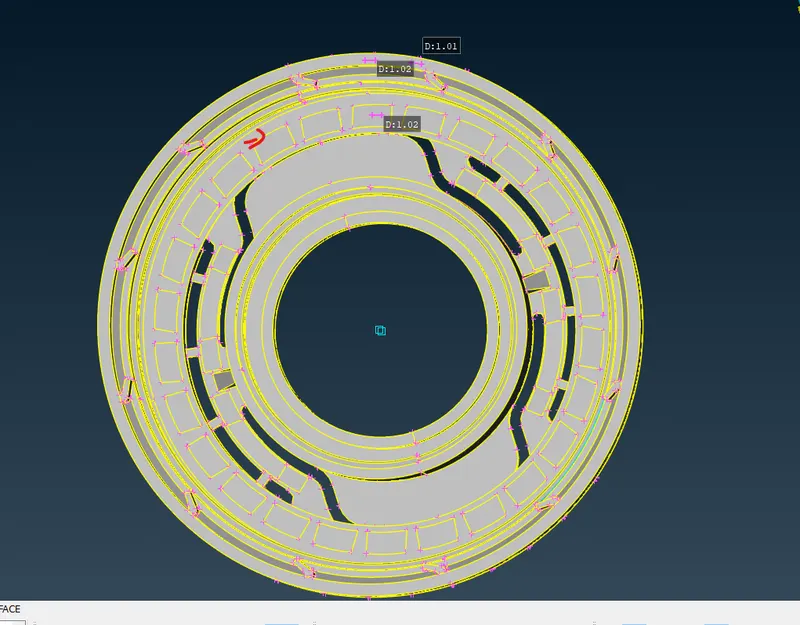
First, make the first extract the one feature and then make 2 COG for the Axis by selecting the small circle and one large circle or you can select by our choice.
Then,click on Transform-copy-select entities-then click on Rotate-click on cogs you have made and give angle and steps
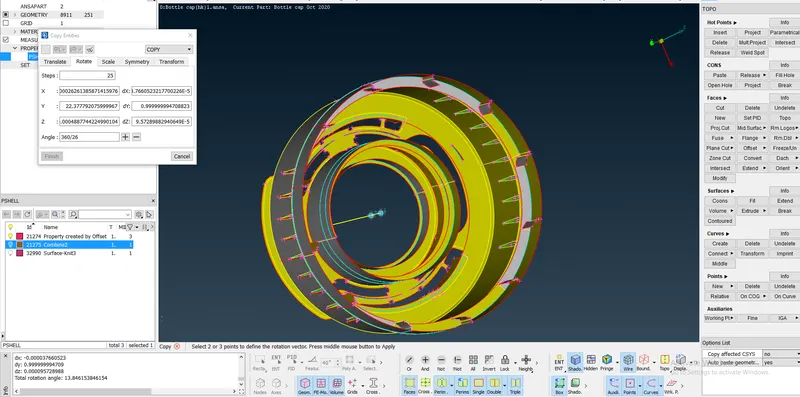
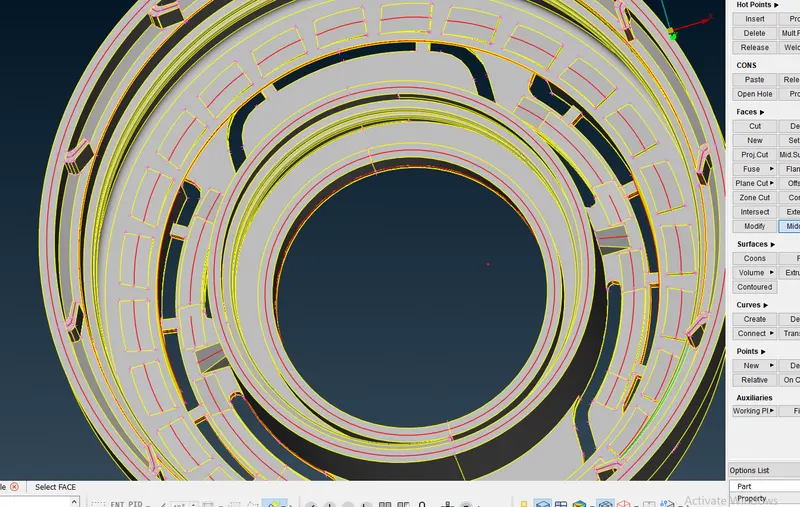
Rotation is done.
Now,connect all the features to surface by project and using New surface option
and use Topo after doing the mid-surface
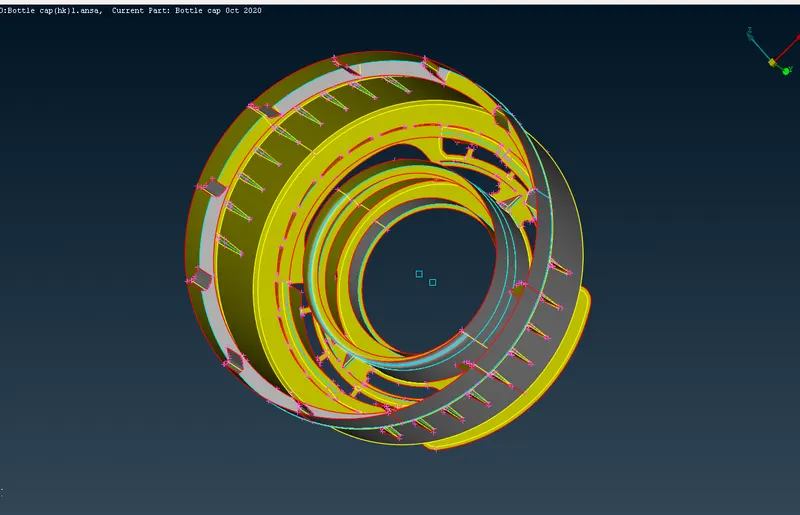
Mid-Surface is extracted.
Now,MESHING
before moving to meshing
delete the unneccessary hot points, use join option to toggle the cons which are less than element size.
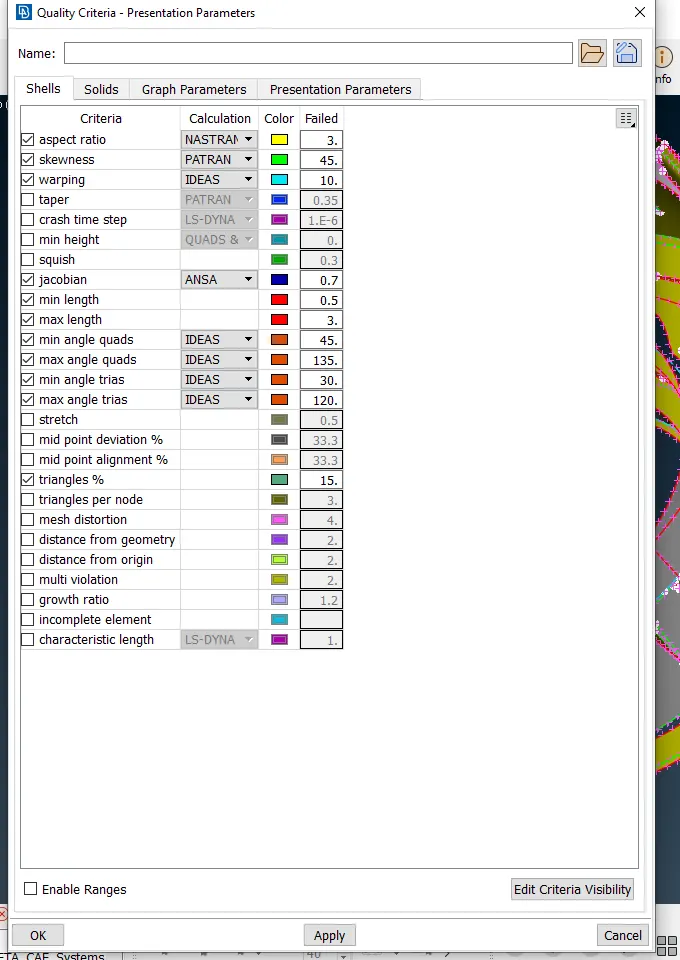
step1.Give the Quality criteria
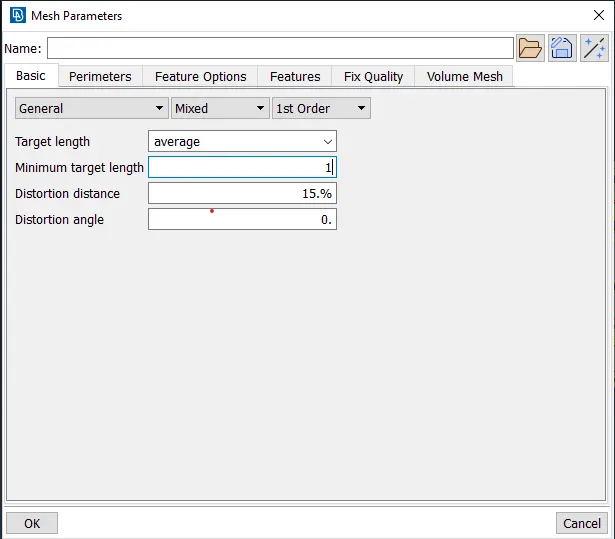
now,give the mesh parameters
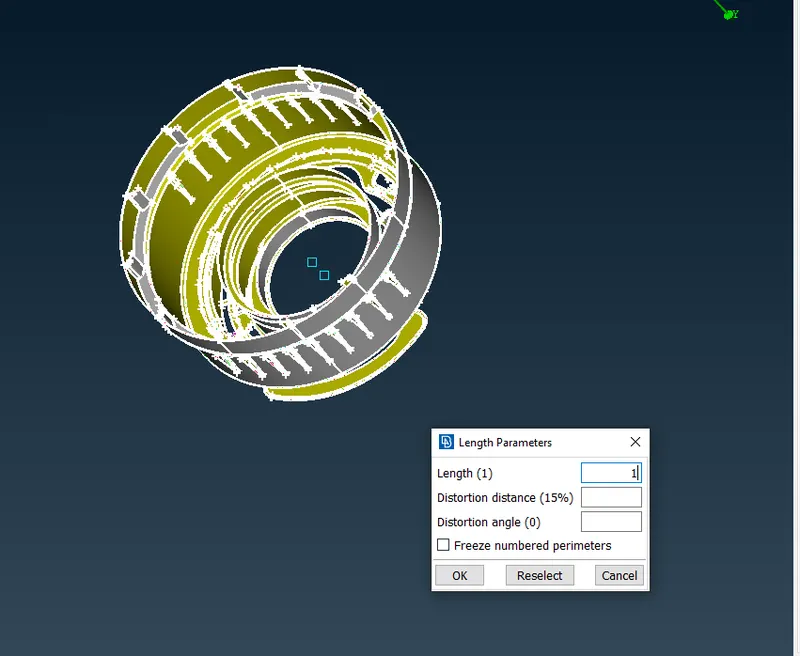
Step2. Give Perimeter size for the component by selecting Length in perimeter and select the component and give perimeter 1(according to element size)
Step3. Now to Generate mesh go to Mesh Generation-Best-click on middle-mouse button
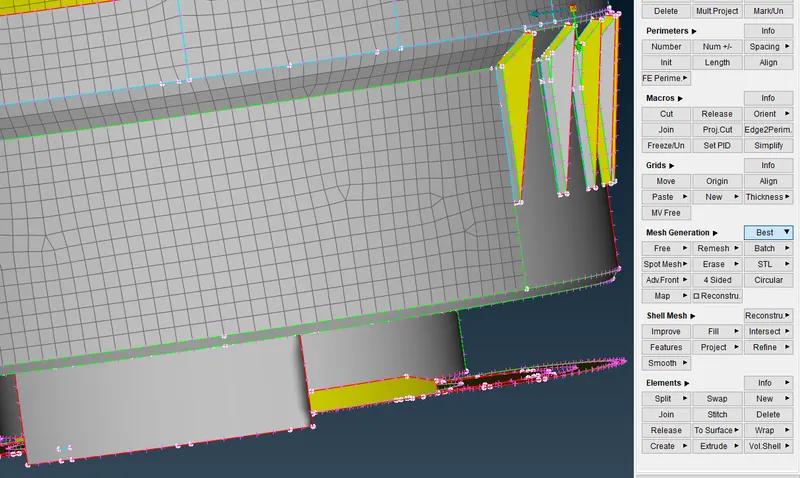
done the mesh using best option
by using Reconstruct in Shell Mesh
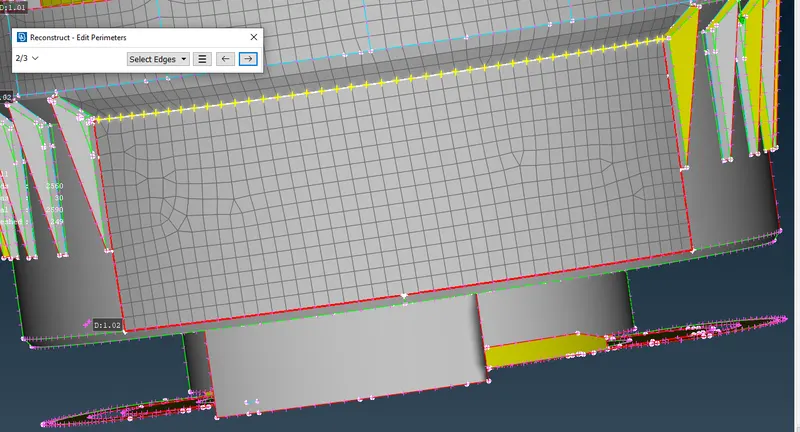
After reconstruction
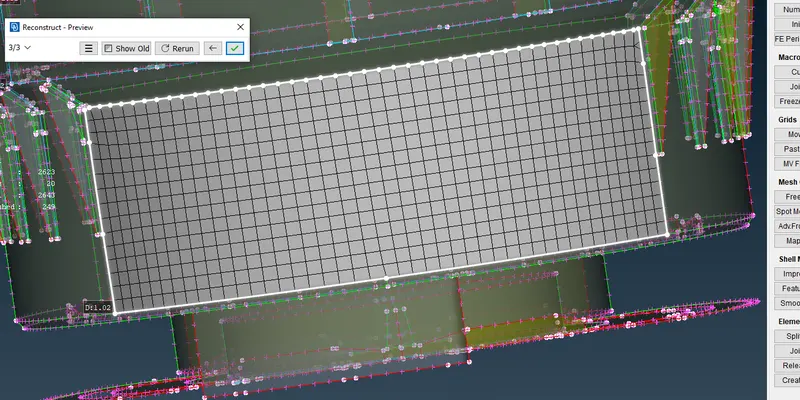
you can clear the errors by these following option also
Smooth in Shell Mesh
Used Split,swap option in Elements to remove trias.
ERRORS IN MESH
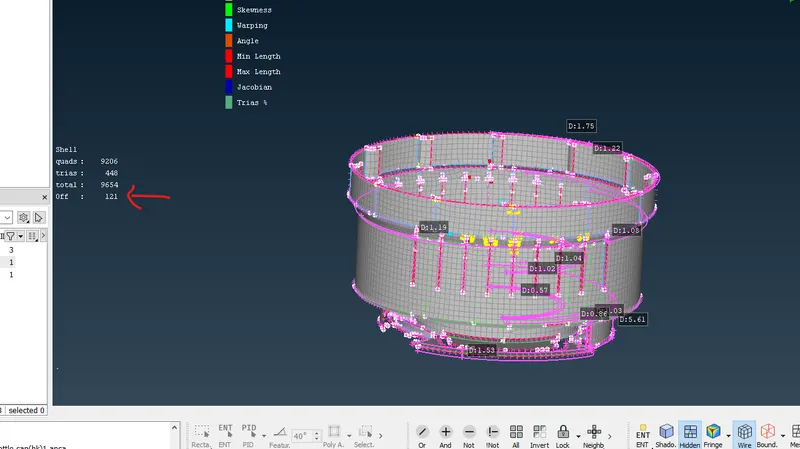
After solving the errors in mesh
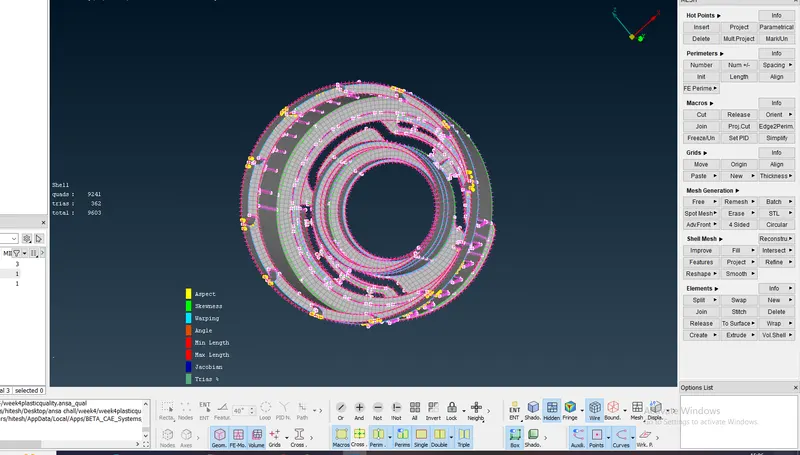
MESHING IS DONE.
CONCLUSION
1.MIDDLE SURAFCE IS EXTRACTED>
2.MESH IS DONE WITH PROPER QUALITY CRITERIA>