Week 4.2: Project - Transient simulation of flow over a throttle body
Setup and run transient state simulation for flow over a throttle body.
Post process the results and show pressure and velocity contours.
Show the mesh (i.e surface with edges)
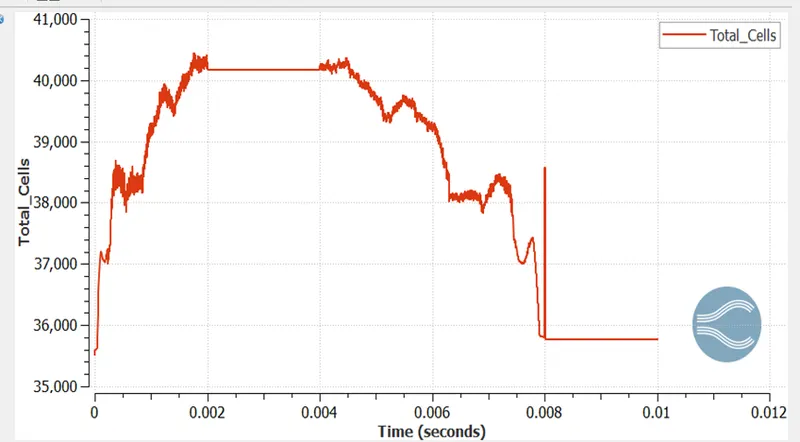
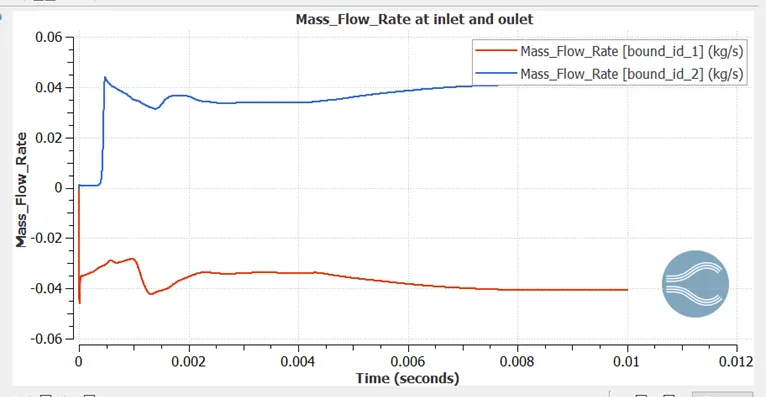
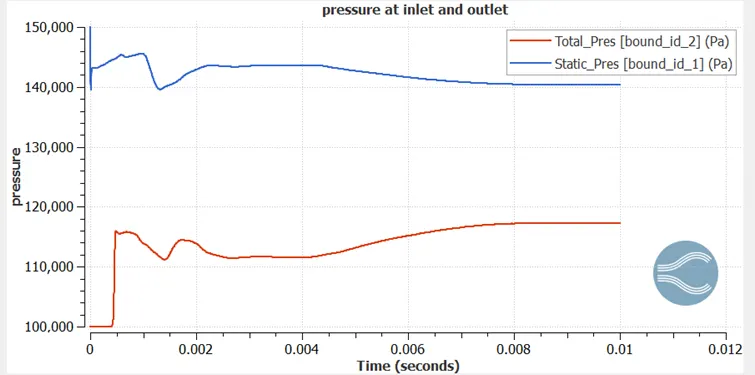
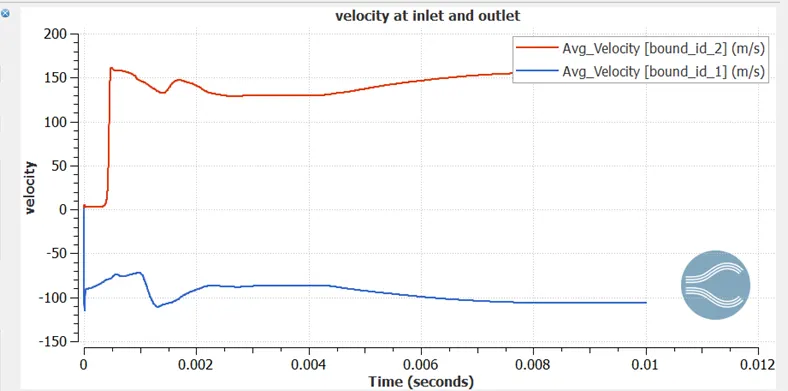
Show the plots for pressure, velocity, mass flow rate and total cell count.
Also show the calculations on how you calculated an end time for the simulation.
Create an animation in which it throttle movement should be visible.
- Upload an animation on You tube and provide the You tube link for an animation in your report.
SOLUTION
Aim
To perform the transient state simulation of flow over throttle body using converge
Objective
- Simulate flow over throttle body
- Post process results and show Pressure contours and velocity contours
- Show Mesh (Surface with edge)
- Create the animation in which throttle movement should be visible
Steps
- Imported STL file in converge studio
- Setup the case
- Run the simulation in Cygwin
- Post process the results in PARAVIEW
Theory
Throttle:
A Throttle is a mechanism by which fluid flow is managed by constriction or obstruction.Engine power can be increased or decreased by the restriction of inlet gases. Term throttle has come to refer, informally to any mechanism by which the power or speed of an engine is regulated such as car accelerator pedal. Throttle is a device controlling the flow of fuel or power to an engine
Geometry
- Import STL files
- Cad cleans up means we don’t need thick pipe wall because it is nowhere useful to participate in the simulation. So, we will delete outer surface
- Then we used patch command for closing the open edges
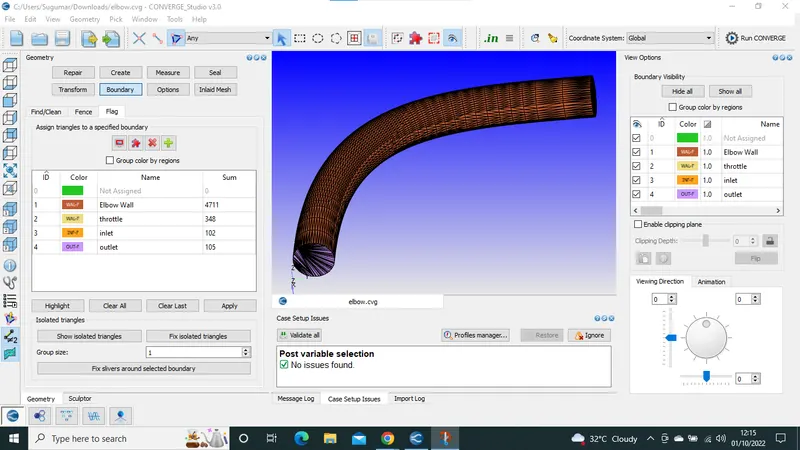
- Then give boundary flagging
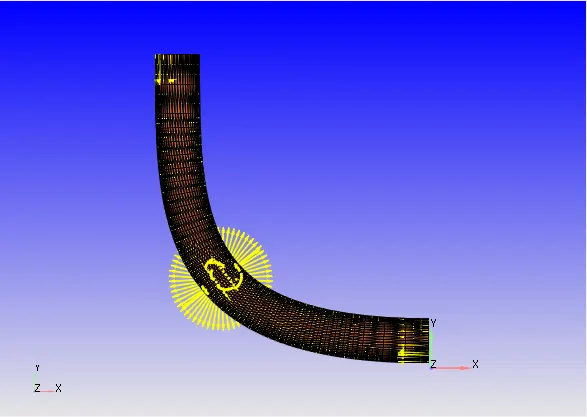
- Then check normal transformation, all the face normal direction should be facing towards the flow region
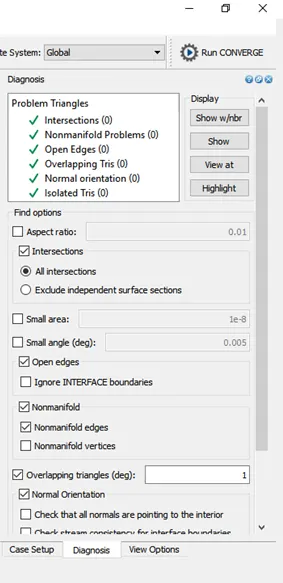
- And finally, diagnosis
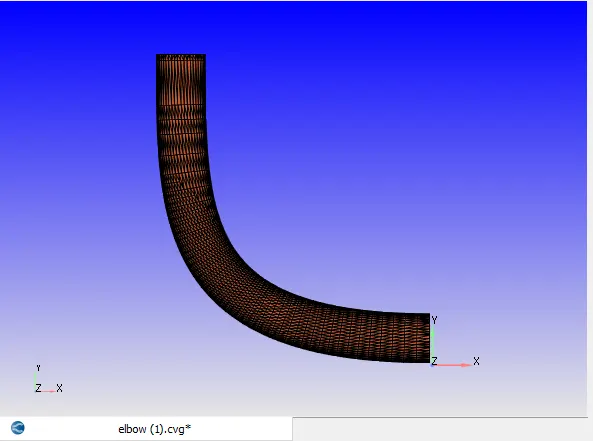
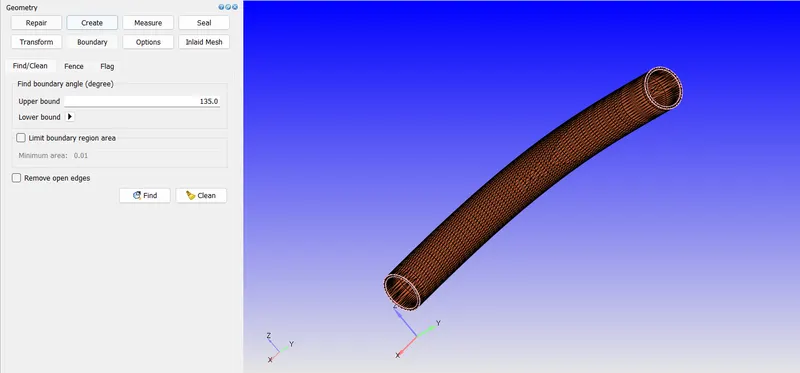
Creating boundary fence using Boundary>Find/clean as follows
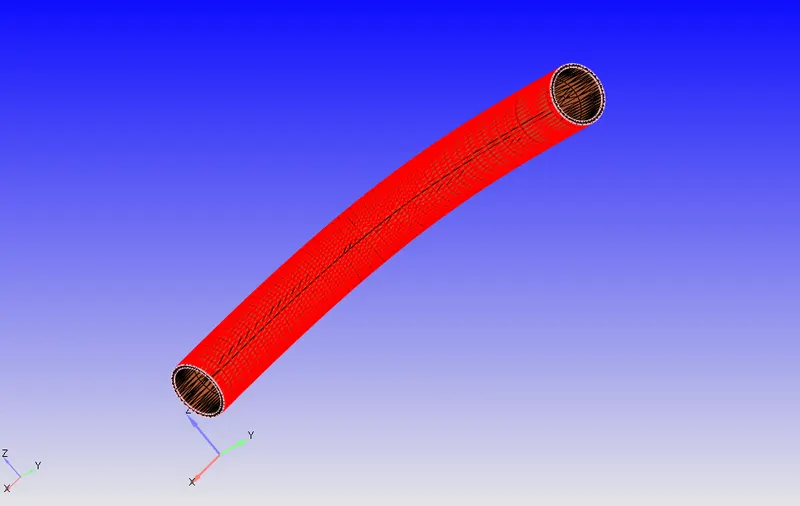
As the geometry has some thickness to it, and we are not interested in heat transfer so we will delete the thickness of the elbow using Traingles by angle selection as follows
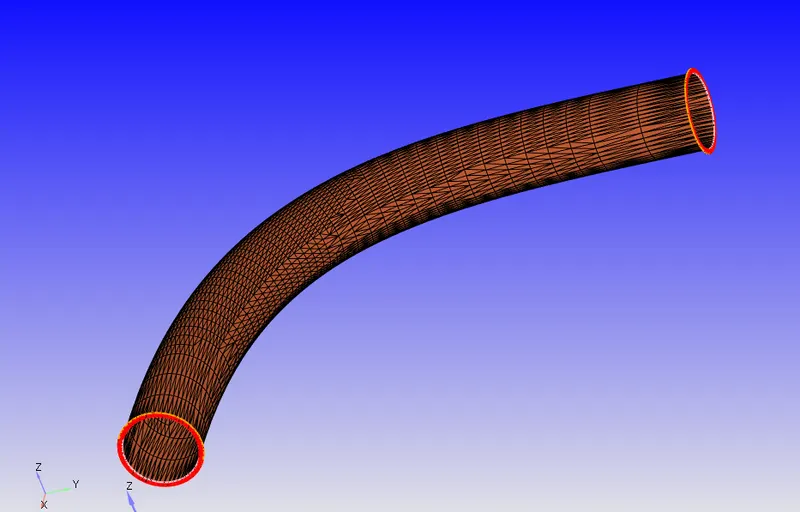
Now after deletion
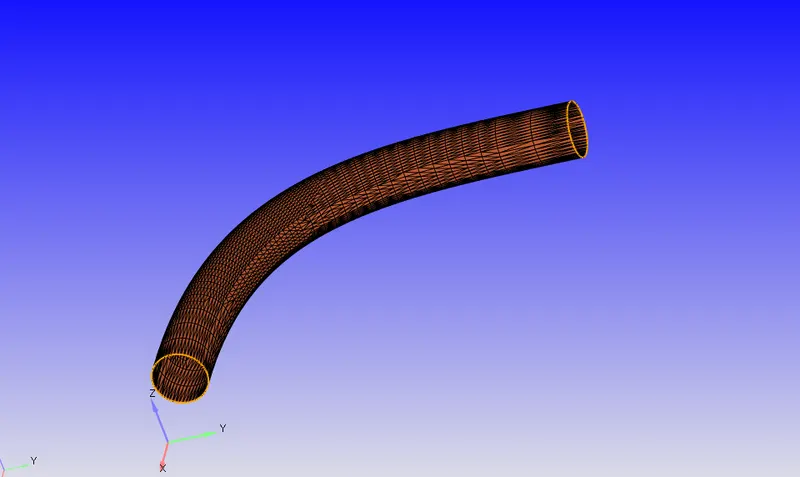
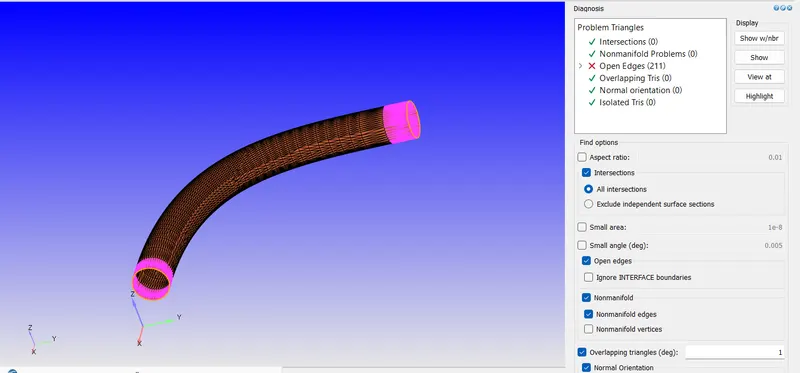
Now if we run the diagnosis we get the open edges error as there are in with yellow edge colour
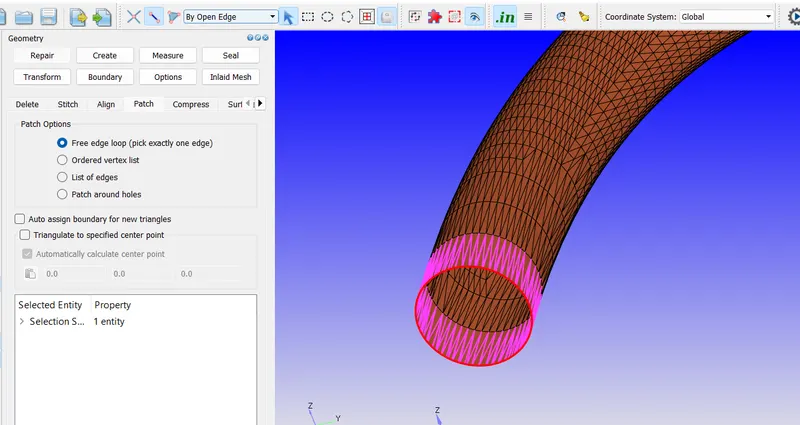
Using Repair>Patch with open edge selection we select and fill the openings
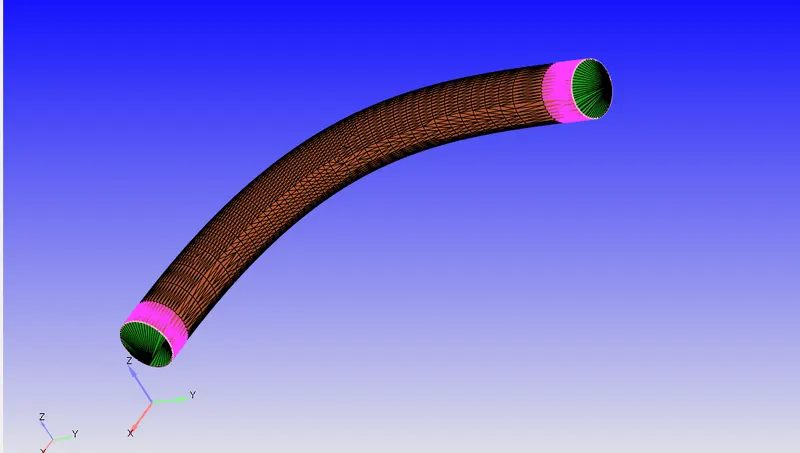
Click on boundary and Create boundary
Checking normal
Diagnosis dock
Before proceeding the error in geometry for that
View tab-diagnosis dock-default setting-select the find
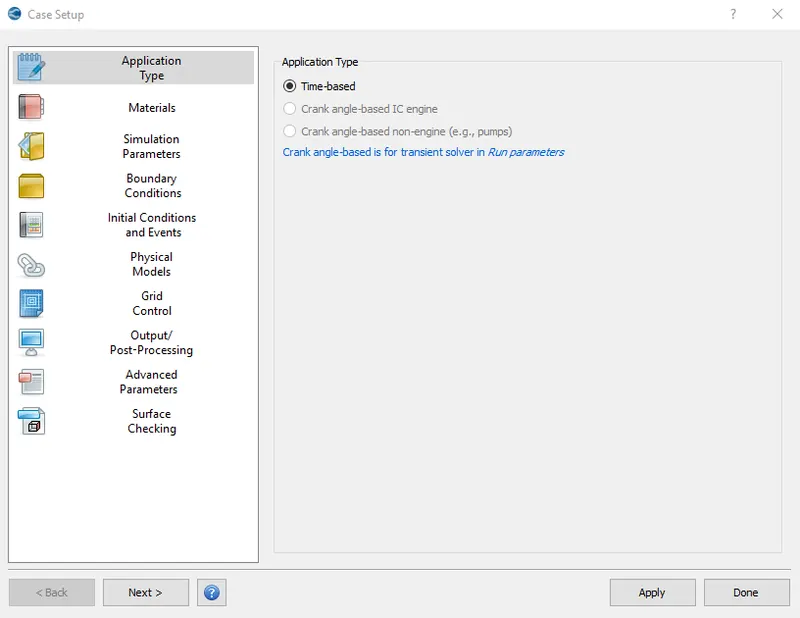
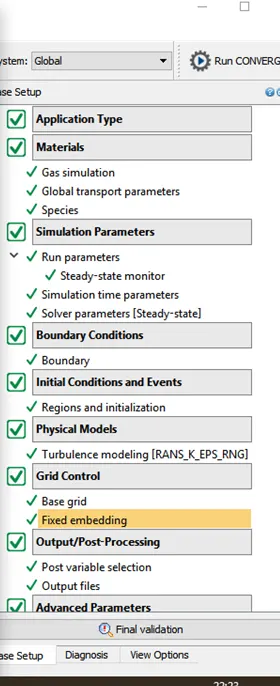
Case Setup
Application Type = Time-based
Materials -
Predefined mixtures = Air
Case Setup
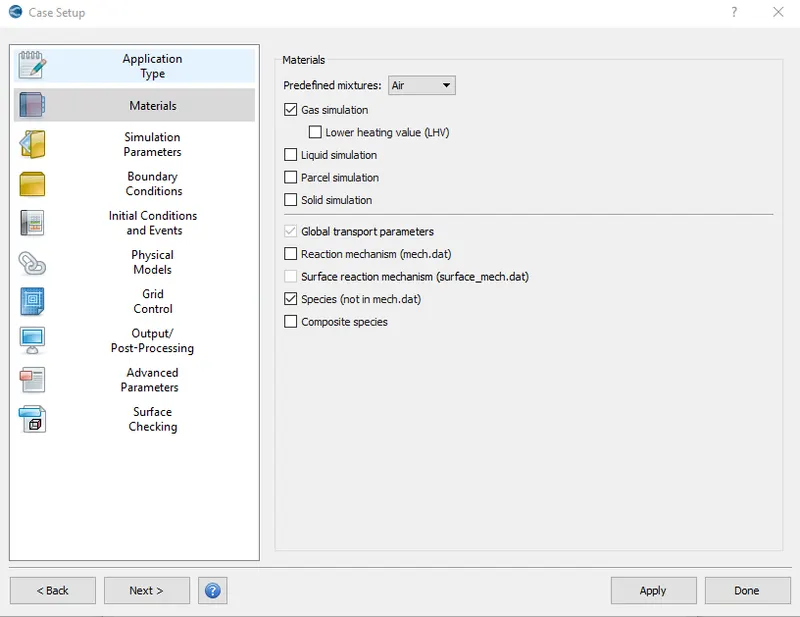
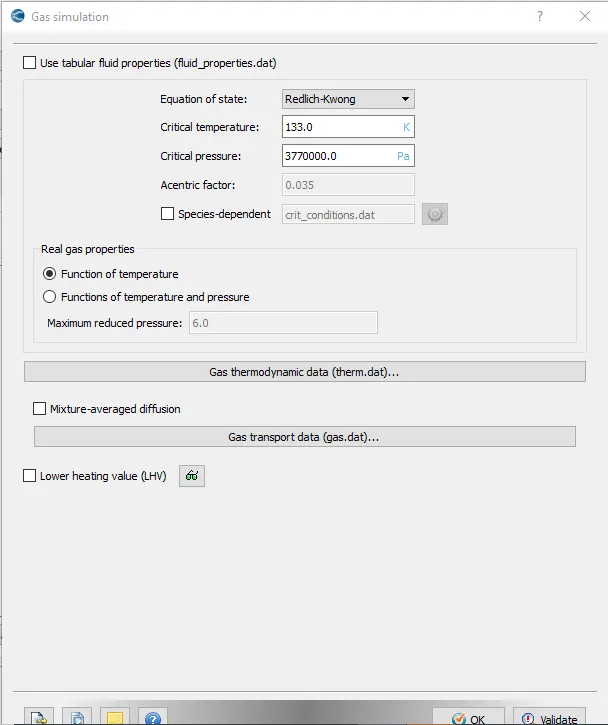
Gas Simulation
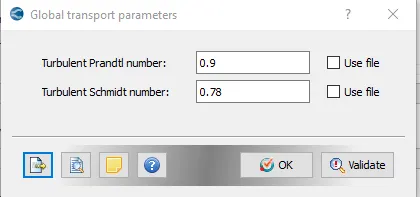
Global transport Parameters
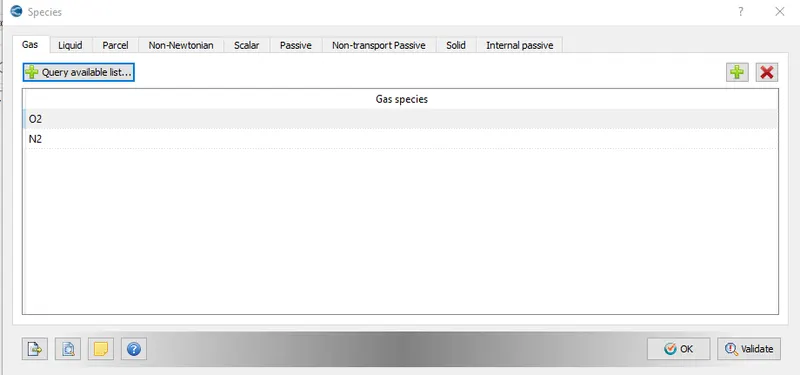
Species
Simulation Parameters
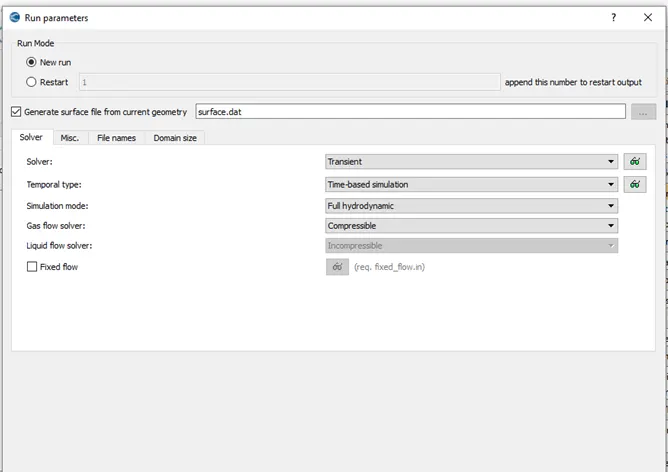
In Run Parameters two main things to be considered: -
select the following solver settings.
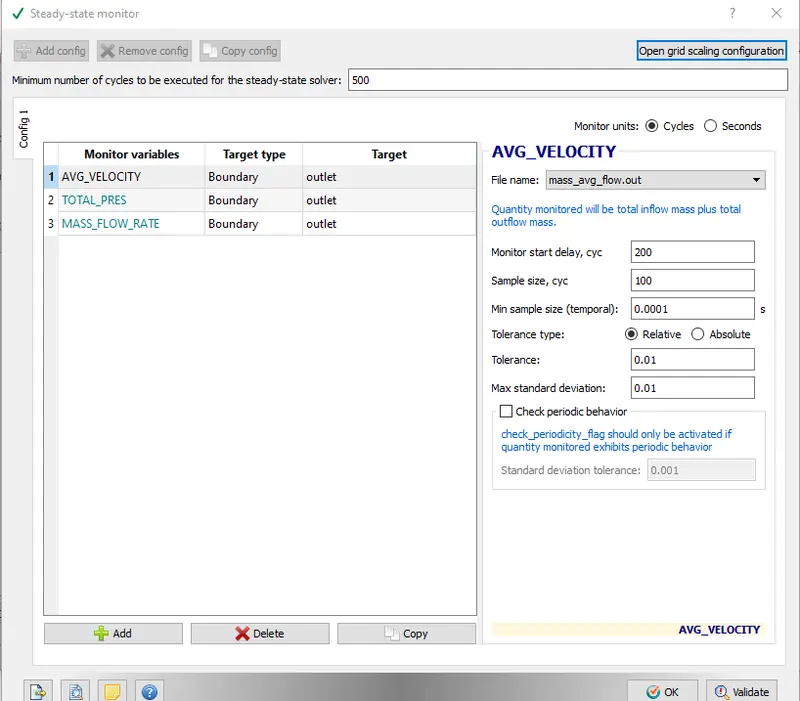
Steady-State Monitor
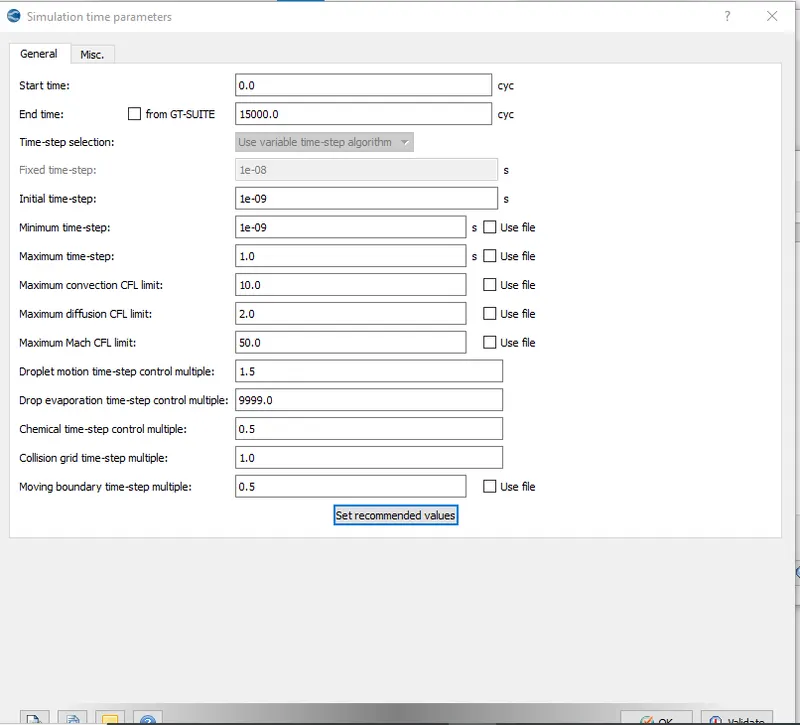
Simulation Time Parameters: -
Start time-0
End time-15000 cycle
Initial time step-1e-09s
Minimum time step-1e-09s
Maximum time step-1s
Simulation
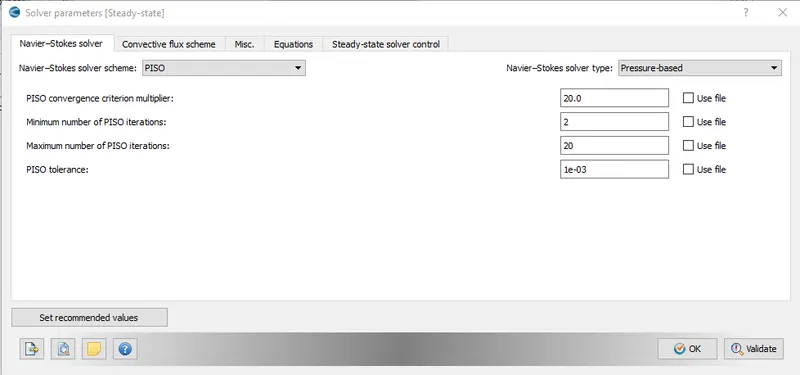
Solver Parameters [Steady-State]
Navier-Strokes Solver type- pressure based
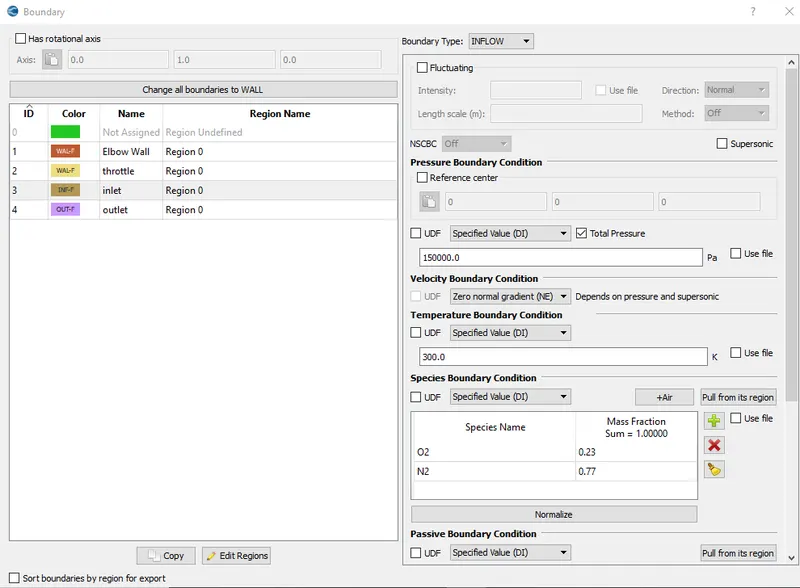
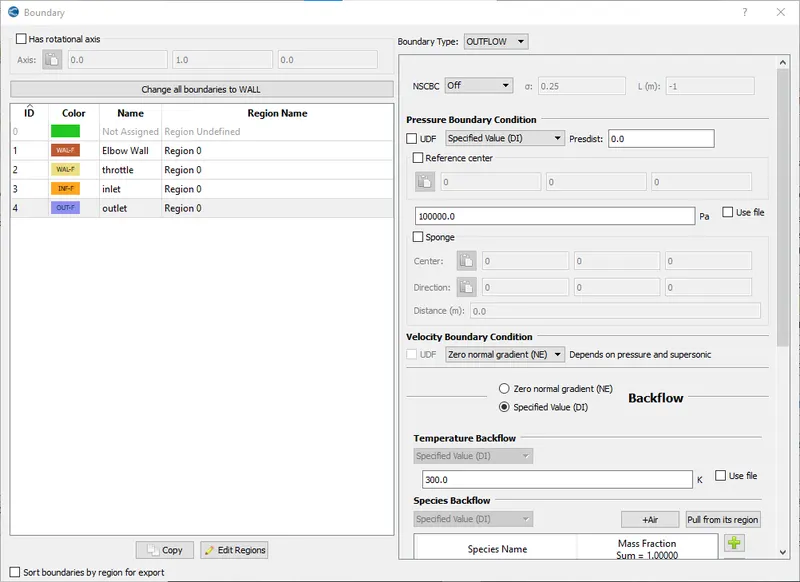
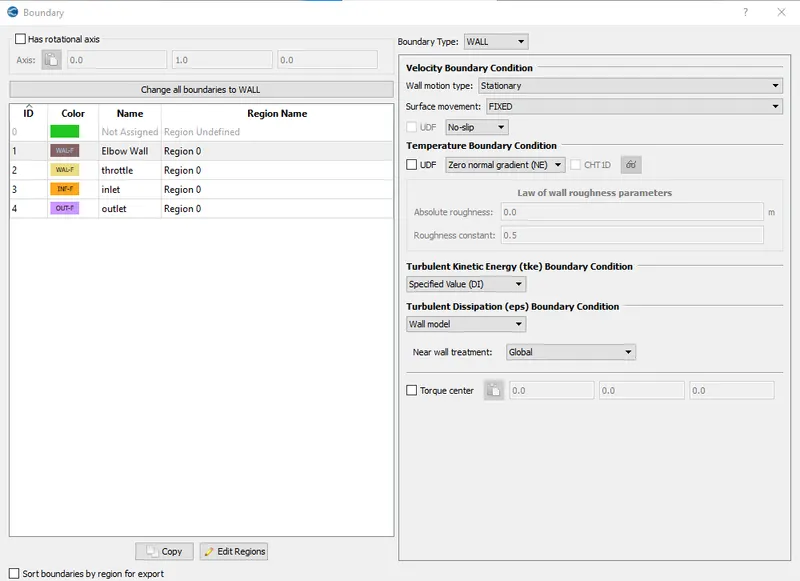
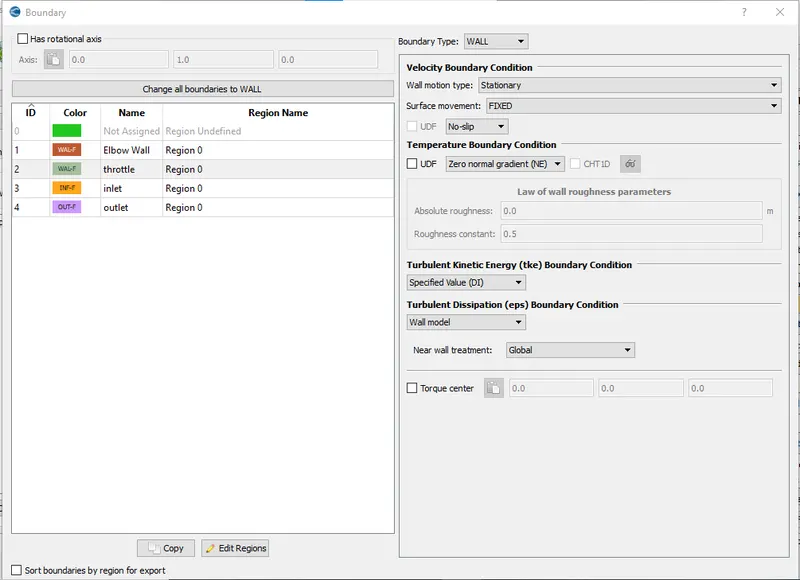
Boundary condition
Inlet-inflow-total pressure-150000 pa
Outlet-outflow-total pressure-100000 pa
Elbow wall-wall
Throttle-wall
inlet
outlet
Elbow wall
Throttle wall
Region
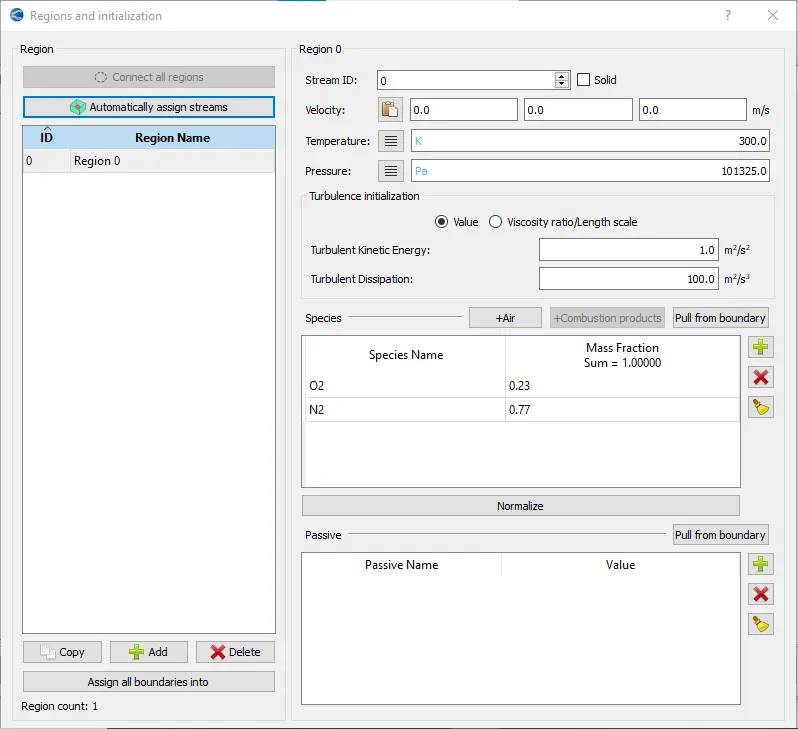
Physical model
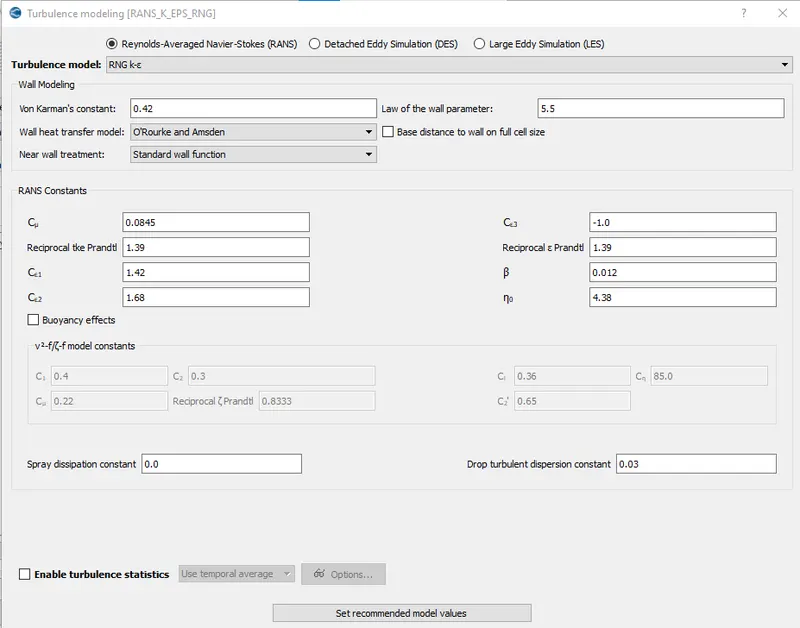
Turbulence Model
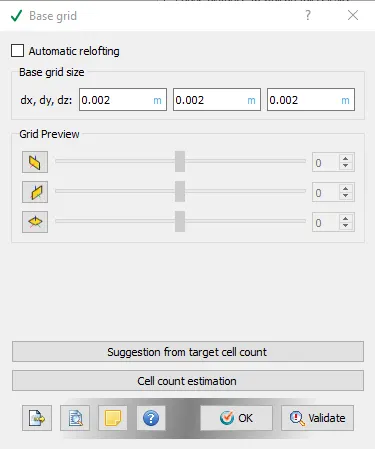
Base grid
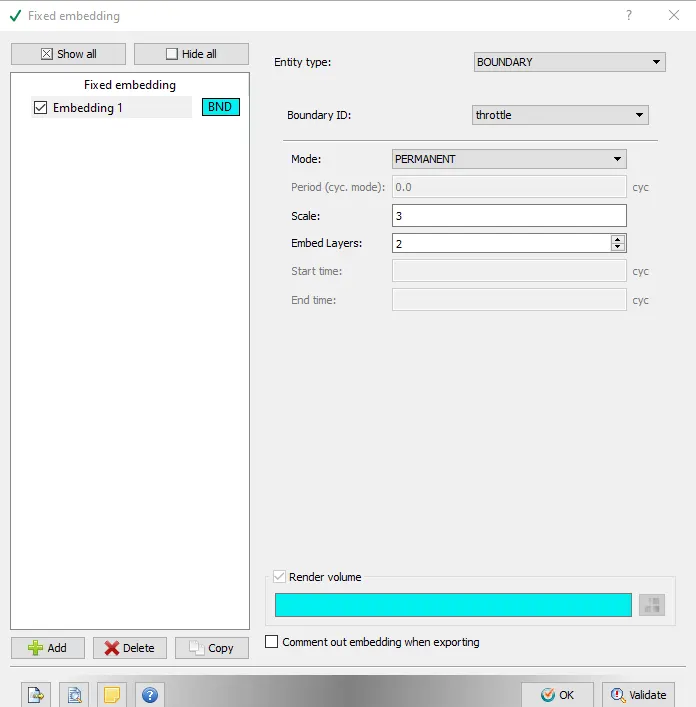
Fixed embedding
At throttle
Type-boundary, mode-permanent
Scale-3, embed layer-2
case setup
Cygwin Window

Results
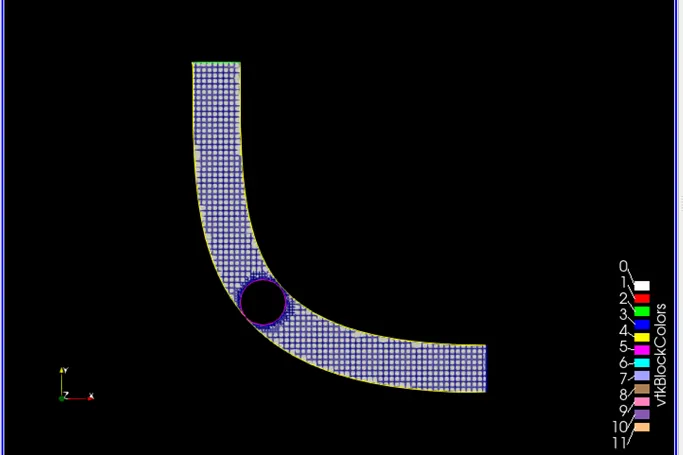
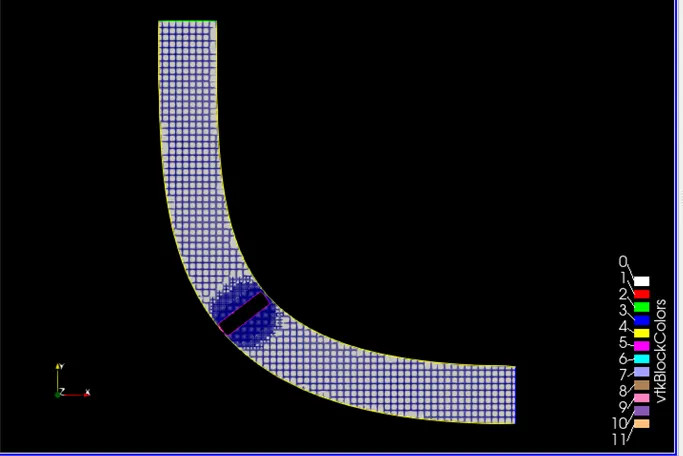
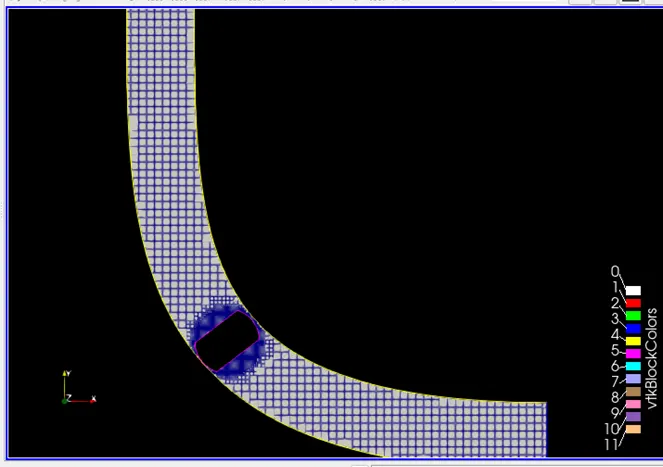
Mesh
Total of cells
Mass Flow rate
Inlet And Outlet
Pressure plot
Inlet and Outlet
Velocity plot
Inlet and Outlet
Pressure contour
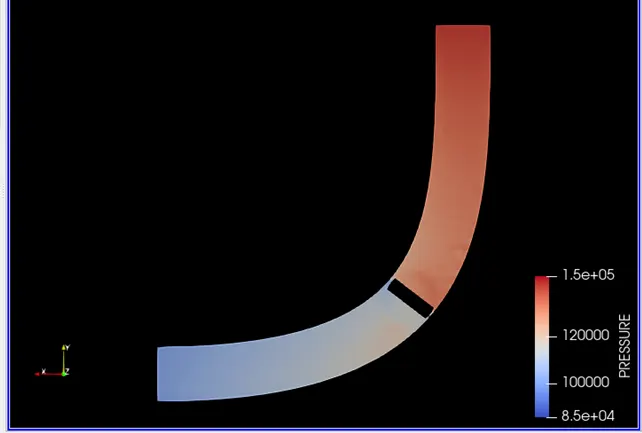
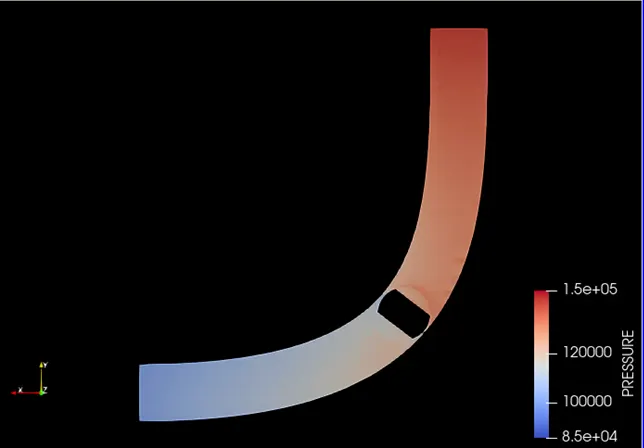
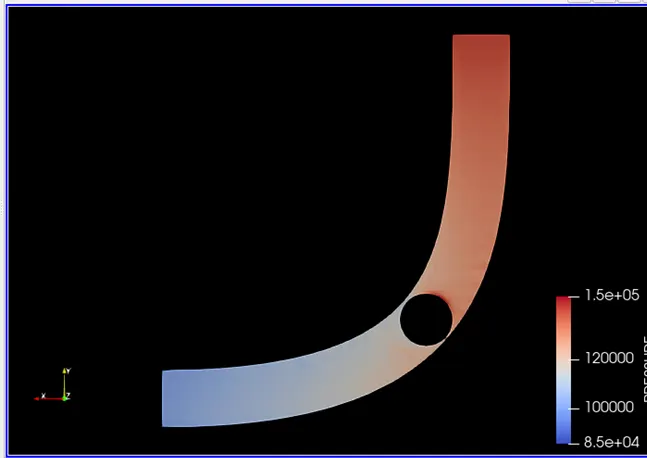
Pressure contour at throttle
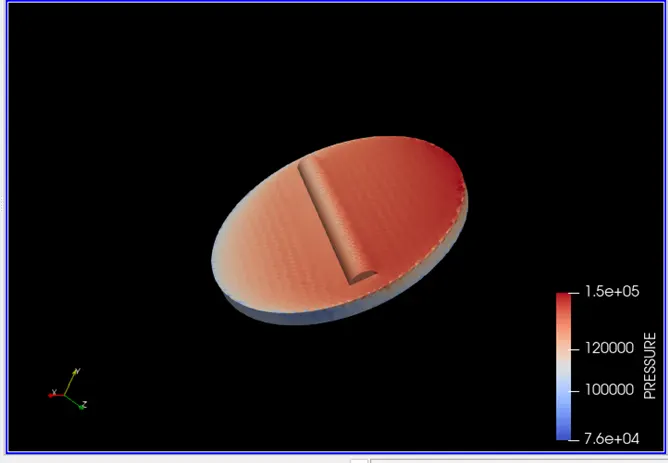
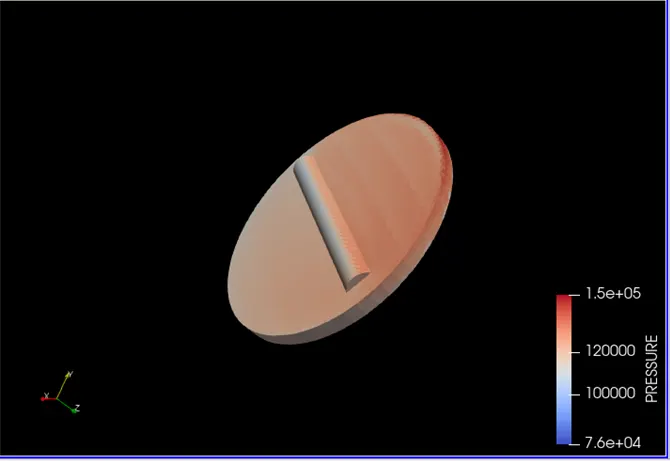
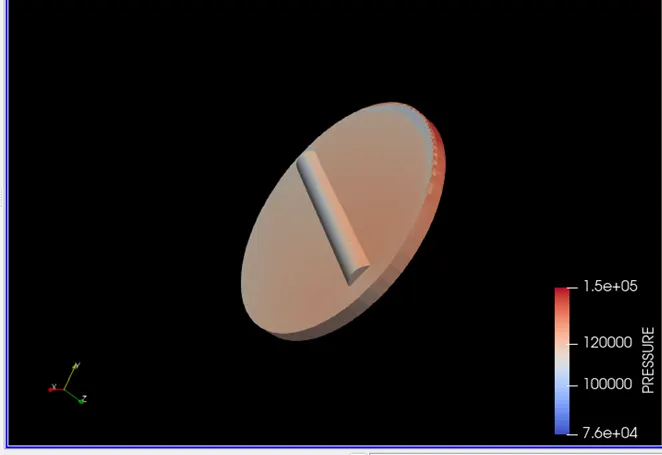
Video link
Pressure contour animation: https://youtu.be/aX6zbnhVtag
Velocity contour
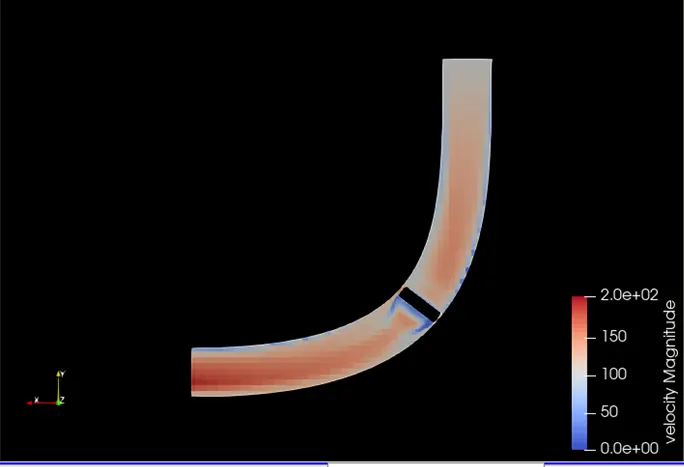
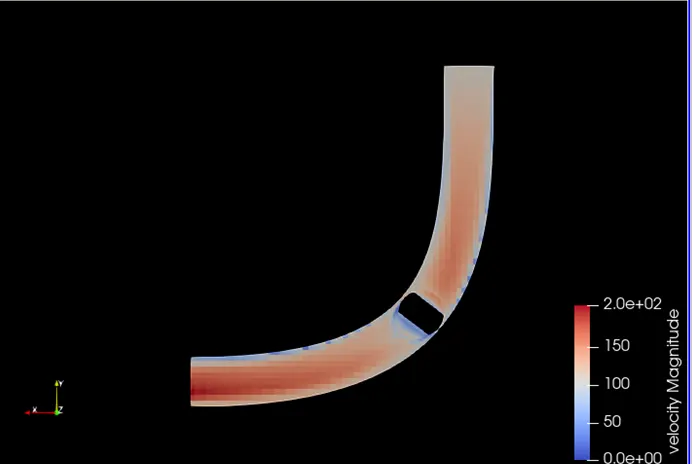
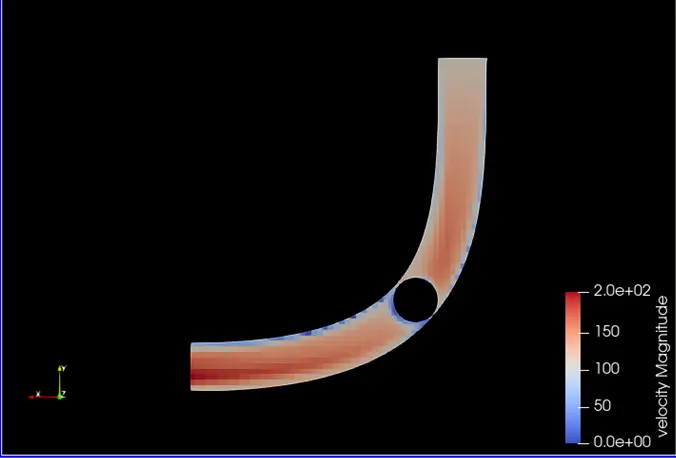
Velocity contour at throttle
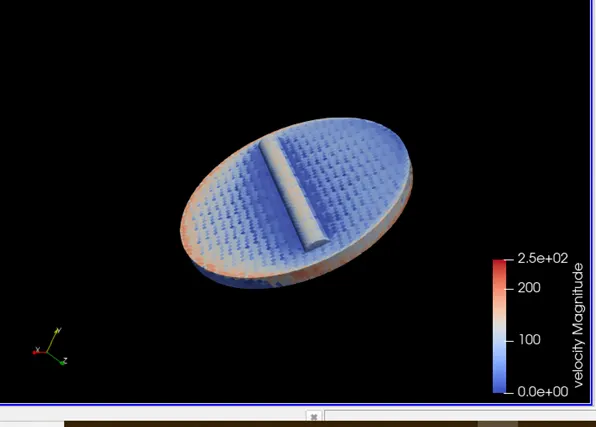
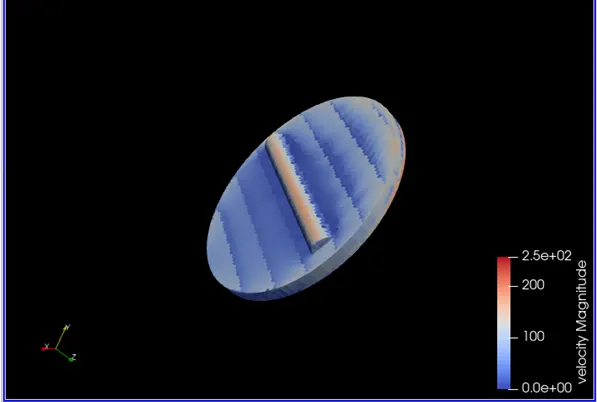
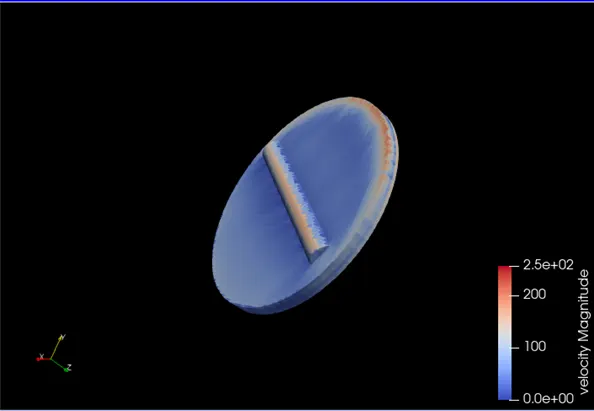
Video link
Velocity contour animation: https://youtu.be/qKKi-hjhOj4
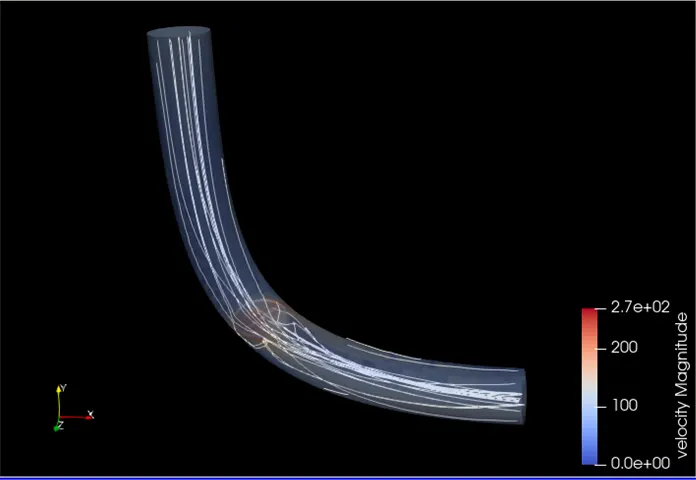
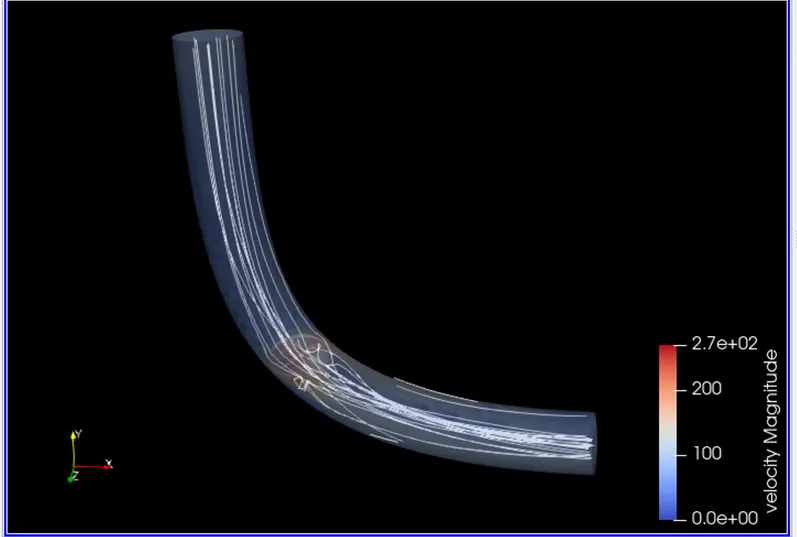
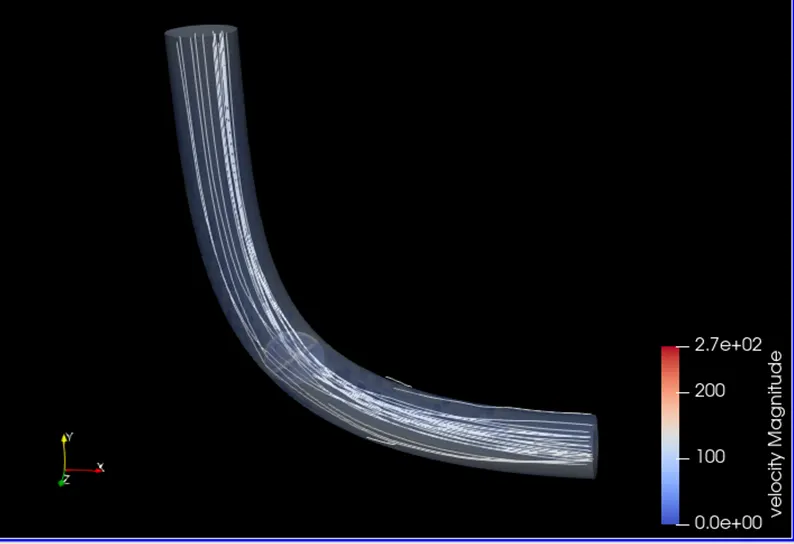
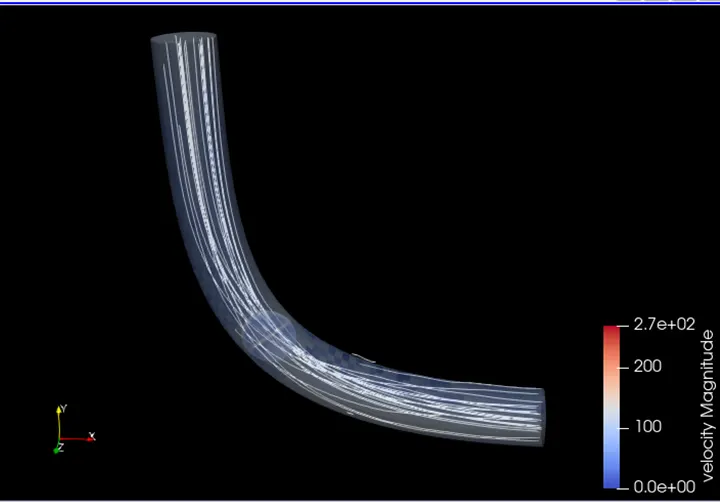
Stream trace:
Conclusions
- In these assignments we perform transient state simulation of flow over throttle body
- The total cell count is not constant because the throttle keeps changing the position, so the mesh changes with time
- Embedding is given because it ensured detailed physics near the wall