Week 4-1D Element Creation Challenge
Steps
1.Import the geometry and create mid surface in separate component (geometry- midsurface)
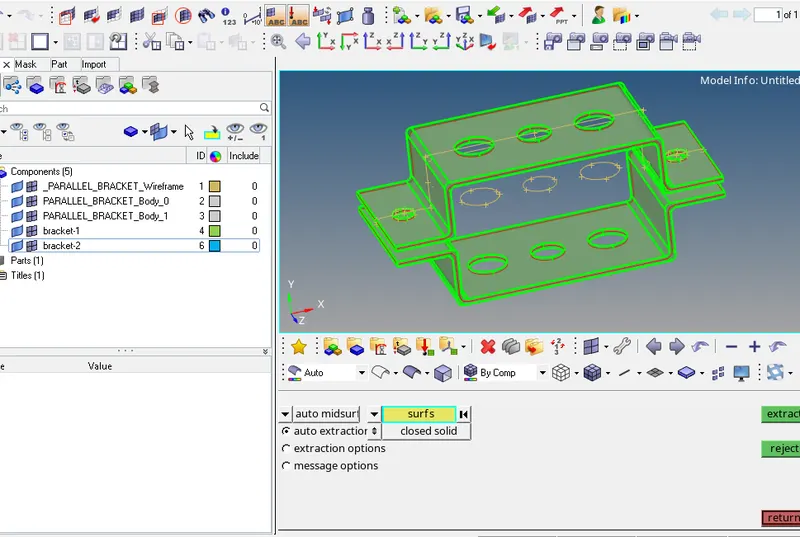
2.Create washer splits (offset value-5mm) at the holes and mesh the components using automesh having elements size 5mm (2D-automesh). Number of elements was change with left or right clicks.
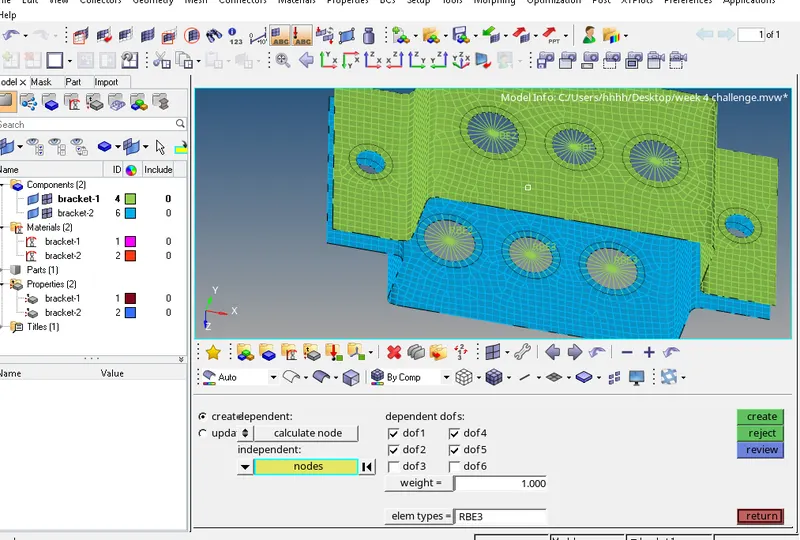
3(a).assign the material (MAT-1) for both brackets
3(b). Assign the properties for both brackets having thickness 2mm and 2.5 respectively.
4(a). Create RBE2 in first set of hole, where only translational DOFs are constrained
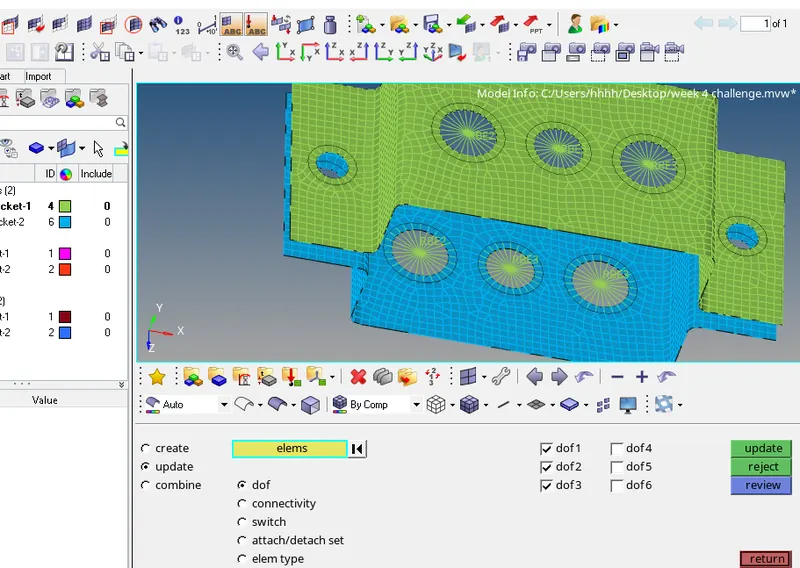
Similarly create RBE3 in second set of hole, where all DOFs are constrained and create RBE3 in third set of hole, where X, Y DOFs are constrained
5. I have chosen the cross section and give dimensions according to the question. I took box and H-section for rod and bar respectively because both are symmetric sections.
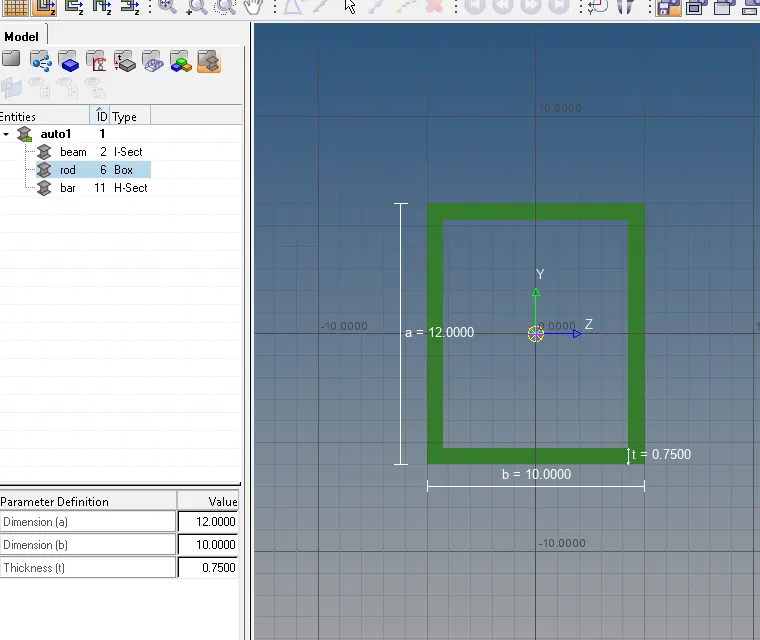
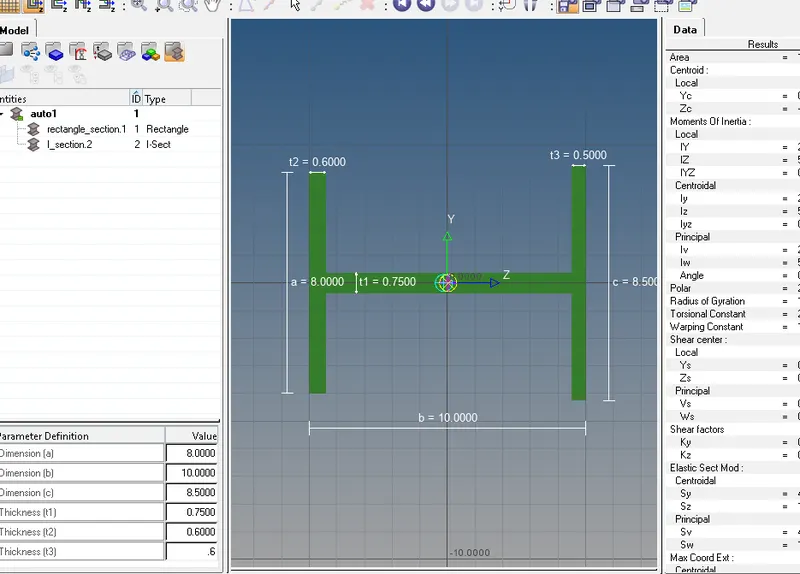
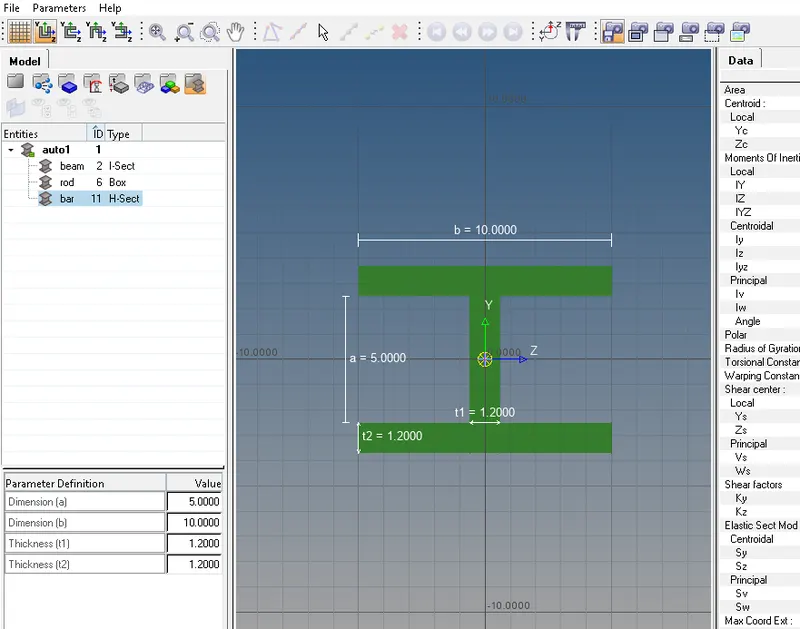
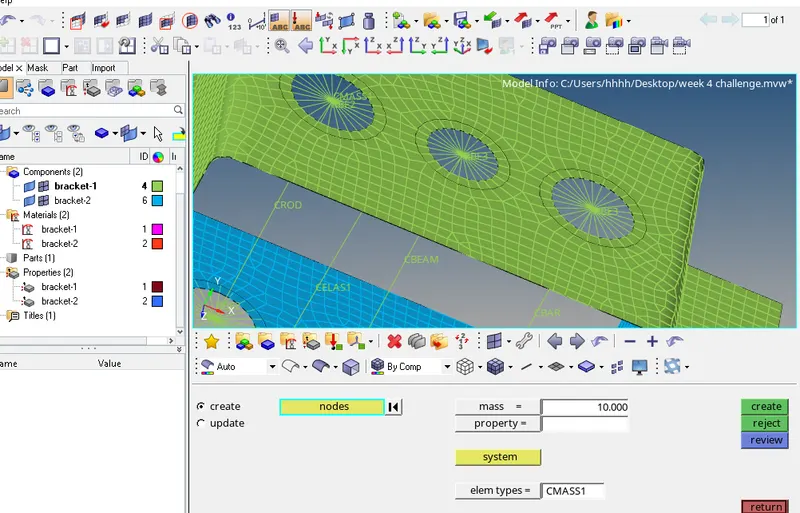
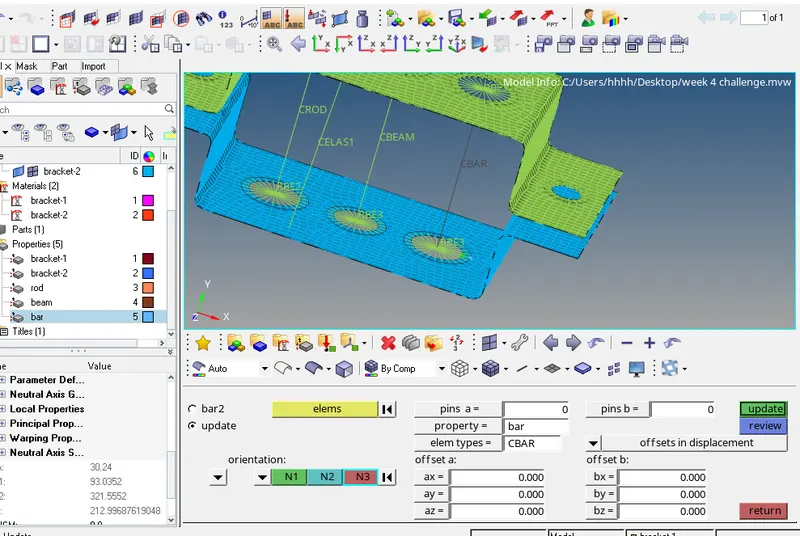
8. Create 1-d rod, beam, bar and spring element and apply mass of magnitude 10 at RBE2.
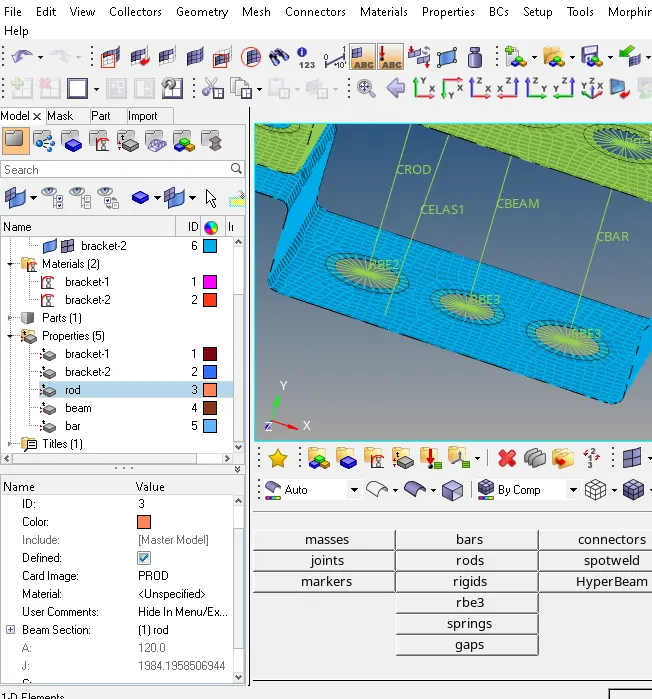
9-10. Assign and update the properties for rod, bar and beam
Learning outcomes
1. To generate mid-surface and mesh the components
2. To create and assign the properties, material to the components.
3. To create 1-D elements like RBE2, RBE3, beam, bar, rod and spring elements. and also learn to apply mass at node
4. To assign and update the properties of any 1-D elements.