Week 4-1D Element Creation Challenge
Aim: To Create 1D elements and Create a Mesh on mid of the component
Objective: Meshing on the mid surface of the component and creating 1D element by assigning property to each element
Procedure: The component was IGS component so it was imported to HM
Step 1:The Mid was extracted from the component and was assigned property
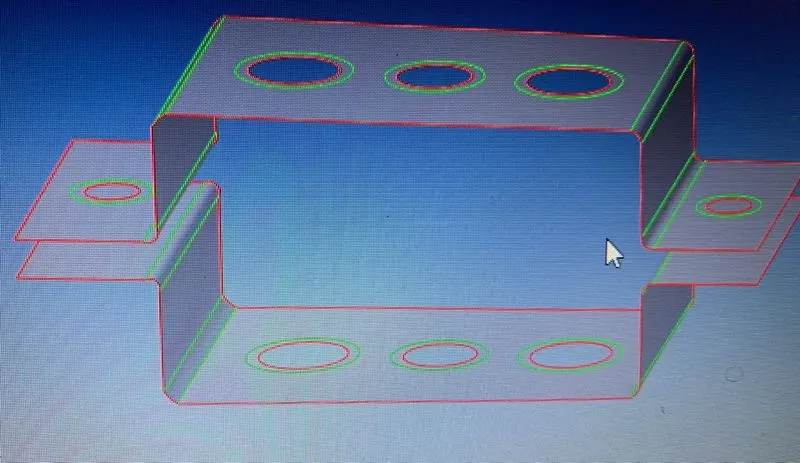
Fig 1:Mid of the component
Step 2:further the material was assigned to the brackets with definite property
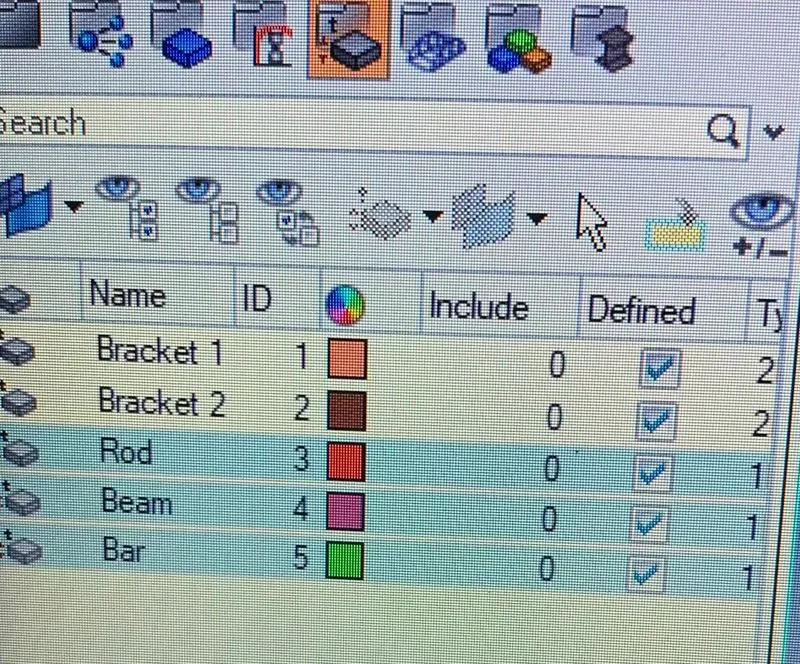
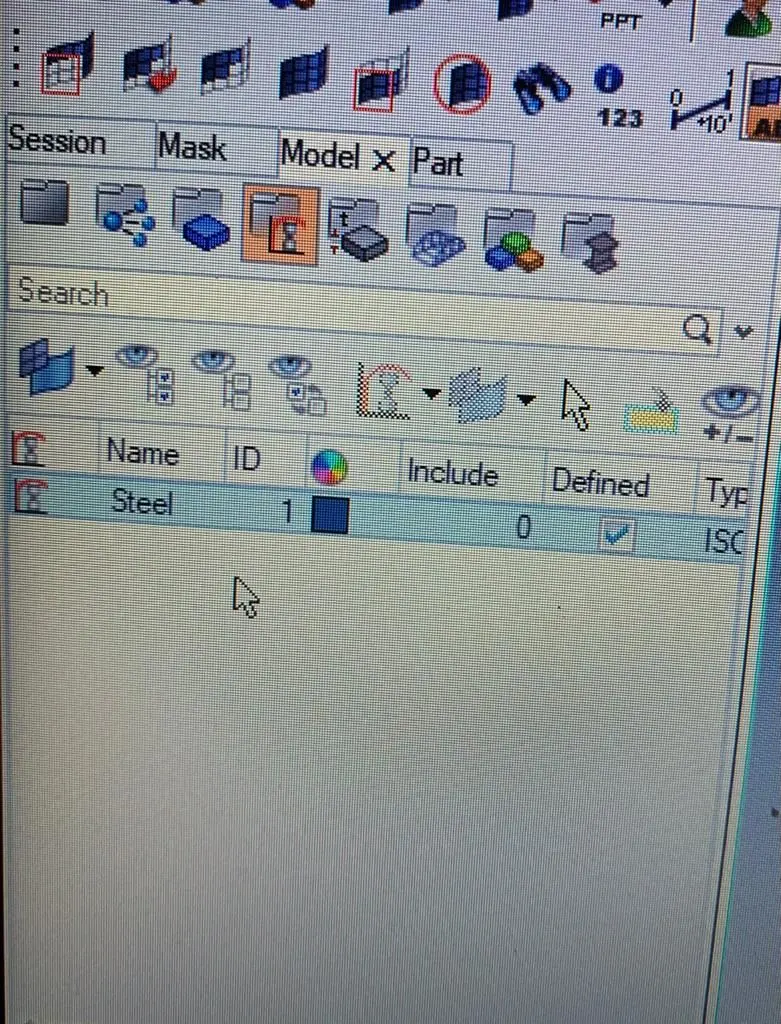
Fig : Property card for the model Fig: Material Card
Step 3: After this washer splits were introduced at the circles for attaining proper mesh flow at edges of circles
Step 4: Then further the model was meshed with given element size of 5 units.
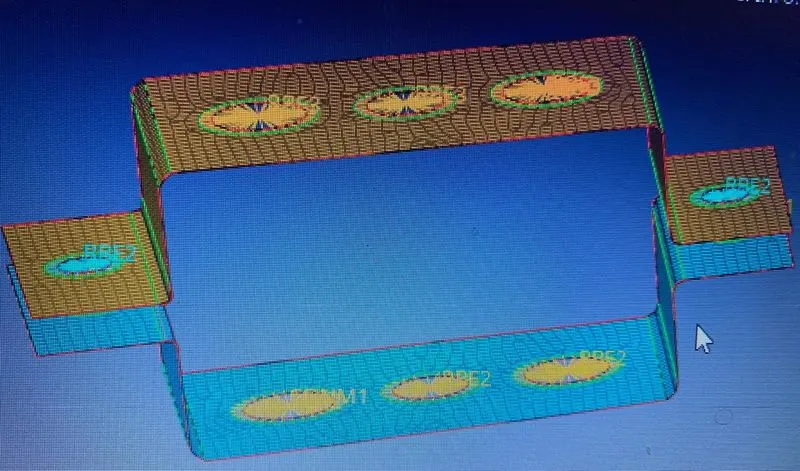
Fig: Meshed model along with 1D rigid elements
Step 5: For the rigid element cretaion 1D tab was used and Dof's were given to the respective element as per above criteria
Step 6: Then after this Beam,bar and rod elements were cretaed with given cross section in hyperbeam and optistruct tab
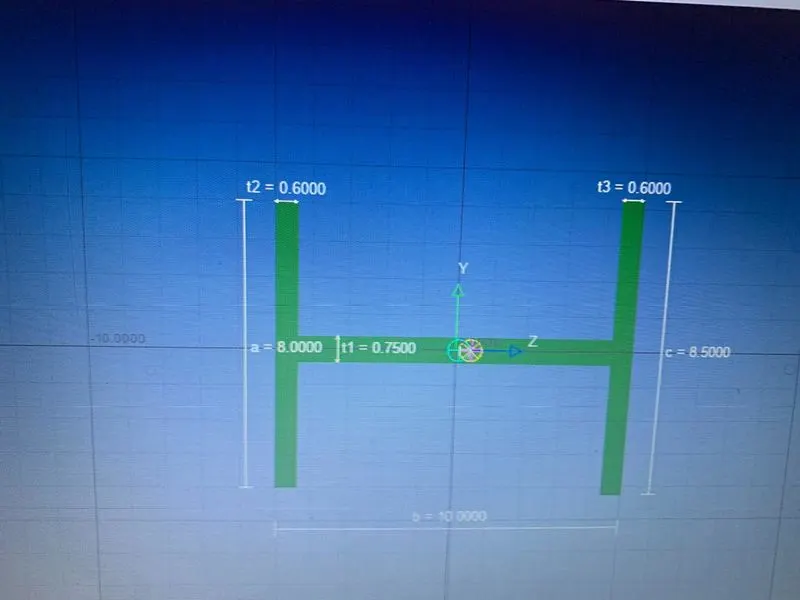
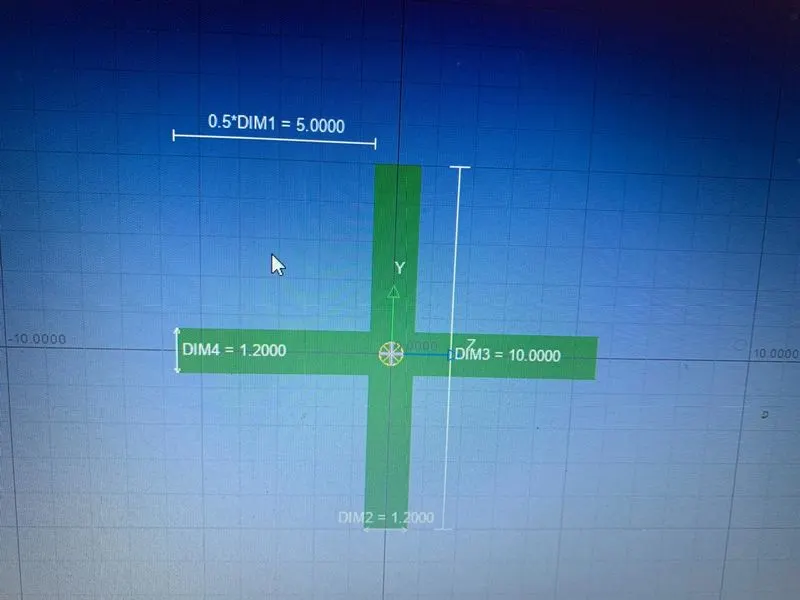
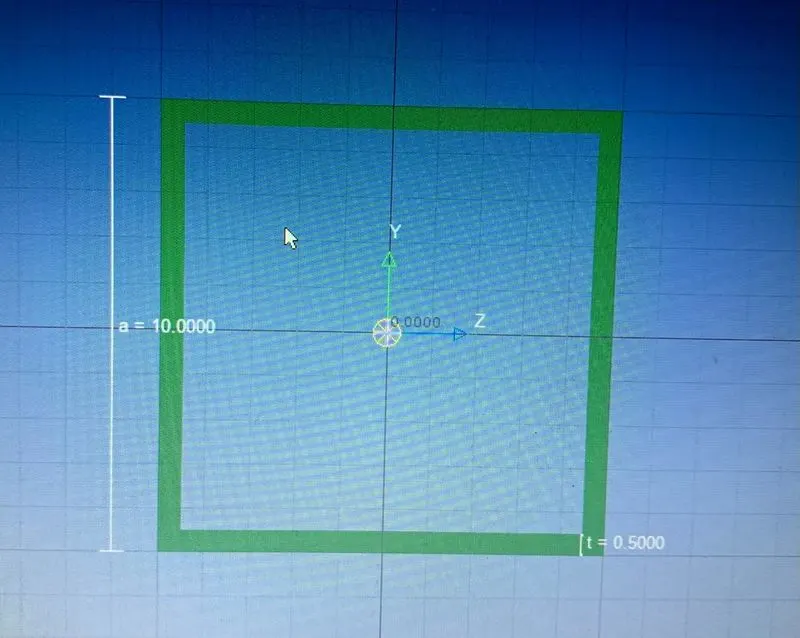
Fig : I section (Beam) Fig: Cross section (Bar) Fig : Box section(Rod)
Step 7: Then futher this cross section rod,beam,bar elements were connected to the RBE2 and RBE3 Master nodes
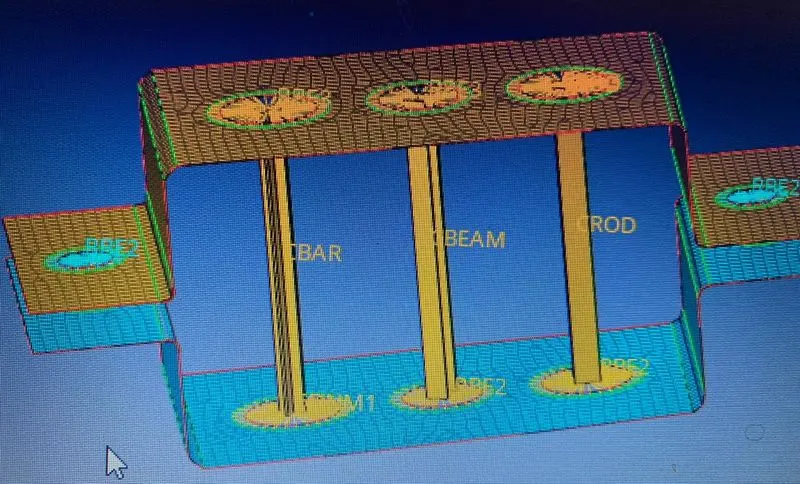
Fig: Hyperbeam connections .
Step 8: Further mass was loaded on the RBE2 element of given magnitude 10(CONMI1)
Step 9: For CELAS elements springs tab in 1D was used and cretaed at the master nodes of RBE2
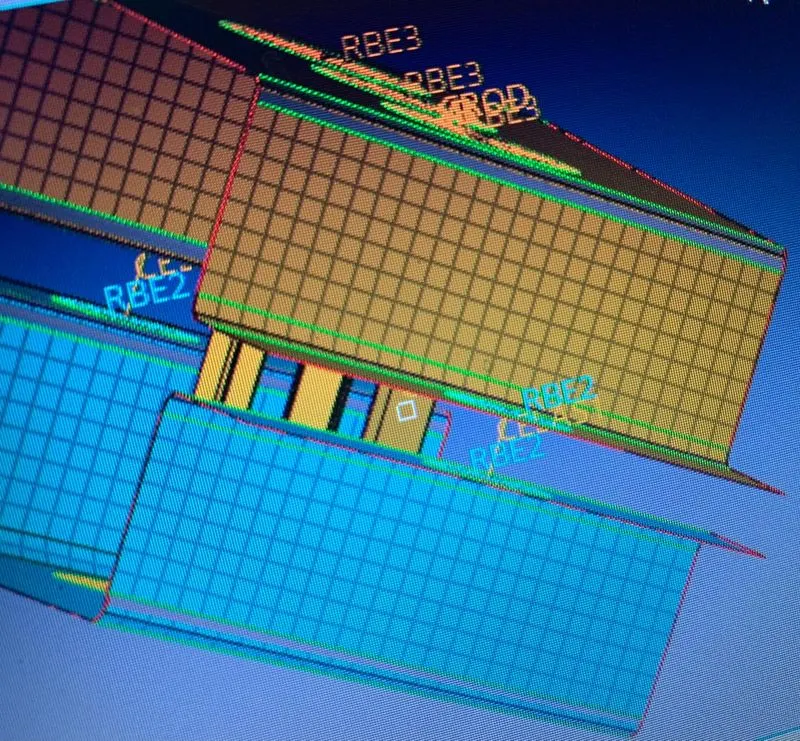
Fig: CELAS 1 Element
Step 9: Finally the challenge was completed and property wise view was taken for confirmation of element creation and connection
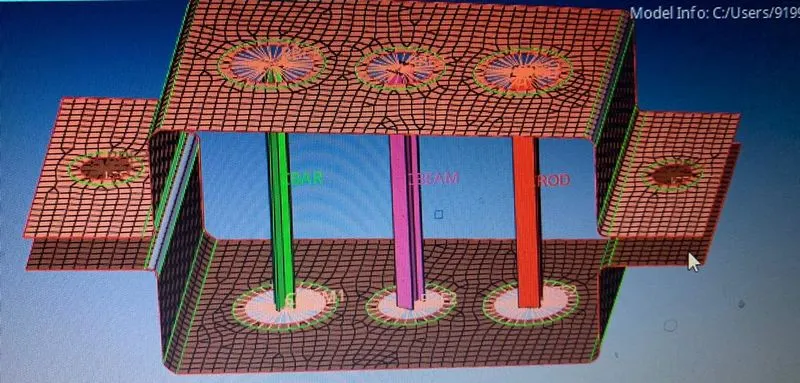
Fig : property wise view of final model.
Conclusion: Hence the mesh was cretaed on the mid and properety was assigned allong with 1D element creation
Learning Outcomes: Learned how to extract mid and assigning property to the component along with 1D element creation and connection and how to update the DOF and property of the 1D elements also came to know how to create CELAS elements and how to assign mass on the model