Week 4-1D Element Creation Challenge
Meshing of CAD Model & creating 1D Elements on Parallel_Bracket
Objective-
Meshing of CAD Model & creating 1D Elements using Hypermesh.
CAD Model Image-
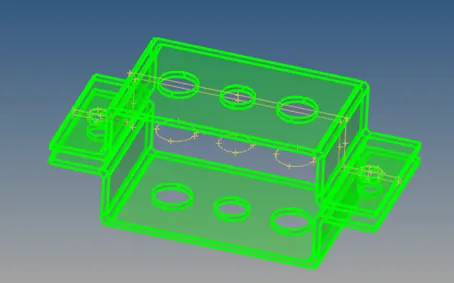
Fig.-1
Procedure-
- Import the provided CAD Model and analyze it properly. Create he midsurface of the components in the two hauls separately and named them as Bracket-1 & Bracket-2 as shown in the following fig.2
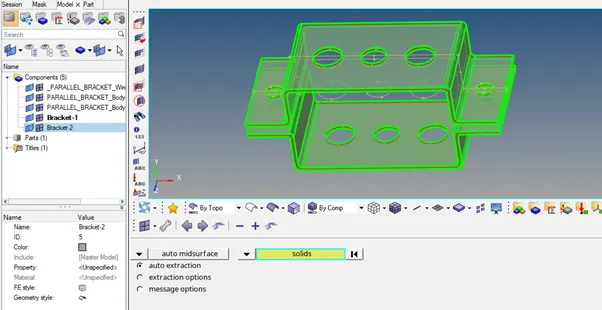
Fig.-2
- Since, the other surface has to be moved, using organize command, move the surface to the Bracket-2 & make the model ready for the mesh as shown in fig. 3.
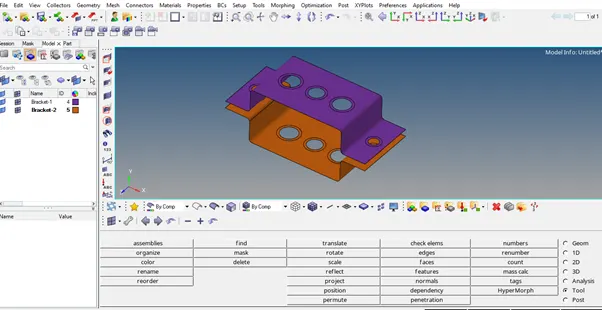
Fig.-3
- Now create the material & the appropriate properties like thickness as shown in fig.4.
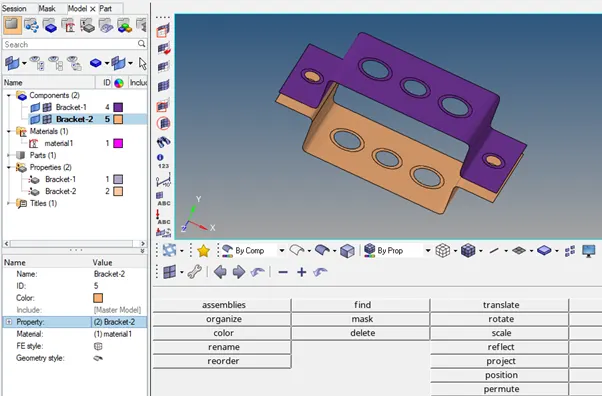
Fig.-4
- Now as mentioned in question create the RBE2 elements for the rod & constrained its translational DOFs & create the rod elements as shown in fig. 5 & 6
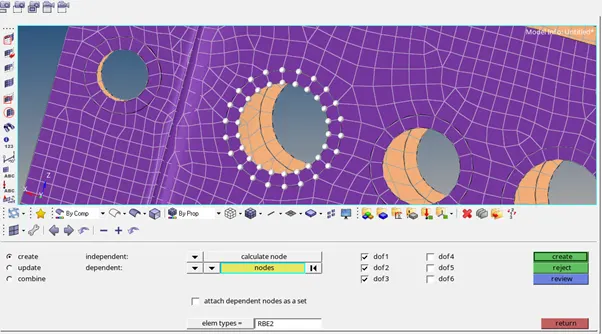
Fig.-5
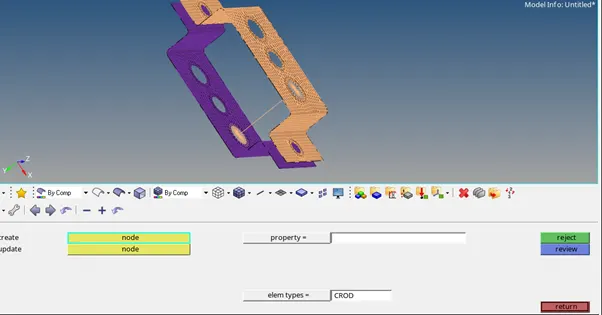
Fig.-6
- Now as mentioned in question create the RBE3 elements for the beam & constrained its all DOFs & create the beam element as shown in fig. 7 & 8.
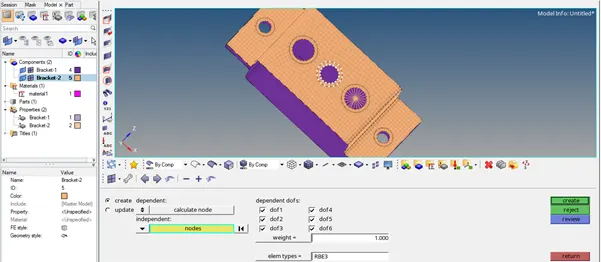
Fig.-7
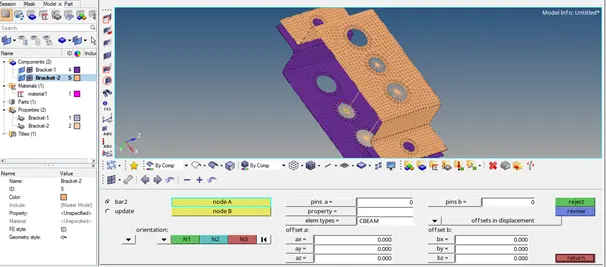
Fig.-8
- Now as mentioned in question create the RBE3 elements for the bar & constrained its X&Y DOFs & create the beam element as shown in fig. 9 & 10.
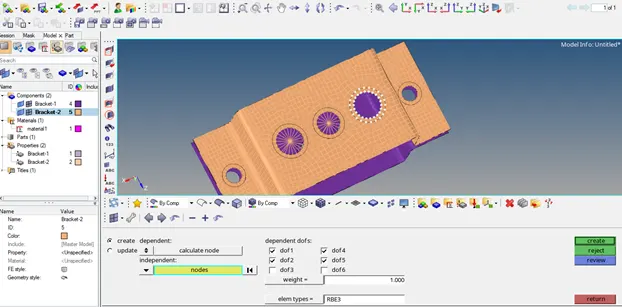
Fig.-9
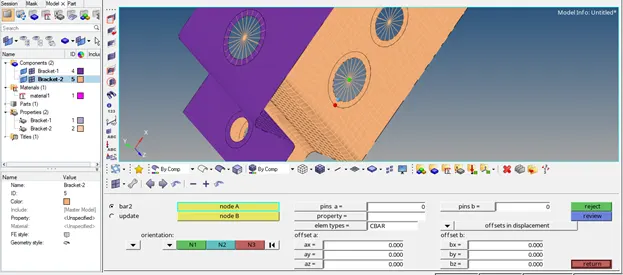
Fig.-10
- Now through Hyperbeam panel create the cross sections of Box, I-Section & X-Section with the dimensions given in the question as shown in Fig. 11 to 13.
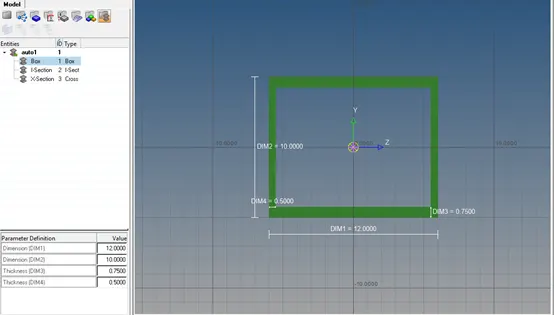
Fig.-11
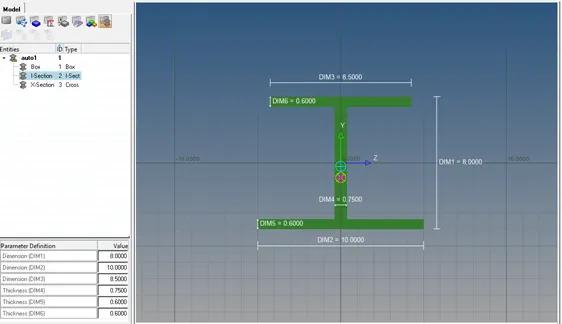
Fig.-12
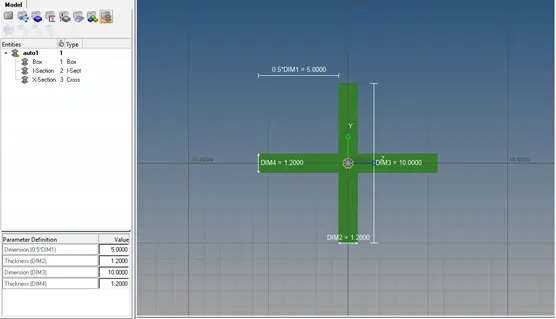
Fig.-13
- Now create the rod, beam & bar properties & assign them the corresponding sections as shown in fig. 14 to 16.
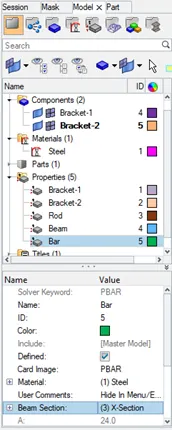
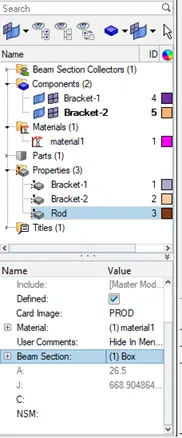
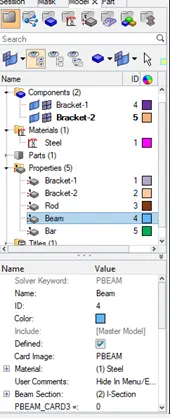
Fig.-14 to 16
- Now, assign the above properties to the corresponding created elements through update panel as shown in fig. 17 to 19.
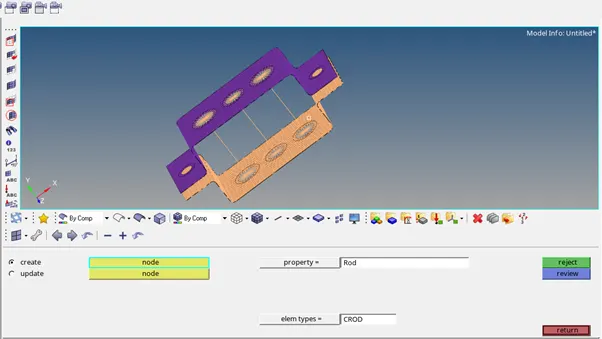
Fig.-17
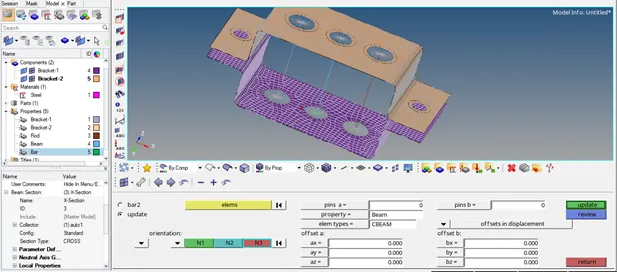
Fig.-18
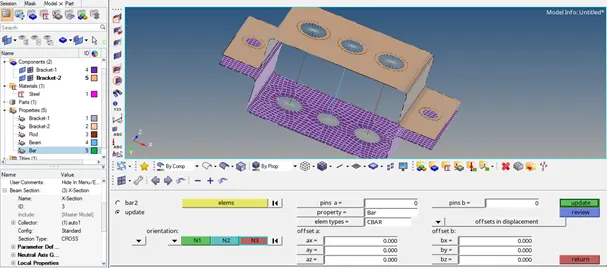
Fig.-19
- Now create the RBE2 type elements at the sections given in question & assign them the mass property of magnitude 10 as shown in fig. 20.
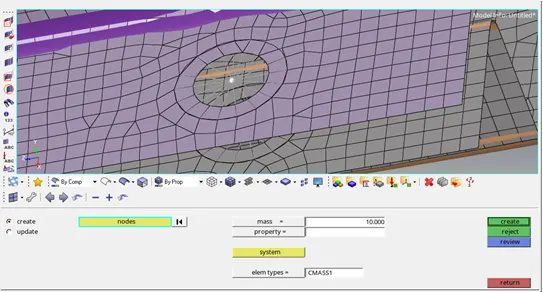
Fig.-20
- Now given in question, join the two components using the spring elements as shown in fig. 21.
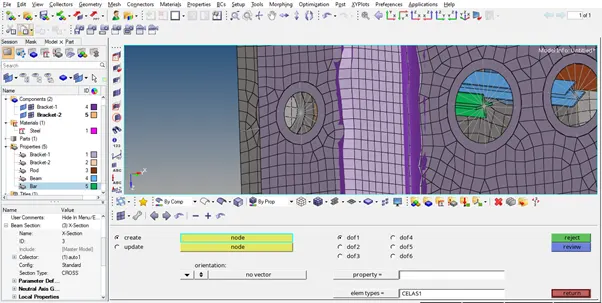
Fig.-21
- Now, visualize the created 1D element in 3D through view panel and final object is as shown in fig. 22.
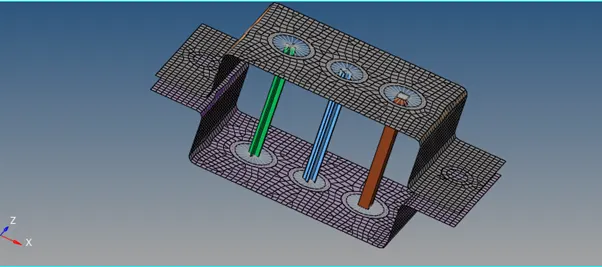
Fig.-22
Result-
As per the instructions provided model is ready with given mesh element size & 1D elements given and saved as Parallen_Bracket_Final.hm