Week 4-1D Element Creation Challenge
OBJECTIVES:-
- To extract mid surface for given geometry
- geometry clean up and mesh mid surface genaration
- provide 1D connection as requested
procedure:-
- open hypermesh
- import given geometry
- do auto cleanup on geometry
- extract midsurface which are given function as midsurface under geometry
- do a auto cleanup on extacted midsurface
- provide washer split for holes to get better mesh flow around holes option given in quick edit
- do mesh on extracted surface by using auto mesh given in 2D
- input element size as 5 and select type as mixed
- adjust mesh on surface using function given in quality index under 2D
- provide RBE2 conection on a hole with constrained all transilational motion
- in 1D section select hyper beam and select section type as thin walled box
- input dimension as given and rename it as rod
- create a element of I cross setion ,input given dimensions rename it as beam
- create another element with x cross section ,input dimension as given ,rename it as bar
- create a new property rename it as rod
- select card image as PROD,select beam section as rod
- provide a rod element on RBE2 connection ,select property as rod and element type as CROD
- provide a RBE3 connection with all DOF constrained
- create a new property ,rename it as beam ,select card image as PBEAM,select beam section as beam
- provide beam element on above created RBE3 element ,select property as beam and element type as CBEAM
- provide RBE3 connection with xand y DOF constrained
- create a new property ,rename as bar ,select card image as PBAR,select beam section as bar
- provide bar element on this RBE3 ,select property as bar and element type as PBAR
- create a new property ,rename as mass ,select card image as PMASS
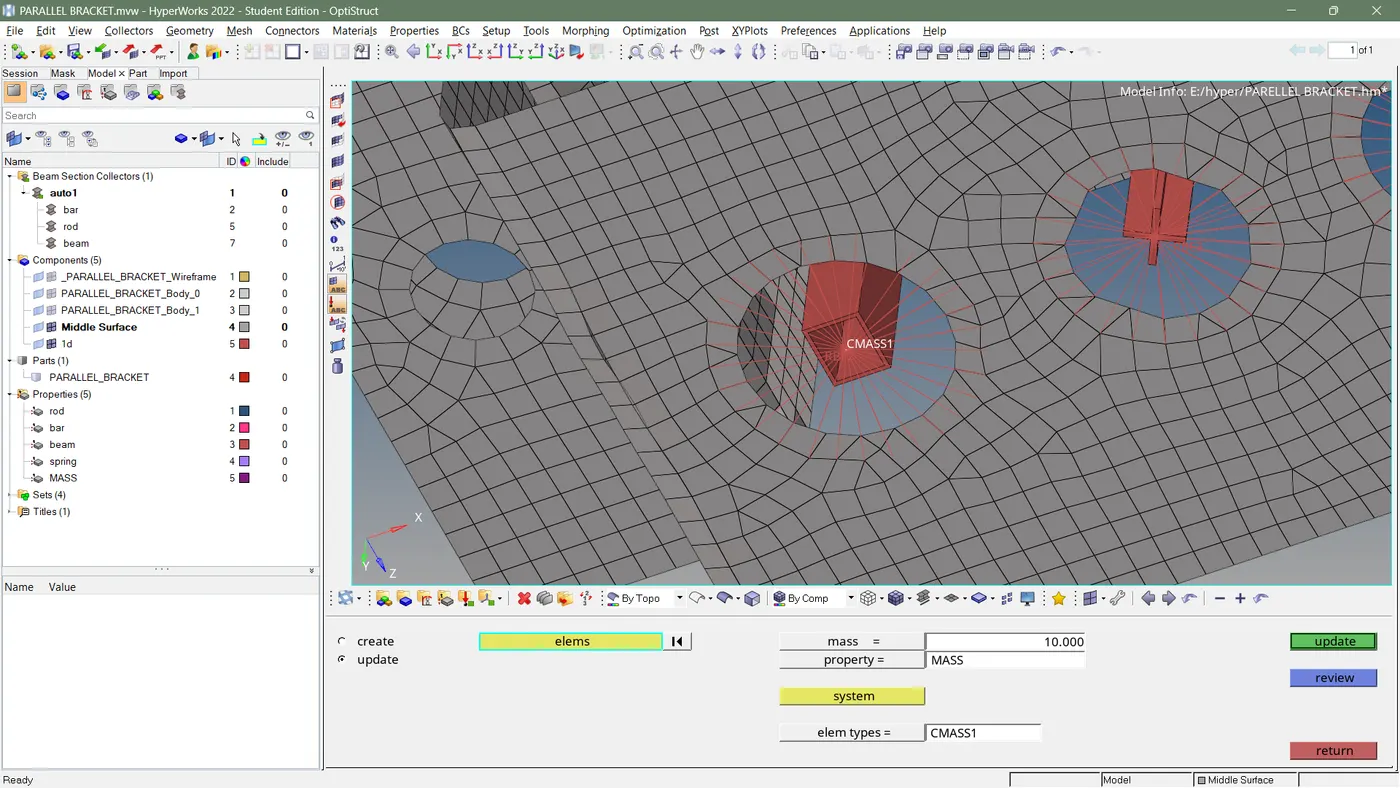
- provide a mass element on RBE2 ,select property as mass and element type as CMASS
- create a new property named as spring ,select card image as PELAS
- provide a spring connection on elements ,select property as spring and element type as CELAS
- check for edges , if it is present delete edges and save work as model
RESULT:-
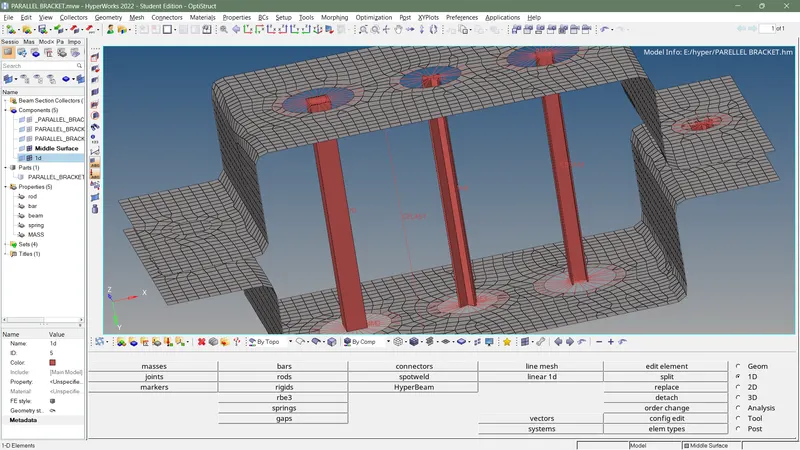
MESHED SURFACE:-
CROSS SECTIONS OF 1D ELEMENT:-
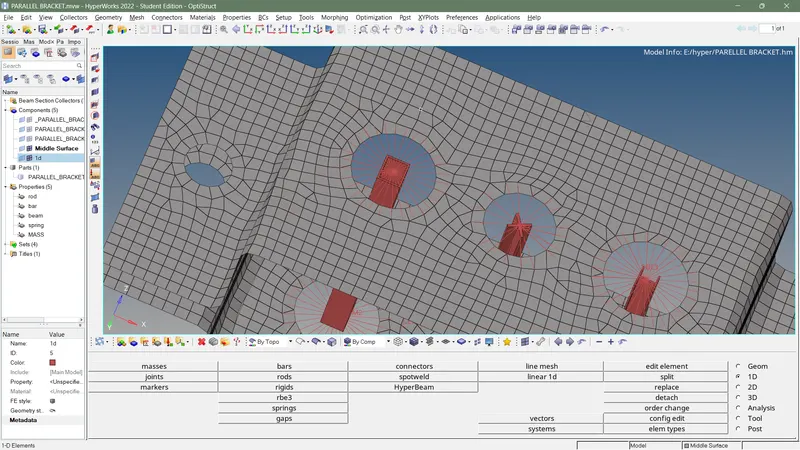
MASS PROVIDED ON RBE2 CONNECTION:-