Week 4-1D Element Creation Challenge
AIM:TO CREATE THE MID SURFACE FOR THE COMPLETE GEOMETRY AND APPLY MESH FOR THE MID SURFACE OF THE GEOMETRY AND TO ADD THE 1D ELEMTNS FOR THE GIVEN GEOMETRY.
STEP 1 : Import the Geometry.
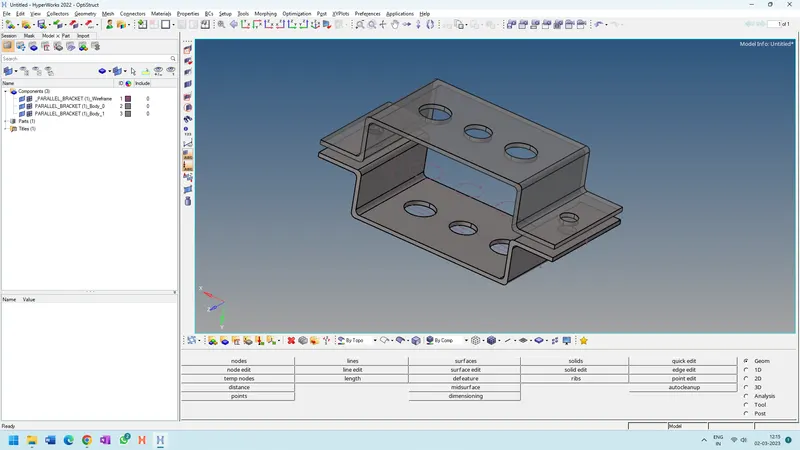
STEP 1 : Create the mid surface for the Top part.
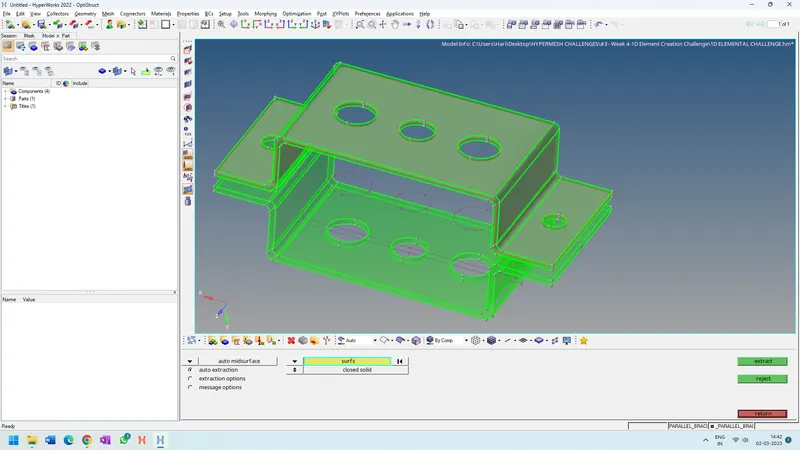
Genearate the midsurface for the bottom part as well.
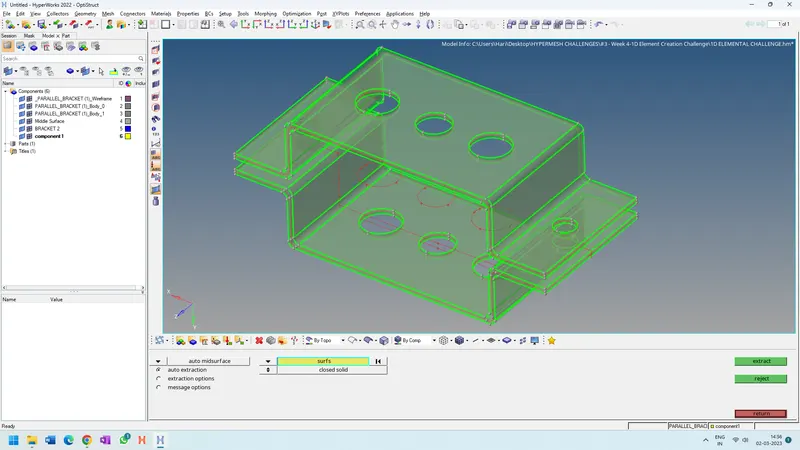
Please generate the component names as well in the tree diagram as shown.
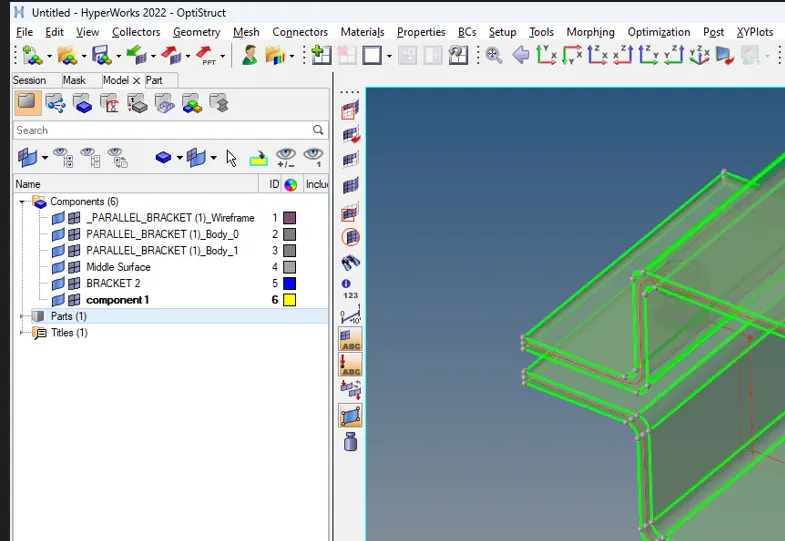
Please delete the parent surface part ,Please only keep the mid surfaces and please assign with colours for easy identification as well.
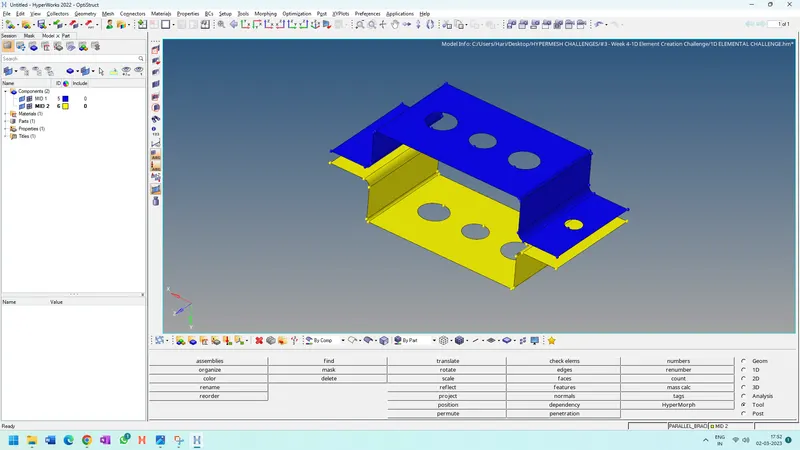
Assign the Material and properties for the materials.
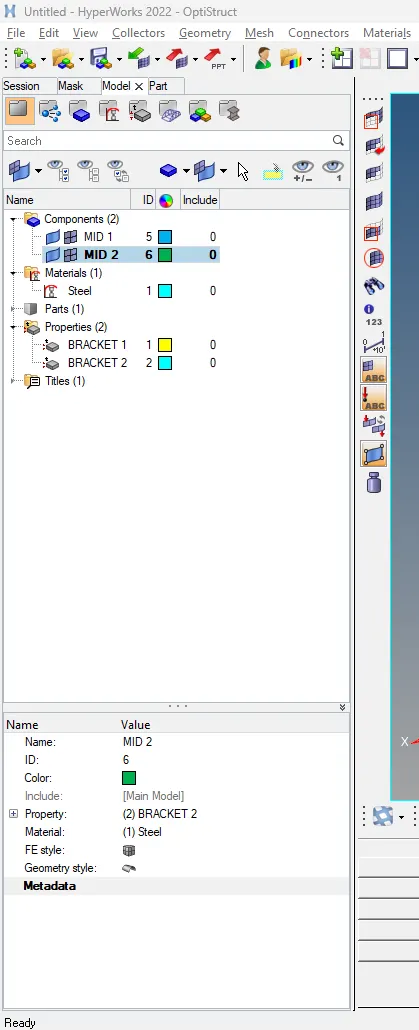
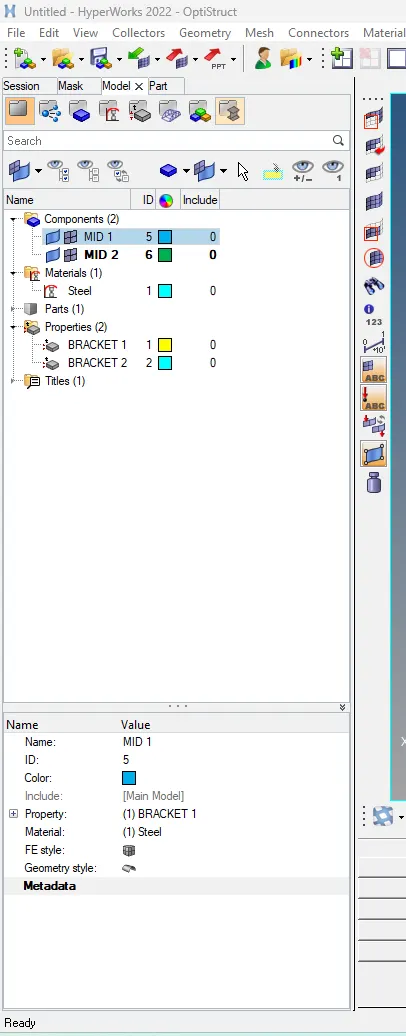
Assign the properties for both of the surfaces as indicated in the picture.Please follow instruction for materials and property assignment.
Generate the washe split as well as indicated in the drawing.
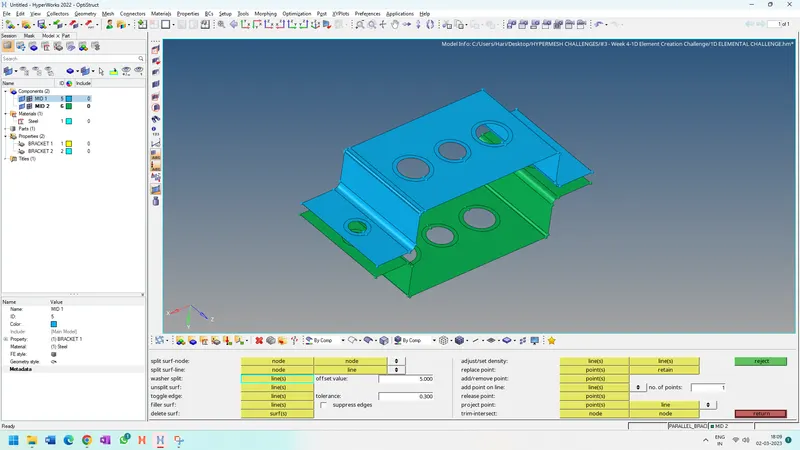
Go For 2D and please generate the automesh and please generate the mesh.
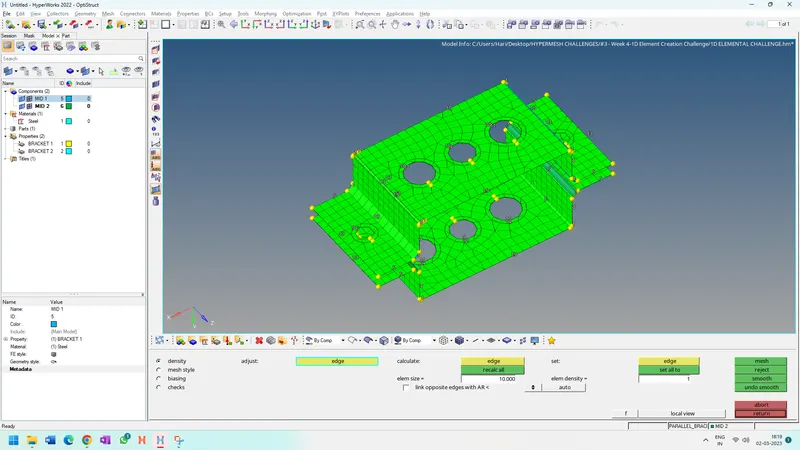
Make the nodel points as equal for all the holes taken.
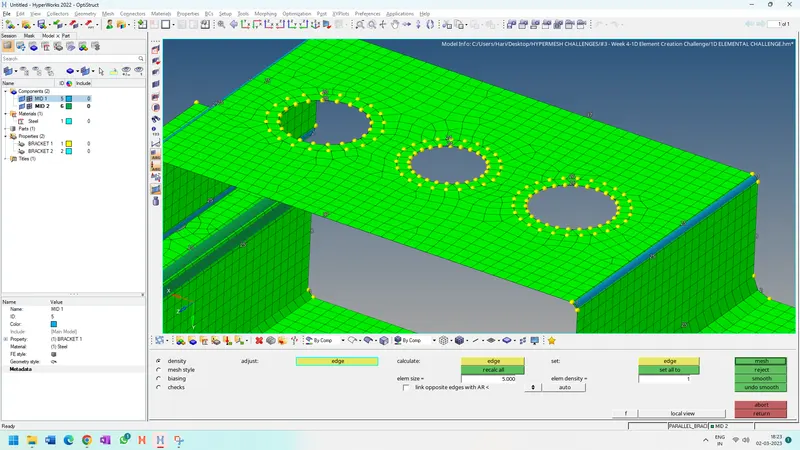
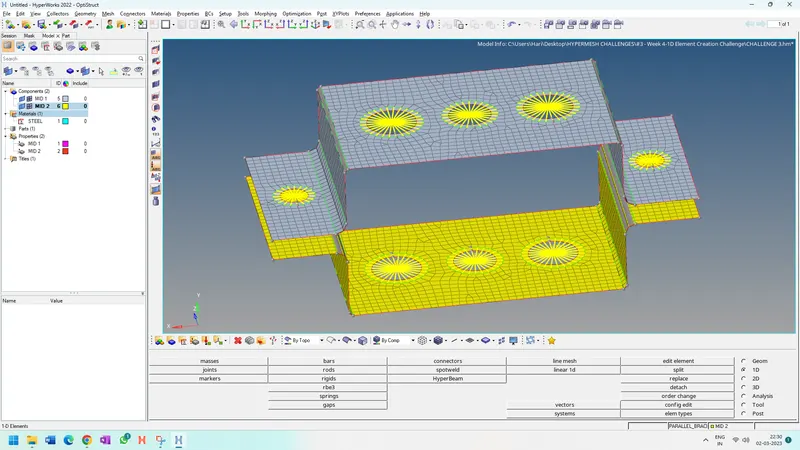
Generate the RBE2 and RBE3 Elements for the circular holes
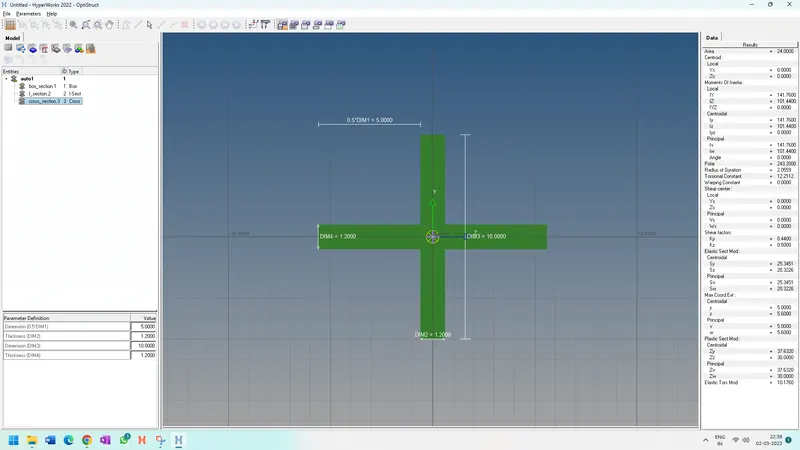
Please go for the hyperbeam and please add the mentioned cross sections .
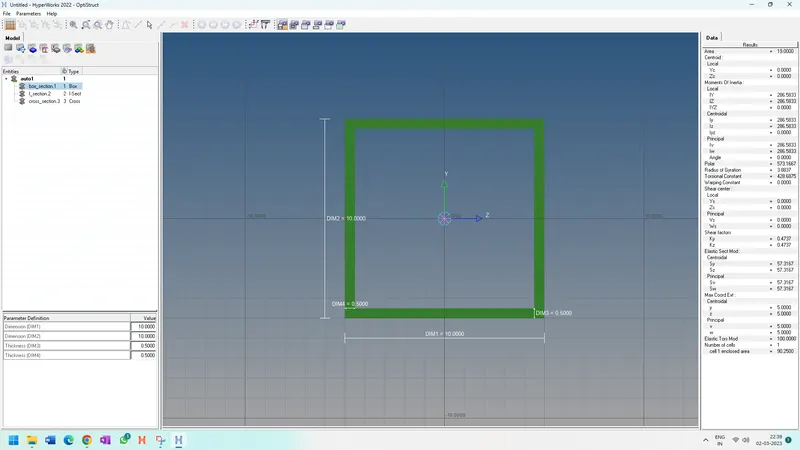
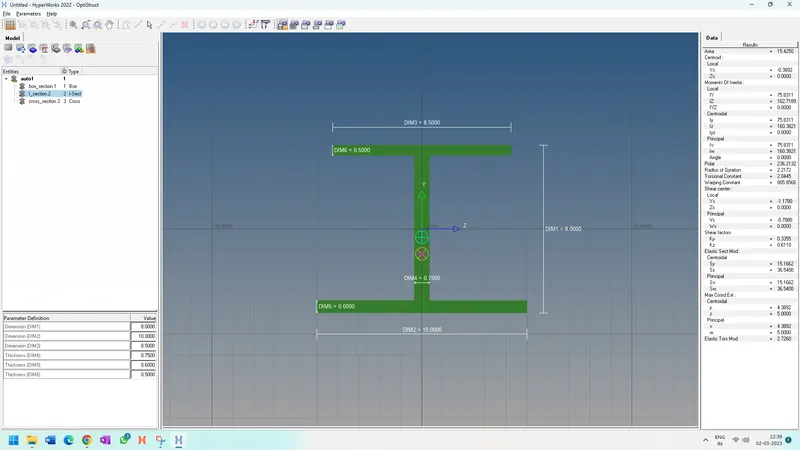
Please generate the spring element at the mentioned point F.
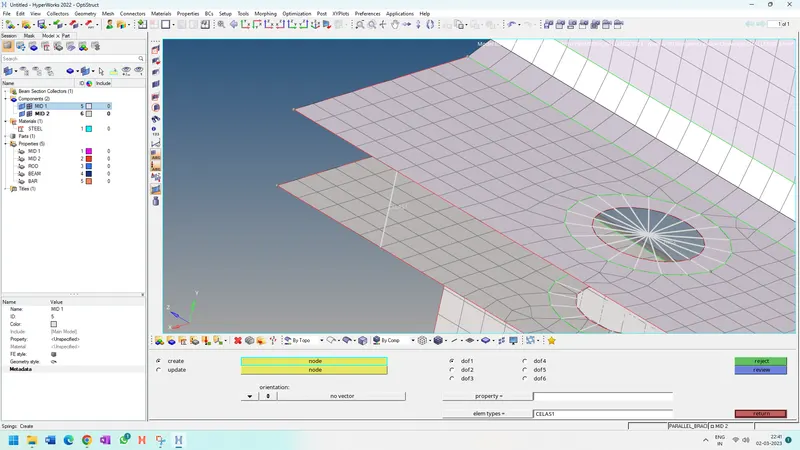
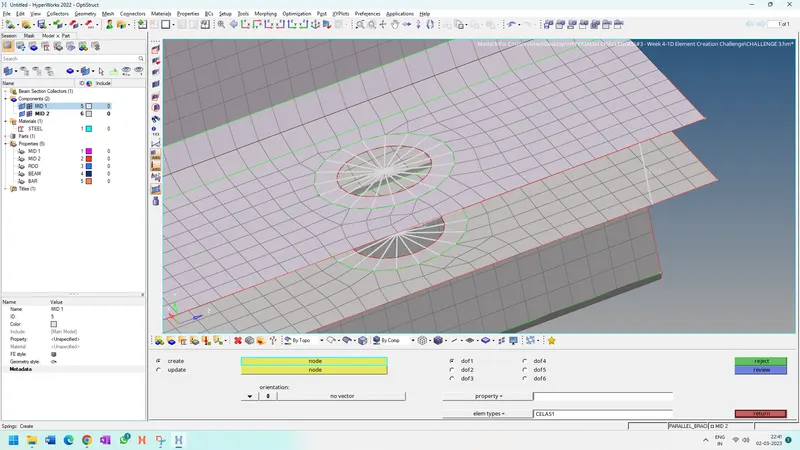
The Complete Elements connections is done as shown in the figure
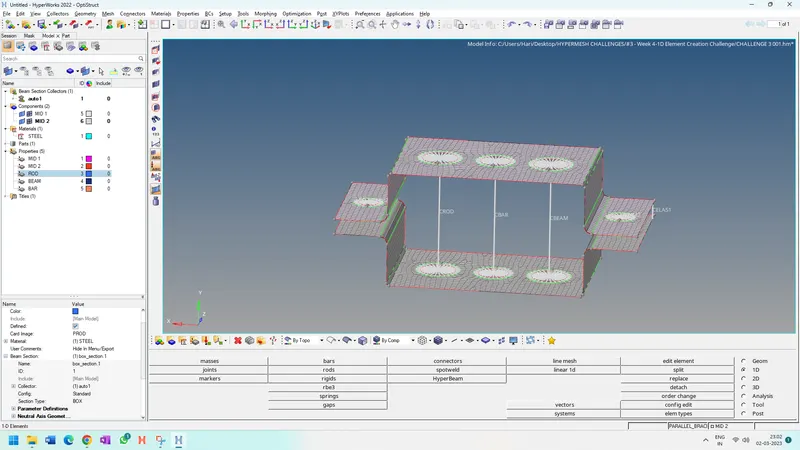
Please update the property and once the property is updated ,You can observe the Final Transition of the elements like in the below picture
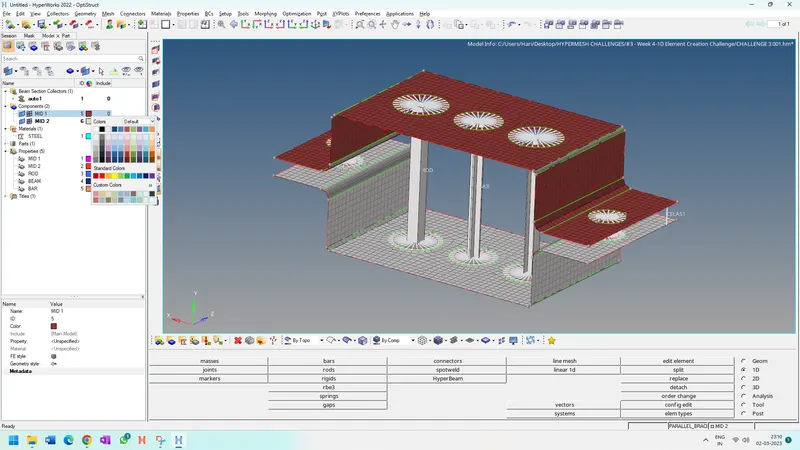
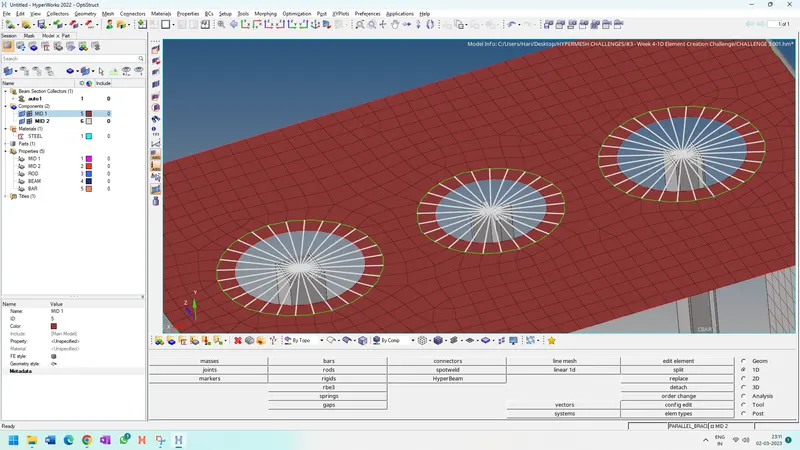
The complete Challenge is done