Week 4-1D Element Creation Challenge
Aim :
The aim is to mesh the Given component with the Size of 5 Units. Create 1D elements on the following component with given cross-section and DOF.
Objective:
a. Rod element:- Translational DOF should be Constrained with RBE2 link
Cross-Section: BOX- Dimension a= 12 mm
dimension b=10 mm
Thickness t= 0.75 mm
b. Beam element:- All DOF should be constrained with RBE3 link
Cross-Section: I Section- Dimension a= 8 mm
Dimension b= 10 mm
Dimension c= 8.5 mm
Thickness t1= 0.75 mm
Thickness t2= .6 mm
Thickness t3= .6 mm
c. Bar element:- Constrain only x and y DOFs With RBE3 link
Cross-section: X section- Dimension DIM1= 5 mm
Thickness DIM2= 1.2 mm
Dimension DIM3= 10 mm
Thickness DIM4= 1.2mm
d. & e. Apply the mass of magnitude 10 with the RBE2 link
f. Join the two components with Spring elements
Procedure:
Initially open the model in IGES format,
Then create a midsurface and delete the model,
and create a washer split in the holes,
open the meshing and mesh with auto mesh with the element size of 5,
Now create the box, bar, and rod from the hyperbeam with the following dimension,
and add the RBE 2 and RBE 3 connection at the required places with given dof,
now select the node and give the elements and the mass magnitude,
finally save it.
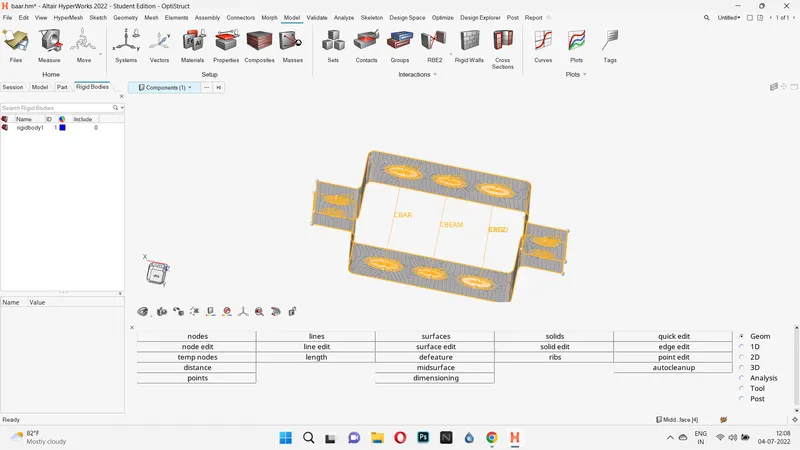
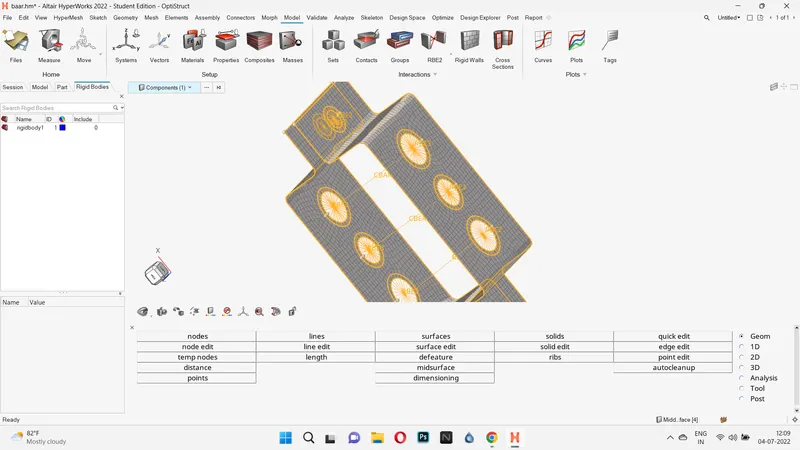
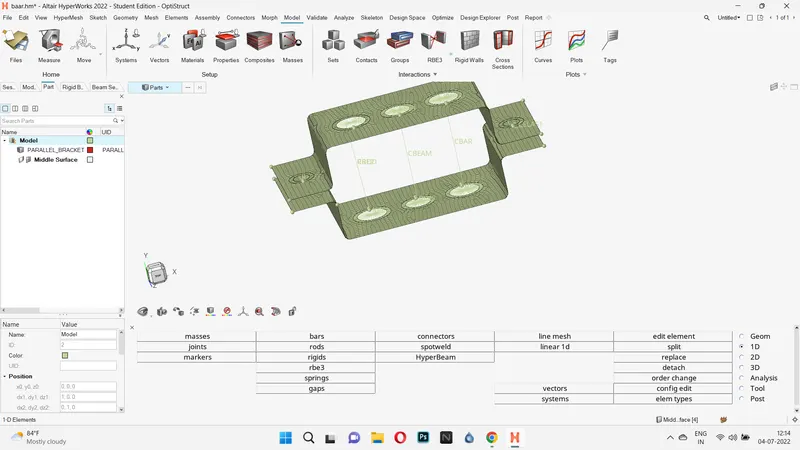
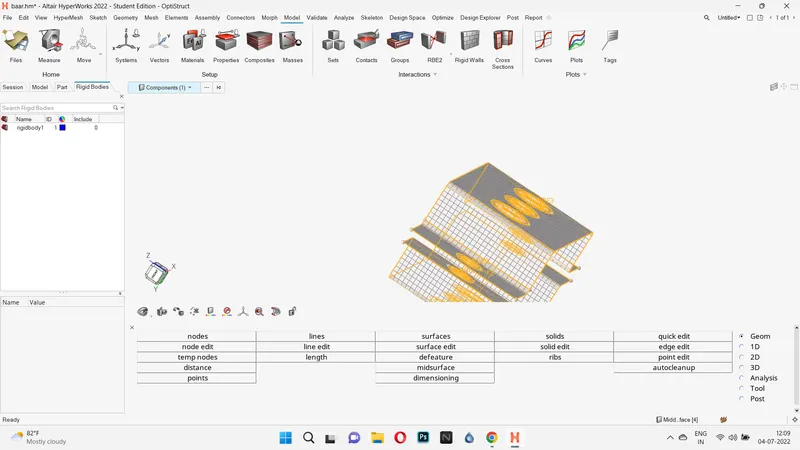
Result:
Therefore with the given dimension the model has been completed and the model hasbeen attached in the asset.