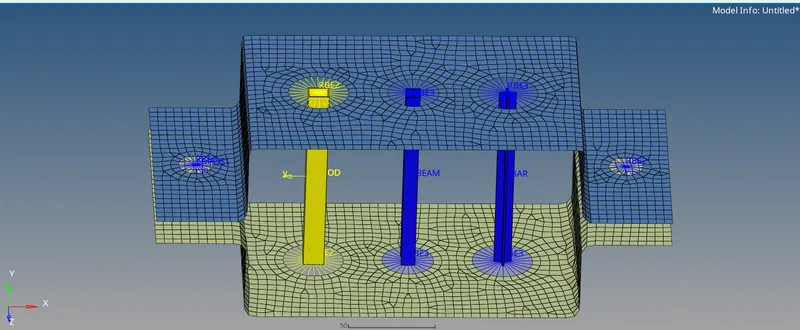
Week 4-1D Element Creation Challenge
AIM:- To mesh the Given component with the Size of 5 Units. Create 1D elements on the following component with given cross-section and DOF.
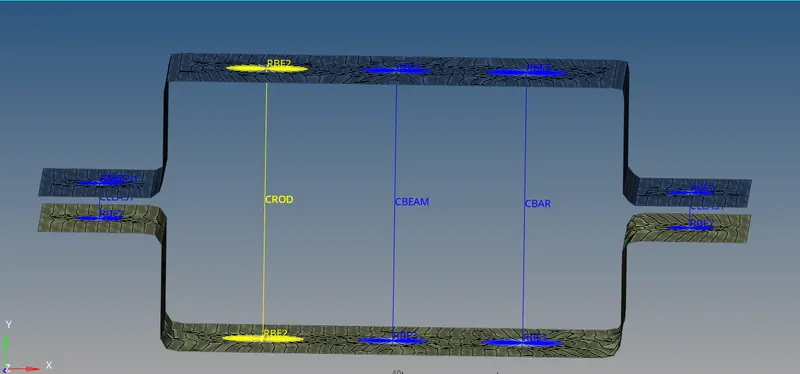
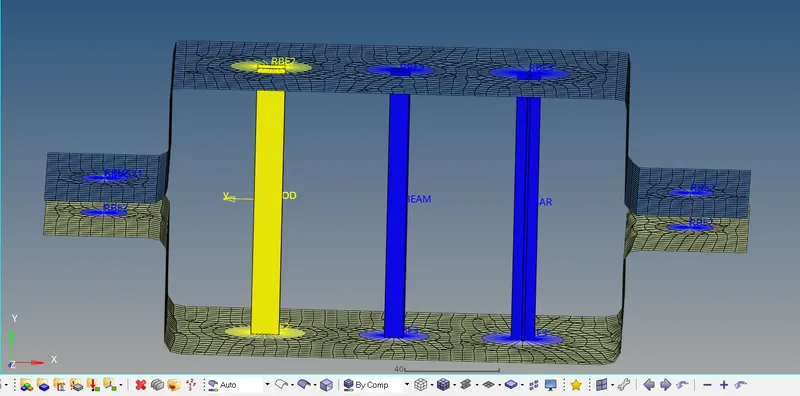
a. Rod element:- Translational DOF should be Constrained with RBE2 link
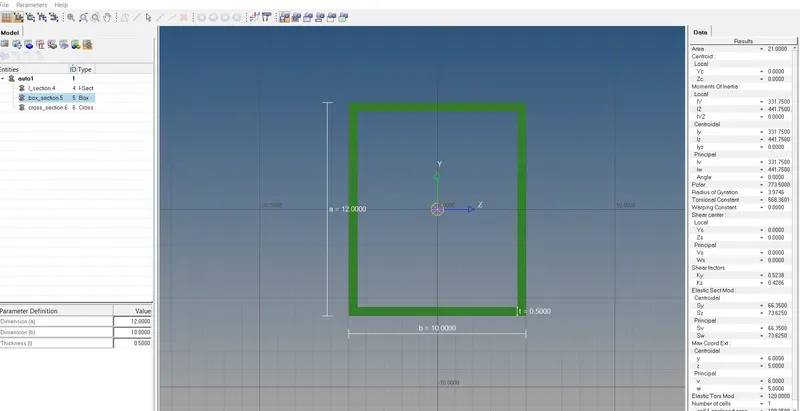
Cross-Section: BOX- Dimension a= 12 mm
dimension b=10 mm
Thickness t= 0.75 mm
b. Beam element:- All DOF should be constrained with RBE3 link
Cross-Section: I Section- Dimension a= 8 mm
Dimension b= 10 mm
Dimension c= 8.5 mm
Thickness t1= 0.75 mm
Thickness t2= .6 mm
Thickness t3= .6 mm
c. Bar element:- Constrain only x and y DOFs With RBE3 link
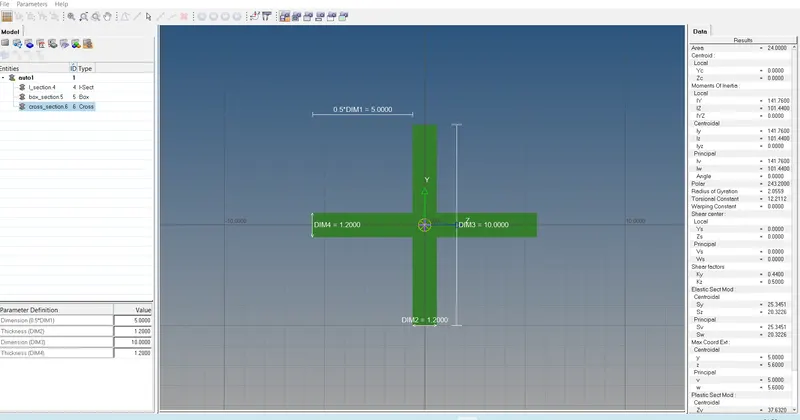
Cross-section: X section- Dimension DIM1= 5 mm
Thickness DIM2= 1.2 mm
Dimension DIM3= 10 mm
Thickness DIM4= 1.2mm
d. & e. Apply the mass of magnitude 10 with the RBE2 link
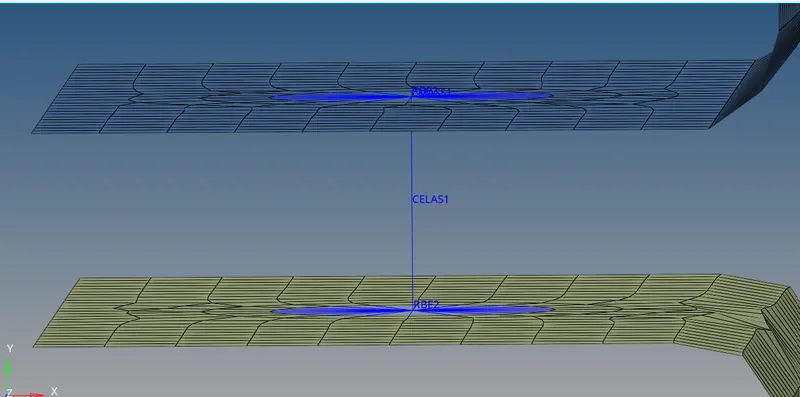
f. Join the two components with Spring elements
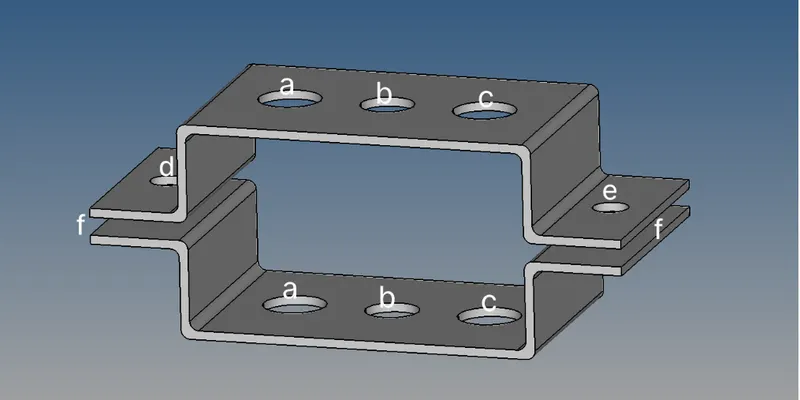
PROCEDURE:-
1. Import the Geometry:- Import geometry in optistruct & delete the wireform.
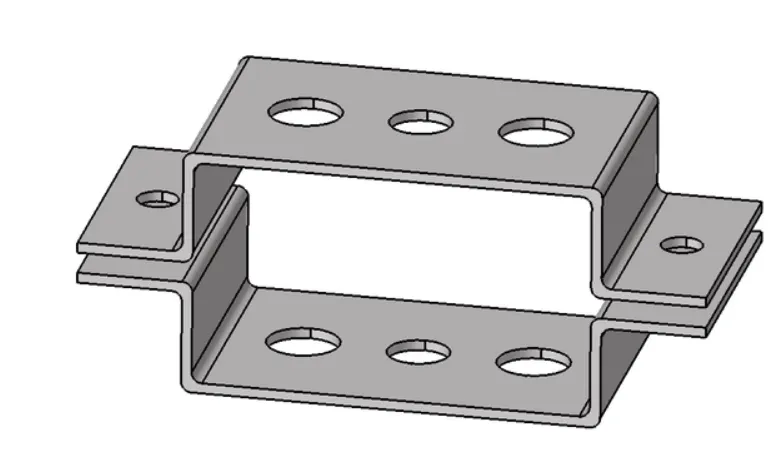
2. Midsurface Generation:-Select the component & generate the midsurface for top & bottom bracket.
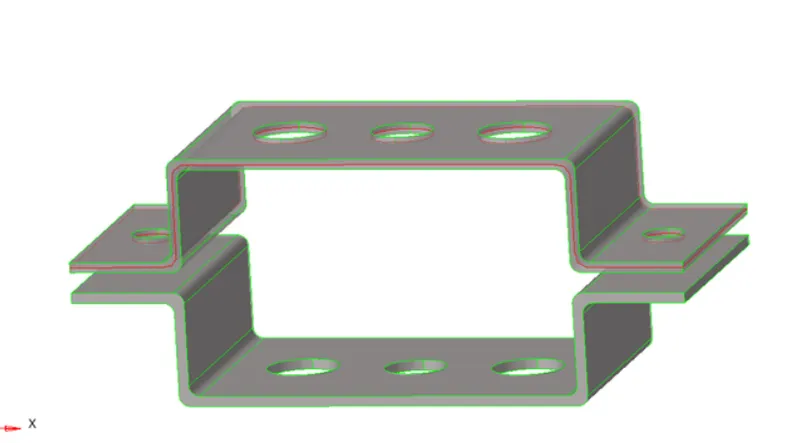
3. Create washer split:- Generate the washer split near the hole for better mesh flow.
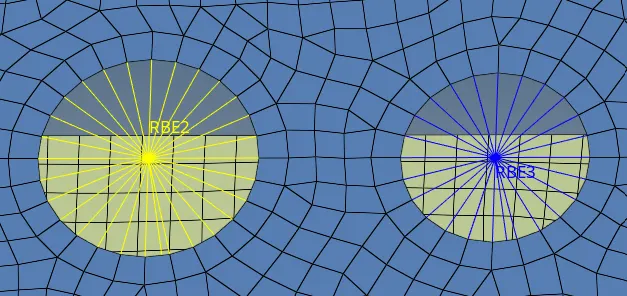
4. Mesh Generation:- Mesh the component by element size 5 mm.
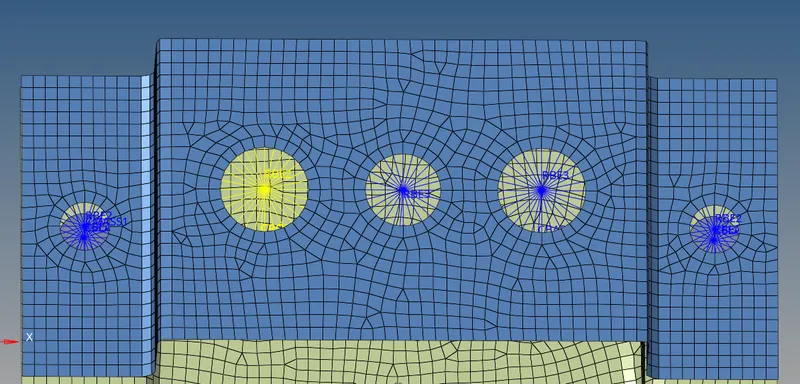
5. Create properties & assign material:-
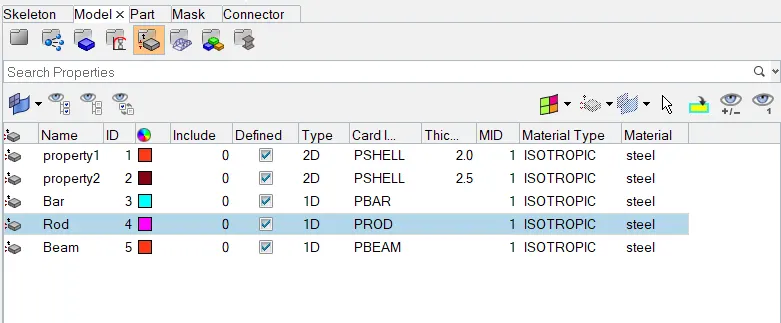
6. Create 1D element- We have to create 1D element for rod, bar & beam by using RBE2 & RBE3.
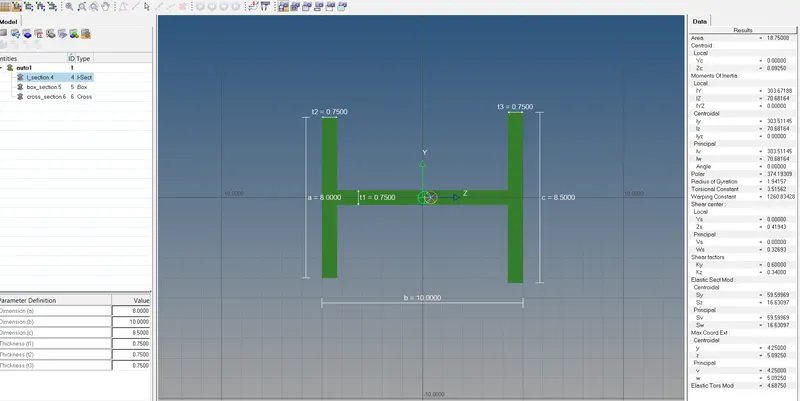
7. Create the Rigid & 1D element at point a,b,c & d.
8. Update the 1D element with their property.
9. Apply the mass of magnitude 10.
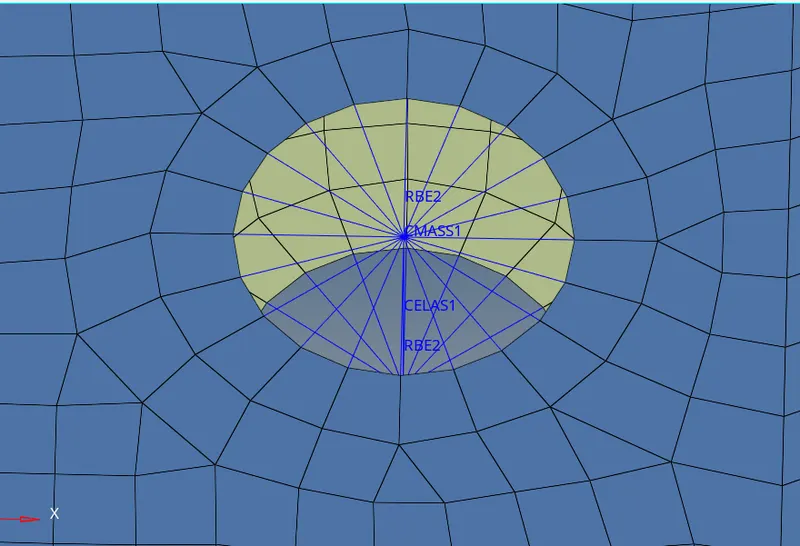
10. Join the bracket with spring element.
CONCLUSION:-
1. Learned to deploy the 1d element .
2. Created solid representation of 1D element.
3. Work to apply different xsection & assign its property.
4. Applied mass & spring element.