Week 4.1 - Solving second order ODEs
Answer:
Aim: To write MATLAB script to solve second-order ODE equation of simple pendulum motion with damping. To create the animation of the motion of the pendulum.
Theory:
The motion of a simple pendulum is a basic classical example of simple harmonic motion, consisting of a small bob and a massless string. Movement of the pendulum depends on Newton's second law. When this law is written down, a second-order Ordinary Differential Equation is formed that describes the position of the end of the pendulum w.r.t time.
MATLAB Code:
% Pendulum Parameters
L = 1;     % Length of the pendulum (m)
m = 1;     % Mass of the ball (kg)
b = 0.05;  % Damping coefficient
g = 9.81;  % Gravity (m/s^2)

% Initial Conditions
theta0 = 0;     % Initial angular displacement (radians)
omega0 = 3;     % Initial angular velocity (radians/second)

% Time span for simulation (0 to 20 seconds)
tspan = [0 20];

% ODE function for the pendulum motion
ode_func = @(t, y) [y(2); -(b/m)*y(2) - (g/L)*sin(y(1))];

% Initial conditions for ODE solver
initial_conditions = [theta0; omega0];

% Solve the ODE using ode45
[t, sol] = ode45(ode_func, tspan, initial_conditions);

% Extract theta and omega from the solution
theta = sol(:, 1);
omega = sol(:, 2);

% Animation Setup
figure;
title('Simple Pendulum Motion with Damping');
xlabel('X (m)');
ylabel('Y (m)');
axis([-1.2*L 1.2*L -1.2*L 1.2*L]);
grid on;
hold on;
string_line = line([0, 0], [0, 0], 'LineWidth', 2, 'Color', 'blue');
ball_marker = plot(0, 0, 'ro', 'MarkerSize', 10, 'MarkerFaceColor', 'r');

% Create an empty array to store the animation frames
frames(length(t)) = struct('cdata',[], 'colormap',[]);

% Animation Loop
for i = 1:length(t)
    x = L * sin(theta(i));   % X-coordinate of the ball
    y = -L * cos(theta(i));  % Y-coordinate of the ball

    % Update the pendulum position in the plot
    set(string_line, 'XData', [0, x], 'YData', [0, y]);
    set(ball_marker, 'XData', x, 'YData', y);

    % Store the current frame for the animation
    frames(i) = getframe(gcf);
end

% Create the animation using the movie command
movie(frames, 10);  % 10 frames per second

% To save the animation as a video file, you can use the following code:
% v = VideoWriter('pendulum_animation.mp4', 'MPEG-4');
% open(v);
% writeVideo(v, frames);
% close(v);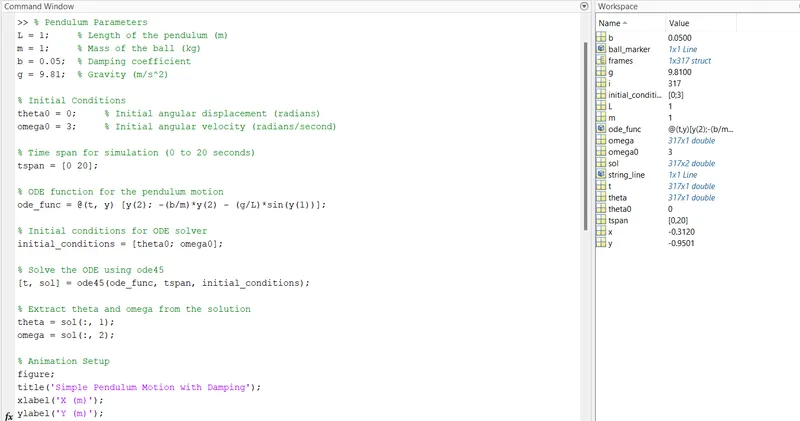
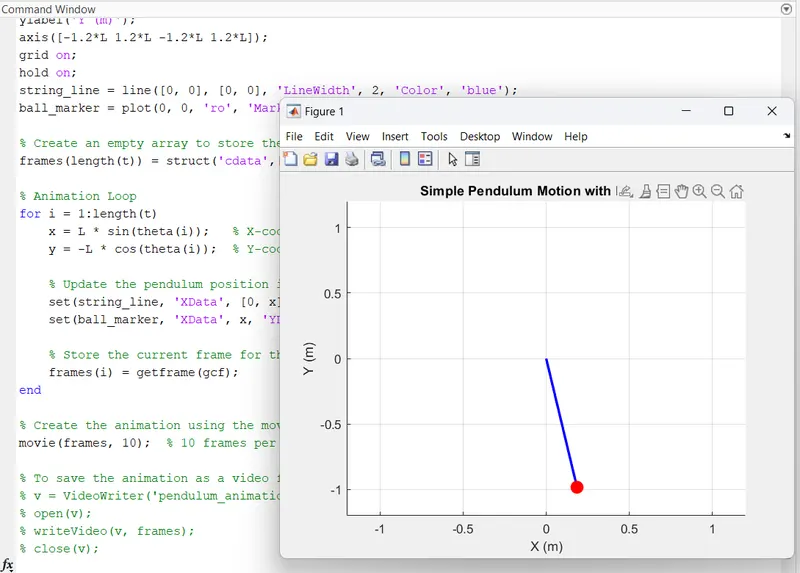
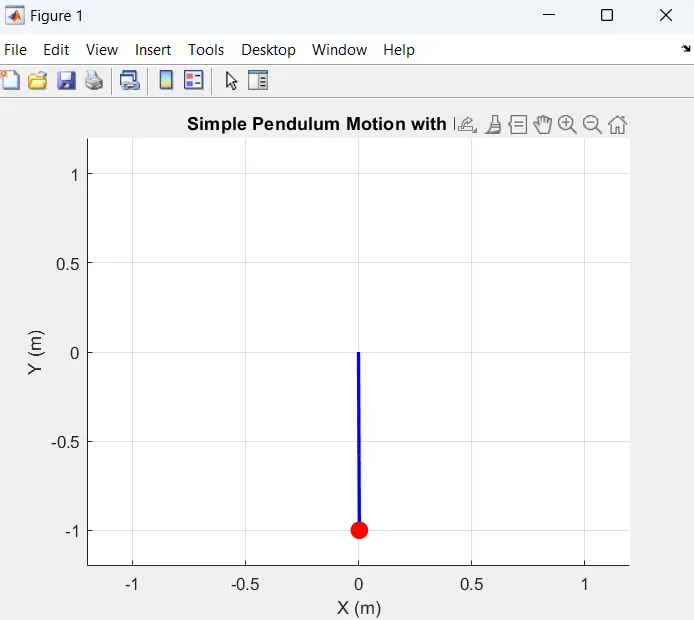
Output of Simple Pendulum Motion Damping:
Conclusion:
- We have animated the simple pendulum using the ode45 solver where the second order is reduced to a simple differential equation where it is easy to solve the given equation.
- The animation is made using the different points of the bob and the motion of the simple pendulum is created.