Week 3-Meshing of Hood Challenge
Meshing of hood challenge
Objective
· The objective of hood challenge gives the idea and techniques know about meshing of sheet metal.
· And familiar with all the necessary meshing comments.
Procedure
· Import the cad model and create the mid surface using auto mid surface option.
· And start doing auto mesh from though area to easy one.
· Before start meshing to set up the element quality criteria.
· The target element has 5mm.
· Need to perform the meshing without failing the quality criteria.
· Using toggle line to remove the unnecessary lines in flat and feature areas.
· Using split point option to create the line on surface or split the surface.
· After auto mesh, rebuild the mesh for good mesh flow.
· And using smooth option to adjust the size and shape of the element.
· Quality index option has used for to drag the tria from move one place to another place.
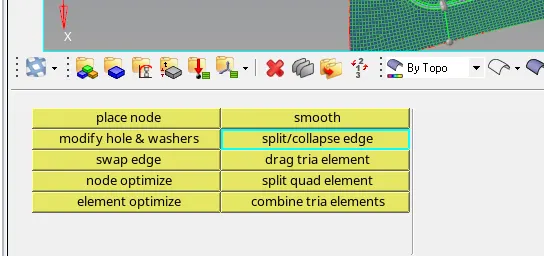
· Split the tria and quad element, always use mixed elements for meshing.
· And using element and node optimization option to solve the failed element.
· No tria on feature areas, opposite tria nearby, facing tria toward feature areas.
· Capture the feature areas properly while meshing.
· If the component is symmetry, then mesh in one side and using reflect option duplicate the elements and reflect to other symmetry side.
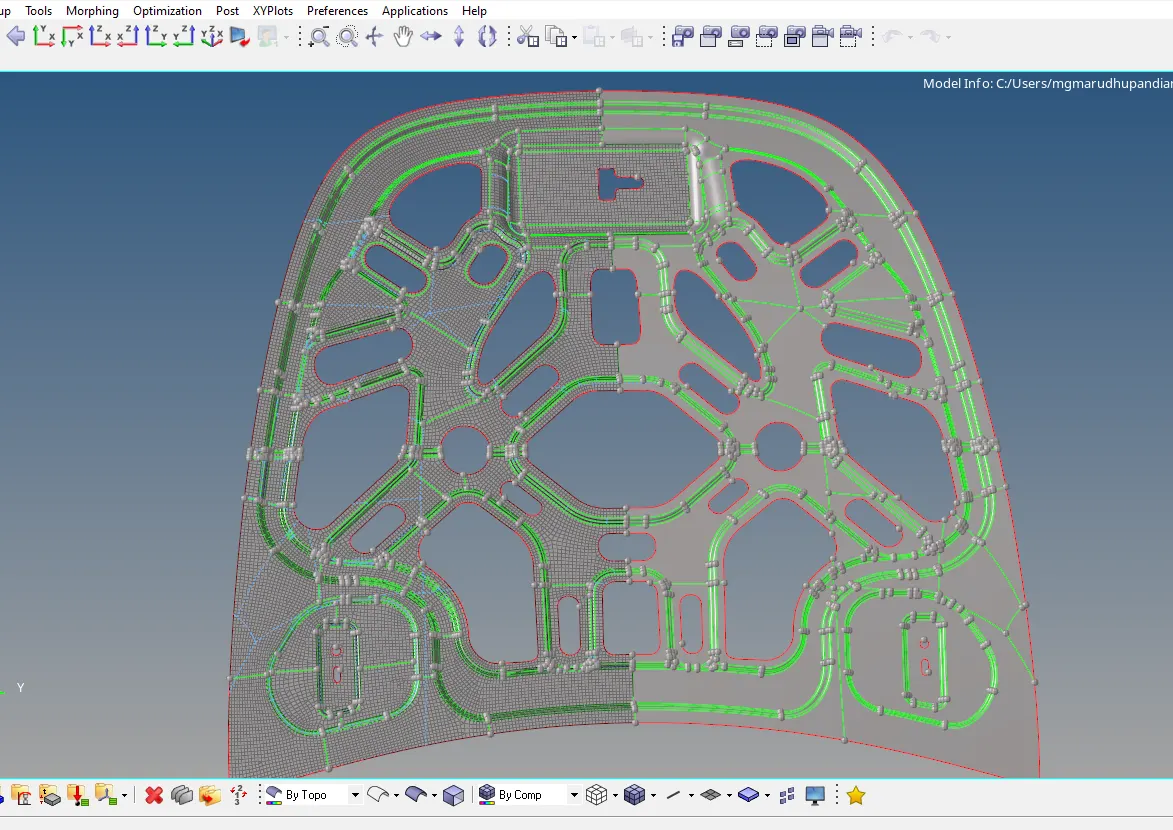
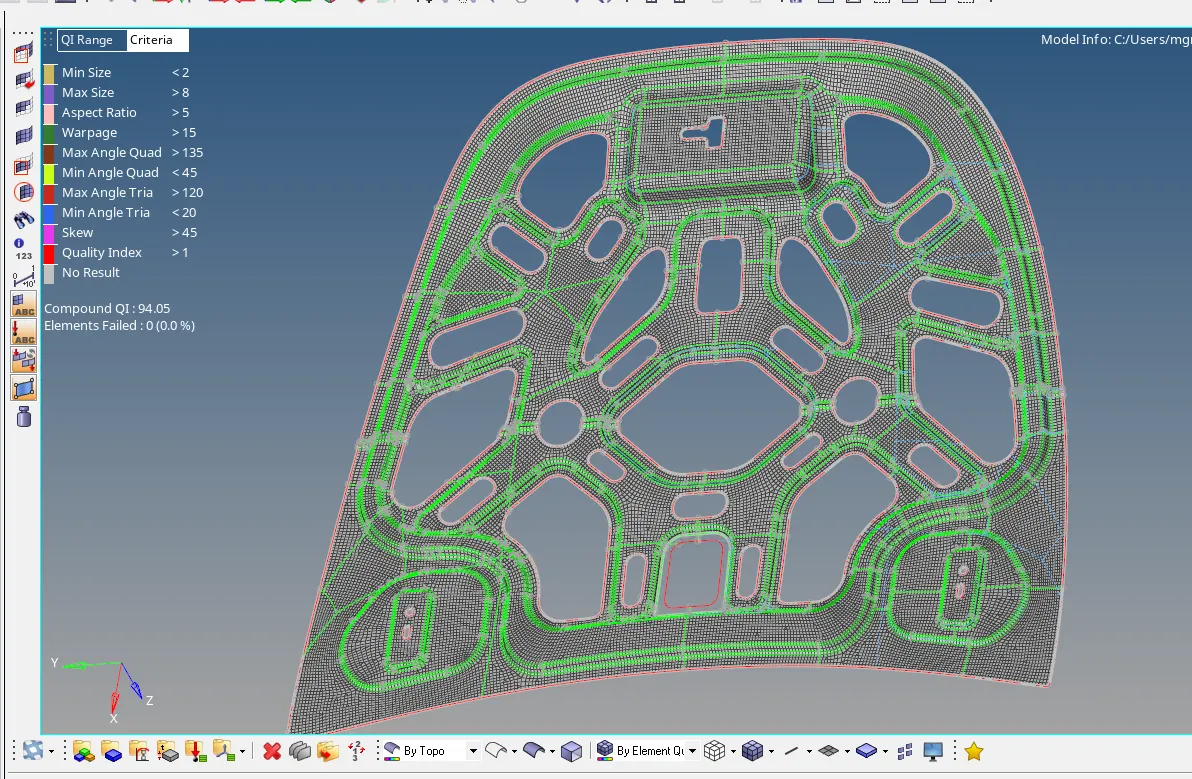
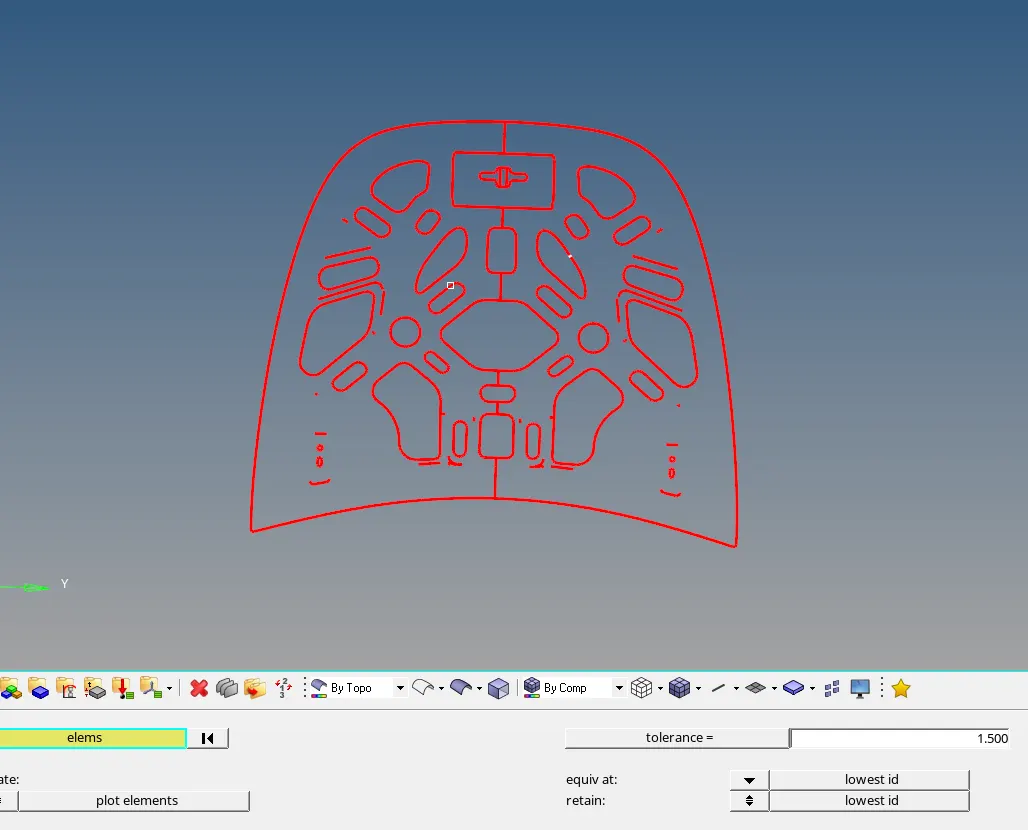
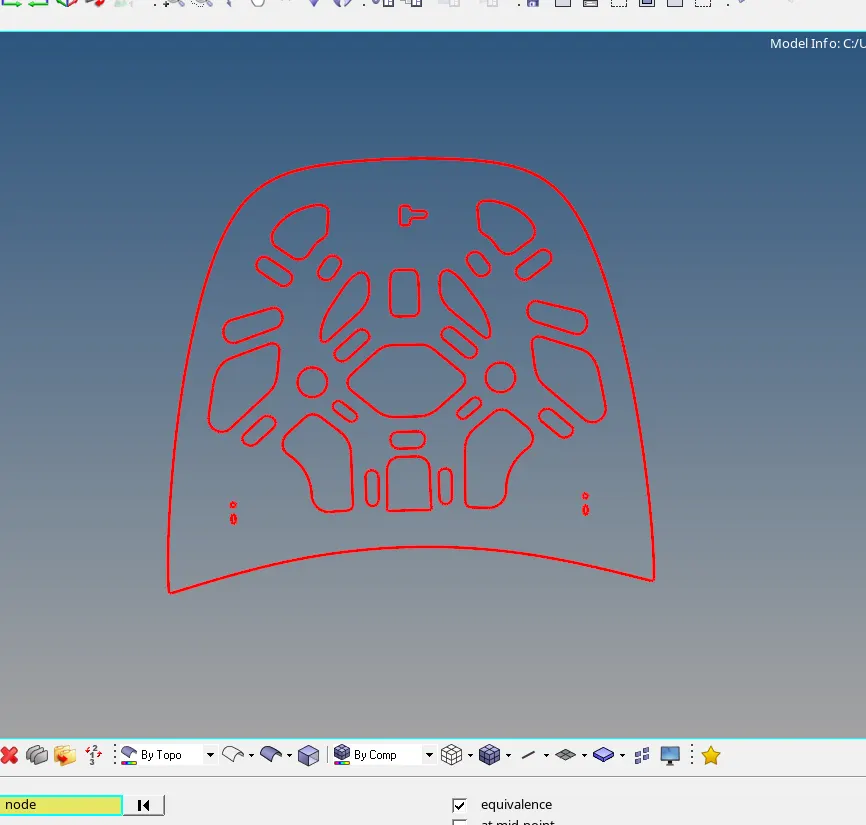
· And to find free edges shift+f3 select elements displayed and find edges if any edges set tolerance preview eqivalence hyper mesh preview the mis match elements area and give 70% of min length value for tolerance and give equivalence to sort out the maximum mis match elements.

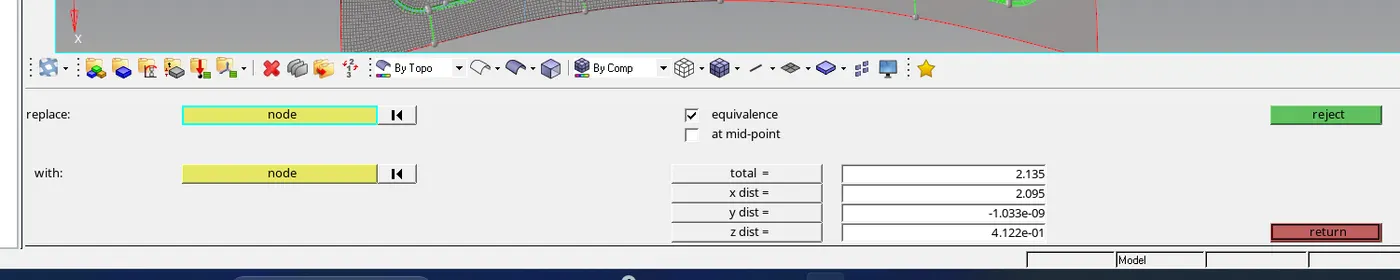
· Balance mismatch elements has set up manually by replace node option.
· And finally assign material and property.
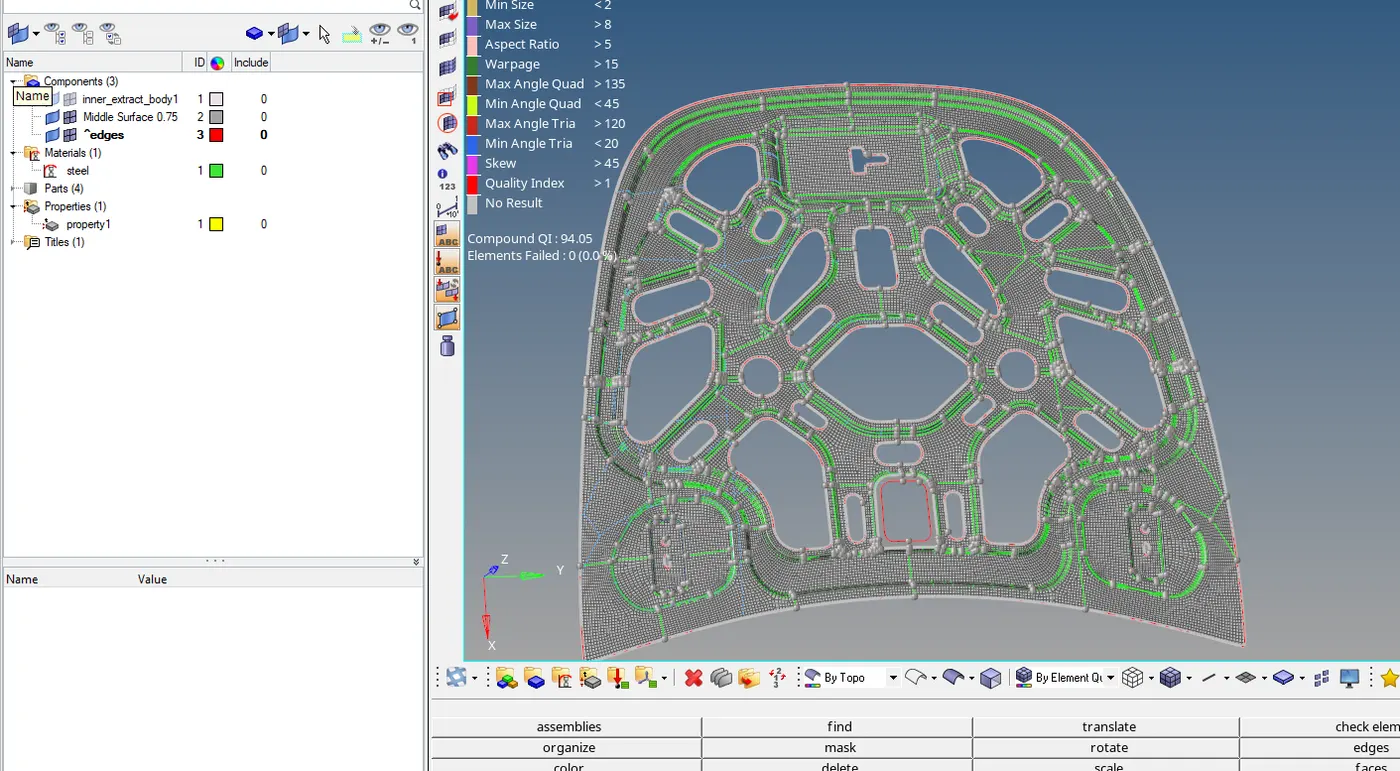
Result
· The hood component was successfully meshed and completed.