Week 3: Flow over a backward facing step
Aim of Project:
1) Simulating airflow over a backward-facing step using CONVERGE and postprocessing it using PARAVIEW.
2) Analyzing the results for pressure and velocity contour for different mesh sizes of 2mm, 1.5mm and 1.2 mm.
Mesh sizes:
various mesh sizes are:
1) case 1: dx=2e-3 mm; dy=2e-3 mm; dz=2e-3
2) case 2: dx=1.5e-3 mm; dy=1.5e-3 mm; dz=1.5e-3 mm
3) case 3: dx=1.2e-m mm; dy=1.2e-3 mm; dz=1.2e-3 mm
Details:
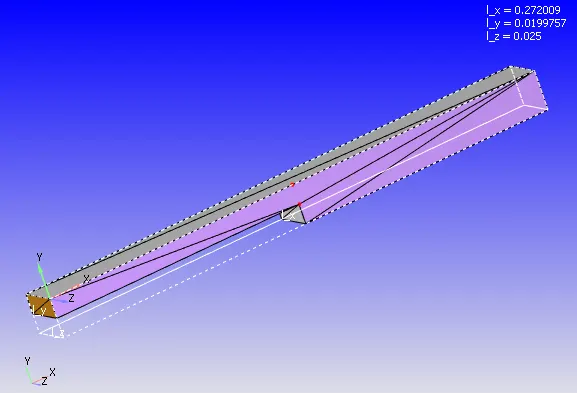
The backward facing step is a representative model used for analyzing various turbulence models, it is used widely for analysis due to large experimental data available related to the backward facing step.
Geometry:
Methodology of CONVERGE simulation :
The methodology adopted consists of three steps:
1) Preprocessing: The geometry dock gives us the ability to design the geometry we want. It's backward facing step in this scenario. Although CONVERGE studio allows us to build the geometry, it allows us to import the geometry from a CAD application.
2) Case Setup: Later on the case is set up using the input parameters required for the simulation.
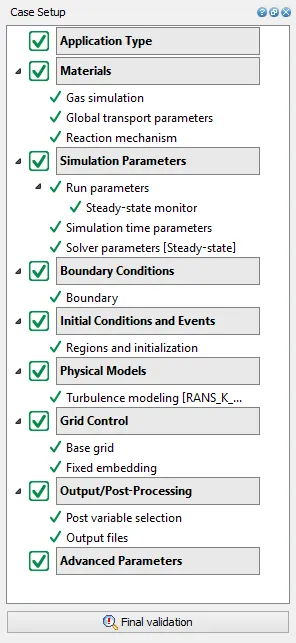
1. The application type is chosen as time-based.
2. under materials we have chosen a predefined mixture as air. Also in other inputs, gas simulation and reaction mechanisms options have been checked.
3. Simulation Parameters
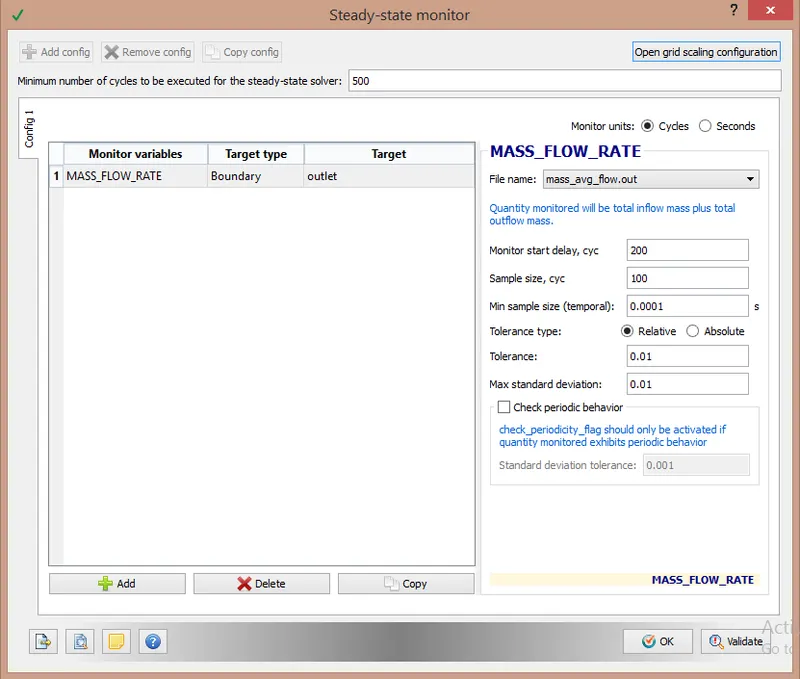
A] Under run parameters steady-state solver is chosen with fully hydrodynamic as the simulation mode. In fully hydrodynamic mode all the computational fluid dynamics equations are solved while running the simulation. In the other option of no hydrodynamic simulation, simulation is run without solving any equations just to check the mesh formation.
a) Steady-state monitor:
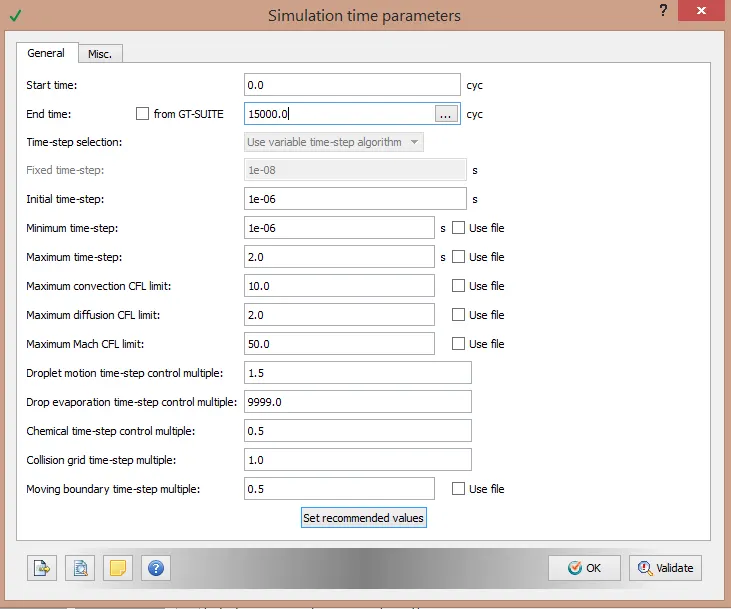
B] Under simulation time parameters simulation start time and end time is chosen as 0 cycle and 15000 cycles respectively. Other parameters are kept as default.
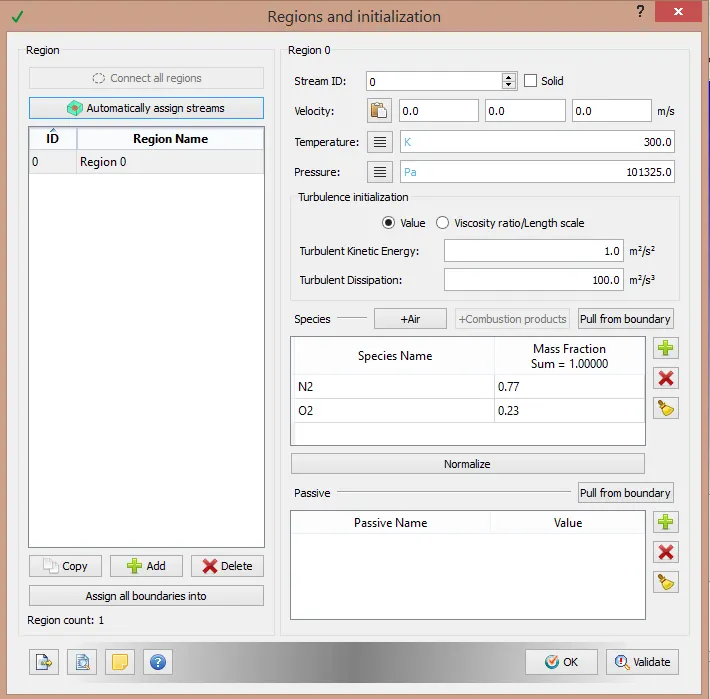
4. Under regions and initialization a region named region 0 is created. A region is a volumetric region that encompasses all the boundaries.
5. Boundaries:
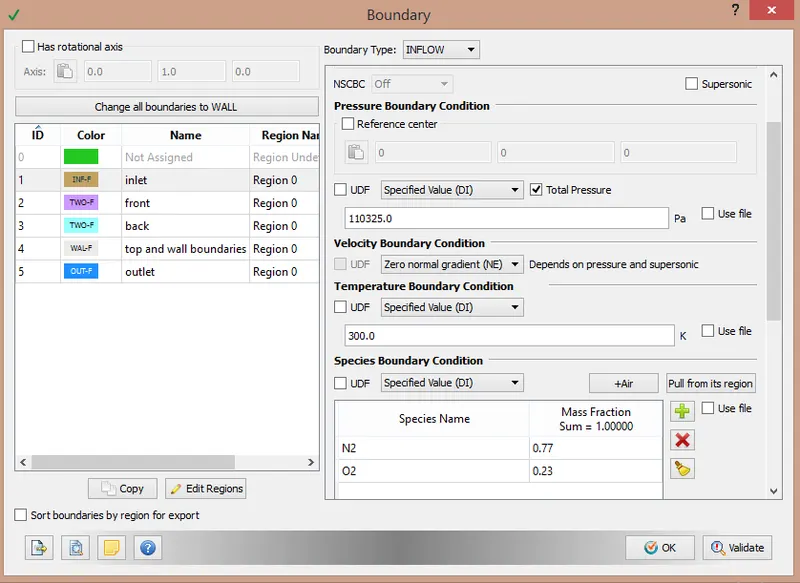
Under the boundaries section in case setup five boundaries are created named:
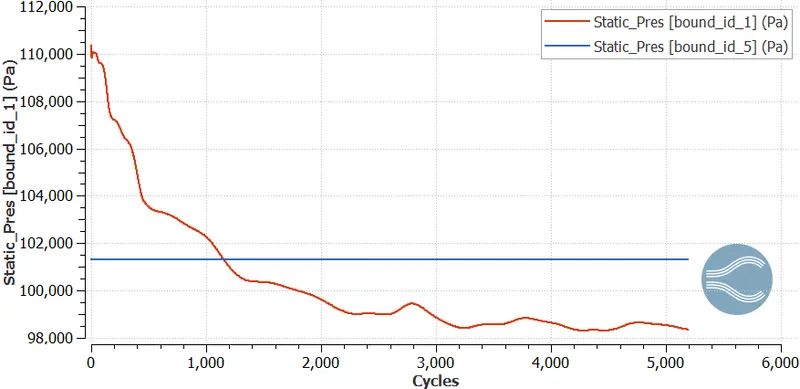
a. inlet- inflow BC at 300 k temperature and 110325 pascals pressure
b. front- Two D boundary condition
c. back- Two D boundary condition
d. top and bottom- Wall boundary condition
e. outlet- Outflow boundary condition with 300 k temperature and 101325 pascals pressure.
All these boundaries are assigned under the region 0 volumetric region created in the earlier step.
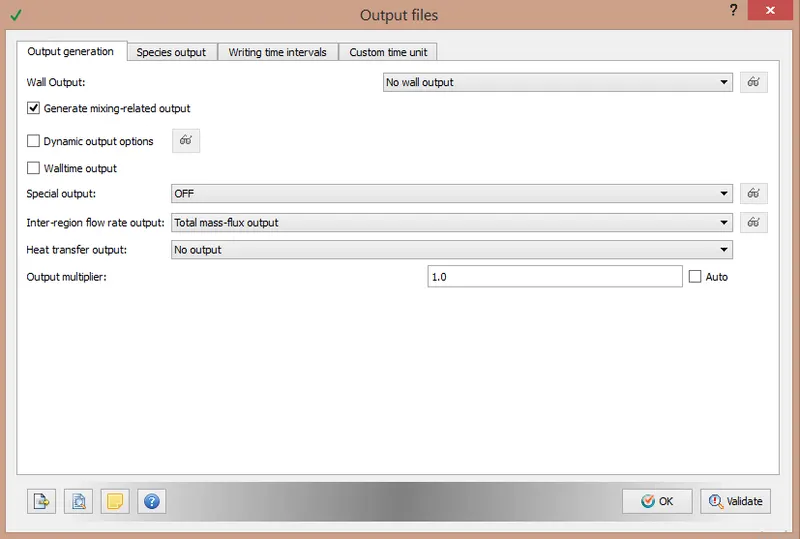
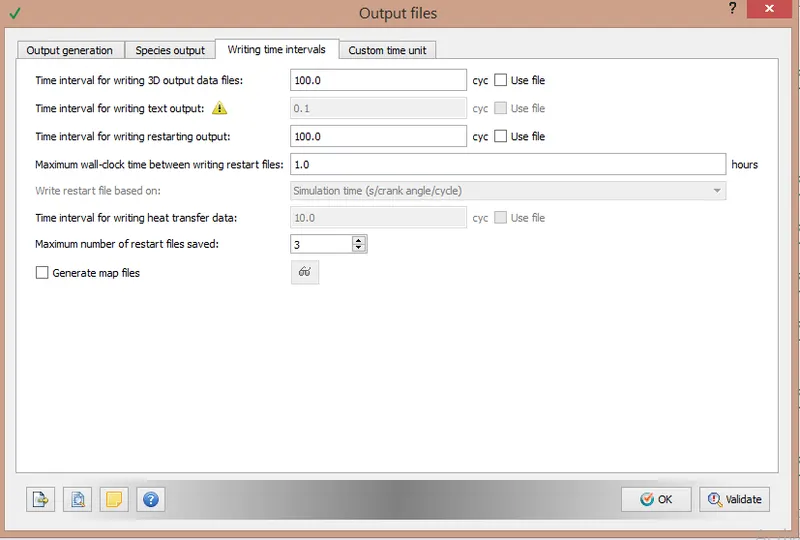
3) Postprocessing: output files
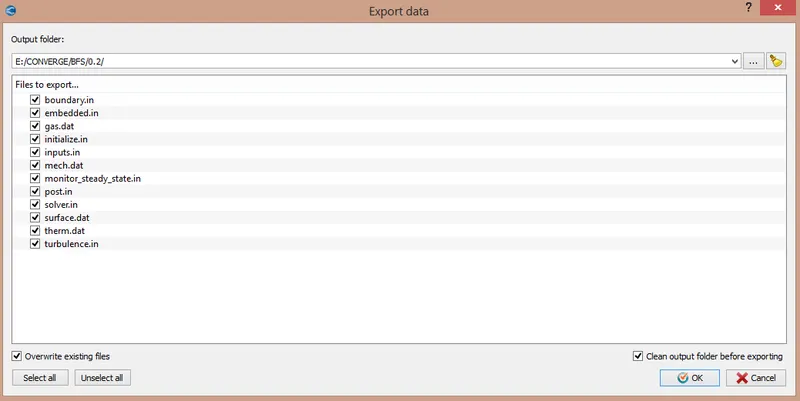
Exporting input files:
Once the setup is done in converge studio, all the input files are exported to the required folder already created. One executable file has to be copy-pasted into the project folder.
Simulation Run:
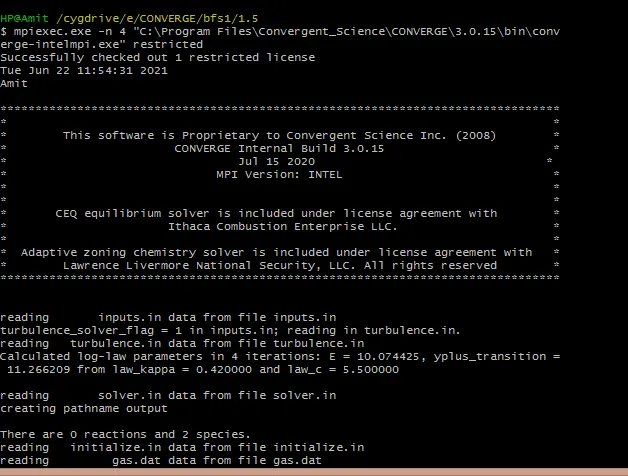
After exporting the input files, we ran the simulation using Cygwin. The commands used for running the simulation are shown in the snap below, for the faster simulation speeds, the simulation was run on 4 cores parallelly using mpiexec.exe.
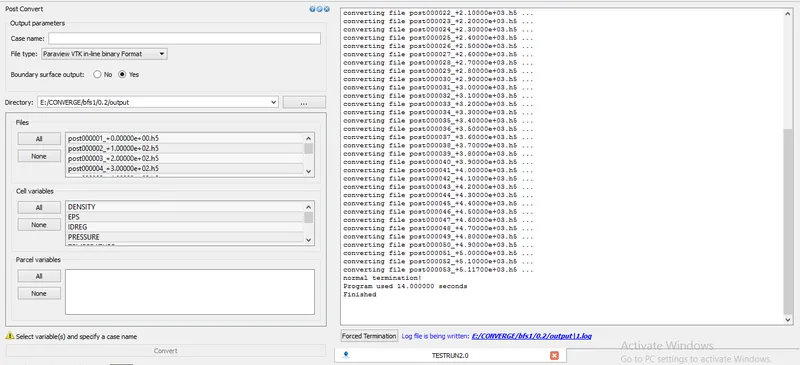
after the simulation run is completed, the output files are to be post-processed using converge 3D tool 'Paraview VTK-inline binary format'.
RESULTS:
Case 1:
dx=2.0e-03 m ; dy=2.0e-03 m; dz= 2.0e-03 m
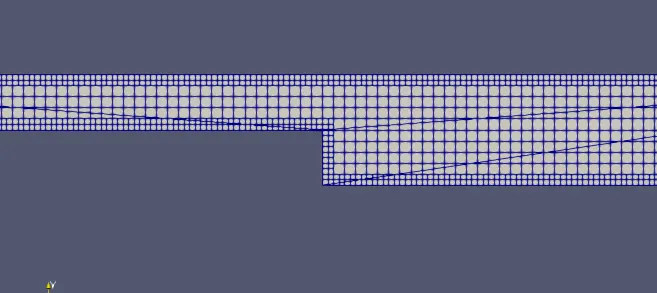
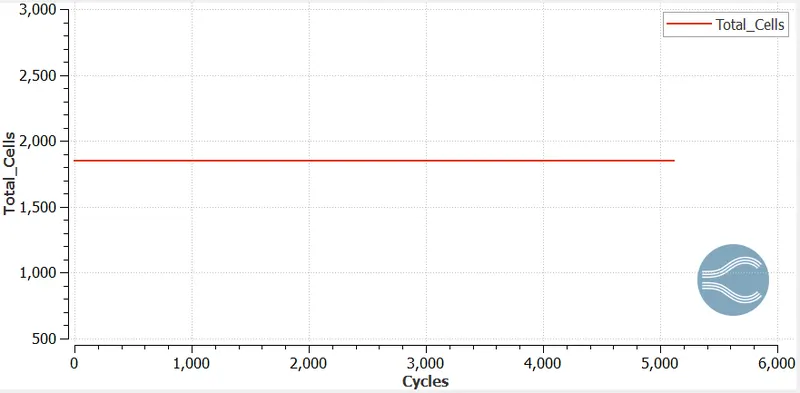
Total cell count :
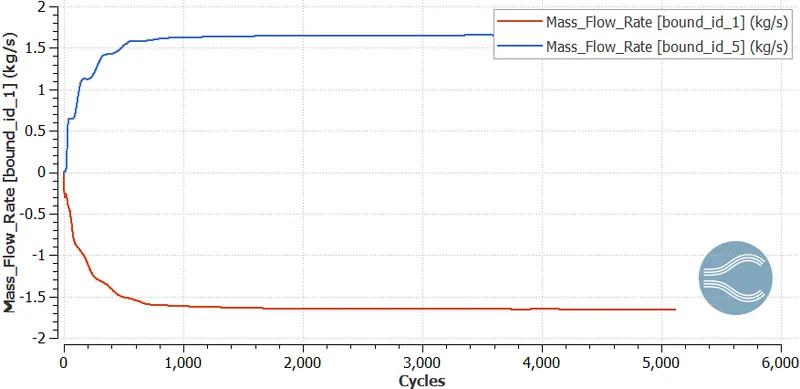
Mass Flow rate plot:
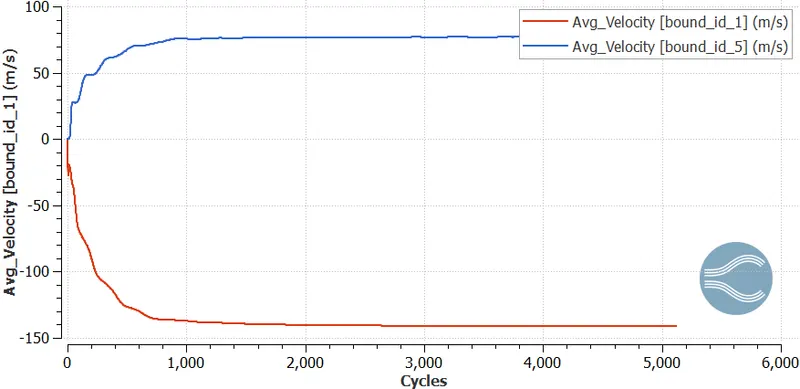
Velocity plot:
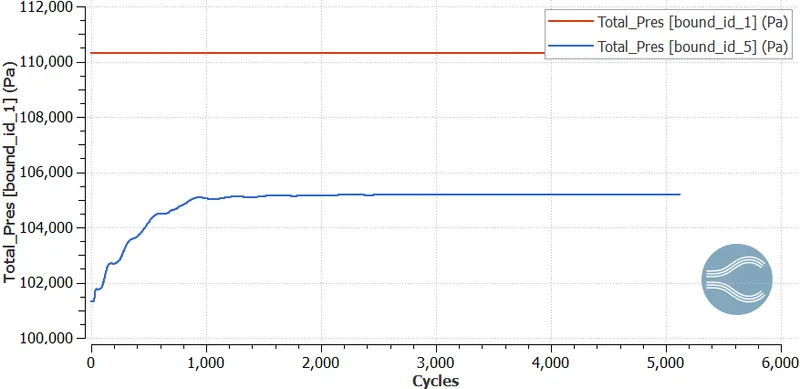
Total Pressure:
Static Pressure:
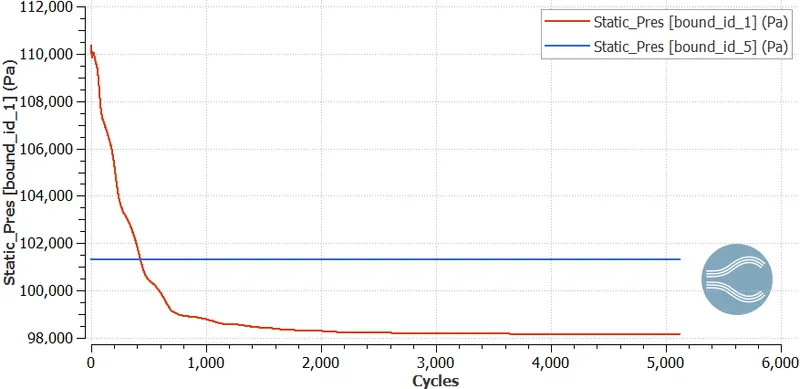
Contour Animations:
Case 2:
dx=1.5e-03 m; dy= 1.5e-03 m; dz=1.5e-03 m
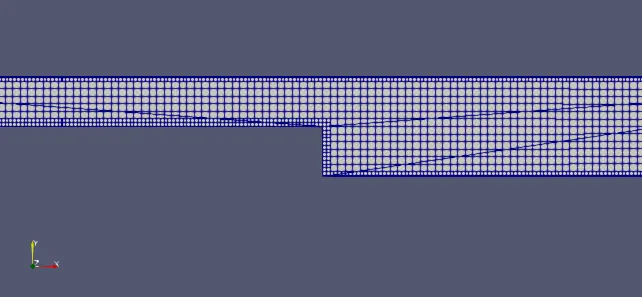
Total cell count:
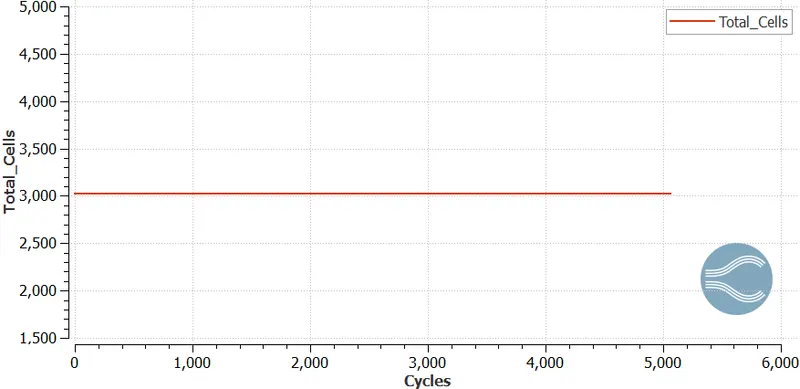
Mass flow rate plot:
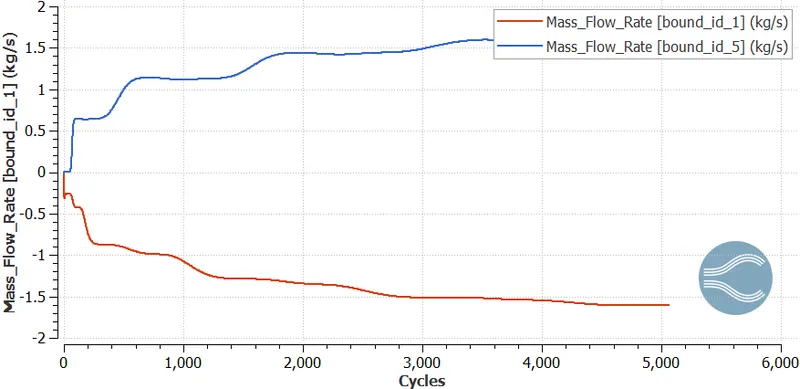
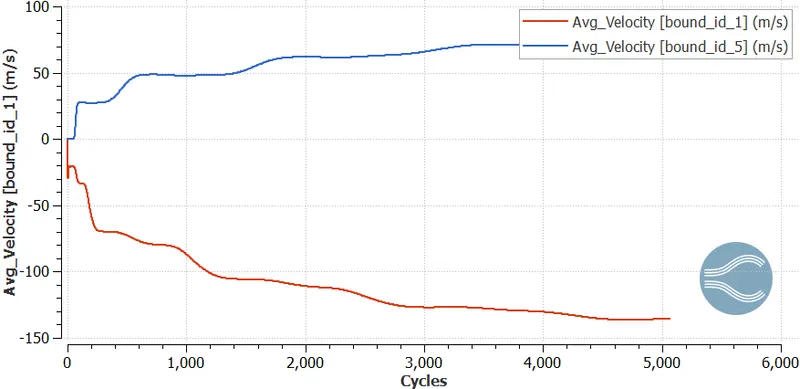
Velocity Plot:
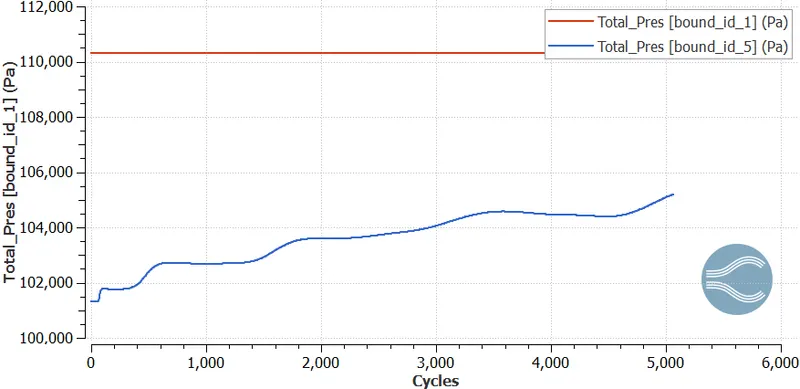
Total Pressure Plot:
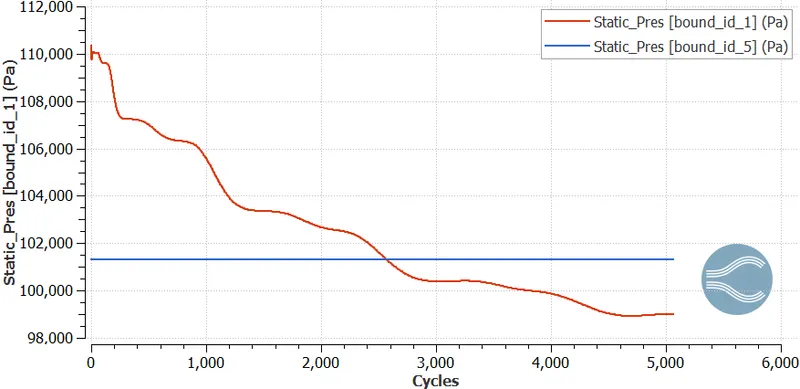
Static Pressure plot:
Case 3:
dx=1.0e-03 m ; dy=1.0e-03 m; dz= 1.0e-03 m
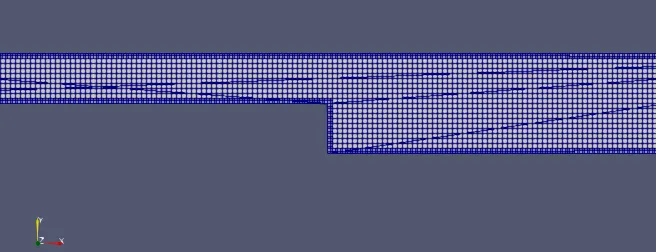
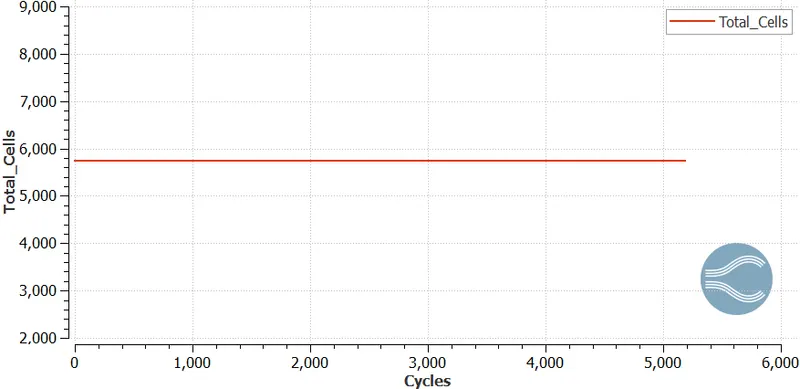
Total cell count:
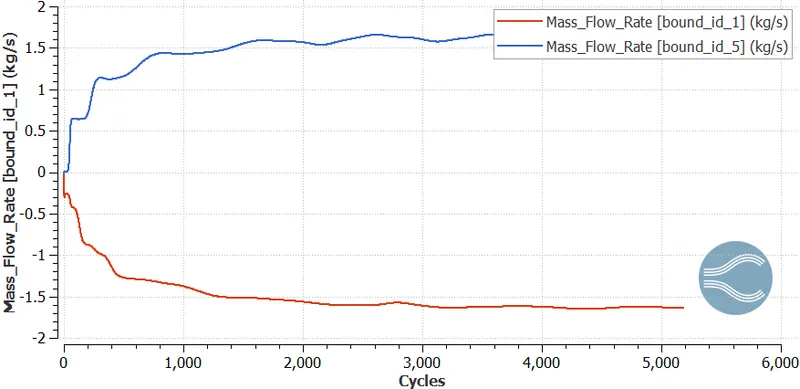
Mass Flow Rate:
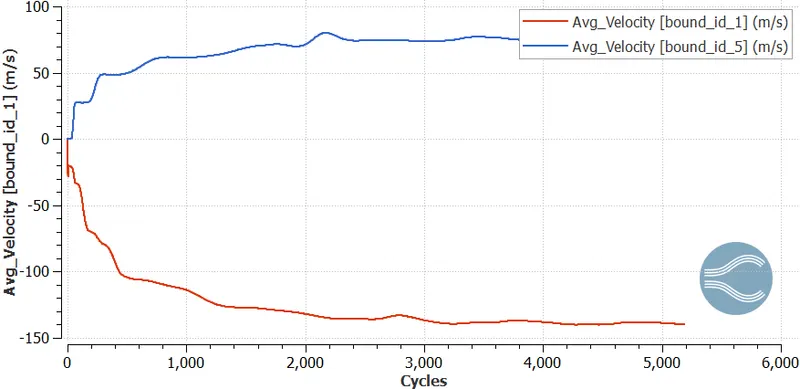
Average Velocity plot:
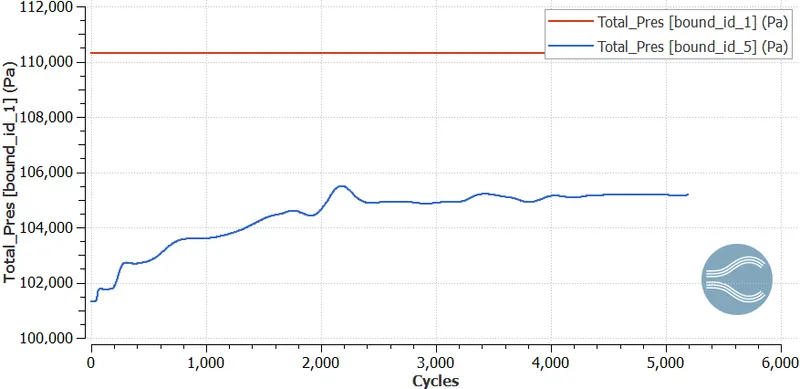
Total Pressure Plot:
 Static Pressure Plot:
Contour Animations:
Conclusions:
Simulations are run for the backward-facing step with varying grid sizes of 2 mm, 1.5 mm, and 1.0 mm.
Results of simulations are compared using 2D plots for mass flow rate, pressure, and velocity variations.
Various animation contours are studied.