Week - 3 Drop test Challenge
Aim: to simulate a drop test of the phone with an initial velocity
Procedure:
- Open LS- Prepost >> import the keyword file
- Delete the unwanted parts -----Part Data>>Select the unwanted part>> delete
- Assign Material to the parts----Keyword manager >> All>> MAT>> Assign materials to phone and concrete wall
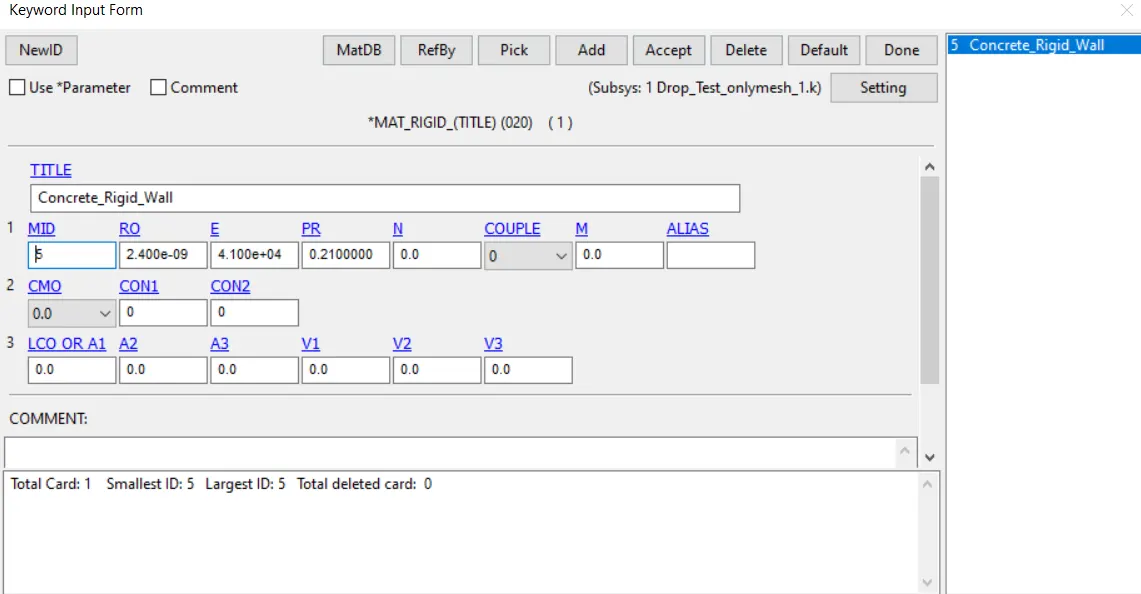
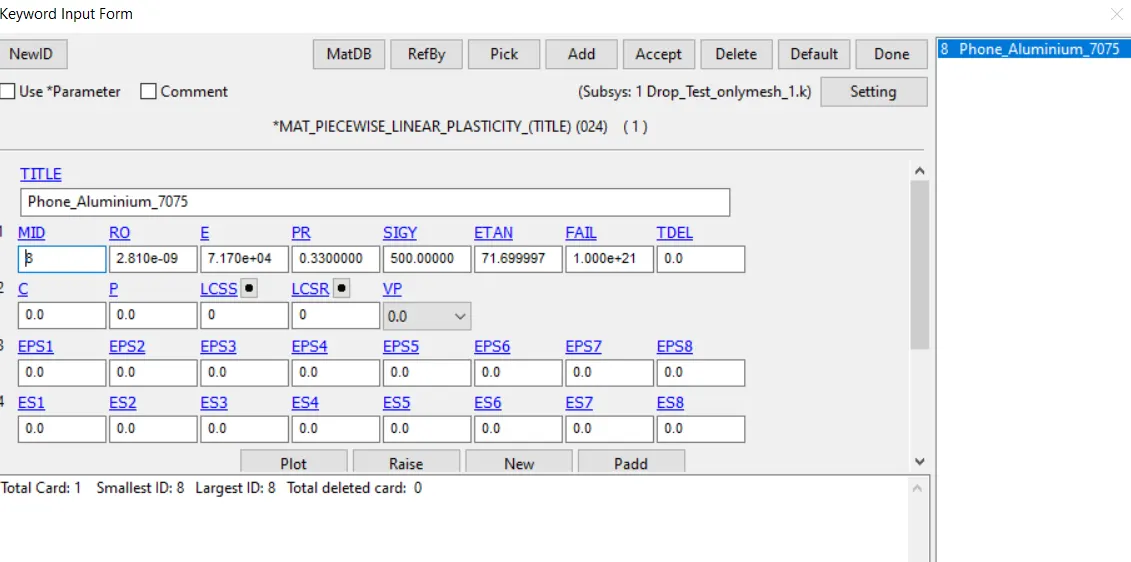
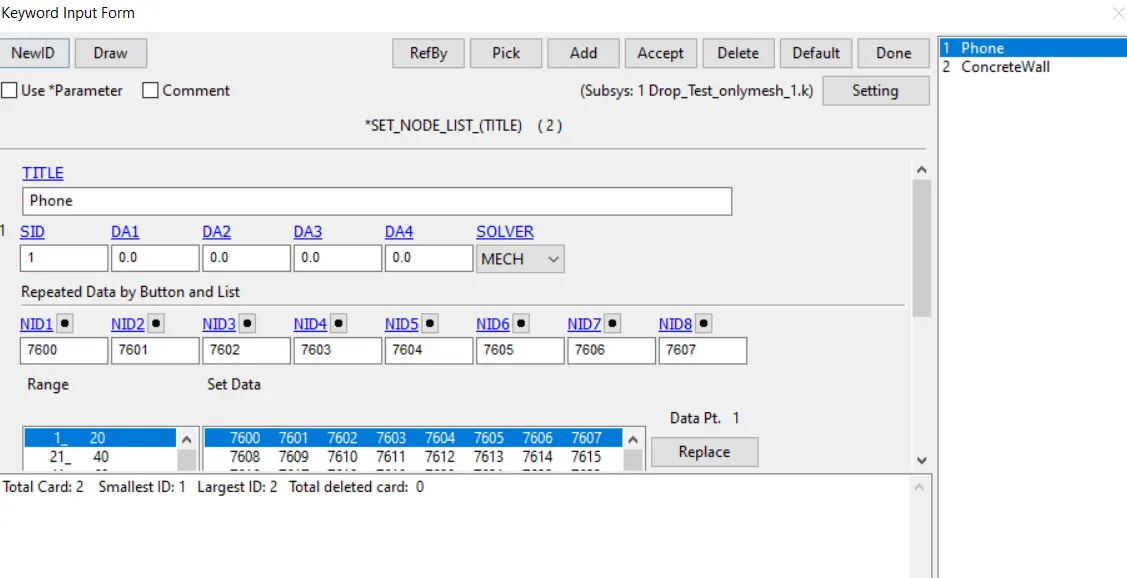
- Set node data to both phone and concrete wall-----Go to create entity >> set data >>SET_NODE>> Select pick by part >> assign set node to both phone and concrete wall
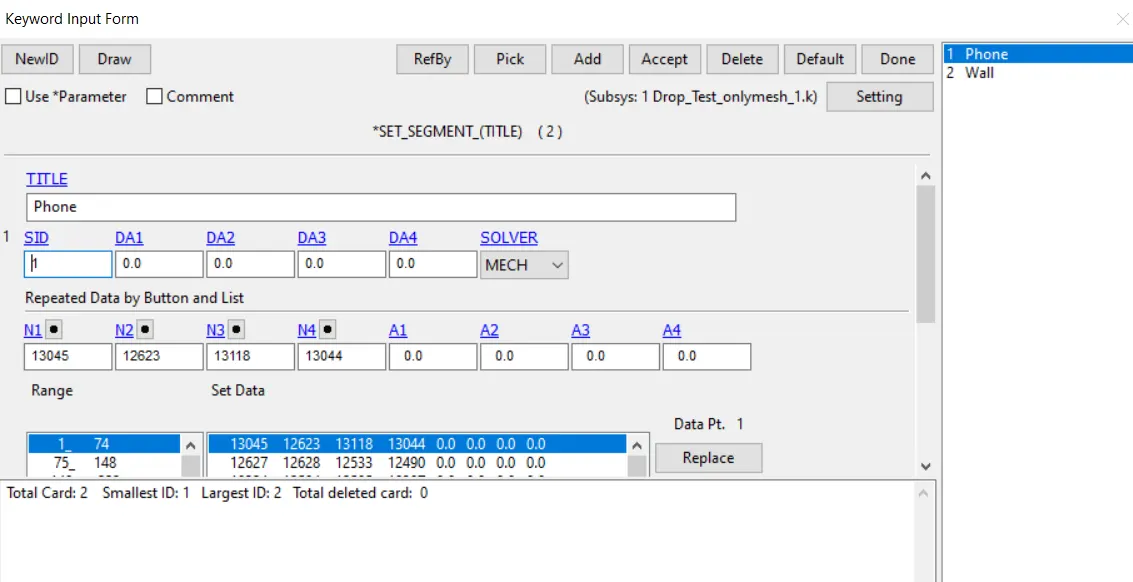
- Go to create entity >> set data >> SET_SEG>> Select pick by part>> assign SET_SEG to both phone and concrete wall
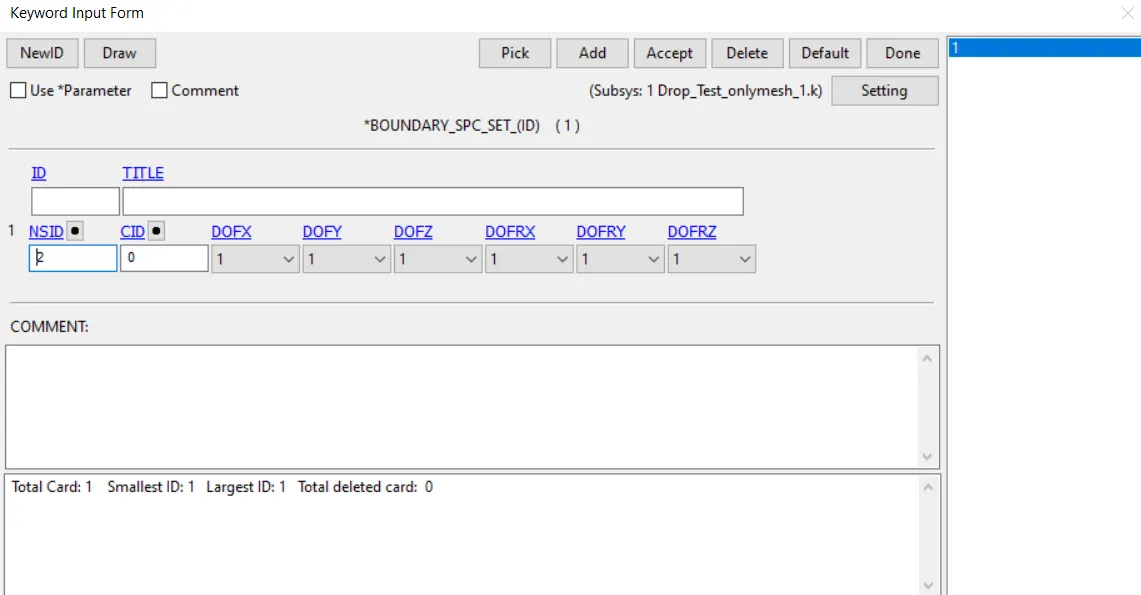
- Boundary conditions--Concrete wall Go to create entity >> Boundary >> spc >>Create>> Select pick by part>> select the rigid wall >>arrest all DOF >>Apply
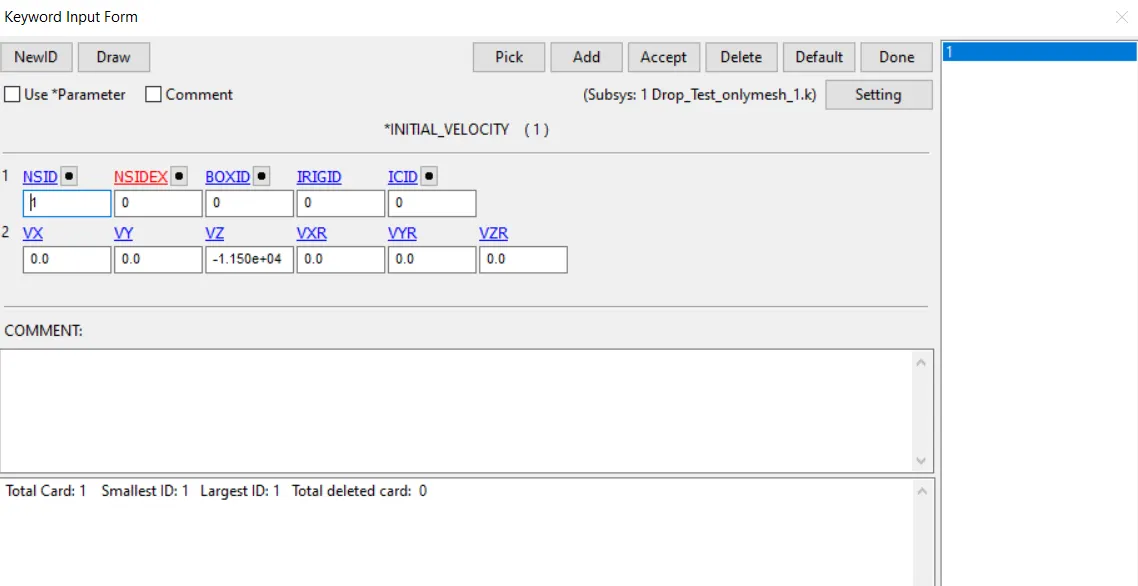
6. Phone -----Go to Keyword Manager>> Initial>> initial velocity>> Select phone >>Give velocity in z axis
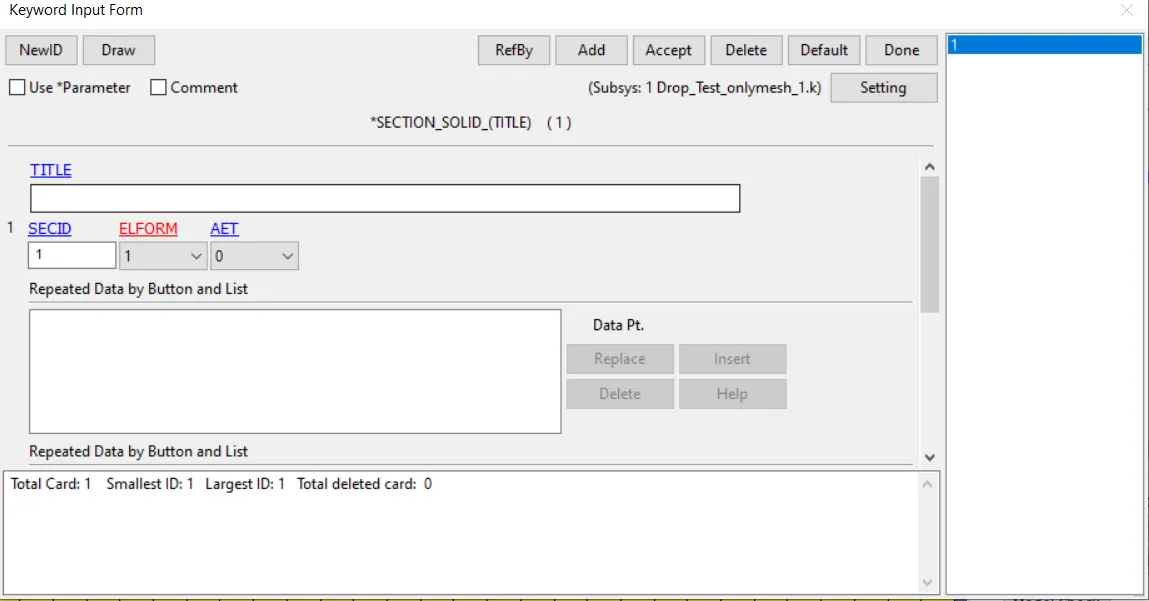
7. Go to keyword manager >> ALL>> Section >> Solid >> Define solid section
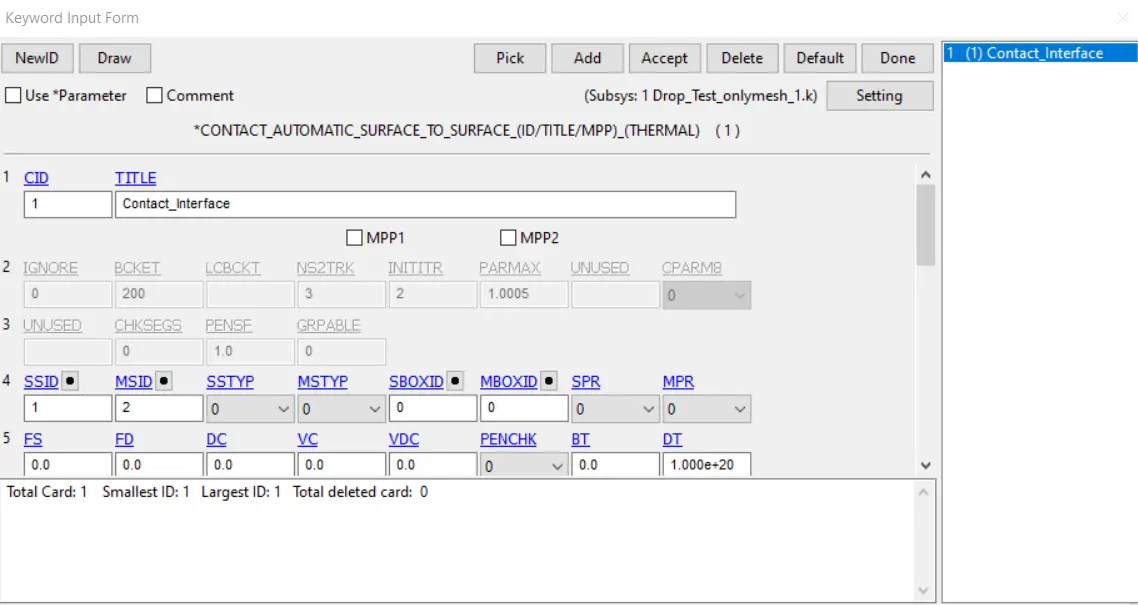
8.Go to keyword manager >> ALL >> Select phone as slave and concrete as master >> Accept
9. Go to keyword manager >> All >> Control>> termination. Give termination time of 0.01 sec
10.Go to keyword manager >> All>> database >> binary_D3 plot >> time step 0.05sec
11.Go to keyword manager >> model check >> keyword check
Results
the internal energy of the phone increases when the phone comes in to contact with the concrete wall.