Week - 3 Drop test Challenge
AIM: To create an impact on the mobile to hit on the Rigid walls with material properties assigned to it.
Objective:
- To import the model into LS-DYNA, check for the constraints in it.
- Check for the distance from the wall to the phone, element size
- Next is to assign the thickness for the both mobile and rigid walls
- Keywords such as Materials, Part ID, Properties, Section ID, Thickness, nodes assign, initial velocity, Termination, Hourglass, and mass.
- Once assign every required keyword to both phone and Rigid walls now we have to further proceed to run the model.
- Once the model is Run without any error, now we can furtherly proceed to Run LS-DYNA Pro-post.
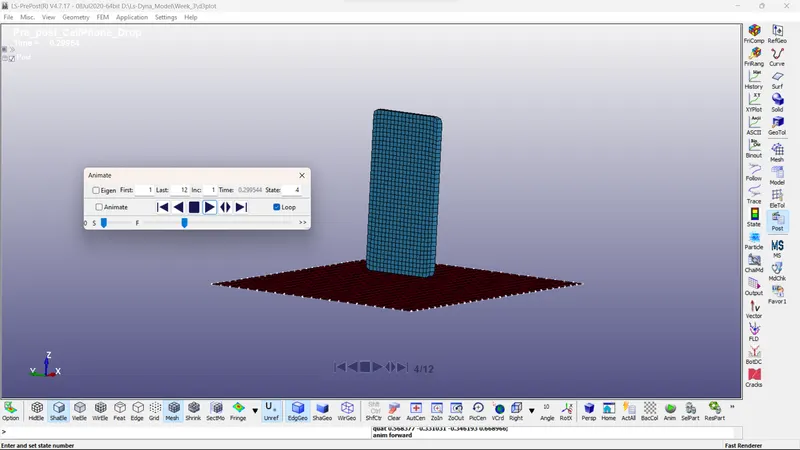
- As per the motion which we assign to the model, the motion will occur accordingly.
Procedure:
Step 1: Importing the model to LS-DYNA
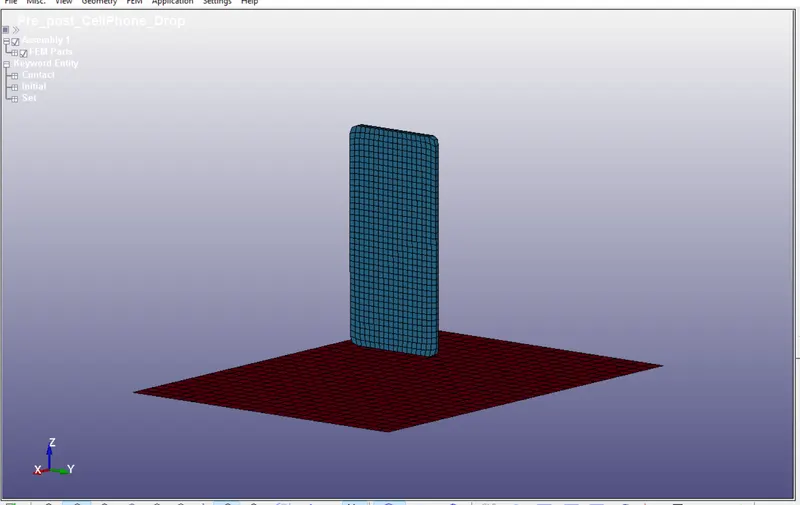
After importing the model into LS-DYNA, know we have to create a keyword for the phone and rigid walls
Keywords Such as:
Contact, Control Termination, Database, Element, Intial velocity, Material, Node, Part ID, Section ID.
Contact:
Automatic Surface to surface is used:
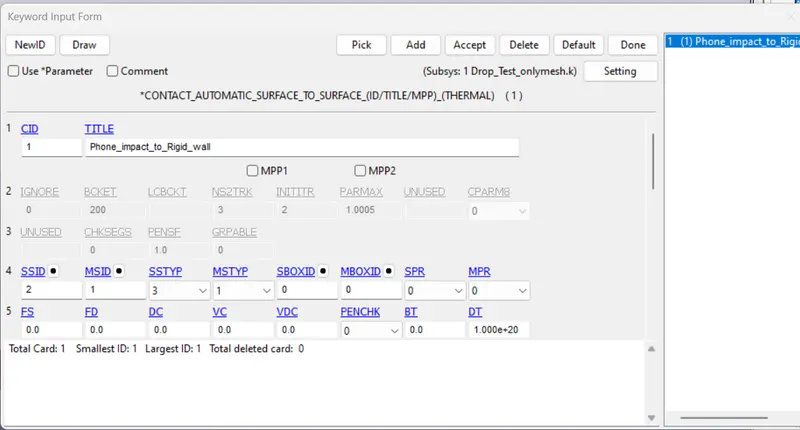
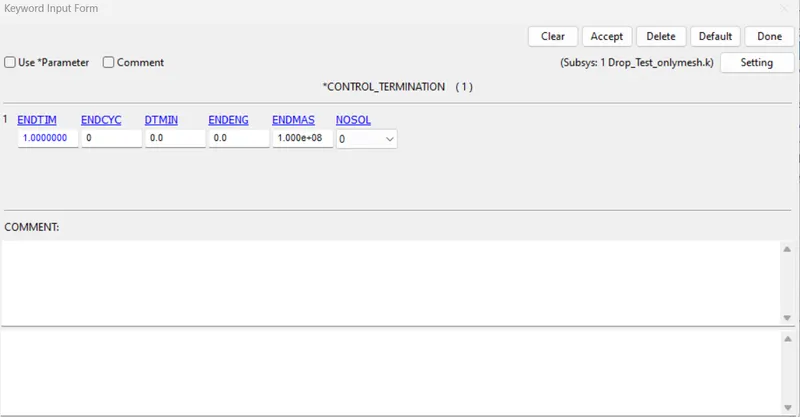
Control Termination:
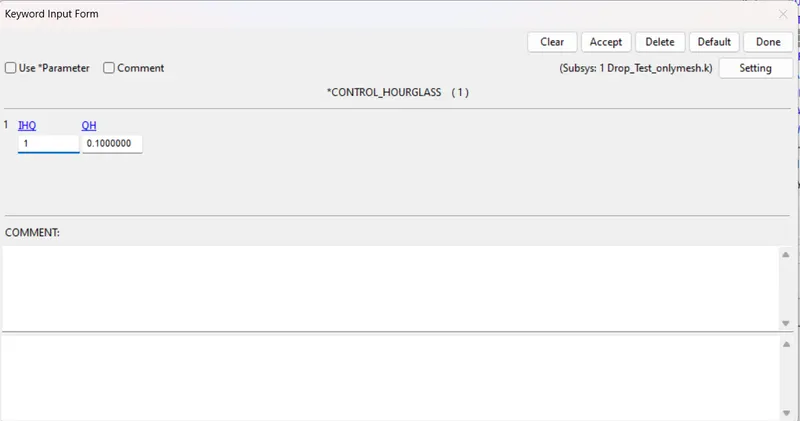
Control HourGlass:
Assign Binary Plot:
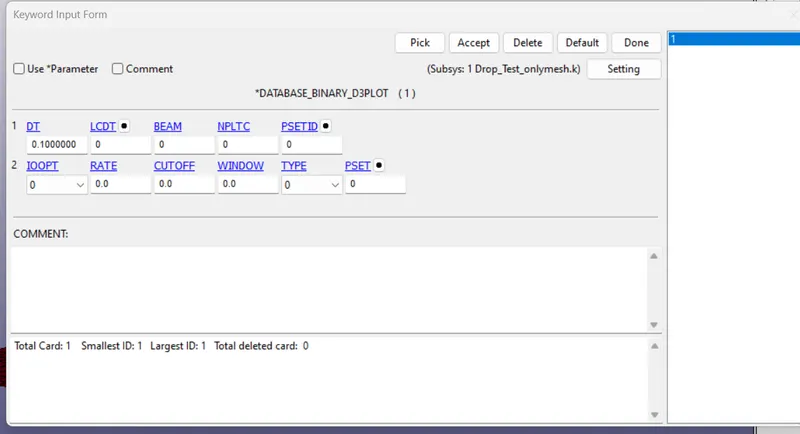
Element:
Shell:
By selecting all element of the shell element.
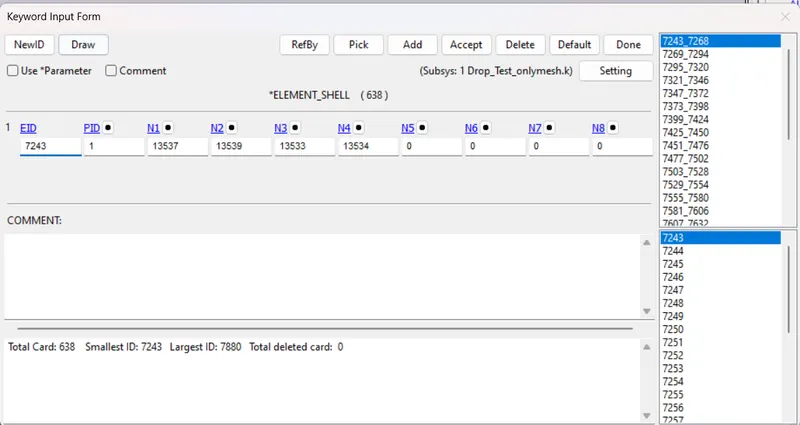
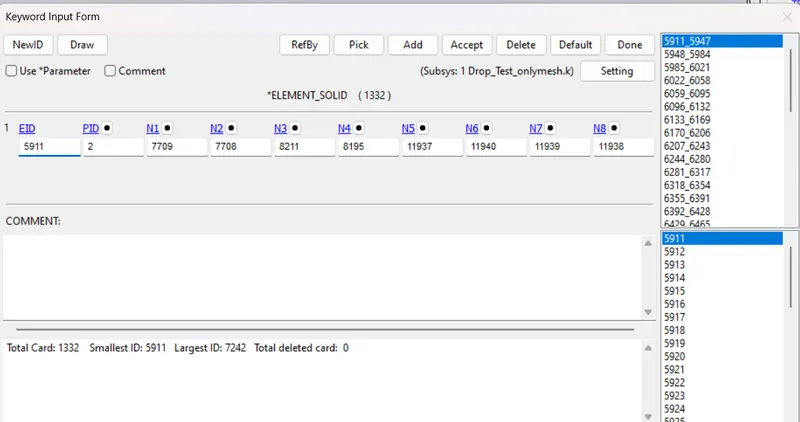
Solid:
Select all element of the solid element for assign for the particular plate.
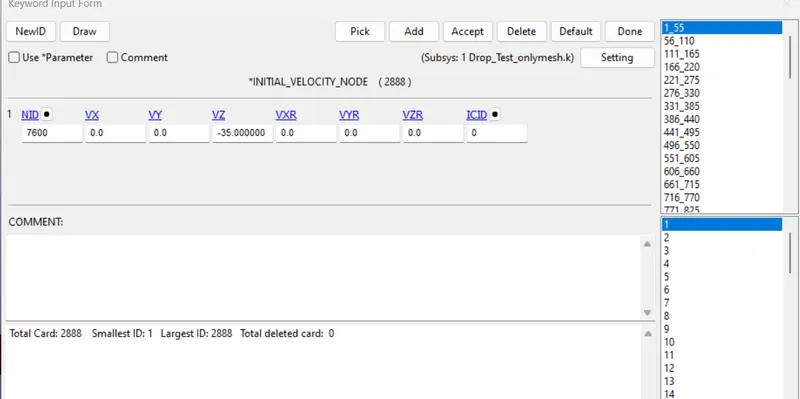
Initial Velocity:
Initial velocity is assign to phone by calculating the distance between the phone and rigid walls, whereas is 20mm so that 20/35 is assign as the termination time for the control for each timestep.
Material:
For Phone:
Here i have used Steel property to both phone and solid part.
For phone, the young's modulus is taken as default value as 2.07 * 10^11 but here we are using gm, mm, ms so that E is 2.07 * 10^5 is assigned.
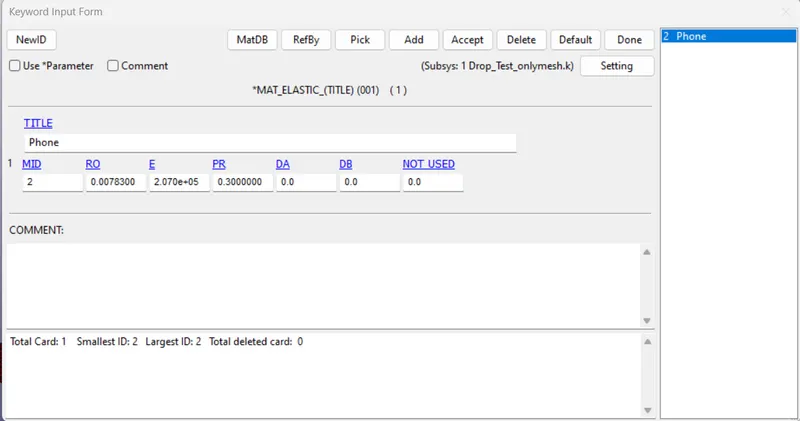
For Solid part:
For Solid part, the young's modulus is taken as default value as 5 *10^11 but here we are using gm, mm, ms so that E is 5*10^5 is assigned.
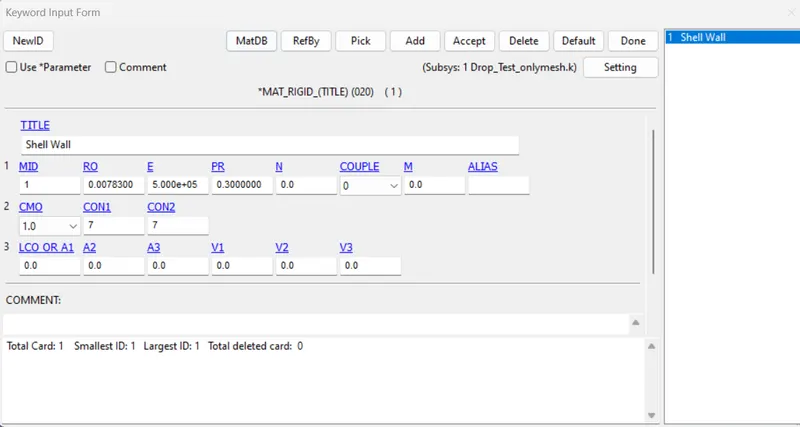
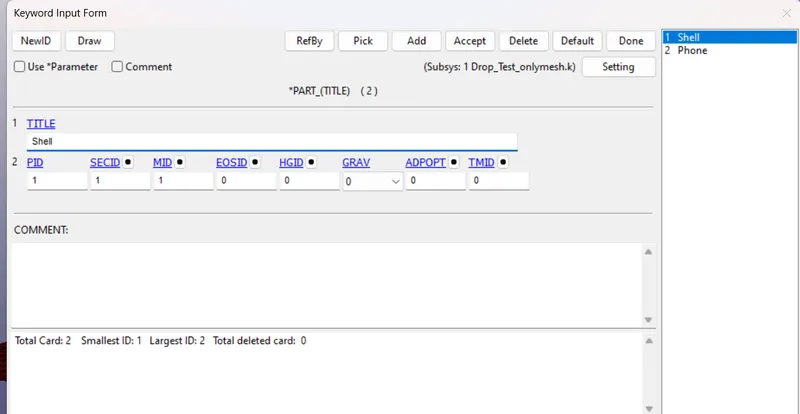
Part:
For Solid:
Assigning section ID, Part ID, Material ID for the part for solid.
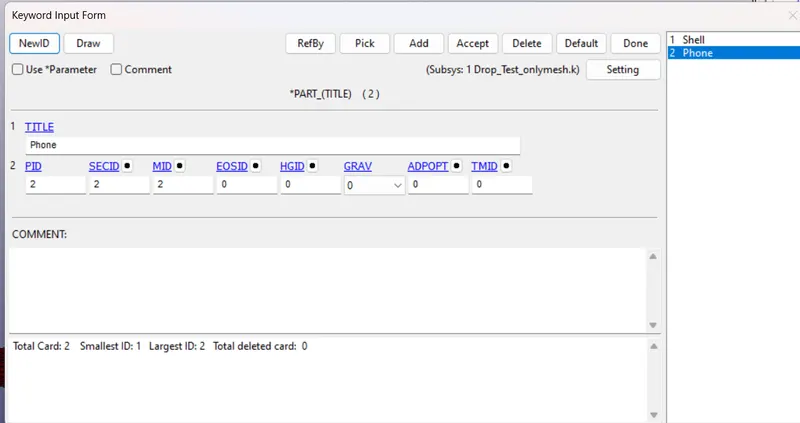
For Phone:
Assigning section ID, Part ID, Material ID for the part for Phone.
Section:
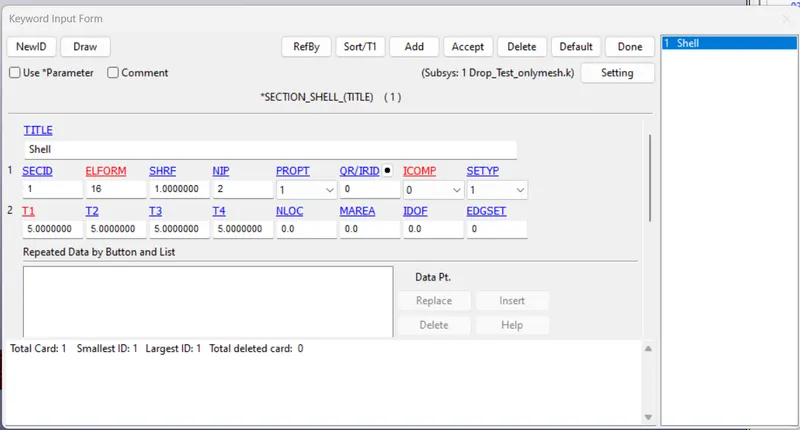
Shell:
Here the Element form is chosen as EQ.-16: Fully integrated shell element modified for higher accuracy.
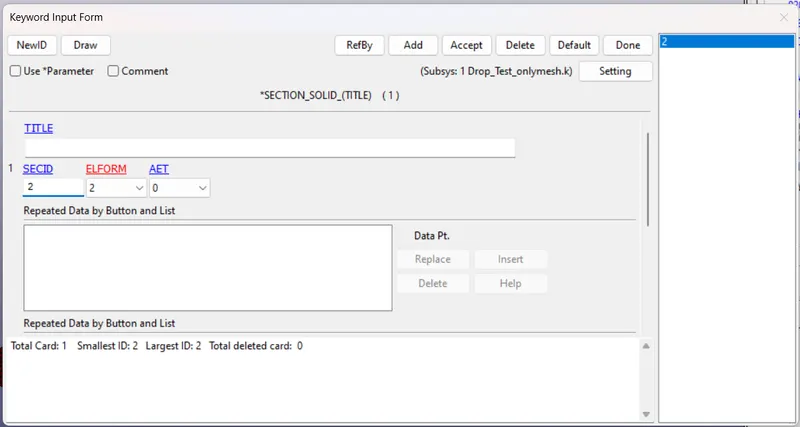
Solid:
Assign Section and element for the parts.
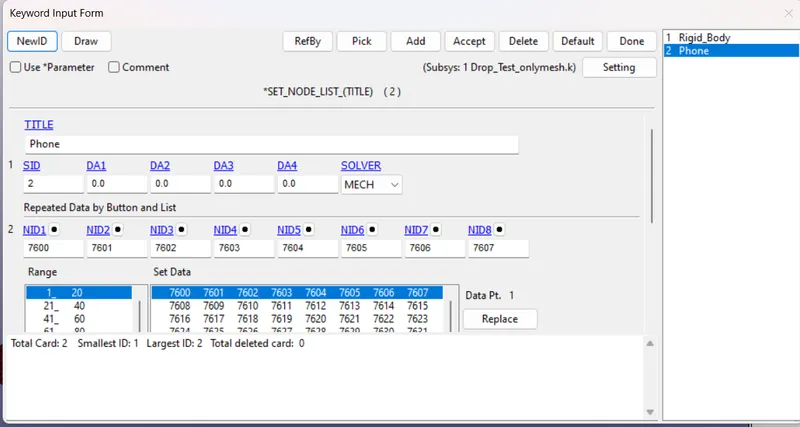
Nodes:
For Shell:
By selecting all nodes of the phone to assign.
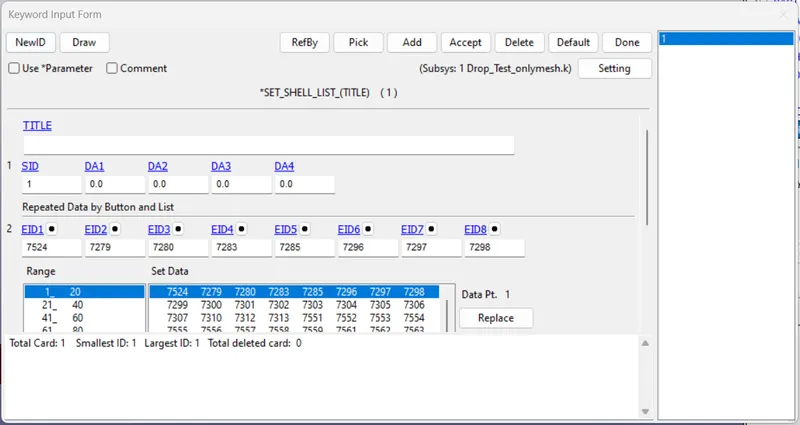
For Solid:
By selecting all nodes of the Shell wall to assign.
LS-RUN:
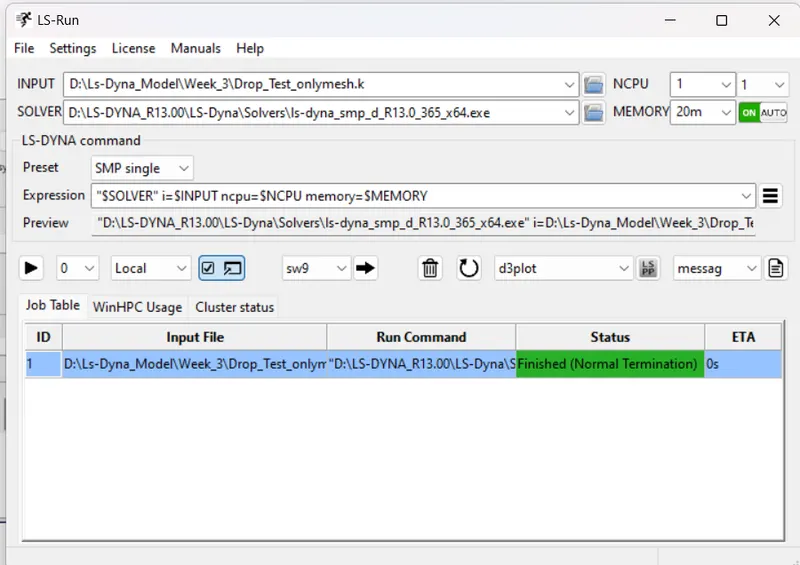
Once after assign the keyword and saving it, we have to run the model by using LS-RUN.
LS-DYNA POST PROCESS:
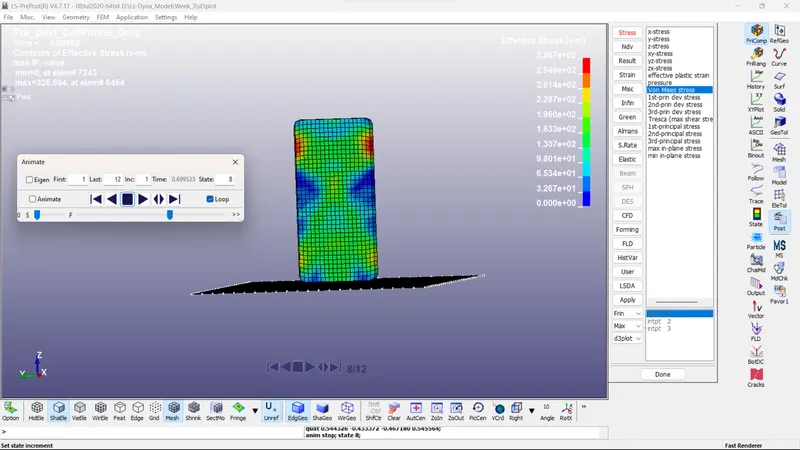
VON- MESIS theory:
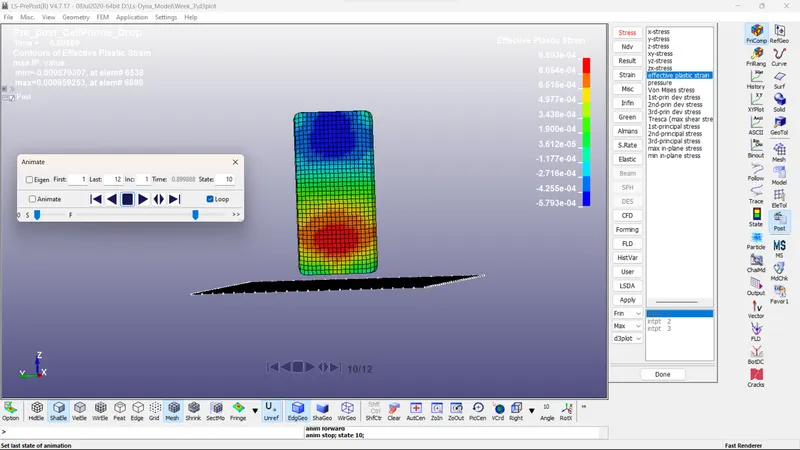
Effective Plastic strain:
Conclusion:
As I learned and outcomes for this model 3, how to assign the material, Part ID, etc, for the particular model, and running the simulation, and checking the final output of the model.