Week - 3 Drop test Challenge
Aim: To perform drop test on given finite element model with specified boundry conditions.
Procedure:
step 1: Open the dowmloaded .K file in LSdyna prepost
step 2: Now open creat entity and creat the noad set (creat entity>Set data>Set noad>select by part).
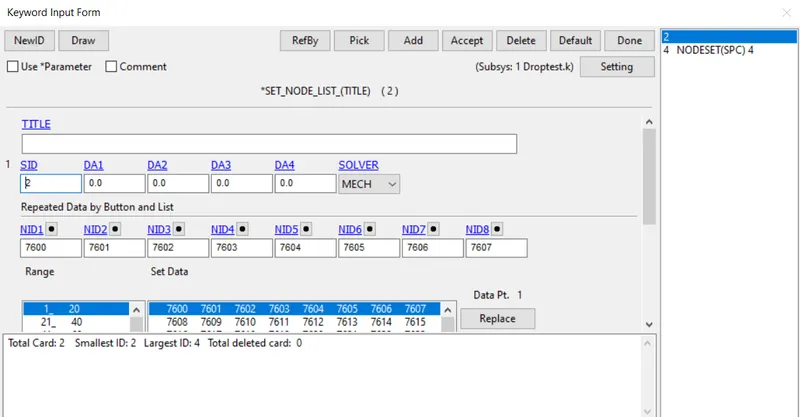
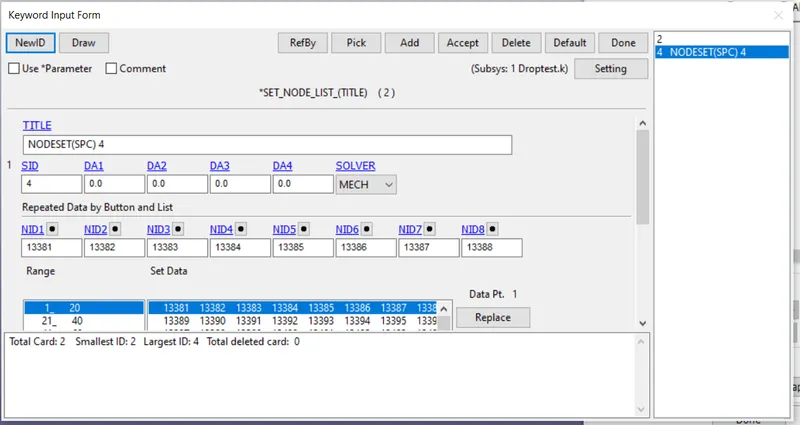
step 3: Go to keywords and select section and give shell with thickness and solid ids to the FEM parts(keywords>section>Shell&solid).
step 4: Give par id to noadsets with title (keywords>Part>Part).
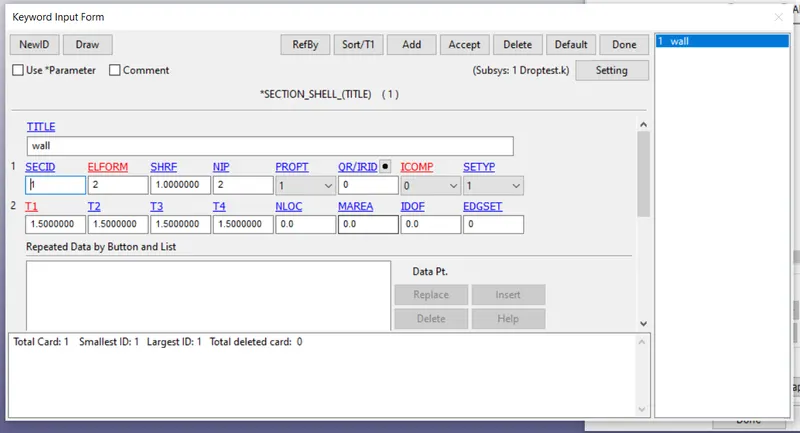
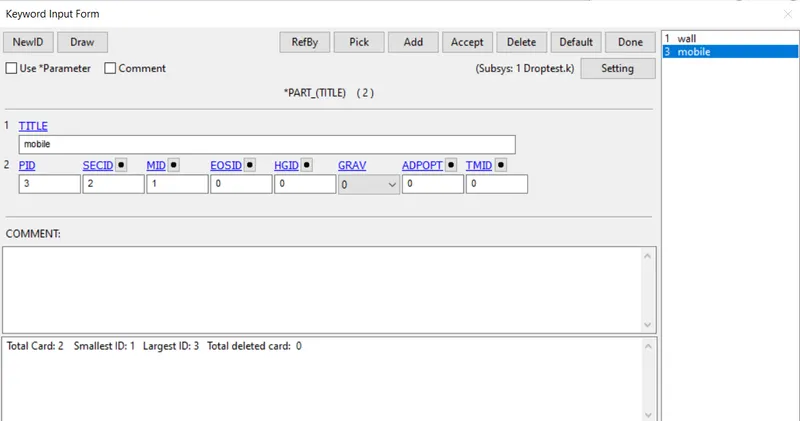
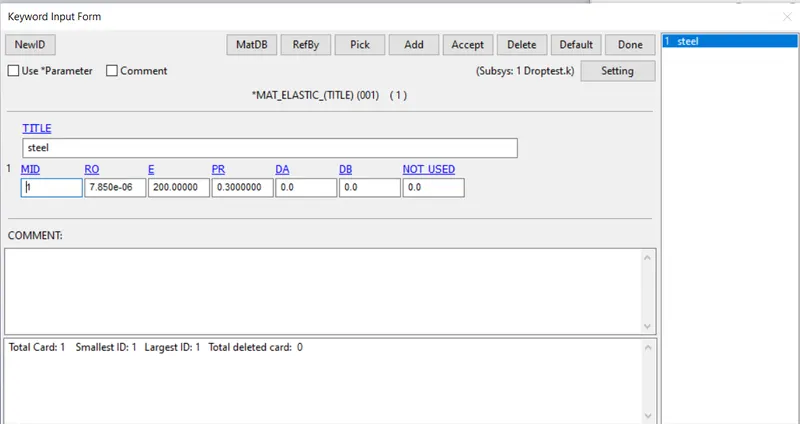
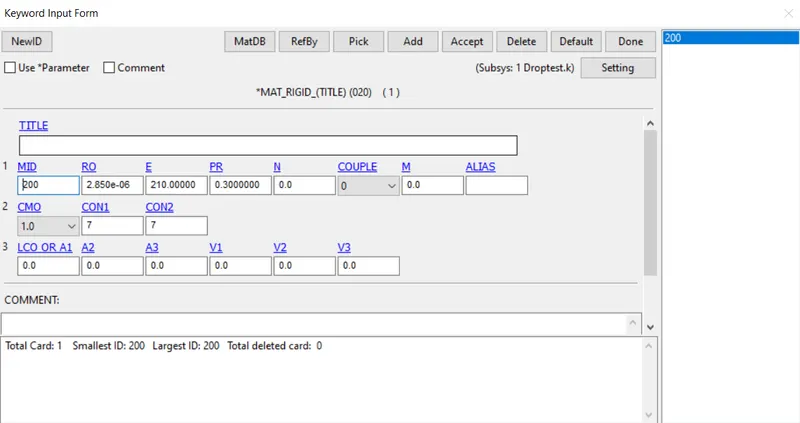
step 5: Now give material id to parts mobile as elastic and wall as rigid(keywords>material).
step 6: Give load curve id (keywords>Define>Curve)
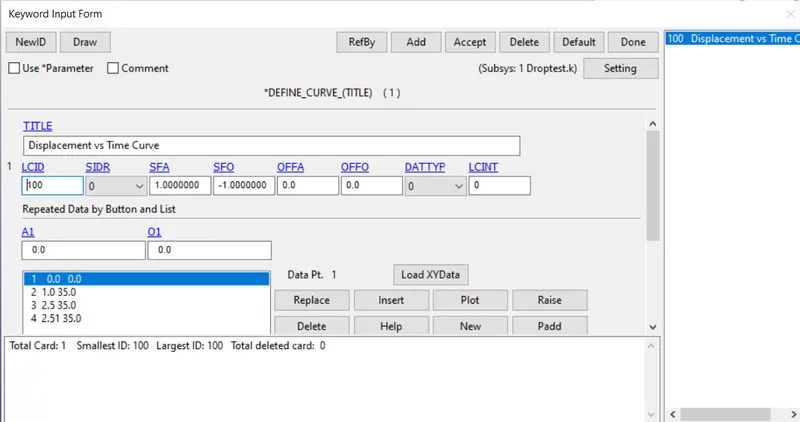
step 7: Go to keywords give ASCII, ELOUT , GLOUT and binaryd3 plot
step 8: Specify Termination time and Endtime (keywords>Control>Termination>timestep)
step 9: Give contact between mobile and wall
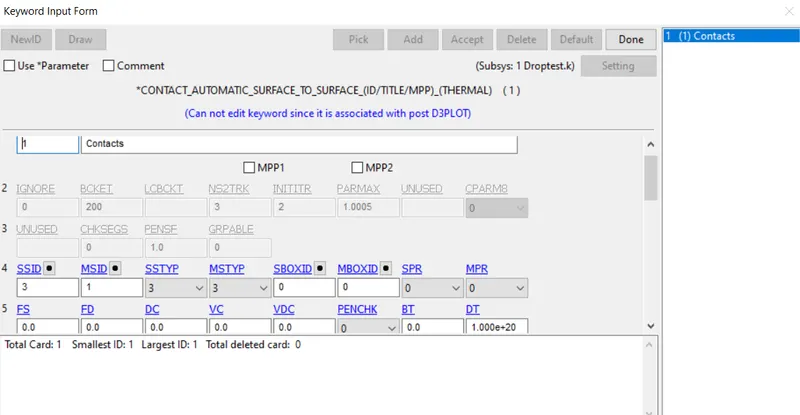
step 10: Give boundary conditions priscribed motion set, SPC_motion set.
step 11: Do model check and see if there are any errors before running ( Model check>keyword check)
step 12: Run the LS-DYNA
step 13: Save the solved model.
dtep 14 : Open post processing and select Von -Mises stesses.
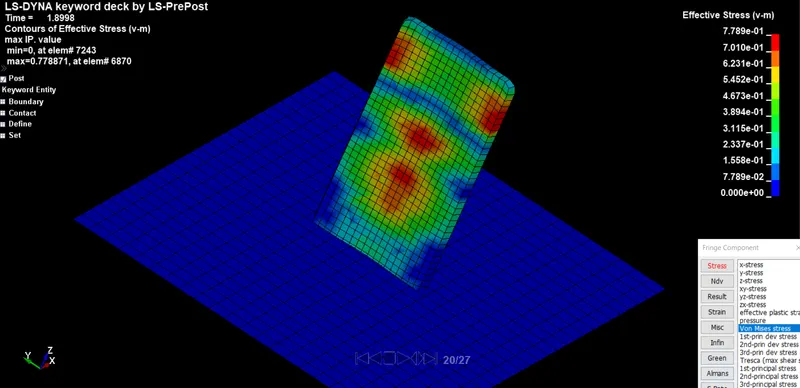
Step 15 : Save the model.