Week - 3 Drop test Challenge
Objective:
The objective of this challenge is to perform drop test simulation of a cellphone using LS-DYNA solver and give the detailed report.
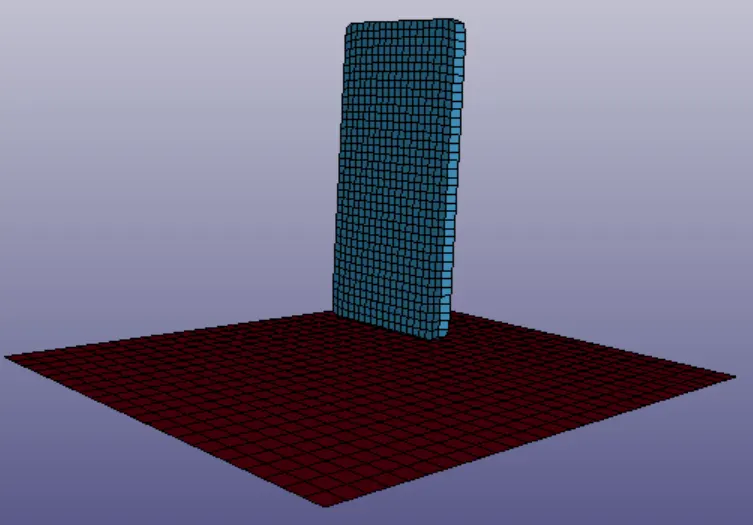
CAD MODEL IMAGE:
PROCEDURE:
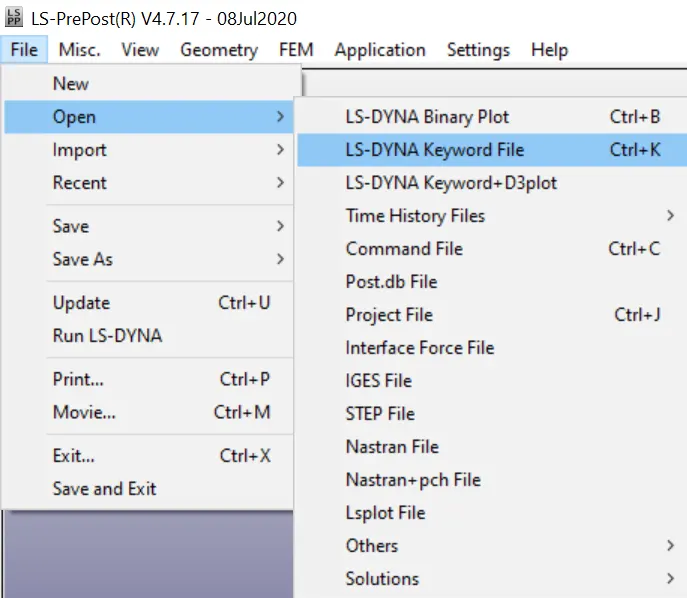
Step-1: Opening the keywoard file.
File->Open->keywoard file.
Step-2: Elements.
The keywoard file consist of cellphone solid elements, wall solid elements and wall shell elements. In this we are going to delete the wall solid elements because when solid elements compared with shell elements it takes more time while the solver run.
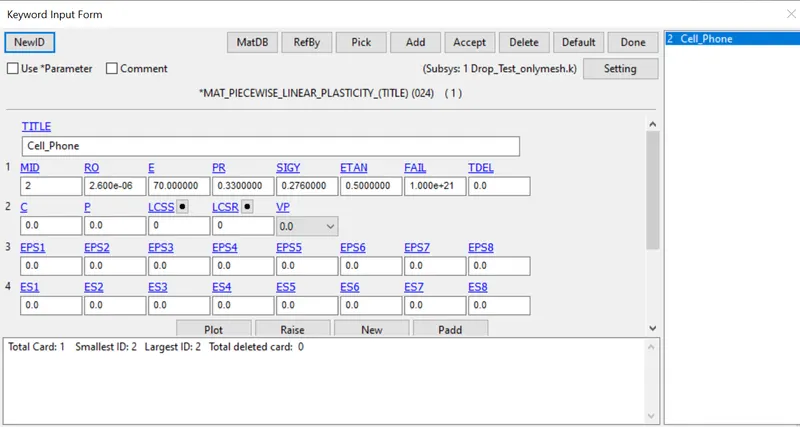
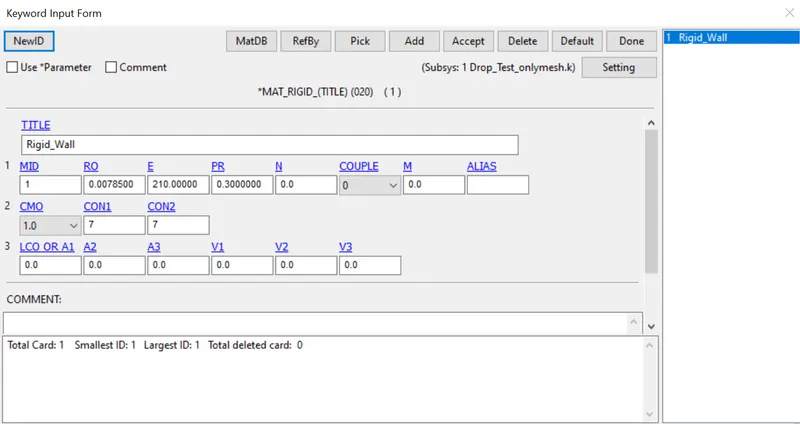
Step-3: Materials.
In this geomentry it consist of two different parts so we are going to assign material individually to the parts
024 - Cell Phone
020 - Wall
Step-4: Section.
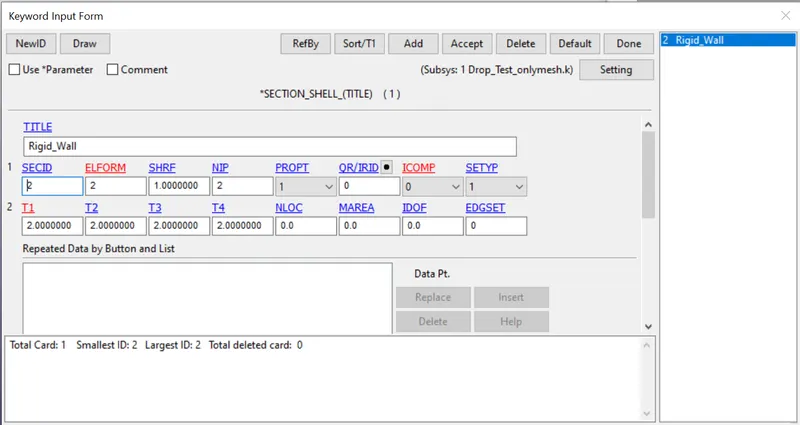
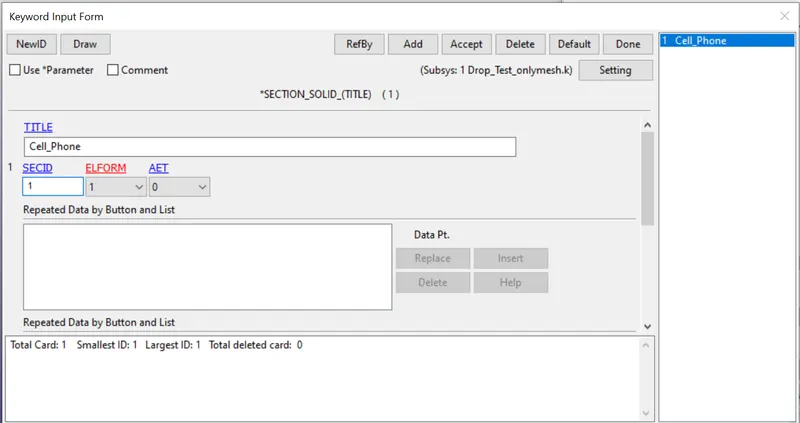
In this geomentry there are two different types of sections
Shell Section for Wall
Solid Section for Cell Phone
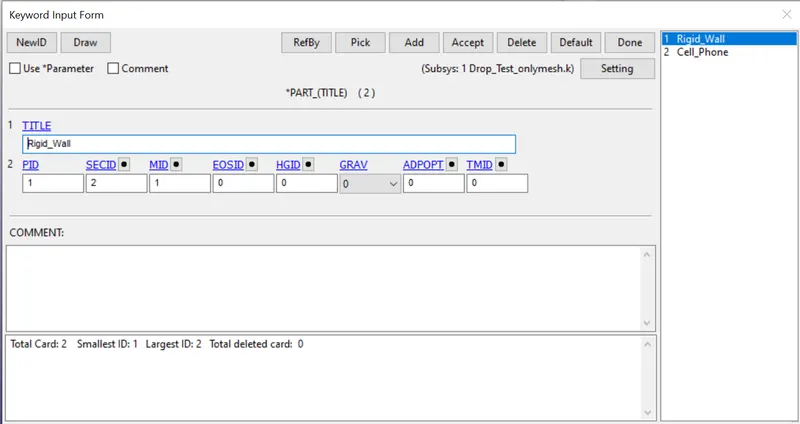
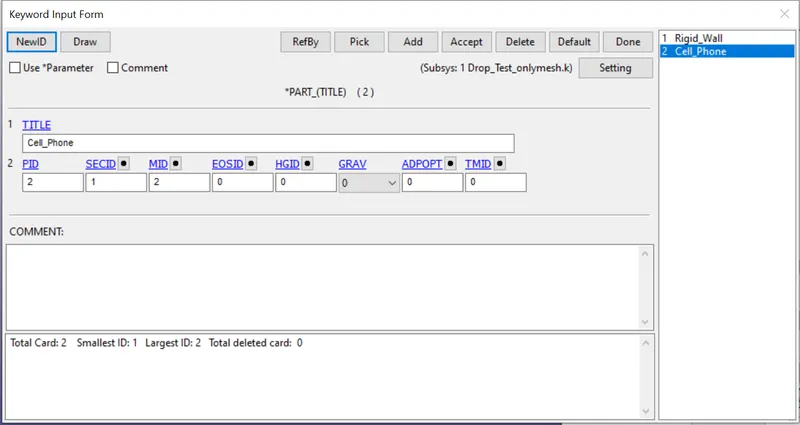
Step-5: part.
Assigning the material and the section to the respective Wall and Cell phone part
Step-6: Velocity.
For the down fall of the cell phone we are going to apply the velocity for the cell phone. velocity will be under the category Initial in the keywoard manager.
we are applying 70000mm/s in -ve Z direction.
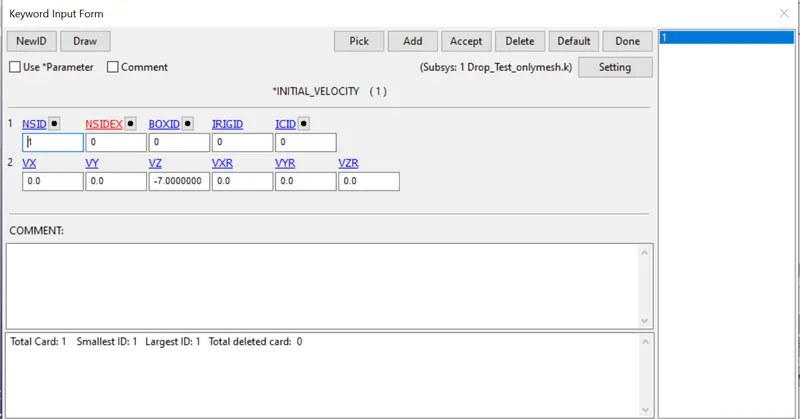
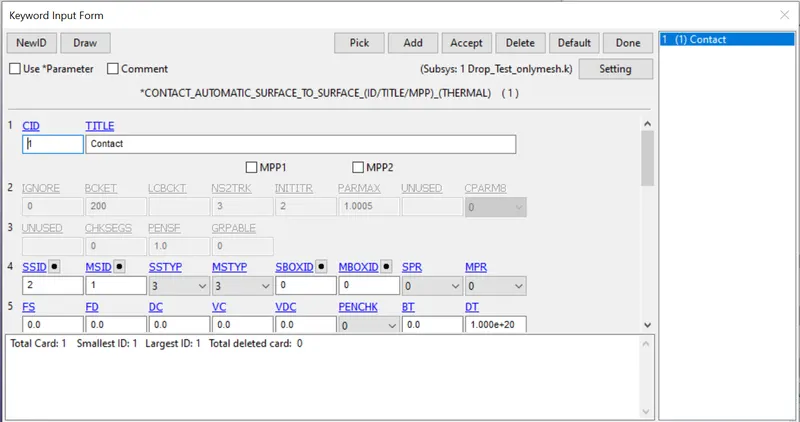
Step-7: Contact.
Contact between wall and cell phone is created using Automatic surface to surface under contact keywoard manager with wall as master and cell phone as slave.
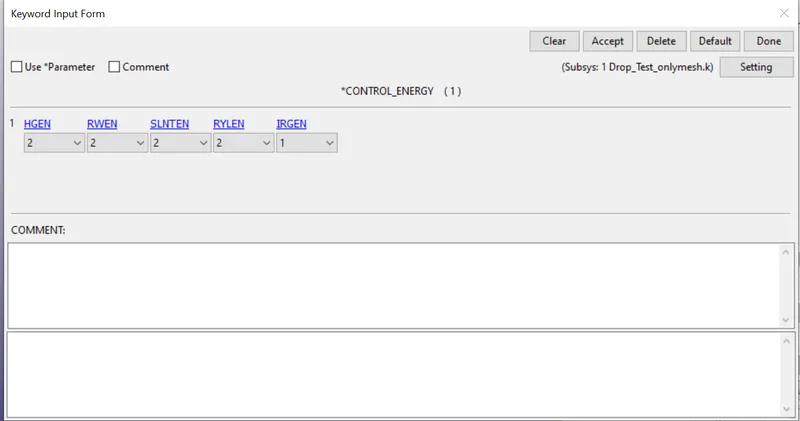
Step-8: Control.
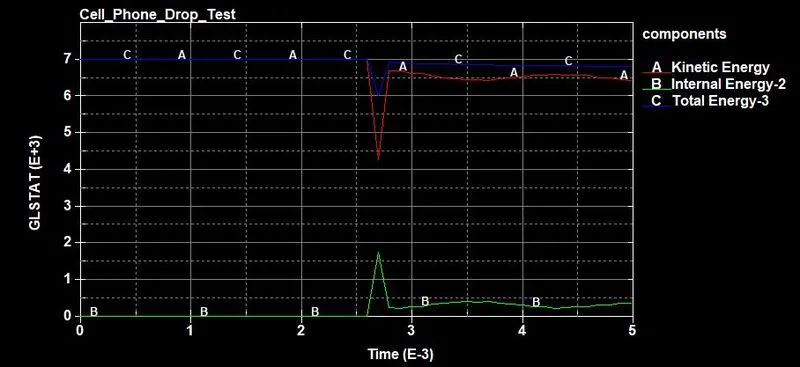
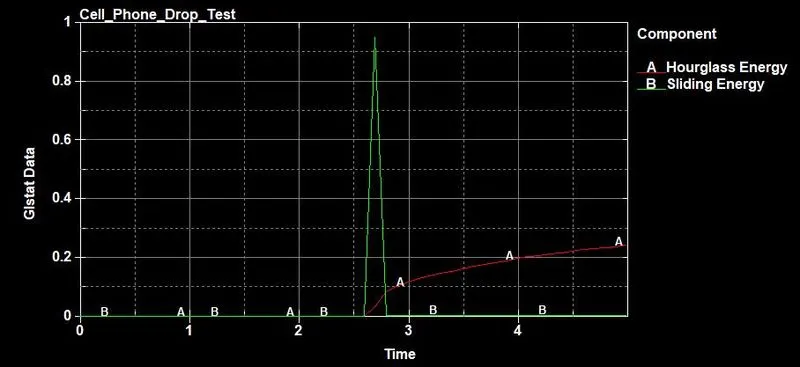
Energy keywoard is created under the control keywoard manager to get the output like hourglass and sliding interface energy.
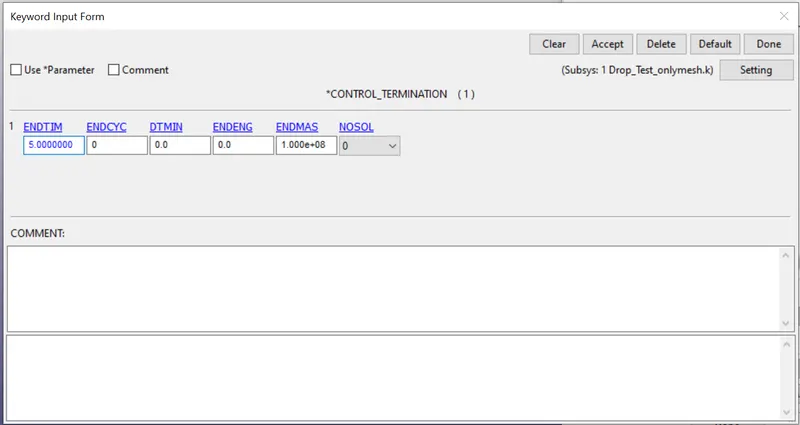
the end time for the solver problem is defined by using TERMINATION_CONTROL
Step-9: DataBase
Binary_D3Plot is defined to get output like animation and other post-processing data after stimulation.
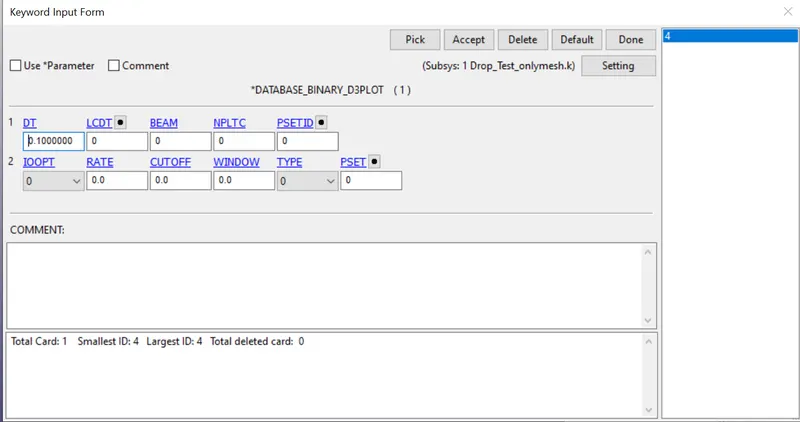
In ASCII_OPTION Keywoard GLSTAT, MATSUM and RWFORC is created to get output like Global Data, Material Energies and Rigid Wall forces.



Step-10: Model Check.
Application->Model Checking->General Checking.
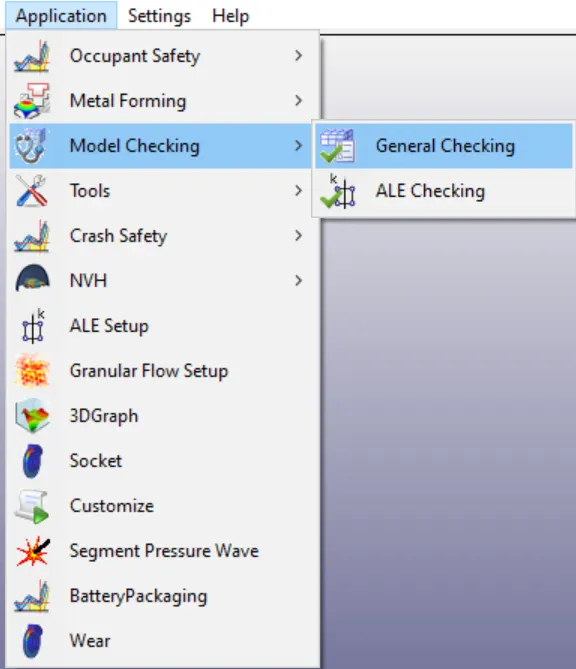
If there is no error it is good to go for the solving in case if there is any error or warning we have to resolve it and run the problem.
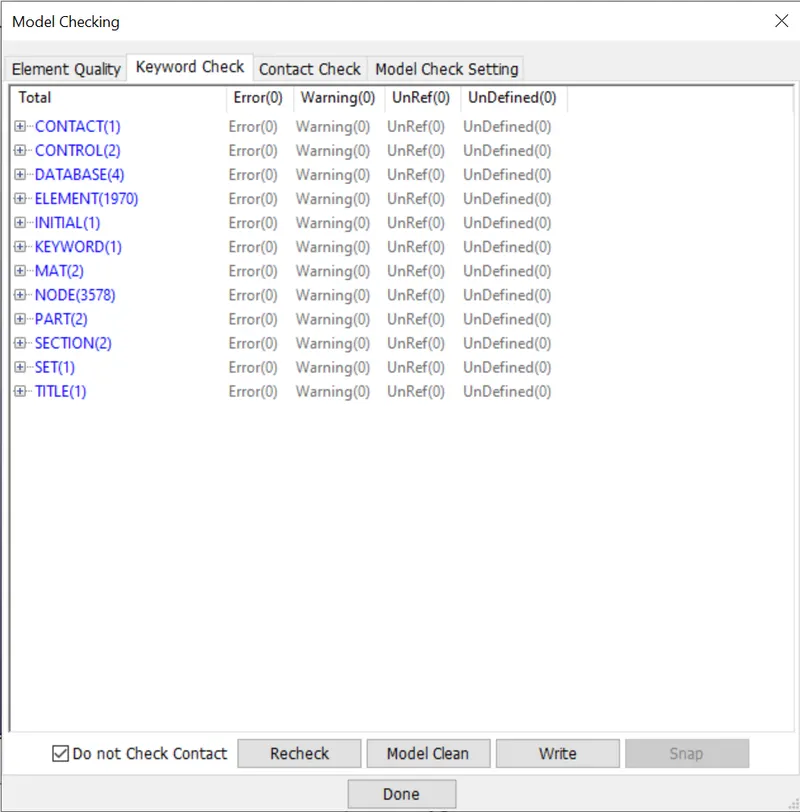
Step-11: Solving.
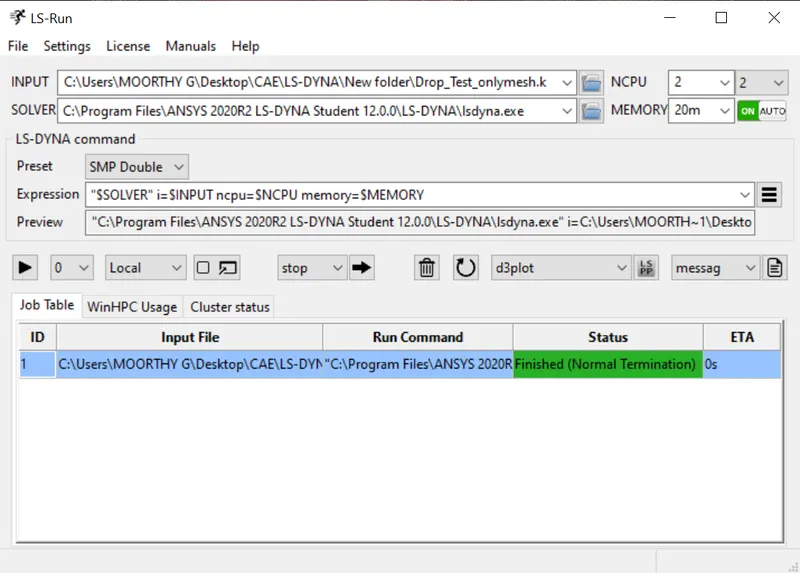
save the keywoard and run the file in the LS-RUN program manager. If the solver end as Normal Termination then the model is correct.
POST-PROCESSING
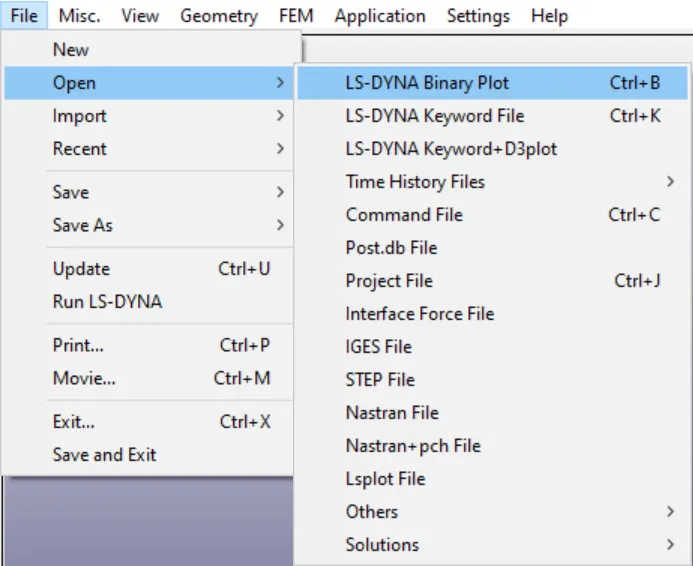
Step-12:Opening the D3PLOT file.
File->Open->Binary file.
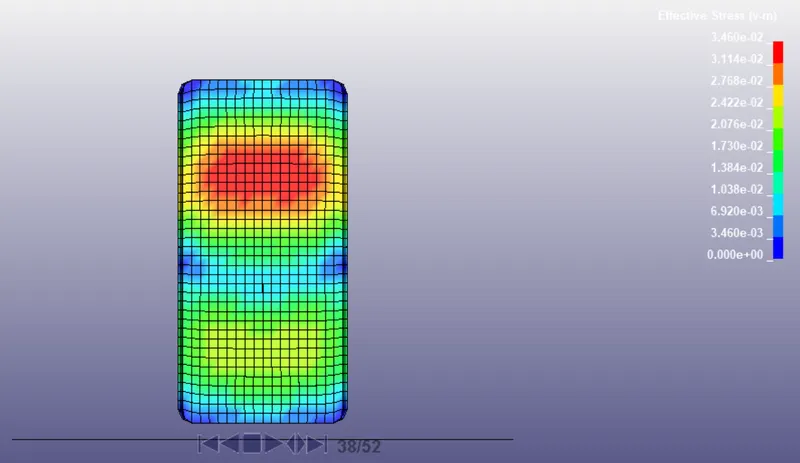
VonMises Stress:
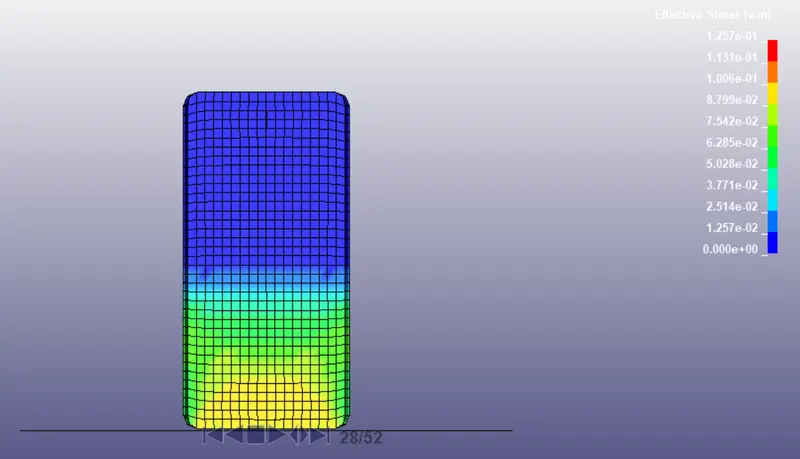
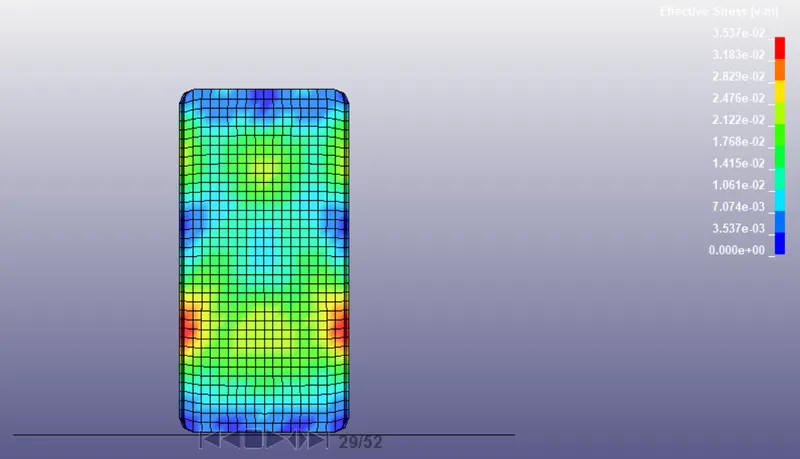
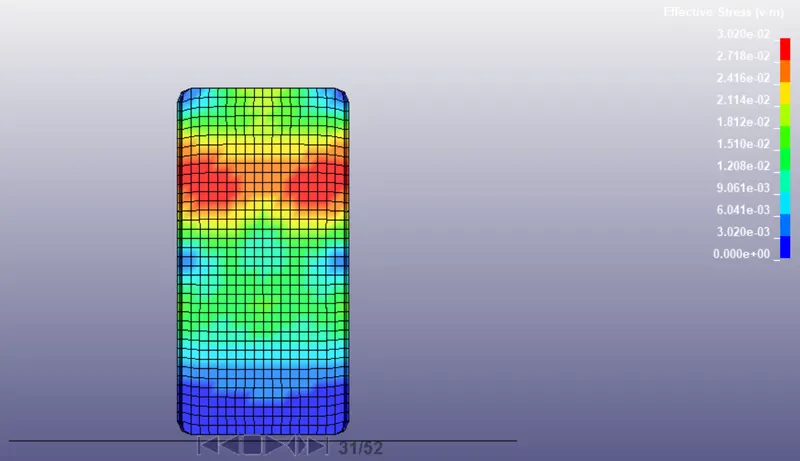
Vonmises stress at different time interval after the impact.
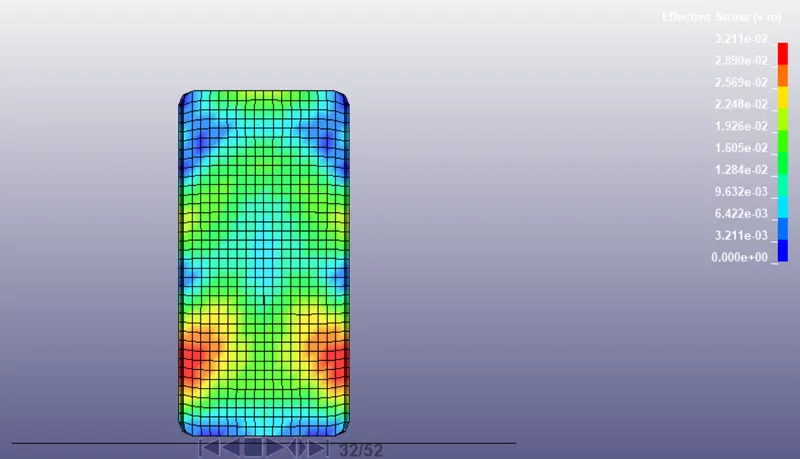
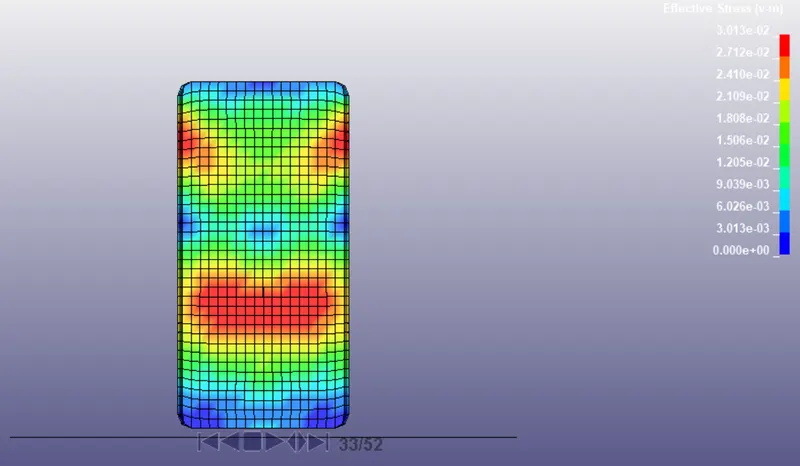
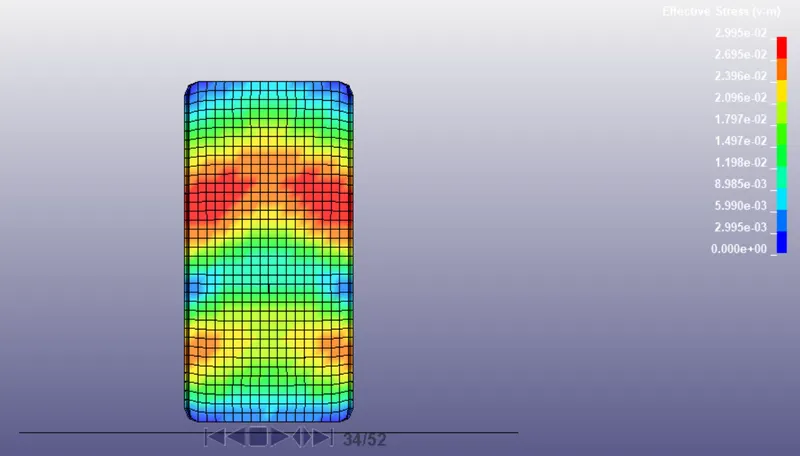
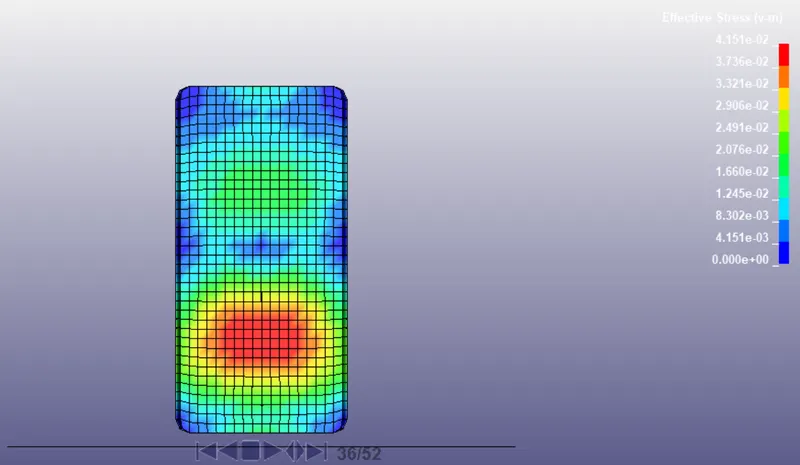
Energy Plots:
RESULT:
The drop test of the cell phone is completed in LS-DYNA and required results are obtained.