Week 3 Challenge : CFD meshing on Turbocharger
AIM:
To CFD meshing on Turbocharger.
OBJECTIVE:
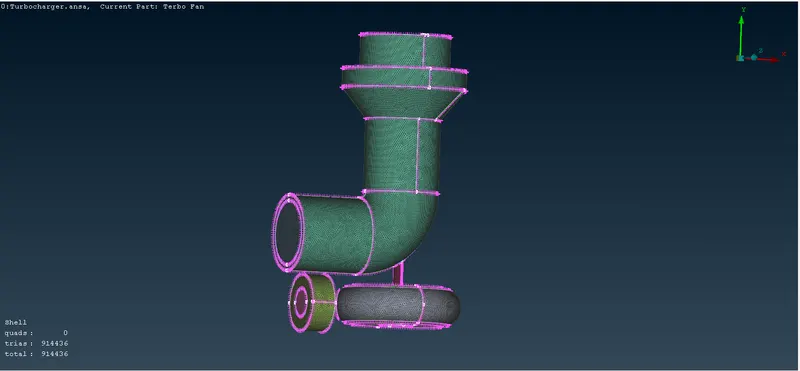
Perform surface mesh with the given target lengths as per PIDs.
- Blade stage-1 = 1 mm
- Blade stage-2 = 1 mm
- Impeller = 2 mm
- Shaft rotor = 1 mm
- Turbo casing = 5 mm
- Compressor casing = 5 mm
- Inlet casing cover = 5 mm
Perform Volumetric mesh for the required volumes .
PROCEDURE:
1) First we neeed to import the given geometry model
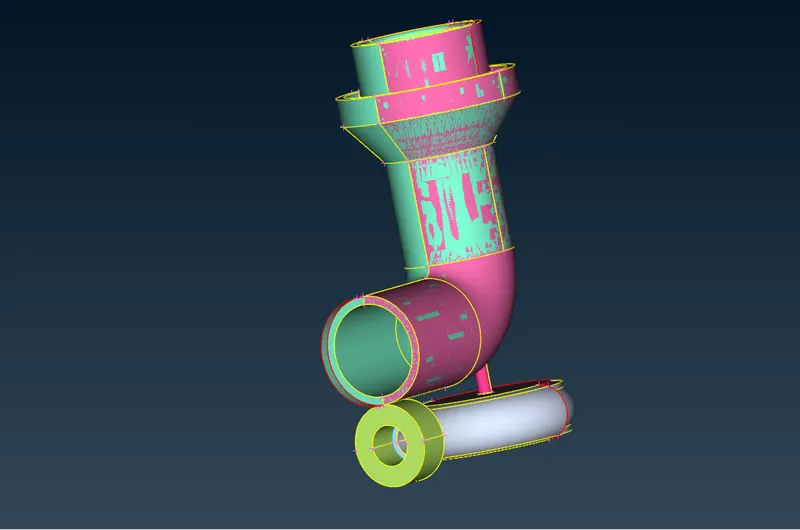
2) Then we have to do the geometry cleanup. and we need to delete the unwanted surfaces. and we have to clear single con and triple con errors.
3) Then we have to do TOPO cleanup.
4) And we add some new surfaces using new option in faces.
5)Then will get something like this
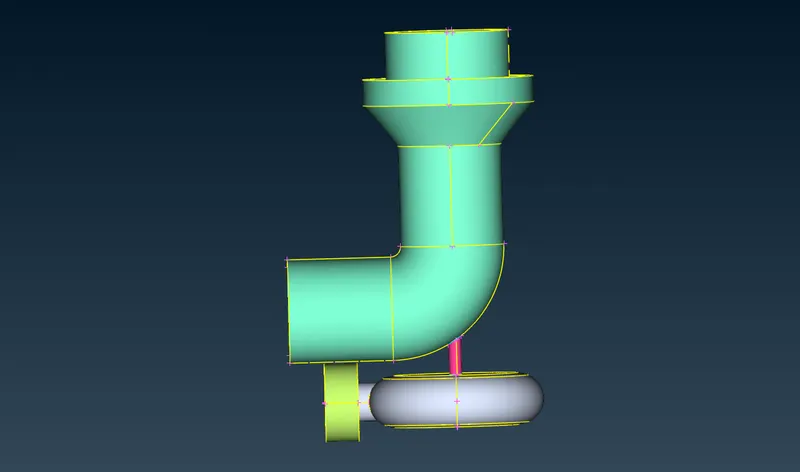
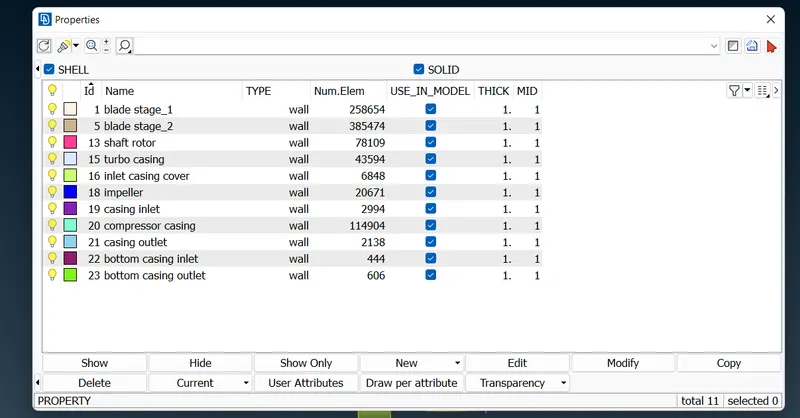
Next step we need to assign the PID's for this given model.
COMPRESSOR CASING:
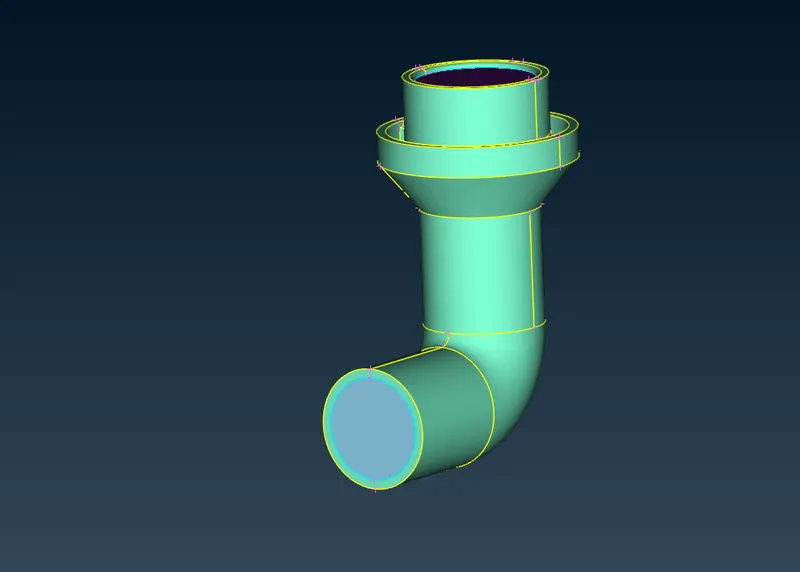
TURBO CASING:
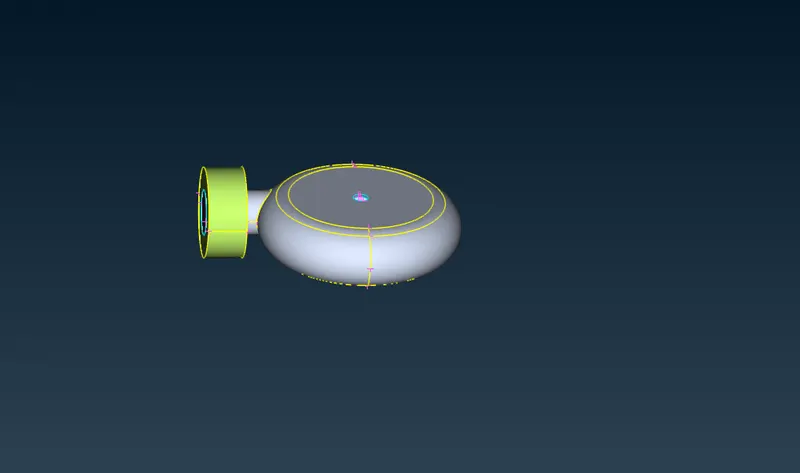
BLADE STAGE 1
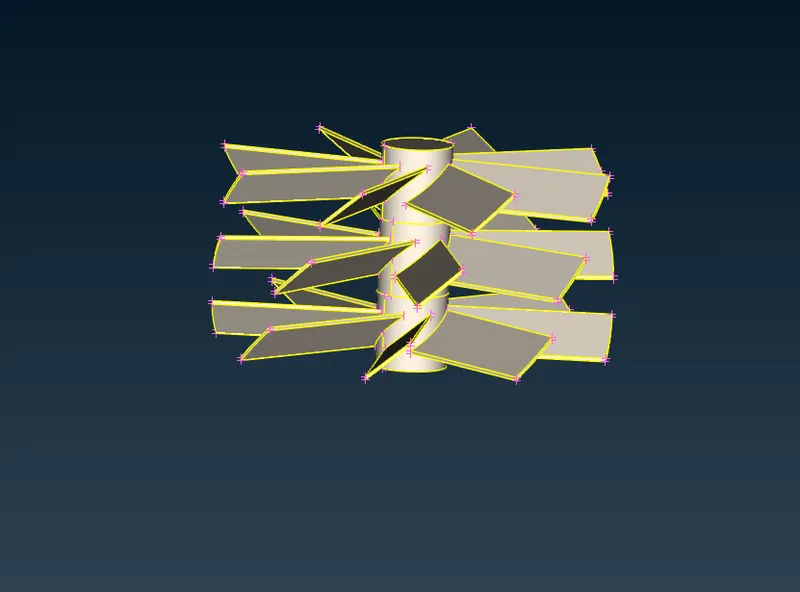
BLADE STAGE 2
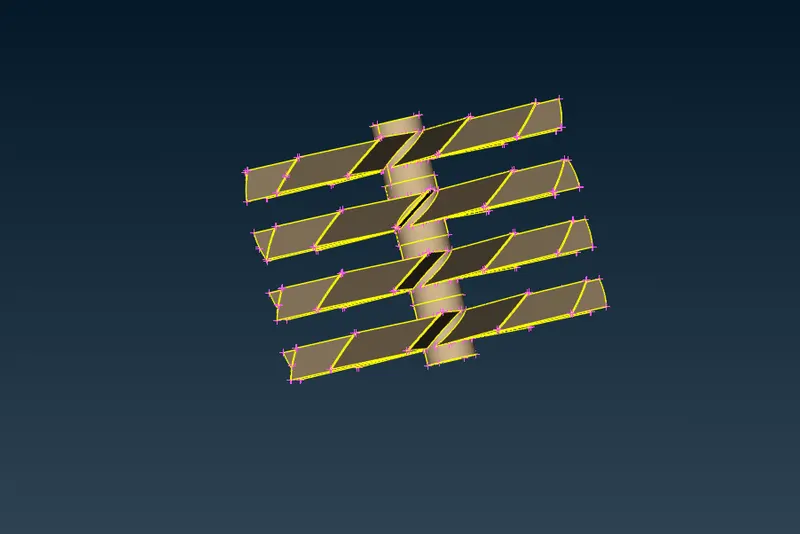
IMPELLER:
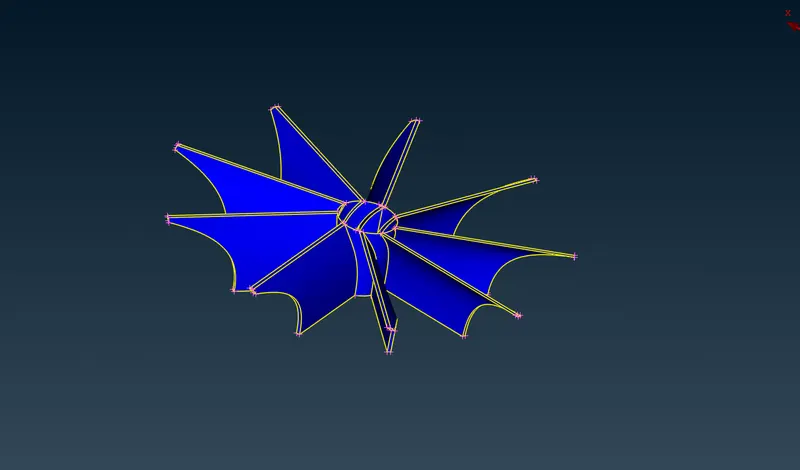
SHAFT ROTOR:
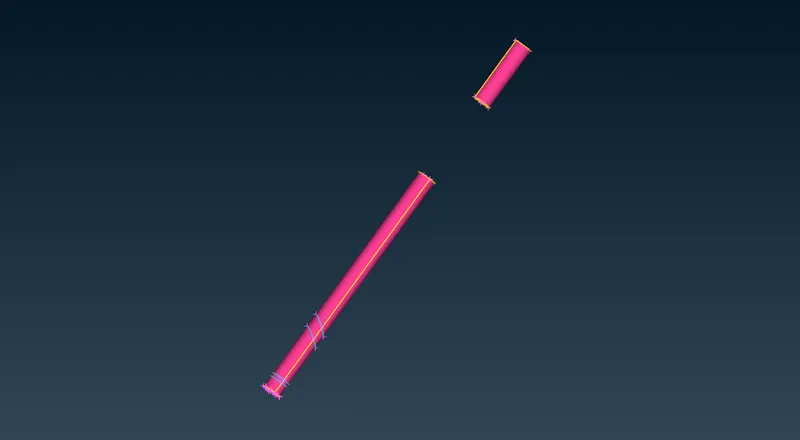
These are all the PID'S
MESHING PROCESS:
1) Surface Meshing:
first we need to give mesh parameters and quality creteria for that particular differrent PID's.
- Blade stage-1 = 1 mm
- Blade stage-2 = 1 mm
- Impeller = 2 mm
- Shaft rotor = 1 mm
- Turbo casing = 5 mm
- Compressor casing = 5 mm
- Inlet casing cover = 5 mm
- Blade stage-1 = 1 mm
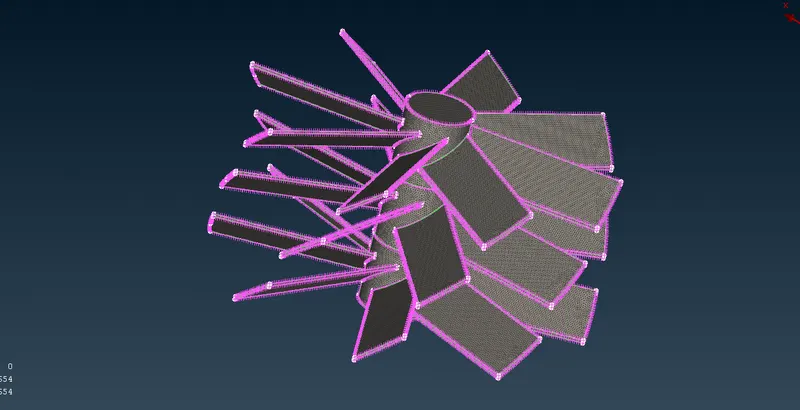
Blade stage-2 = 1 mm
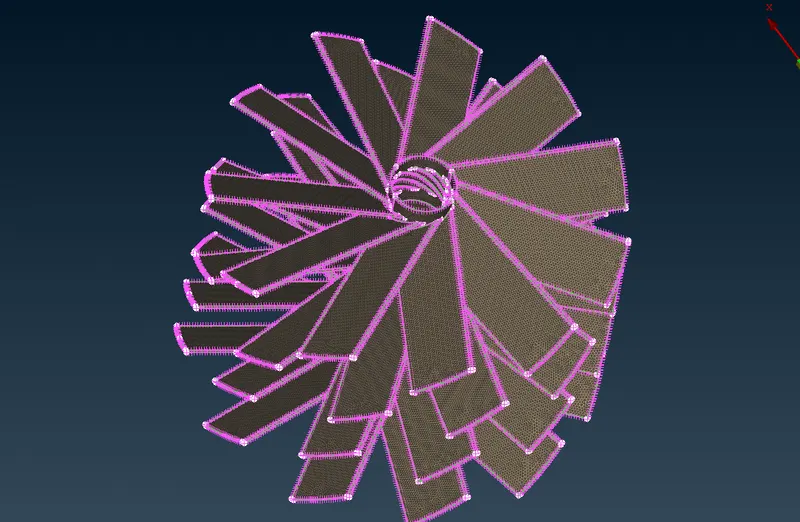
Impeller = 2 mm
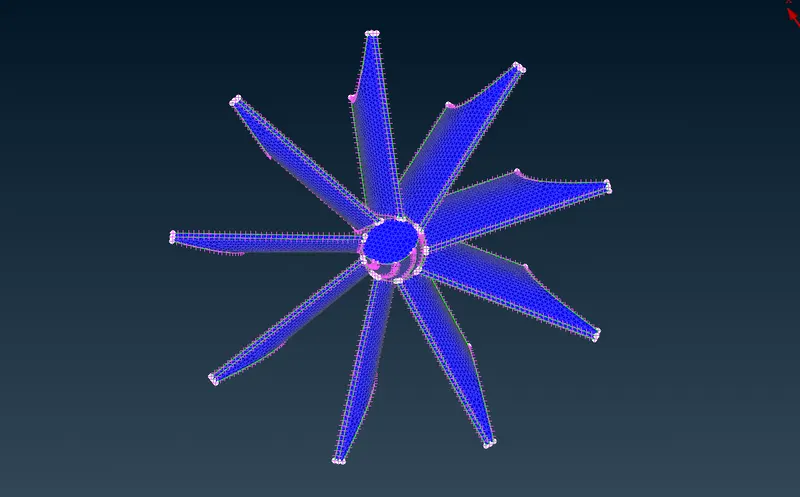
Shaft rotor = 1 mm
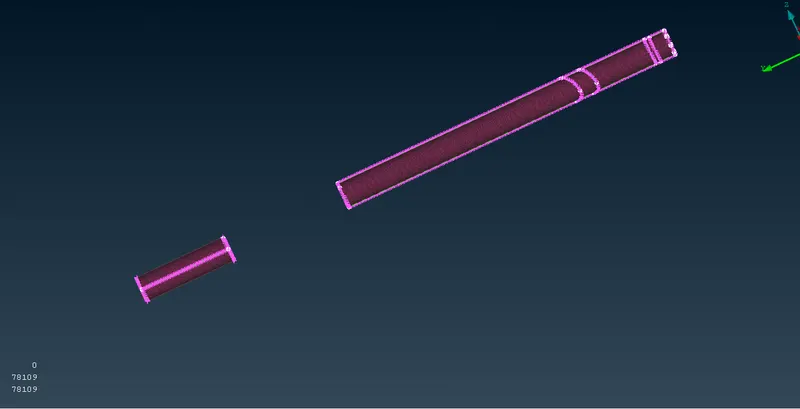
Turbo casing = 5 mm
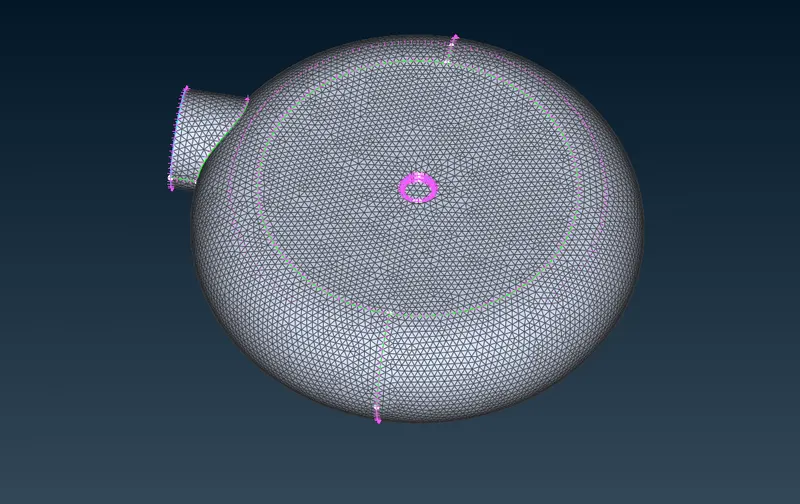
Compressor casing = 5 mm
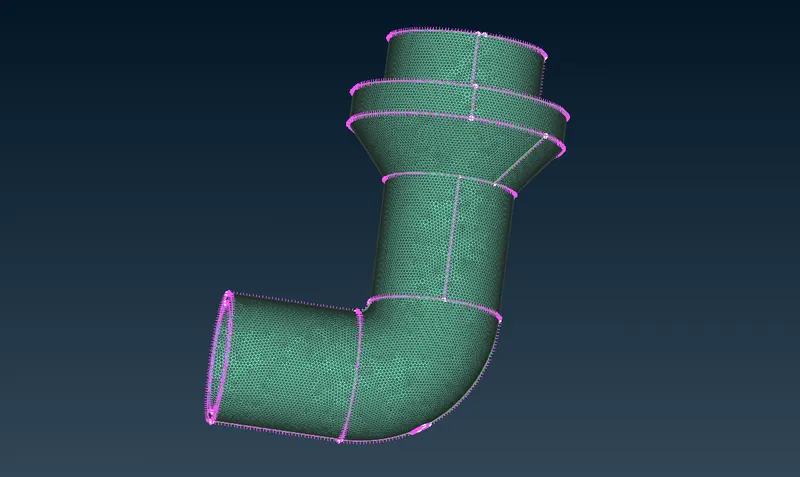
Inlet casing cover = 5 mm
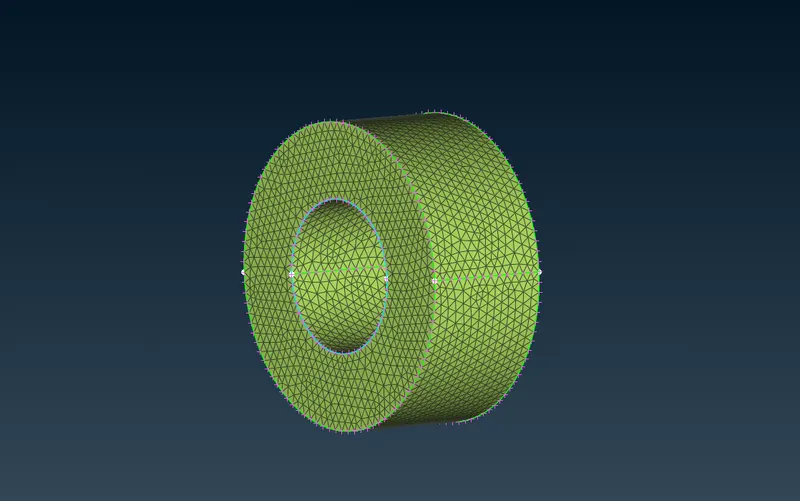
SURFACE MESHING :
RESULT:
VOLUMETRIC MESH:
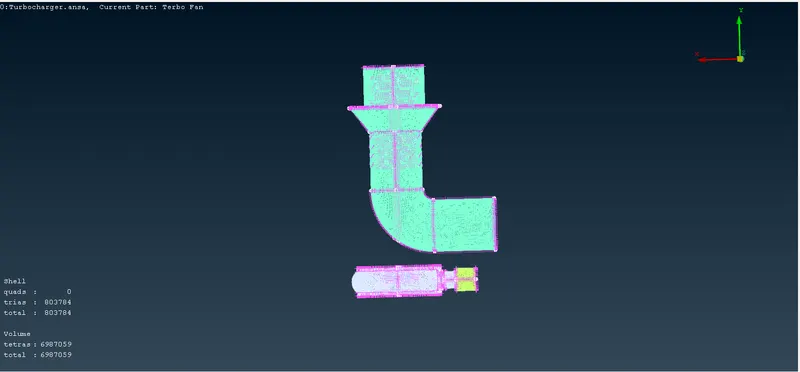
First we need click on define option to get whole data base.
Then we have delete unwanted volumes, which we have not fluid flow volumes.
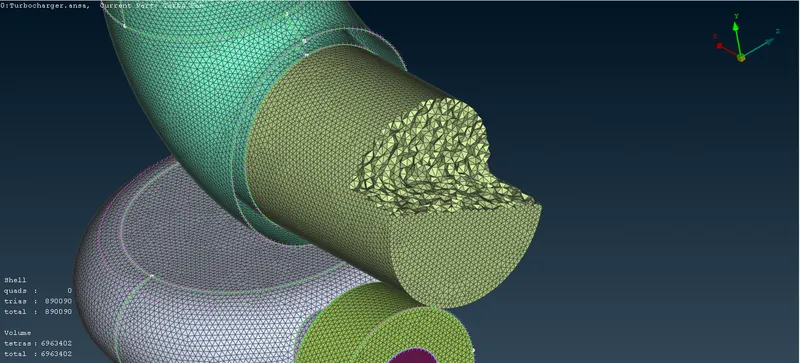
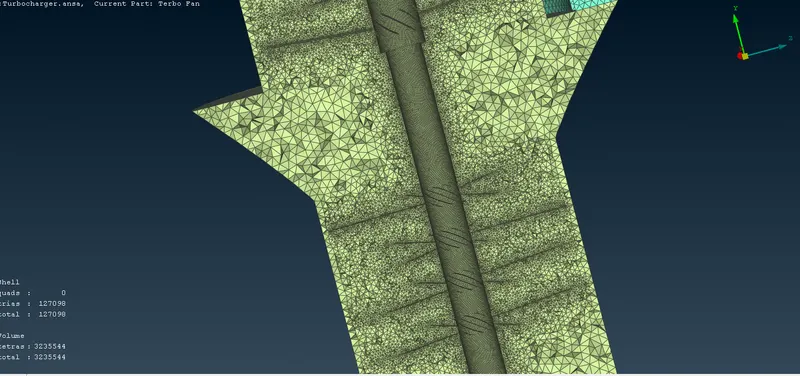
next step we have to click remesh option to select tetra CFD
Then we select remesh option to do volumetric mesh by clicking one by one.
CONCLUSION:
Finally we have successfully created surface mesh and volumetric mesh by given target lengths as per PIDs.
ANSA File:
https://drive.google.com/file/d/1cCYaVMUXrldsi6HLrNcmWO5nfiyTJl_0/view?usp=sharing