Week 3 Challenge : CFD meshing on Turbocharger
Aim: To Check for Geometrical errors for appropriate volumes.
Objective : To solve Geometrical errors & to do volume mesh.
step1: File_open_geometry from directory
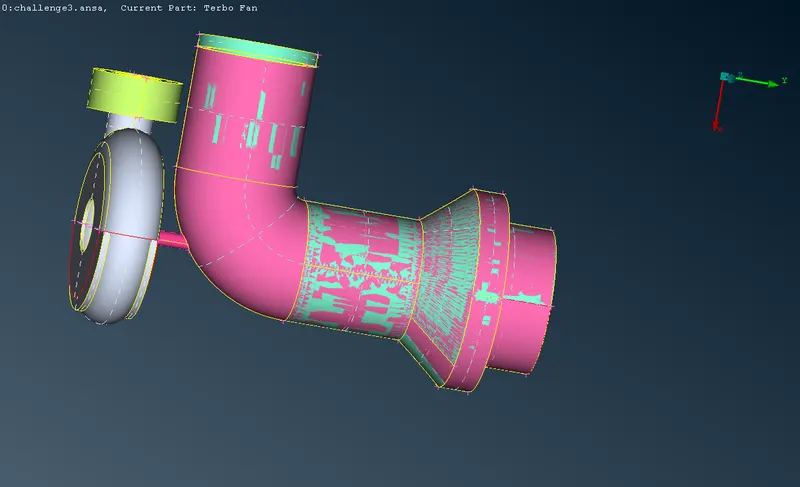
step 2: To clean Up geometry by using
- Topo_faces_delete_ to delete overlapping surfaces.
- Topo_faces_intersect_to Errase intersection errors
- Topo_faces_new_To create new surfaces.
- Menu_Utilities_ transform_To project the surfaces by creating hot points
- Topo_Hotpoints_insert_To create hot points.
- Topo_Cons_project_To project single Cons to surface.
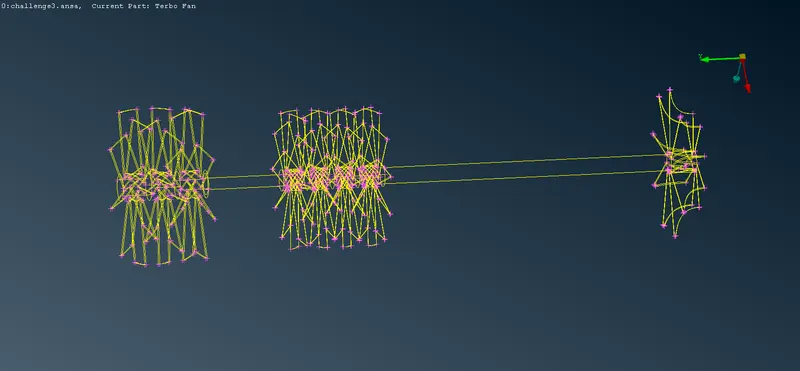
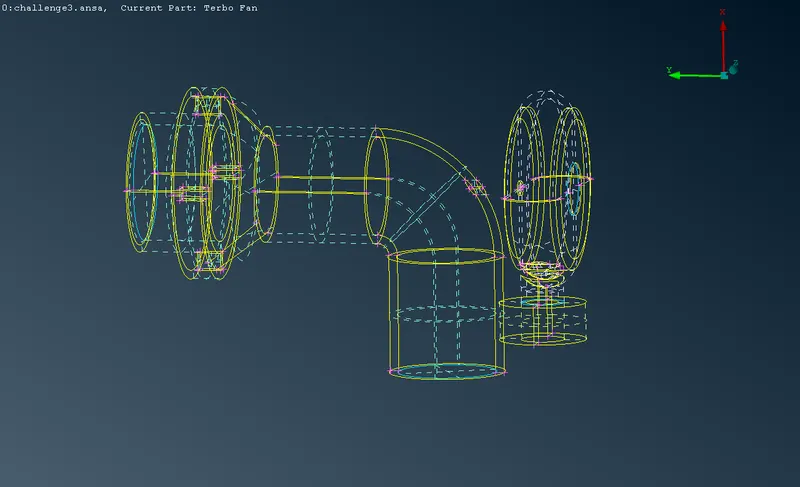
Step 3:To create surface mesh
- Mesh_ Mesh generation_CFD mesh with 1mm & 2mm
- Mesh_mesh generation_CFD mesh with 5mm
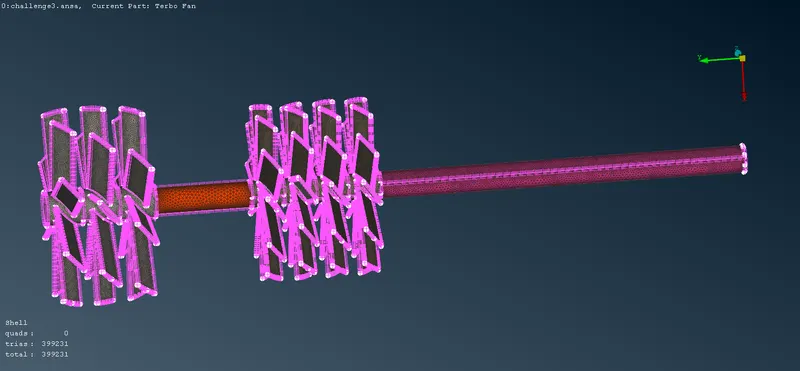
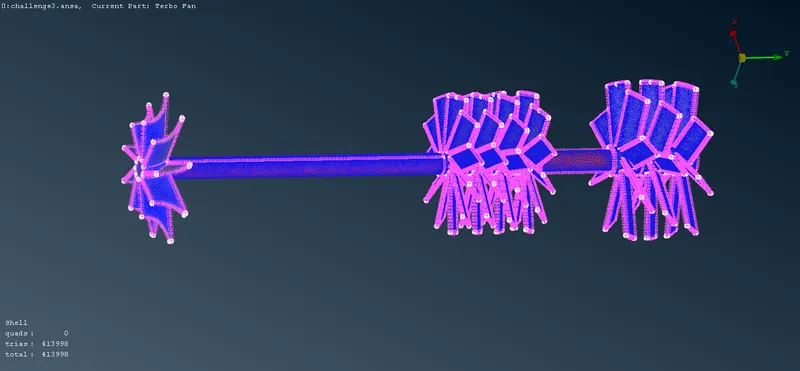
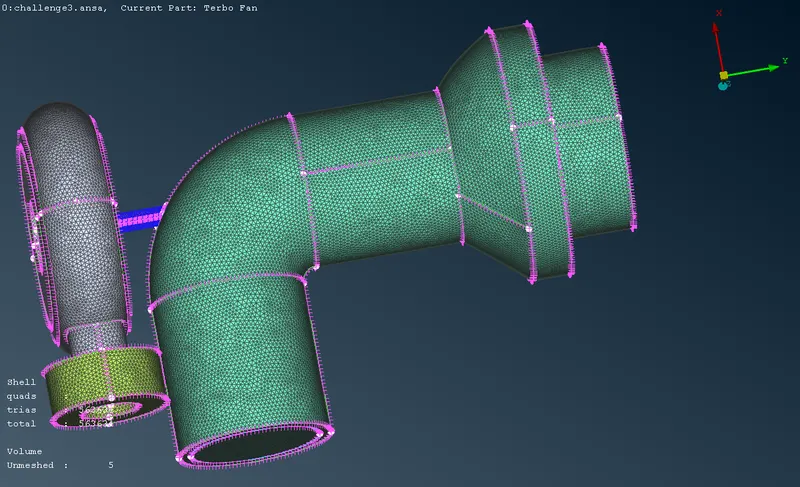
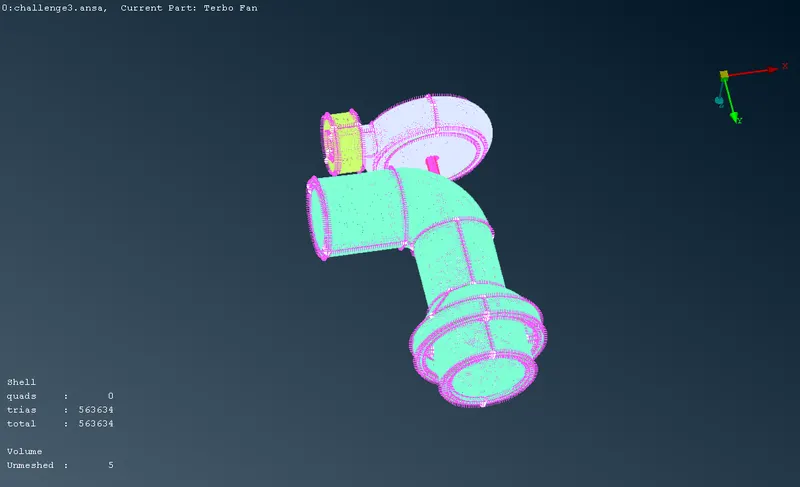
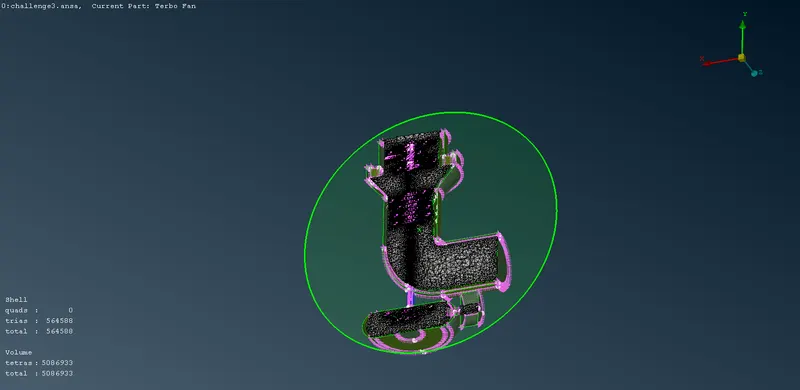
step 4: To create Volume mesh
- Volumemesh_define_ auto_ Its define volume automatically & selected necessary volumes & others get delete
- And the selected volumes will be defined by Tetra CFD mesh
- And right click on the selected volumes _click Remesh.
link:
https://drive.google.com/file/d/1BNsp4LbfGz_WMOj_sxsAImlx57DjL5XU/view?usp=sharing