Week 3 Challenge : CFD meshing on Turbocharger
Initial turbocharger model
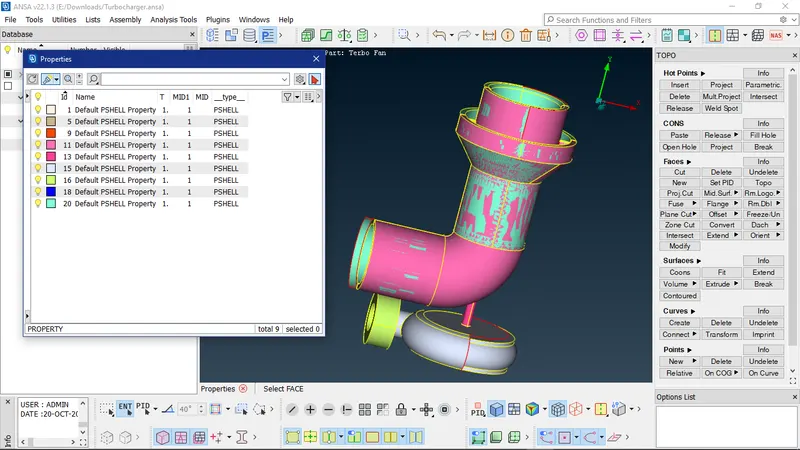
Using delete with PIDregion selection to remove the unwanted surfaces
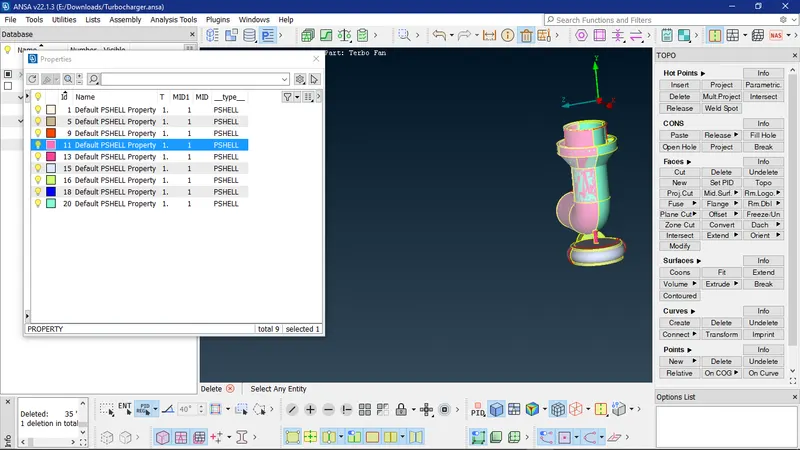
After surface deletion
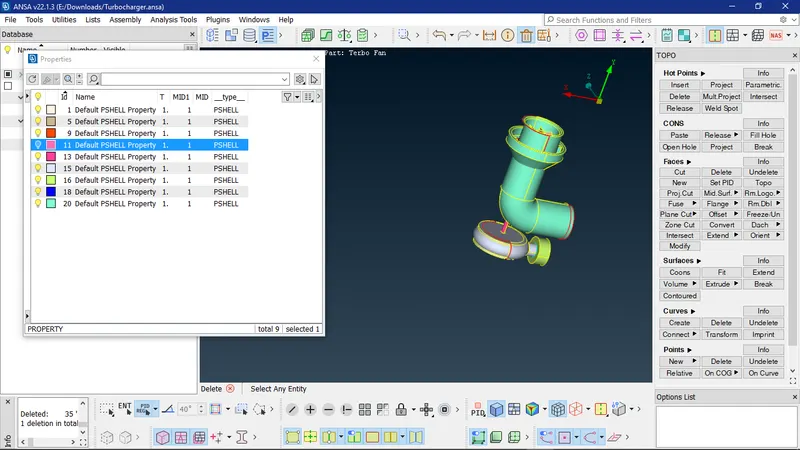
After deletion of extended surface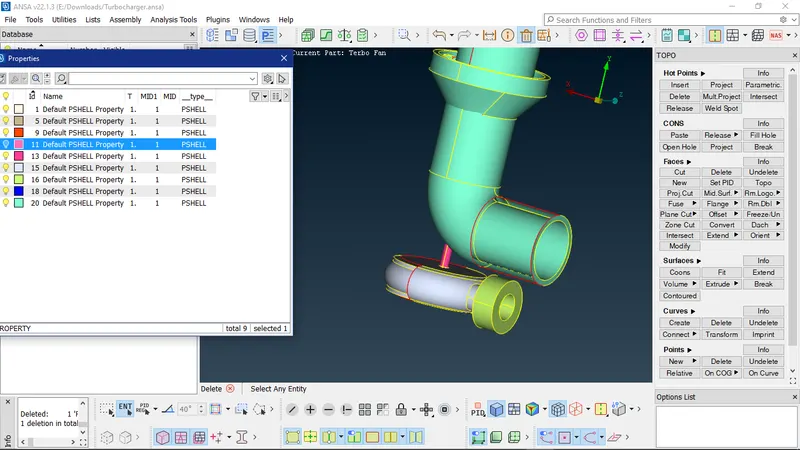
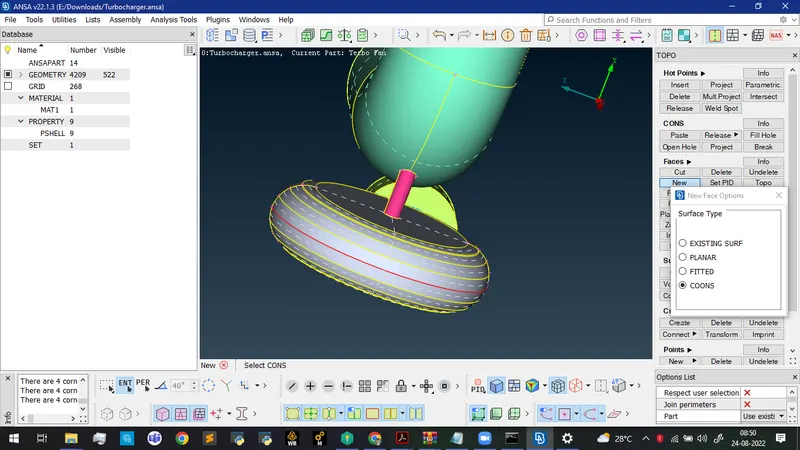
Creating new surface using COONS option with loop selection
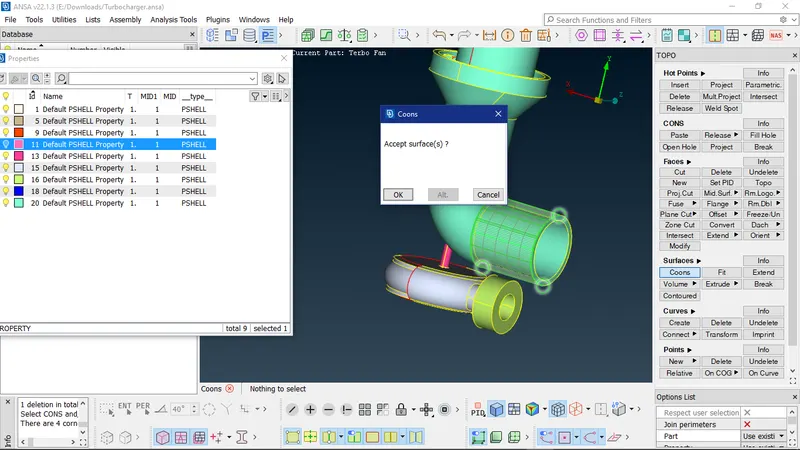
After surface creation
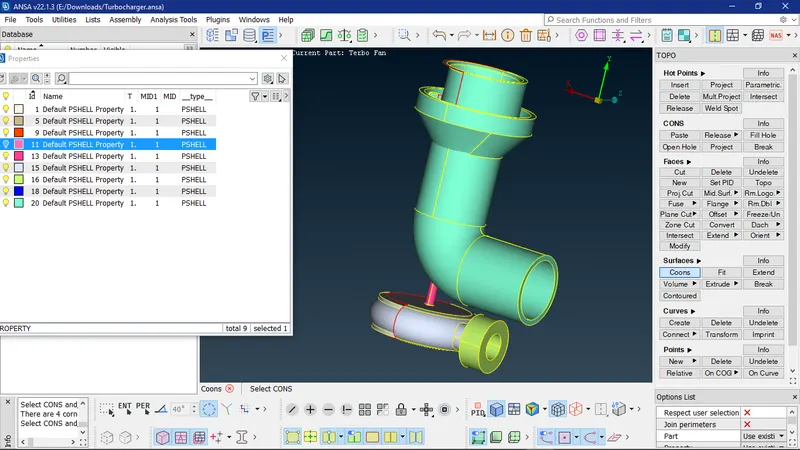
Projecting the hot points to the cons using multi project
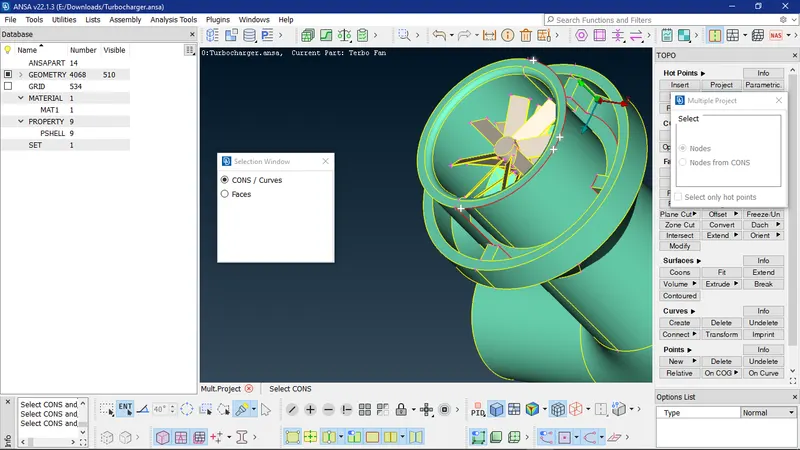
Creating small surfaces instead of a single complete surface using coons tool
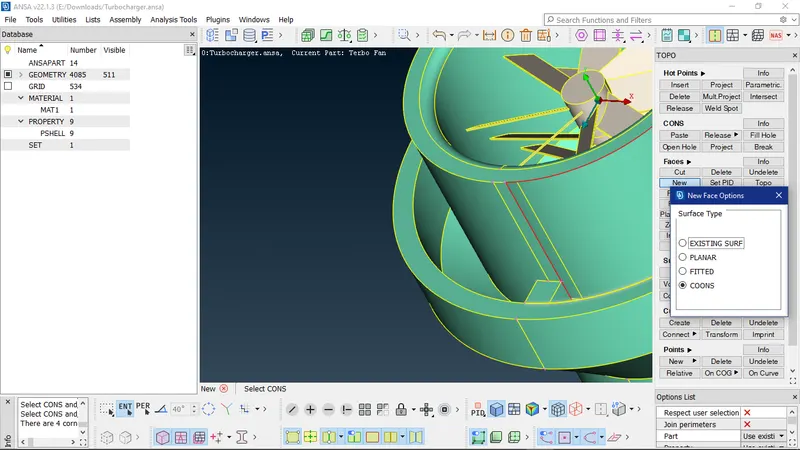
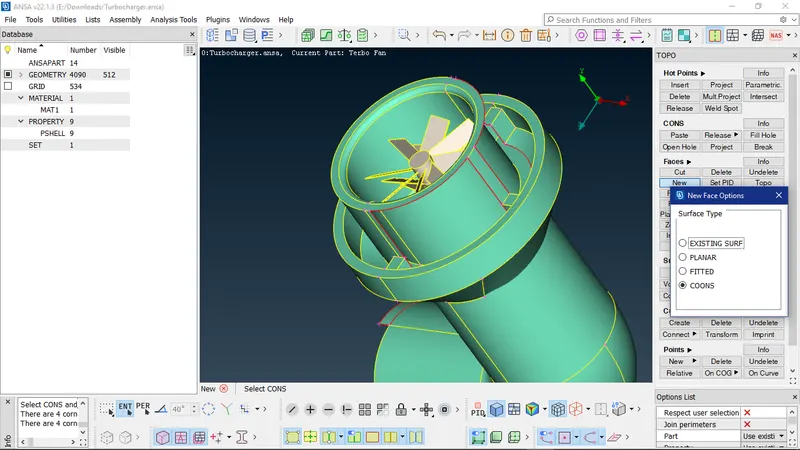
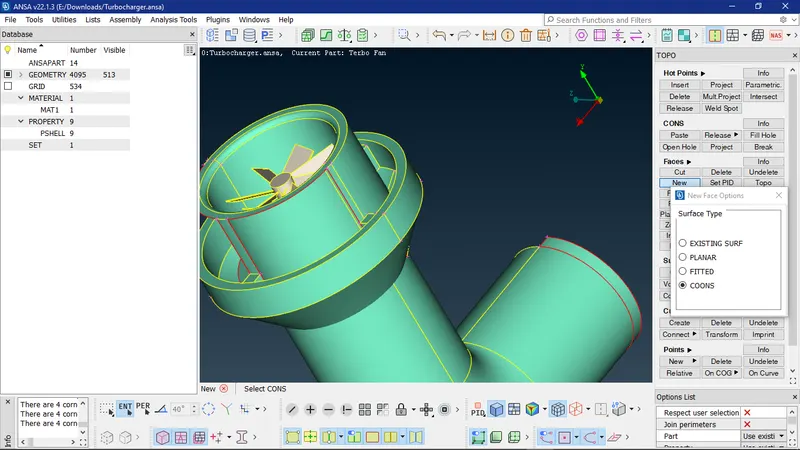
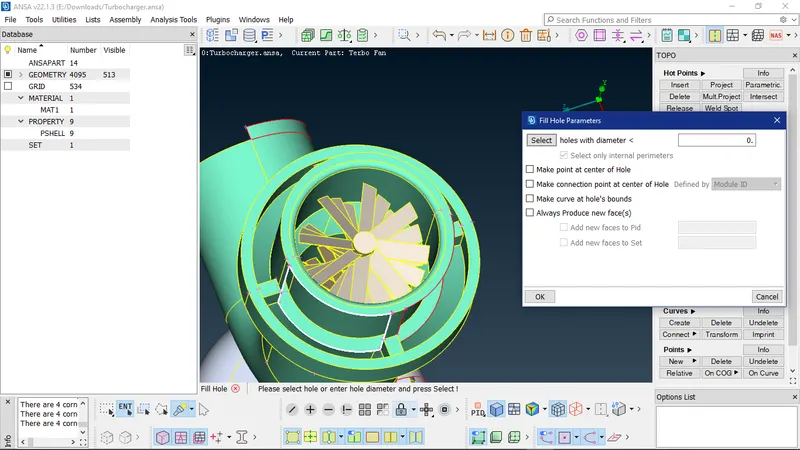
Using fill hole to create a new surface to fill the gap
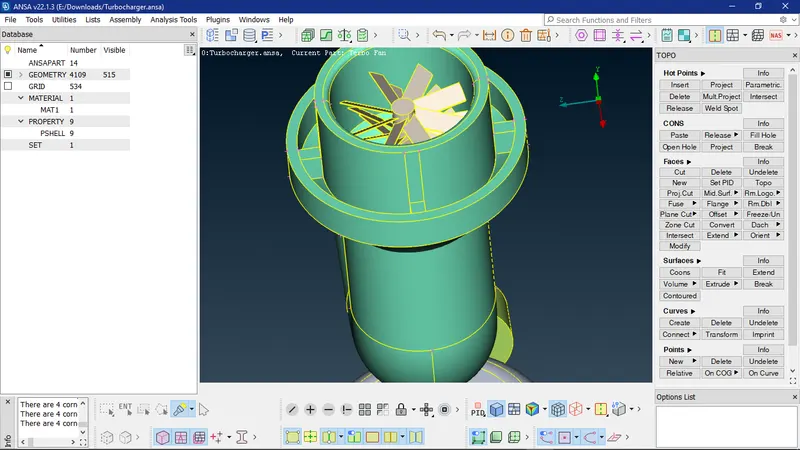
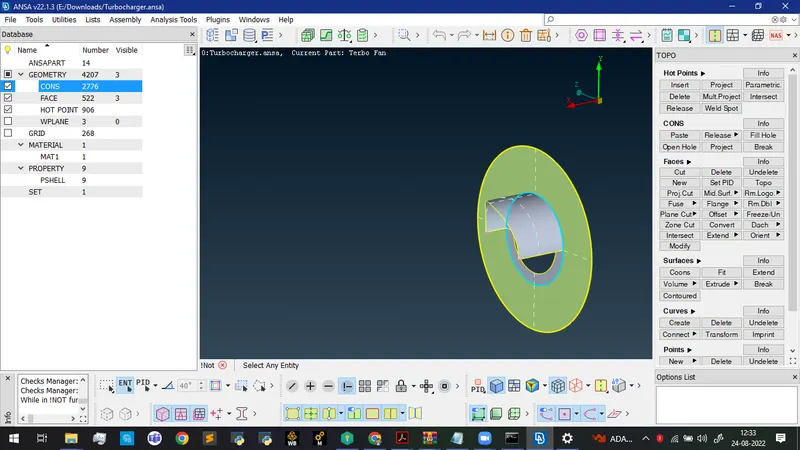
Isolating the surfaces to view only the required surfaces
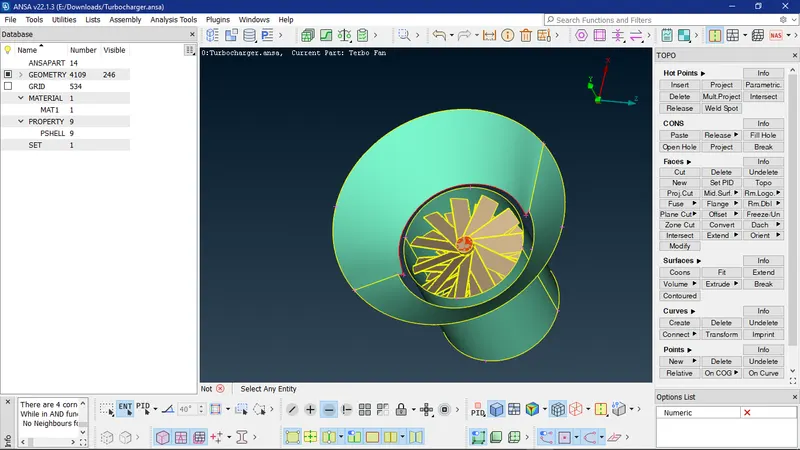
Performing intersection
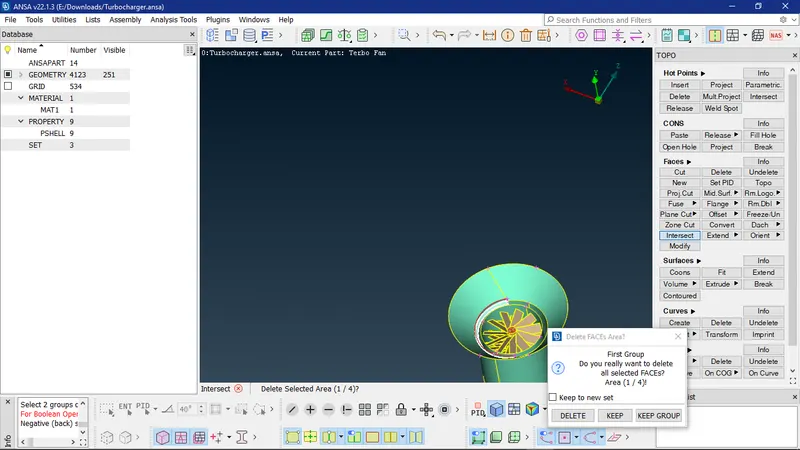
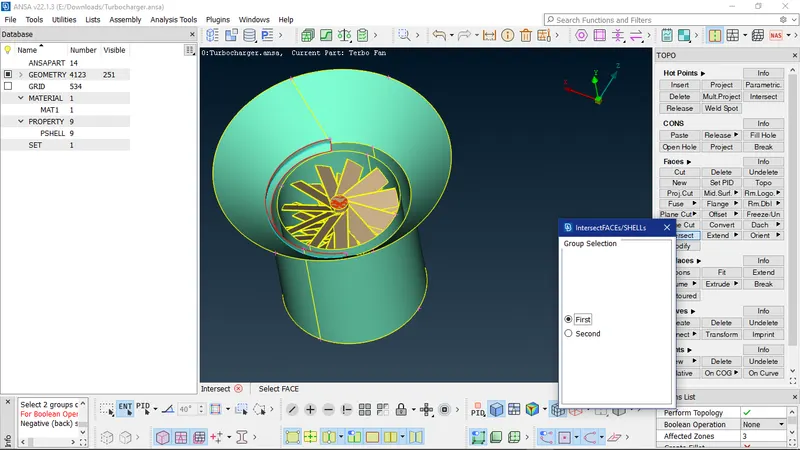
Deleting the unwanted additional surfaces
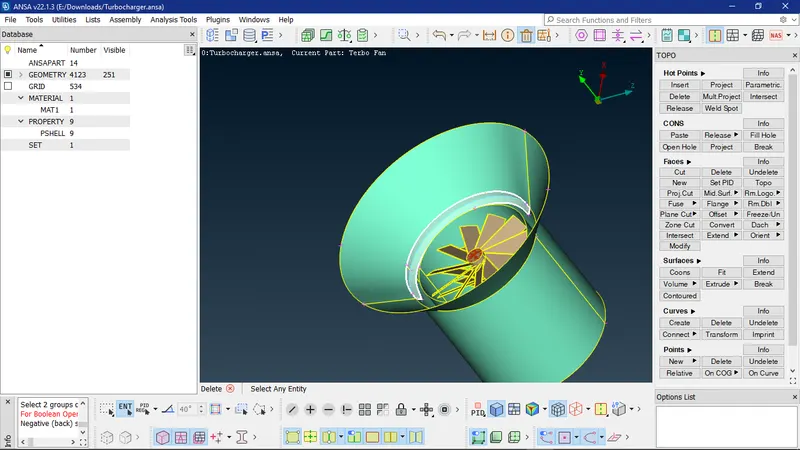
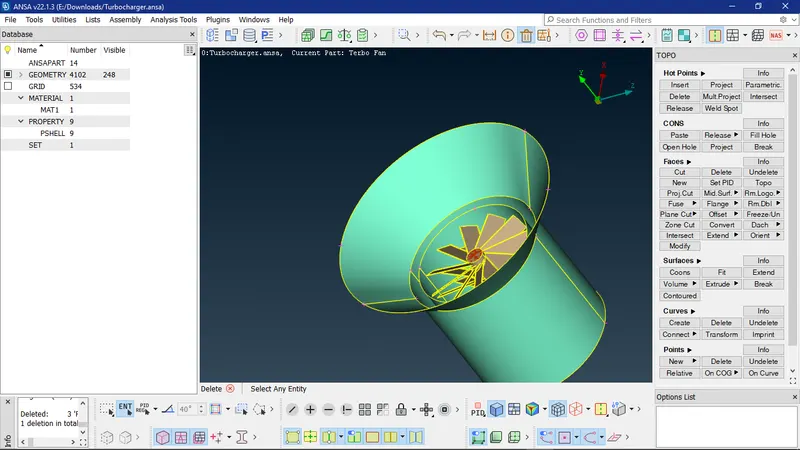
Using release to release the cons
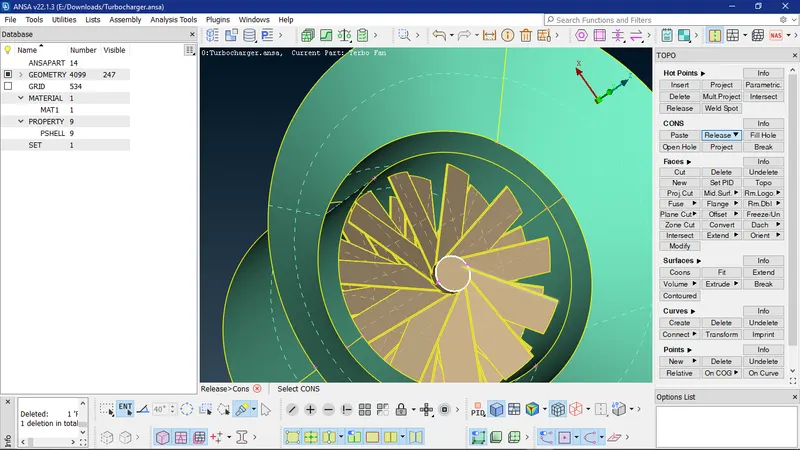
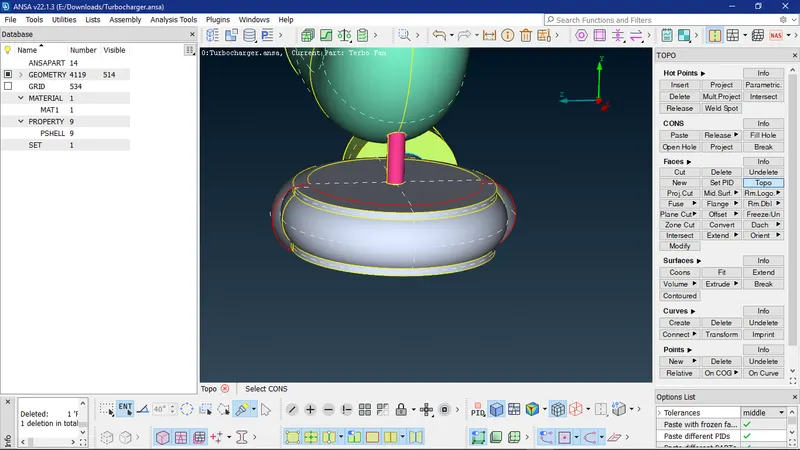
To patch this surface fill hole or face cannot be used as surface generation is not exact and hence surface has to be created in small patches for which hot points should be defined using parametric.
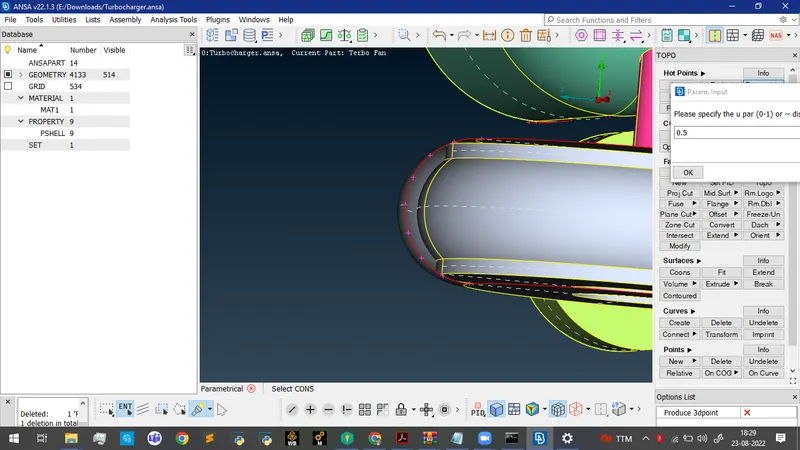
After creating surfaces one by one by employing COONS tool
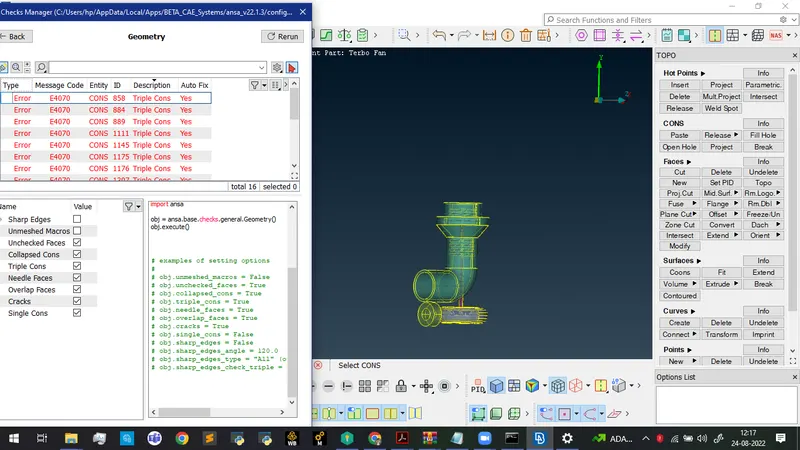
Performing geometry checks and converting all the single cons to triple cons using TOPO
Isolating the entities using Inot tool
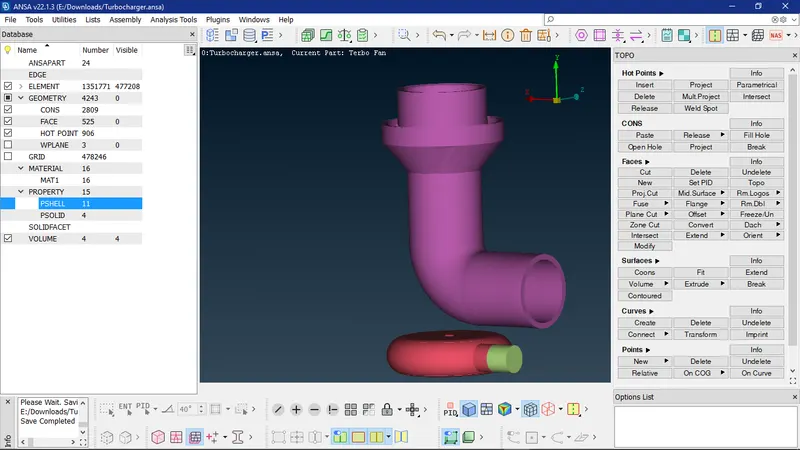
Performing topo cleanup and closing all surfaces in order to perform volumetric mesh
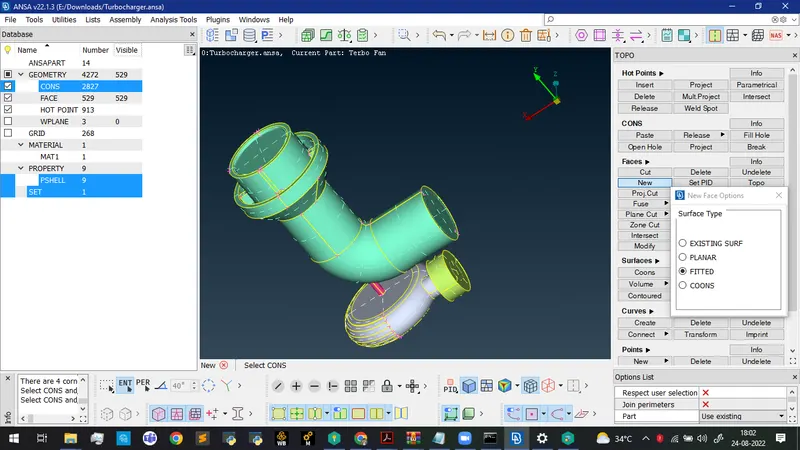
Defining the inlet and outlets
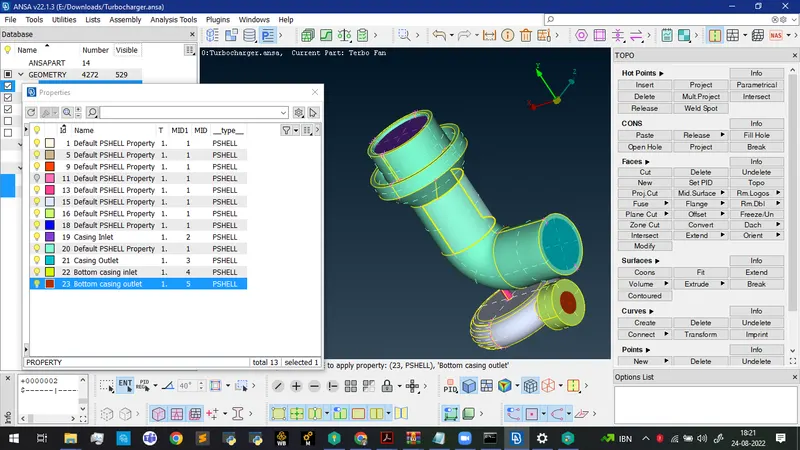
Displaying all the properties
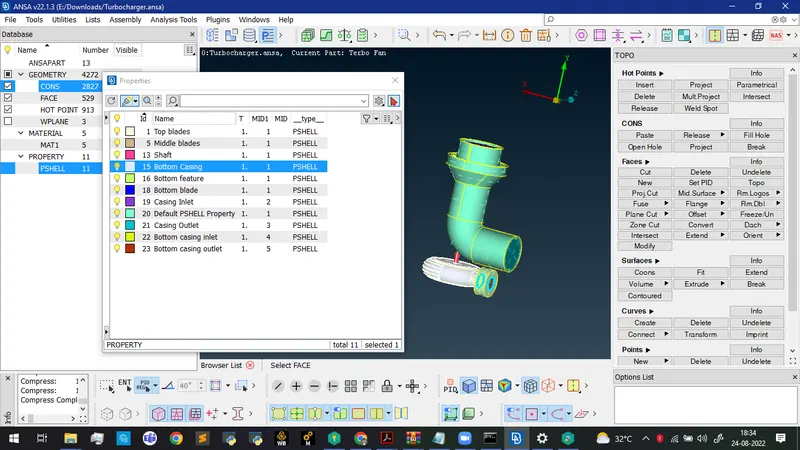
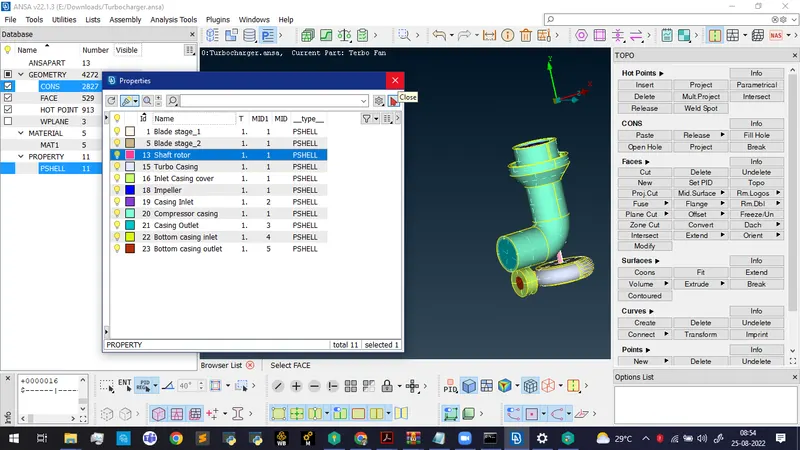
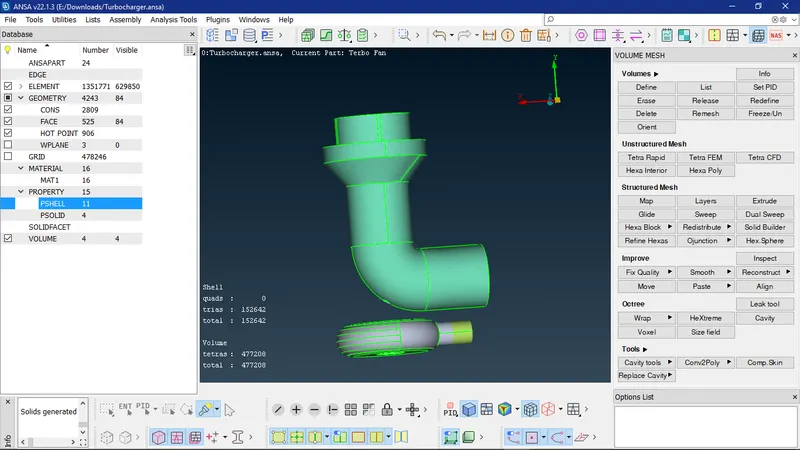
Volumetric Mesh
Generating spot mesh for all the geometries
Mesh length for the various components
1. Blade stage 1 = 1 mm
2. Blade stage 2 = 1 mm
3. Impeller = 2 mm
4. Shaft rotor = 1 mm
5. Turbo casing = 5 mm
6. Compressor casing = 5 mm
7. Inlet Casing Cover = 5 mm
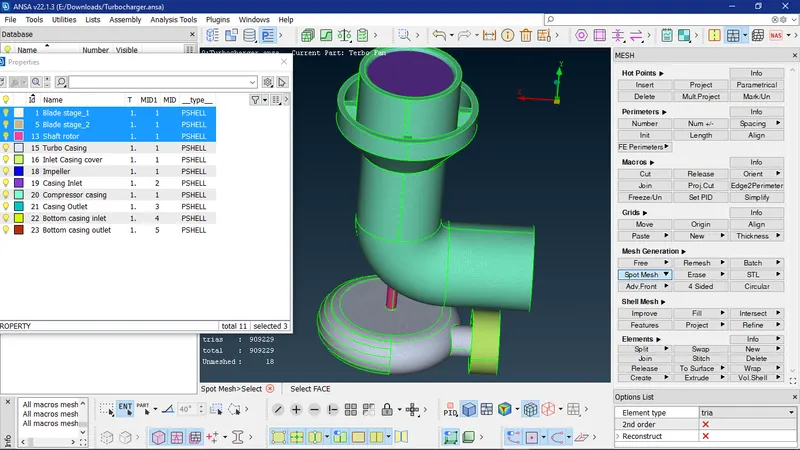
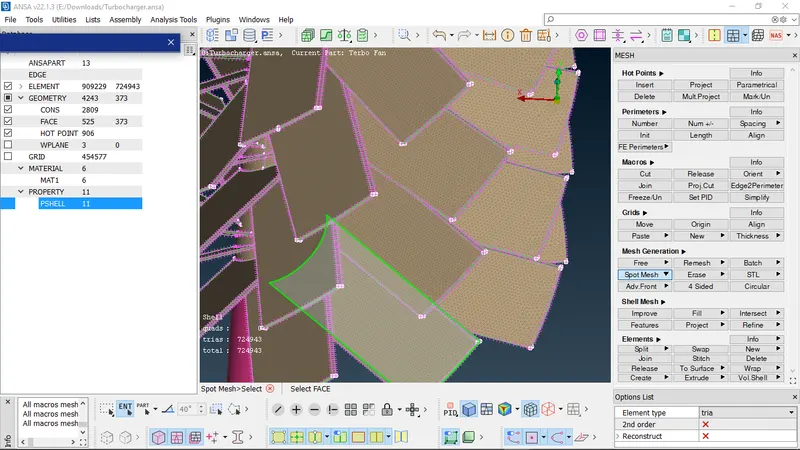
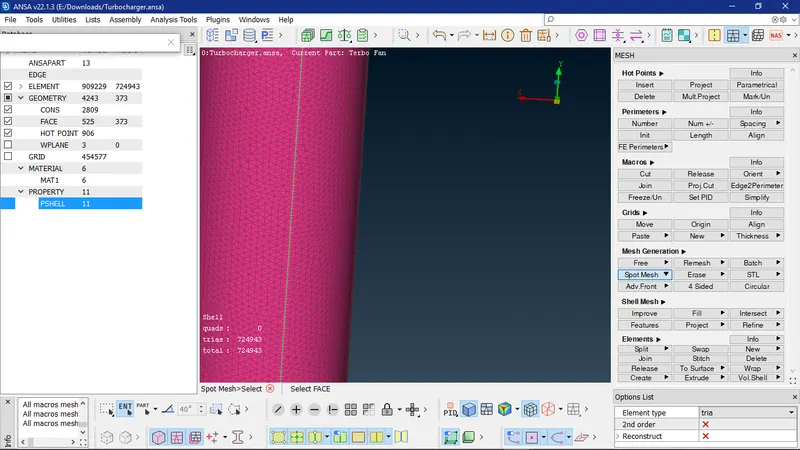
While specifying 1 mm mesh length for the shaft the mesh in some portions of the impeller gets erases and hence those portions have to be remeshed
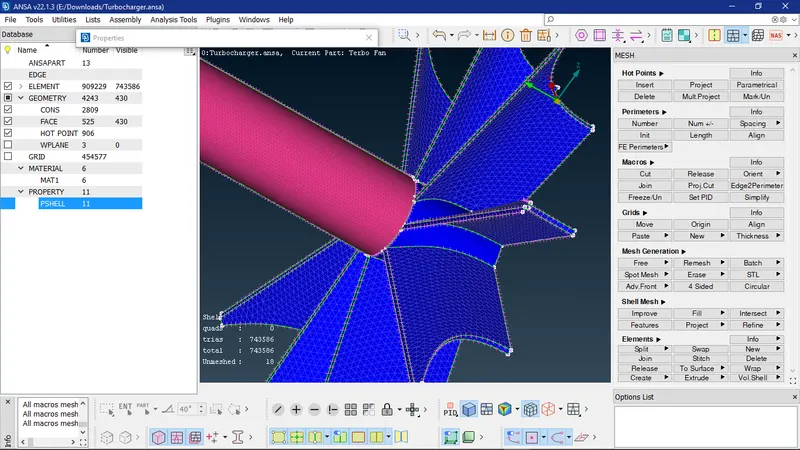
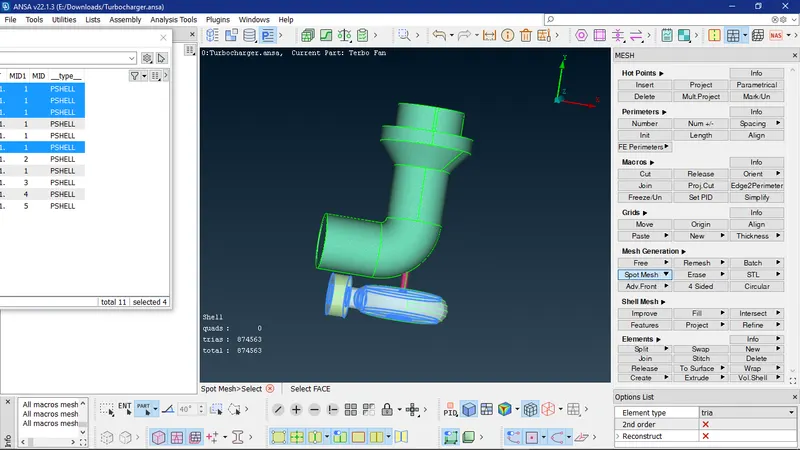
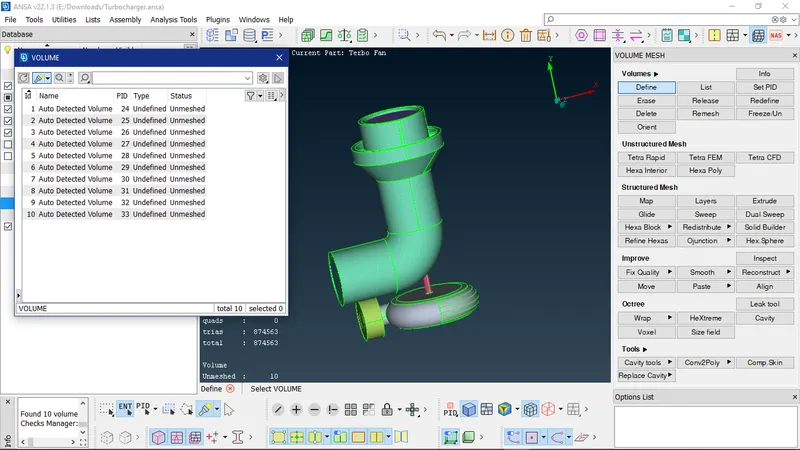
Unmeshed Volumes
Google drive link: https://drive.google.com/file/d/1cVDO52vdGilpjHtgcFdKKaz6yMlcDyh2/view?usp=sharing