Week-3 Challenge: ADVISOR Tool
Introduction:
The ADVISOR Tool is a powerful software application used in the field of electric vehicle (EV) and hybrid vehicle (HEV) design and analysis. It is an essential tool for engineers and researchers in the automotive industry to evaluate and optimize various aspects of vehicle performance, including efficiency, range, emissions, and more. ADVISOR stands for "Advanced Vehicle Simulator."
Brief on ADVISOR Tool & Its Benefits:
ADVISOR Tool is designed to provide a comprehensive platform for simulating and assessing the performance of electric and hybrid vehicles. It incorporates various components, such as batteries, motors, controllers, and drive cycles, allowing users to create custom vehicle configurations and perform detailed simulations. Here are some key benefits and features of the ADVISOR Tool:
-
Customizable Vehicle Configurations: Users can define and customize various vehicle parameters, including battery capacity, motor specifications, and vehicle mass, to simulate different vehicle designs and configurations.
-
Drive Cycle Simulation: The tool includes a variety of drive cycles, such as FTP (Federal Test Procedure) and UDDS (Urban Dynamometer Driving Schedule), allowing users to assess how a vehicle performs under different driving conditions.
-
Battery Modeling: ADVISOR includes detailed battery models to simulate battery behavior accurately. Users can change battery capacity, chemistry, and configuration to study their impact on vehicle performance.
-
Performance Analysis: The tool provides comprehensive performance metrics, including range, fuel economy, emissions, and state of charge (SOC), enabling users to evaluate the vehicle's efficiency and environmental impact.
-
Optimization: Engineers can use ADVISOR to optimize vehicle components and configurations to achieve specific performance goals, such as maximizing range or minimizing emissions.
Components to motor_controller. The above table before giving the mass of 500kg.
the below ADVISOR TOOL after giving mass 500kg.
- Loading file 'EV_defaults_in in the ADVISOR Tool and the cargo mass input as 500kg.
- On clicking continue the 'Drive cycle window' appears selecting 'CYC_FTP' to the drive cycle.
- the CYC_UDDS IS BEFORE CHANGING TO CYC_FTP.
- each FTP drive cycle lasts for a time period of 2.4 sec and a distance of 17.8kmph. In order to verify if the vehicle can travel for 45km, we have to consider the number of cycles to be 4.
- ON clicking RUN. the results are obtained
- The results figure window appears the graphs for velocity soc emission and overall ratio are displayed.
conclusion: Hence, For EV_defaults_in file, if cargo mass is 500 kg with all other default conditions, can the vehicle travel for 45 km with FTP drive cycle, and results are obtained.
Q.2: In the above case, try changing the battery capacity and repeat the simulation.
ANSWER: Loading file 'EV_defaults_in' in the ADVISOR TOOL and set the cargo mass as 500kg. In this case, we will increment the number of battery modules by 15. hence the total is 40 resulting in a nominal voltage of 493v.
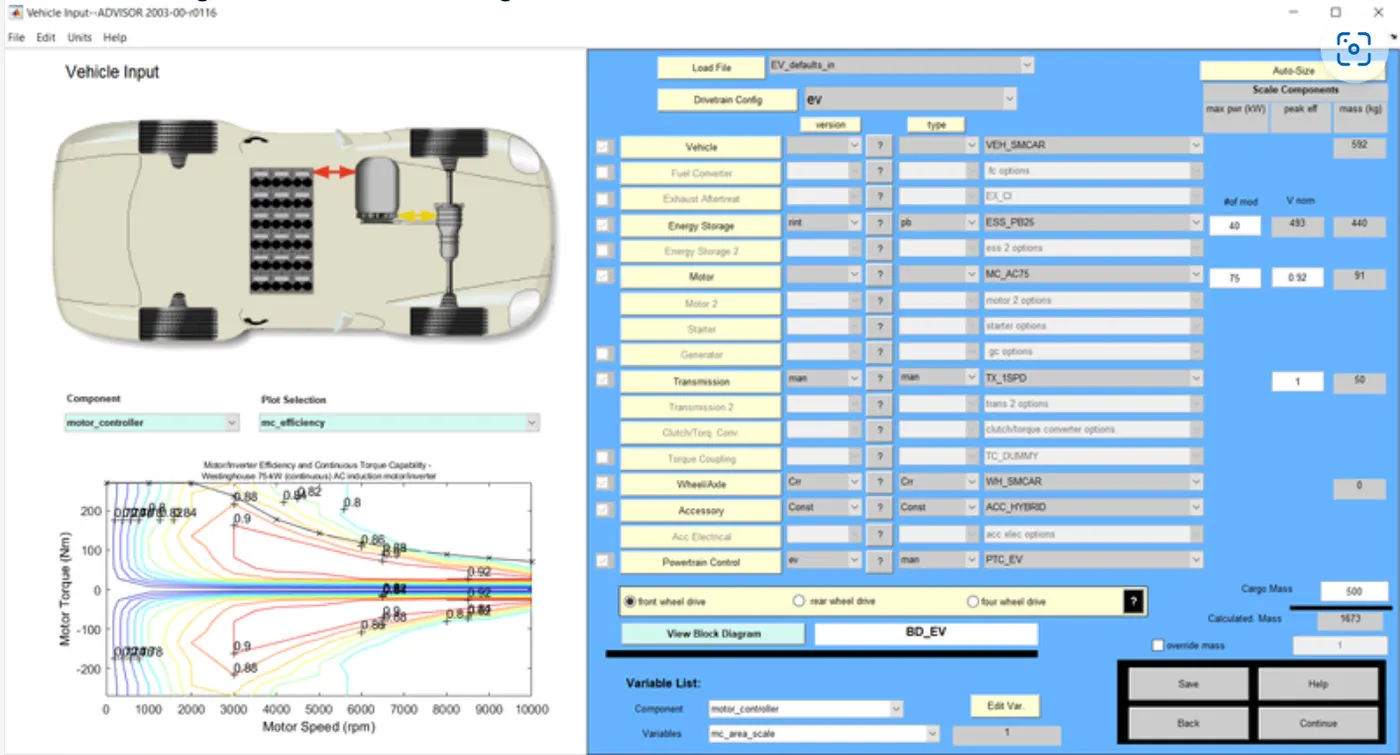
On clicking continues the drive cycle window appears. selecting 'CYC_FTP' to be the drive cycle. each FTP drive cycle lasts for a time period of 2477 seconds and a distance of 17.77km. In order to verify if the vehicle can travel for 45km, we have considered that the number cycle is 4.
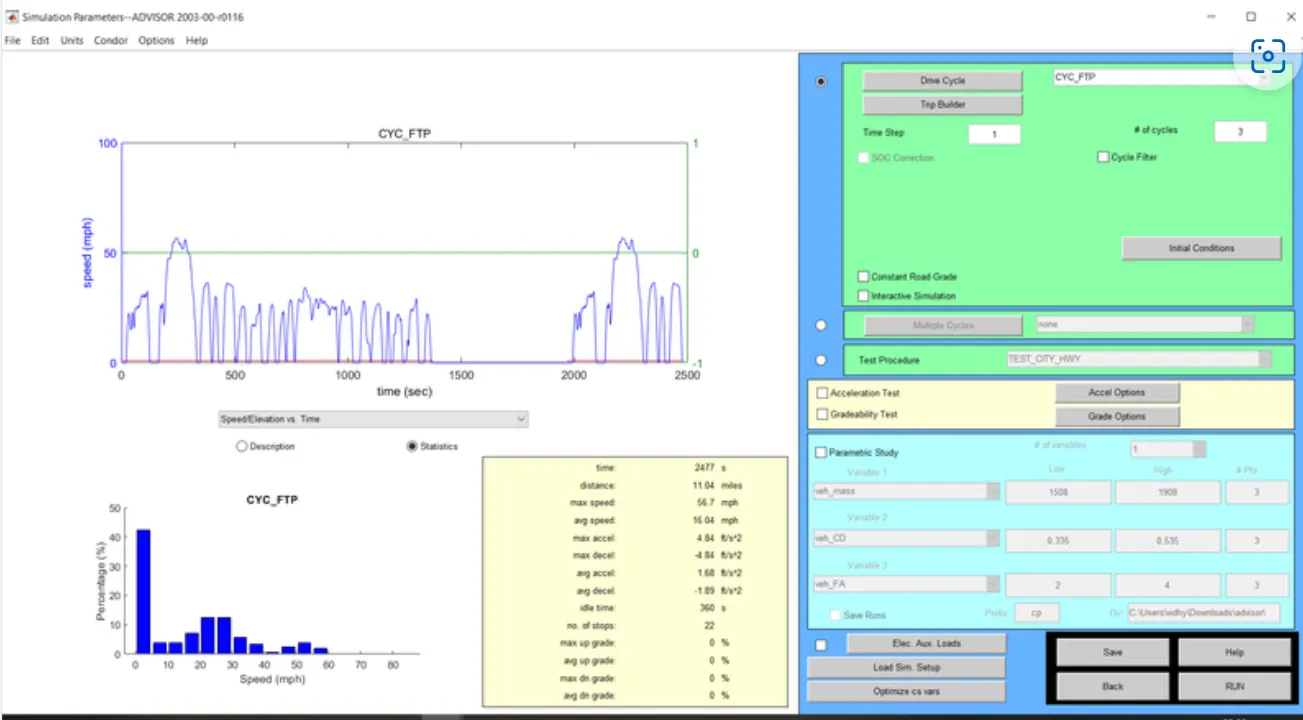
On clicking RUN.
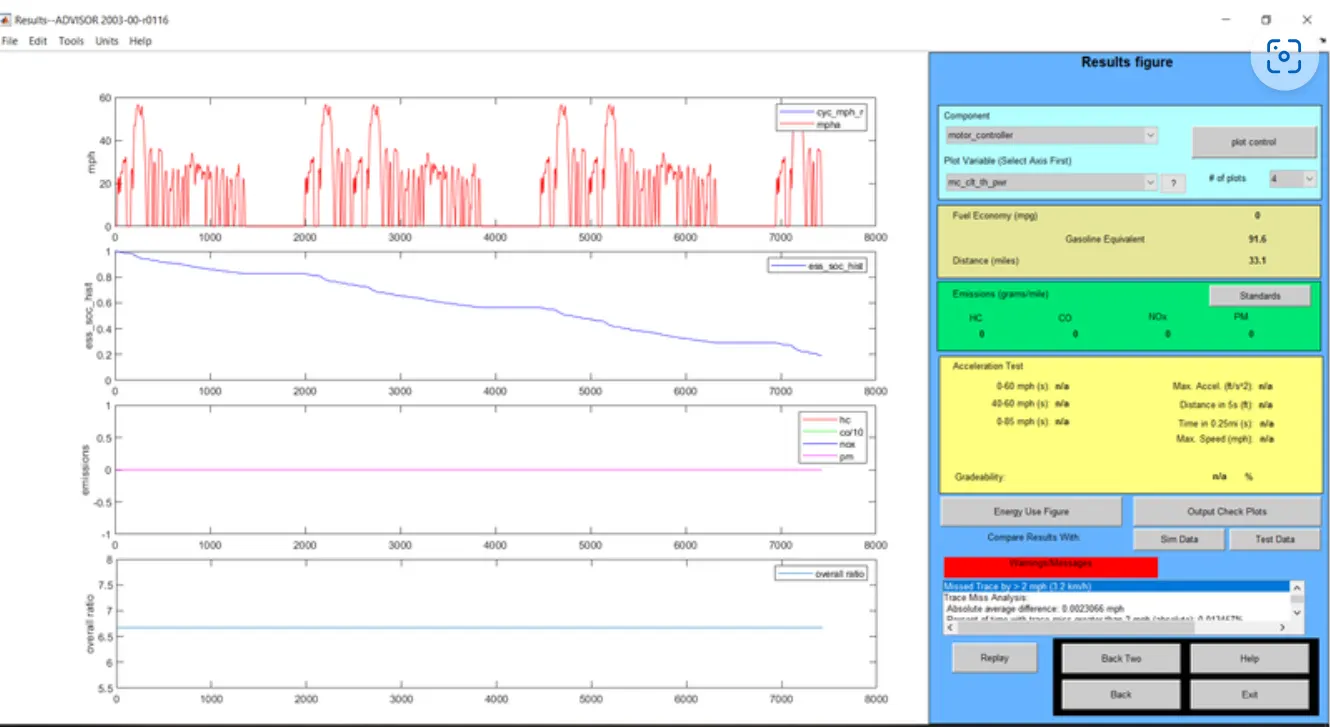
the results figure window appears the graphs for velocity SOC Emission and overall ratio are displayed.
CONCLUSION: From the above graph of SOC it is evident that the state of charge remains at 20% even after completing 4FTP drive cycles. Also under the fuel consumption tab, the distance traveled is displayed as 53.3 km. Hence by the previous case where the distance traveled was 41.4 km. hence by increasing the number of battery modules from 25 to 40, we can make the EV car easily travel more than 45 km.
Q.3: Perform gradeability test with PRIUS_Jpn_defaults_in file. Compare your results in a table and conclude.
ANSWER: Loading 'PRUS_Jpn_defaults_in' in the ADVISOR TOOL.
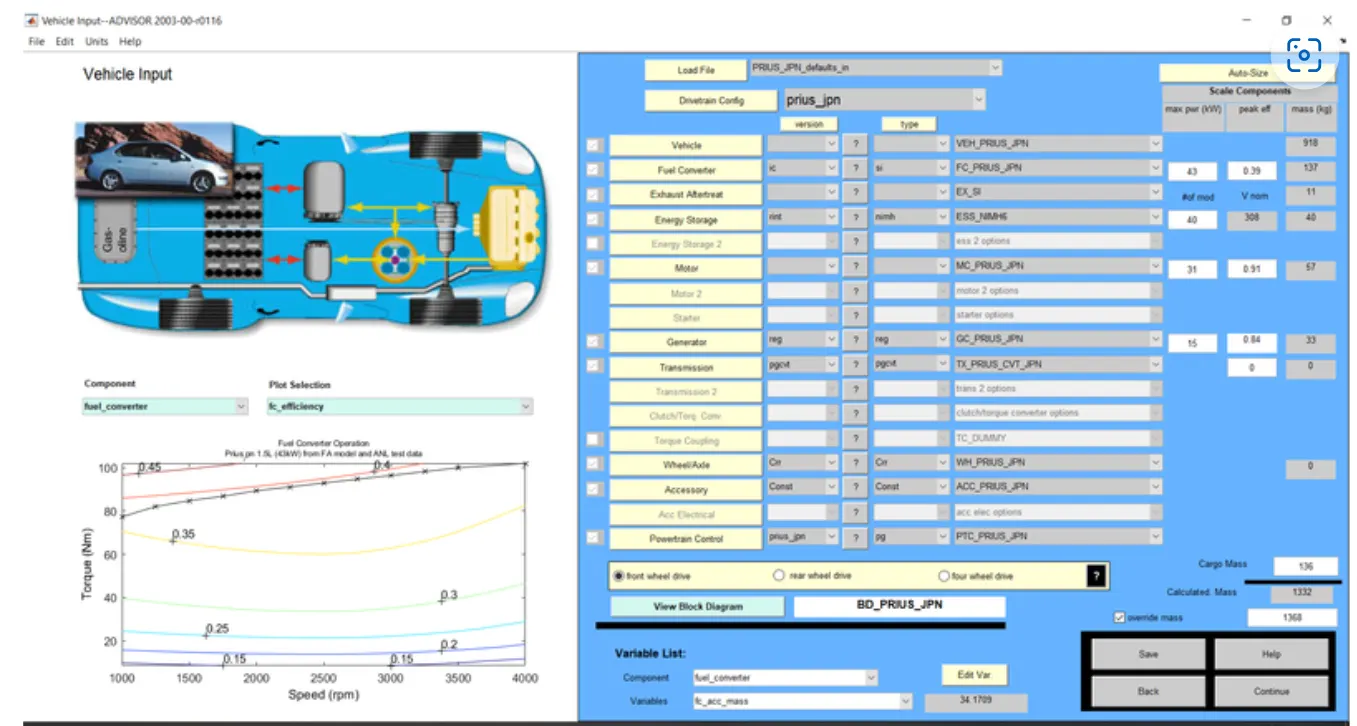
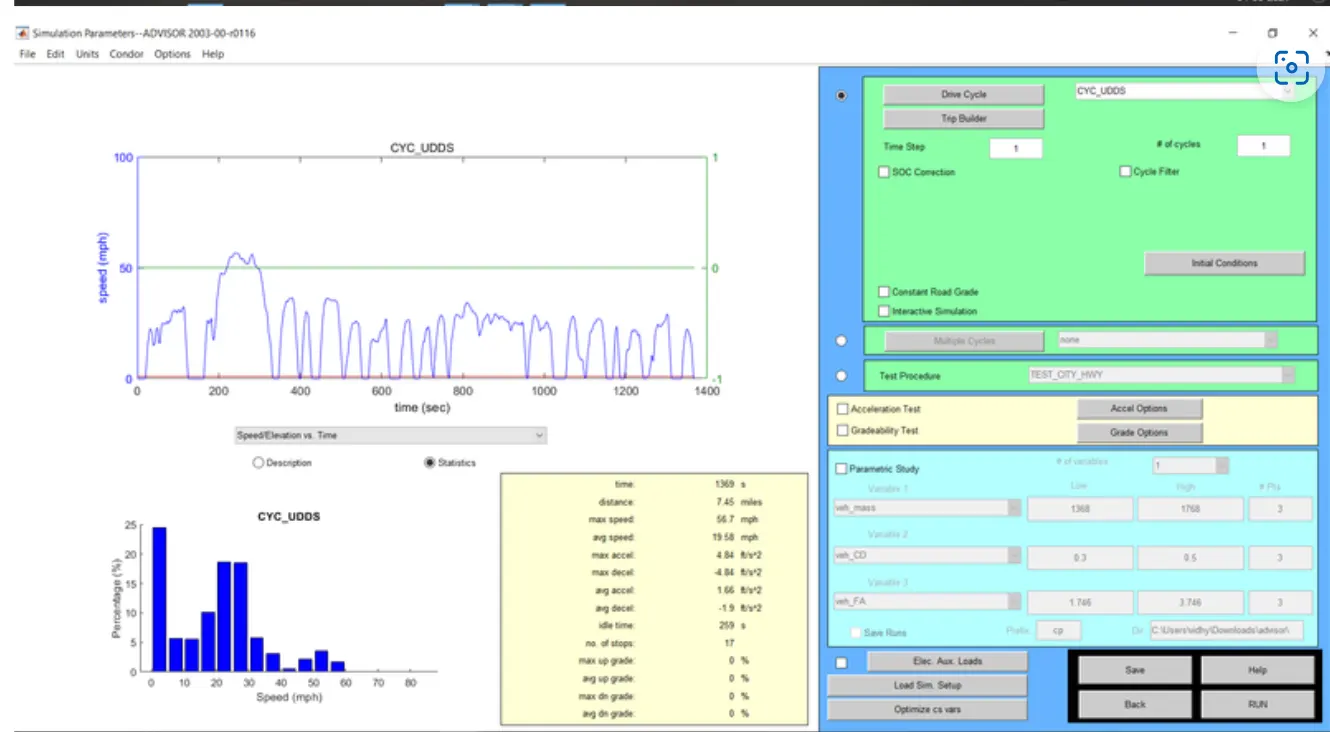
On clicking the continues button the 'drive cycle window' appears. the drive cycle selected is 'CYC_UDDS'.The gradeability test toggle is selected. On clicking the Grade options button, we can set the speed and duration as required. also, other parameters can be changed.
CASE:1.
SPEED = 60mph=96.6kmph and duration =20 seconds. all other parameters are set as default.
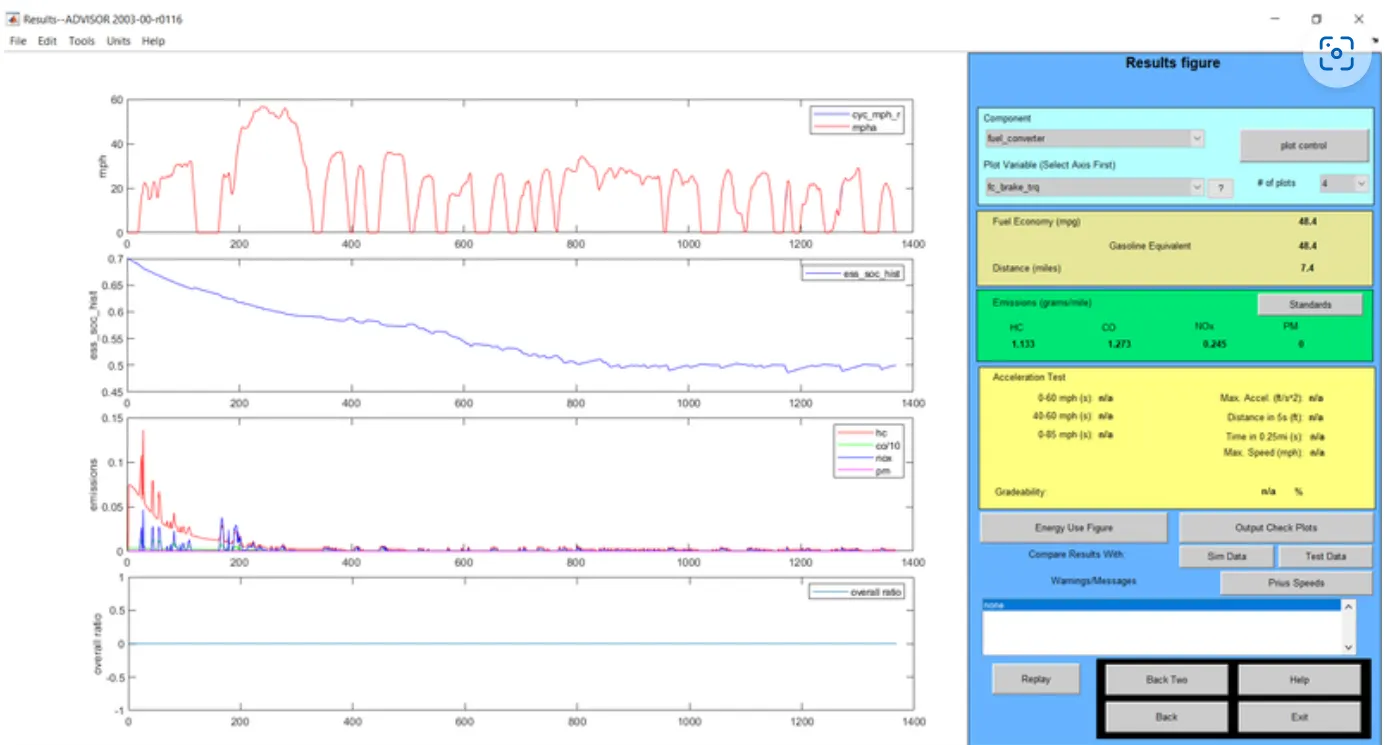
CASE:2. SPEED=70 mph =112.7kmph and duration =20 seconds. All other parameters are set as defaults.
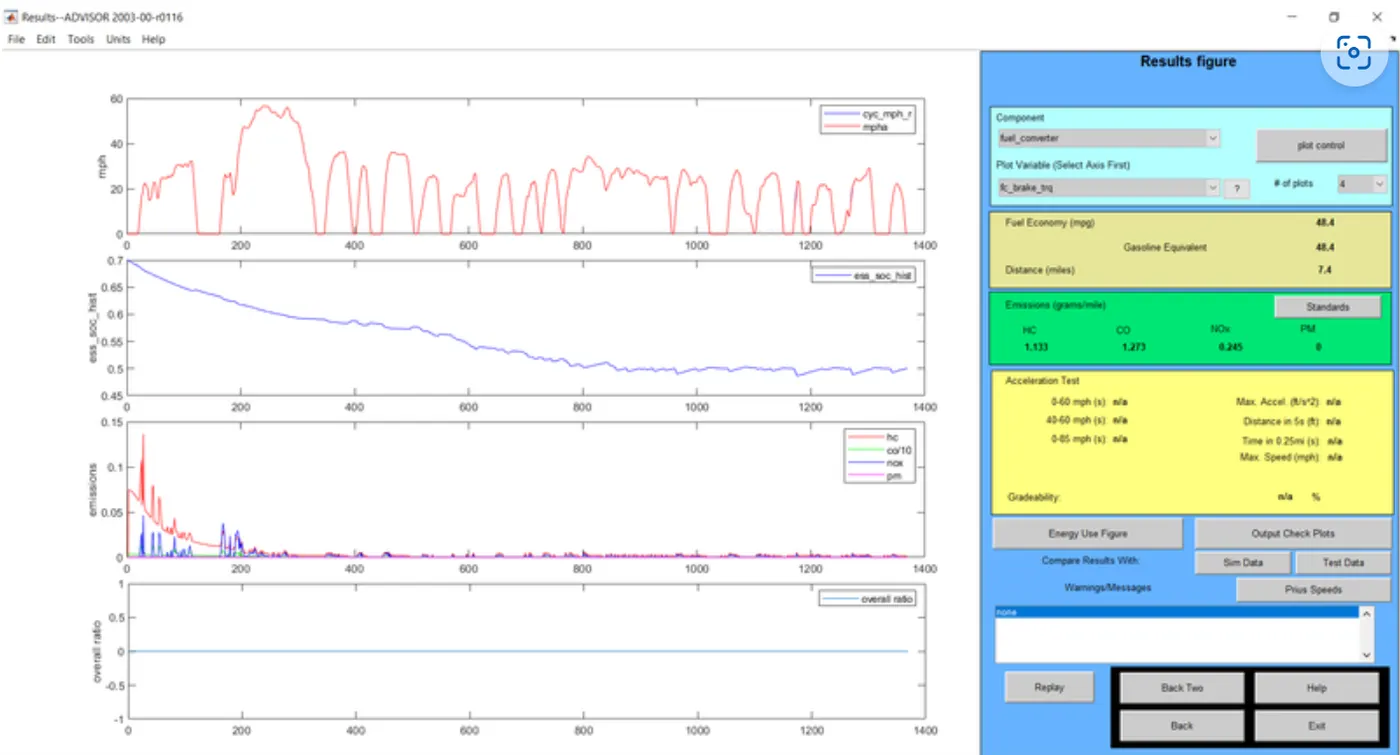
CASE:3. SPEED= 80mph=128.7kmph and duration=20 seconds. all other parameters are set as defaults.
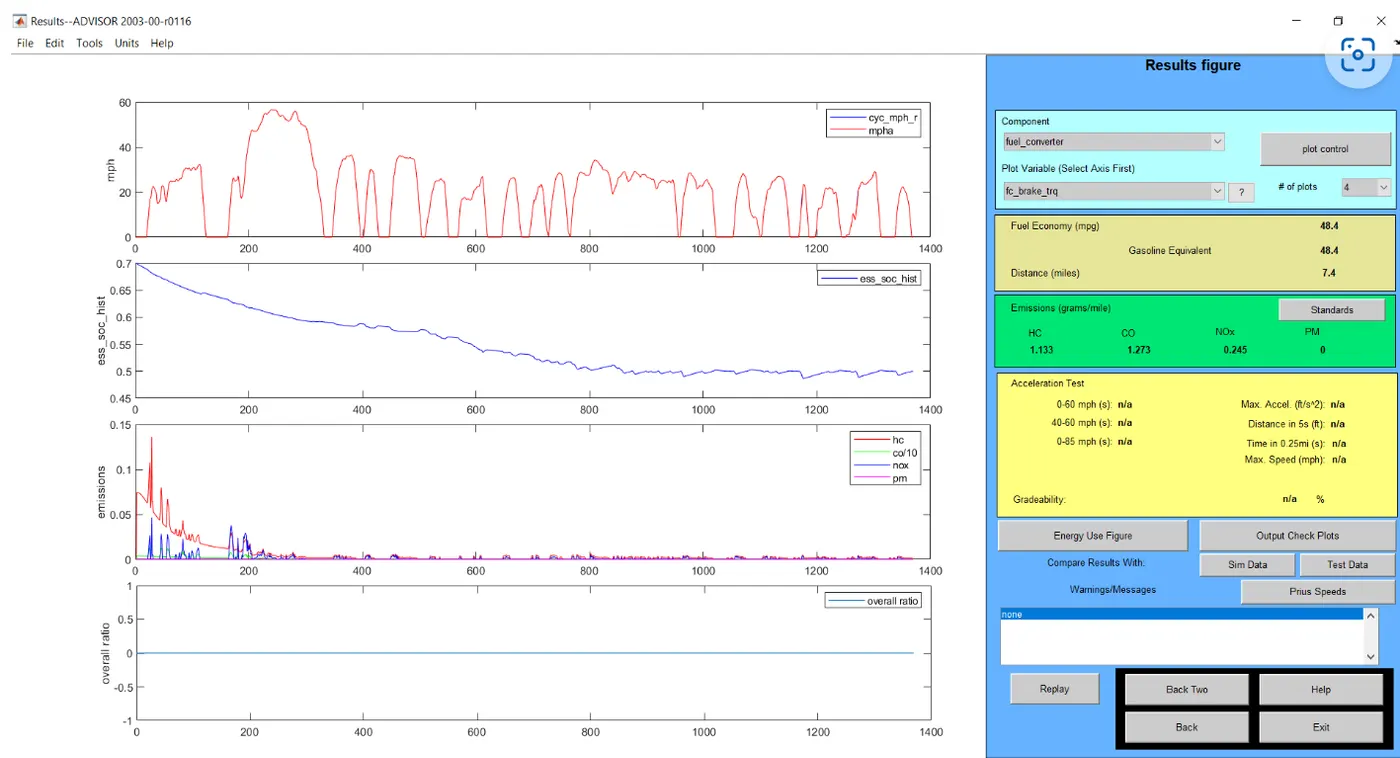
CASE:4. SPEED =90mph=144.8kmph and duration =20 seconds. All other parameters are ser as default.
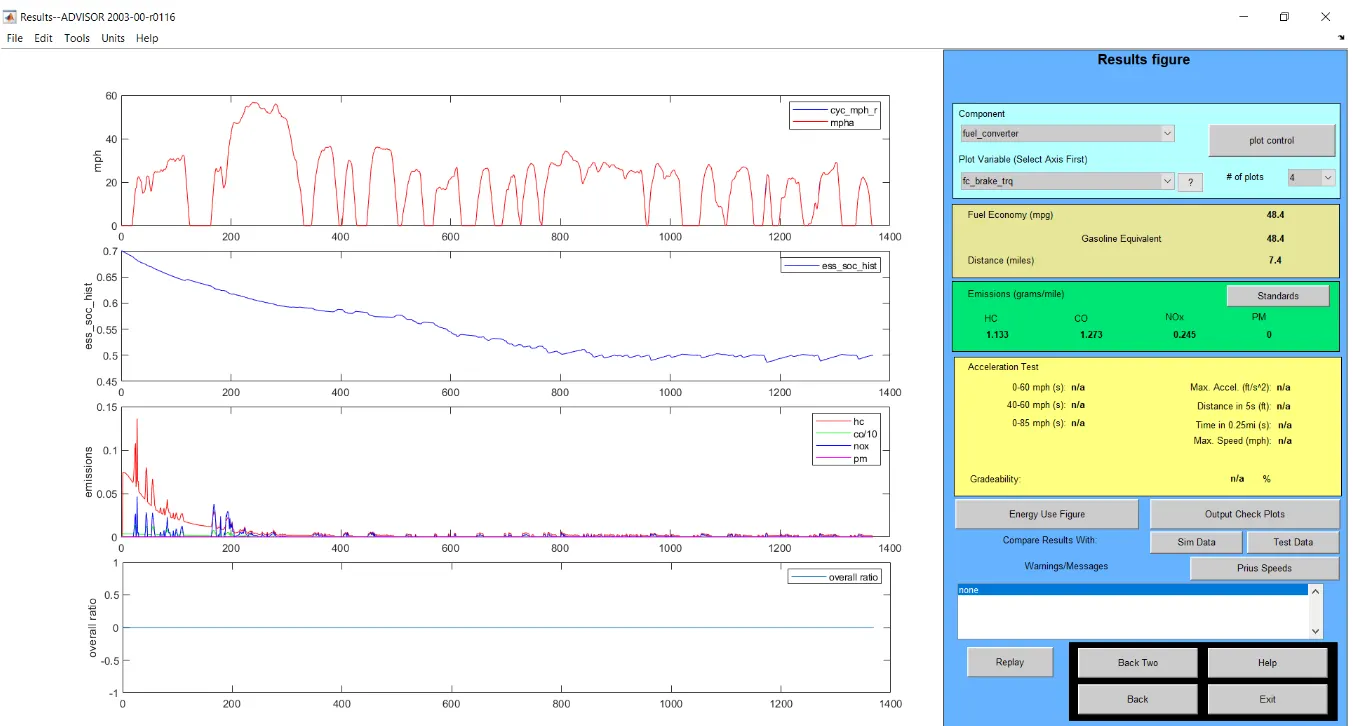
CASE:5. SPEED=100mph=160.9kmph and duration=20seconds. All other parameters are set as default.
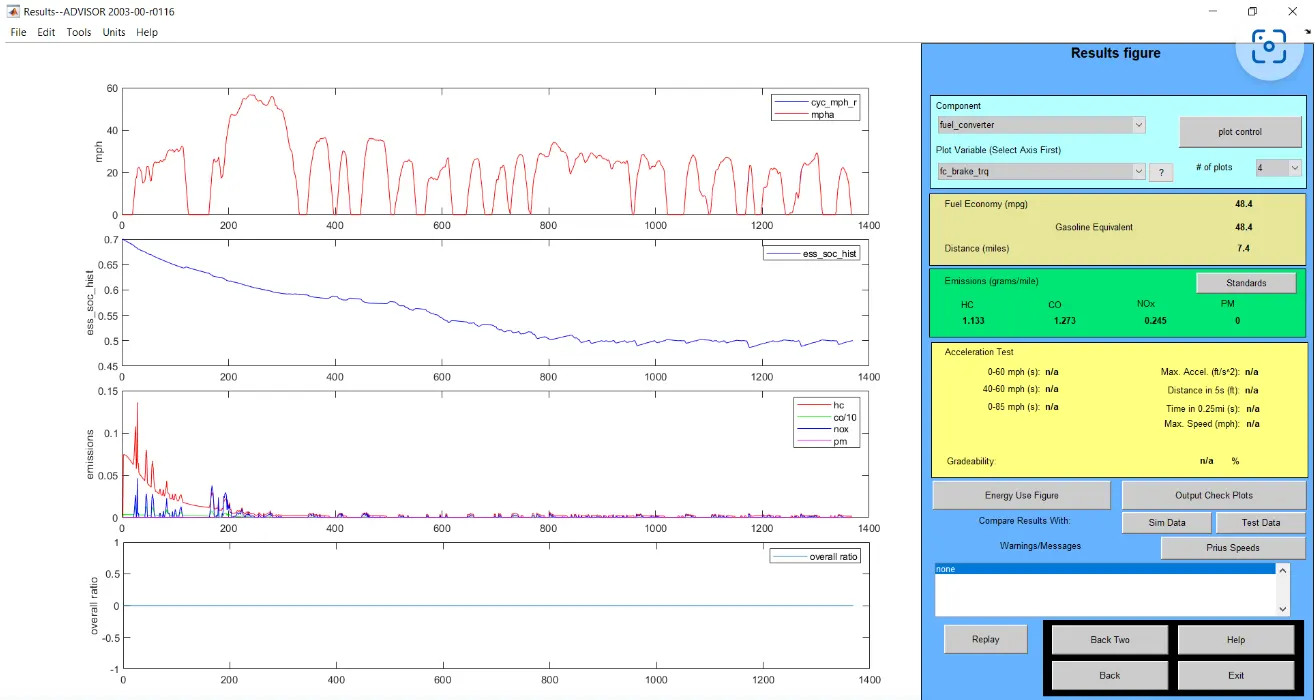
CONCLUSION:
In the below table, it is seen that the gradeability has been tested for different speed values keeping the duration values constant. from the table, it is evident that the gradeability decreases with the increase in speed of the vehicle. the change in duration has no the gradeability of the vehicle.
HENCE, THE SIMULATION IS COMPLETED USING THE ADVISOR TOOL.
Final Summary:
In summary, the ADVISOR Tool is a versatile and valuable resource for the automotive industry, allowing engineers and researchers to simulate and analyze the performance of electric and hybrid vehicles. It enables them to make informed decisions regarding vehicle design, component selection, and optimization to meet specific performance and environmental objectives.
With its ability to model various vehicle parameters and components, ADVISOR plays a crucial role in advancing the development of electric and hybrid vehicles, ultimately contributing to the transition towards cleaner and more sustainable transportation solutions.