Week-3 Challenge: ADVISOR Tool
1. For EV_defaults_in file, if cargo mass is 500 kg with all other default conditions, can the vehicle travel for 45 km with FTP drive cycle? Conclude your observations.
Solution:
Open the ADVISOR tool in Simulink, then the below window appears.
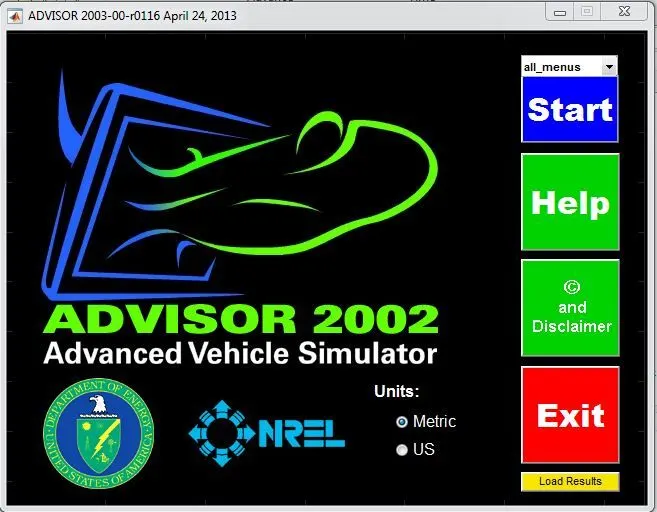
Select Metric Unit and click Start. Then the below window appears.
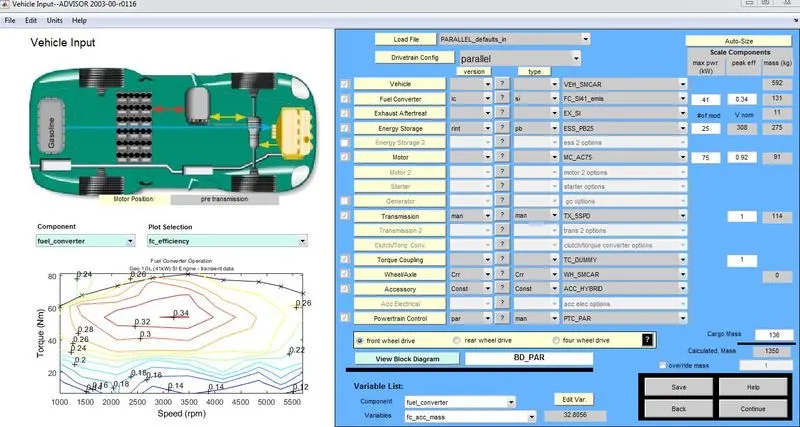
Now, select EV_defaults_in file.

The below window appears with EV parameters.
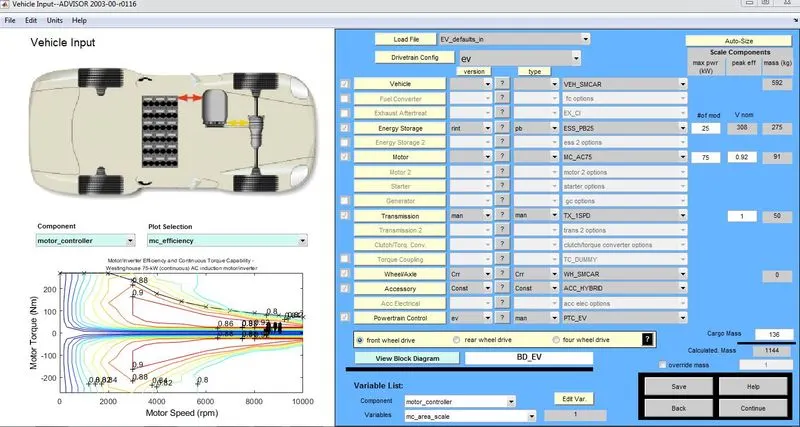
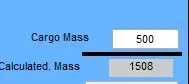
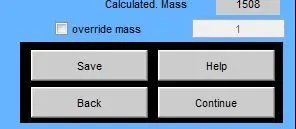
Change the Cargo mass which is present as 136 kg to 500 kg.
Click CONTINUE.
The below screen of simulation parameters appears.
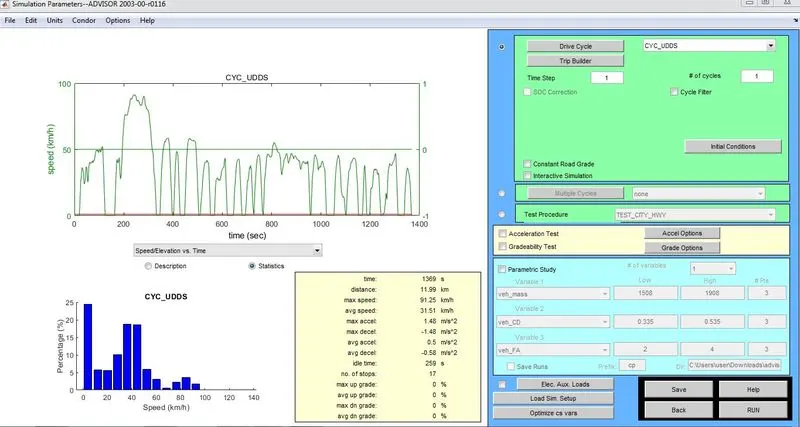
Select the Drive Cycle as CYC_FTP

According to the selected drvie cycle the parameters are:
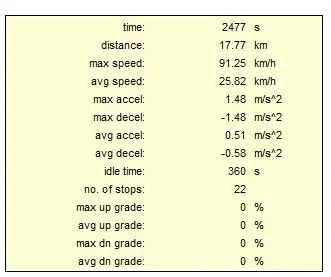
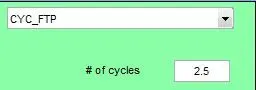
The distance that will be covered in one cycle is given as 17.77 km. We need to test the vehicle for 45 km. So we need to increase the number of cycles according to the distance needed to be covered.
Click on RUN. The below results window appears.
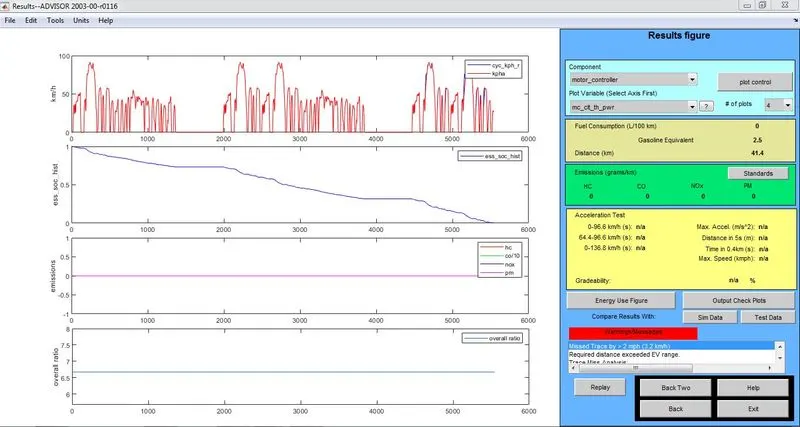
In the results window, we can see the distance that the vehicle has covered according to the given input parameters.
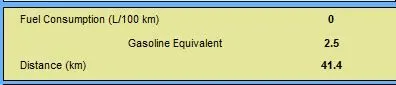
A warning message saying that the required distance exceeded EV range has appeared.

The distance that the vehicle has covered is 41.4 km but we wanted it to travel for 45 km with the cargo mass as 500 kg and with all other default conditions.
So according to the given inputs, the vehicle is not able to travel for 45 km.
2. In the above case, try changing the battery capacity and repeat the simulation.
Solution:
In order to change the battery capacity, first we need to open the ADVISOR tool and select the EV_defaults_in file in it.
Then change the cargo mass to 500 kg(as the condition is given in the previous question) and change the number of modules in the battery.

Initially the number of modules in the battery were 25, now it is changed to 30.
So the battery capacity has been changed.
Now click on CONTINUE and set the drive cycle to CYC_FTP.
The distance that will be covered in one cycle is given in the parameters as 17.77 km. We need to test the vehicle for 45 km. So we need to increase the number of cycles according to the distance needed to be covered. (Condition given in the previous question).
Now RUN the simulation. The below result appears.
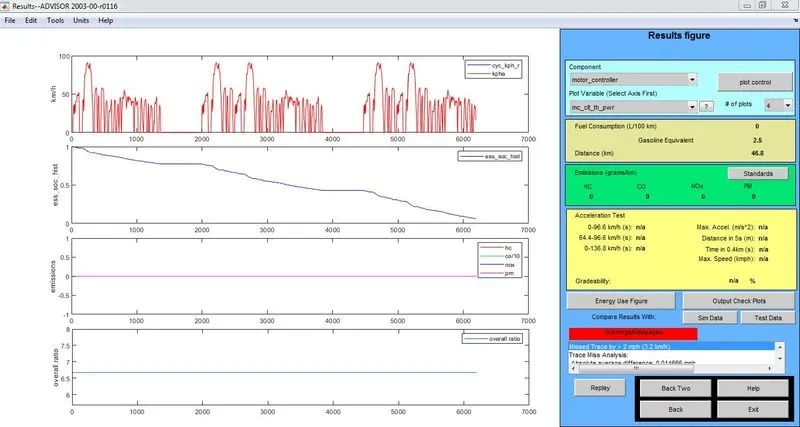
In the results window, we can see the distance that the vehicle has covered according to the given input parameters.
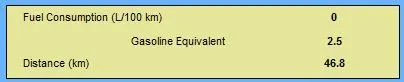
We can see that the distance covered is 46.8 km which is greater than the required 45 km.
Therefore, we can say that the Range of the vehicle increases with the increase in the Battery Capacity.
3. Perform gradeability test with PRIUS_Jpn_defaults_in file
Compare your results in table and conclude.
Solution:
Open the ADVISOR tool in Simulink, then the below window appears.
Select Metric Unit and click Start. Then the below window appears.
Now, select PRIUS_Jpn_defaults_in file.

The below screen with Prius parameters appears.
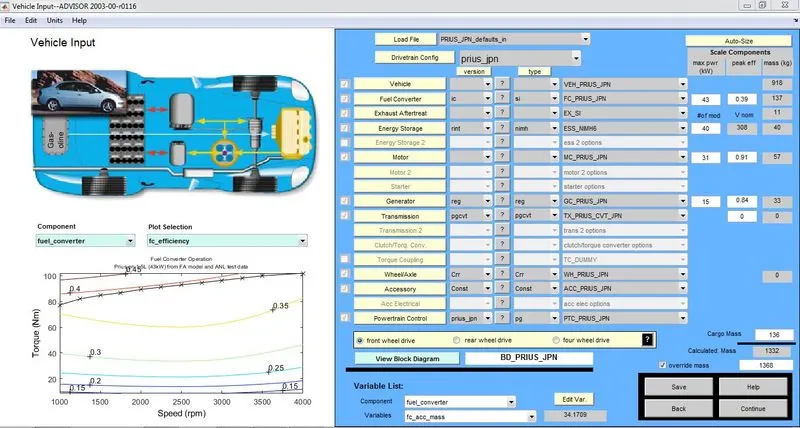
Click CONTINUE. The next screen with simulation parameters appears.
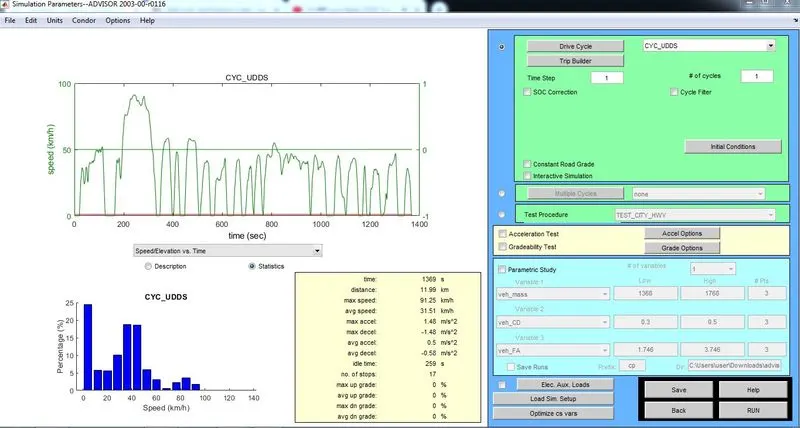
Select Gradeability Test and click on Grade Options.

The following Grade Options appears:
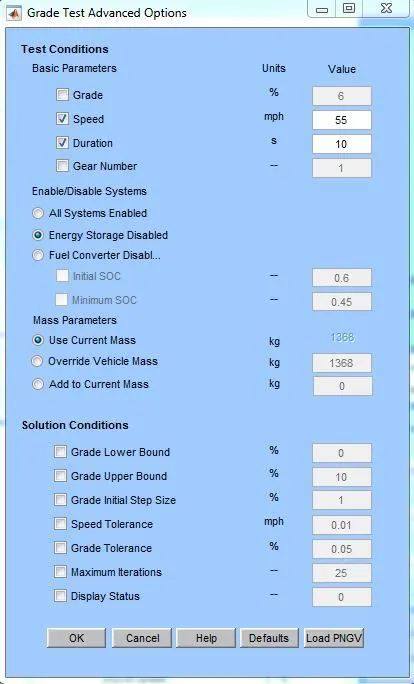
Click on OK and RUN.
The results window appears, there we can find the Gradeability percentage that the vehicle can achieve for the given Grade options.
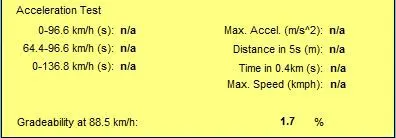
We can change the speed of the vehicle in the Grade Options and check its effct on the gradeability percentage.
The comparison of the speed and gradeability percentage is tabulated below:
| S.No. | Speed(mph) | Speed(kmph) | Gradeability(%) |
| 1 | 30 | 48.3 | 2.5 |
| 2 | 35 | 56.3 | 2.4 |
| 3 | 40 | 64.4 | 2.3 |
| 4 | 45 | 72.4 | 2.2 |
| 5 | 50 | 80.5 | 2 |
| 6 | 55 | 88.5 | 1.7 |
| 7 | 60 | 96.6 | 1.5 |
| 8 | 65 | 104.6 | 1.2 |
| 9 | 70 | 112.7 | 0.9 |
| 10 | 75 | 120.7 | 0.7 |
Therefore, we can say that as the speed of the vehicle increases, the gradeability of the vehicle reduces.