Week 3 - 2D meshing for sheet metal
Aim: To create mid-surface for the Hood model & perform preprocessing for the component & Generate Proper Mesh Flow adhering to Quality criteria & minimum Trias
PROCEDURE
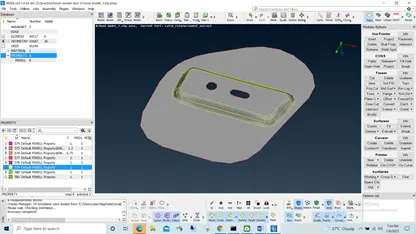
- Import the CAD model in ANSA (i.e model.stp)
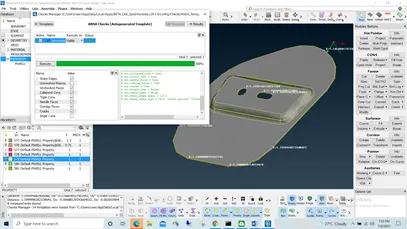
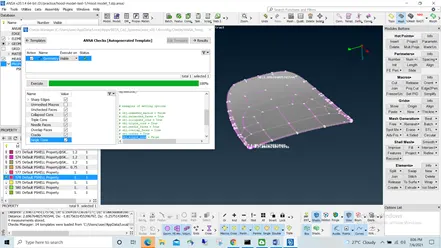
- Check the Geometrical Errors
Checks>Geometry>Geometry-visible> (check box single cons & sharp edges)>Execute
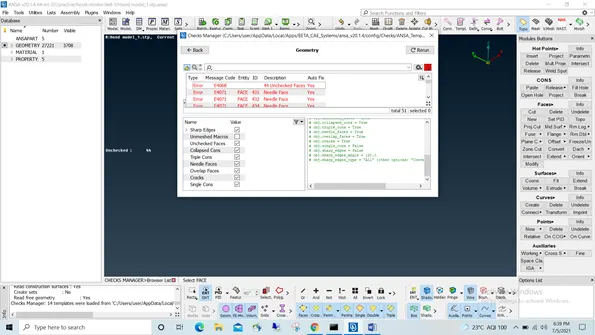
Total 51 errors encountered in Geometry consisting Unchecked faces & Needle face
- Right Click on any Error & select Show or Show only for the individual error to be shown on screen
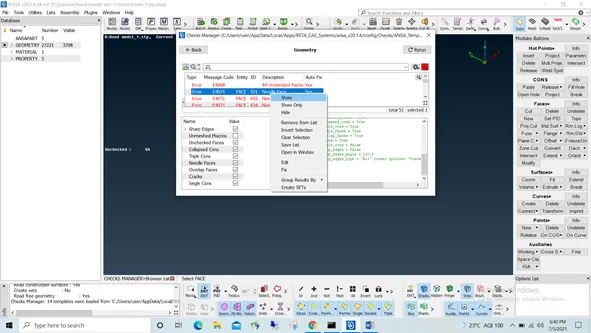
Once All Errors are resolved Check Geometry Again & Ensure there are no Errors left in Geometry.
- Inspect no. of component in the model using
Lists>Properties
- Now Proceed to midsuface Generation
Define Material for the Geometry as Default MAT1 Material & close
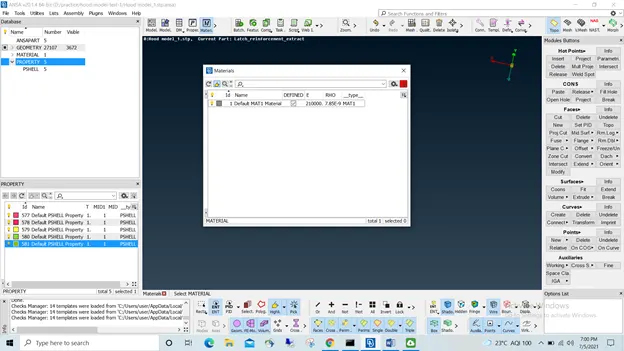
- Select the Individual component from the Properties list
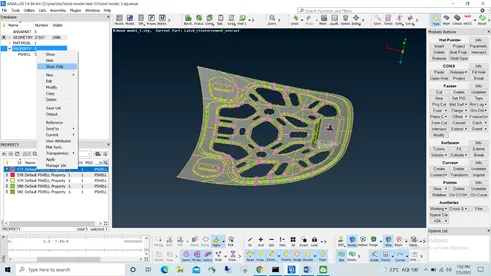
- Check thickness of the part at different cross-sections and store the value
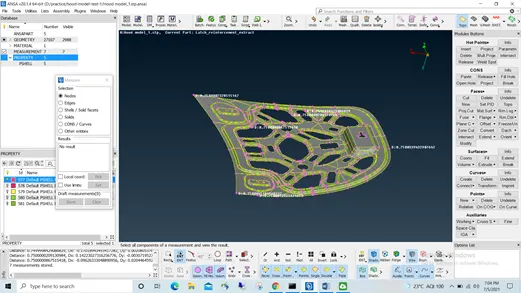
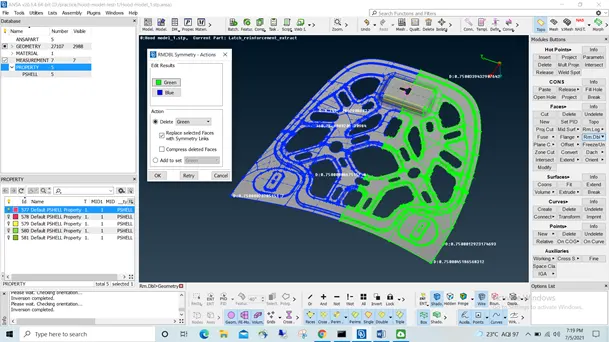
- Since the component is found symmetric, to reduce meshing time delete half part using faces>Rm.dbl
- To Create a Mid-surface
Select Faces>Midsurface>Skin>select entire faces visble>select side to offset >enter the thickness to be assigned to midsurface & midplane is generated
Check geometry again
Checks>Geometry>uncheck Single cons >Execute> fix errors, if any
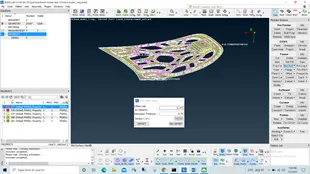
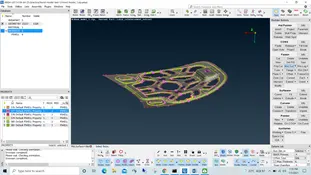
- Enter Quality Criteria for the Geometry
Utilities>quality Criteria or for shortcut Press F11
Select Required Criteria & enter the values as shown & enter Apply
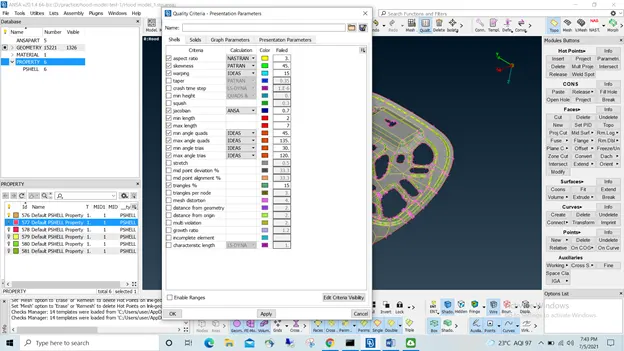
- Utilities>Mesh Parameters & enter target Length, Minimum & Max Length as required
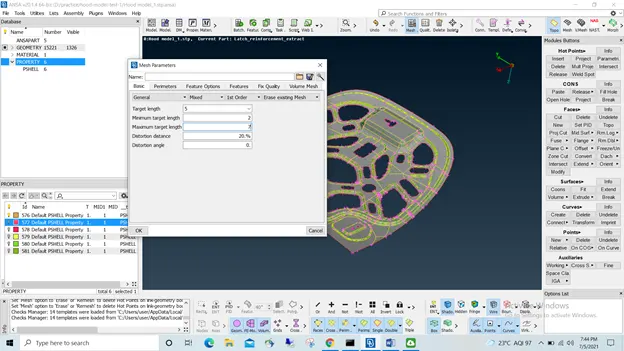
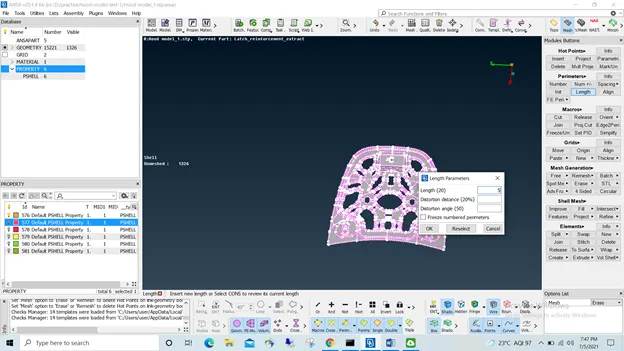
12.Now in Mesh Module set the shell element length as 5 for optimum results
Select Perimeters >Length>5 & middle click
- Check whether all holes have even no. of hot points and defeature areas where quality criteria would fail
Check for every Hole
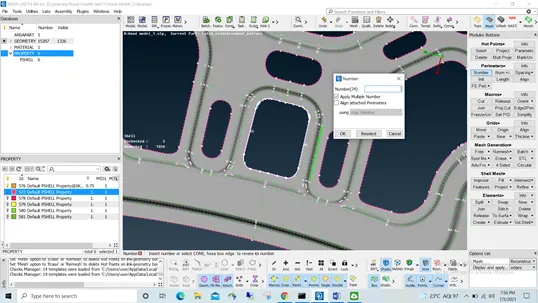
14.Check the perimeter for average length of 5 mm & clean Perimeter using
Hot points> delete & Perimeter>init
15.Now Proceeding with meshing
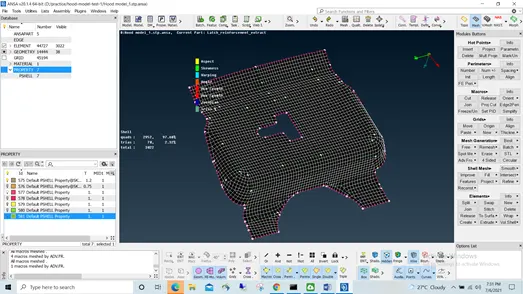
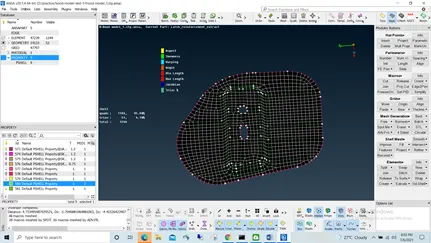
Mesh generation>Best mesh>select and continue with meshing smaller areas for better result
16.Remove possible trias pointing towards hole using
Shell mesh> Reconstruct /Smooth
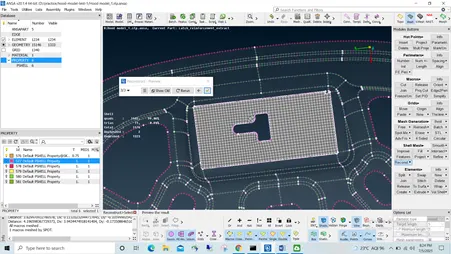
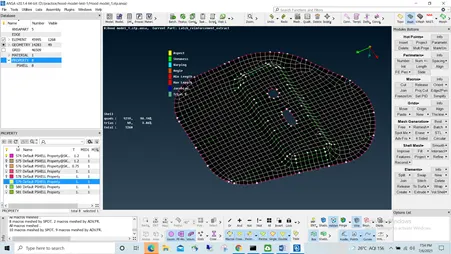
- Complete meshing for the Geometry
Use Shell mesh> reconstruct to alter the mesh to obtain minimum trias
Use Shell Mesh>smooth to smoothen the mesh flow
Check the mesh for any failed criteria and clear if any
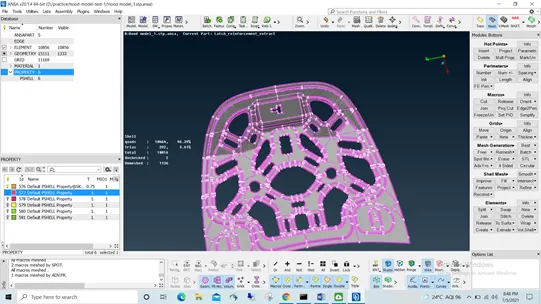
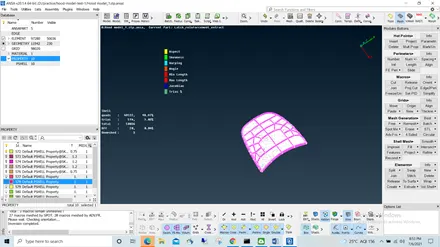
- Repeat the Procedure for the remaining Components as shown & save the model
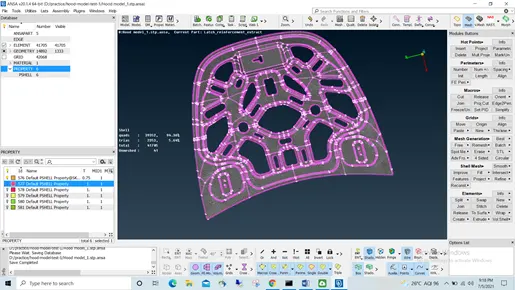
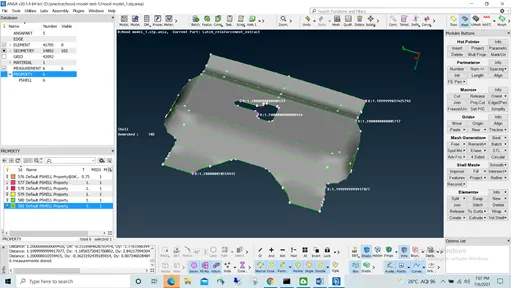
Conclusion:
We conclude the Hood model is completely meshed with minimum Trias Possible, quality criteria are met & ready for Processing.