Radar Mast & Final Assembly of Yacht
MODELLING OF SUNSEEKER PREDATOR YACHT
OBJECTIVE
- To model different parts of Sunseeker Predator Yacht
- To assemble the parts of Sunseeker Predator Yacht
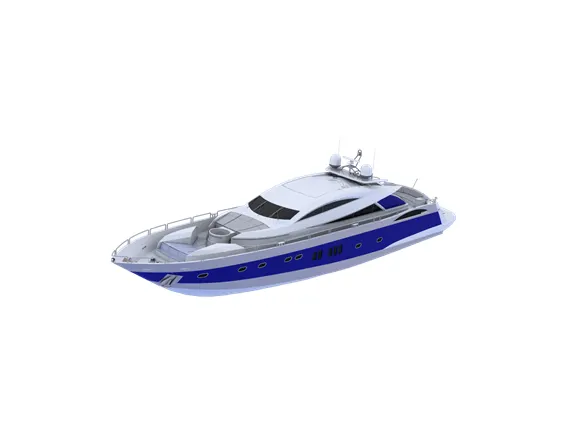
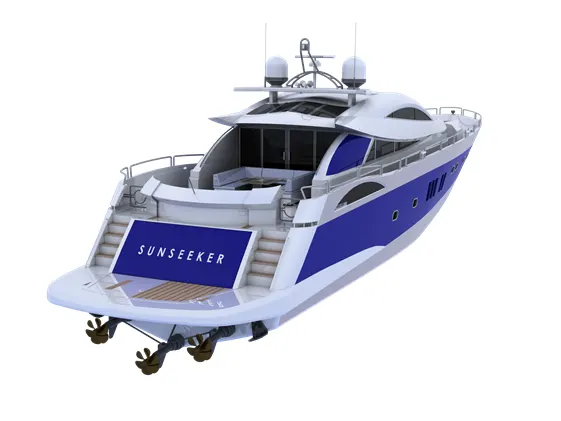
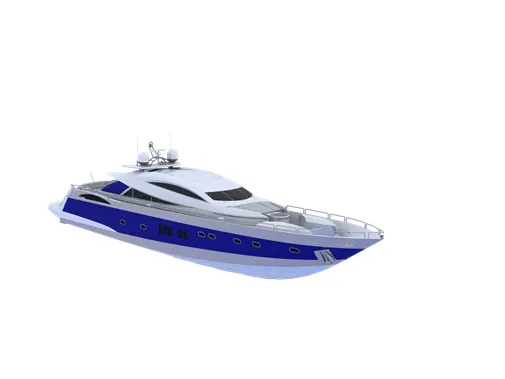
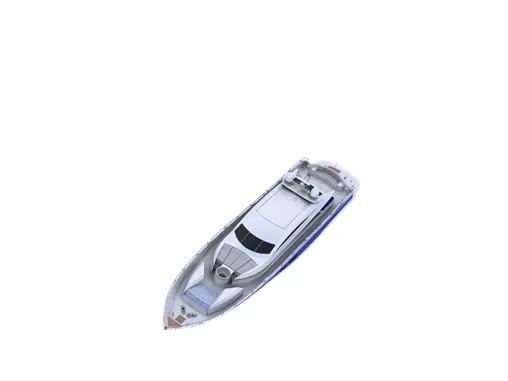
- To perform photo-realistic rendering of Sunseeker Predator Yacht
INTRODUCTION
A yacht is a type of sea vessel that is used strictly for recreational or pleasure purposes like cruising, entertaining, water sports, fishing, or year-round accommodations.
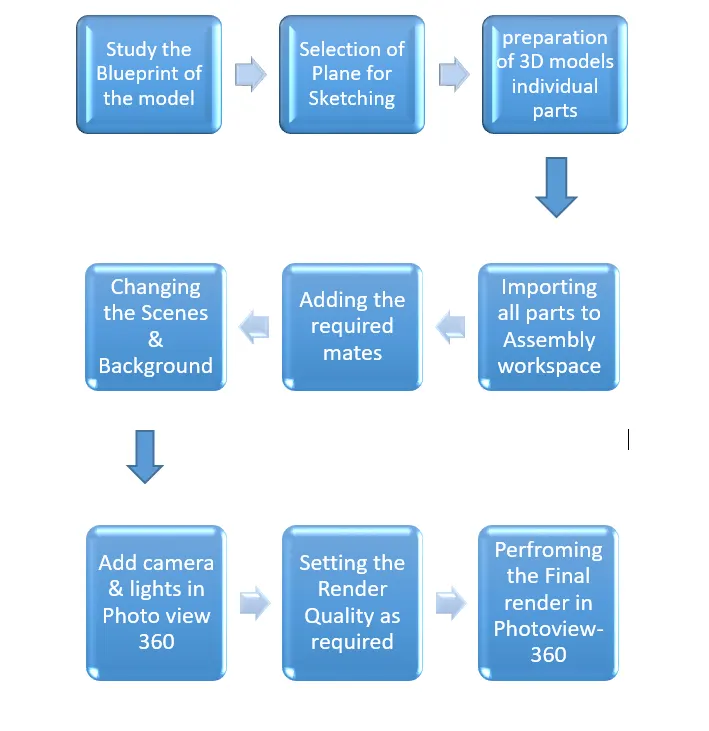
DESIGN METHODOLOGY
DESCRIPTION
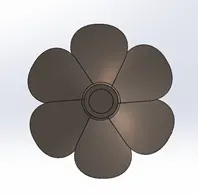
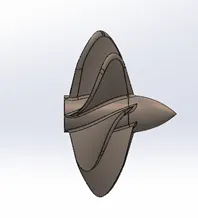
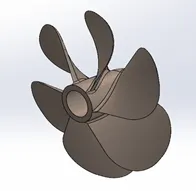
- Propeller
- Front View
- Side view
- Isometric view
Tools & Features Used
- Sketch: To create required Sketch as per required dimension using Line, Splines & arcs
- Fully Define the sketch by adding Relations & Smart Dimension
- Revolve: Use revolve tool to Revolve the Sketch & Prepare 3D model
- Reference Plane: To create a reference Plane from an Existing Plane or points
- Surface Loft: To Create Surface using required Profiles & Guide curves
- Fillet: To convert sharp internal or external edges into smooth/round edges
- Cut-extrude: To subtract a solid portion from Solid using 2D sketch
- Circular Pattern: To create pattern along circular reference
- Dome: To create dome Surface
- Appearance: To Modify Appearance as Required
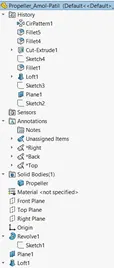
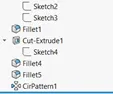
Model tree
2. RADAR
- Front View
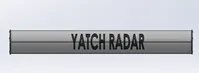
- Side view
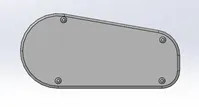
- Isometric view
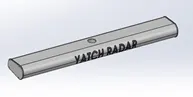
Tools & Features Used
- Sketch: To create required Sketch as per required dimension using Line, Splines & arcs
- Fully Define the sketch by adding Relations & Smart Dimension
- Boss-Extrude: To obtain 3d Solid from 2D sketch
- Fillet: To convert sharp internal or external edges into smooth/round edges
- Cut-extrude: To subtract a solid portion from Solid using 2D sketch
- Sketch Pattern: To create pattern of Sketch
- Mirror: To mirror features and sketches along Selected reference
- Split-Line: To engrave Custom Text On Surface required
- Appearance: To Modify Appearance as Required
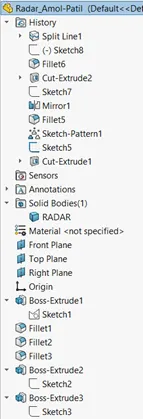
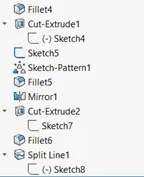
Model Tree
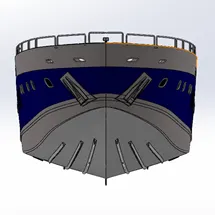
3. Hull
- front view
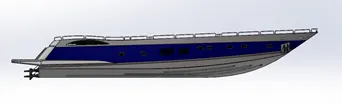
- Side view
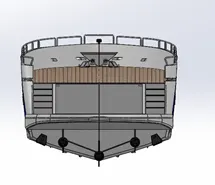
- Isometric veiw
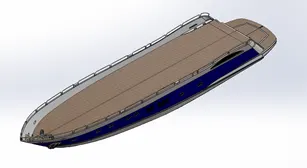
Tools & Features Used
- Sketch-2D: To create Sketch as per required dimension using Line, Splines & arcs
- Fully Define the sketch by adding Relations & Smart Dimension
- Curve-Project: To create a Curve from reference of two or more curves
- Surface Loft: To Create Surface using required Profiles & Guide curves
- Surface Trim: To remove Extra Surface
- Surface Knit: To Knit Individual Surfaces together
- Surface Fill: To fill the Surface
- Shell: To create Equal thickness around the Surface
- Boss-Extrude: To obtain 3d Solid from 2D sketch
- Cut-extrude: To subtract a solid portion from Solid using 2D sketch
- Fillet: To convert sharp internal or external edges into smooth/round edges
- Sweep: To Create a Surface or Solid profile Along the path
- Chamfer: To convert sharp edges into Bevel edges
- Face-Delete: To delete a face
- Revolve: Use revolve tool to Revolve the Sketch & Prepare 3D model
- Reference Plane: To create a reference Plane from an Existing Plane or points
- Linear Pattern: To create pattern along Linear reference
- Dome: To create dome Surface
- Sketch-3D: To create Sketch as per required dimension using Line, Splines & arcs in 3D
- Mirror: To mirror features and sketches along Selected reference
- Split: To Remove the required Surface for Later Use
- Appearance: To Modify Appearance as Required
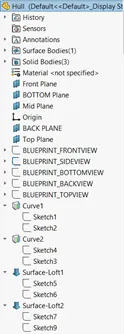
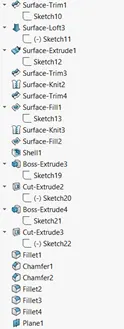
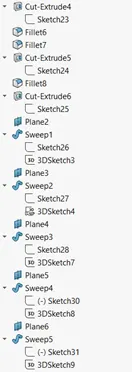
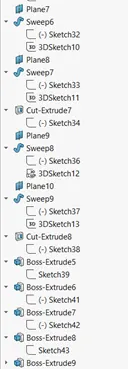
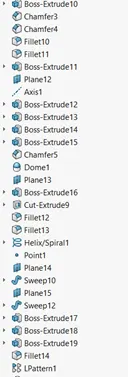
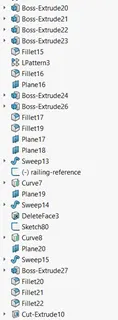
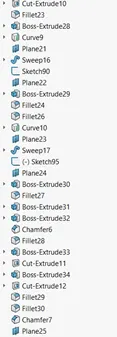
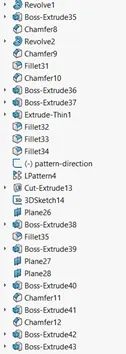
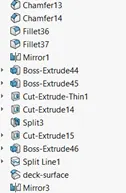
Model Tree
4. Garage Door
- Isometric View
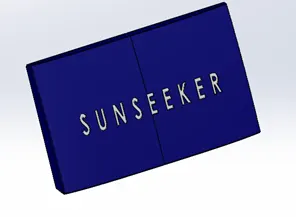
Tools & Features Used
- Cut-extrude: To subtract a solid portion from Solid using 2D sketch
- Fillet: To convert sharp internal or external edges into smooth/round edges
- Sweep: To Create a Surface or Solid profile Along the path
- Chamfer: To convert sharp edges into Bevel edges
- Shell: To create Equal thickness around the Surface
- Reference Plane: To create a reference Plane from an Existing Plane or points
- Split-Line: To engrave Custom Text On Surface required
- Appearance: To Modify Appearance as Required
Model Tree
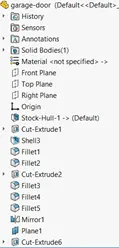
5. Front Seat
- Front view
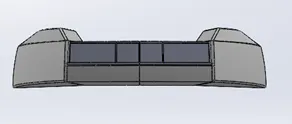
- Isometric view
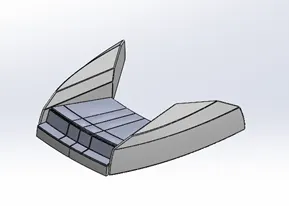
Tools & Features Used
- Insert Part: To Insert a part for reference
- Sketch-2D: To create Sketch as per required dimension using Line, Splines & arcs
- Fully Define the sketch by adding Relations & Smart Dimension
- Curve-Project: To create a Curve from reference of two or more curves
- Surface Loft: To Create Surface using required Profiles & Guide curves
- Surface Trim: To remove Extra Surface
- Surface Knit: To Knit Individual Surfaces together
- Surface Fill: To fill the Surface
- Cut-extrude: To subtract a solid portion from Solid using 2D sketch
- Fillet: To convert sharp internal or external edges into smooth/round edges
- Sweep: To Create a Surface or Solid profile Along the path
- Chamfer: To convert sharp edges into Bevel edges
- Revolve: Use revolve tool to Revolve the Sketch & Prepare 3D model
- Reference Plane: To create a reference Plane from an Existing Plane or points
- Dome: To create dome Surface
- Mirror: To mirror features and sketches along Selected reference
- Appearance: To Modify Appearance as Required
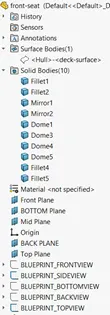
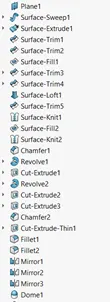
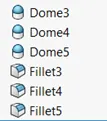
Model tree
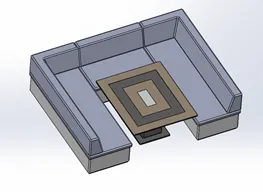
6. Middle Seat
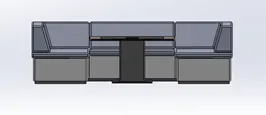
- Front View
- Isometric view
Tools & Features Used
- Sketch-2D: To create Sketch as per required dimension using Line, Splines & arcs
- Insert Part: To Insert a part for reference
- Fully Define the sketch by adding Relations & Smart Dimension
- Boss-Extrude: To obtain 3d Solid from 2D sketch
- Cut-extrude: To subtract a solid portion from Solid using 2D sketch
- Fillet: To convert sharp internal or external edges into smooth/round edges
- Chamfer: To convert sharp edges into Bevel edges
- Reference Plane: To create a reference Plane from an Existing Plane or points
- Mirror: To mirror features and sketches along Selected reference
- Appearance: To Modify Appearance as Required
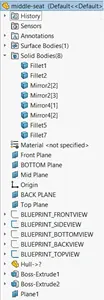
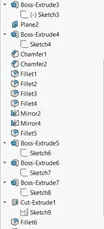
Model tree
7. Rear Seat
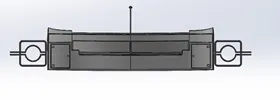
- Front View
- Isometric view
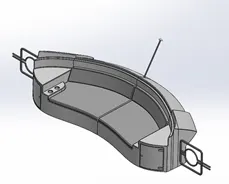
Tools & Features Used
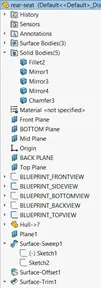
- Insert Part: To Insert a part for reference
- Sketch-2D: To create Sketch as per required dimension using Line, Splines & arcs
- Fully Define the sketch by adding Relations & Smart Dimension
- Surface Loft: To Create Surface using required Profiles & Guide curves
- Surface Trim: To remove Extra Surface
- Surface Knit: To Knit Individual Surfaces together
- Surface extend: To extend an Existing Surface
- Surface Extrude: To create Surface Extrude
- Surface offset: To offset an existing Surface
- Boss-Extrude: To obtain 3d Solid from 2D sketch
- Cut-extrude: To subtract a solid portion from Solid using 2D sketch
- Fillet: To convert sharp internal or external edges into smooth/round edges
- Sweep: To Create a Surface or Solid profile Along the path
- Chamfer: To convert sharp edges into Bevel edges
- Revolve: Use revolve tool to Revolve the Sketch & Prepare 3D model
- Reference Plane: To create a reference Plane from an Existing Plane or points
- Mirror: To mirror features and sketches along Selected reference
- Appearance: To Modify Appearance as Required
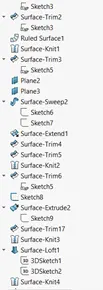
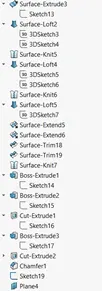
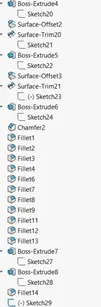
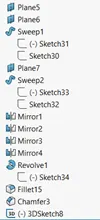
- Model tree
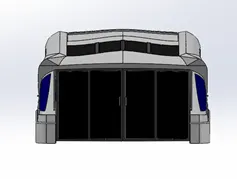
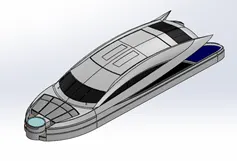
8. Superstructure
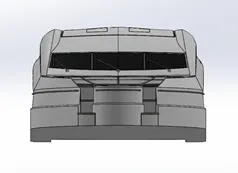
- Front View
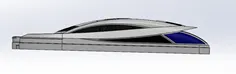
- Side View
- Isometric view
Tools & Features Used
- Insert Part: To Insert a part for reference
- Sketch-2D: To create Sketch as per required dimension using Line, Splines & arcs
- Sketch-3D: To create Sketch as per required dimension using Line, Splines & arcs in 3D
- Fully Define the sketch by adding Relations & Smart Dimension
- Ruled Surface
- Curve-Project: To create a Curve from reference of two or more curves
- Surface Loft: To Create Surface using required Profiles & Guide curves
- Surface Trim: To remove Extra Surface
- Surface Knit: To Knit Individual Surfaces together
- Surface Fill: To fill the Surface
- Surface extend: To extend an Existing Surface
- Surface Extrude: To create Surface Extrude
- Surface offset: To offset an existing Surface
- Boss-Extrude: To obtain 3d Solid from 2D sketch
- Cut-extrude: To subtract a solid portion from Solid using 2D sketch
- Fillet: To convert sharp internal or external edges into smooth/round edges
- Sweep: To Create a Surface or Solid profile Along the path
- Dome: To create dome Surface
- Reference Plane: To create a reference Plane from an Existing Plane or points
- Mirror: To mirror features and sketches along Selected reference
- Appearance: To Modify Appearance as Required
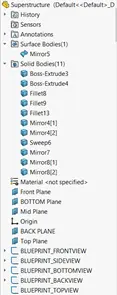
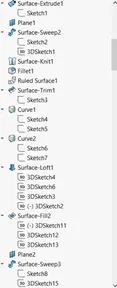
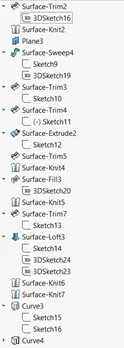
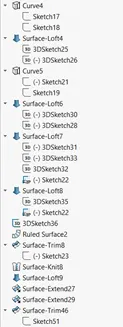
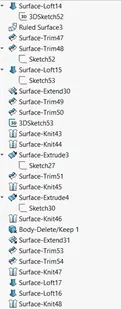
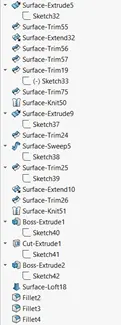
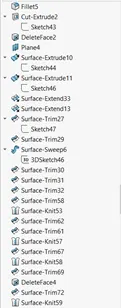
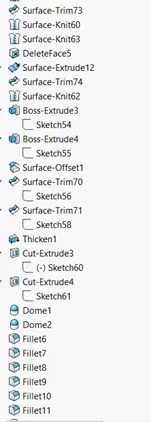
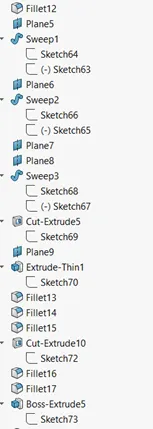
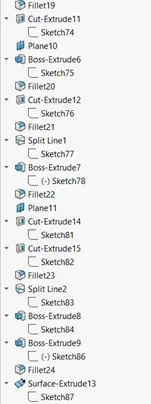
Model Tree
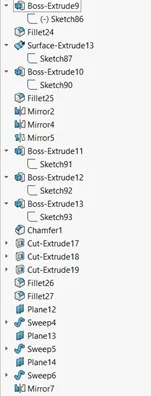
9. Radar mast
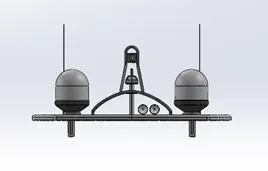
- Front View
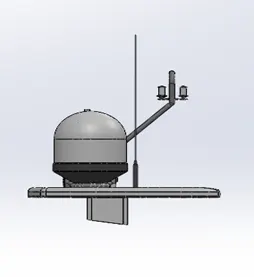
- Side View
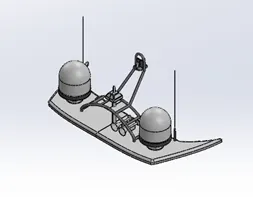
- Isometric view
Tools & Features Used
- Insert Part: To Insert a part for reference
- Sketch-2D: To create Sketch as per required dimension using Line, Splines & arcs
- Fully Define the sketch by adding Relations & Smart Dimension
- Curve-Project: To create a Curve from reference of two or more curves
- Boss-Extrude: To obtain 3d Solid from 2D sketch
- Fillet: To convert sharp internal or external edges into smooth/round edges
- Sweep: To Create a Surface or Solid profile Along the path
- Dome: To create dome Surface
- Shell: To create Equal thickness around the Surface
- Reference Plane: To create a reference Plane from an Existing Plane or points
- Mirror: To mirror features and sketches along Selected reference
- Appearance: To Modify Appearance as Required
Model Tree
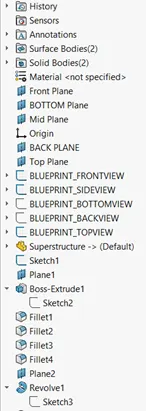
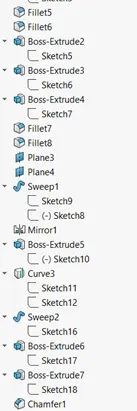
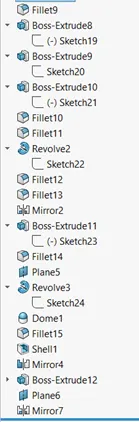
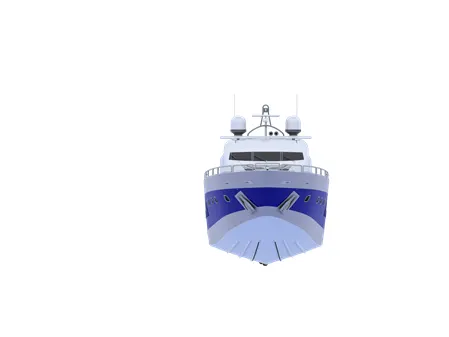
Assembly Sunseeker Predator Yacht
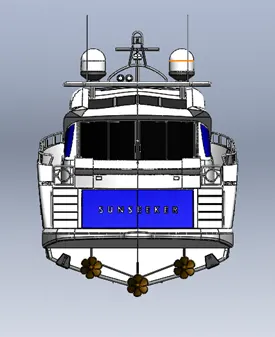
- Front View
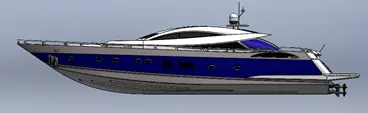
- Side View
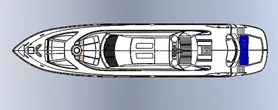
- Top View
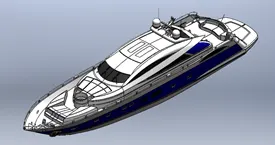
- Isometric view
- Camera Setup
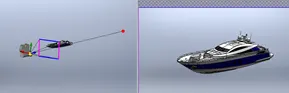
- Rendered Images
Conclusion
Hence The Sunseeker Yatch model is completed along with rendering using the various solidworks Tools