Week 3 - 2D meshing for Sheet metal
Objective:
To the given Hood model, Take the mid surface for all the components after checking the geometrical errors and mesh the mid surface with the given element Quality criteria.
Quality criteria:
1) Target/ averag length --> 5
2) Minimum length -->2
3) Maximum length --> 7
4) Aspect --> 3
5) Warpage --> 15
6) Skewness --> 45
7) Jacobian --> 0.7
8) Minimum quad angel --> 45
9) Maximum quad angel --> 135
10) Minimum tria angel --> 30
11) Maximum tria angel --> 120
12) percentage of tria --> 15
Procedure :
Steps to be performed in the ANSA.
- Importing the given model in the ANSA GUI.
- By going to the file>open>download>hood challenge>Import.
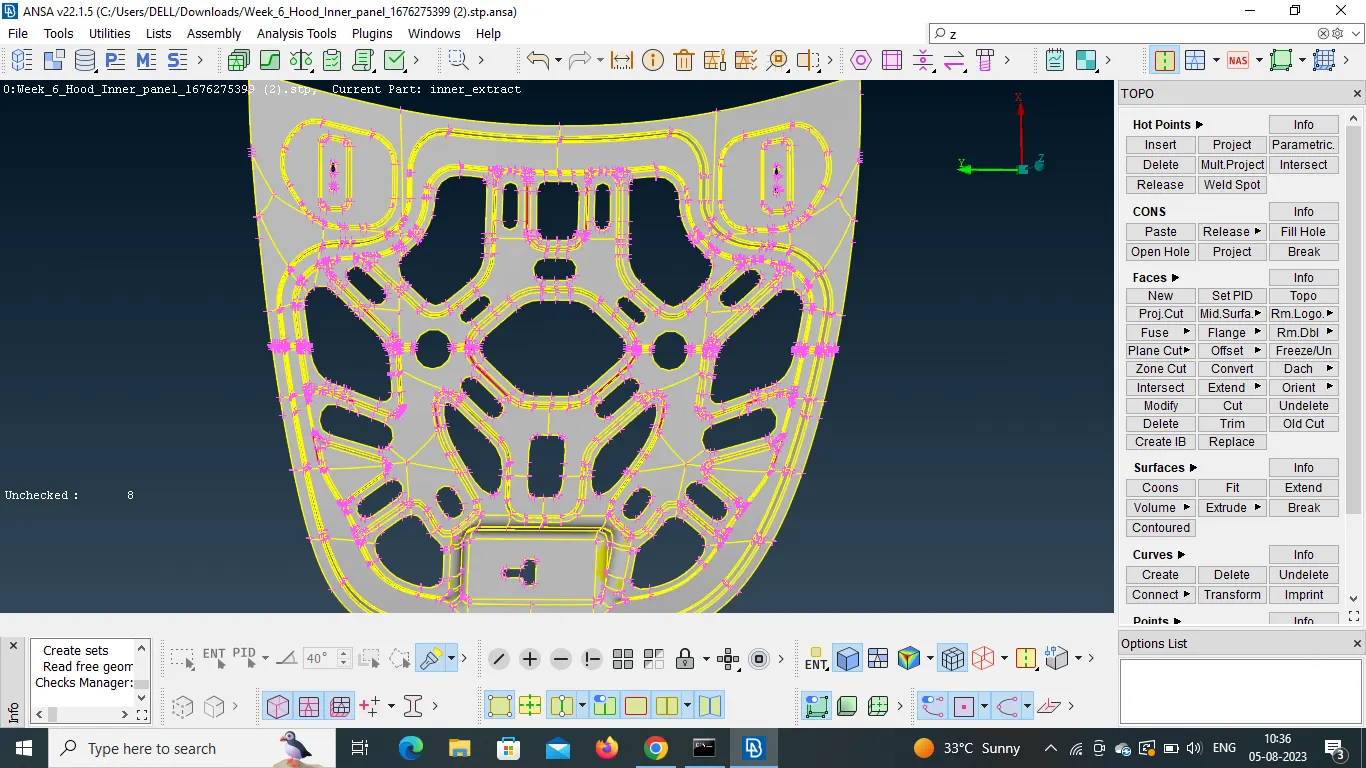
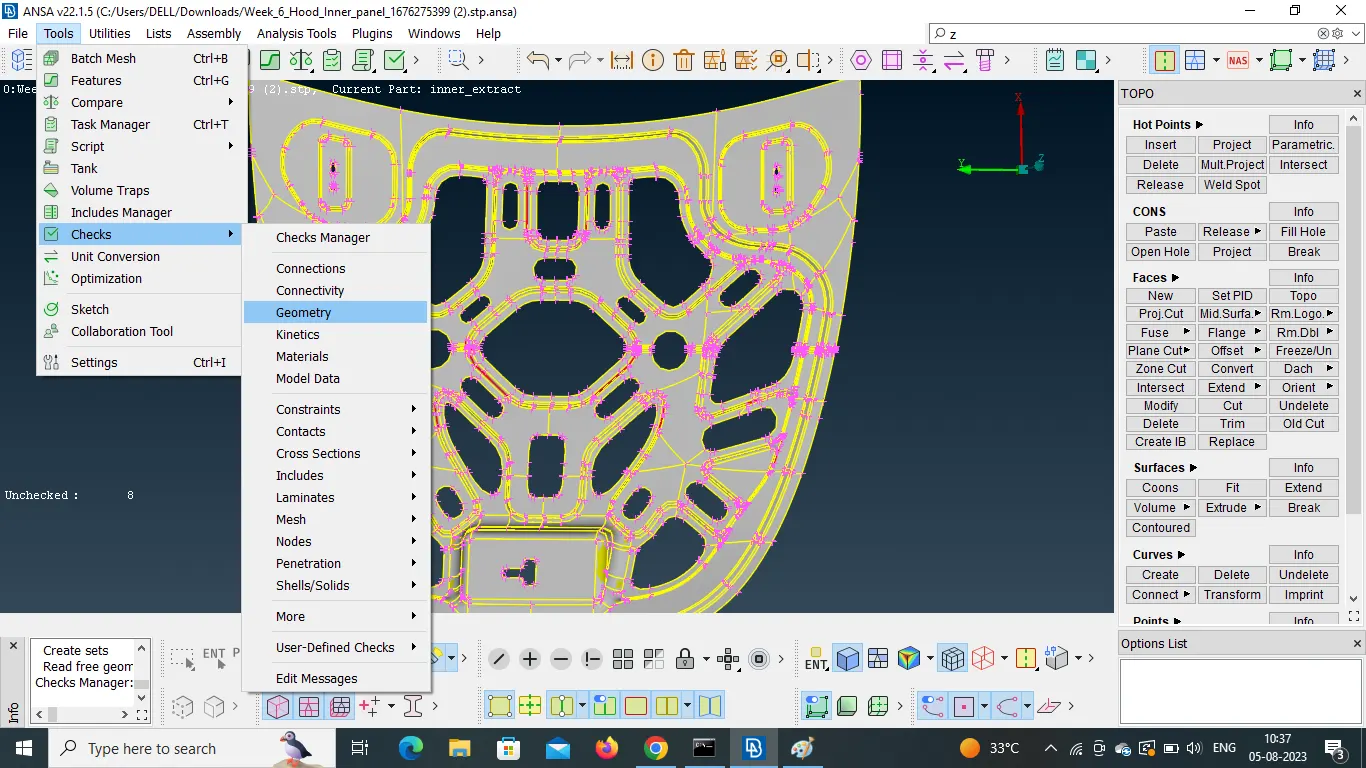
- after importing the model, then need to checks the geometrical error.
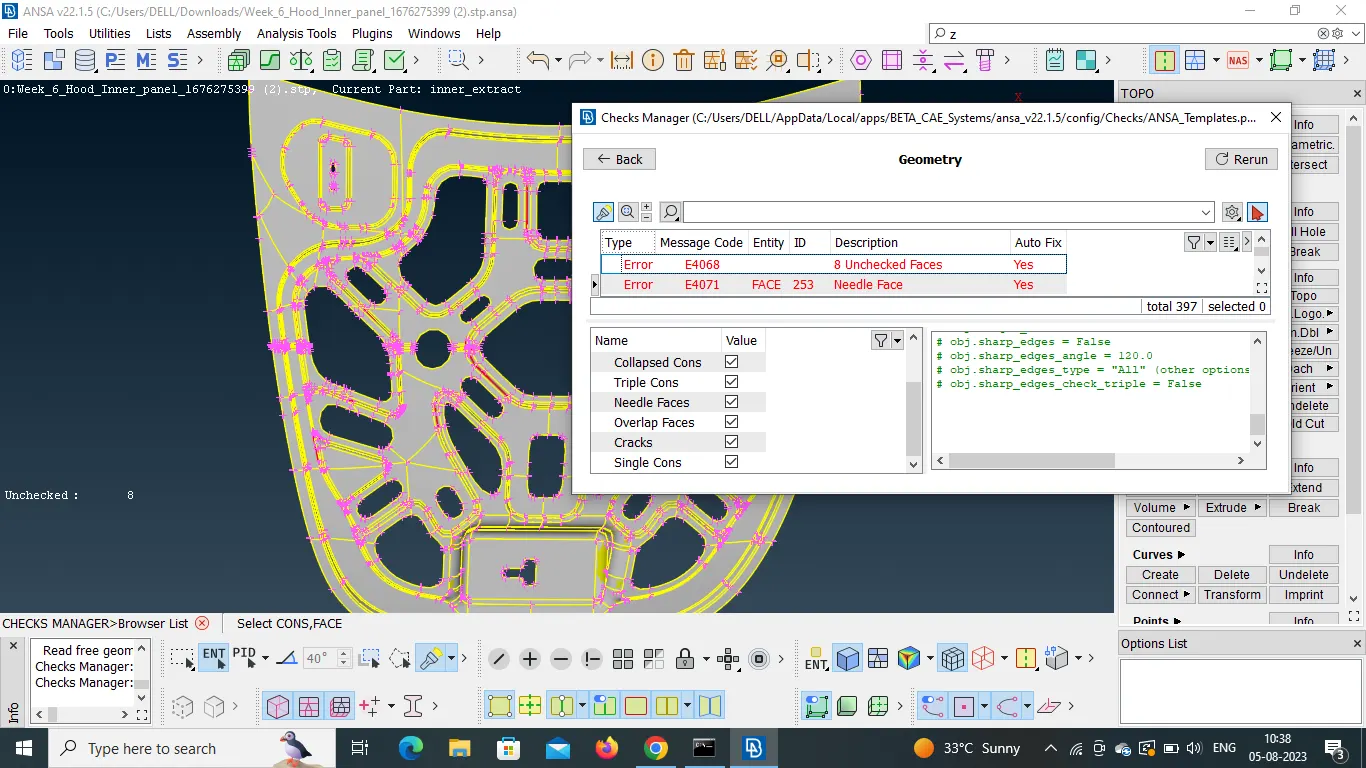
- By going to tools> checks > geometry.
- after here we got some geometrical errors when we checks the material.
- Then we should to do geometrical cleanup and topology cleanup for a given model.
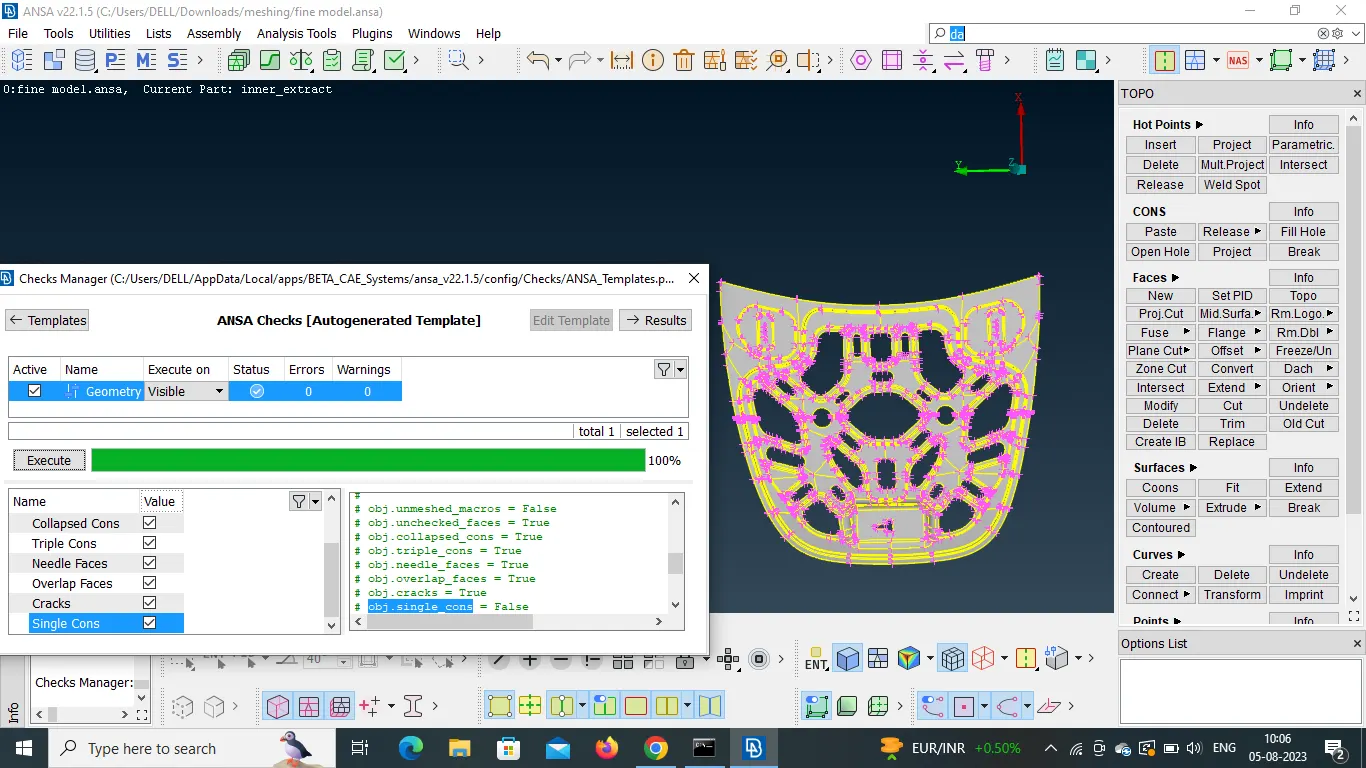
- Then we need to create the mid surface for the given model by using the midsurface option.
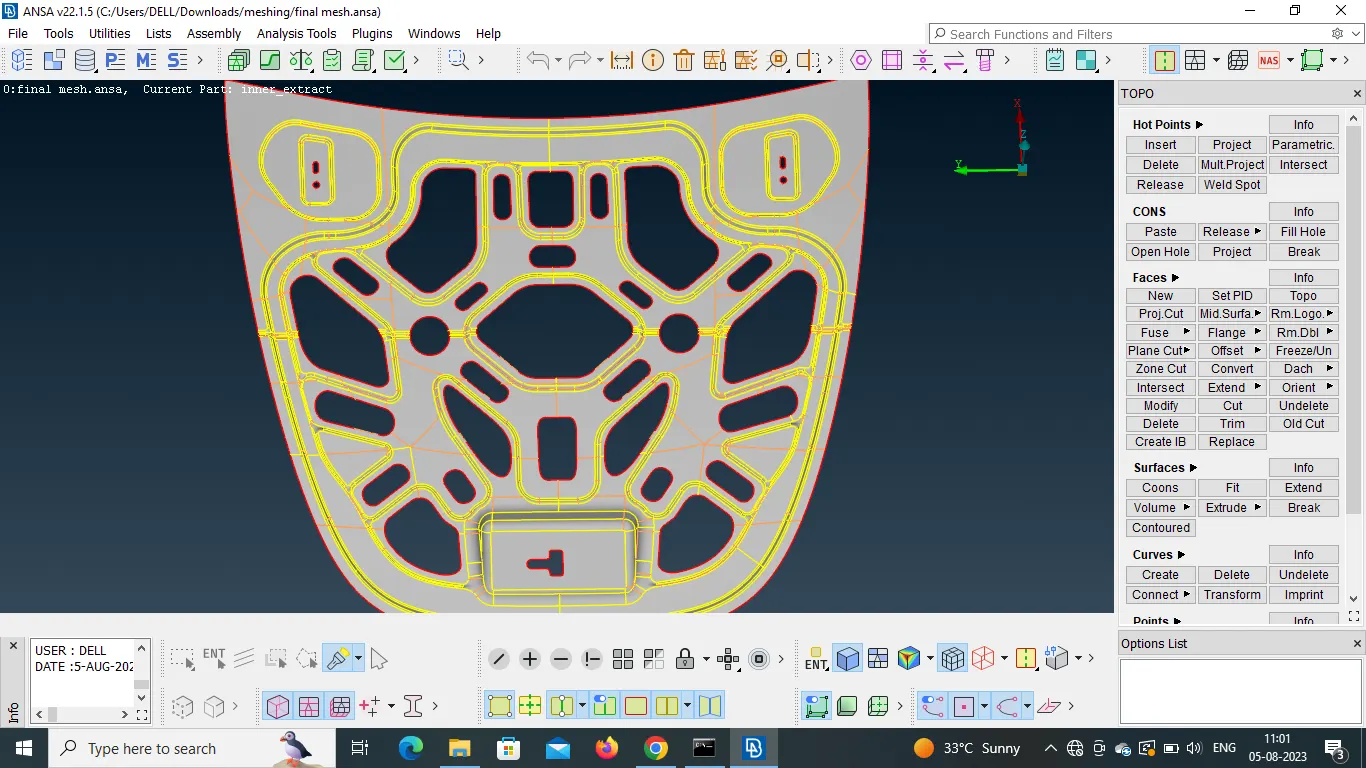
- After completing the Mid surface work on the model and give the Target element size as 5 perimeter size 5 and give the Quality criteria as given above.
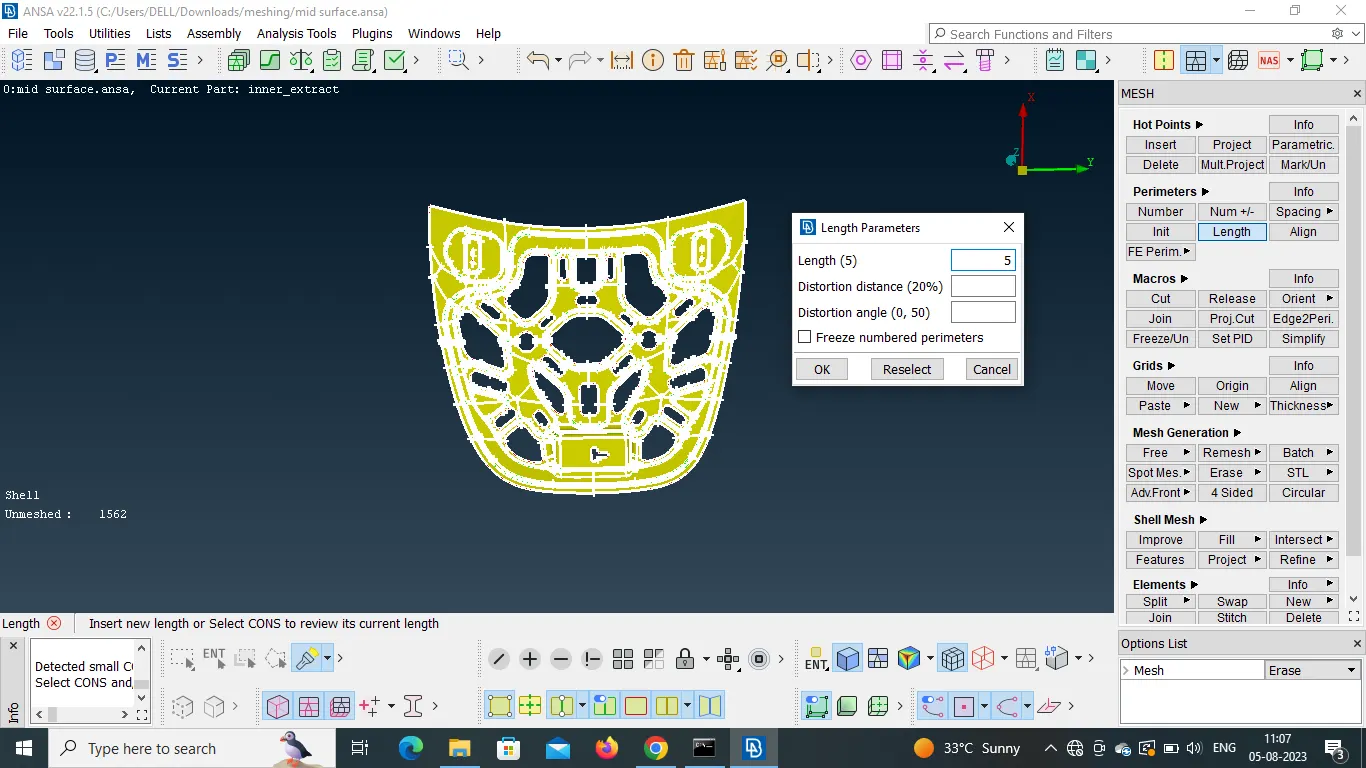
- After we need to create the mesh for the given model by use of the given quality criteria
- by using the options of mesh generation > batch > select.
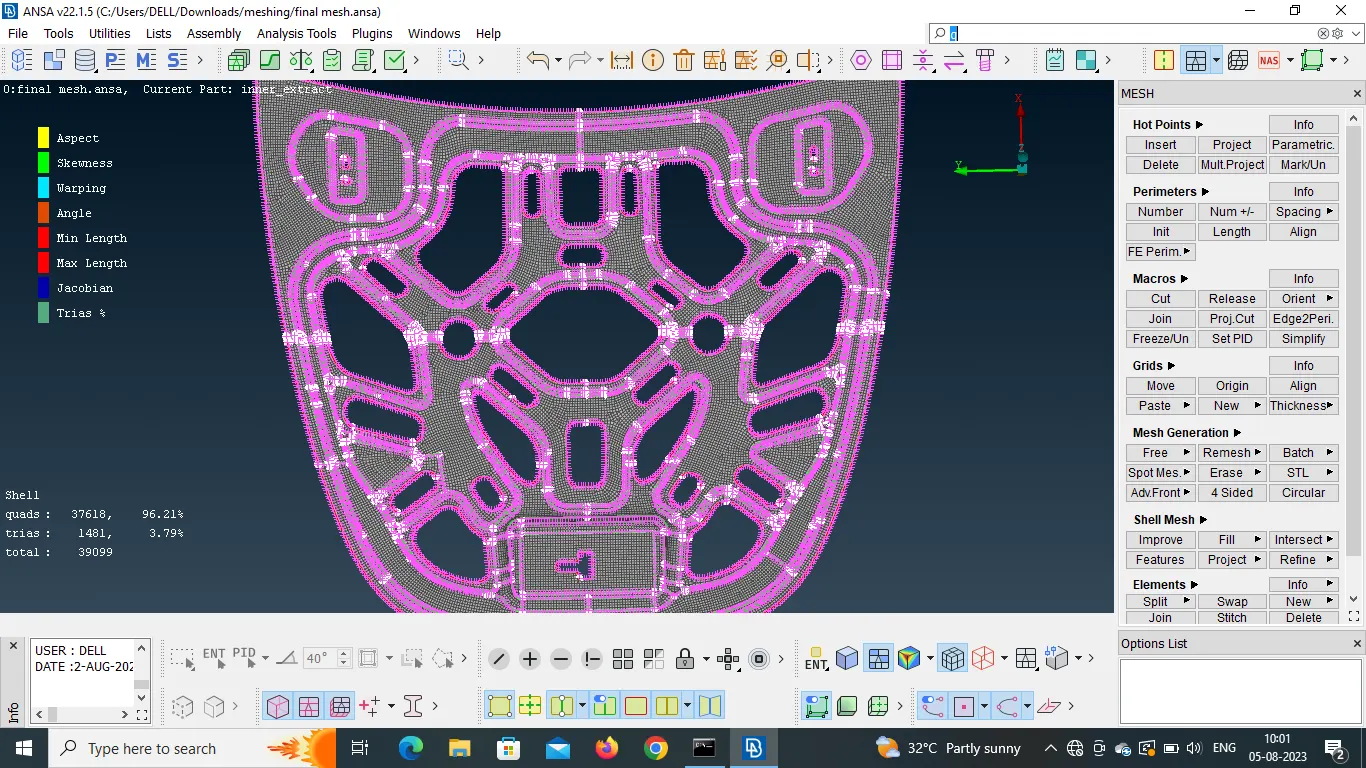
The Geomentry clean up and Topology and meshing and Quality criteria have been done to the given Parts of the model.