Week 3 - 2D meshing for sheet metal
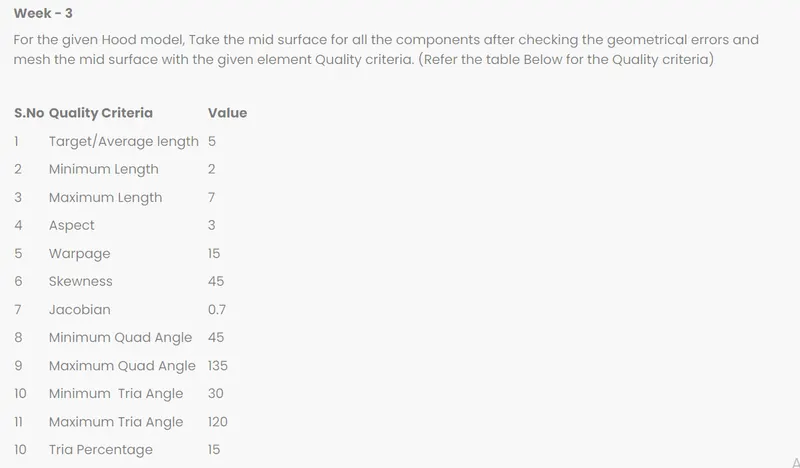
For Meshing Download file
then open in ANSA by ctrl+1
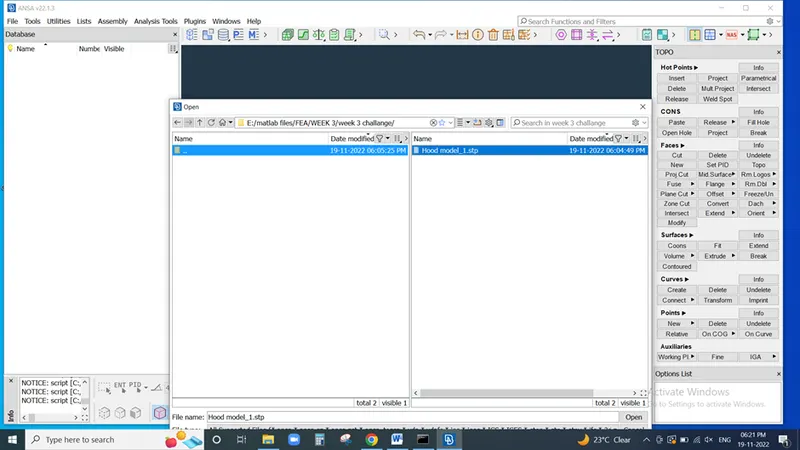
then open model
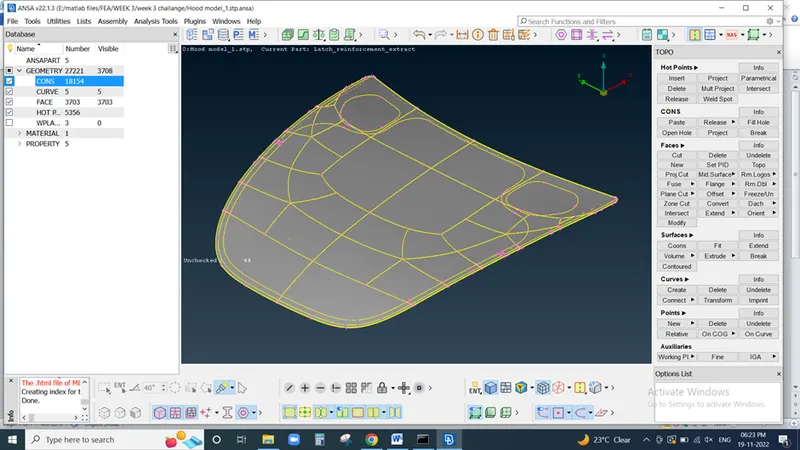
Check Geometry in check box then hit on geometry
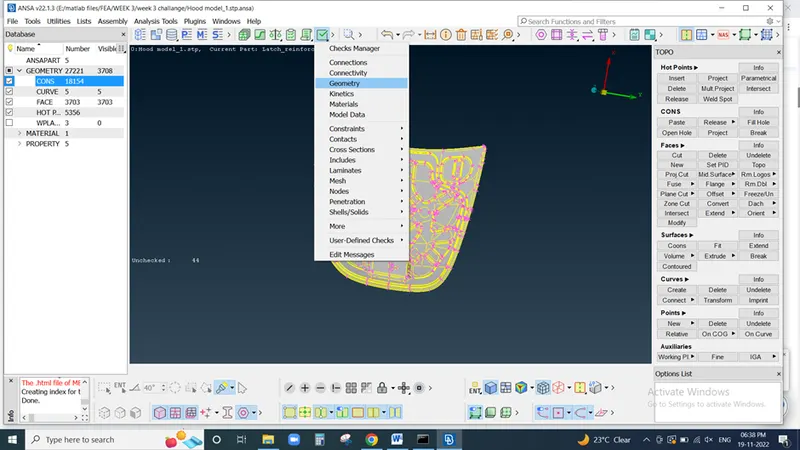
Excecute Model and check all parameter
if any Error found in checks geometry
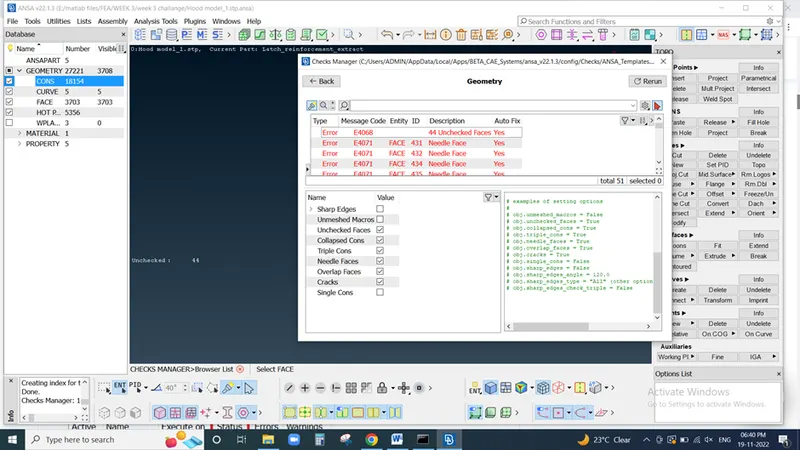
then right lick on error and select as fix
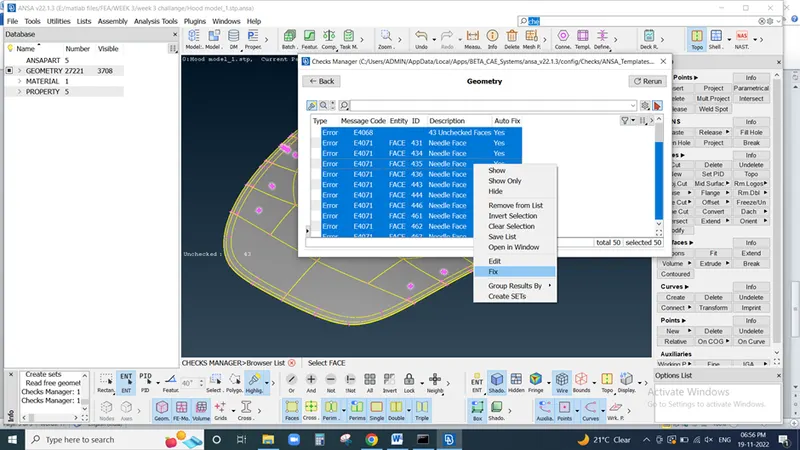
then again excecute Model to check errors
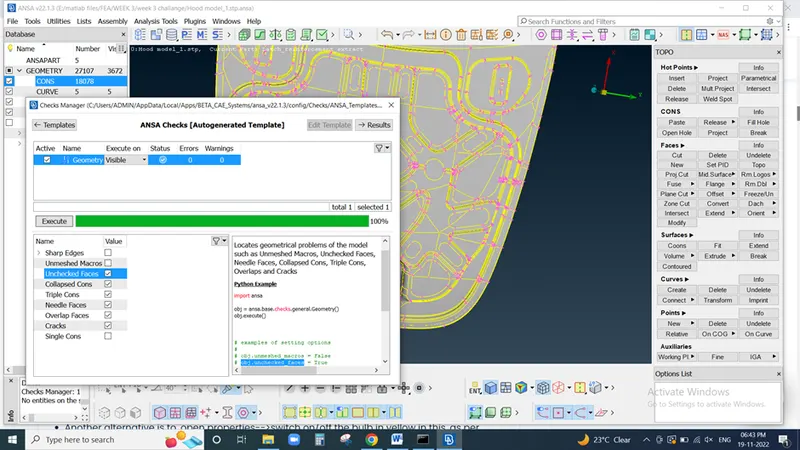
then check length of module
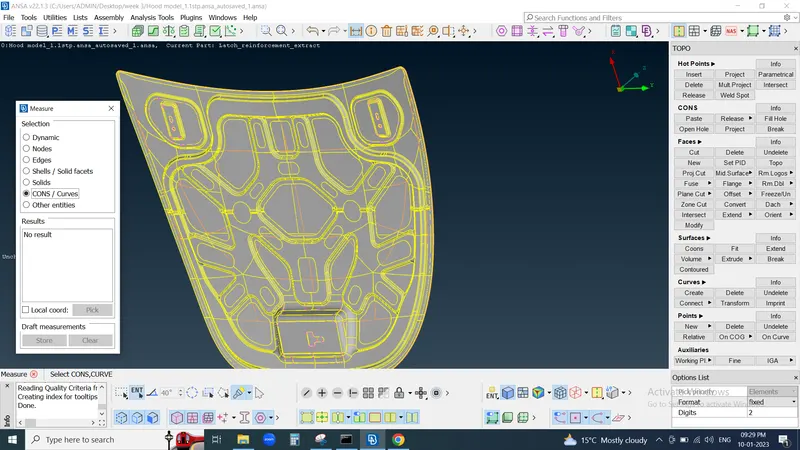
After than we need to exctract midsurface for that go to Property ID
hit on bulb and active this part then close this window and measure edge and corn distance
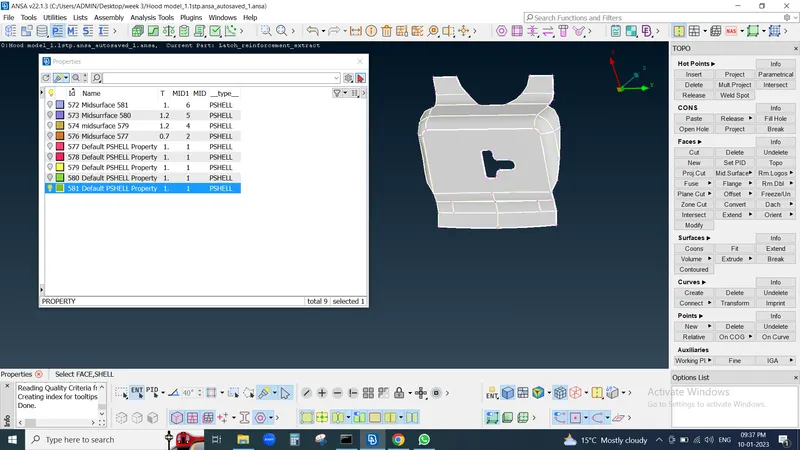
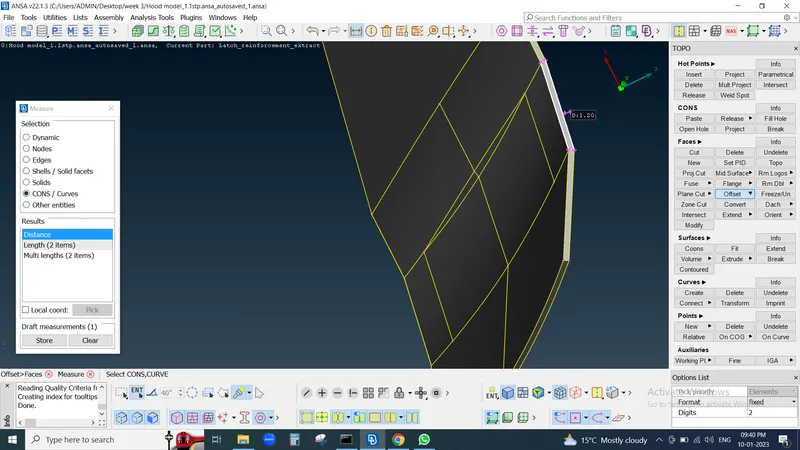
then click on features line and hit on offset command and select surface
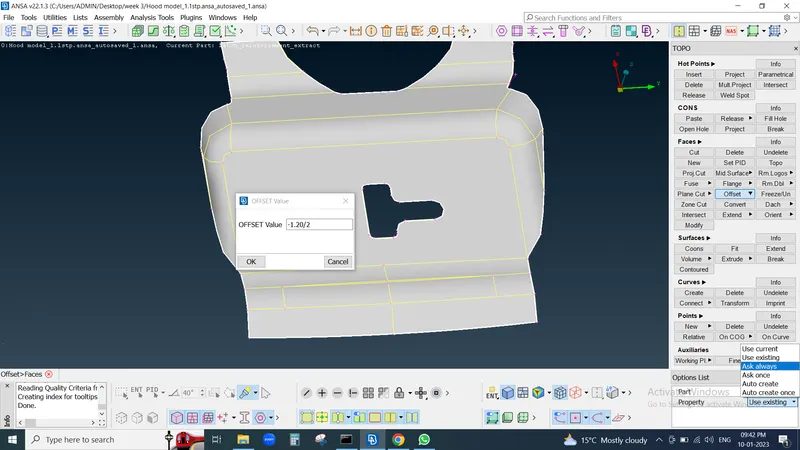
then select offset value as thickness put negative sign for exctract lower side and divide by 2 for midsurface and right bottom corner in property select as ALWAYS ASK
then enter
then again Property Id open then create new property id and click on that
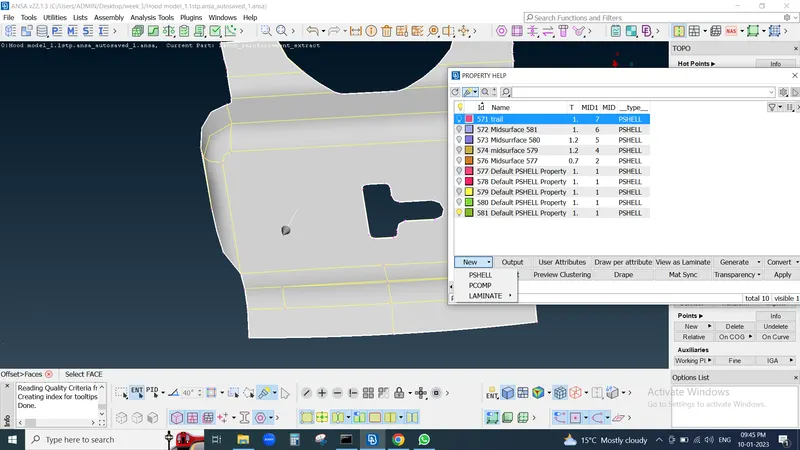
then new popup wind appers select dont delet original fase
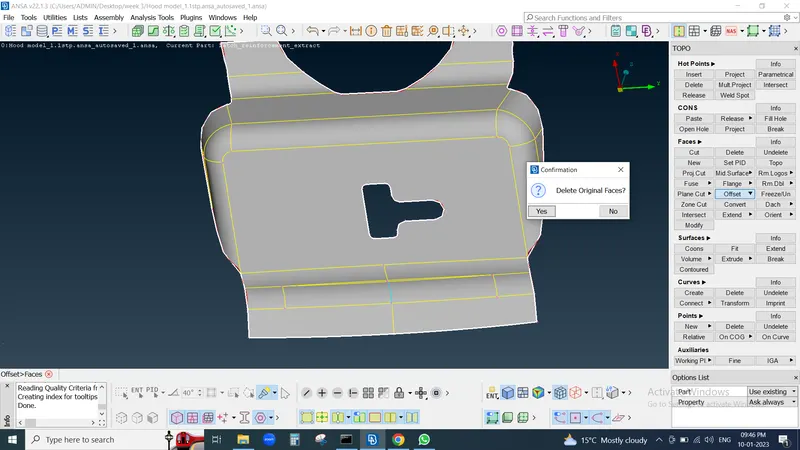
after Exctracting midsurface we need to perform such operation for getting correct meshing pattern so start from TOPO
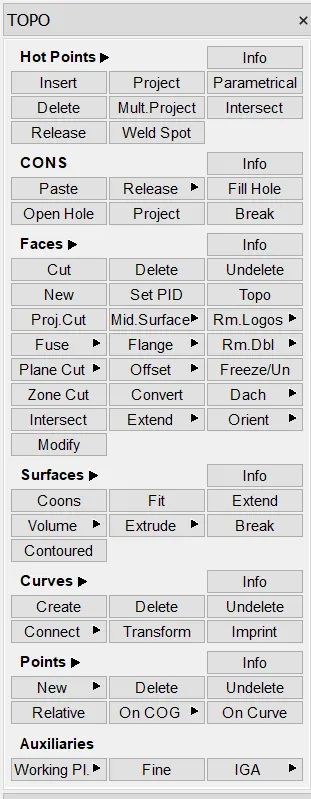
here for better meshing pattern we prepare module by using hot point , cons, faces, curve
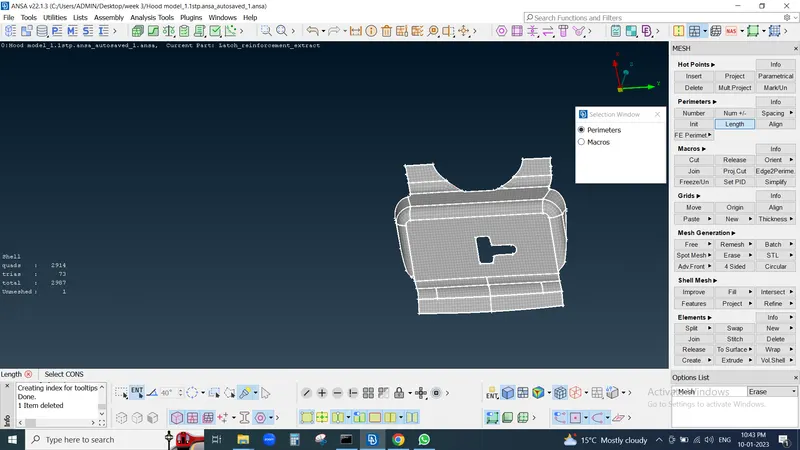
to set perimeter lenght is 5 go to clasic mesh > Perimeter>Length then select all midasurface module and enter
then goto meshparamtere and set avarage length and minimum length
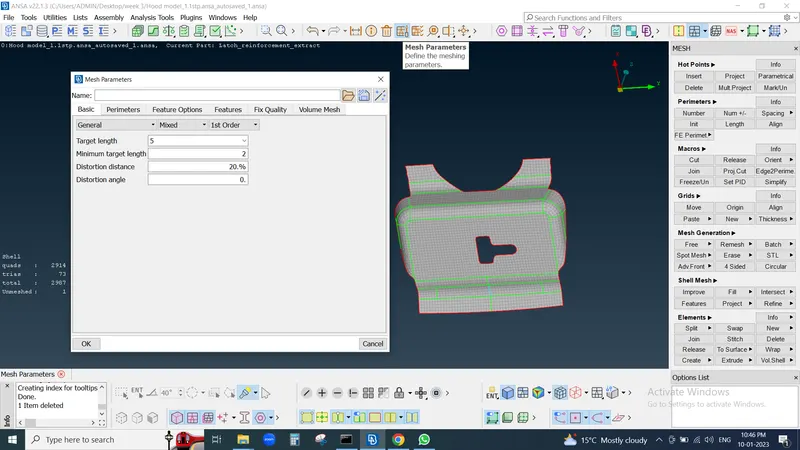
now for better meshing flow we need to adjust distance between two nodes is 5 so measure distance and number of nodes on cons
for that goto clasic mesh <perimeter<number its show no of nodes in cons then measure distance between two cons
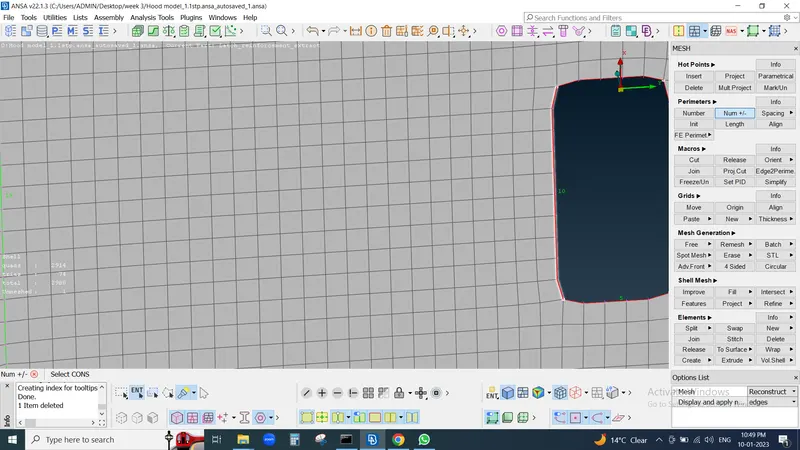
and measure nodes distance
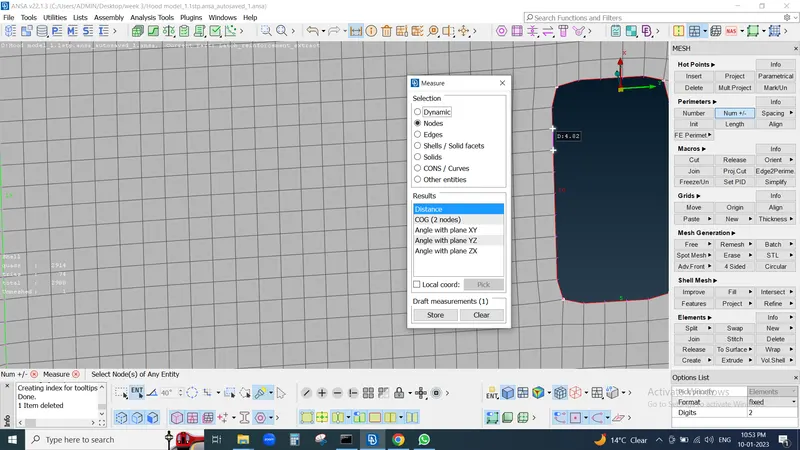
In this way also adjust circles nodes and generally try to kept circle cons with parallel to adjucent edge of surface if not then adjust by slide tool
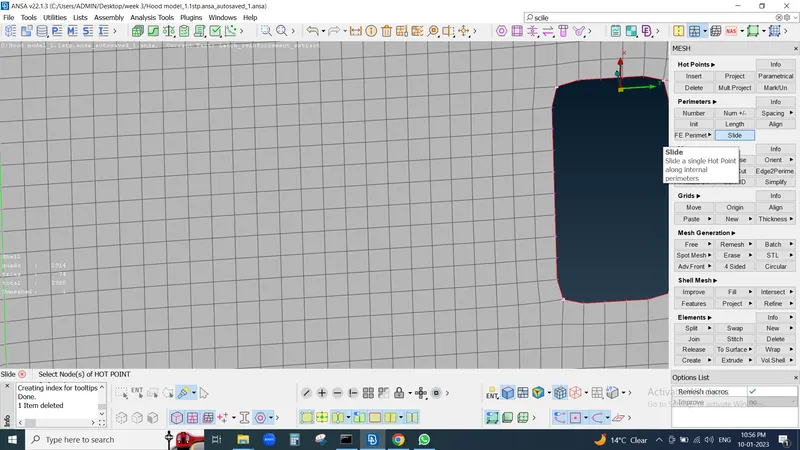
then by using cut tool we make separate part for proper meshing flow left click to add intersection line and right click for cut line or con
and then in mesh generation we use Best meshing tool and adjust meshing flow
meshing flow we can be make smooth by smooth tool for inproper meshing we also use reconstruct tool then select property as smooth
for elimination of trias we use split , swap , and move tool
after proper meshing flow we go to Quality criteria to check our module
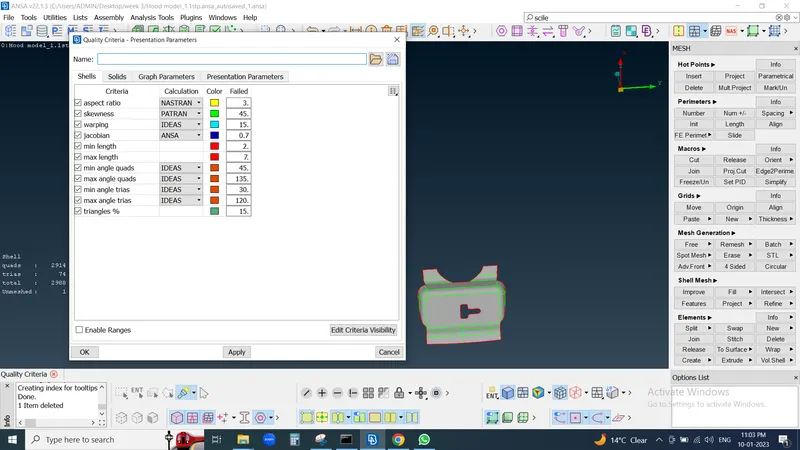
then select all rewuired criteria and graphic in element %
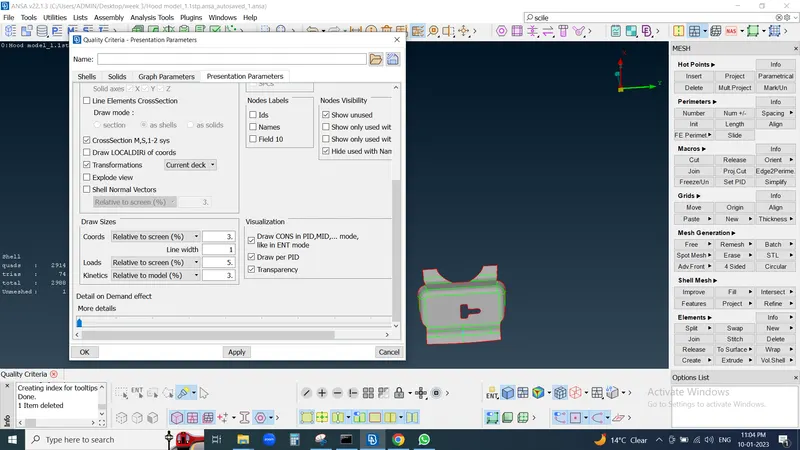
then enable hidden mode
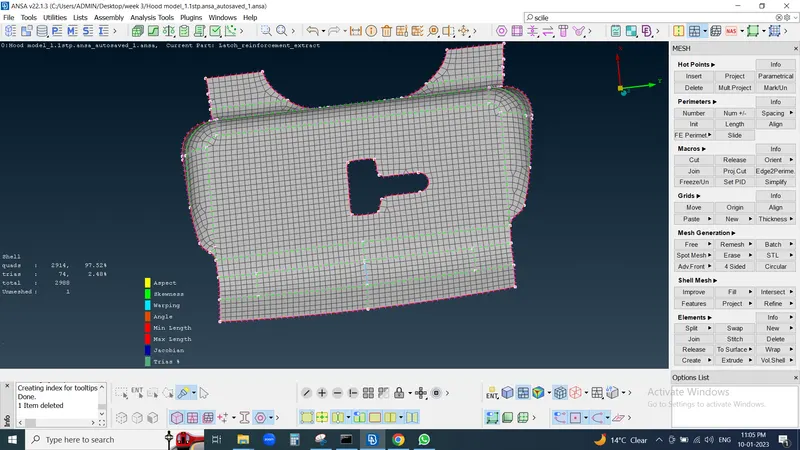
for same way exctract all midsurface , perform operations and check All quality criteria
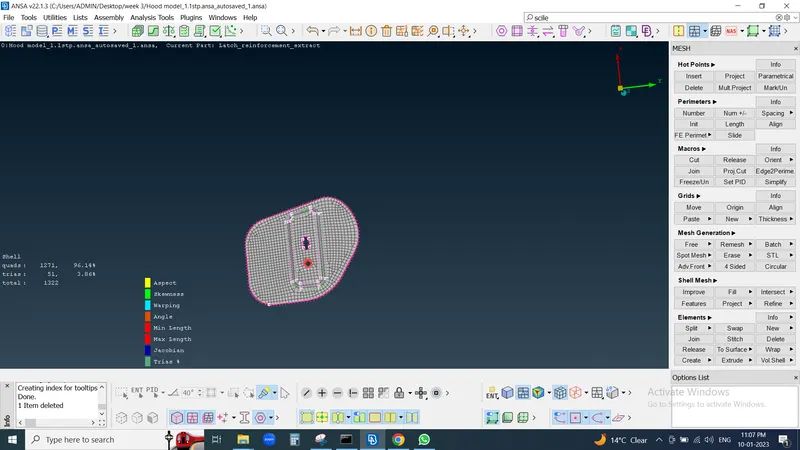
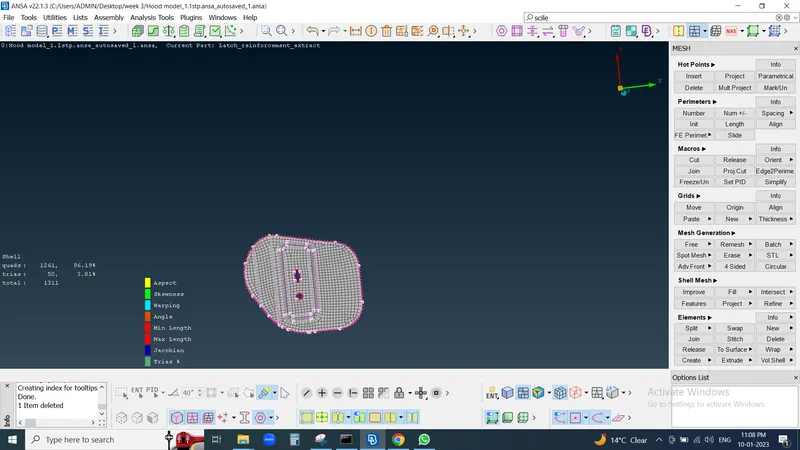
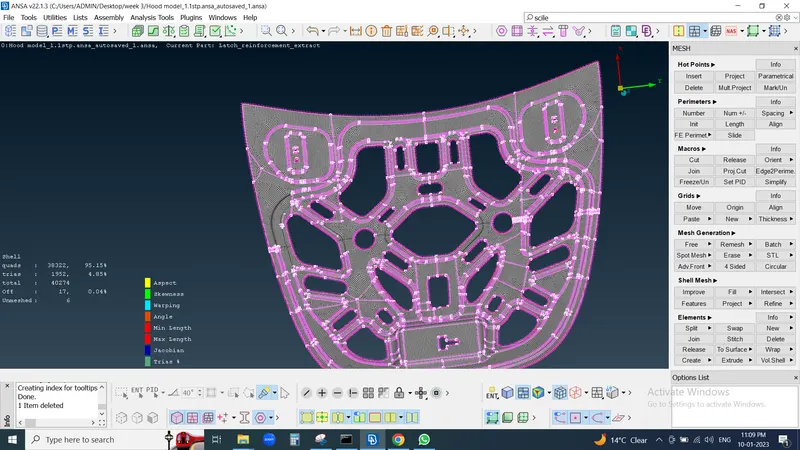
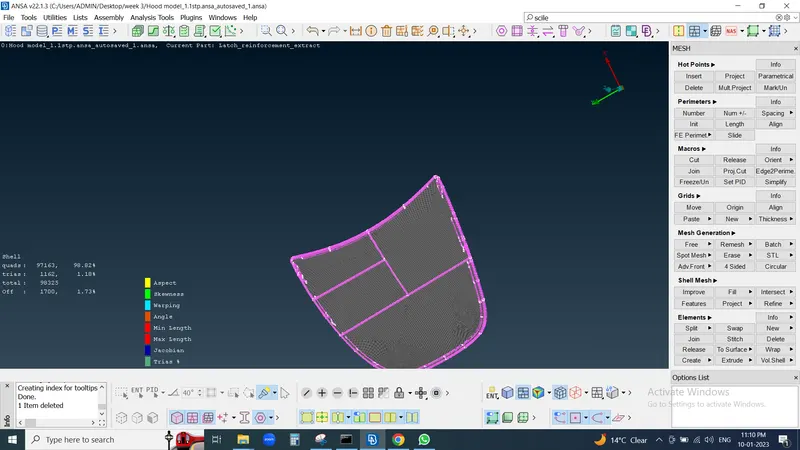
The Geomentry clean up and Topology and meshing and Quality criteria have been done to the given Parts of the model