Week 3 - 2D meshing for sheet metal
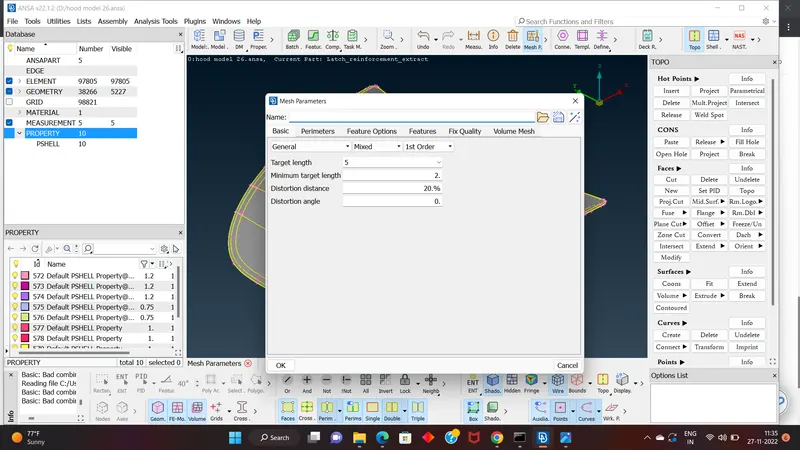
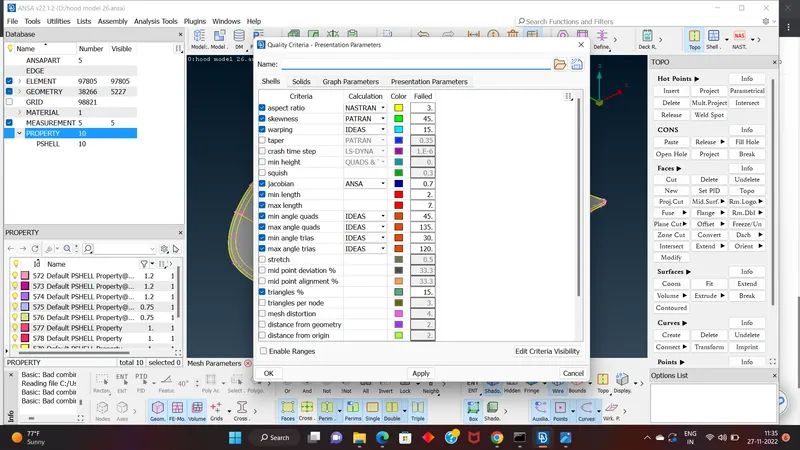
AIM - For the given Hood model, Take the mid surface for all the components after checking the geometrical errors and mesh the mid surface with the given element Quality criteria. (Refer the table Below for the Quality criteria)
|
S.No |
Quality Criteria |
Value |
|
1 |
Target/Average length |
5 |
|
2 |
Minimum Length |
2 |
|
3 |
Maximum Length |
7 |
|
4 |
Aspect |
3 |
|
5 |
Warpage |
15 |
|
6 |
Skewness |
45 |
|
7 |
Jacobian |
0.7 |
|
8 |
Minimum Quad Angle |
45 |
|
9 |
Maximum Quad Angle |
135 |
|
10 |
Minimum Tria Angle |
30 |
|
11 |
Maximum Tria Angle |
120 |
|
10 |
Tria Percentage |
15 |
OBJECTIVE- All the 2D elements in your model should clear the above-mentioned quality criteria and the features in the model have to be captured properly with good mesh flow. After meshing the Mid surface, Thickness must be assigned to Midsurface.
PROCDURE- STEPS ARE FOLLOWED FOR THIS CHALLENGE
1.Import:-
a. File > Open > Choose the File and hit on open.
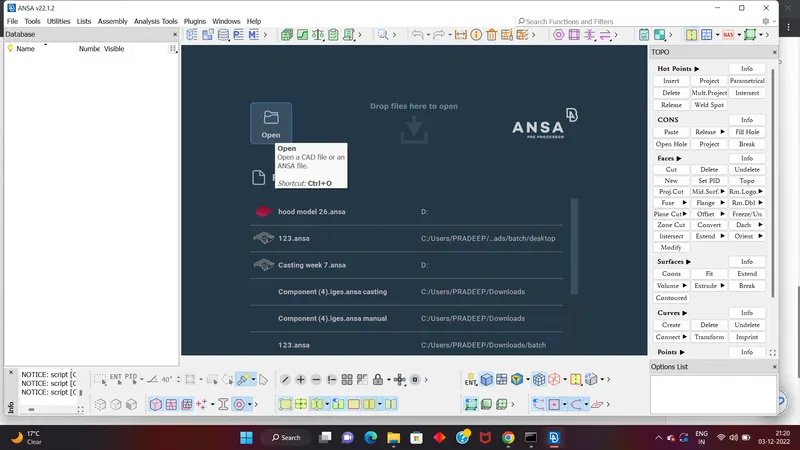
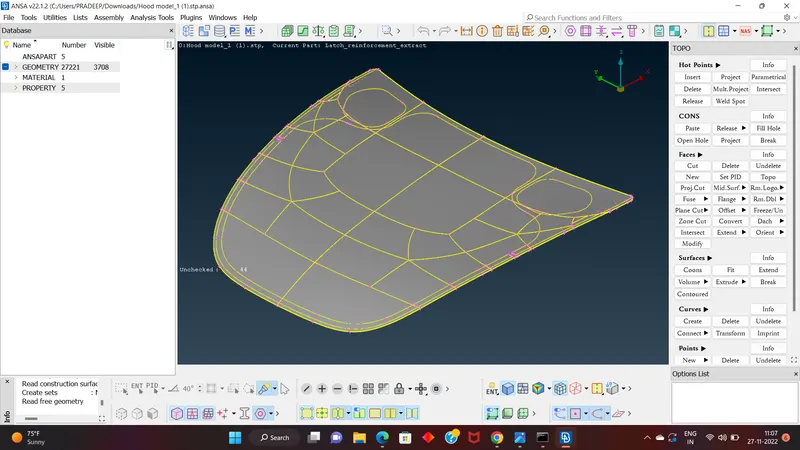
2.Cons resolution by Length option in Mesh module(The Length value for doing the cons
resolution is suggested as 1).
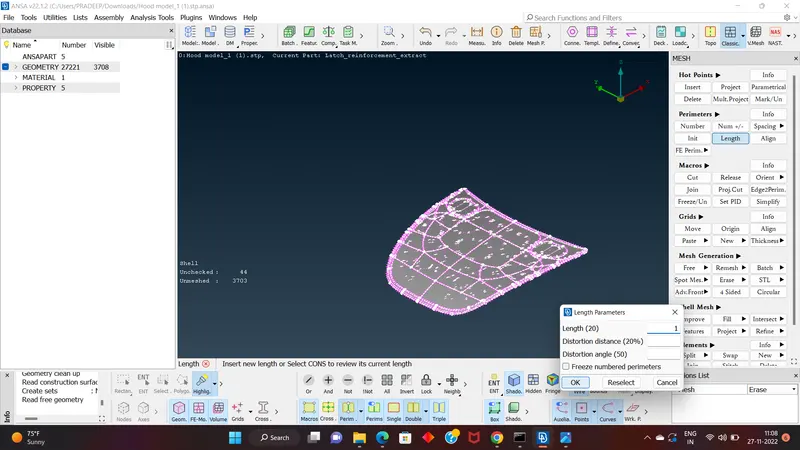
a. If the imported file is an .igs file it doesn’t have any connectivity between the Surfaces.
b. To get the connectivity between the surfaces we have to use the Topo option.(TOPO
Module> Faces > Topo)
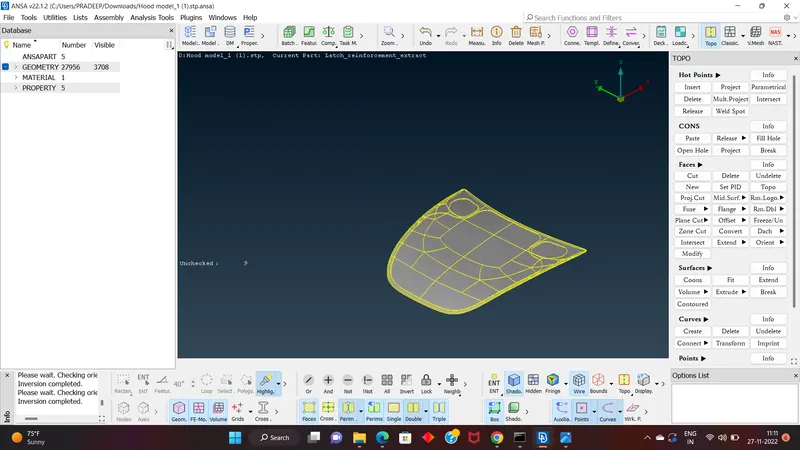
c. We have to Orient the Surfaces to make sure all the surfaces are in one normal
direction.(TOPO Module> Faces > Orient)
3.Checking the geometrical errors.
4.Clearing the geometry errors.
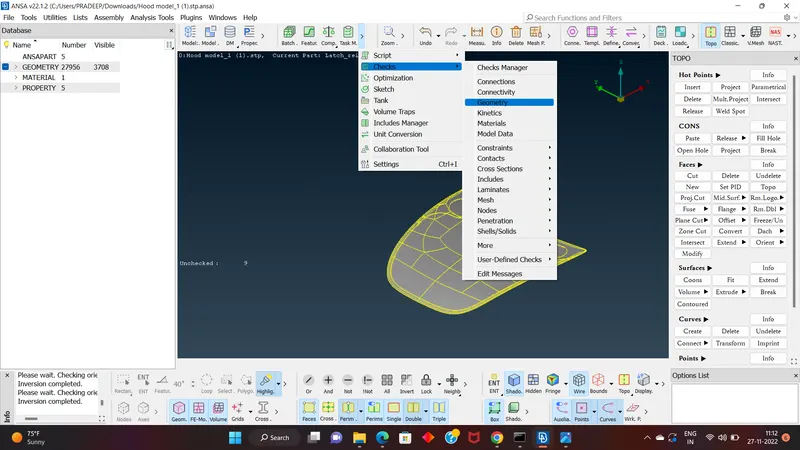
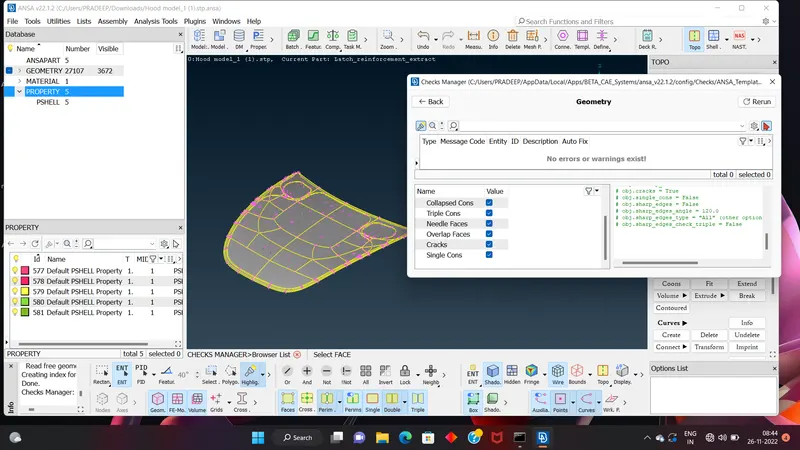
5.Check the thickness of the components.
a. If the thickness is less than 5 or 6mm then we have to extract the midsurface.
b. If the thickness is more than 5 or 6mm then no need to extract the midsurface.
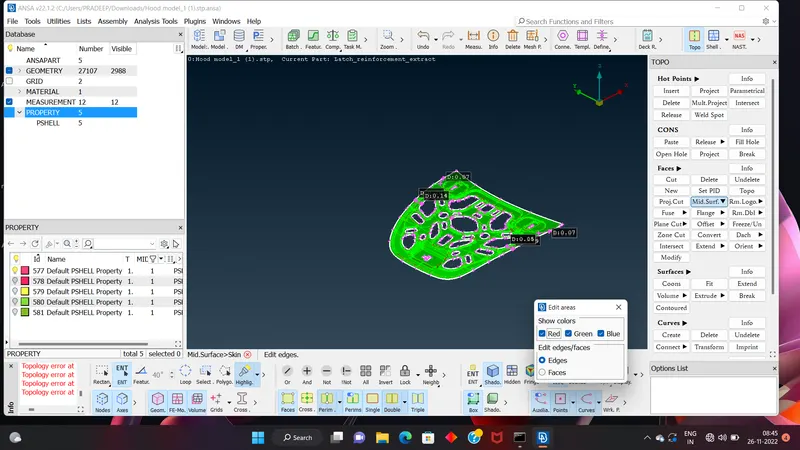
6. Creating the midsurface for a sheet metal Component.
a. If the components have the uniform thickness then we will be using the Skin or Offset
options to extract the midsurface.
b. If we are using the skin method make sure that unchecking of Delete original surfaces in
the options list.
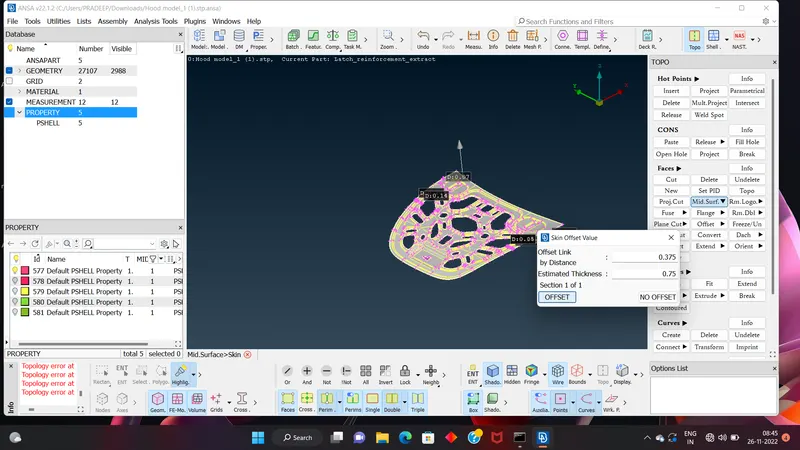
c. If we are using the Offset option, we will be using the feature selection to get the mid
surface in an easier manner. While providing the offset value we have to make a change
in the options list from use existing to auto create for the property.
7.Providing the Target element length to the perimeters by using the length option in the mesh
module.
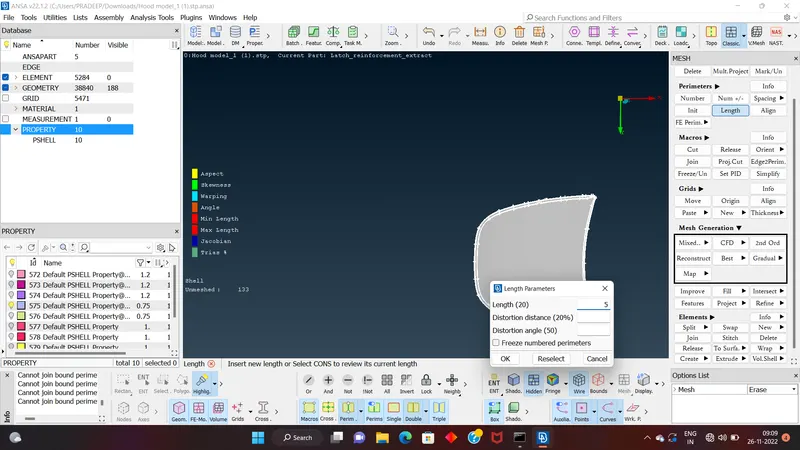
8.Providing the Mesh Parameters and Quality criteria to the models.
9.Cleaning the Midsurface extracted.
1. If there are any unnecessary hotpoints we will be using the Delete option in Hotpoints
group to avoid or we can use the insert option with right mouse click.
2. If there are any construction lines which will affect the mesh flow we will avoid them.
3. If there are any two feature lines which are very near to each other and the distance
between them is less than your minimum then you will be suppressing any one of the
line.
4. Feature Line:- We call a double con as a feature line when the surface after that double
con has significance change(Flat surface may be attached to a curved surface or
viceversa) in the geometry.
10.Spliting the surface in the small square-like structures.
11.Generating the Mesh.(We use the Options in the Mesh Generation group in Mesh Module,
the preferred option is best)
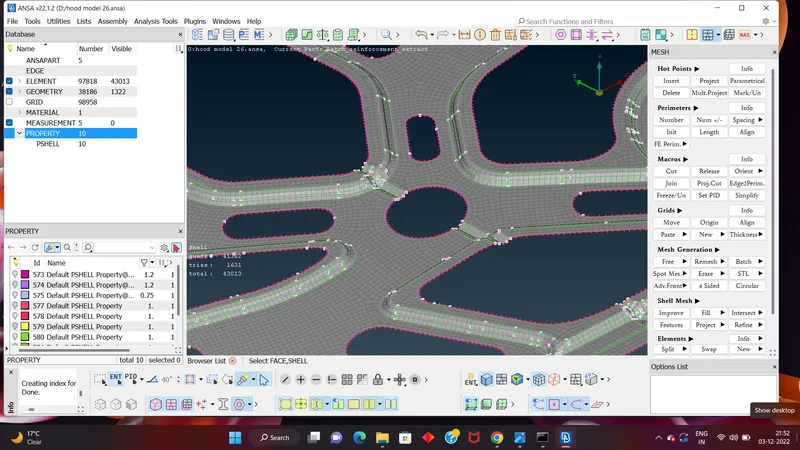
12.Clear the elements which are failing for the quality criteria.(The options in Shell Mesh group
are used like Reconstruct and Smooth)
13. Assign the proper orientation to the elements. (Mesh Module>Macro Group>Orient)
14. Assign the proper thickness for the newly created midsurface.(PID Manager)
15. Release the FE from the Geometry.(Mesh Module>Elements>Release)
CONCLUSION-what we learn in this challenge.
1. How to clear the tripple cons.
2. How to use the offset and skin option for create the mid surface.
3. For better mesh flow (convert tria element to quard element) how to use spit,swap and join option which is in mesh module>classic mesh>elememt group and paste, move option (mesh module>classic mesh>grid group).
4. How to elemenate the off element.