Week 3 - 2D meshing for sheet metal
Aim- For the given Hood model, Take the mid surface for all the components after checking the geometrical errors and mesh the mid surface with the given element Quality criteria. (Refer the table Below for the Quality criteria)
|
S.No |
Quality Criteria |
Value |
|
1 |
Target/Average length |
5 |
|
2 |
Minimum Length |
2 |
|
3 |
Maximum Length |
7 |
|
4 |
Aspect |
3 |
|
5 |
Warpage |
15 |
|
6 |
Skewness |
45 |
|
7 |
Jacobian |
0.7 |
|
8 |
Minimum Quad Angle |
45 |
|
9 |
Maximum Quad Angle |
135 |
|
10 |
Minimum Tria Angle |
30 |
|
11 |
Maximum Tria Angle |
120 |
|
10 |
Tria Percentage |
15 |
Procedure Steps-
- Start the ANSA with the given the syntex (-performance_mode 3) every time while using ANSA to see the evrery cons and hot points during zoom in or zoom out.
- Firstly we have imported the given file (Sheet metal hood) into the ANSA user interface from file- open option.
- Check gemoetry option is slected from command manger to check the translational error. if so, then we will fix it afterwards, moves to the next step
- i have found 15~16 errors (triple cons, needle faces, unchecked faces etc.) all the error have been fixed through topo command.
- check command is again executed to see the errors it is fixed or not.
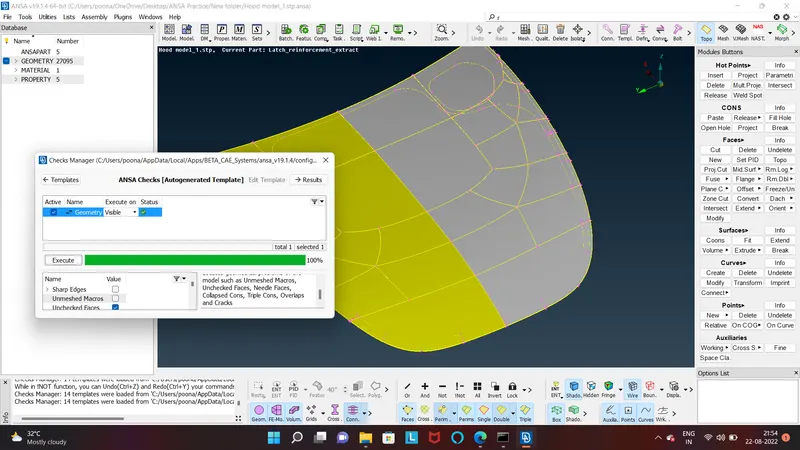
Check the geometry have proper orientation if not then we will going to make the same by selcting under Topo-faces-orient(visible option)
All parts have been assigned with different PID list (part or product Id) check it with the clicking right click on part from property selcting show only option.
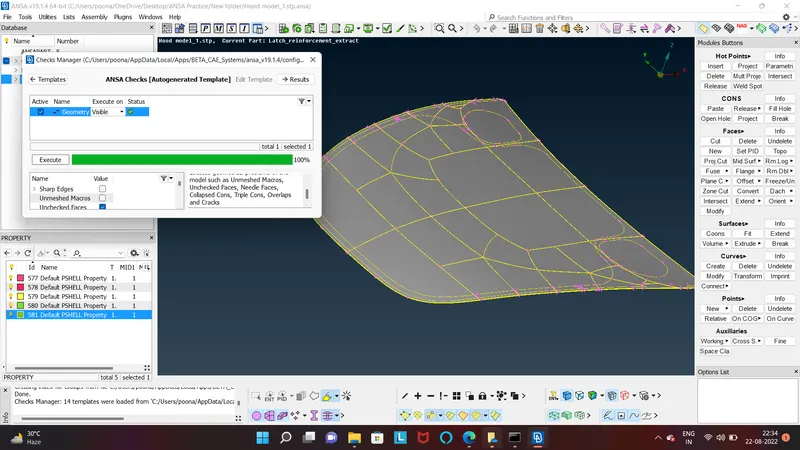
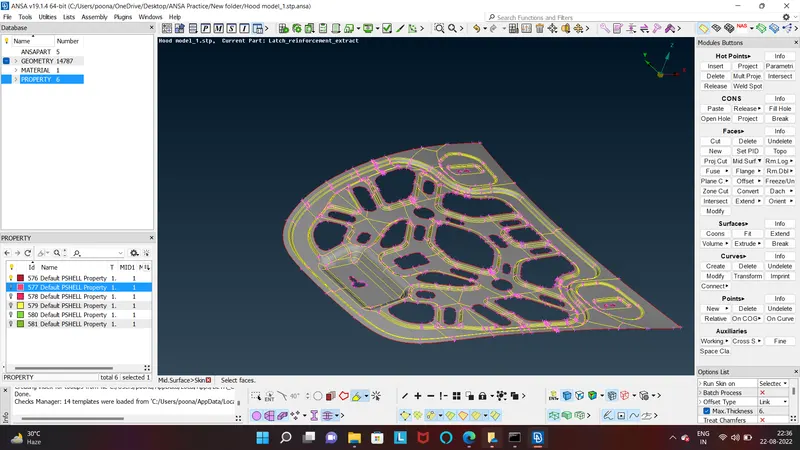
After doing these these steps we have do the mid surface exteration process.for doing in the whole parts it will be complex little bit for us. for doing this we are going to select the individual parts like we did to check the individual paroperty PID by the same slecting option.
for creating mid surface we will going to measure the part thickness through measure command and give the half thickness or orginal part for creating mid surface if we are doing the manual process through offset command.
If we are doing this automatically with selcting mid surface- skin option then we get this automatically accept this by clicking the middle mouse button.
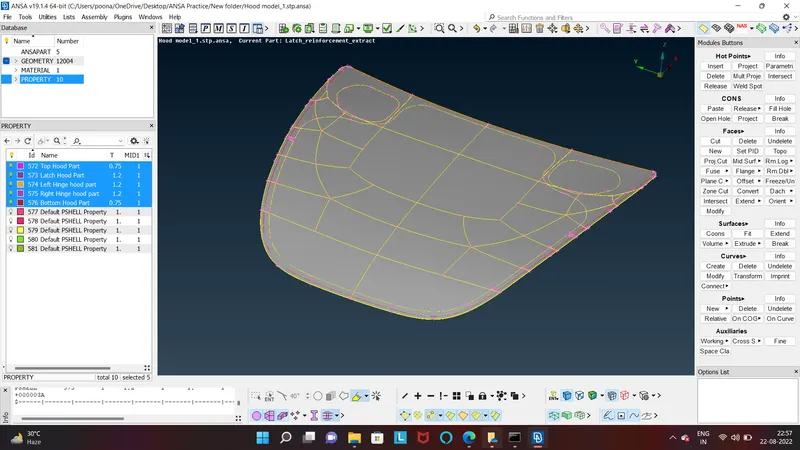
After creating mid surface for all the parts then we see that all parts have been assigned with a new property we are going to edit the PID property and assigned with their thickness.
for the meshing creation we will switch the tab from Topo- Mesh with this all meshing related command showing in the right side.
Before doing this we set the quality partameters which is given to us only we are going to put these values in the same from utility tab we can find the quality parametrs command
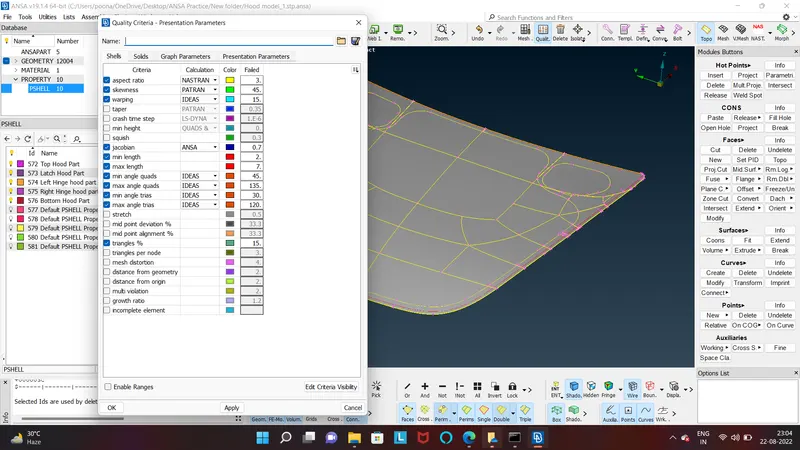
we will follow the same step as we did during mid surface extraction take/ select individual parts and mesh them by clicking Best-from mesh generation command.
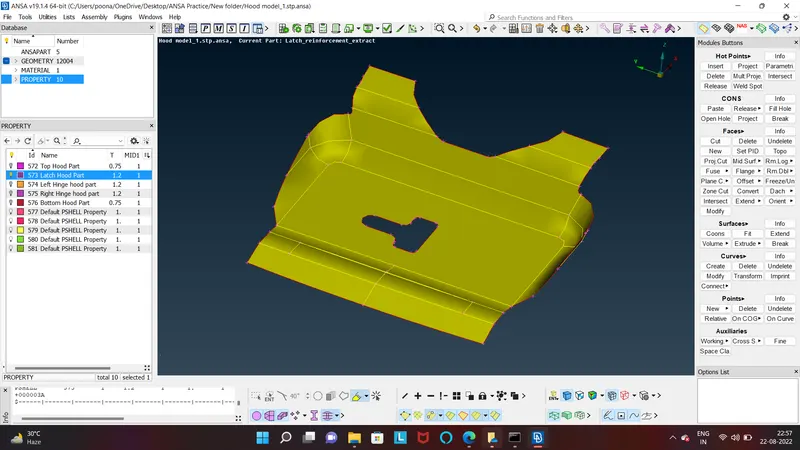
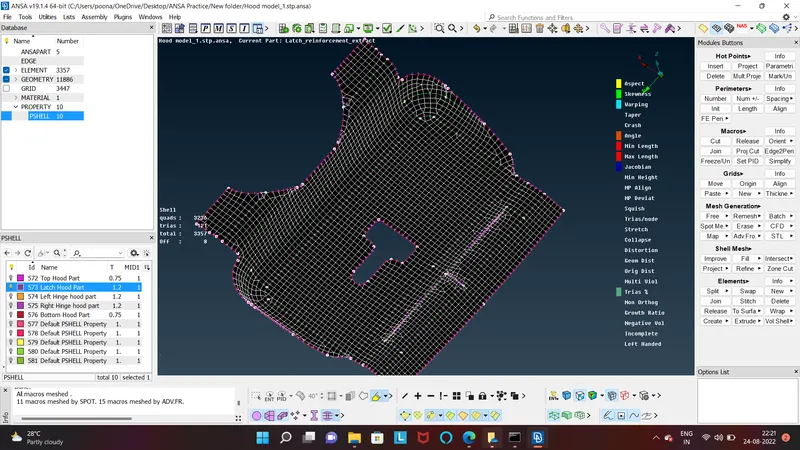
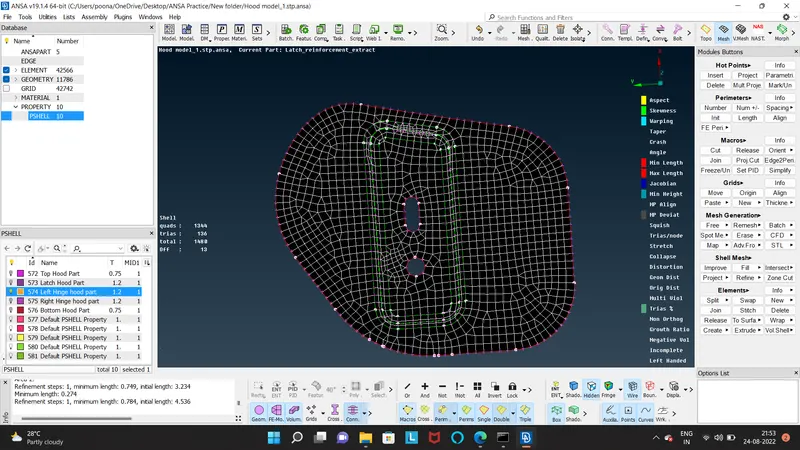
for creating mesh on the top cover of the hood is little bit complext for creating good quality matching criteria mesh we will do some manual work on this.
we will going to delete some extra cons by the join option command under Macros we can find
In order to solve this Min length error, One can toggle (suppress) the top and bottom double cons at the fillet region of a mid surface (Toggled cons will be represented as Orange colour lines). This is called ‘defeaturing’ the midsurface. (Refer the below image to understand the same)
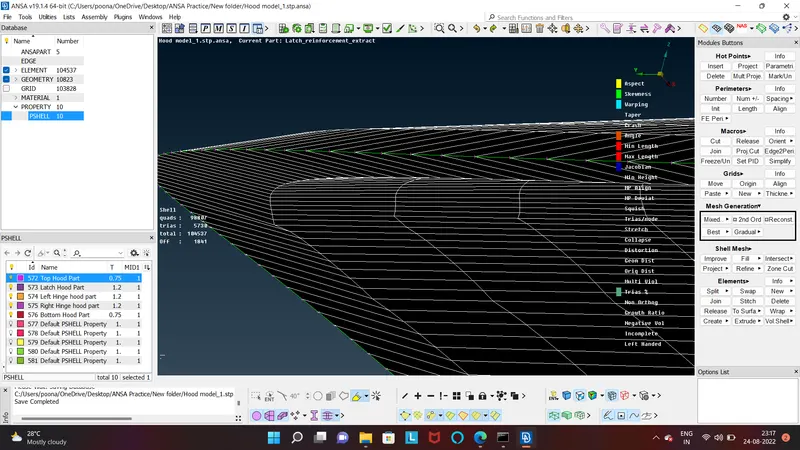
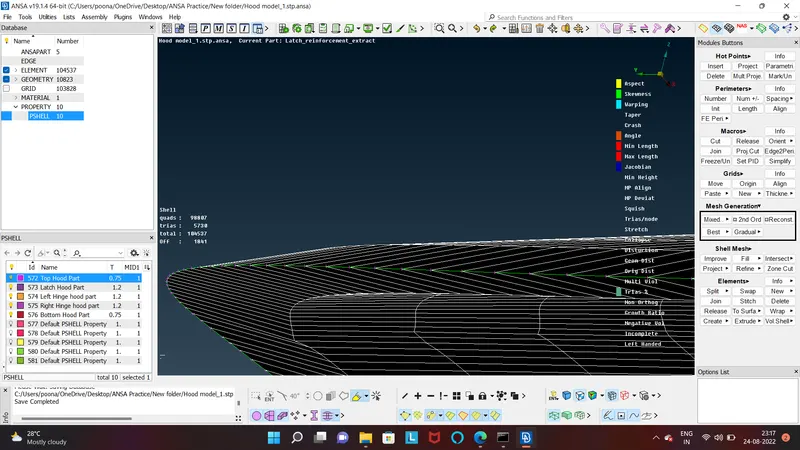
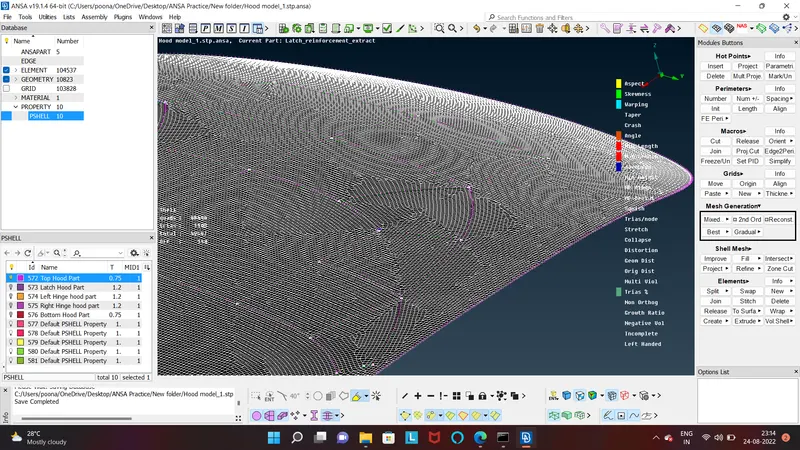
from above image we can now see the complete Assembly mesh quality.
Findings/ learnings-
When the elements in the mesh fail and couldn't be rectified, then create a small macro area around the failed elements by using MESH > Edge2Perimeter function. Then perform MESH > Shell Mesh > Reconstruct function to automatically rectify the poor quality mesh.
we can also do with indvidual mesh element by slecting move command under grid option this can help to reduce the quality criteria.
The trias facing each other are eliminated by using MESH > Elements > Split function and creating another row of mesh.