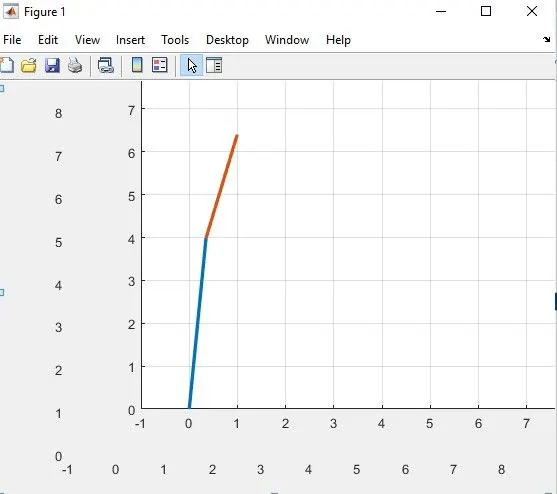
Week 3.2 - 2R Robotic Arm Challenge
%%
clear all, close all, clc        % Commands for clearing workspace memory, closing the existing plots or figures and clearing the command window
fprintf('\n')

%% INTRODUCTION

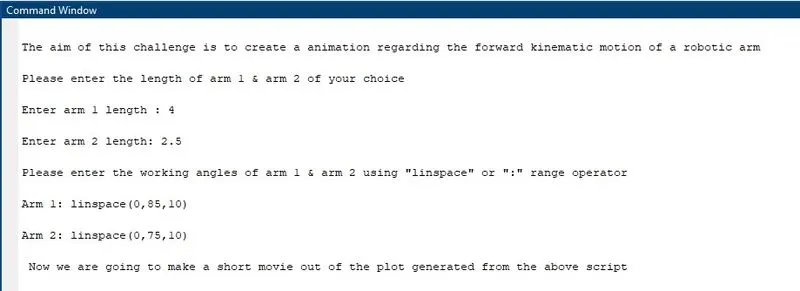
disp('The aim of this challenge is to create a animation regarding the forward kinematic motion of a robotic arm')
fprintf('\n');

%% INPUT

disp('Please enter the length of arm 1 & arm 2 of your choice');
fprintf('\n');
l1=input('Enter arm 1 length :');
fprintf('\n');
l2=input('Enter arm 2 length:');
fprintf('\n');
disp('Please enter the working angles of arm 1 & arm 2 using "linspace" or ":" range operator')
fprintf('\n');
theta1=input('Arm 1:');
fprintf('\n');
theta2=input('Arm 2:');
ct=1;
fprintf('\n');

%% COMPUTATION SECTION

for i=1:length(theta1)              % In this program length command recognizes the number of entities which user give as input through "linspace" or range operator
    THETA1=theta1(i);
    for j=1:length(theta2)
        THETA2=theta2(j);

        X0=0;                      % Initial Co-ordinates for arm 1
        Y0=0;

        X1=l1*cosd(THETA1);        % Final co-ordinates for arm 1 which is the origin co-ordinates for arm 2
        Y1=l1*sind(THETA1);

        X2=X1+l2*cosd(THETA2);     % Final co-ordinates for arm 2
        Y2=Y1+l2*sind(THETA2);

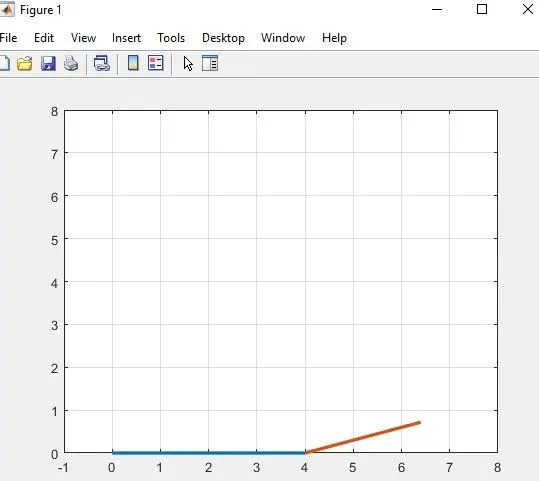
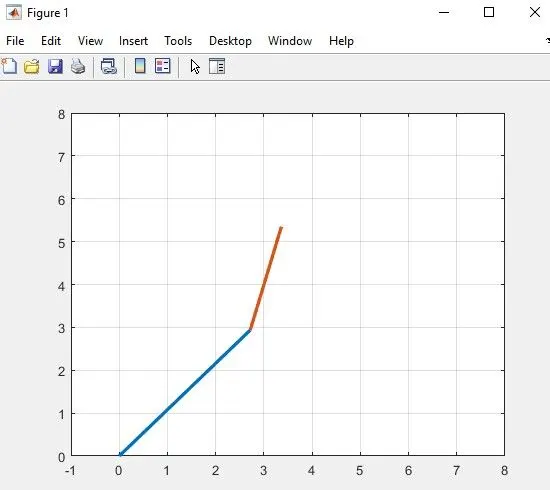
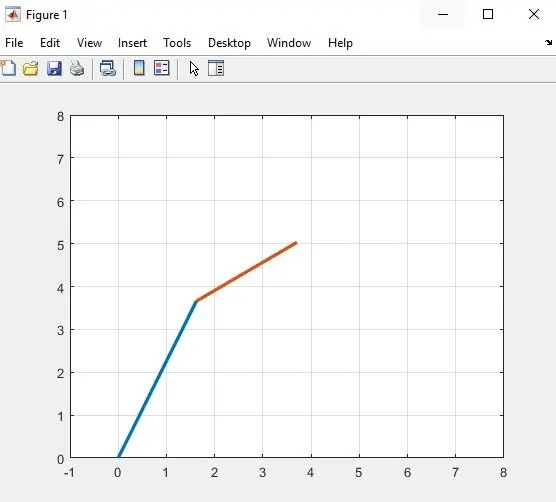
        plot([X0 X1],[Y0 Y1],[X1 X2],[Y1 Y2],'linewidth',2.5);  % Through this plot syntax we can plot both the lines under single axes without "hold on" command
        axis([-1 8 0 8]);
        grid on
        pause(0.5)                                             % This command pauses the code for specified time interval. Shorter the time smoother the animation effect
        M(ct)=getframe(gcf);                                   % Captures the current frame as it appears on the result. GETFRAME is more effective when it is utilised inside a loop.
        ct=ct+1;
    end
end

%%  MAKING MOVIE OUT OF THE PLOT GENERATED

disp(' Now we are going to make a short movie out of the plot generated from the above script');
fprintf('\n');

movie(M,1,12);                       % Play recorded movie 1 times and captures at a rate of 12 frames per second
videofile=VideoWriter('FORWARD KINEMATICS.3gp','Uncompressed 3gp'); % VideoWriter function used to create a video file from an array
open(videofile);                % This function is used for writing video data
writeVideo(videofile,M);        % writes data from an array to the video file M
close(videofile);               % Closes the videofile after writing the data into it

%% END OF SCRIPT

disp('The movie has been generated and stored in the folder');
fprintf('\n');
disp('END OF SCRIPT');
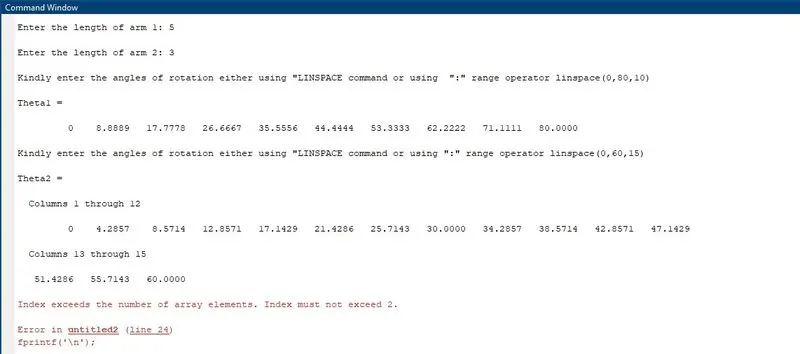
ERROR:- Entities of angles for arm 1 and arm 2 does not match. So, the given input was later rectified
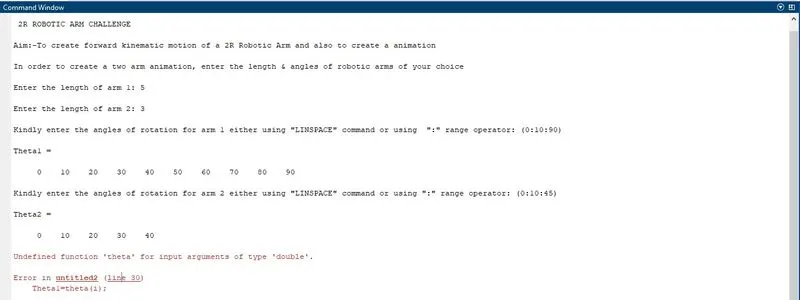
ERROR:- Improper declaration of variables under for loop
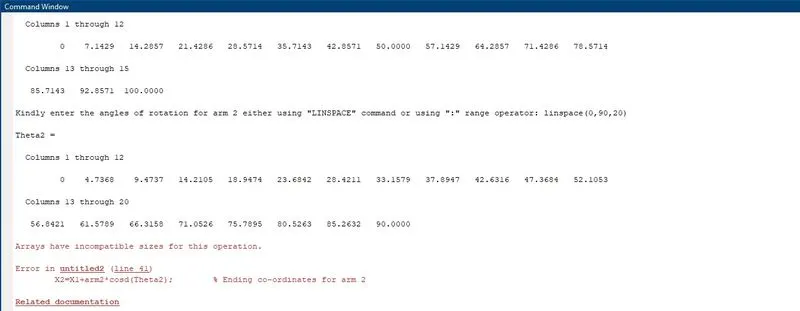
ERROR:- Improper declartion of variables for co-ordinates of arm 2
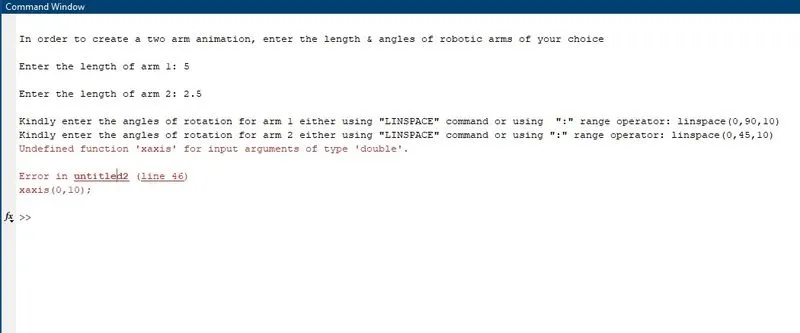
ERROR:- SYNTAX ERROR - The axis limits was not declared properly
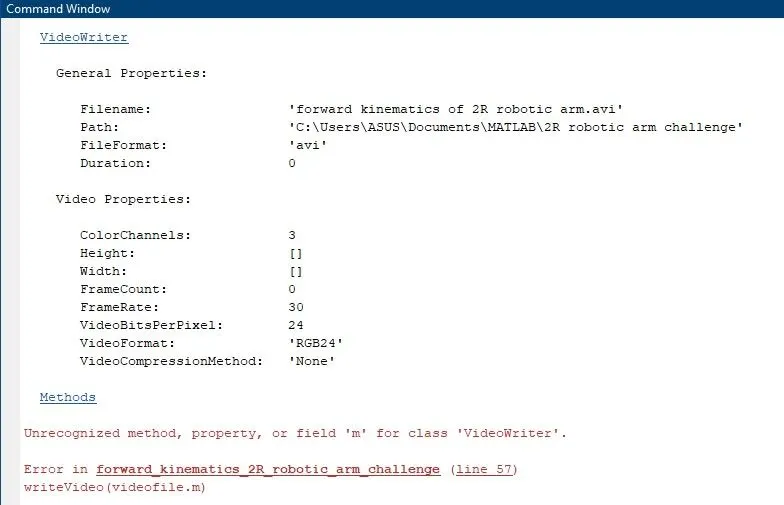
ERROR:- Improper allotment of array to a variable for making movie