PSEUDOCODE

BEGIN
     INITIALIZE Input the length of the links
                Input the angles of the link1 and link2 by using any array creation method.
                Input the initial value of counter variable
          FORone   For loop for the angular movement of Arm1
                 initialize the no. of terms of angle taken by arm1
            FOR
                    initialize the no. of terms of angle taken by arm2
                    Input the coordinates of reference plane or base
                    Input the Co-ordinates of joint of the arm1 & arm2 by using trigonometric relations
                    Input the Co-ordinates of end of arm2 by using trigonometric relations

              PLOT plot the variation of arm1 and arm2
                   initialize the starting and end values of axis by using axis command
                   Use getframe command to capture the figure as frame for movie creation.
              END PLOT
           ENDFOR
          ENDFOR
                   Initialize movie command to play the array
                   videoWriter command to create a video file and give a name to it
                   open command to open the video file
                   writeVideo command to write the video file with frame
                   close command to close and save the video file successfully
 END
clear
close
clc

%Input the length of the links
l1 = 1;    %length of arm1 or link1
l2 = 0.5;  %length of arm2 or link2

%Input the angles of the link1 and link2 from the base or reference plane(RP)
theta1 = linspace(0,90,20); % angle between link1 and RP
theta2 = linspace(0,90,20); % angle between link2 and RP
ct = 1;                     %Initial value of counter variable

%Using Nested for loop to demonstrate the various angular movement of Robotic Arm
%For loop for the angular movement of Arm1
for i =1:length(theta1)
    THETA1 = theta1(i);
    %For loop for the angular movement of Arm2
    for j =1:length(theta2)
        THETA2 = theta2(j);
%Co-ordinates of RP,i.e, (0,0)
        x = 0;
        y = 0;
%Co-ordinates of joint of the arm1 & arm2 by using trigonometric relations
        x1 = l1*cosd(THETA1);
        y1 = l1*sind(THETA1);
%Co-ordinates of end of arm2 by using trigonometric relations
        x2 = x1+l2*cosd(THETA2);
        y2 = y1+l2*sind(THETA1);
%Plotting the variation of arm1 and arm2

        plot([x x1],[y y1],[x1 x2],[y1 y2], 'linewidth',2);
        xlabel('x-axis')
        ylabel('y-axis')
        title('2R Robotic Arm Movement')
        axis ([-0.1 1.5 0 1.5]);
        pause(0.03);
        M(ct) = getframe(gcf);
        ct = ct+1;
     end
end

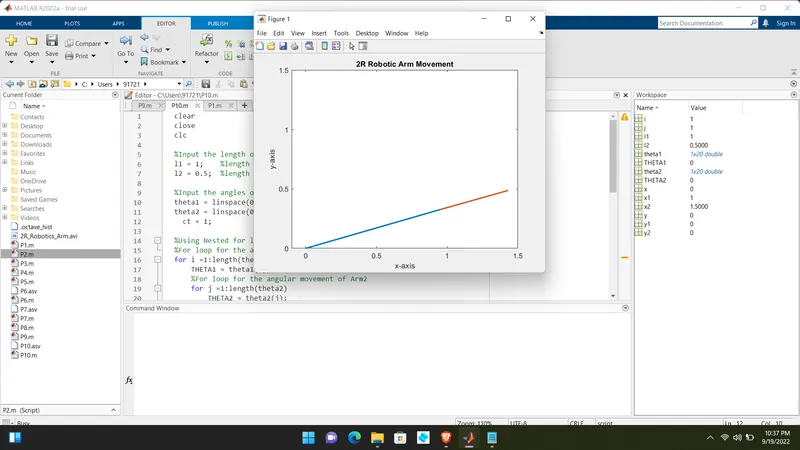
movie(M);
videofile = VideoWriter('2R_Robotics_Arm.avi', 'Uncompressed AVI');
open(videofile);
writeVideo(videofile,M);
close(videofile);
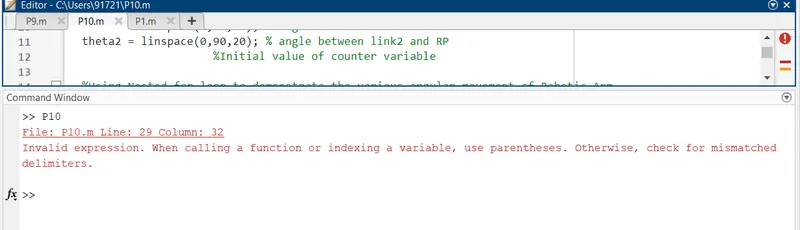
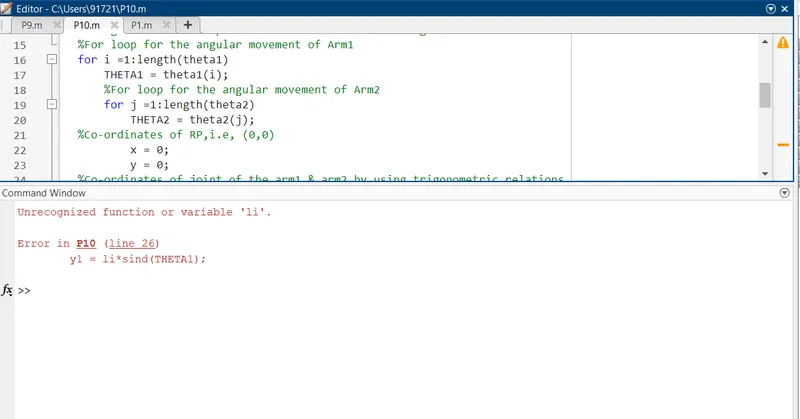
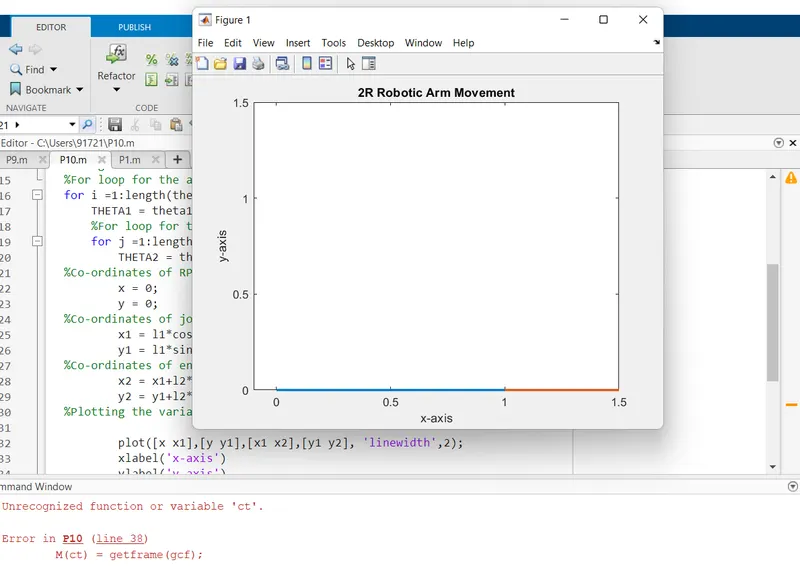
Mention the errors faced while programming.
>>Small errors of brackets, forget to give the initial value to the counter variable and wrong inputs in the code.

Steps taken to overcome those errors.
>>Checked the instructions related to the error in command window and I resolved it by going through the specific line mentioned in the command window after finding the error in the line.
https://youtu.be/tDTQxBjyyyY