Week 3.2 - 2R Robotic Arm Challenge
% Forward Kinematic of a 2R Robotic Arm

clear
close
clc

l1 = 1;                 % Length of link-1
l2 = 0.75;              % Length of link-2
theta1 = 0:5:90;        % Angle of link-1 to X-axis
theta2 = 0:5:90;        % Angle of link-2 to X-axis

% x0,y0 are coordinates of start point of link-1
% x1,y1 are coordinates of end point of link-1
% coordinates of start point of link-2 will be the end point of link-1
% x2,y2 are coordinates of end point of link-1
x0 = 0;
y0 = 0;

count = 1;
for i=1:length(theta1)
    x1 = l1*cosd(theta1(i));
    y1 = l1*sind(theta1(i));
    for j=1:length(theta2)
        x2 = x1+l2*cosd(theta2(j));
        y2 = y1+l2*sind(theta2(j));

        figure(1)                                        % Plotting
        plot([x0 x1],[y0 y1],'linewidth',3,'color','r')
        hold on
        plot([x1 x2],[y1 y2],'linewidth',3,'color','g')
        hold off
        axis ([-0.1 2 0 2])

        M(count) = getframe(gcf);           % Saving each frame to create a movie
        count = count+1;
    end
end

movie(M)                                     % Creating the Video file
videofile = VideoWriter('Forward Kinematic of a 2R Robotic Arm.avi','Uncompressed AVI');
open(videofile)
writeVideo(videofile,M)
close(videofile)
REPORT
Aim : To simulate the forward kinematics of a 2R Robotic Arm using MATLAB and create an animation file of the plot.
Theory :
A robotic arm is programmable with similar functions to a human arm, it can even perform more complex movements that a human arm may not be able to do. A 2R robotic arm is a two-segment robotic arm with two revolute joints, allowing rotational motion around specific axes. It is fixed onto a base surface and the contact point acts as the origin through which the axis for the whole arm passes.
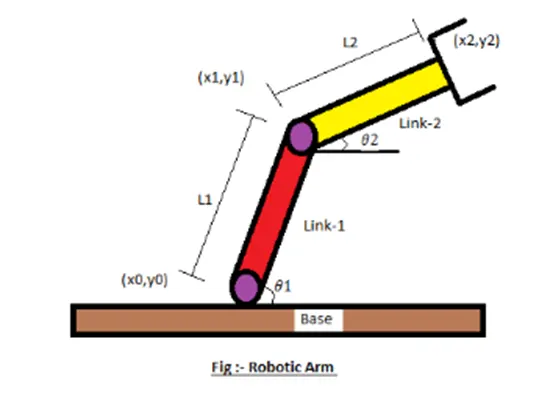
L1 = Length of link-1
L2 = Length of link-2
(x0,y0) = coordinates of start point of link-1 which is the origin = (0,0)
(x1,y1) = coordinates of end point of link-1 and the start point of link-2
(x2,y2) = coordinates of end point of link-1
Θ1 = angle of link-1 to X-axis = values assigned from 0°-90°
Θ2 = angle of link-2 to X-axis = values assigned from 0°-90°
Use for-loop top calculate value of (x1,y1) and calculate (x2,y2)for each value of (x1,y1)using a nested for-loop.
Errors that can be found :
- Without figure(1) command on the first execution creates a new figure window then keeps it activated in every loop. Without it the plot will only show the final output at the end of the nested for-loop.
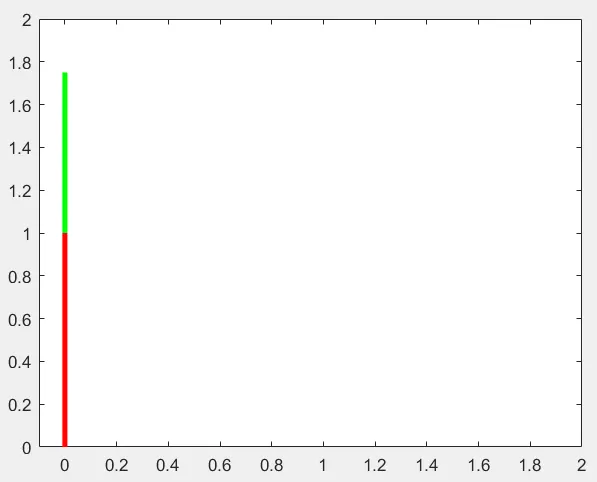
- Without ‘hold on’ command the window will refresh every time and the red link will not be visible.
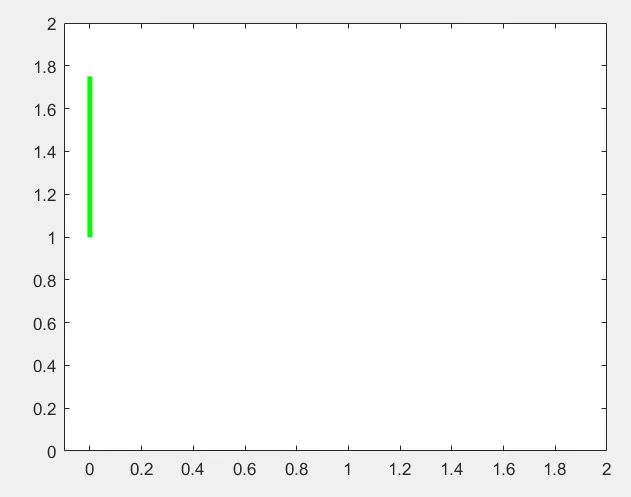
- ‘hold off’ command the clear window after execution otherwise all previous plots will be visible.
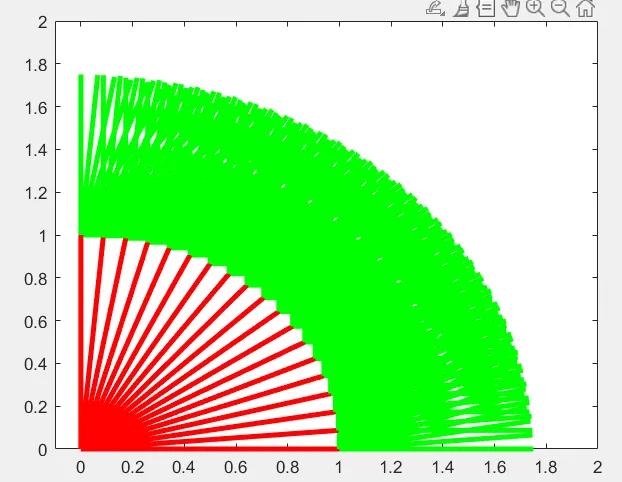
- The axis([-0.1 2 0 2]) command fixes the origin to a location and restricts window size to the parameter.
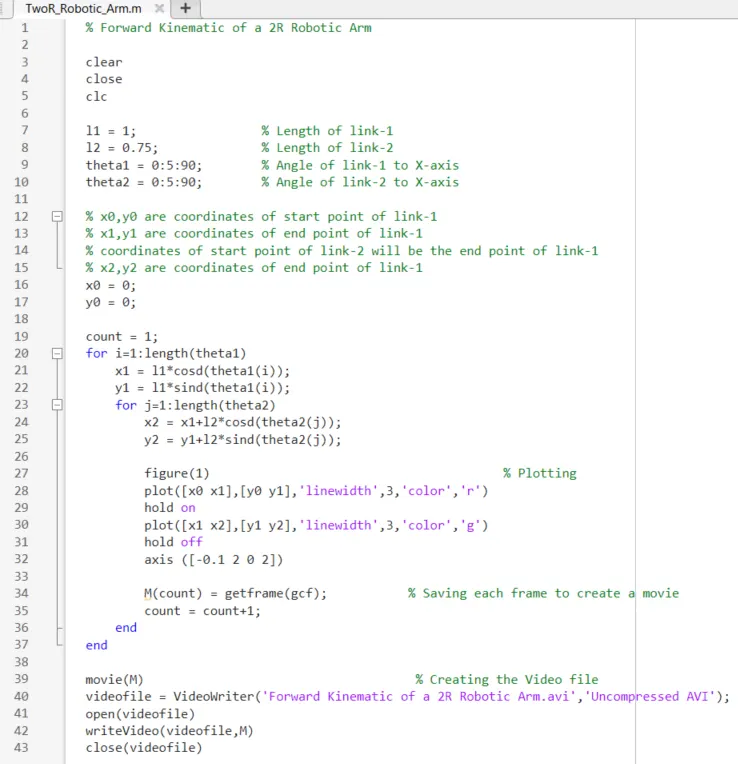
Code:
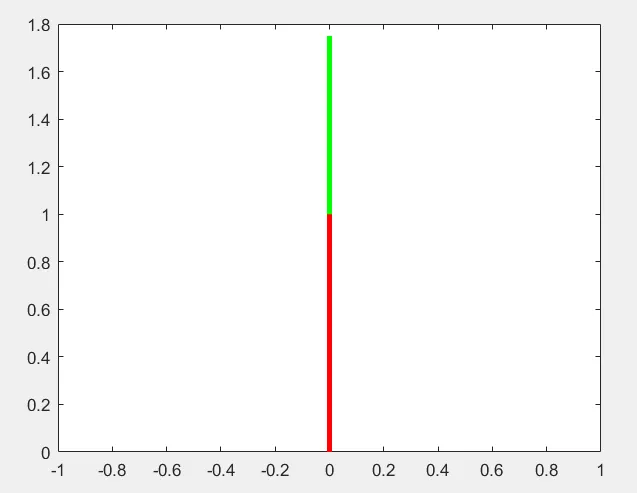
Output :
https://drive.google.com/file/d/1L4Vhvs12vFLBjew8cI5c8A57QDX8DEpZ/view?usp=drive_link