Week 2 Railwheel and Track
Railwheel and Track
AIM
To carry out a static structural analysis on Railwheel and Track with given material.
PROCEDURE
To find and compare the results of Equivalent stress, Total deformation, and the life under both the loads.
Case-1: bearing load = 100000 N
Case-2: bearing load = 500000 N
Perform a static structural analysis on the Railwheel and Track setup and
Case 1: Multiply the bearing load by 5 times and compare the results with the load of 100000 N (As done in week 2 video). Compare the Total Deformation, Equivalent stress, and the life under both the loads
Case 2: Implement a User-defined result and calculate the Total Deformation from this result and check if it is the same as that obtained by the inbuilt result by ANSYS for a load of 100000 N.
Case-1: bearing load = 100000 N
Implement a User-defined result and calculate the Total Deformation from this result and check if it is the same as that obtained by the inbuilt result by ANSYS for a load of 100000 N.
Import the geometry.
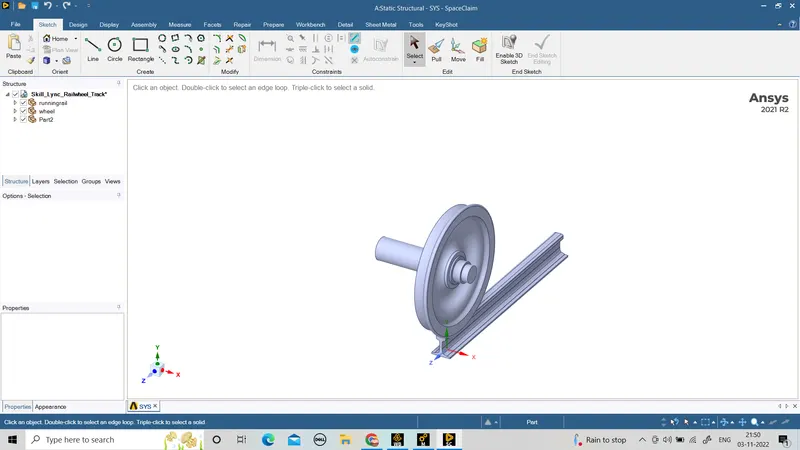
select the material.
strainless steel.
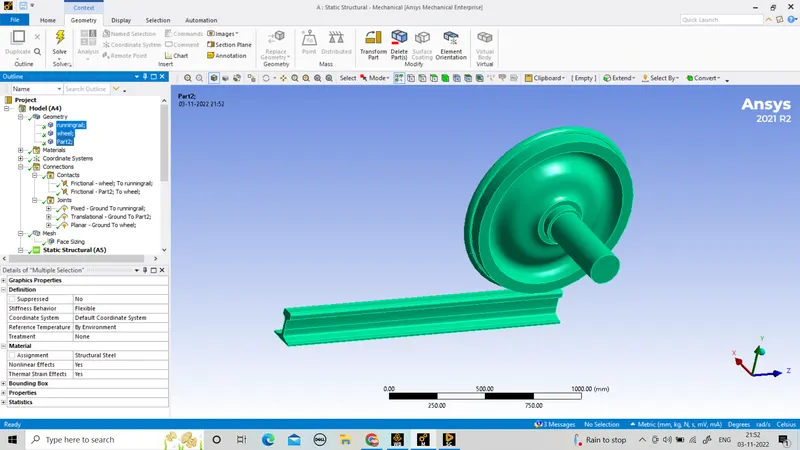
And open the model panel.
In connection panel use rename based on definition.
And flip contact option.
contact size = frictional.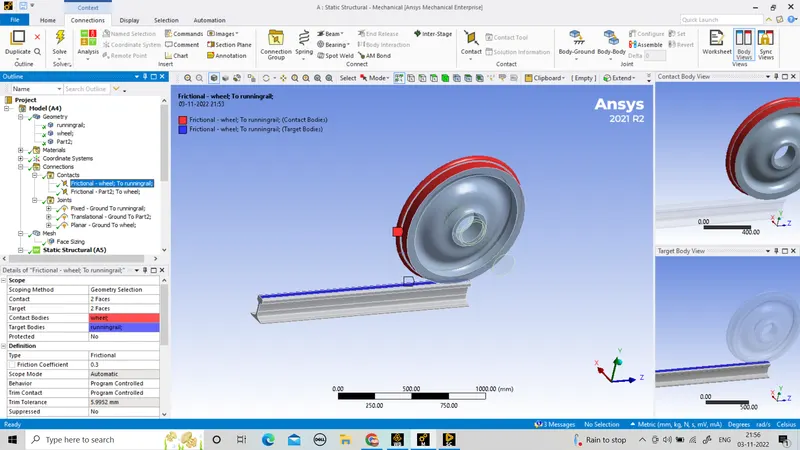
After that create joint.
connection type = body-ground.
there are three joint.
fixed joint.
translational joint.
planer joint.
fixed joint.
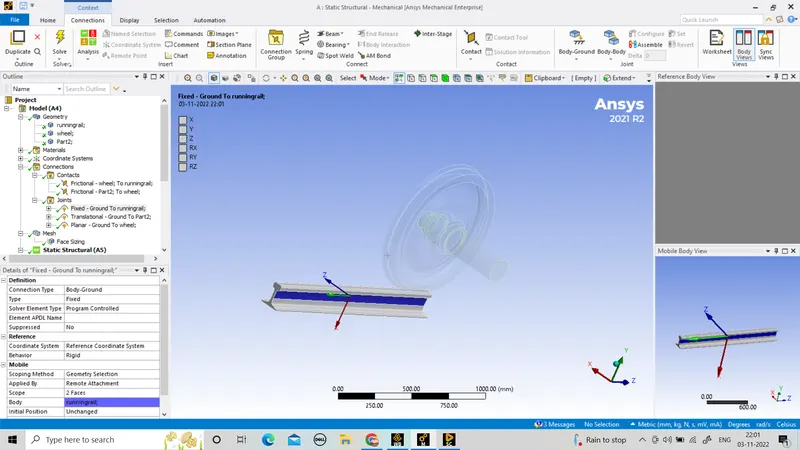
translational joint.
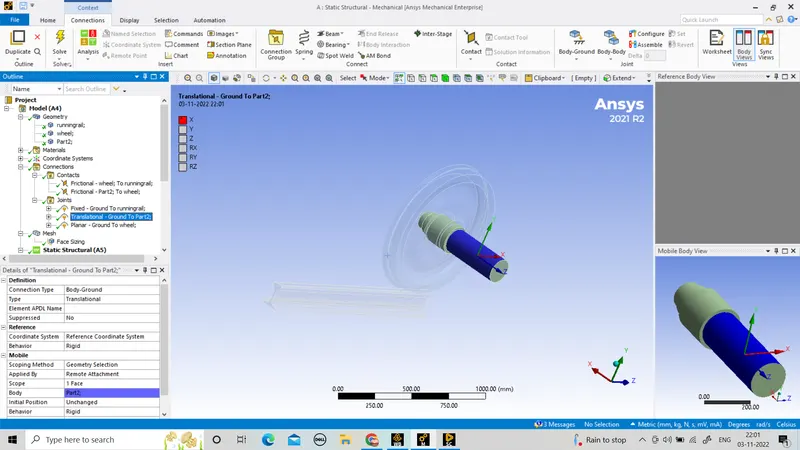
planer joint.
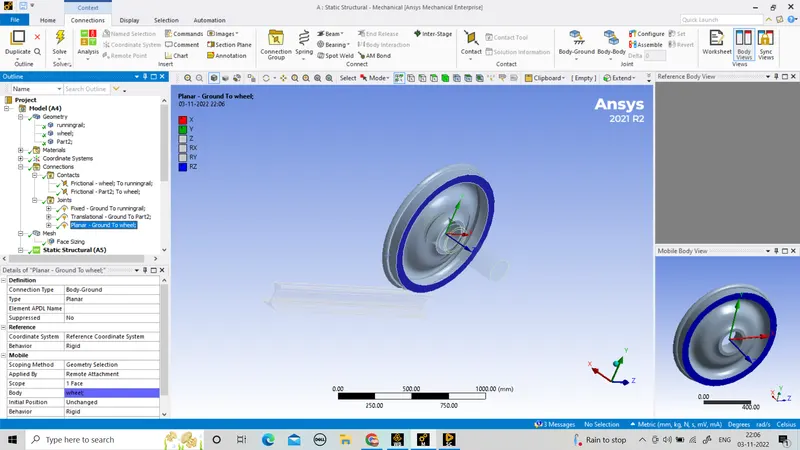
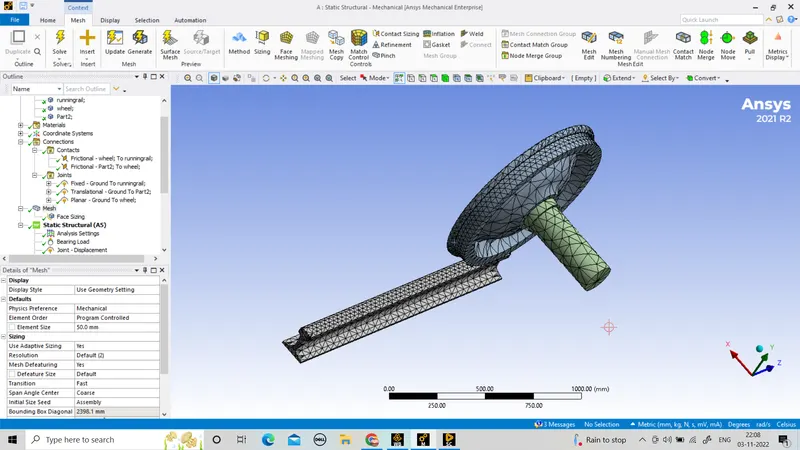
mesh the component with element sizing of 50mm.
Element sizing of 35mm in contact faces.
Analysis the static structural in analysis setting there are 5 steps
1st step
Auto time stepping : program control.
Large deflection : on.
solver type : direct.
force convergence : on
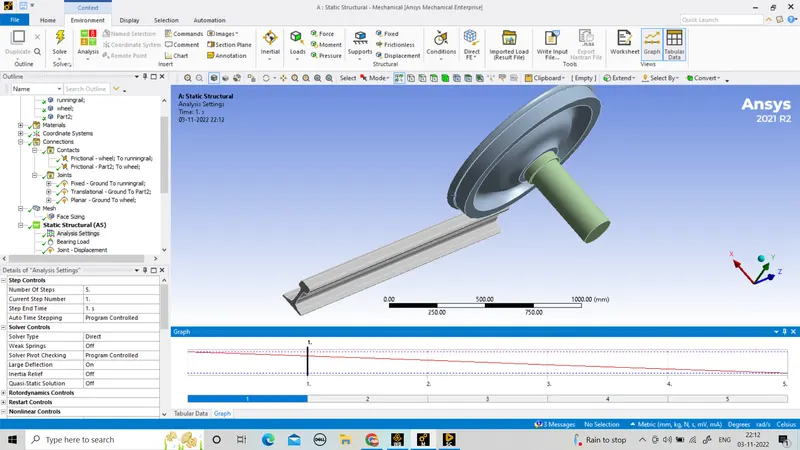
2nd to 5th step
Auto time stepping : on.
Large deflection : on.
solver type : direct.
force convergence : on
carrier time step : on
defining by = time
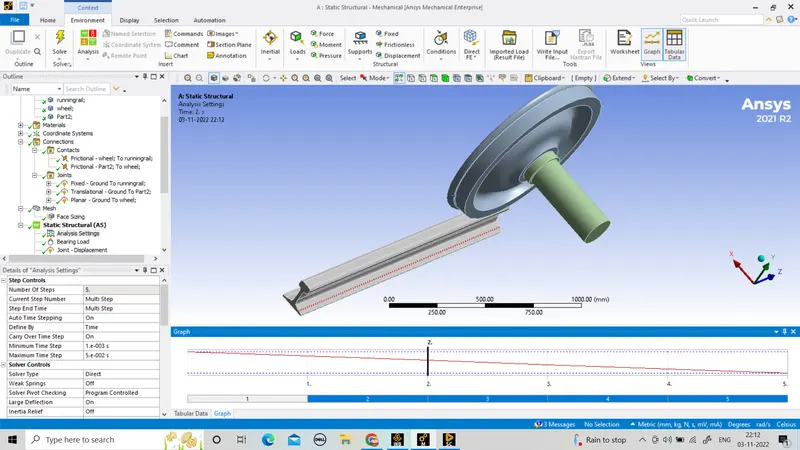
Use joint load on it.
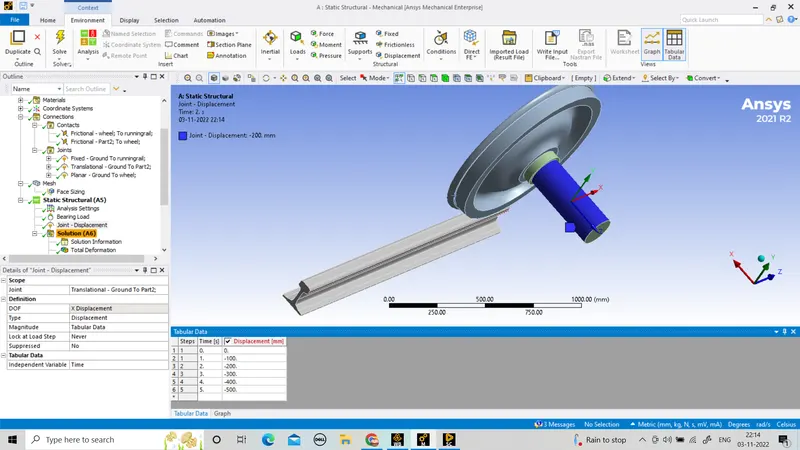
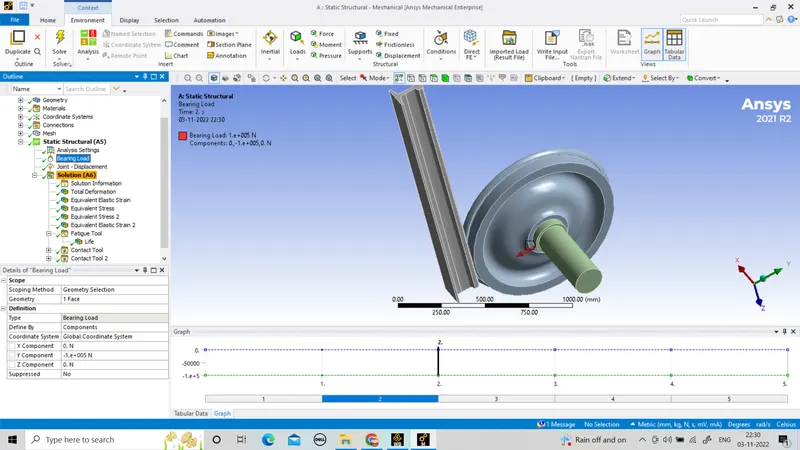
And use bearing load on y direction -100000N
Case-2: bearing load = 500000 N
Multiply the bearing load by 5 times and compare the results with the load of 100000 N (As done in week 2 video). Compare the Total Deformation, Equivalent stress, and the life under both the loads
Import the geometry.
select the material.
strainless steel.
And open the model panel.
In connection panel use rename based on definition.
And flip contact option.
contact size = frictional.
After that create joint.
connection type = body-ground.
there are three joint.
fixed joint.
translational joint.
planer joint.
fixed joint.
translational joint.
planer joint.
mesh the component with element sizing of 50mm.
Element sizing of 35mm in contact faces.
Analysis the static structural in analysis setting there are 5 steps
1st step
Auto time stepping : program control.
Large deflection : on.
solver type : direct.
force convergence : on
2nd to 5th step
Auto time stepping : on.
Large deflection : on.
solver type : direct.
force convergence : on
carrier time step : on
defining by = time
Use joint load on it.
And use bearing load on y direction -500000N
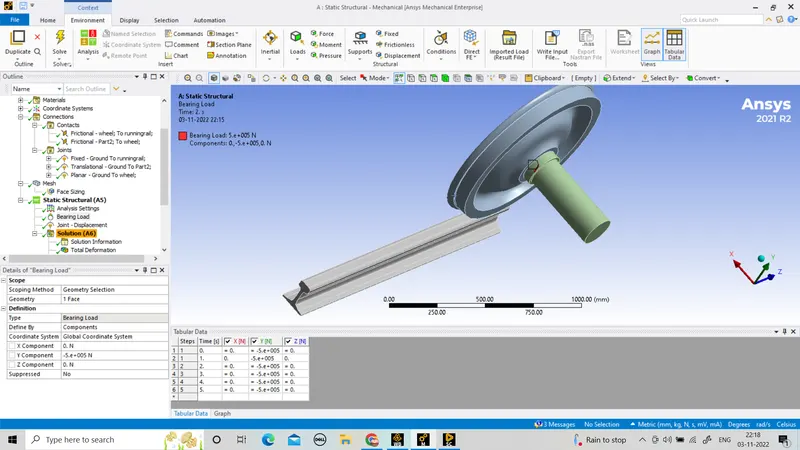
After solving the problem
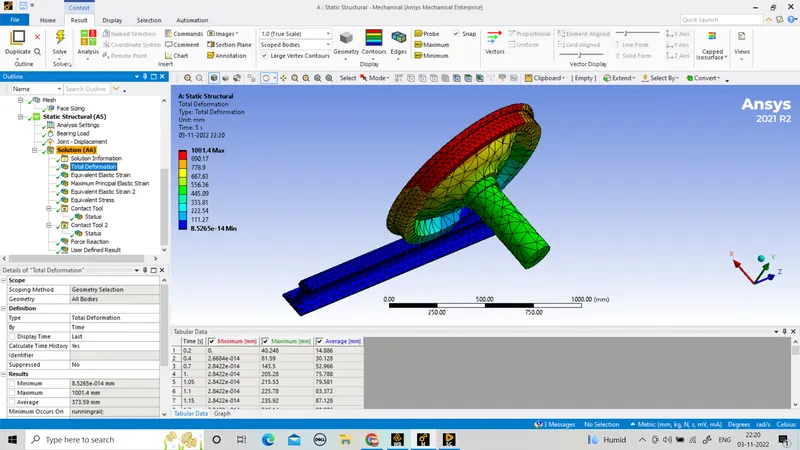
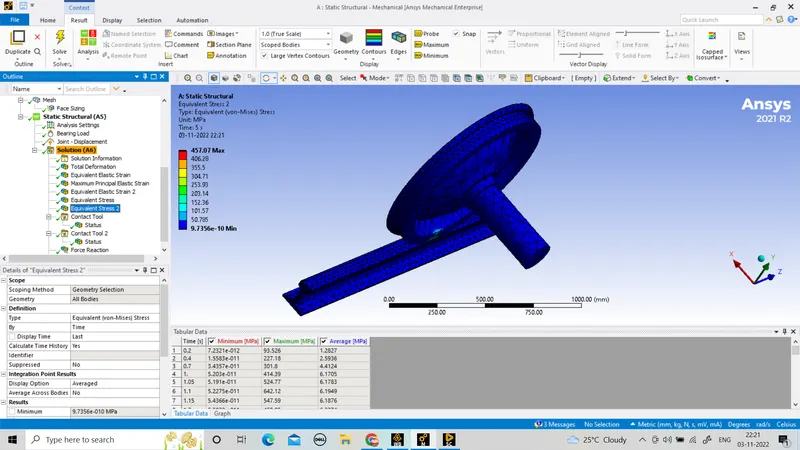
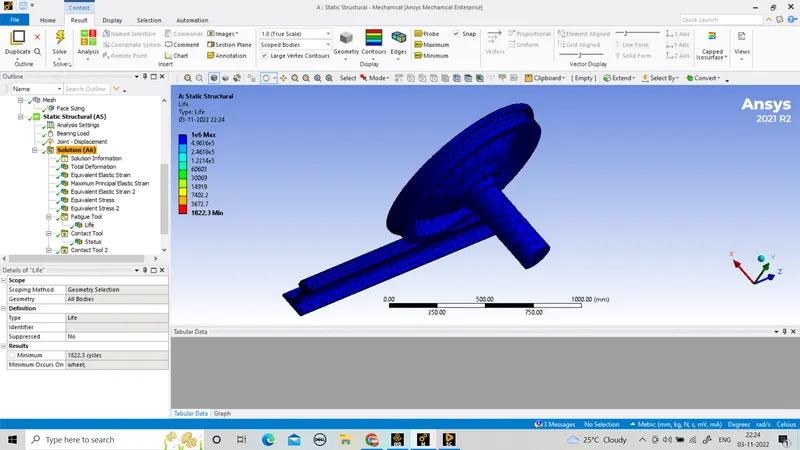
Load = 500000N
total deformation.
Equivalent stress
life
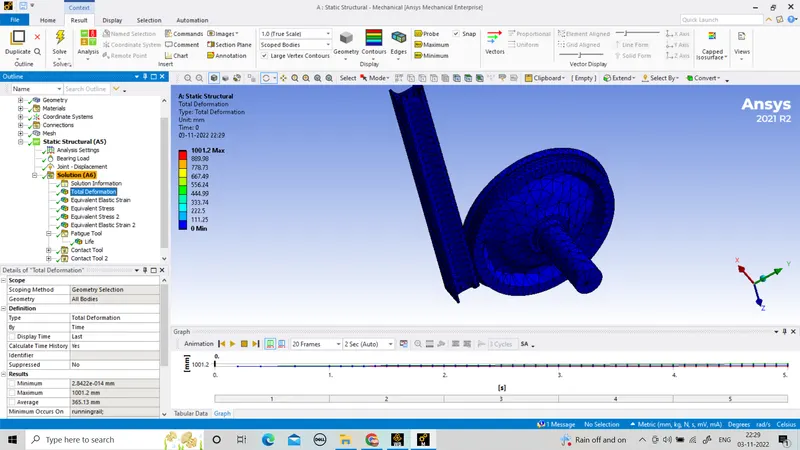
Load = 100000N
total deformation.
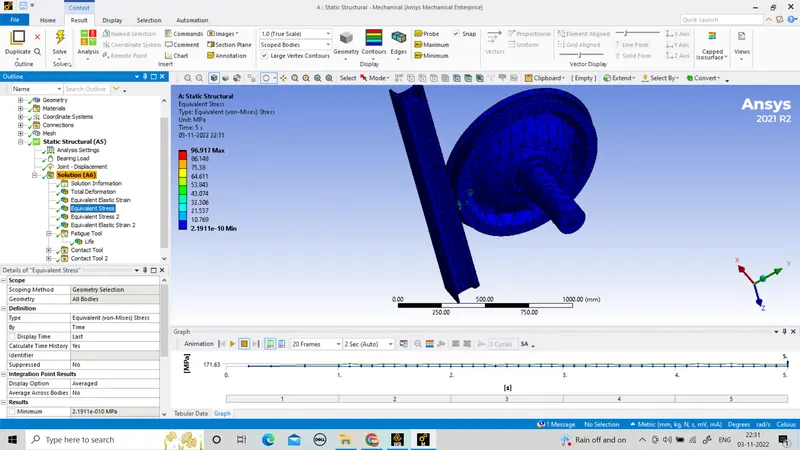
Equivalent stress
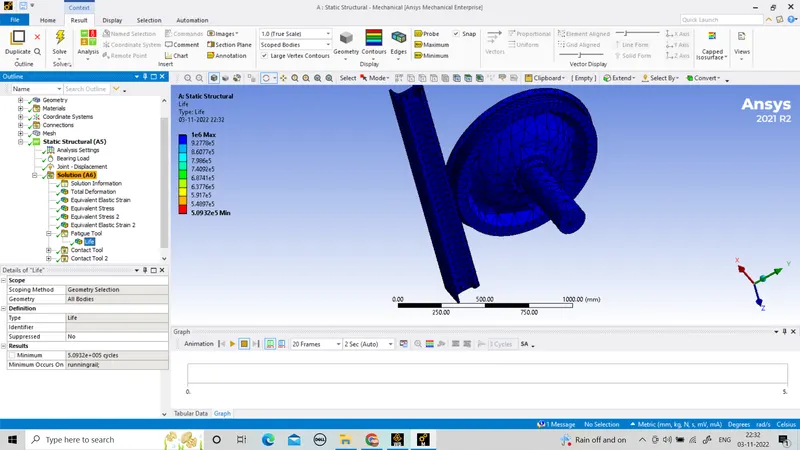
life
RESULT
total deformation Equivalent stress life
500000N 1001.4MAX 457.09MAX 1E6MAX
100000N 1001.2MAX 96.917MAX 1E6MAX