Surface meshing on a Pressure valve
Aim: To create Mesh on a Pressure valve surface.
Procedure:
- Import the CAD File
- Topological cleanup
- PID Creation of individual parts
- Meshing
Import the CAD file:
Open ANSA ⇒ File ⇒ New ⇒ Required CAD file.
Topological Cleanup:
Topological cleanup in this geometry is patching the surface of the valve.
It can be achieved by performing few steps:
- Checking the geometry.
Tools ⇒check ⇒Geometry ⇒ select ANSA to check autogenerated Template ⇒ Check and Uncheck the options that are required and then execute.
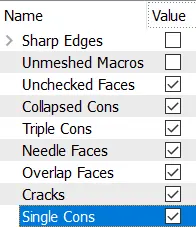
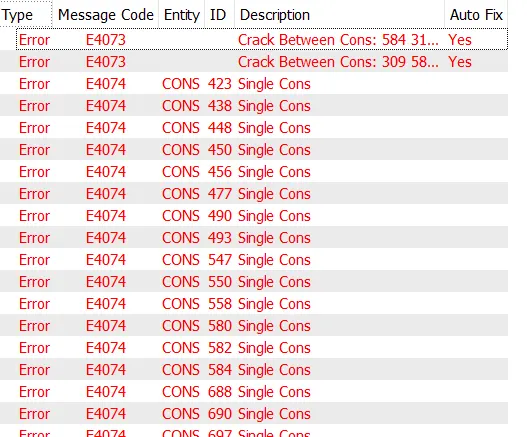
Errors:
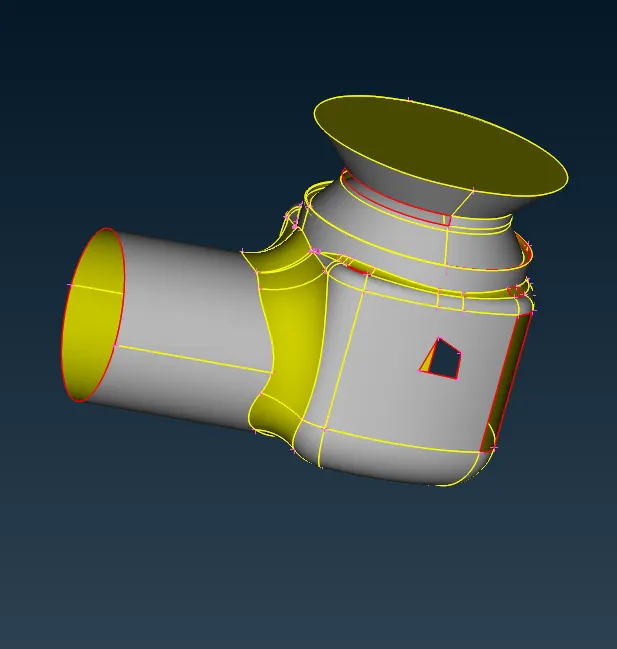
Unfinished surfaces:
2.Patching
Patching is done by filling the surfaces which are left out.
Faces⇒New⇒Existing surface, Fitted, cons, and planar.
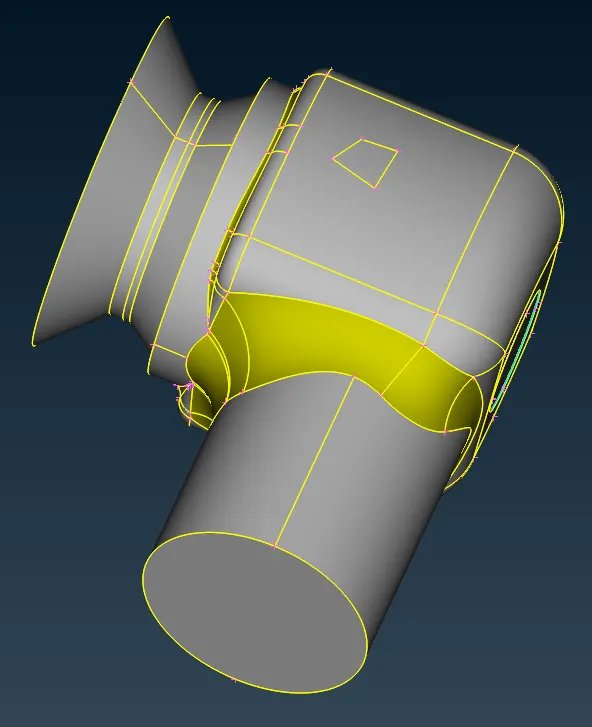
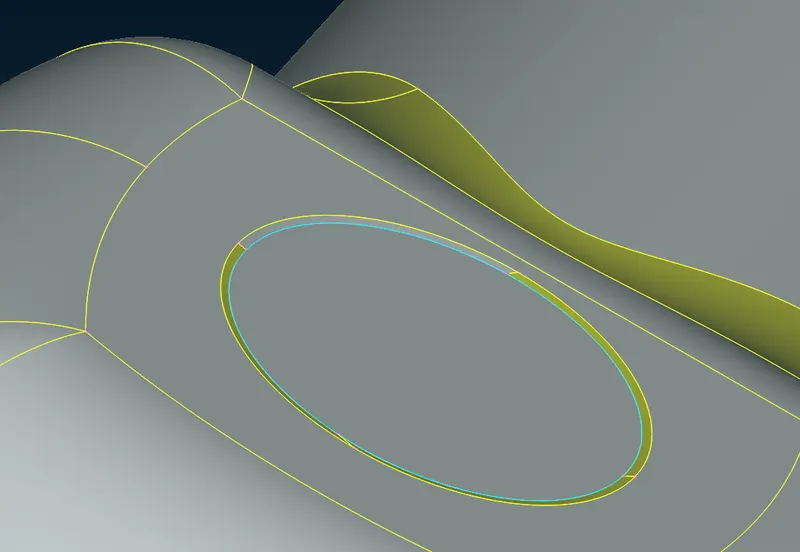
We have eliminated all single cons.
Triple Con:
PID Creation of Individual parts:
- Body:
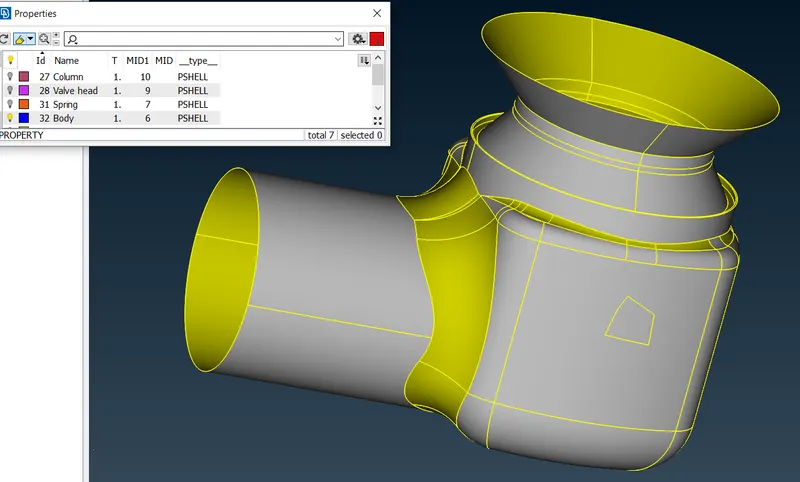
- Inlet and Outlet:
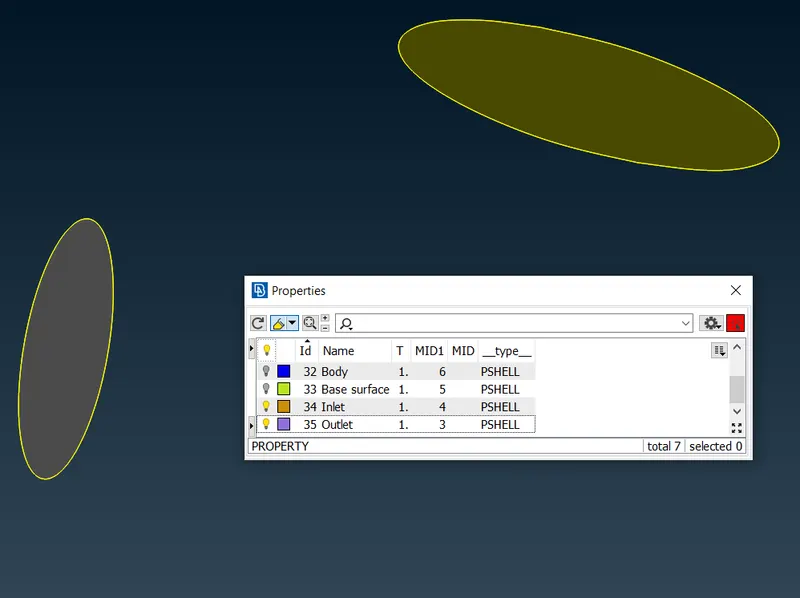
- Base Surface:
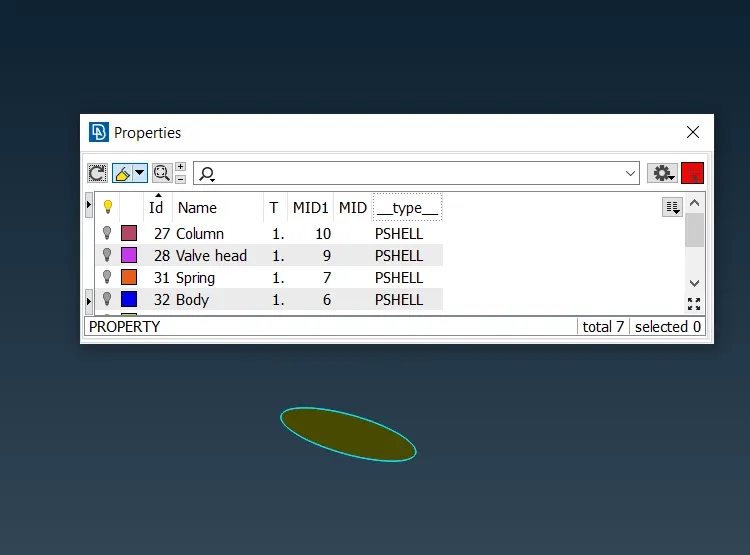
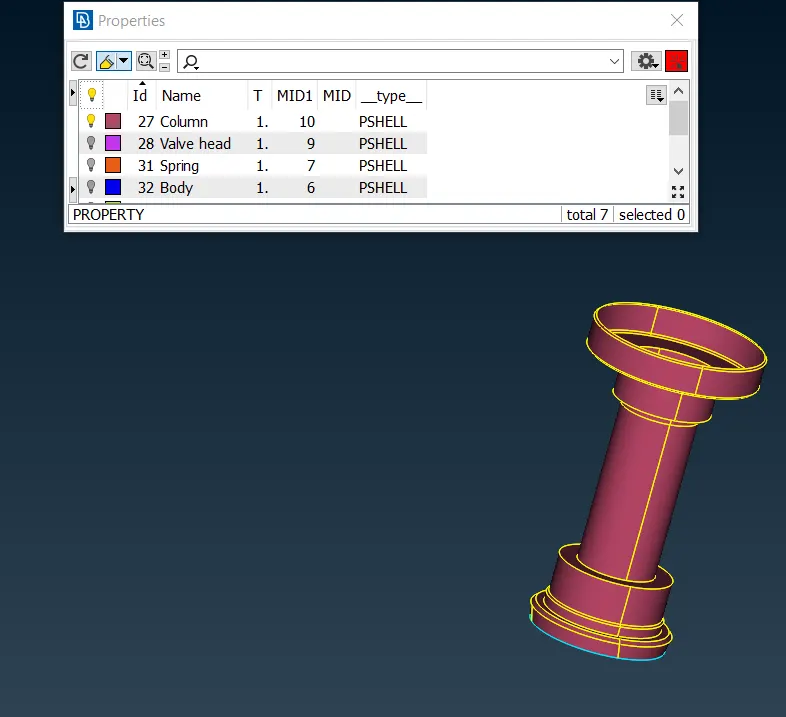
- Column:
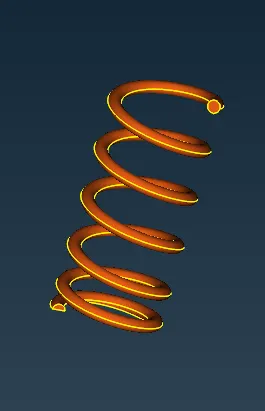
- Spring:
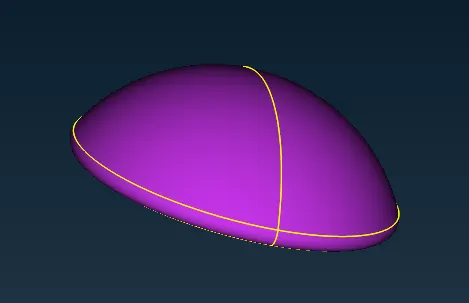
- Valve head:
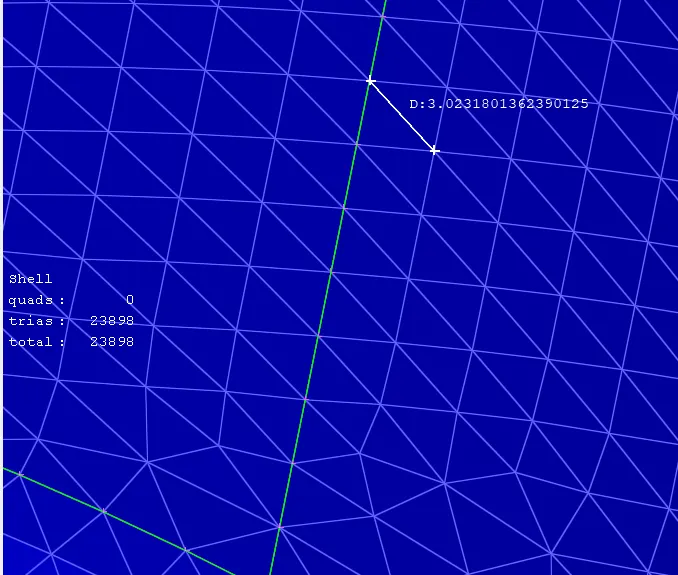
Meshing:
Target length: 1mm
Max. length: 1.2 mm
Min. length: 0.8 mm

Target length: 3mm
Max. length: 5 mm
Min. length: 1 mm
Target length: 5mm
Max. length: 7 mm
Min. length: 3 mm
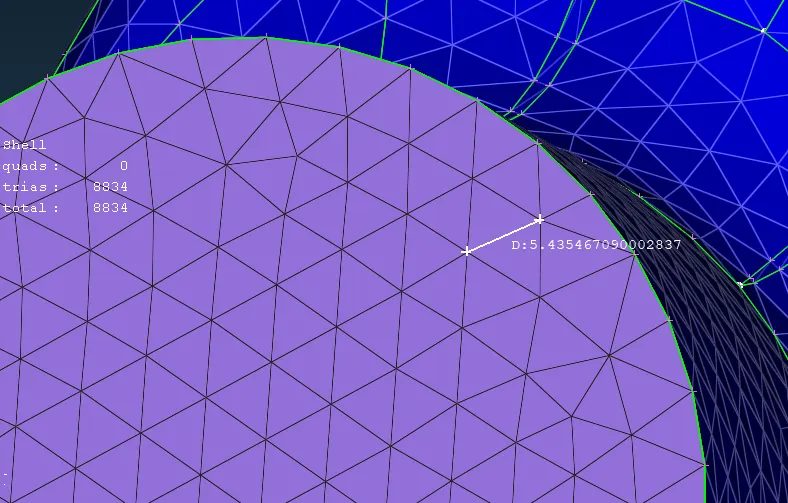
Result:
Mesh - 1mm:
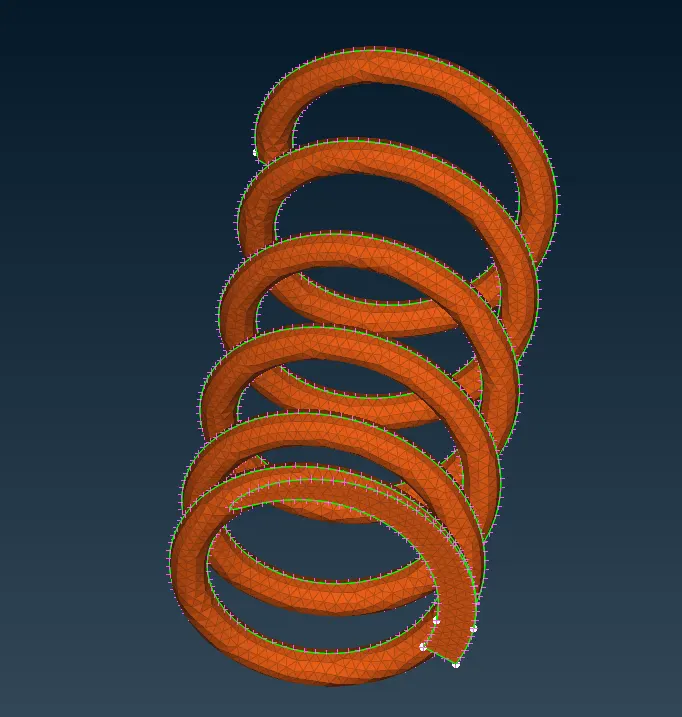
Mesh - 3 mm
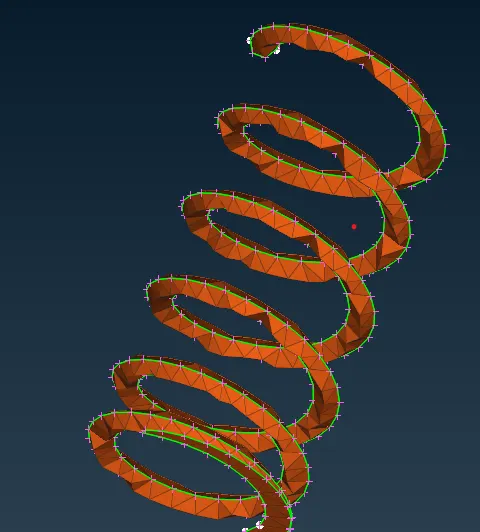
Mesh - 5 mm
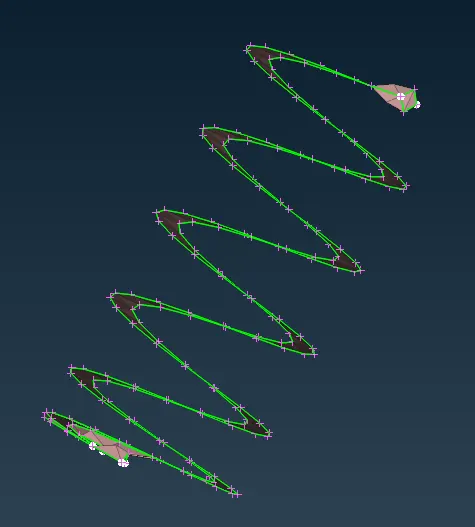
From the above Mesh Length - 1 mm, 3mm, and 5 mm.
We can clearly see that the mesh length has to be chosen accordingly to the geometry.
In 1mm mesh length, we can see the structure of spring clearly, by increasing the mesh length the spring structure distorted gradually.