Week 2 Challenge
AIM:
To assign Circular section to column
INTRODUCTION:
Columns are defined as vertical load-bearing members supporting axial compressive loads chiefly. This structural member is used to transmit the load of the structure to the foundation. In reinforced concrete buildings beams, floors, and columns are cast monolithically. The bending action in the column may produce tensile forces over a part of cross-section. Still, columns are called compression members because compressive forces dominate their behavior.
PROCEDURE:
Create the model in the STAAD Pro that can be a column
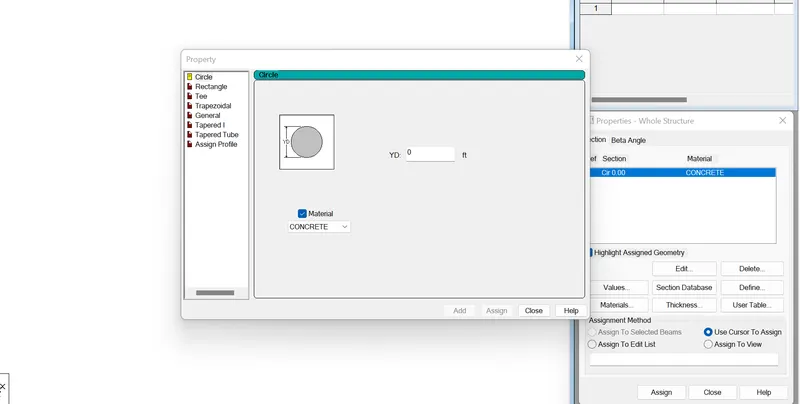
Go to properties-Define parameters
Assign the circular shape of the column
The radius of the circle is given
2
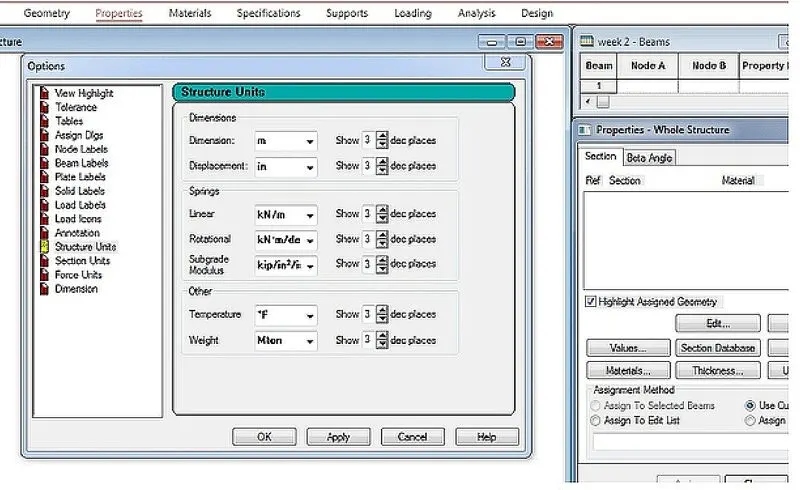
Go to Tools - Set Current Display Units - and set appropriate units for Structure Units, Section Units, Force Units etc. as needed.
The model data will then be displayed graphically in those units. Also to ensure that any data going forward is entered in imperial units, we can:
Go to Tools - Set Current Input Units and set the Length and Force units appropriately.
We will find this option under View - Display options as shown below.
3
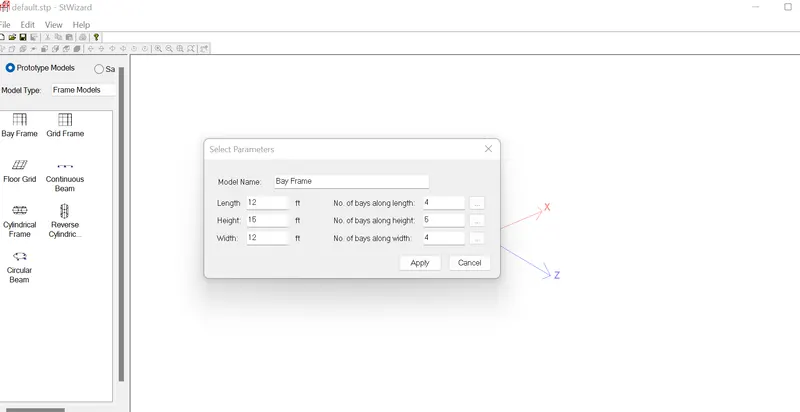
To create the parameter of the design by Bay frame
By clicking on the structural wizard option
Click frame model and the bay frame
Enter the parameters like length, breadth, height and the bay frame along the length , breadth and height
4
In STAAD Pro the codal standard are incorporated for the steel , concrete , almunium
For steel the codal provision are ISO 800, ISO 800:2007 , WSD, IS801
For the concrete the codal provision are IS456 and IS13920 for the seismic design
5
Go to the design option
Click on the define parameter
In the design parameter the fck compressive strength of RCC section is given as 25000kNm
2 i,
GEOMETRY
The node location and the node spacing are given
PROPERTIES:
Specify the sectional properties of the section
MATERIALS
Specify the properties of the materials
SPECIFICATION
The specification are given
SUPPORT
The end support are to be given as per necessity
LOADING
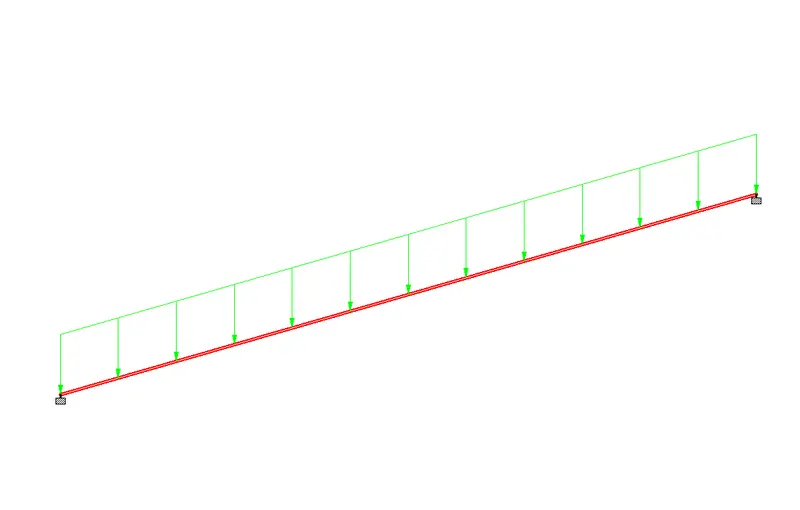
Need to provide the loading pattern and the loading combination
ANALYSIS:
Need to analyse the model and all the input specifications are given
DESIGN:
Finally the design are to be done
ii,
When the FIXED or FIXED BUT type of support is specified, for those degrees of freedom which are to be treated as fully restrained, STAAD assumes the displacements to be known quantities whose value is zero. Hence, those degrees of freedom are not considered for the stiffness matrix, and their value is not calculated. (For the FIXED BUT support type, if any degrees of freedom are assigned a spring using the KFX thru KMZ terms, those are treated as unknowns and their displacements are calculated).
When the ENFORCED or ENFORCED BUT type of support is specified, for those degrees of freedom which are to be treated as restrained, STAAD assigns a spring with a very high spring stiffness - translational stiff springs for translational restraints, and rotational stiff springs for rotational restraints. Those degrees of freedom which are free to displace are assigned springs of zero stiffness. Hence, for all the 6 degrees of freedom at such supports, the displacements are calculated. The ones which have a stiff spring will end up having a negligible displacement, and those with zero-stiffness-springs will have a displacement based on the structure geometry, properties and loading.
3
i,
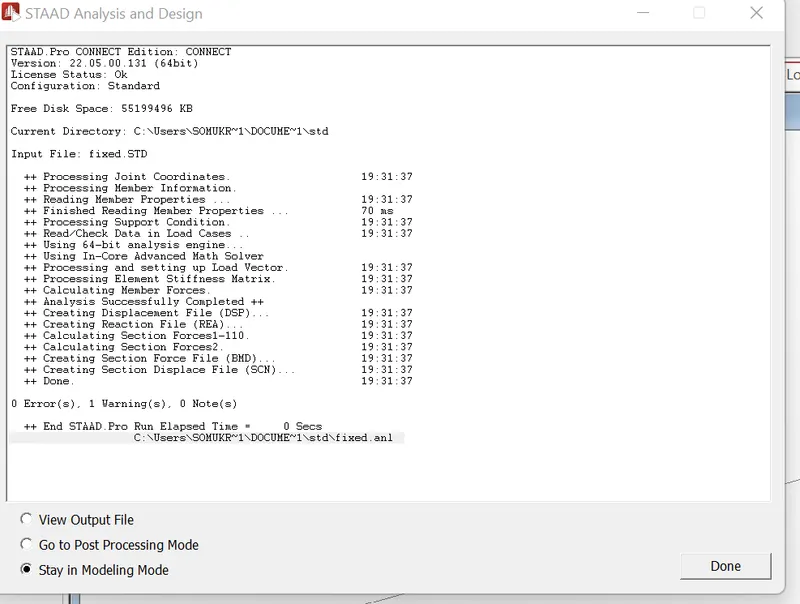
Select the Run Analysis tool in the Analysis group on the Analysis and Design ribbon tab.
During the analysis (and design, if specified), an output file is generated. This file may contain selected input data items, results and error messages. Optional print specifications can be used to include additional information in the output file.
ii,
The two ways to model the structural framework is:
Creating model by node to node
Creating model by BAY frame
iii,
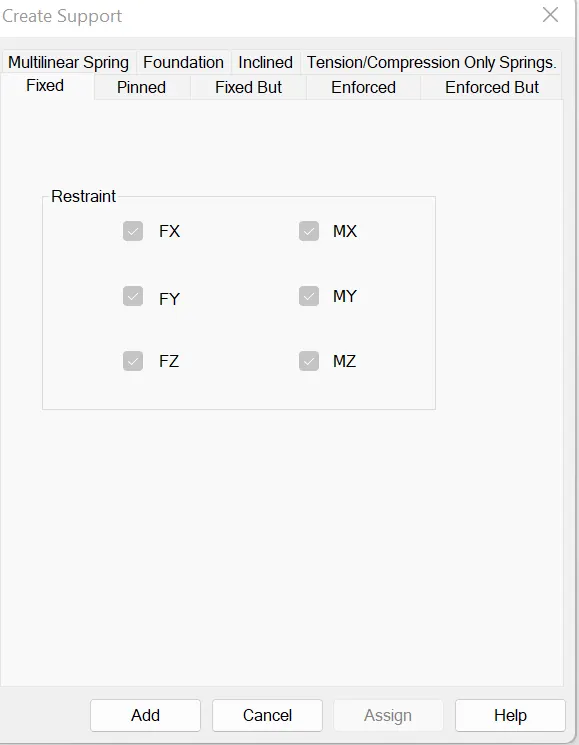
FIXED: All the transitional and rotational displacement are restrained
PINNED: Transitional displacement are restrained but rotational oments are not restrained
FIXED BUT: The fixed support is similar to pinned support it allows us to provide the degree of freedom to view the displacement either translation or rotational
ENFORCED: When enforced supports are assigned to the structure the software allows the springs to itself and the displacement can be calculated however there is no provision to provide the spring constant
ENFORCED BUT: The software assigns the spring itself with zero stiffness or high stiffness
iv,
Define the nodes to the staircase design
Then add beams
Add plate/solid to represent the staircase slab
Assign all the materials and design properties
Run the analysis
v,
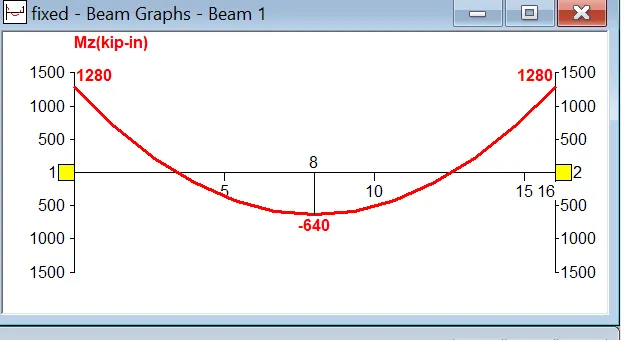
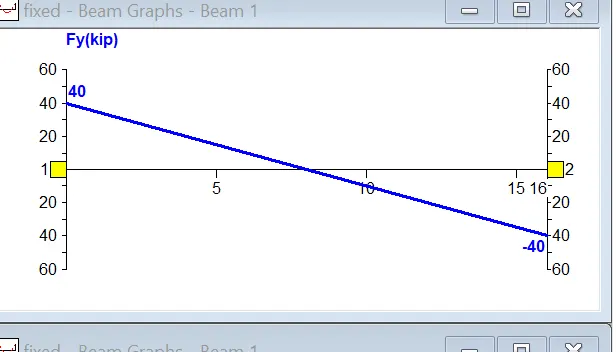
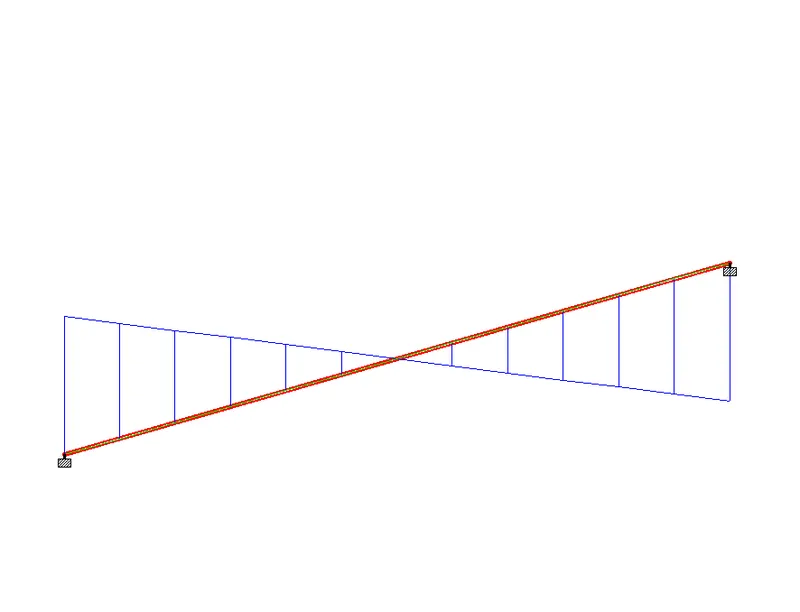
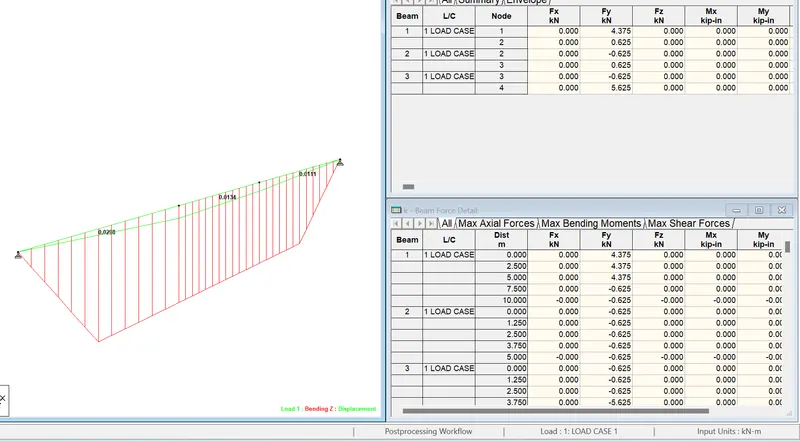
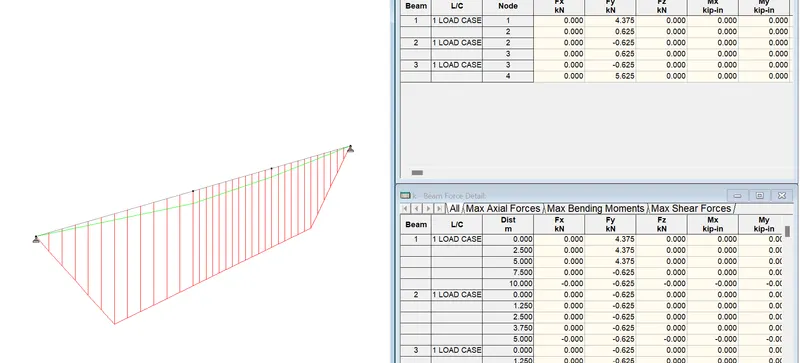
After completion of the design the STAAD Pro will automatically provide the BMD and SFD
By entering to the post processing process,click on OK
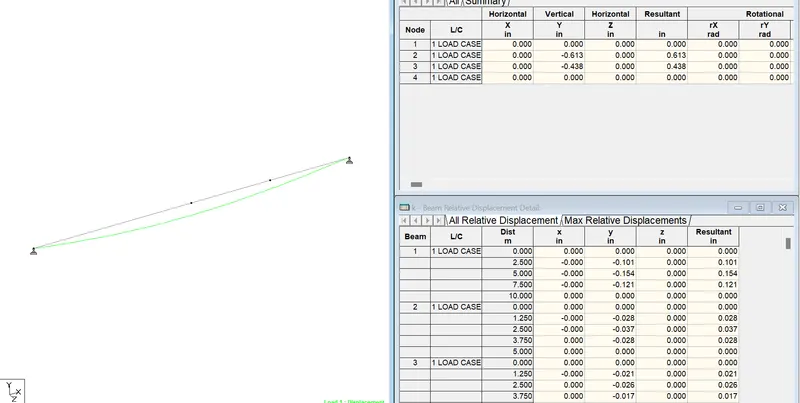
By clicking the beam results deflection command
Reaction click the beam deflection
1
PROCEDURE:
Open the Staad pro file
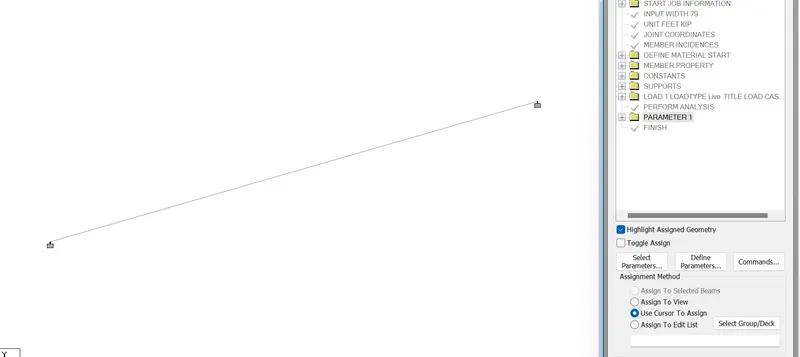
Take a node cursor and create a nodes at the distance of 20m
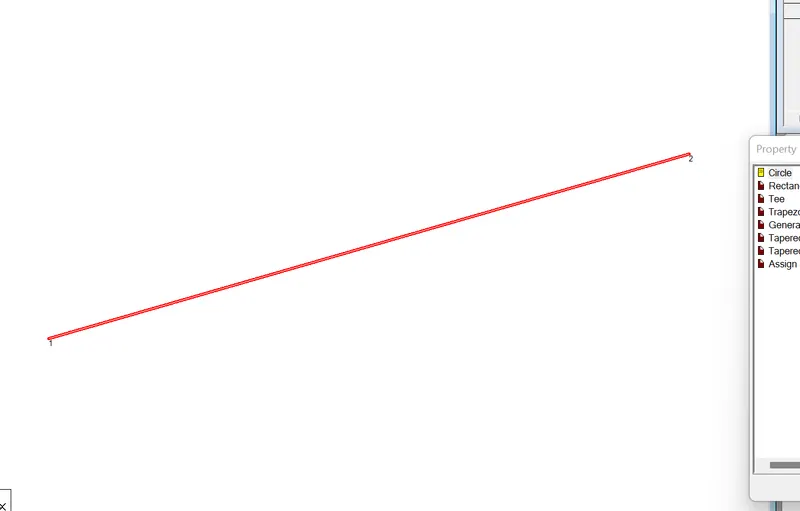
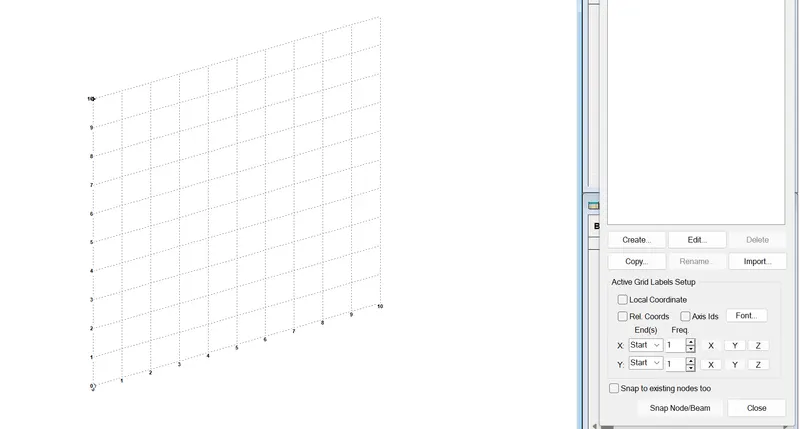
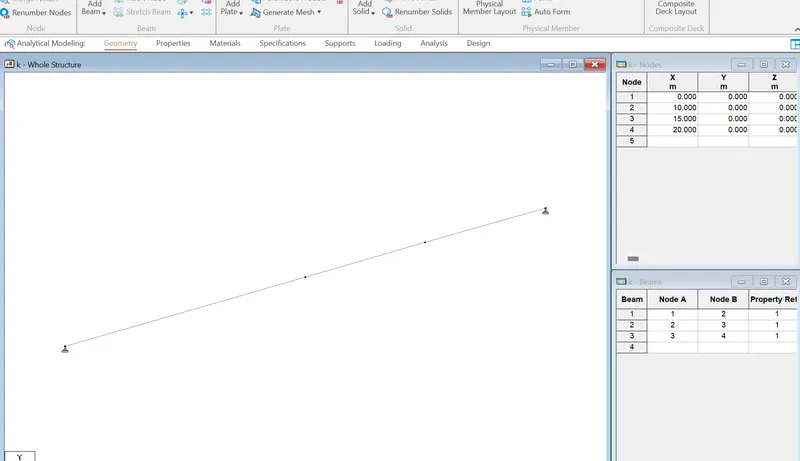
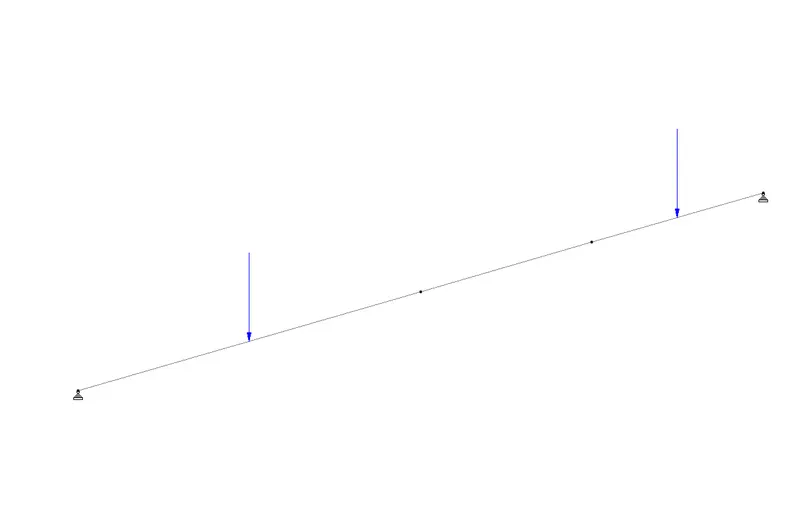
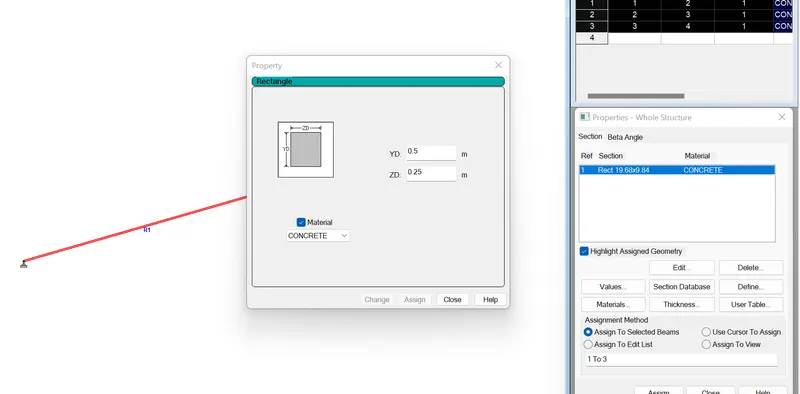
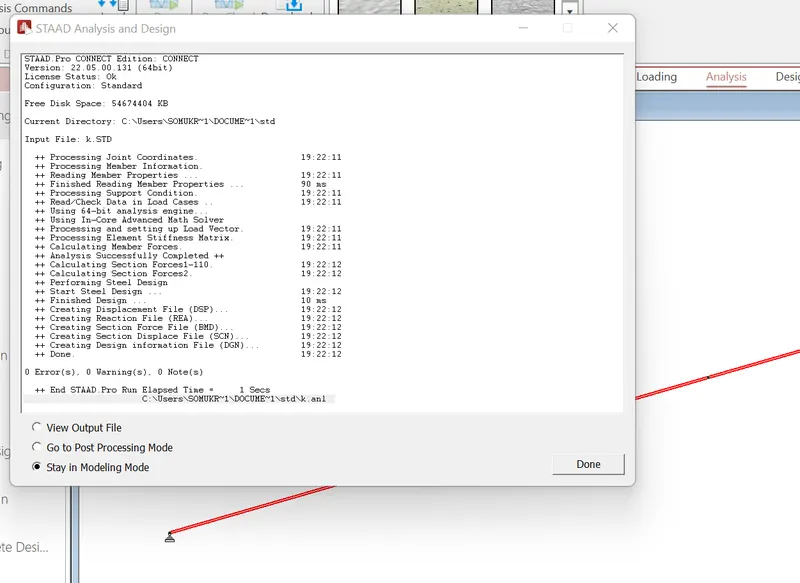
After that we have to run the analysis
Open the Staad pro file
Take a node cursor and create a nodes at the distance of 16m