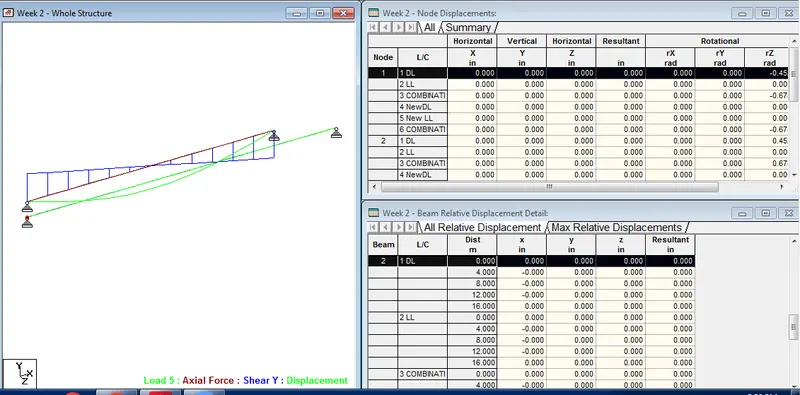
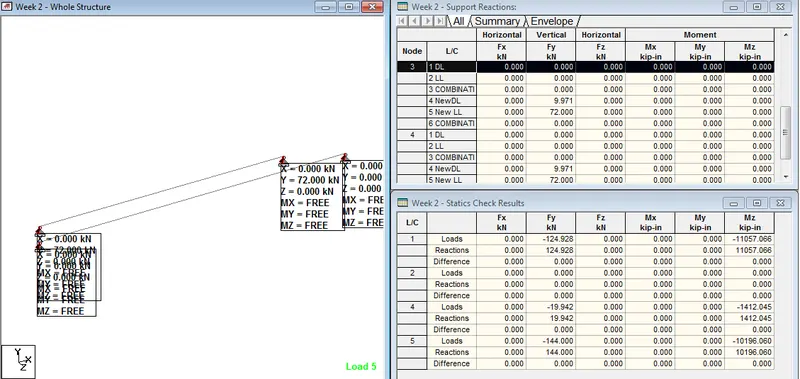
Week 2 Challenge
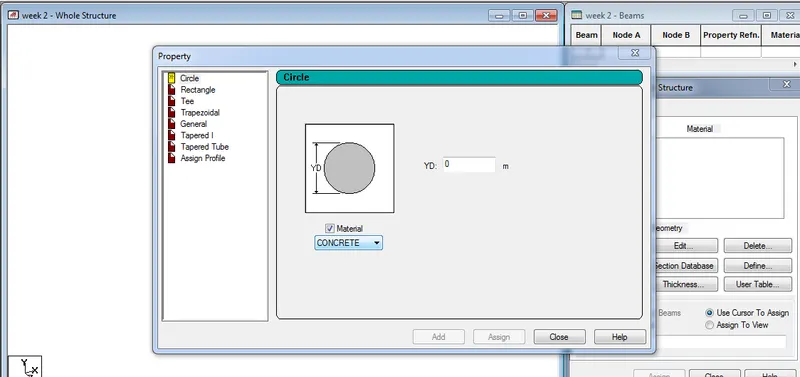
AIM : How will you assign Circular section to column?
Introduction :
- Column are the vertical member in the Structure that can be of varing size in dimesions
- The circular section of column are provided at the upper floor of the building for the better load carrying and access purpose
Procedure :
- Create the model in the staad pro that can be a column
- Go to properties in that Define paramters
- Assign the circular shape of the column
- The radious of the circular is given
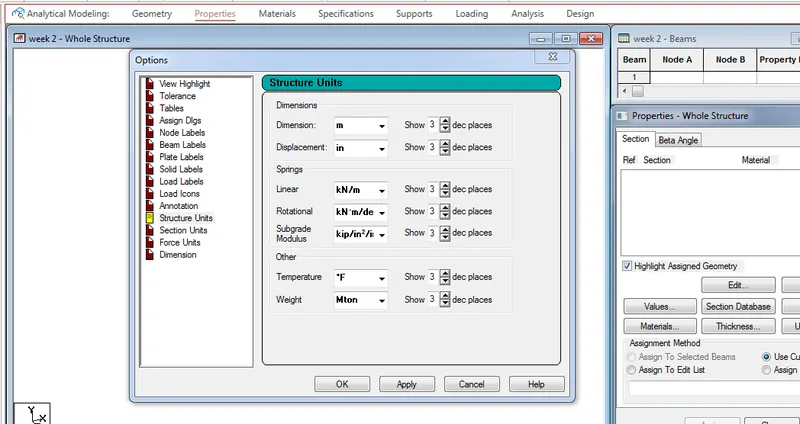
2 : How will you assign Unit system to a .std model file?
ANS :
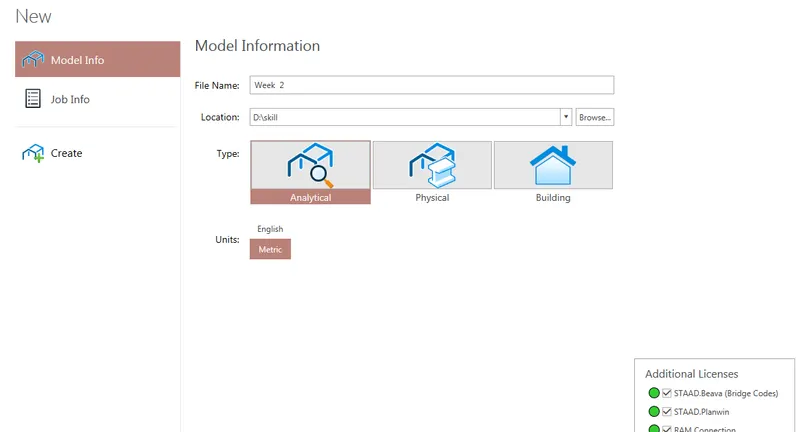
- To Assignt unit system in the staad pro
- Go to file menu and then settings
- open the structural settings
- Change the dimesions as the required units
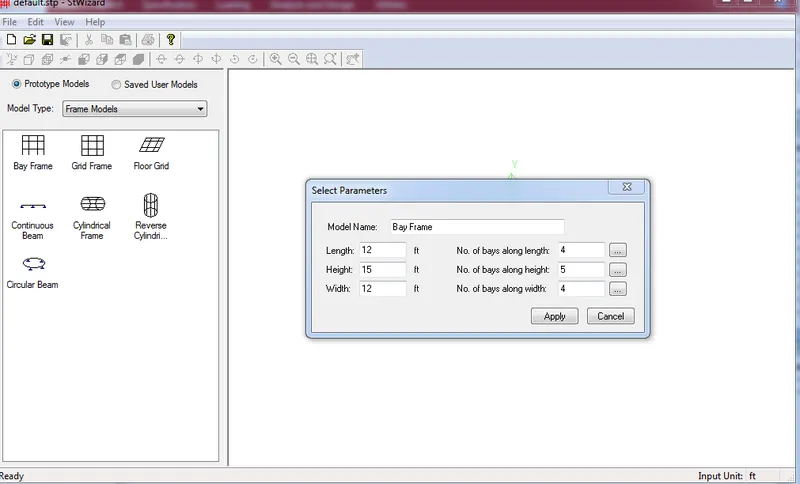
3: What are the parameters to be specified while using “Bay Frame” option?
ANS :
- To create the parameter of the design by Bay frame
- By clicking on the Structural wizard option
- Click on the frame model option
- click on the Bay frame option
- Enter the parameters like the length , breadth , height and the bay frame along the length , breadth and height
4: Name few codal standards incorporated in STAAD Pro software.
ANS: In Staad pro the Codal standard are incorported for the Steel , Concrerte , Aluminium.
For the Steel the codal provision are IS 800 , IS 800 : 2007 , IS 800:2007 WSD , IS 801
For the concrete the Codal provision are the IS 456 and IS 13920 for the Seismic Design
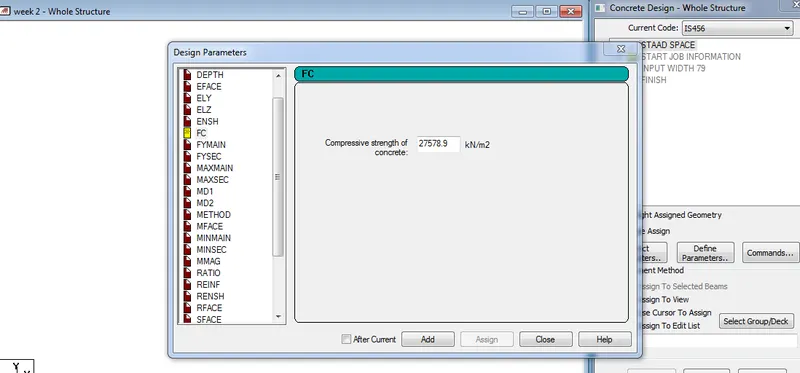
5: How will you specify the design compressive strength for a RCC section?
ANS :
- Go to the Design option
- Click on the define parameter
- In the design Parameter the Fck Compressive strength of RCC section is Given as 25000 KNm
2:1: State the “Input” steps involved in RCC design.
ANS: Steps Involved in RCC design are
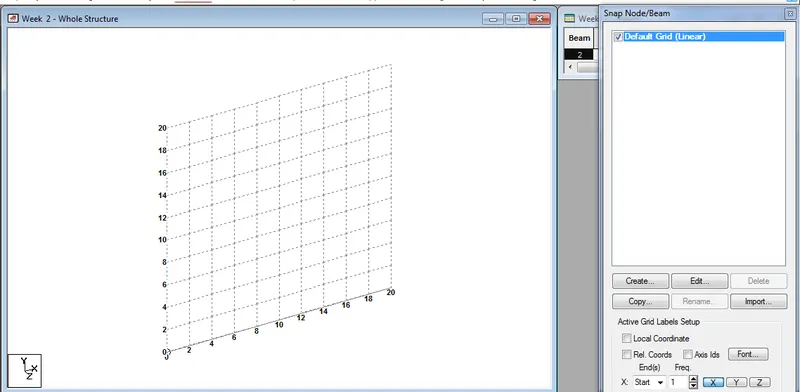
- Geometry : The Node loaction and the node spacing are given
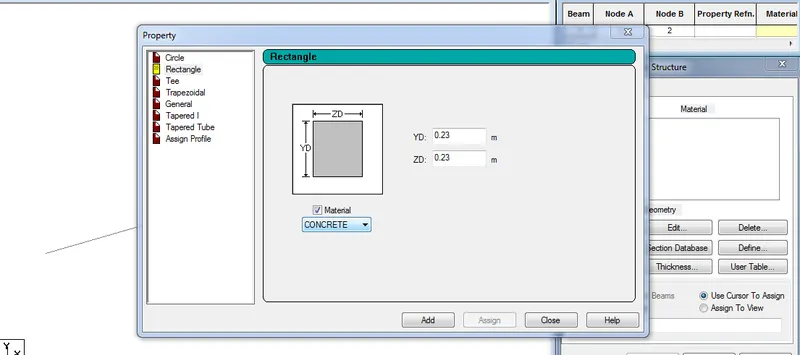
- Properties : Specify the Sectional properties of the section
- materials : Specify the properties of the material
- Specifications : The pecifictions are given
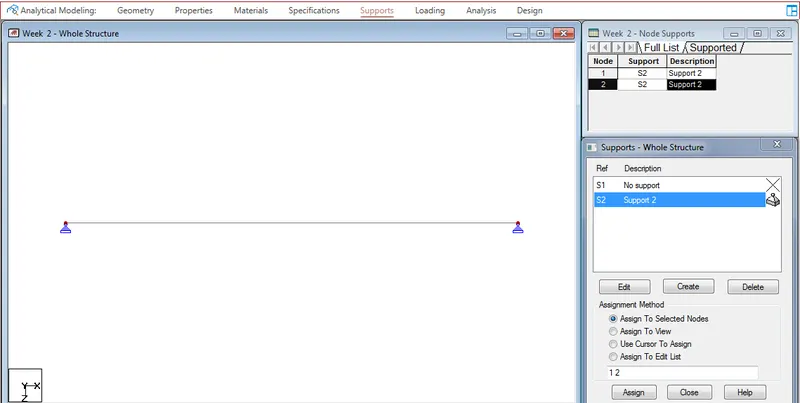
- Support : The end support are to be given
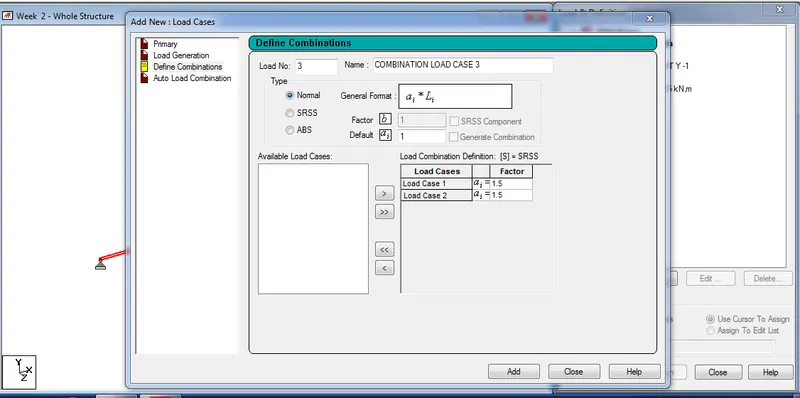
- Loading : Need to provide the loading pattern and the loading combination
- Analysis : Need to Analysis the modal and all the Input Specification are Given
- Design : Finally the Design are to be done
2:2: Explain the difference between Fixed and Enforced support condition in STAADPro
ANS :
- In STAAD, support displacement loads cannot be applied to such models when the FIXED type of support is specified.
- For the ENFORCED BUT type, there is no provision to specify a spring constant.
- The only choices, which are built into the program, are - zero stiffness
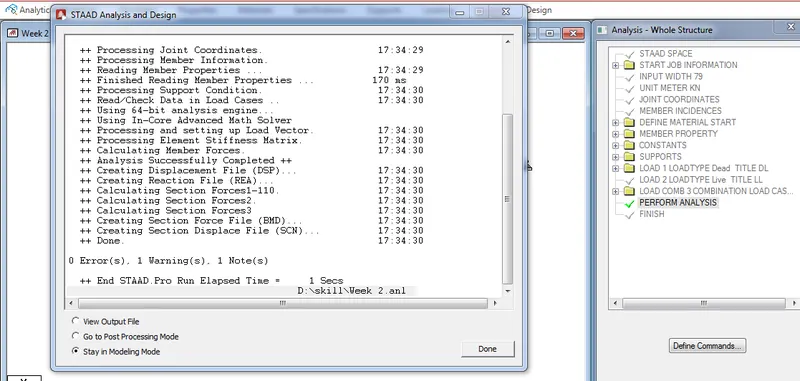
3:1. Explain the steps involved in analysis of a model using STAAD Pro sequentially.
ANS: The steps involved in analysis of a model are
- Before Analysis the model the load pattern and the load combination are to be provided to the model
- Then go to Analysis option
- Define Command
- Select the data for the analysis of the model by perform analysis , P delta analyis ,Nonlinear analysis
- It deponds upon the support conditions
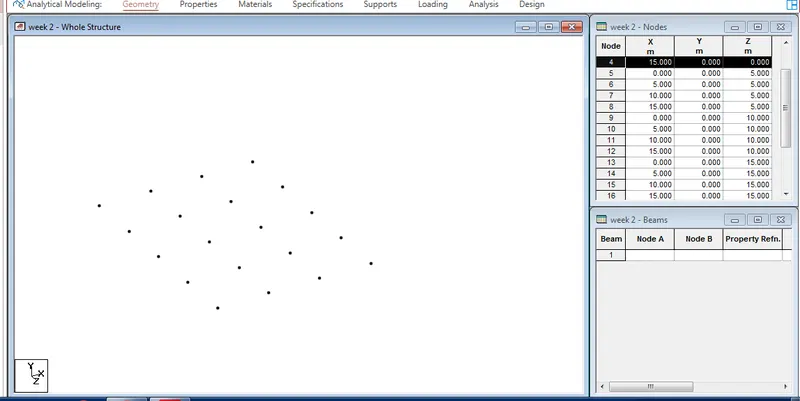
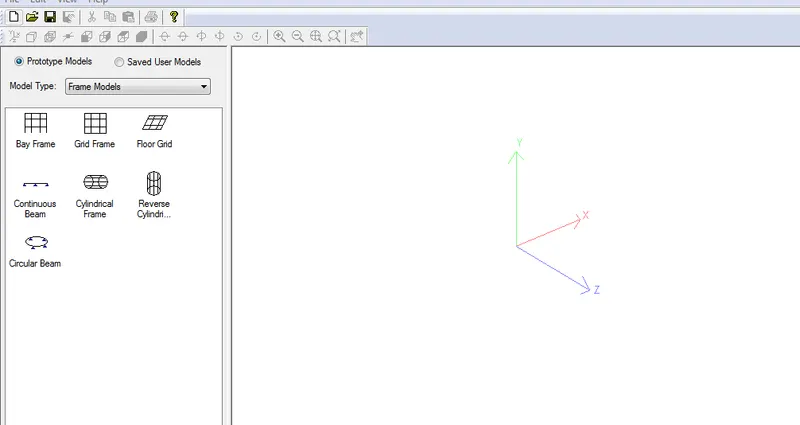
2. Explain the two ways in which a structural framework/model can be created in STAAD Pro software.
ANS: The two ways to model the a structural framework is
- Creating model by Node by Node
- Creating model by Bay frame by
3. Elaborate the different support conditions in STAAD Pro.
ANS :
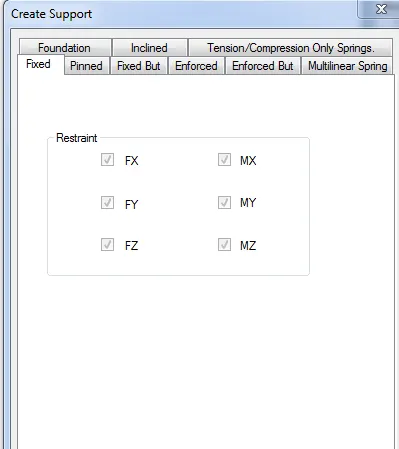
4. How will you extract the stress distribution for a staircase slab?
ANS:
- The Design of Staircase slab is done by Node placement
- The creation of plate is used in stair case
- BY using Generate mesh
- The stress distribution for the staircase slab is done by viewing colour in the slab of the design
5. Explain the different ways to view SFD & BMD in STAAD Pro.
ANS :
- After complation of the Design the staad pro will automatically provide the BMD & SFD
- By Entering to the Post procesing process click on ok
- By clickin the beam results Deflection command
- Reaction click the beam deflection
Practical
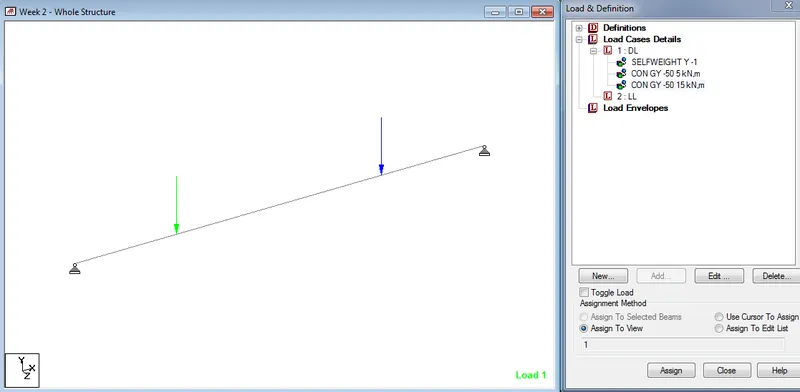
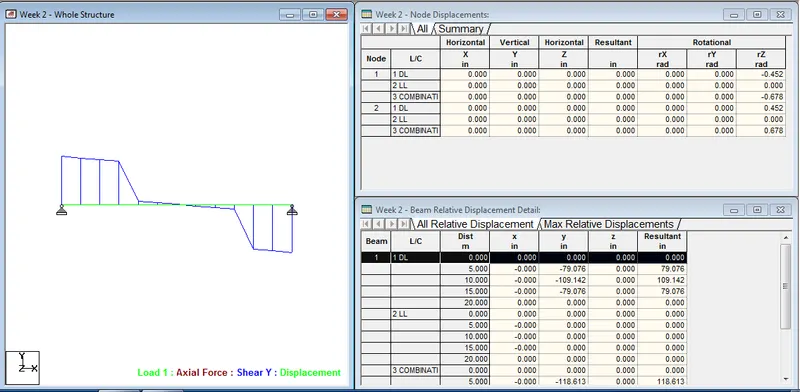
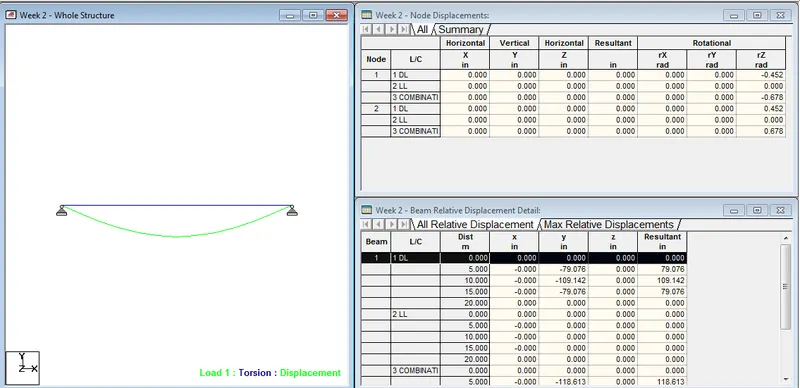
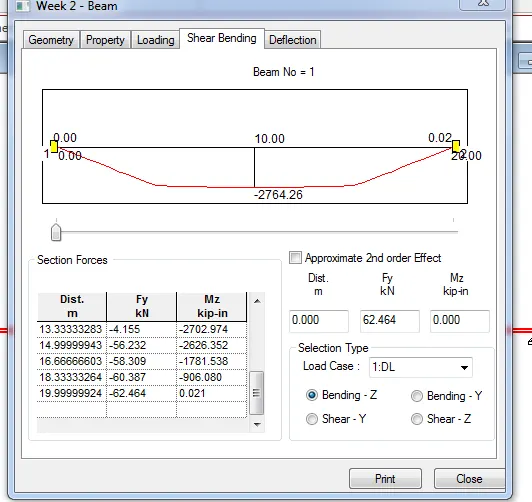
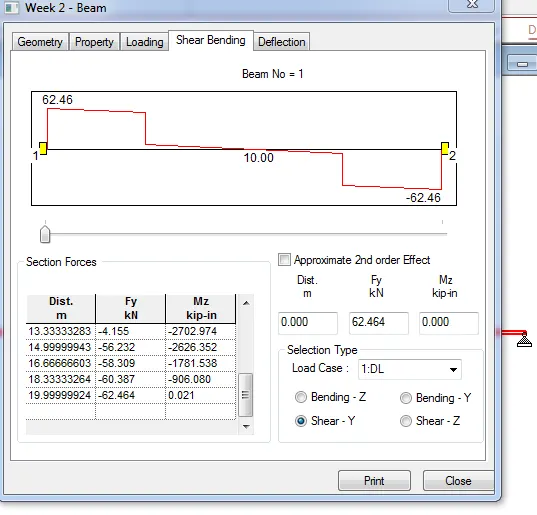
1. Analyze the following structural elements and validate the results
A. Simply Supported Beam
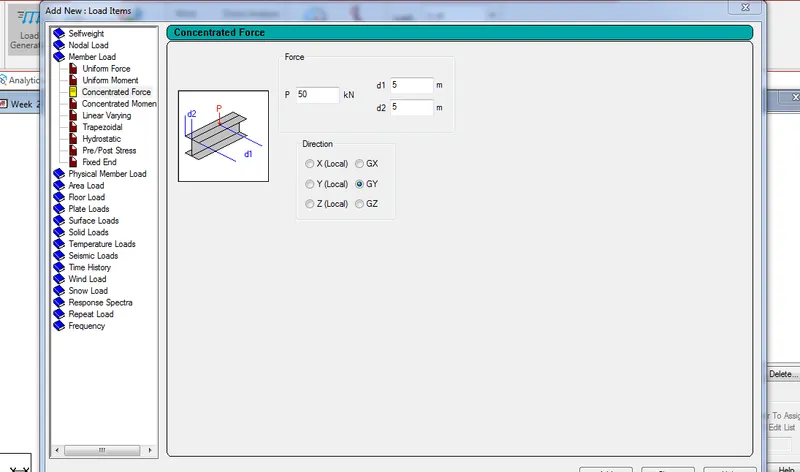
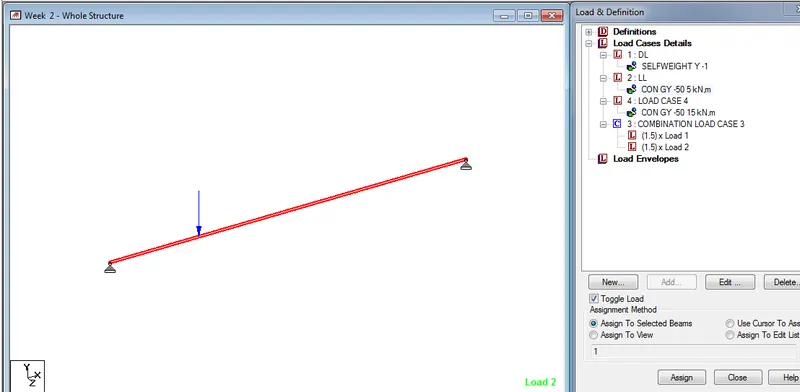
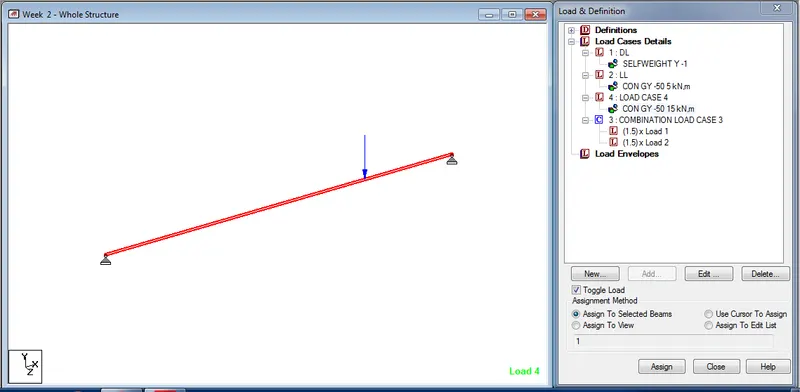
a. A Simply supported beam with two point loads symmetrically placed
b. Span L = 20m
c. Load P = 50kN each
d. Both P located at 5m from each support
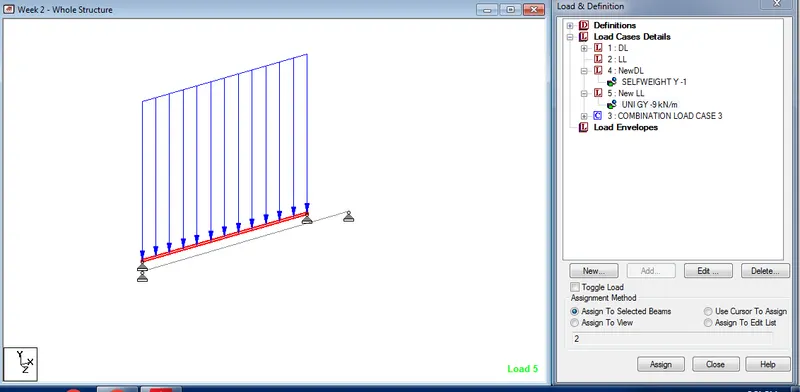
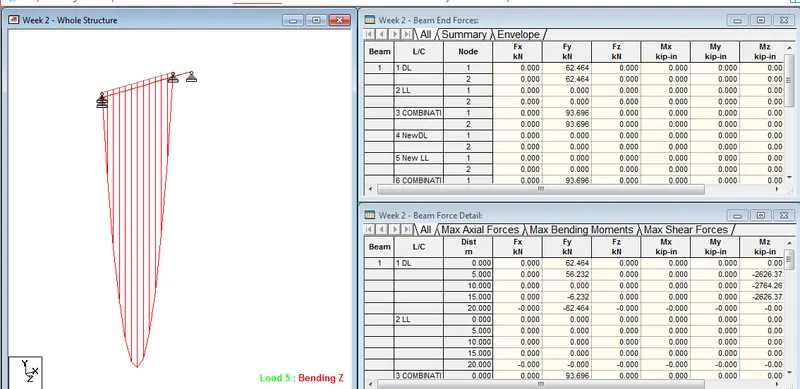
B.Fixed Beam
a. Span L = 16m
b. Uniformly Distributed Load w=9kN/m
ANS :