Week 2- 2R Robotic Arm Challenge
Aim : A program to simulate the Forward kinematics of a 2R Robotic arm
Explanation :
In shown figure there is two links Link1 and Link2 with two rotational joints and Manipulator
Link1 is making an angle θ1 with respect of x_axis, Link2 is making an angle θ2 with respect of y_axis.
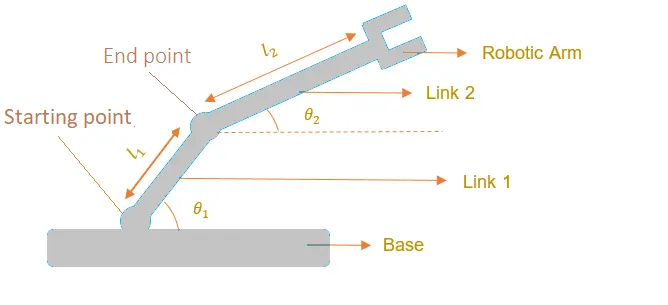
Here, the starting point is fixed to base and ending point connected to link2
The coordinate of starting point will be (0,0)
Drawing second link separately
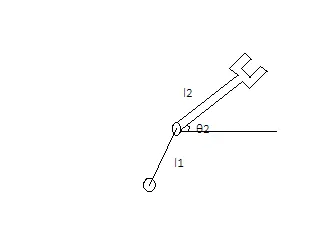
That end point of link1 is starting point of link2,the coordinate will be (x1,y1)
the coordinate of (x2,y2) will be for end manipulator
Equations :
x1=l1*cosd(theta1)
y1=l1*sind(theta1)
x2=x1+l2*cosd(theta2)
y2=y2+l2*sind(theta2)
[x0 y0],[x1 y1],[x2 y2] using
these coordinates we can write a program and make an animation.
Solution : In MATLAB before starting program better use these commands to erase previous calculation
clear all - this command will clear all data stored in workspace
close all - this command will closes all figures and plots
clc - this command clears the command window
first we are using Inputs
l1=1
l2= 0.5
θ1=45
θ2=30
Then ,
x0=0
y0=0
code :
% Forward kinematics of a 2D Robotic arm manipulator

clear all
close all
clc
% Inputs
l1=1;
l2=0.5;

theta1=45;
theta2=30;

% coordinates
x0=0;
y0=0;

x1=l1*cosd(theta1);
y1=l1*sind(theta1);

x2=x1+l2*cosd(theta2);
y2=y1+l2*sind(theta2);

% plotting
line([x0,x1],[y0,y1],'linewidth',3,'color','b')
line([x1,x2],[y1,y2],'linewidth',3,'color','r')

% Animation of Forward kinematics 2R robotic arm
clear all
close all
clc


% Inputs
l1 = 1;
l2 = 0.5;
theta1 = linspace(0,90,10);
theta2 = linspace(0,90,10);
ct = 1;
for i = 1:length(theta1)
   THETA1 = theta1(i);
   for j = 1: length(theta2)
   THETA2 = theta2(j);
   x0=0;
   y0=0;

x1=l1*cosd(THETA1);
y1=l1*sind(THETA1);

x2=x1+l2*cosd(THETA2);
y2=y1+l2*sind(THETA2);

% plotting
plot([x0,x1],[y0,y1],[x1,x2],[y1,y2],'lineWidth',3)
axis([-0.1 1.5 0 1.5])
pause(0.03)
M(ct) = getframe(gcf);
ct = ct+1;

   end

end

movie(M)
videofile = VideoWriter('forward_kinematics.avi','Uncompressed AVI');
open(videofile)
writeVideo(videofile,M)
close(videofile)
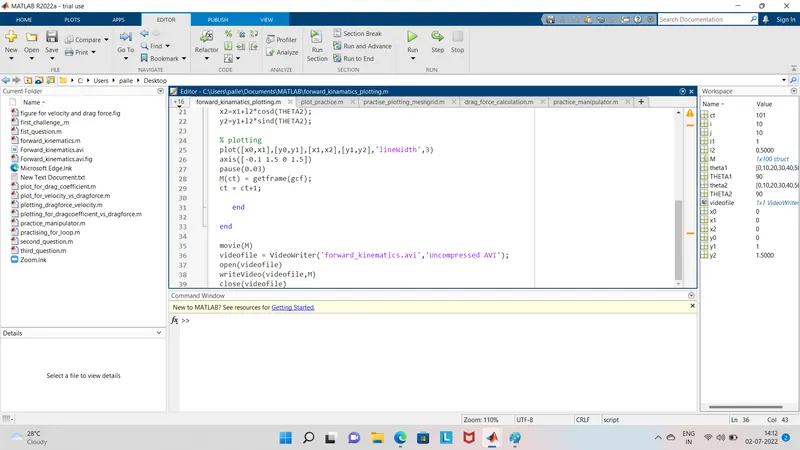
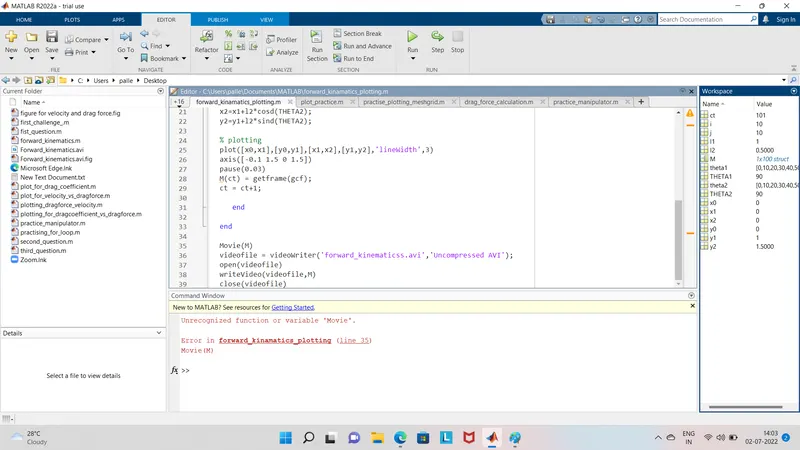
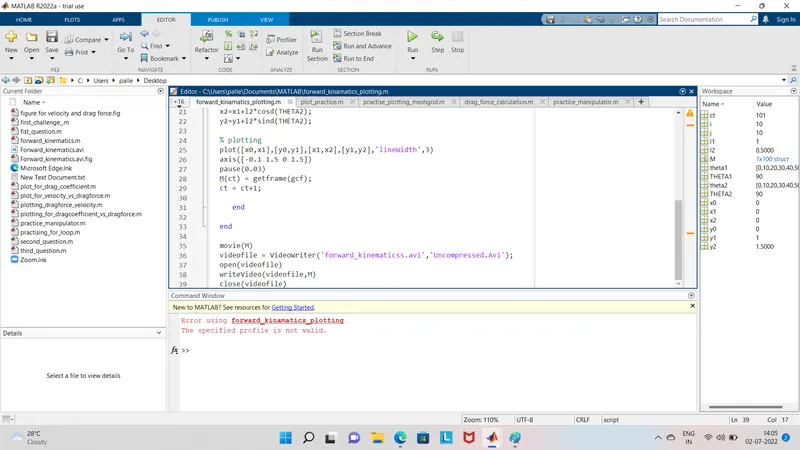
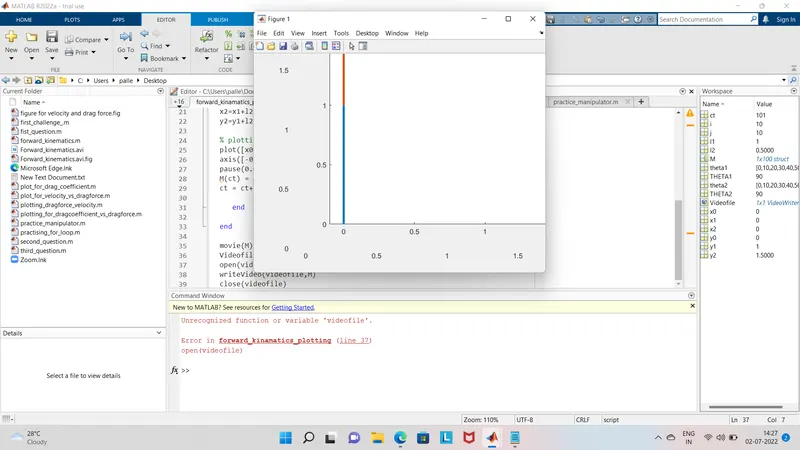
solved after writing (Uncompressed AVI) profile name.Got error wrote wrong name (Videofile)