%FORWARD KINEMATICS OF THE 2R ROBOTICS ARM

clear all
close all
clc

%INPUTS
l1=6;           %there is a length of LINK 1
l2=3;           %there is a length of LINK 2

theta1=linspace(0,90,10);  %there is angle of LINK 1(its contain value of 0 to 90 there in 10 values)
theta2=linspace(0,90,10);  %there is angle of LINK 2(its contain value of 0 to 90 there in 10 values)

ct=1;  %ct ihe counter variable and the value of 1

for i=1:length(theta1)  % i is contain the theta1 value to 1 to 10
    THETA1=theta1(i);   % THETA 1 is variable its contain one value

    for j=1:length(theta2)  % j is contain the theta2 value to 1 to 10
        THETA2=theta2(j);   % THETA 2 is variable its contain one value


        x0=0;    %there is STARTING POINT LINK 1
        y0=0;    %there is STARTING POINT LINK 2

        x1=l1*cosd(THETA1); %there is a END point of LINK 1 (and also STARTING point of LINK 2)with respet to x axis
        y1=l1*sind(THETA1); %there is a END point of LINK 1 (and also STARTING point of LINK 2)with respet to y axis

        x2=x1+l2*cosd(THETA2); % %there is a END point of LINK 2 (with respet to x axis)
        y2=y1+l2*sind(THETA2); % %there is a END point of LINK 2 (with respet to y axis)


        %ploting


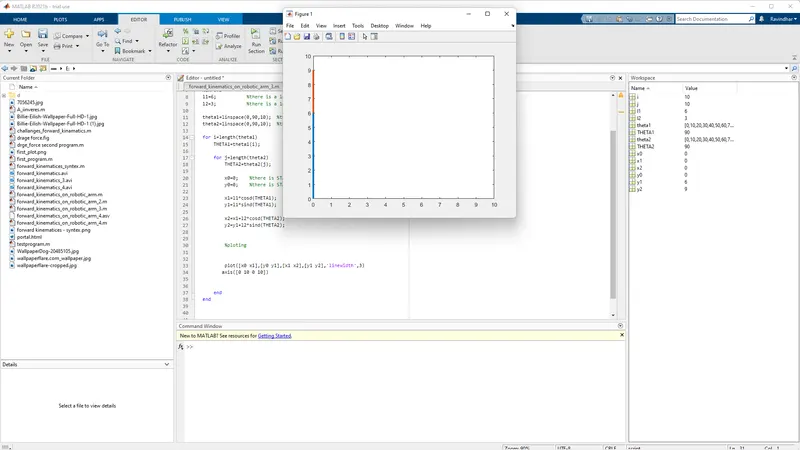
        plot([x0 x1],[y0 y1],[x1 x2],[y1 y2],'linewidth',3)  %there is executed command the x and y values
        axis([0 10 0 10])   %there is a Range of x and y axis

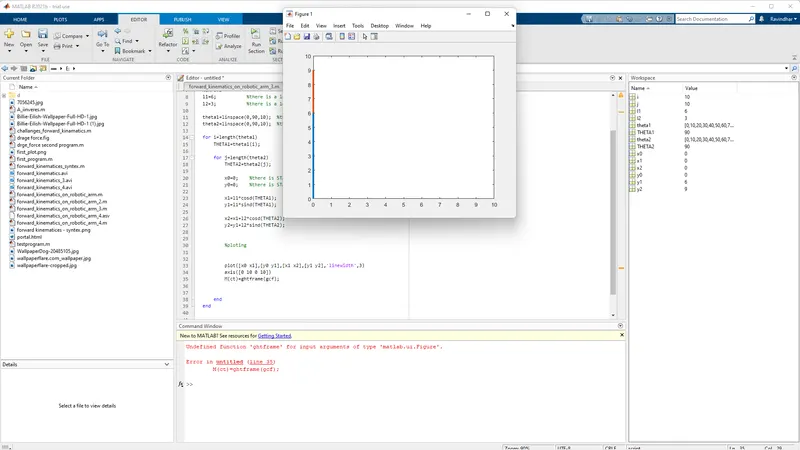
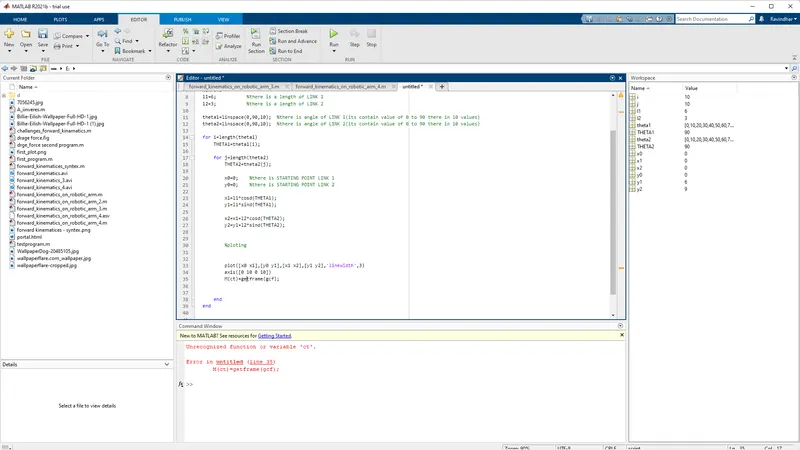
        M(ct)=getframe(gcf); % M is array its carry the number of figure
        ct=ct+1;             % ct is a counter variable and each and every time the for loop is executed on  the value added +1
       pause(0.3)

    end
end
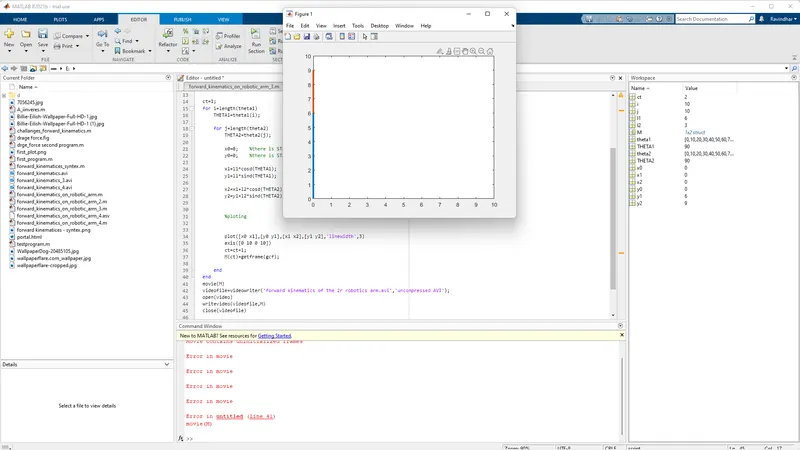
movie(M)   %there is movie creating command on these all frames(M)
videofile=VideoWriter('forward_kinematics_of_the_2r_robotics_arm.avi','uncompressed AVI');% there is video name writeing command on (file name)
open(videofile)          %open the video file
writeVideo(videofile,M)  %there is command on  (M) to write the videofile
close(videofile)         %close videofile
- l1 & l2 - is a length of LINK 1 & 2
- theta 1&2- is a angle of LINK 1 & 2
- linspace is a on creating the ROW VECTOR command.
- so theta1&2 it's contian 10 values (0 to 90).
- ct - is a counter variable.
- for loop -is set of commands that repeats itself for a specified number of times.
- x0,y0 - is a STARTING point of LINK 1.
- X1,Y1 -is a END point of the LINK 1 & also STARTING of the LINK 2.
- x2,y2- is a END point of the LINK 2.
- plot - command is executed the x and y values.
- axis - command is set the range of X and Y axis.
- M(ct)=getframe(gcf) - commands is defind M -is array there is call every induvatual frames.
- ct=ct+1 it's mean's each and every time the for loop is executed the ct value added+1.
- movie(M) -this command Matlab created to movie these frames.
- videofile=videowriter(........)is create a file format and file name.
- writevideo(videofile,M) -this command is (M) to write the video file.
- close(videofile) is command to close the video file.
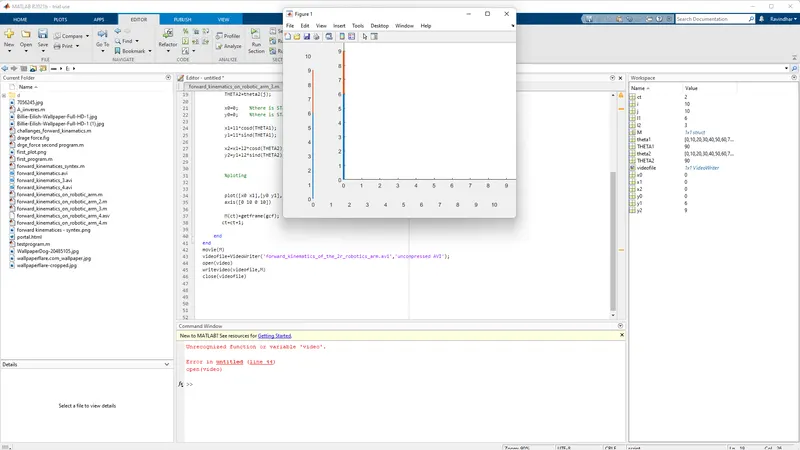
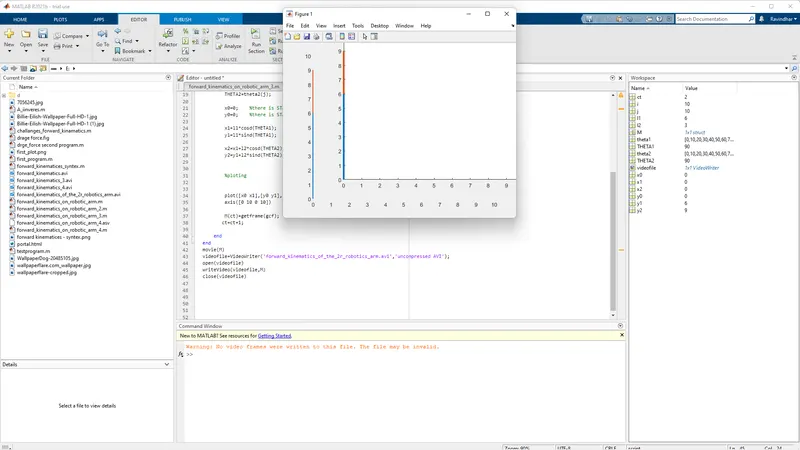
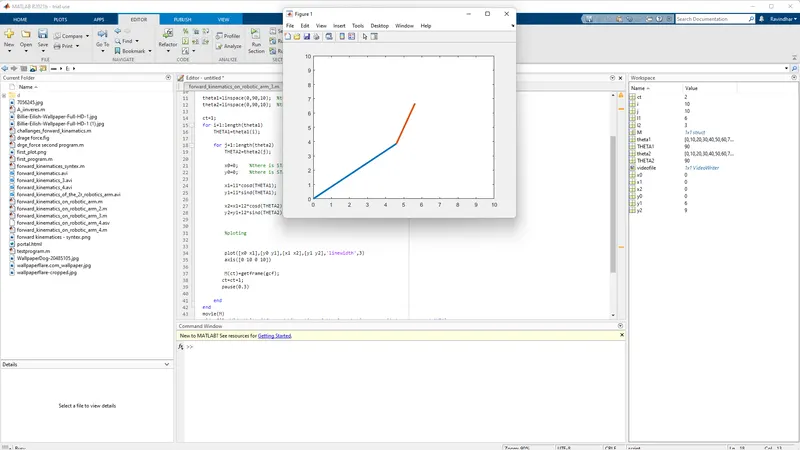
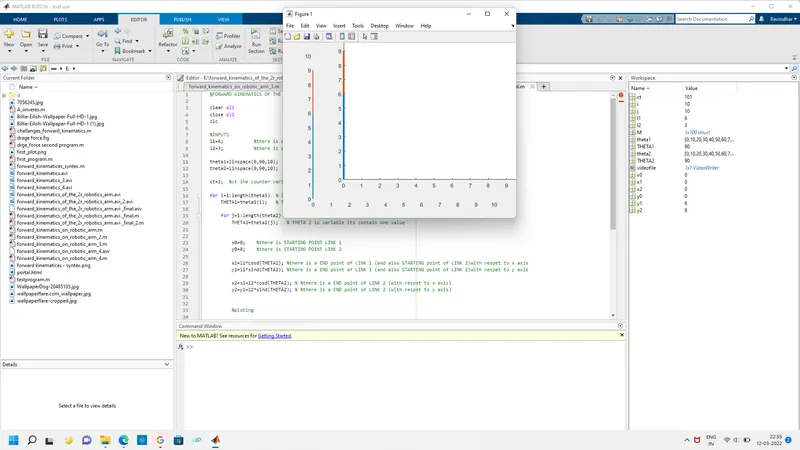
- https://drive.google.com/file/d/1OZ5NBWIHABg66jiPcfBYQ20h3gTWL2My/view?usp=sharing
- https://youtu.be/_wAs6-fjGao