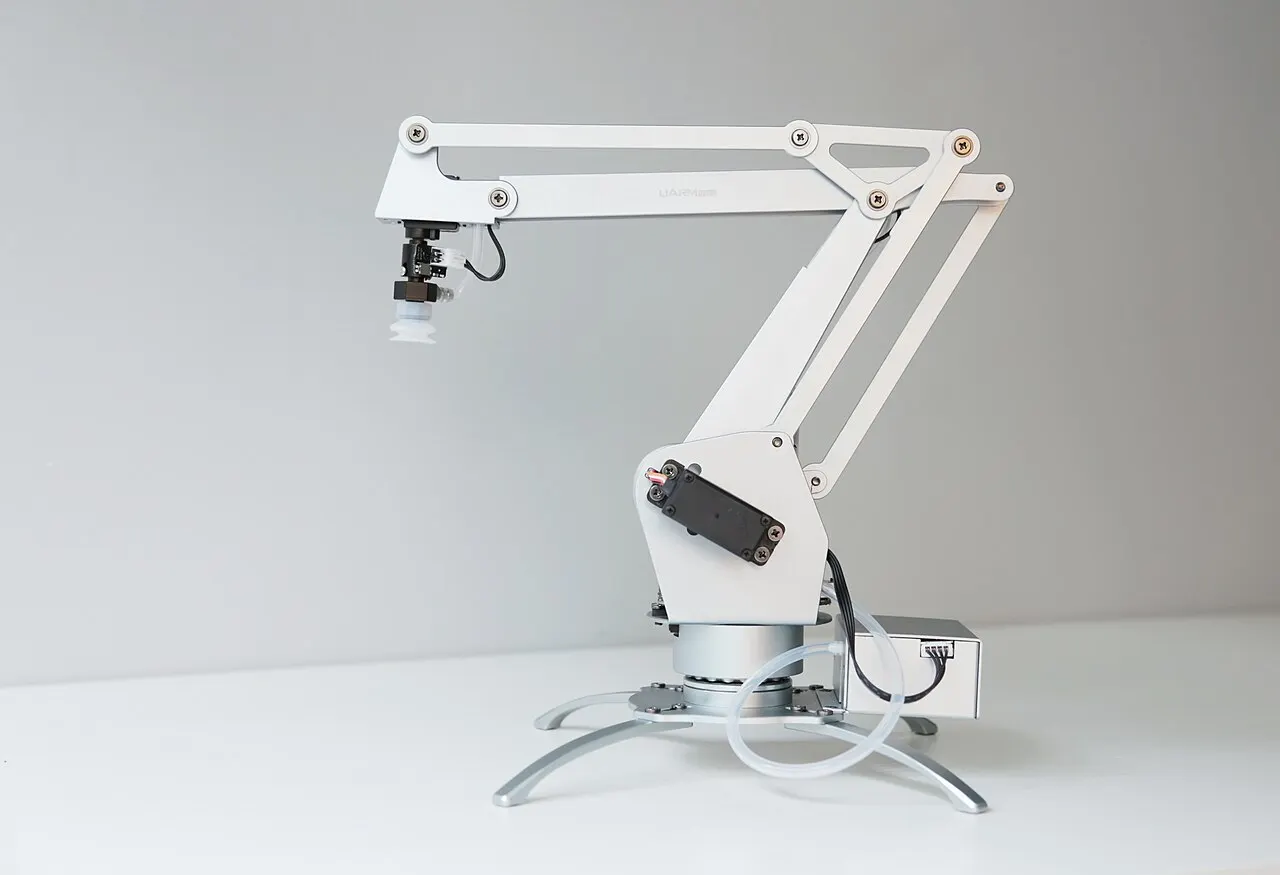
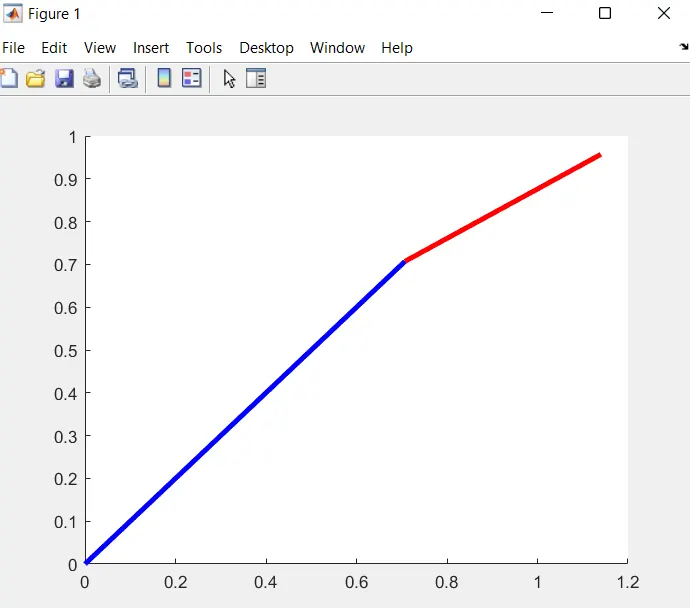
* Simulating a 2R robotic arm and understand its movement.
*Creating a animation of working and movement of a manipulator.
% Forward kinematics of 2R robotic arm manipulator
clear all
close all
clc
%inputs
%length of first and second link of robotic arm
l1=1;
l2=0.5;
%angle between first and second link
theta1=linspace(0,90,10);
theta2=linspace(0,180,10); %linspace command used for 20 values between 0 to 90 and 0 to 180
n=1; %n is counter which is initialised on 1
for i=1:length(theta1); %length(theta1) is all the 20 value of theta1
THETA1=theta1(i); %THETA1 is a variable it contains one value
for j=1:length(theta2);
THETA2=theta2(j); % THEAT2 is same like THETA1
x0=0;% x0 and y0 is first cordinate of link1
y0=0;
x1=l1*cosd(THETA1);% x1 and x2 is ending cordinate of link1 and starting of link2
y1=l1*sind(THETA1);% d is used for get value of degree
x2=x1+l2*cosd(THETA2); %x2 and y2 is ending cordinates of second link2
y2=y1+l2*sind(THETA2);
%plotting
plot([x0 x1],[y0 y1],[x1 x2],[y1 y2],'linewidth',3); % plot coomand for plotting
axis([-0.5 1.5 0 1.5]); %axis is command to set for[xmin xmax ymin ymax]
title('Plot of 2R Robotic arm manipulator');%to set title on the plot
xlabel('bf x axis');
ylabel('bf y axis');%bf is for bold face
legend('sine','cosine');% For set legend on plot
pause(0.03);
M(n)=getframe(gcf); %M is array getframe is current axes as a movie frame
n=n+1;% for counter increment
end
end
movie(M) %movie is for generate a movie of a MATLAB program
v=VideoWriter('forward_kinematics_robotic_arm');% videowriter is for create a video
open(v) %open the frame which is v
writeVideo(v,M)% for capture the frame
close(v) %for close the video
CODE EXPLANATION:
1.First of all we will start from clear all close all clc.
2.After that we will give the input of theta1 and theta 2 and l1 and l2.
3.To move the link of robotic arm continously we will use the for loop.
4.Then after plot the program using plot command.
5.axis command is used for set the axis range.
6.Using Pause command to maintain the moving speed of a robotic arm.
7.using movie command creating animation of robotic arm.
ERRORS: No major error occures.
RESULTS: