Week 2- 2R Robotic Arm Challenge
AIM:- Write a program in Matlab to simulate the forward kinematics of a 2R Robotic Arm, as shown in the video.
- Consider the following image:-
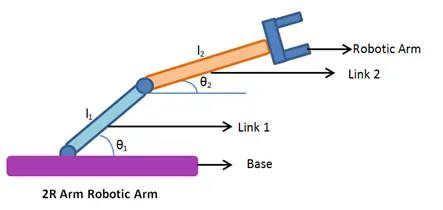
Here,
l1=length of link1.
l2-length of link2.
theta1=link 1 is going to make an angle of theta1 with respect to x-axis(base)
theta2= link 2 is going to make angle of theta2 with respect to x-axis.
Robotic arm attahed to link 2 is going to make forward kinematics movement.
link1 is fixed to base and link2 is attahed to link 1 with the help of rotational joints.
There are two rotational joints one is between link1 and base and other between link 2 and link 1.
Concept behind 2R ROBOTIC ARM:-
Kinematics of linkages.
If you are able to understand the kinematics s then you will be abe to design simple program of how robot is going to move.
This has lot of applications if you are able to understand the robotic movement then you will understand its workspace.
Workspace is possible location were the robot can reach. This is really important if you are designing a complex applications such as welding a complex frame, then you understand its possible movement and location.
Ans:
if `theta1` and `theta2` are given.
what will be the final position of the manipulator.
step1. calculate position of link1.
step2. calculate position of link2.
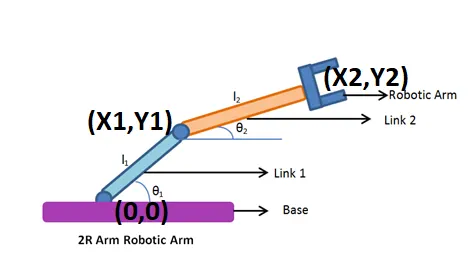
Link1 is starting point of (0,0) and end point point (x1,y1) and
Link 2 is (note that x1,y1 is the starting point for link2) and (x2,y2) is end point for robotic arm(manipulator).
Assigning the co-ordinates:-
x0=0;
y0=0;
x1=`l1cosd(theta1)`;
y1=`l1sin(theta1)`;
x2=x1+`l2cos(theta2)`;
y2=y1+`l2sind(theta2)`;
Solution:- [x0,y0] [x1 y1] [x2 y2];
I am going to write two pragrams:-
1. Using simple matlab program to simulate the forward kinematics of a 2R Robotic Arm.
2. Using animation and movie creation method.
%Simple Forward Kinematics of a 2R Robotic arm Manipulator:-
clear all
close all
clc

%Inputs
l1=1
l2=0.5
theta1=45
theta2=30
%Co-ordinates:-
x0=0
y0=0
x1=l1*cosd(theta1)
y1=l1*sind(theta1)

x2=x1+l2*cosd(theta2)
y2=y1+l2*sind(theta2)

%ploting
line([x0 x1],[y0 y1],'linewidth',3,'color','b')
line([x1 x2],[y1 y2],'linewidth',3,'color','r')


Output:

l1 =

     1


l2 =

    0.5000


theta1 =

    45


theta2 =

    30


x0 =

     0


y0 =

     0


x1 =

    0.7071


y1 =

    0.7071


x2 =

    1.1401


y2 =

    0.9571

>>
Graph of forward kinematics of 2r robotic arm:-
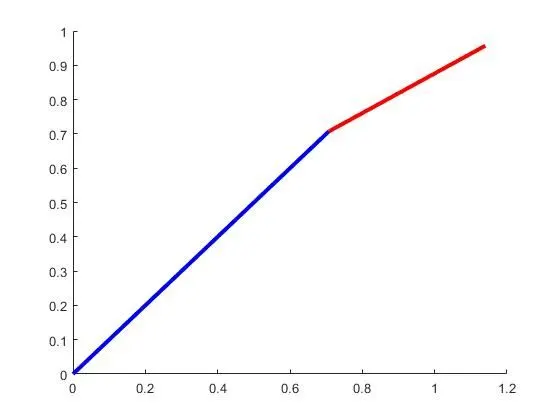
Explation:-
Input the values:-
l1=1;
l2=0.5;
theta1=45;
theta2=30;
x0=0;
y0=0;
x1=l1*cos(theta1)
x1= 0.7071
y1=l1*sind(theta1)
y1=0.7071
x2=x1+l2*cos(theta2)
x2=1.1401
y2=y1+l2*sind(theta2)
y2=0.9571
Graph of output:-
line([x0 x1],[y0 y1],'linewidth',3,'color','b')
line([x1 x2],[y1 y2],'linewidth',3,'color','r')
But the above graph and code is not creative that is why i am going to do the above code with animation process.
First program:-
It will disply sixteen graph in total:-
%Animation of Forward Kinematics of a 2R Robotic arm Manipulator:-
%First program:-
clear all
close all
clc

%Inputs
l1=1;
l2=0.5;
theta1=linspace(0,90,4);
theta2=linspace(0,90,4);
ct=1;
for i=1:length(theta1);
    THETA1=theta1(i);
    for j=1:length(theta2)
        THETA2=theta2(j);
        x0=0;
        y0=0;
        x1=l1*cosd(THETA1);
        y1=l1*sind(THETA1);

        x2=x1+l2*cosd(THETA2);
        y2=y1+l2*sind(THETA2);

%ploting
figure(ct)
line([x0 x1],[y0 y1],'linewidth',3,'color','b');
line([x1 x2],[y1 y2],'linewidth',3,'color','r');
ct=ct+1;
    end
end
These are all sixteen graph output from above code:-
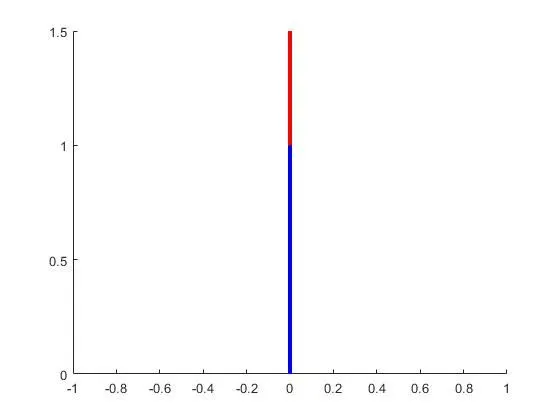
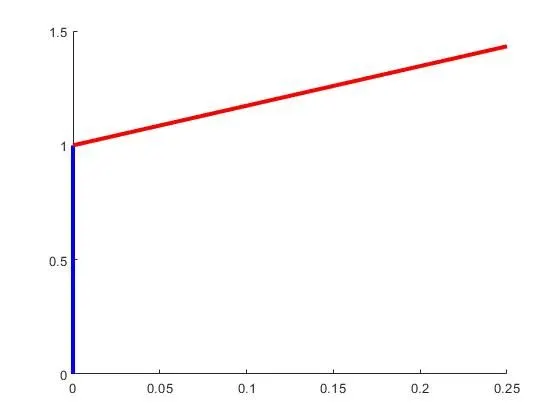
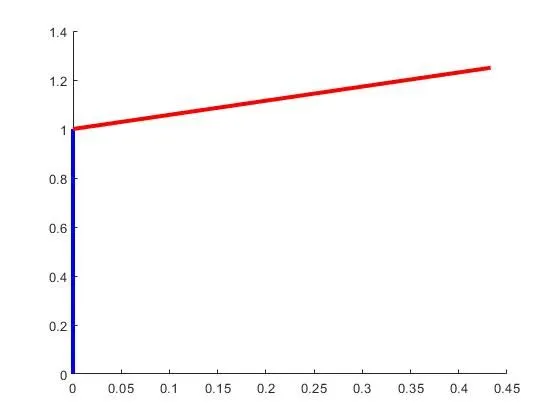
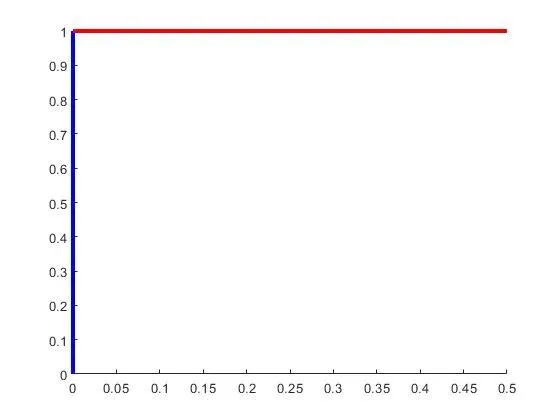
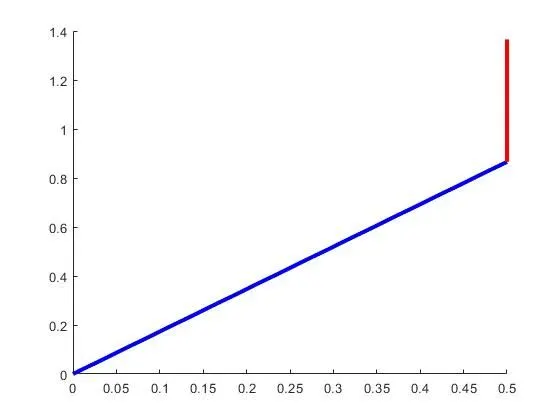
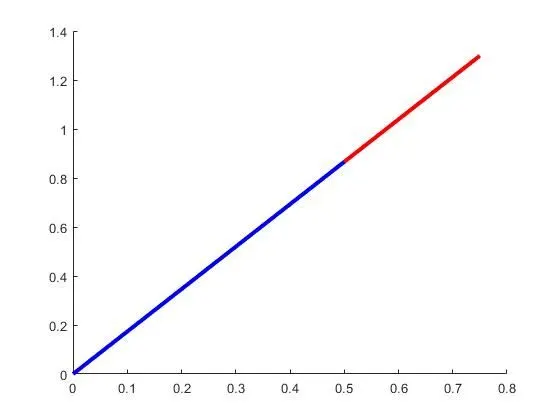
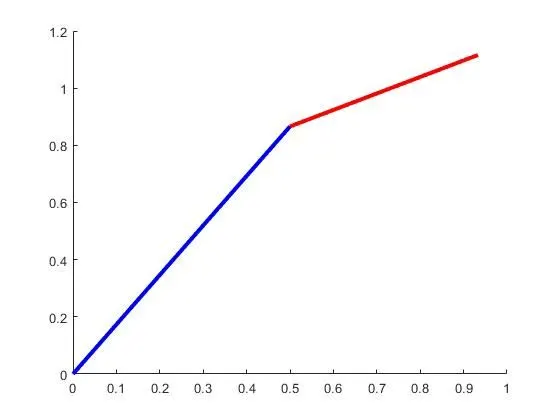
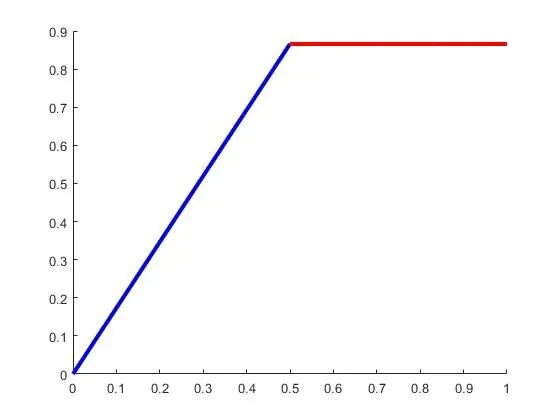
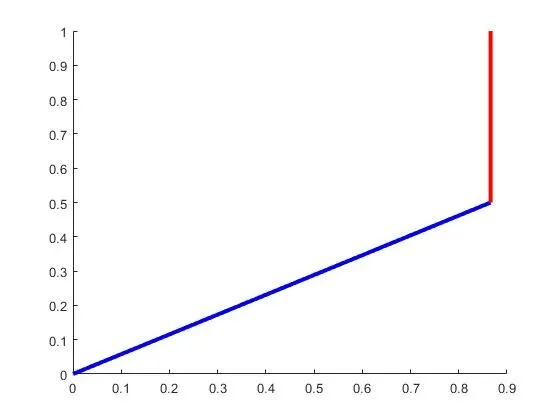
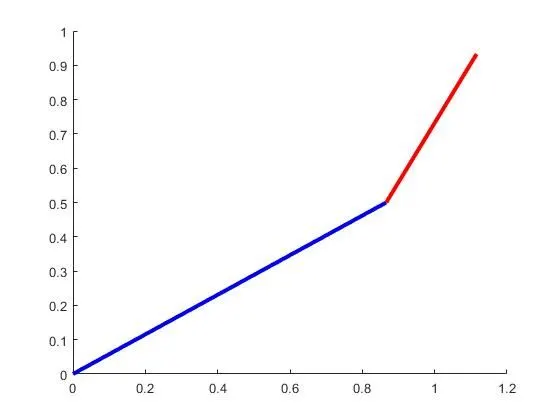
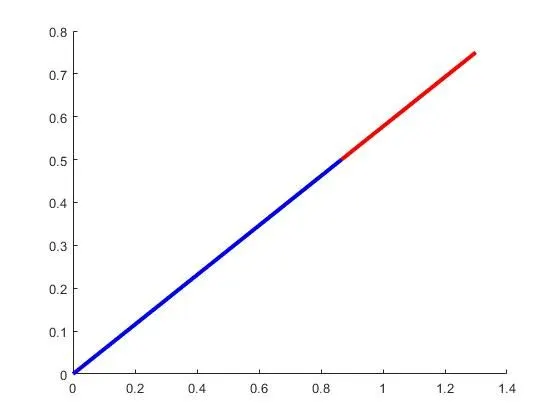
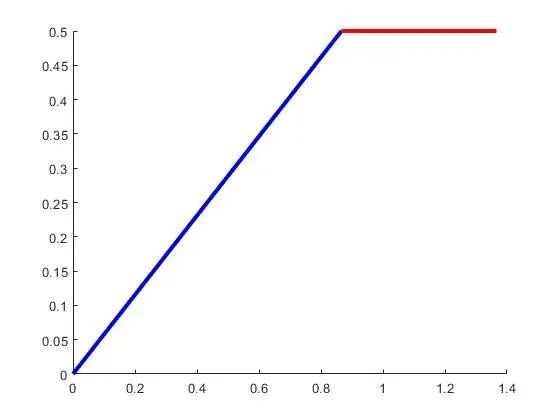
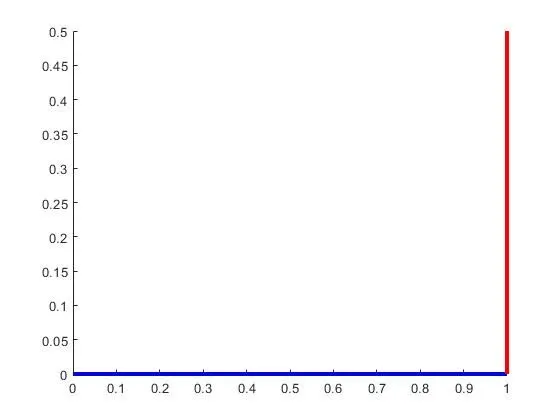
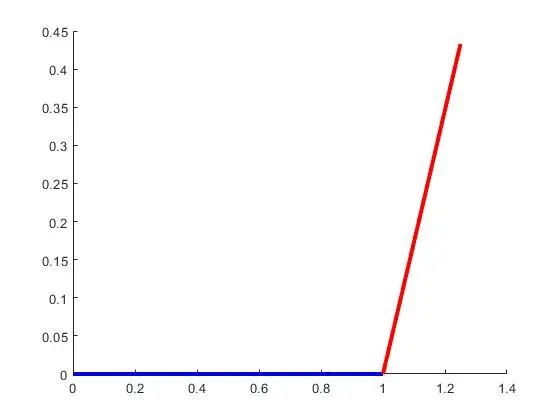
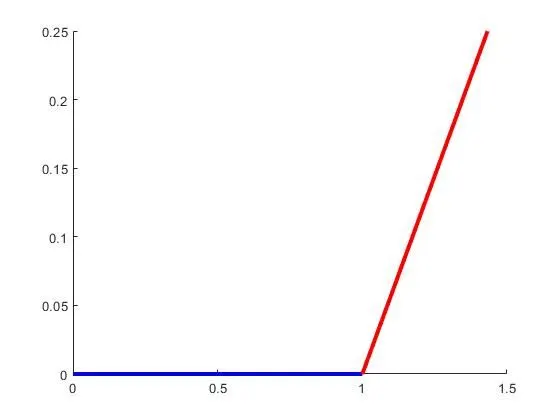
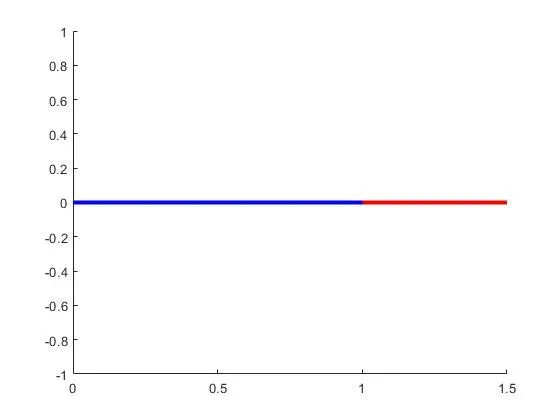
But these are not animated. The above code does not show animation of program.
Second program:-
In this code I am using hold on, plot (instead of line) and pause.
hold on helps in showing both the links and pause shows speed of program.
The rest of the program is same only the plotting is different for different written codes.
ct represents each frame.
%Animation of Forward Kinematics of a 2R Robotic arm Manipulator:-
clear all
close all
clc

%Inputs
l1=1;
l2=0.5;
theta1=linspace(0,90,4);
theta2=linspace(0,90,4);
ct=1;
for i=1:length(theta1);
    THETA1=theta1(i);
    for j=1:length(theta2)
        THETA2=theta2(j);
        x0=0;
        y0=0;
        x1=l1*cosd(THETA1);
        y1=l1*sind(THETA1);

        x2=x1+l2*cosd(THETA2);
        y2=y1+l2*sind(THETA2);

%ploting
hold on
plot([x0 x1],[y0 y1],'linewidth',3,'color','b');
plot([x1 x2],[y1 y2],'linewidth',3,'color','r');
pause(0.3)
ct=ct+1;
    end
end
Output:-
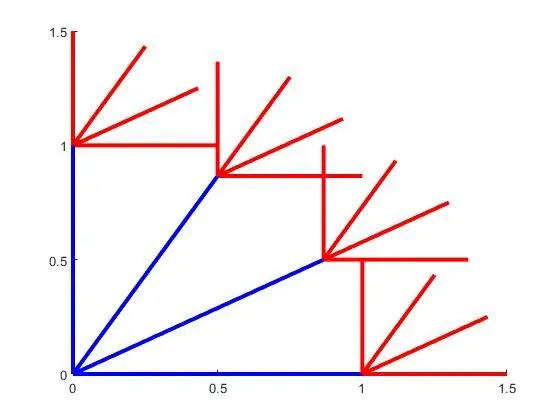
In this plot also the animation is not cleared.
As we are using pause command we are only pausing the code which is not efficient.
And this will not help in creating movie.
So, finally I am going to write code for creating movie and animation of a forward kinematics of 2R robotic arm:
PROGRAM FOR 2R ROBOTIC ARM MANIPULATOR BY ANIMATING AND MOVIE CREATION:-
%Forward Kinematics of a 2R robotic arm manipulator using animation:

clear all
close all
clc

%Inputs
l1=1;
l2=0.5;
theta1=linspace(0,90,10);
theta2=linspace(0,90,10);
ct=1;
for i=1:length(theta1);
    THETA1=theta1(i);
    for j=1:length(theta2)
        THETA2=theta2(j);
        x0=0;
        y0=0;
        x1=l1*cosd(THETA1);
        y1=l1*sind(THETA1);

        x2=x1+l2*cosd(THETA2);
        y2=y1+l2*sind(THETA2);

%ploting
plot([x0 x1],[y0 y1],[x1 x2],[y1 y2],'linewidth',3)
axis([-0.1 1.5 0 1.5])
pause(0.03)
M(ct)=getframe(gcf)
ct=ct+1;
    end
end
movie(M);
videofile = VideoWriter('forward_kinematics.avi','Uncompressed AVI');
open(videofile);
writeVideo(videofile,M);
close(videofile)
OUTPUT OF ABOVE CODE FROM COMMAND WINDOW WITH ONLY ONE EXAMPLE AS IT HAS MANY OUTPUT BUT I AM DISPALYING ONLY ONE FOR EXPLANATION:-
theta1 =

     0    10    20    30    40    50    60    70    80    90


theta2 =

     0    10    20    30    40    50    60    70    80    90


THETA1 =

     0


THETA2 =

     0


x0 =

     0


y0 =

     0


x1 =

     1


y1 =

     0


x2 =

    1.5000


y2 =

     0


M =

  struct with fields:

       cdata: [420×560×3 uint8]
    colormap: []
Explation:-
Inputs:-
l1=1;
l2=0.5;
theta1=linspace(0,90,10);
theta2=linspace(0,90,10)
Using for loop:
In the line:-
for i=1:length(theta1);
it means that , theta1 has 10 value (in this code)
so, for i=1:10;
and for j = 1:10;
it will have 1,2,3,4,5,6,7,8,9,10 values.
for different values of i and j it will have different THETA1 and THETA2 values.
While, creating Movie:-
In plot:-
first of all we need to get individual frame by using
M(ct) as we know ct represents each frame.
M(ct)=getframe(gcf) means we using getframe command to get current figure.
and then need to increment ct by 1
ct=ct+1;
At the end of for loop:-
I am going to type movie(M); which will generate movie of M as it will get all the frames.
By generating videofile with the help of command VideoWriter I am going to create a new avi file of'forward_kinematics' which is uncompressed AVI file.
and then I am going to open my videofile.
then write the frames that I captured in my videofile.
and then finally close my videofile.
GRAPH OF ABOVE PLOT:-
various screenshots of graph for reference:-
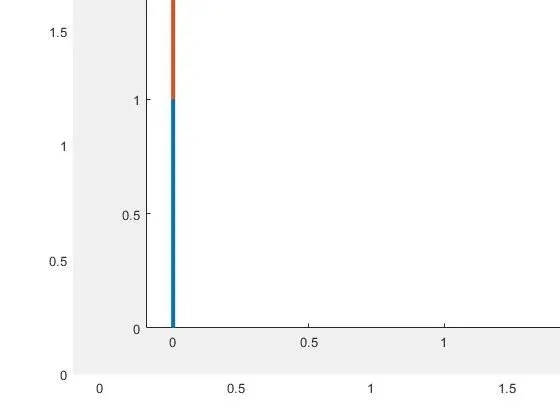
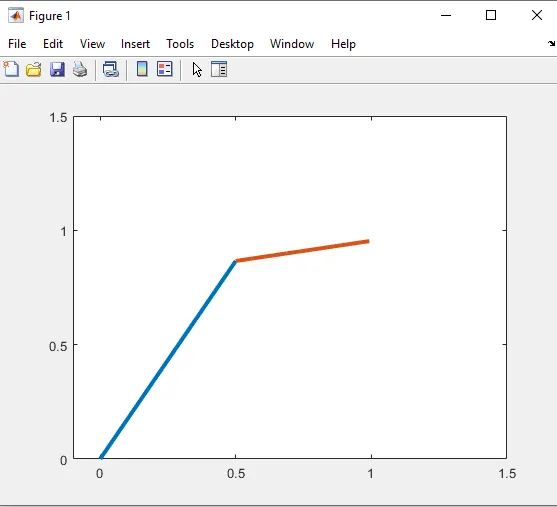
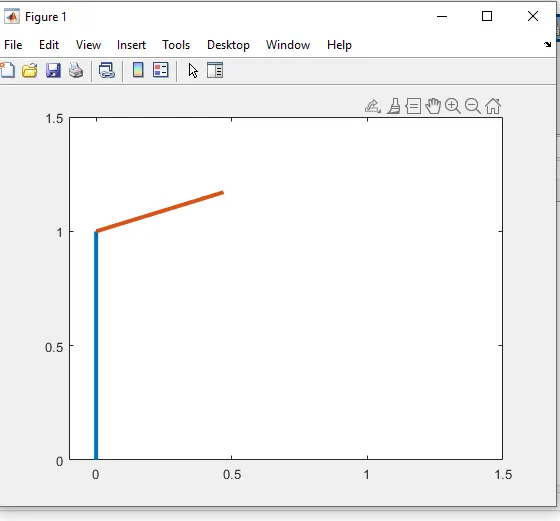
Errors while running the programs which I got was the following:-
First Error:-
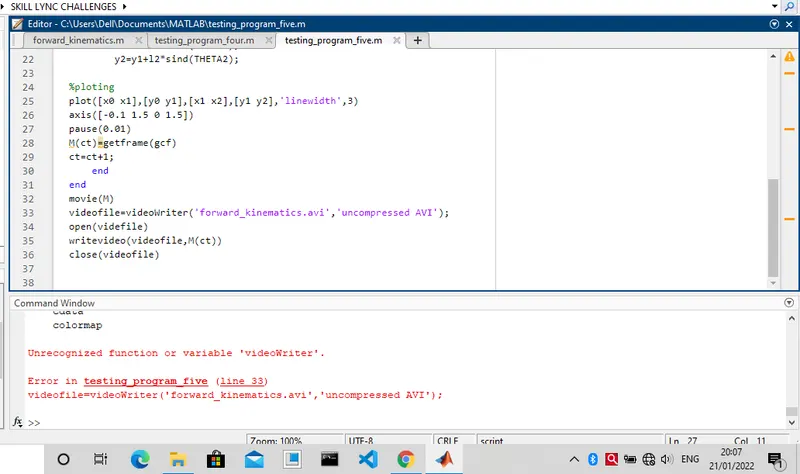
In the above written code I faced many errors while typing it.
As you can see the videowriter is not written correctly.
and also write video and uncompressed.avi is not written correctly.
Second error:-
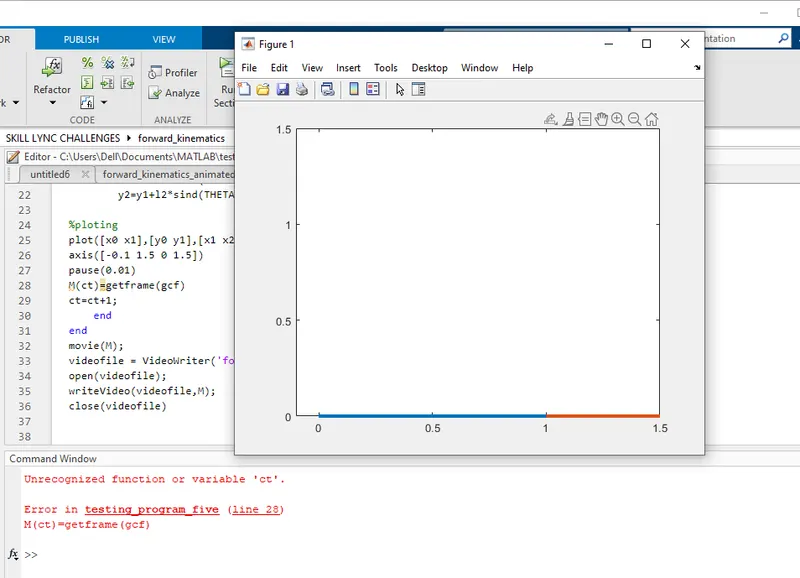
In above program I accidently forget to wrie ct=1 above for loop, beacuse of which code was not able run only.
Third error:-
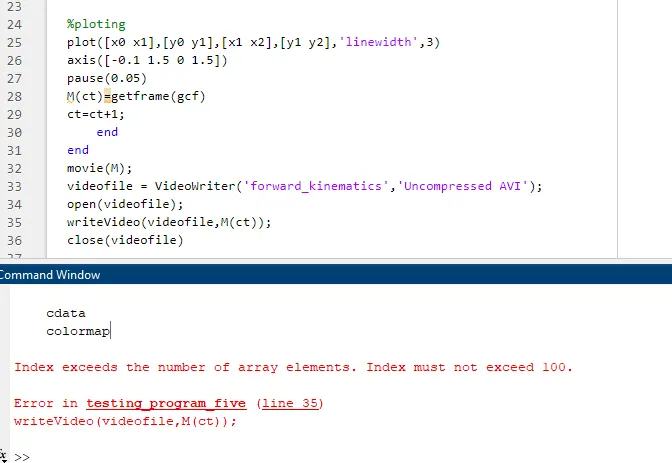
In above I wrote M(ct) in the writevideo command, beacuse of which I got erroe.
Steps to overcome :-
- I have corrected the typing mistakes to over come it and finally got the required results.
- Written ct=1 above for loop
- Removed ct from M(ct) in writeVideo to M.
LINK FOR MOVIE:-
GOOGLE DRIVE:-
https://drive.google.com/file/d/1cguEh6Xd9FyMhYdcCSjfSlwrTB2EMSnt/view?usp=sharing
Youtube link:-
Images:-
from google.
CONCLUSION:-
From above program it is cleared that you need to understand kinematics of linkages to understand the worspace of robotic arm or any other complex applications.