Week 2- 2R Robotic Arm Challenge
ROBOTIC ARM CHALLENGE
The tasks require creating a simple program for a Robotic Arm and Uploading the Program on YouTube.
Challenge
A robotic arm with two linkages at certain angles. Linkage one is hinged on a base at an angle and linkage two is connected to linkage one at an angle. There is a manipulator connected to the end of linkage two, the challenge is to determine the position of the manipulator is the angles between linkage one and linkage two, theta one and theta two respectively are known.
Solution:
Steps: calculate the position of linkage one.
coordinates at the base (x=0, y=0)
coordinates at link one
x1=L1 cosd(theta1)
y1=L1 sind(theta1)
NB: angle should be defined in degrees, hence, the *d* behind cos and sin.
coordinates at link two
x2=x1 + L2 cos theta2
y2=y1 + L2 sin theta2
Inputs
theta1 = 40
theta2 = 30
L1 = 1
L2 = 0.5
PROGRAMMING
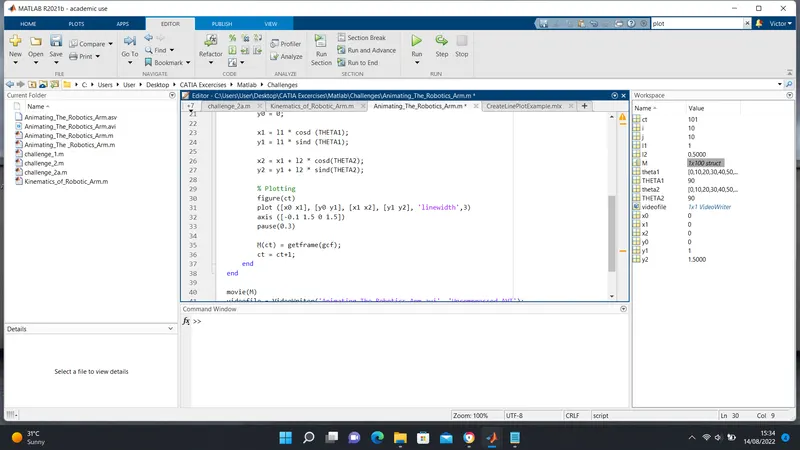
This task involves replicating the values above on Matlab
% Forward Kinematics of a 2R Robotic Arm Manipulator

clear all
close all
clc

% Inputs
l1 = 1;
l2 = 0.5;

theta1 = 40;
theta2 = 30;

% Coordinates
x0 = 0;
y0 = 0;

x1 = l1 * cosd (theta1);
y1 = l1 * sind (theta1);

x2 = x1 + l2 * cosd(theta2);
y2 = y1 + l2 * sind(theta2);

% Plotting
line ([x0 x1], [y0 y1], 'linewidth',3, 'color','b')
line ([x1 x2], [y1 y2], 'linewidth',3, 'color','r')
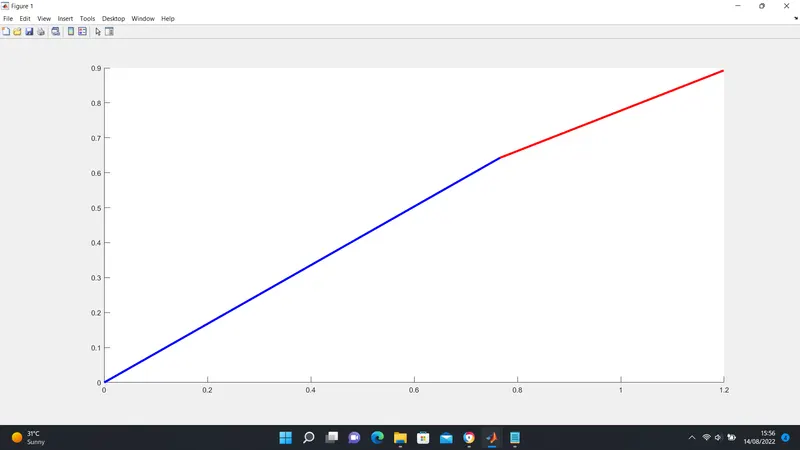
Result
At theta1 and theta2 equal to 40 and 30 degrees respectively, a graph was plotted
SECOND TASK: Animating The Program and Uploading on YouTube
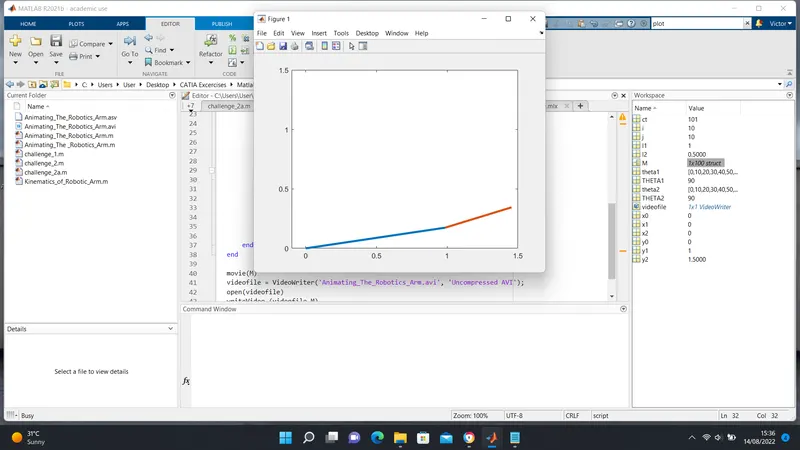
The task involves simulating the robotic arm at different angles of theta1 and theta2.
To perform this operation, a tool called *linespace* was used to input different values of theta1 and theta2.
Some of the tools used include:
linespace:
theta1 = linespace (0,90,10)
this means plotting 10 values between angles 0 and 90.
getframe:
this tool makes it possible to capture figures as a frame.
pause:
this tool pauses the animation at an interval of 0.3 seconds as set.
clear all
close all
clc

% Inputs
theta1 = linspace(0,90,10);
theta2 = linspace(0,90,10);

l1 =1;
l2 =0.5;

ct = 1;

for i = 1:length (theta1)
    THETA1 = theta1(i);

    for j = 1:length(theta2)
    THETA2 = theta2(j);

        x0 = 0;
        y0 = 0;

        x1 = l1 * cosd (THETA1);
        y1 = l1 * sind (THETA1);

        x2 = x1 + l2 * cosd(THETA2);
        y2 = y1 + l2 * sind(THETA2);

        % Plotting
%         figure(ct)
        plot ([x0 x1], [y0 y1], [x1 x2], [y1 y2], 'linewidth',3)
        axis ([-0.1 1.5 0 1.5])
        pause(0.3)

        M(ct) = getframe(gcf);
        ct = ct+1;
    end
end

movie(M)
videofile = VideoWriter('Animating_The_Robotics_Arm.avi', 'Uncompressed AVI');
open(videofile)
writeVideo (videofile,M)
close(videofile)
Result:
An Animated video of the robotic arm can be found using the link below.
CHALLENGES ENCOUNTERED
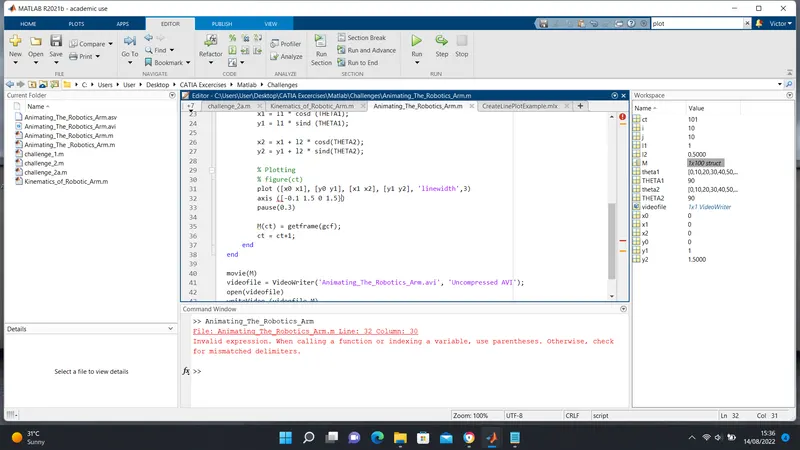
challenge one: indexing issues at line 32. A parenthesis was used to solve the problem.
challenge two: On line 49, a Matlab tool. Videowriter, was wrongly typed.
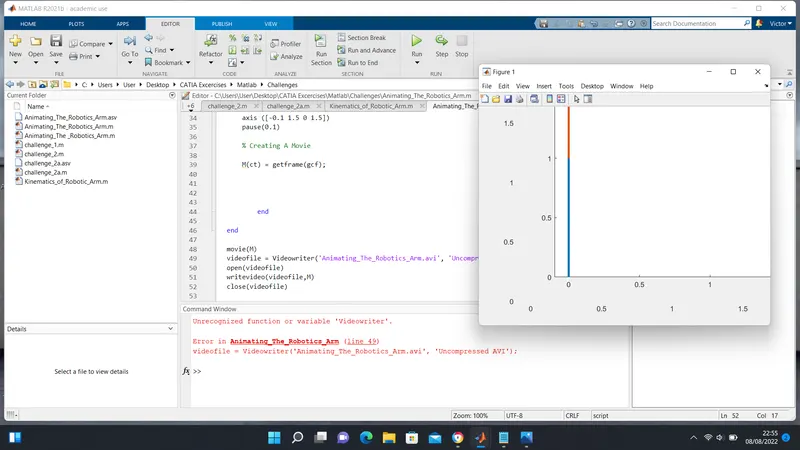
challenge three: On line 30, a missing *%* was missing (% figure ct)