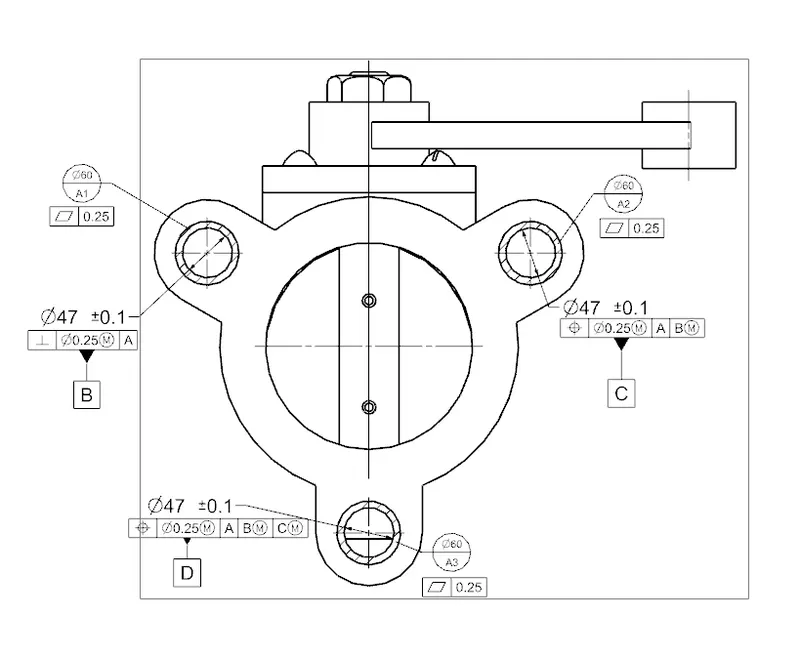
Week 14 challenge
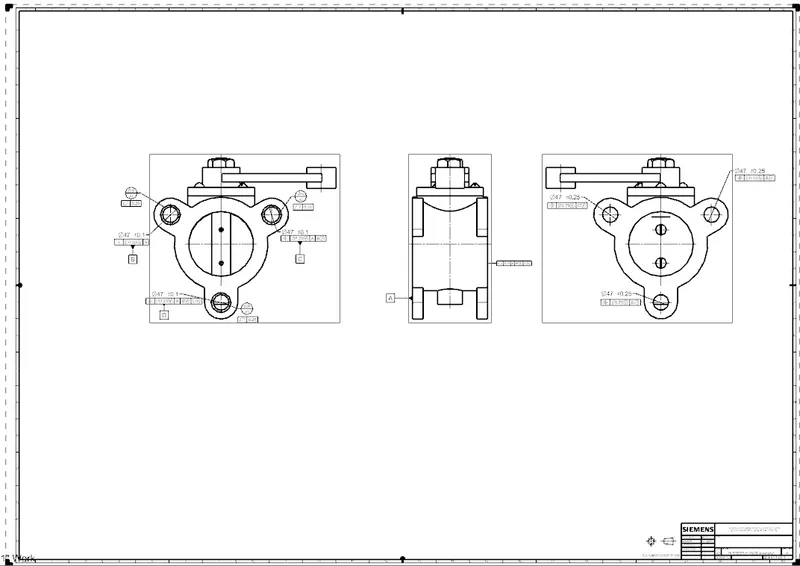
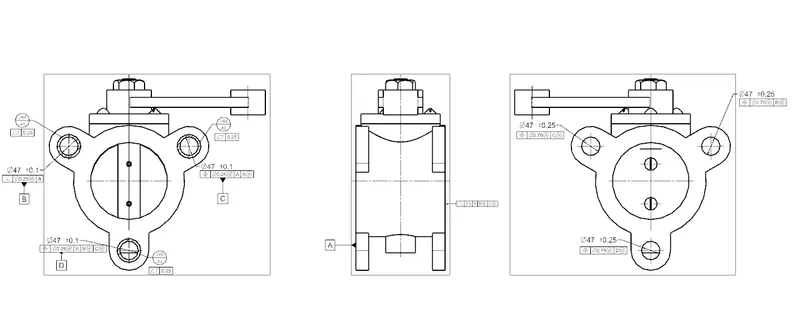
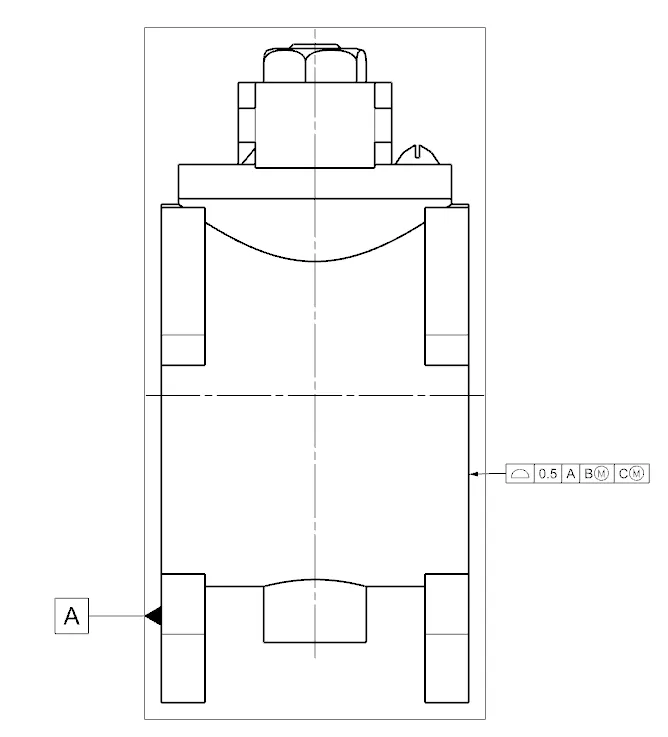
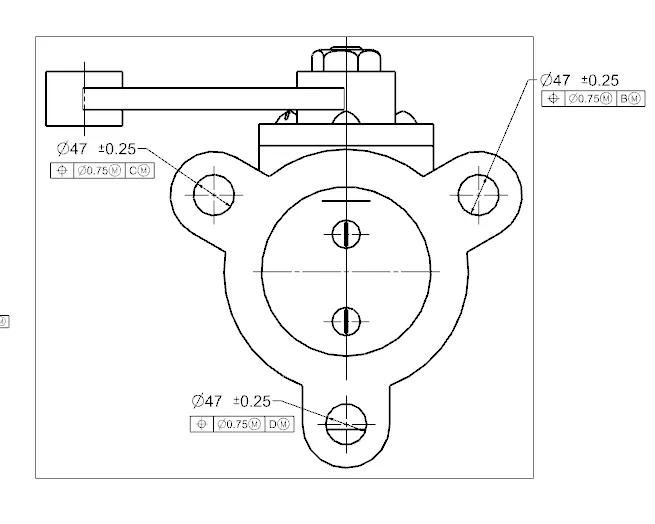
AIM:- ASSEMBLE AND APPLY GD&T TO THE BUTTERFLY VALVE ASEMBLY DRAWING.
STEPS TAKEN:-
- first we created new folder on desktop OR LOCAL DISK.
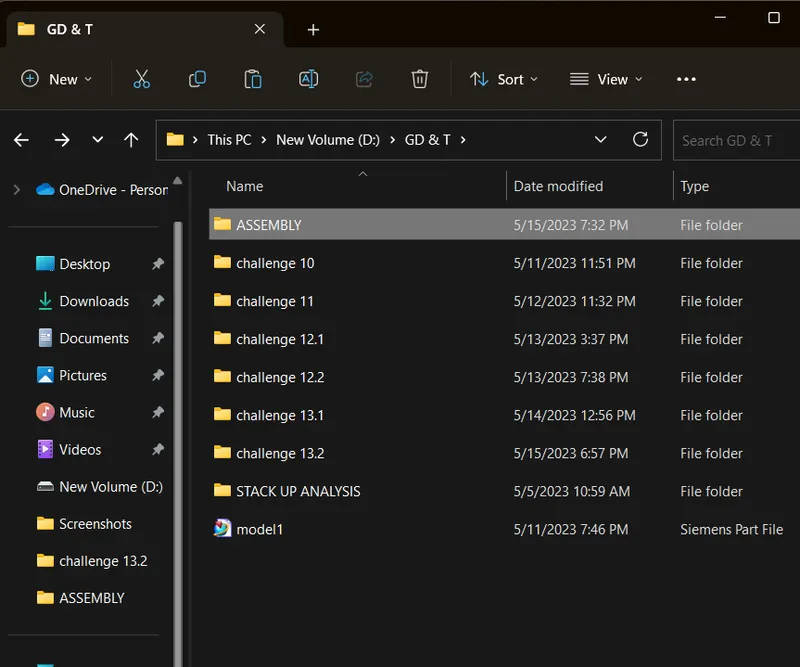
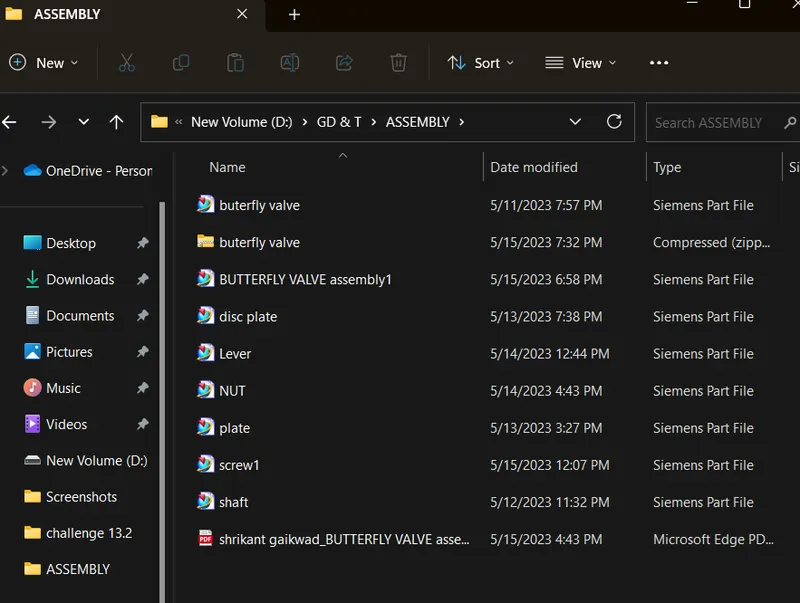
- copied all the parts of butterfly valve and pasted in created folder.
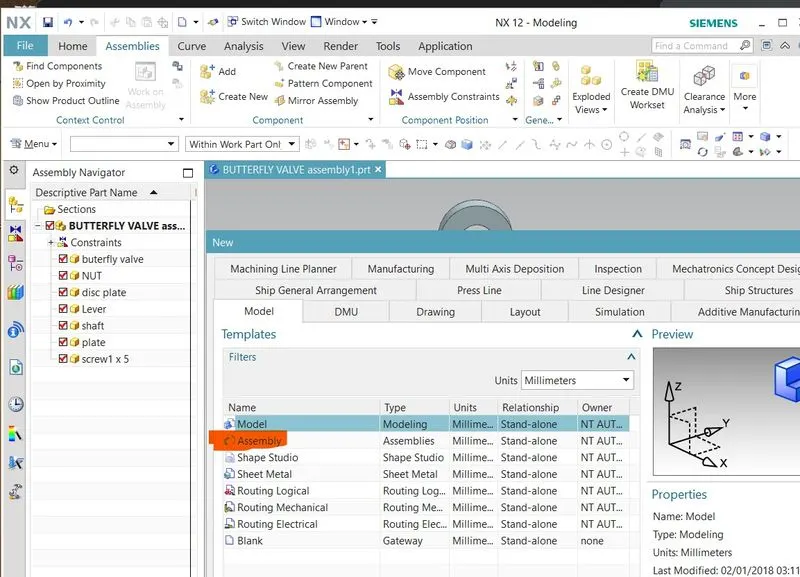
- open UG NX 12 click on new.
- create new assembly design.
- after opening assembly workbench click on add component.
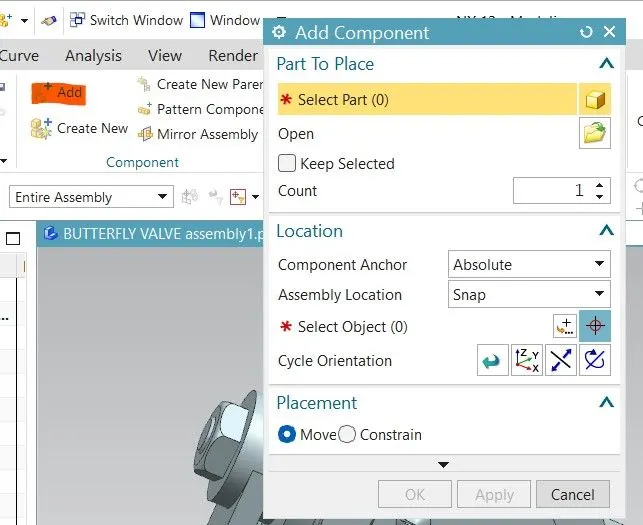
- added all the parts that we have created.
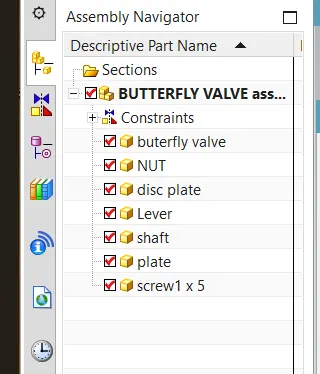
- moved component according according to assembly design using move component option.
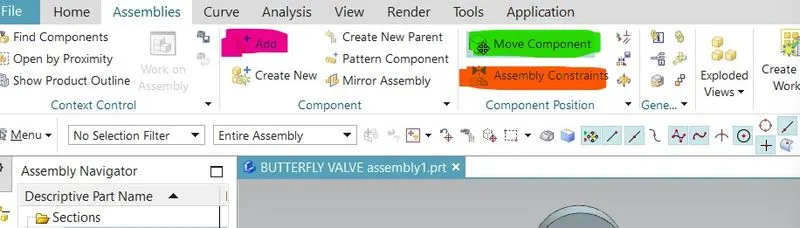
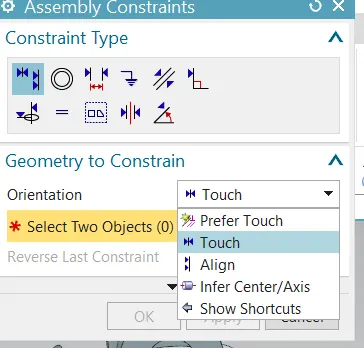
- applied assembly constraints.
- infer/centre axis.
- touch.
- align.
AFTER APPLYING ALL THE CONSTRAINTS MODEL VIEWS:-
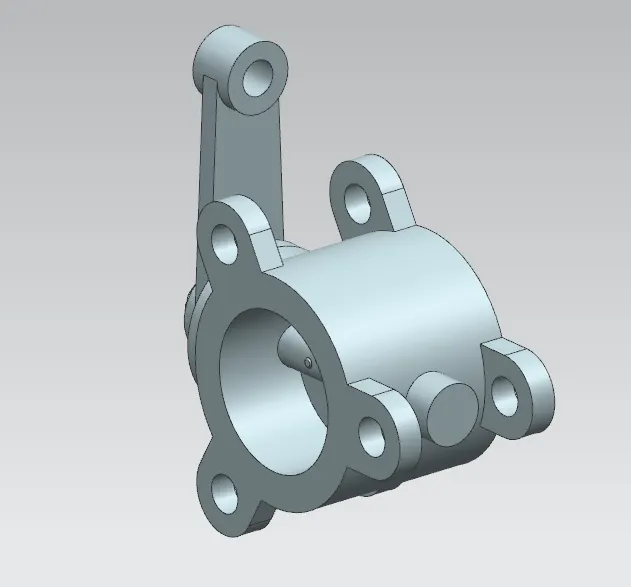
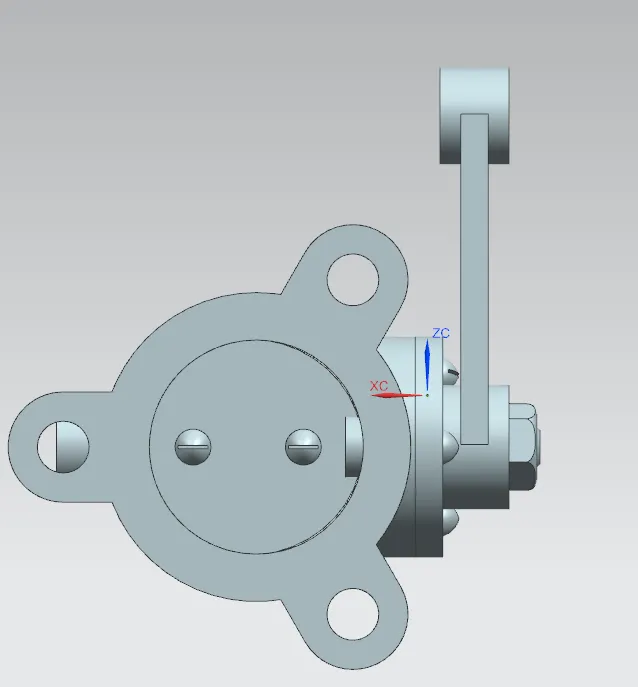
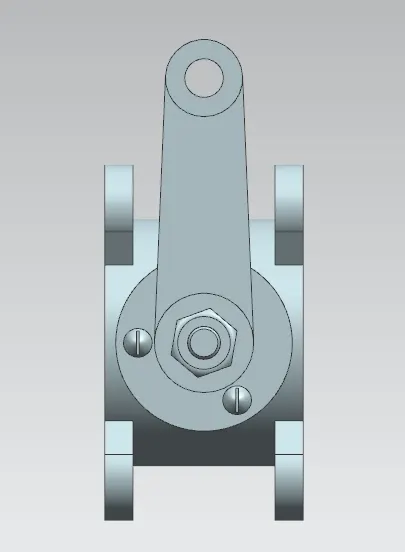
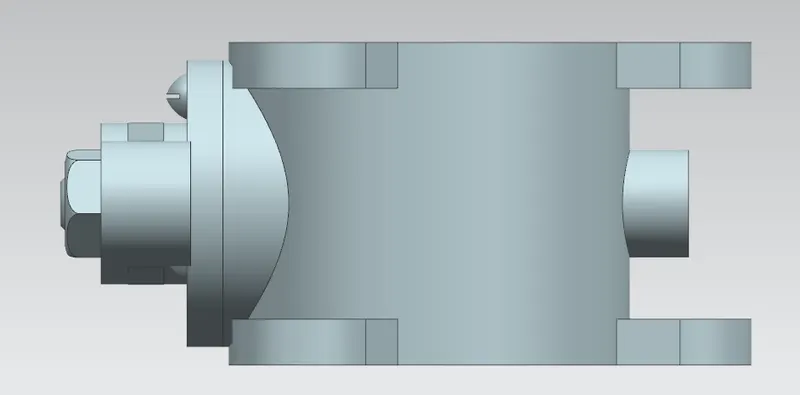
GD&T TO THE BUTTERFLY VALVE ASEMBLY DRAWING:-