Week 12:Project 2-Meshing of Rear Wheel Holder challenge
Aim: To mesh the given WheelHolder using the given quality criteria and also to assign the material and property thickness.
Procedure:
- Let us first import the model into Hypermesh using Import Geometry tab.
- After Importing, let us switch to topo mode and check whether the components given are solids or surfaces. Thicken lines indicate solids. If they are solids, delete them and convert them to surfaces for midsurface extraction. After deleting, surfaces are obtained:
- After observing the thickness of the component, we found out that the thickness throughout is same. (0.75mm). So, we extract the midsurface using the auto midsurface option using Skin Offset as extraction option.
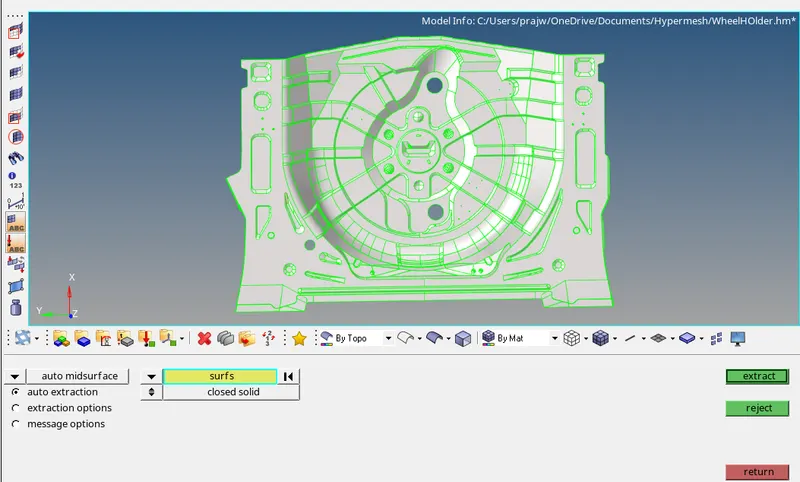
Following Midsurface is obtained:
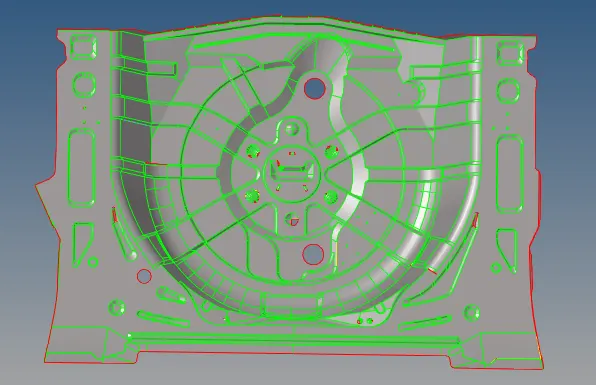
In Topo Mode, we can see many errors. Rectifying them by using quick edit panel.
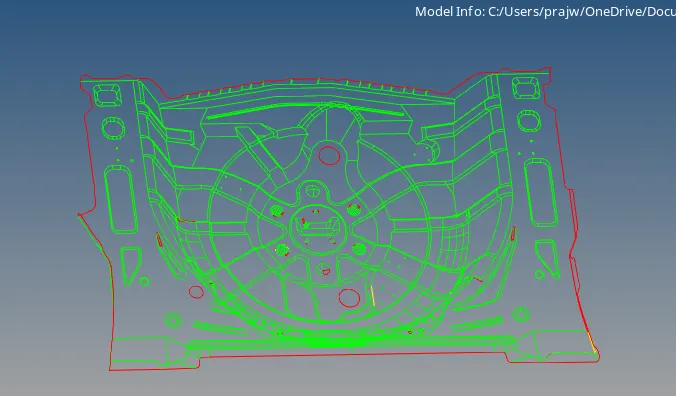
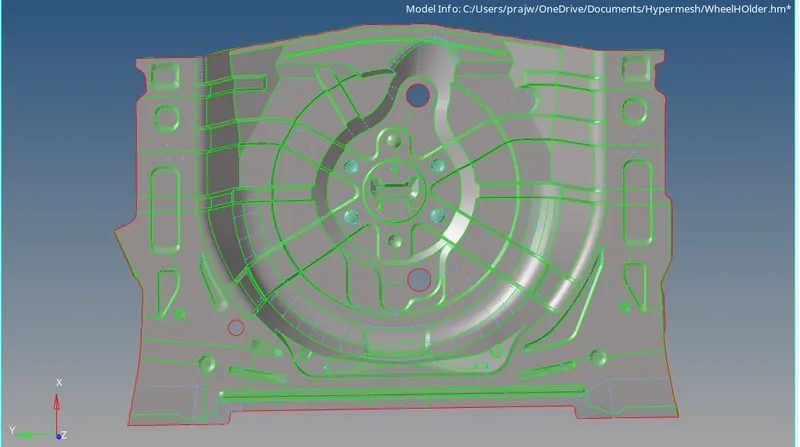
- Now, after performing the cleaning of the geometry of the surfaces by using quick edit panel, the component is shown below:
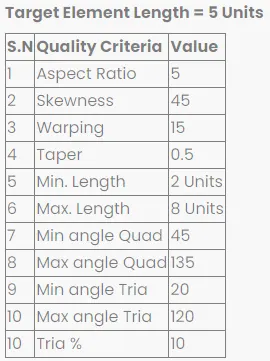
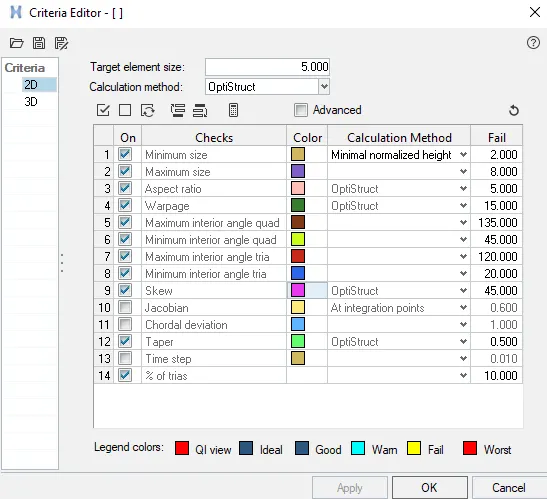
- We will now set the criteria file settings.
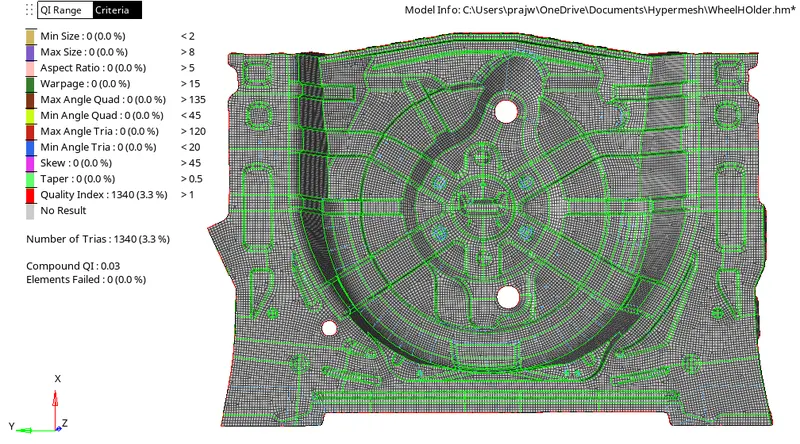
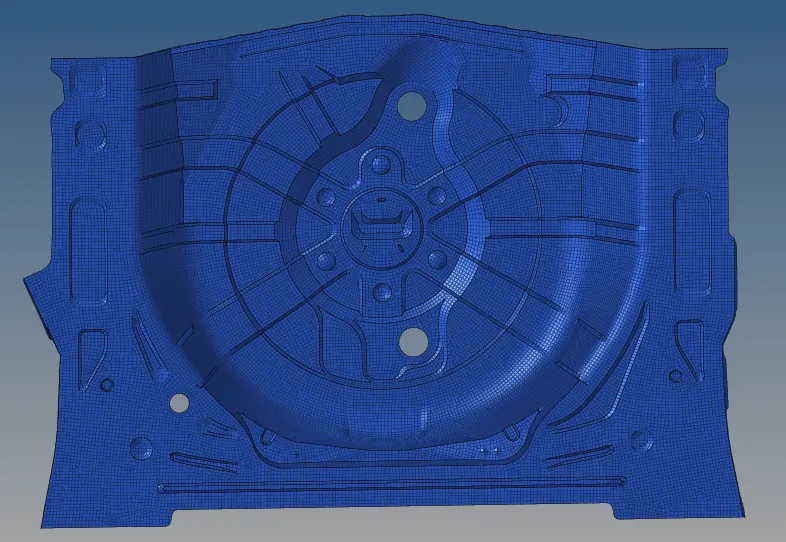
- Now, mesh the components one by one: 2D > Automesh > Surf > Displayed > Mesh. After meshing, use rebuild mesh, quality index for better mesh quality. The final mesh obtained:
- After meshing is completed, create a property of thickness 0.75mm and a dummy material and assign it to the component.
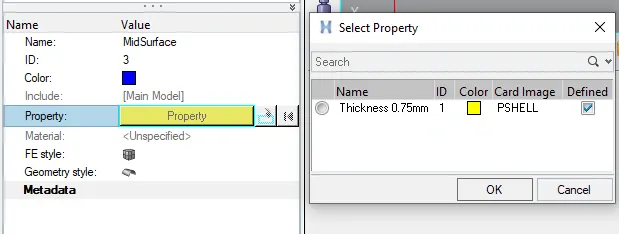
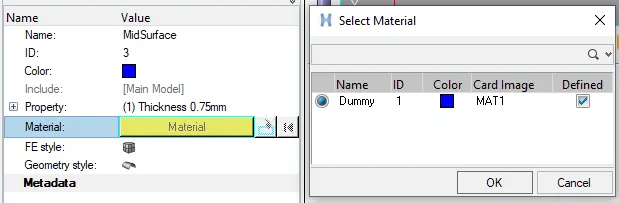
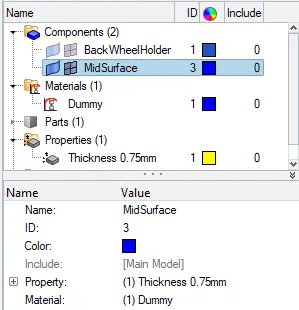
- The final Wheel Holder obtained by property and by material:
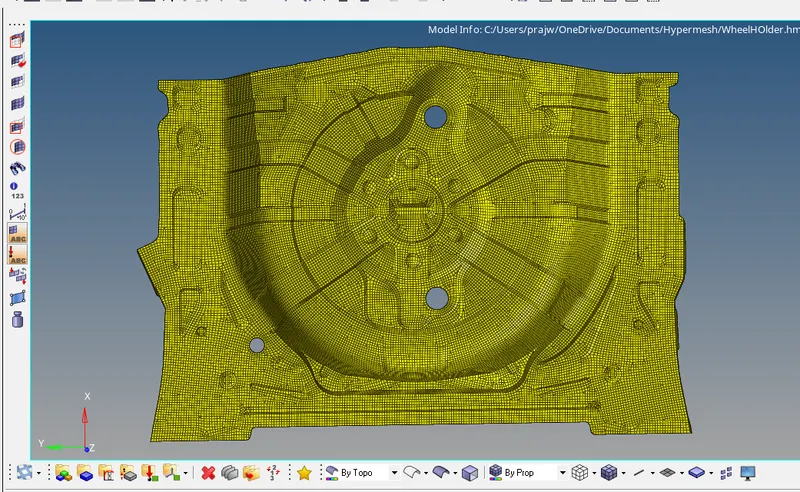
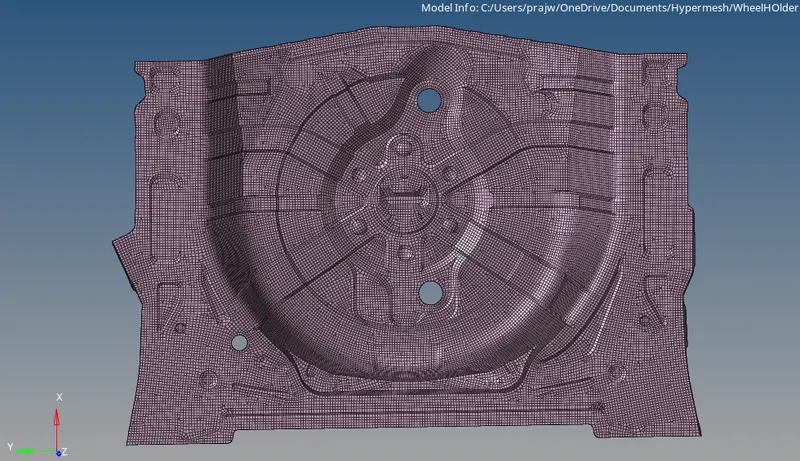
By using 2D detailed element representation the assigned thickness can be seen.

Conclusion: Hence, meshing of wheel holder was done with the given quality criteria with 3.3% trias. Material and property was also assigned to the components. We also understood the use of automesh, rebuild mesh, quality index, etc.