Week 12:Project 2-Meshing of Rear Wheel Holder challenge
Aim : To extract and to mesh the given geometry.
Objective : To mesh and to extract the give model in given geometry parameters. moreover to assign the thickness.
Given Model :
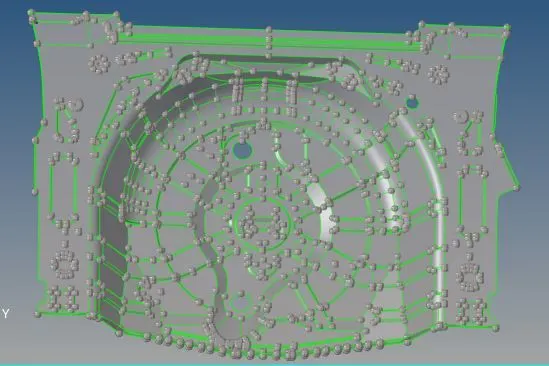
Opening the given geometry :
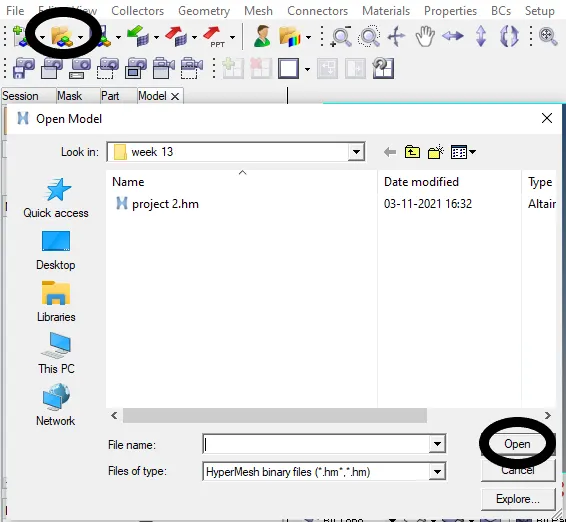
* Click to open geometry in task bar.
* And click Open as shown below fig.
* Extraction of mid surface
* Keeping in goemetry ,click mid surface
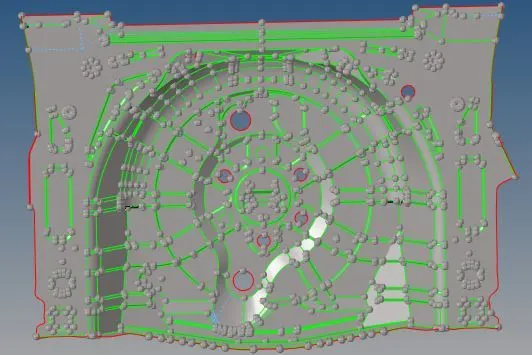
* In mid surface select the required extraction options and select the required surface which need to be extracted .As shown below



* After extraction the model are shown below :
* Meshing the model :
* Click to automesh by keeping it in geometry.
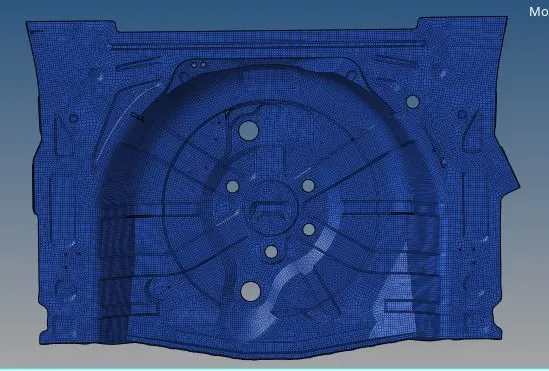
* Given the target element length as 5 as given above and click mesh ,which are shown below


* Model AFTER MESH:
* Mesh errors :
* After meshing click preference from task bar and click to creteria setting
* Apply the parameters as mentioned above and click ok
* In 2D ,click quality index and check the mesh errors and use cleanup tools further correct the mesh errors as shown below



* Model after mesh :
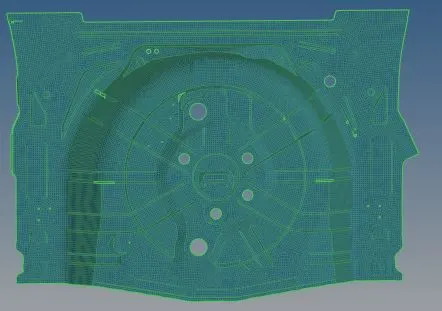
* Assigning Thickness :
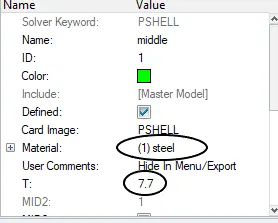
* Create a material of steel which has a thickness of 7.7
* Right click mouse and create material ,porperty as mesured thickness
* keeping in geomerty click distance and measure the thickness of the model as shown below 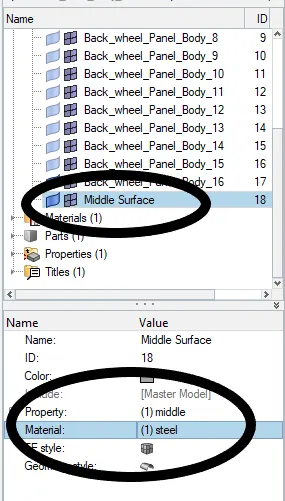
* Final MODEL:
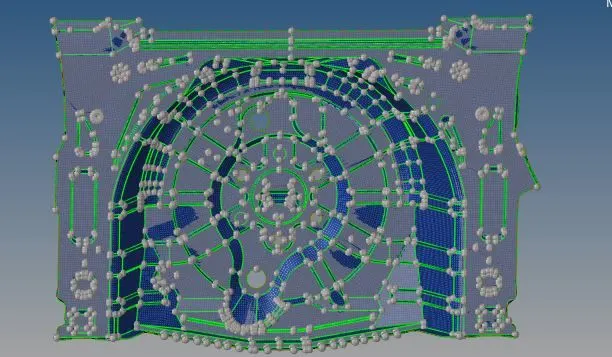
Conclusion :
The given model can meshed according to the mesh creteria parameter and also can assign the thickness as mentioned above .the file attached below .