Week 12:Project-1-Meshing of Door Inner Panel Challenge
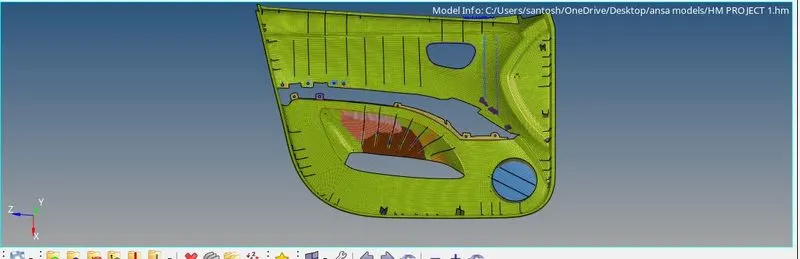
Aim: To mesh the dooe inner panel and check the element failures.
Working procedure:
Create criteria file and parameter file:
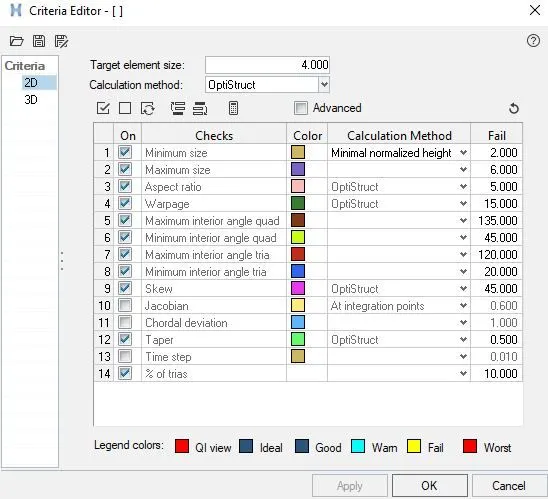
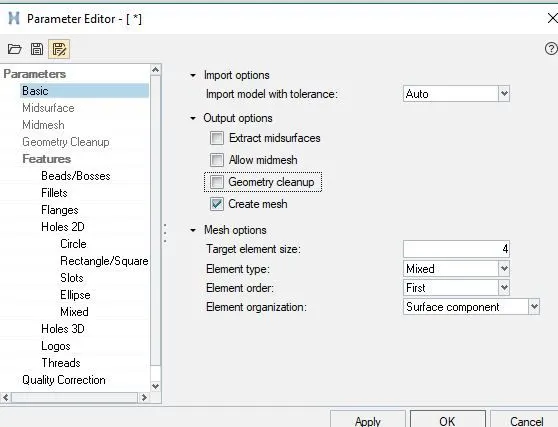
1) Import the model and check the geometrical errors.
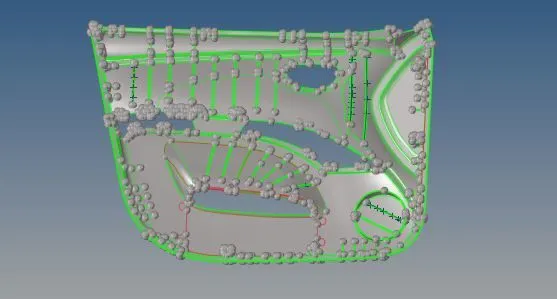
2) Take the mid surface by offset method and finel edit tool.
Creation of ribs: Create a line between the ribs line and project those lines on mid surface.
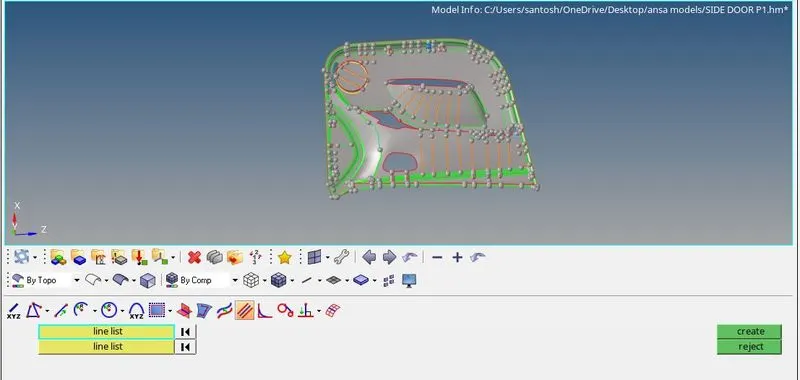
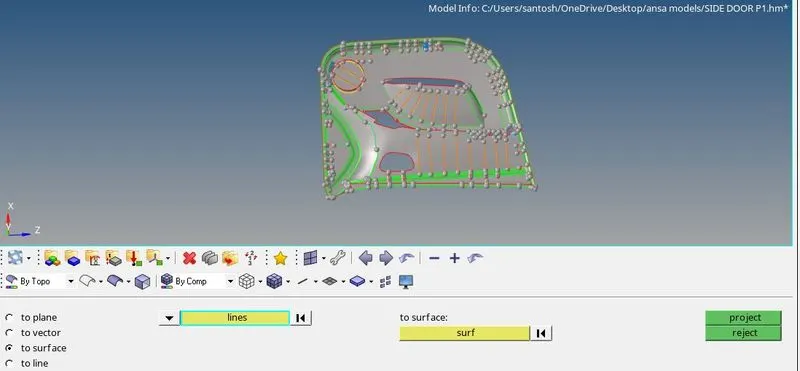
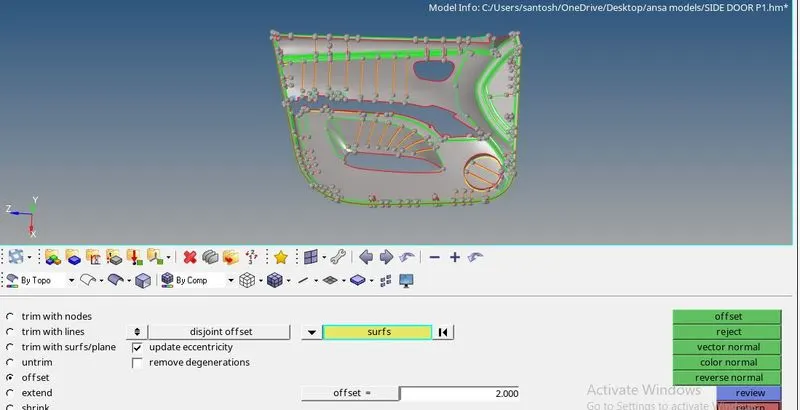
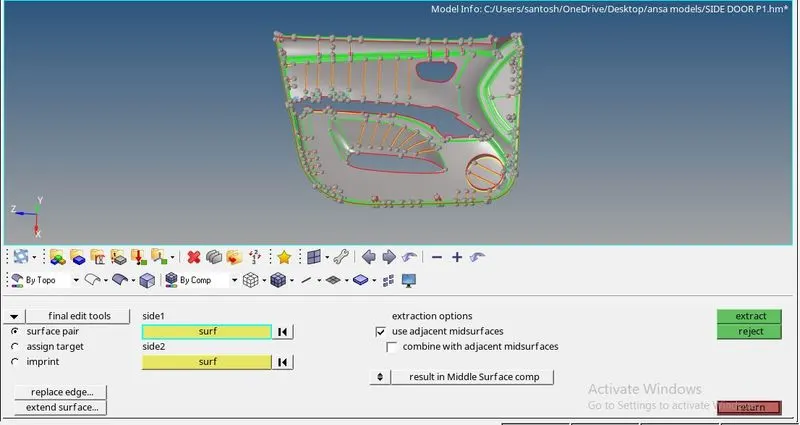
3) Projecting the ribs on the surfaces. Here while projecting the ribs geometrical defeature is coming, so to aviod that i have project the line and created the ribs.
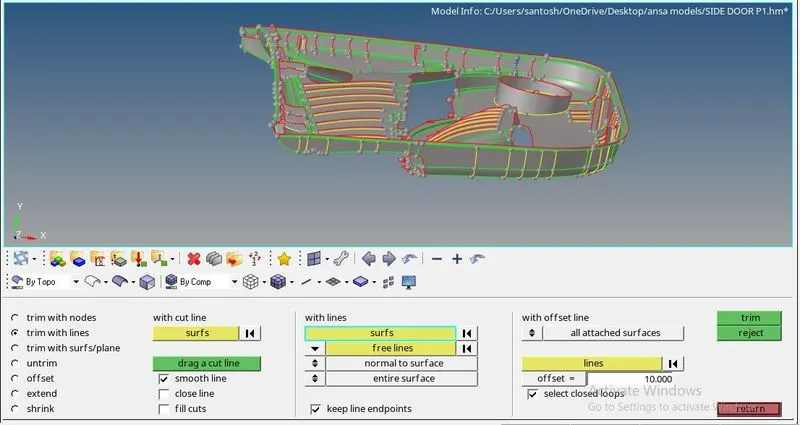
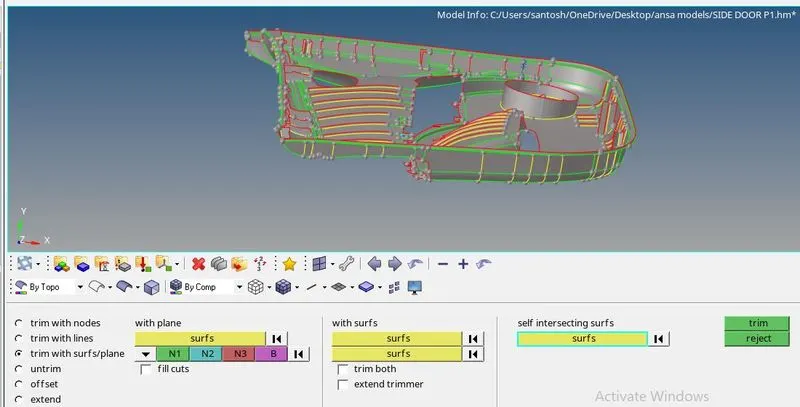
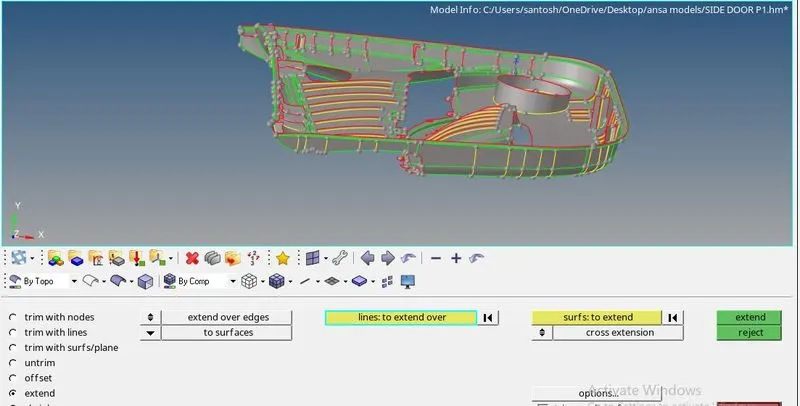
4) Apply the mesh by sutable method(batch mesh).
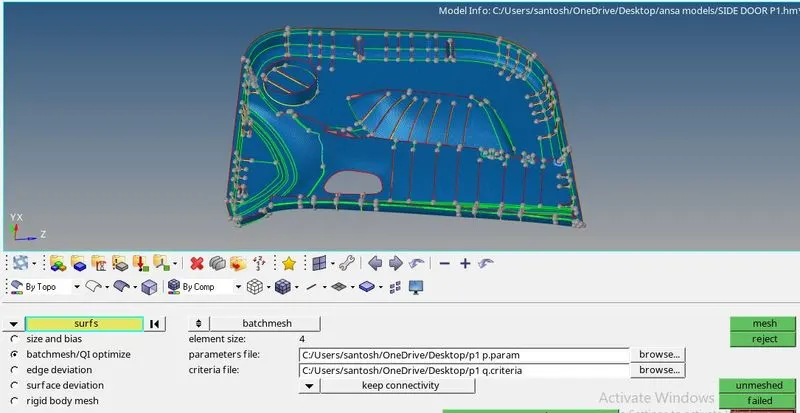
5) Getting a good mesh flow here apply the rebuild mesh and split and combine the elements.
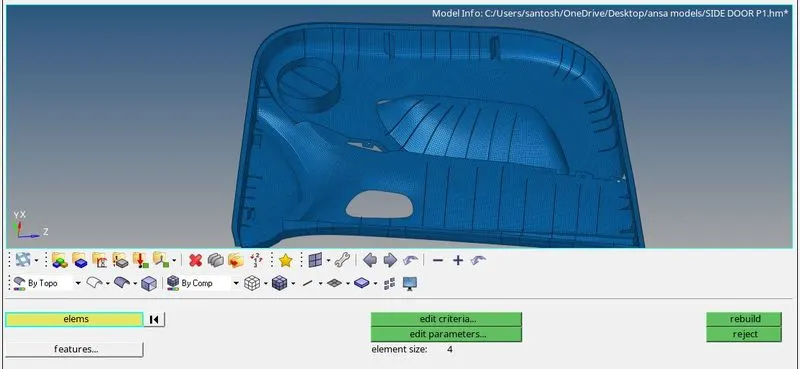
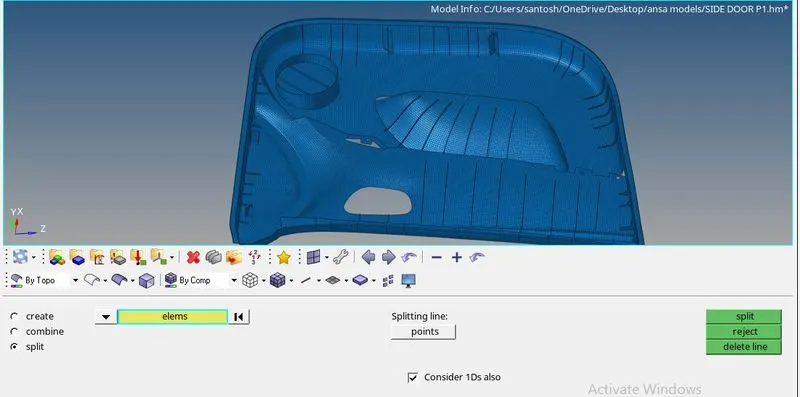
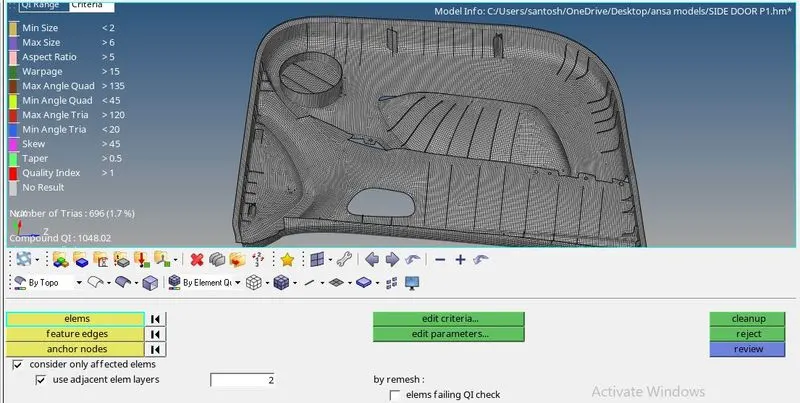
6) To clearing the element failure agin perform the above operation and element cleanup opption.
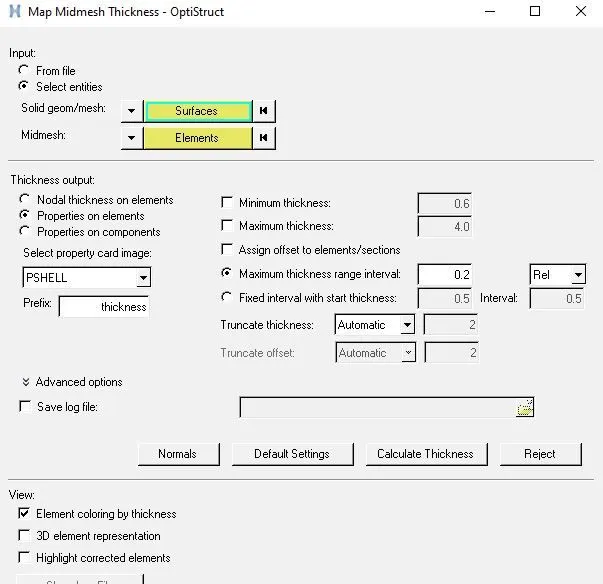
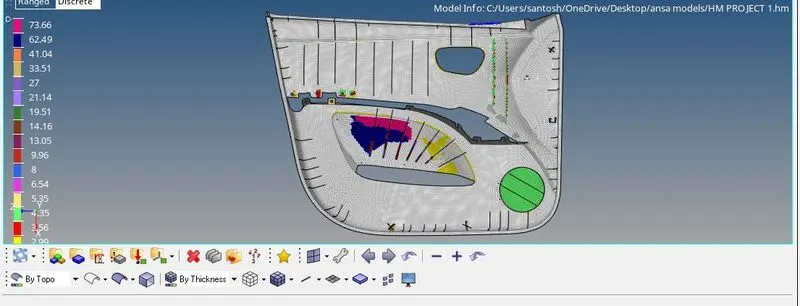
7) Assign the thickness to the component.
LEARNING OUTCOME:
In this assignment i have learn various method to extract the mid surface(offset, finel edit tool) creaton of ribs and projections and thickness assigning.
NOTE: In this model has the minimum element failure due to projection of ribs at corner areas.
CONCLUSION:
Creation of mid surface takes lot of time and getting a good quality of mid surface takes time, and mesh flow clearence takes time and also element failure clenup. Thickness assigning takes time.