Week 12:Project-1-Meshing of Door Inner Panel Challenge
Week 12:Project-1-Meshing of Door Inner Panel Challenge
AIM
To extract mid-surface from given component by geometry clean up and create the shell (two dimensional) mesh for the given side door inner panel according to the given quality criteria by using HYPERMESH.
PROCEDURE
Import the model.
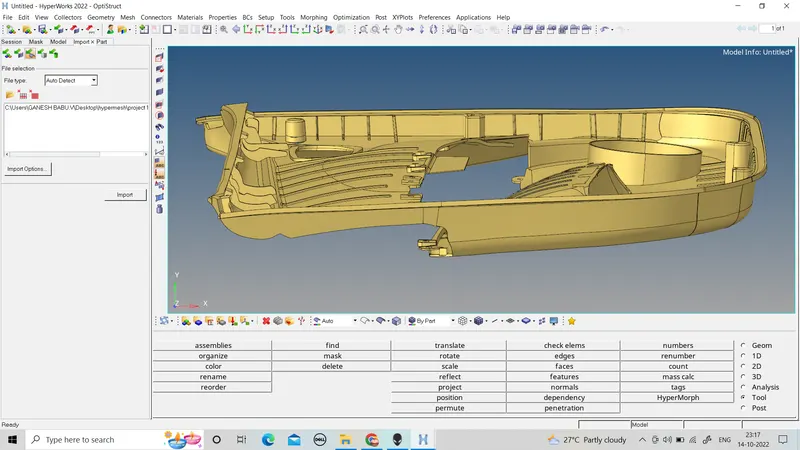
In this model there are many ribs with surface fillets, it is difficult to create their mid-surfaces. So, these fillets are removed or defeated by going to Geometry > defeature >surf fillets. Then specify minimum radius, maximum radius, select surfaces and click find. The fillets are shown as highlighted, then click remove to remove the fillets.
Clean up the geometry of the components for obtaining better mid-surface.
Now, after checking the thickness at various points of the components by Geometry > distance > two points, it is found that the component has varying thickness. So, manual mid-surfacing is done by going to Geometry > surface edit > offset. Then, select the surface and duplicate it, specify offset thickness and click offset and the mid surface is created.
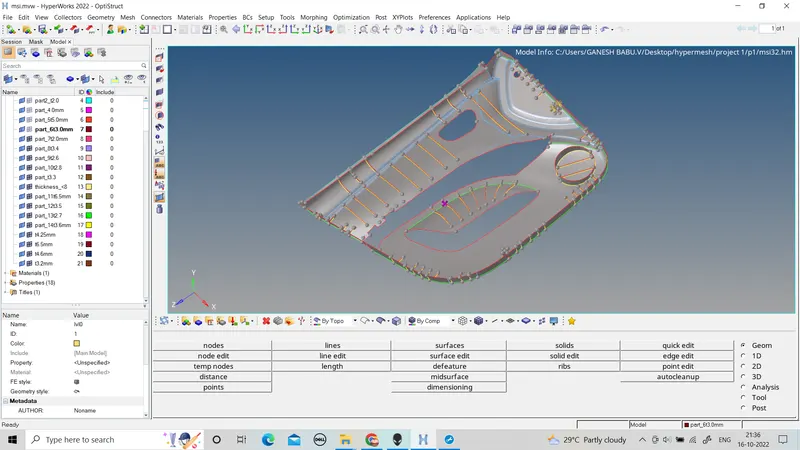
After creating the midsurface thickness can be assign to all component and ribs.
ribs can be connected to the base component with using the surface edit < externd command
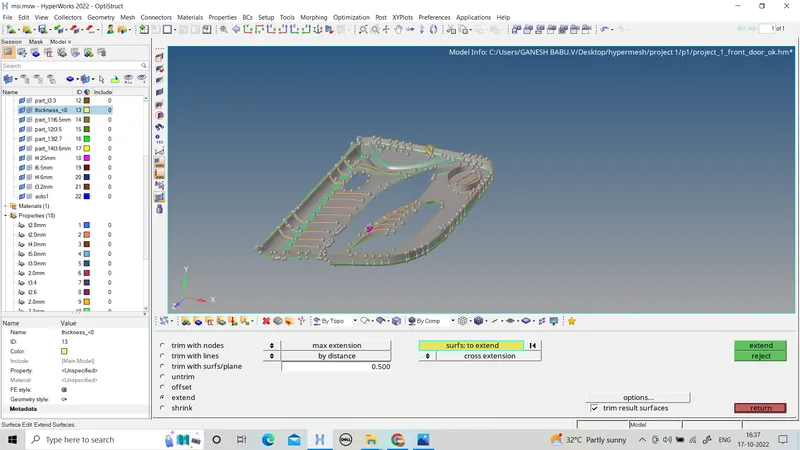
By creating the full midsurface on the given component mesh can be started.
mesh can be done by given quality criteria.
arget Element Length = 4 Units
| S.N | Quality Criteria | Value |
| 1 | Aspect Ratio | 5 |
| 2 | Skewness | 45 |
| 3 | Warping | 15 |
| 4 | Taper | 0.5 |
| 5 | Min. Length | 2 Units |
| 6 | Max. Length | 6 Units |
| 7 | Min angle Quad | 45 |
| 8 | Max angle Quad | 135 |
| 9 | Min angle Tria | 20 |
| 10 | Max angle Tria | 120 |
| 10 | Tria % | 10 |
Component - Side Door Model
Important Points to Remember
- The area which is having more than 6mm thickness should not model in 2D. You can capture them like in the Below-mentioned picture
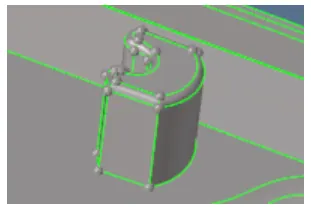
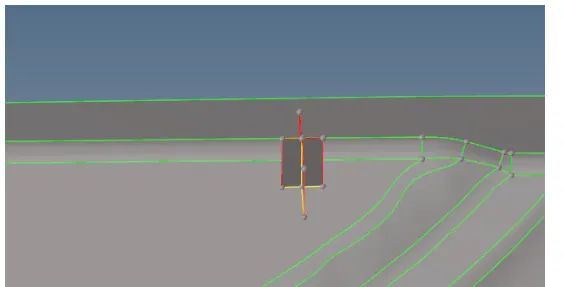
- The below image has some geometrical issue on it so modeling them in the 2D will be difficult.
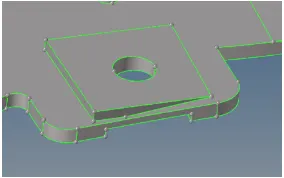
- In those areas, the main objective is to capture the hole so we can take a mid surface by creating a flat surface with a hole like an image below.
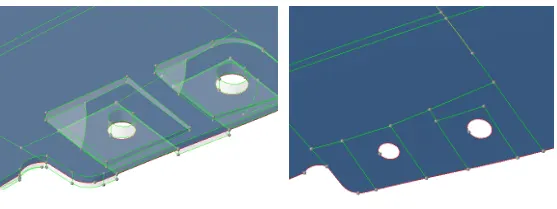
- No need to model the below-mentioned area. The mentioned area does not have a proper attachment to the model.
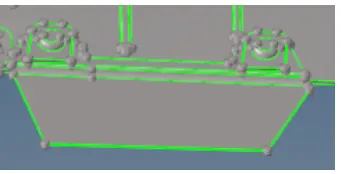
- For variable thickness areas, Assign the thickness taking an average value of the cross-section
assign all quality criteria to the given parameter.
mesh can be done by small small segment
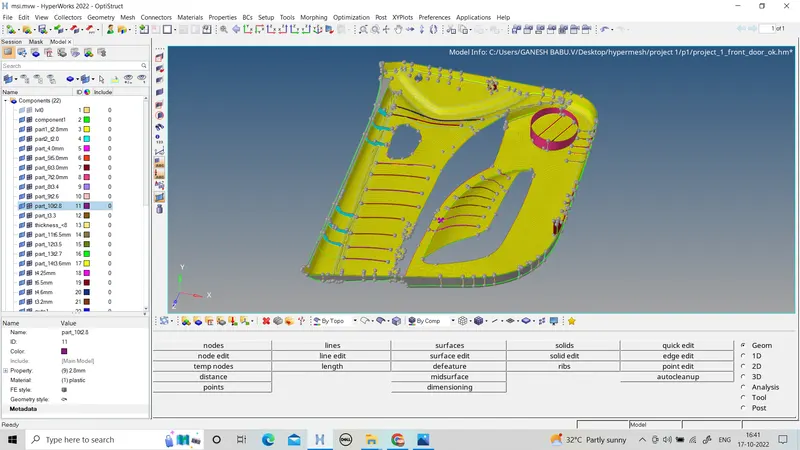 tra
tra
After creating the mesh check the quality criteria and clear the all quality criteria for the element.
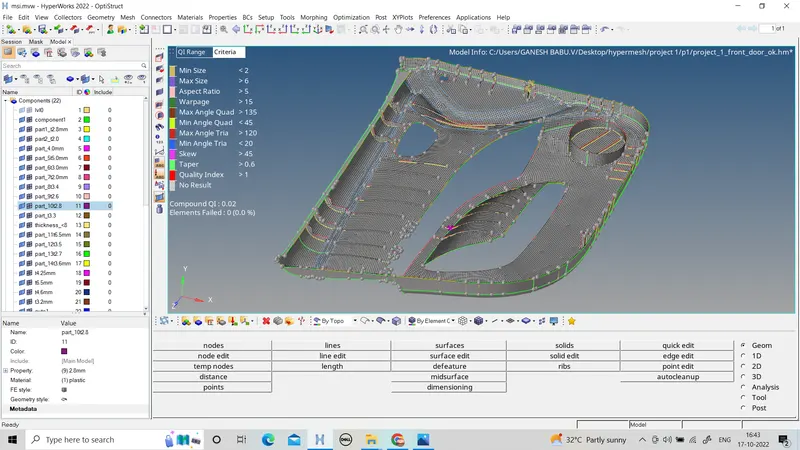
clear all fail element.
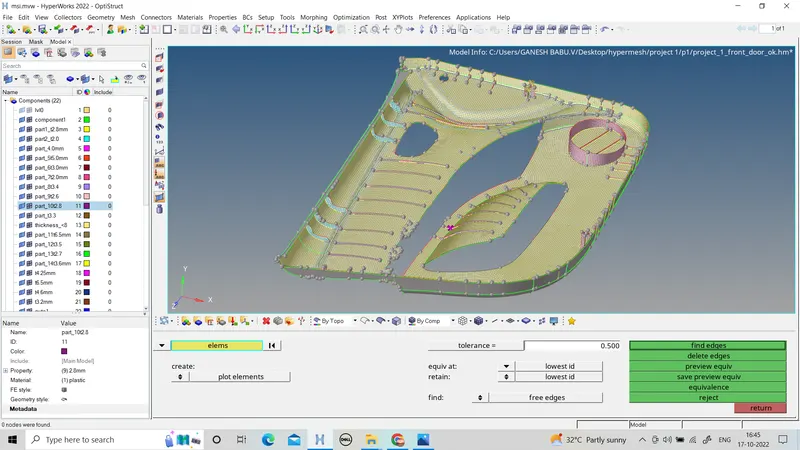
After that check for connection in edges
edges
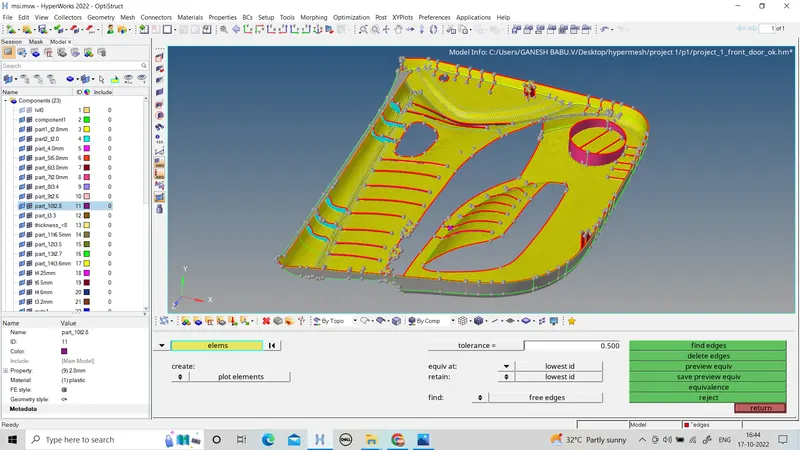
preview equivalence
RESULT
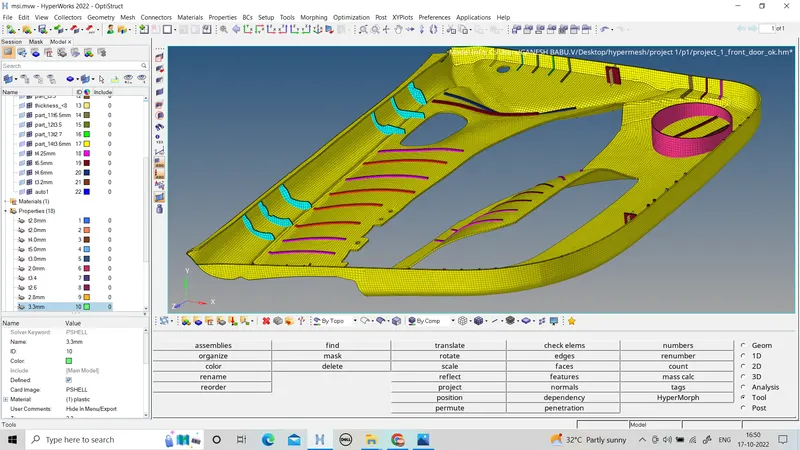
The given is meshed property with the given quality criteria requirements and the correct thickness is assigned the respective elements.