Week 12-Creation of 1D Connectors Challenge
Objectives: To mesh given model and create connection to attach various parts of model.
Procedure:-
- Import a geometry and do cleanup.
- Go to automesh and mesh the surface with given quality criteria.
- Then go to 'connectors' option in '1D' section for creating connections.
A] Seam-Quad(angled+capped+L)
1. It is a type of seam weld. Select 'seam' option in 'connectors'. Then enter the spacing value as same as element size.
2. Then set the tolerance and the select type as 'Seam-Quad(angled+capped+L)'. Then select the nodes where connection is deplyed and then select the components.
3. Then click on create, the seam weld connection is deployed.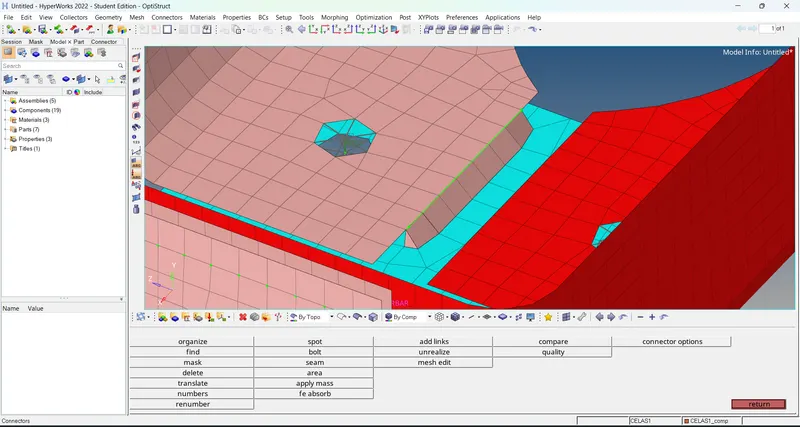
B] Quad element
1. It is a type of seam weld. Select 'seam' option in 'connectors'. Then enter the spacing value as same as element size.
2. Then set the tolerance and the select type as 'Quads'. Then select the nodes where connection is deplyed and then select the components.
3. Then click on create, the quad seam weld connection is deployed.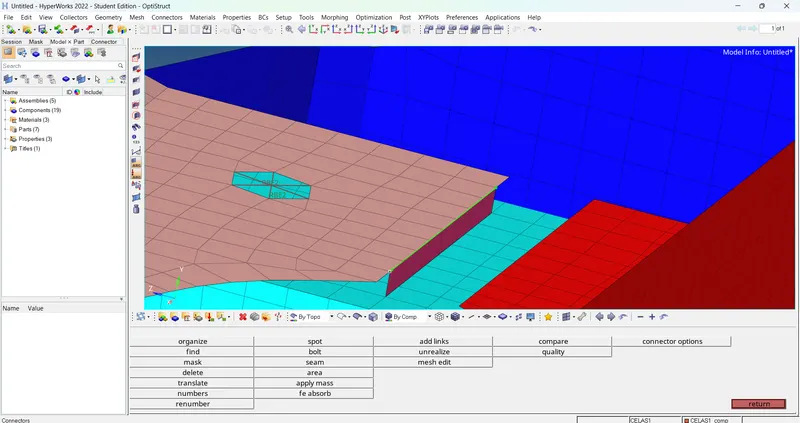
C] Spot weld with layers and diameter.
1. Select 'spot' option in 'connectors'. Then set layer number and diameter as given.
2. Then select type as 'weld' and set the tolerance value. Then select the nodes where connection is deployed and select the components.
3. Then click on create, the spot weld connection is generated.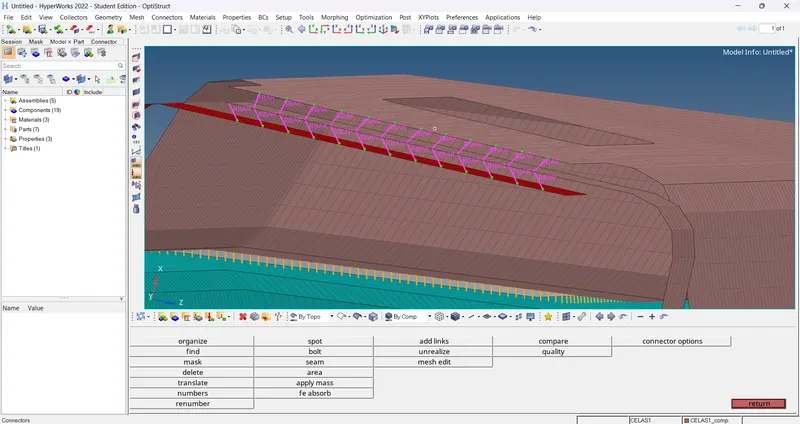
D] Hexa (adhesive)
1. It is a type of seam weld. Select 'seam' option in 'connectors'. Then enter the spacing value same as element size.
2. Then enter strips and coats value and set width as same as element size.
3. Then set the tolerance and the select type as 'Hexa(Adhesive)'. Then select the nodes where connection is deplyed and then select the components.
4. Then click on create, the hexa(adhesive) connection is deployed.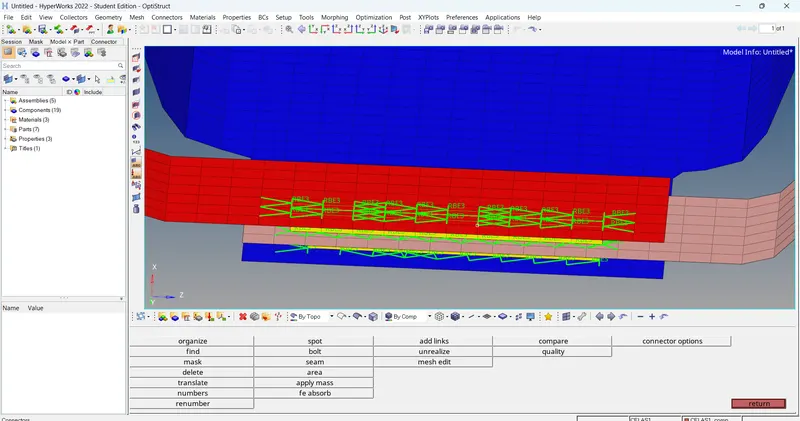
E] Bolt connector
1. Select 'bolt' option in 'connectors'. Then select type as 'bolt(general)'.
2. Then set tolerance value. After that select the nodes and select components which is want to connect. And select option 'create hole,if none' to create hole.
3. Then click on create, the bolt connection is generated.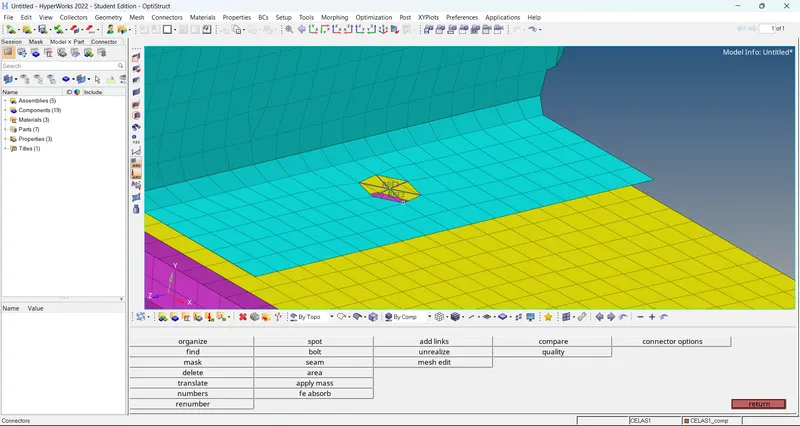
F] Spot weld with rigid elements.
1. Select 'spot' option in 'connectors'. Then set layer number.
2. Then select type as 'rigid' and set the tolerance value. Then select the nodes where connection is deployed and select the components.
3. Then click on create, the spot weld with rigid element(RBE2) connection is created.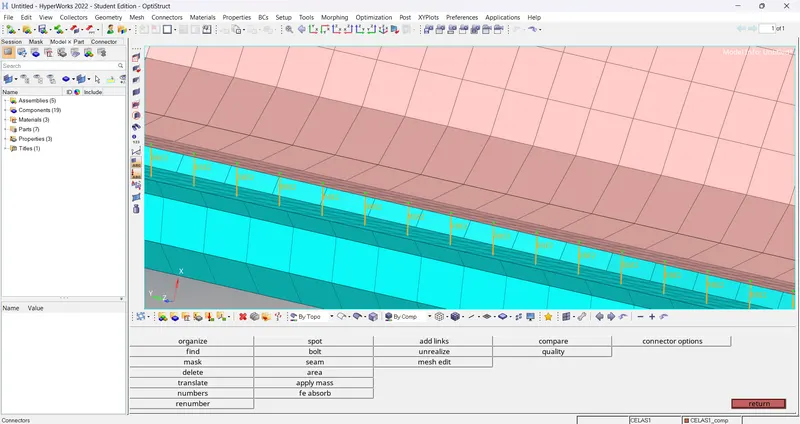
G] Spot weld with spring elements.
1. Select 'spot' option in 'connectors'. Then set layer number.
2. Then select type as 'spring' and set the tolerance value. Then select the nodes where connection is deployed and select the components.
3. Then click on create, the spot weld with spring element(CELAS1) connection is created.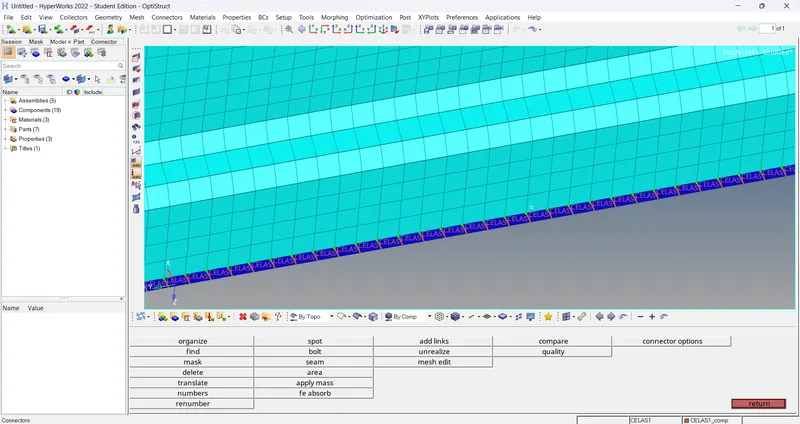
Conclusion: We successfully deployed required connection in given model.