Week 12-Creation of 1D Connectors Challenge
Aim - To Create a connector and Attach the various parts of the given model
1. Right_Rail_2 & Front_truss_1:- Seam-Quad(angled+capped+L)
2. Left_Rail_2 & Front_truss_1:- Quad elements
3. Front_truss_2, Front_truss_1 & Right_Rail_1:- Spot weld with 2 Layers and 5 mm Diameter
4. Front_truss_2, Front_truss_1 & Left_Rail_1:- Hexa (Adhesive)
5. Rear_truss_2 & Right_Rail_2:- Bolt Connector
6. Rear_truss_2 & Left_Rail_2:- Bolt Connector
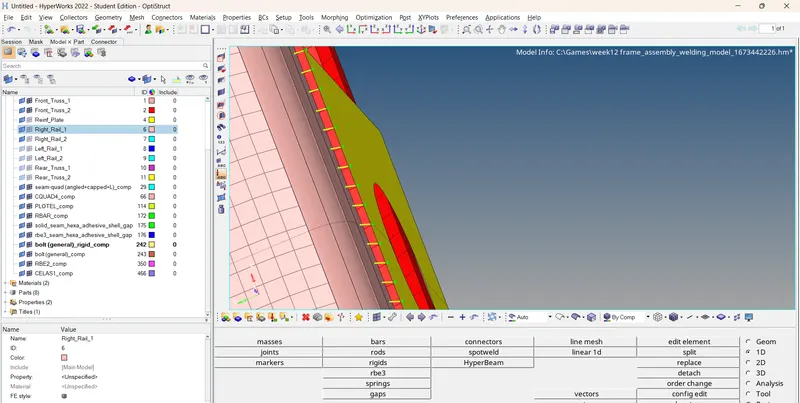
7. Right_Rail_1 & Right_Rail_2:- Spot-weld with Rigid Elements
8. Left_Rail_1 & Left_Rail_2:- Spot-weld with Spring Elements
9. Rest all the components left Join them with suitable connectors
proceduse -
1.Go to connector pannel in 3d tab connectors
there select the type of conncetors according to the requirements shown on the question
2.select the elemnts and select the two components indicating the two connected components
3.then a connector is created you can relize and unrelize it when ever its necessary
4.for most of the connectors such as bolt , spot welds an rbe2 elemnets are formed
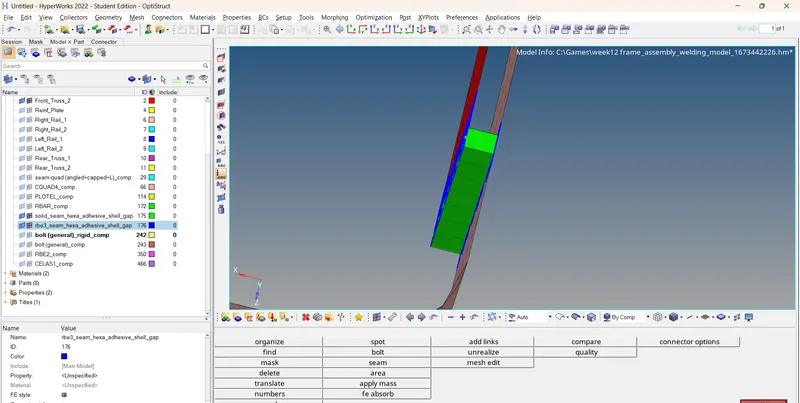
5.for a adhesive connector an rbe3 is formed
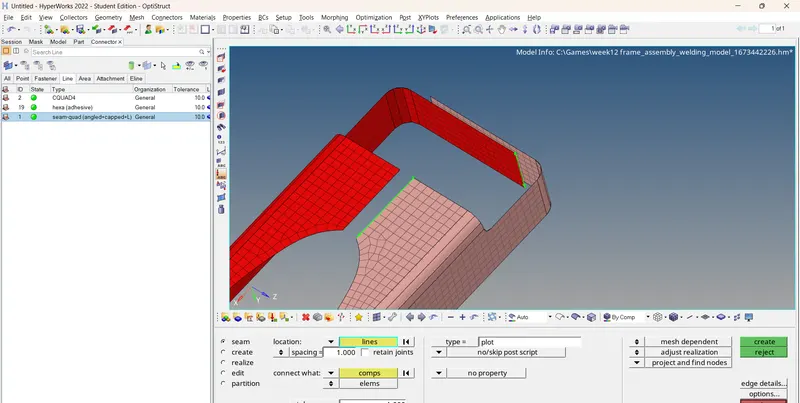
6.for a seam weld give the spacing as per your elem size value
7.select the seam weld connction based on a T or L joint looking at the geom and the imprint option
conclusion :
understood the type of Conntions and how to apply connetors to FEA models