Week - 12 - Creating the locator, writing and reading the node data
Objective:
- Connector :
Create a macro that builds a GUI containing 4 buttons. Component creator, weld, xloc, yloc, zloc. Upon pressing the buttons corresponding 1D element must be created and moved to the desired collector.
- Reading nodes from a file :
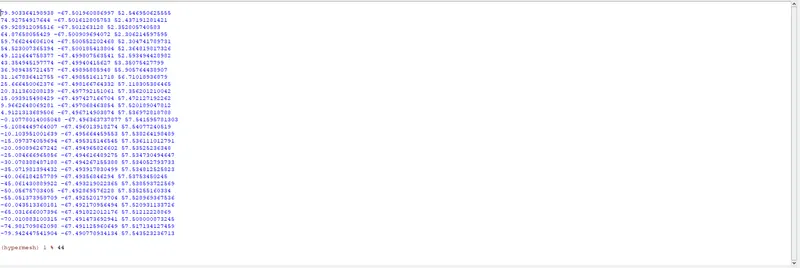
Create a macro that asks a .csv file as input and reads nodes from the file provided and also create tags for text in first column.
- Identical comp identifier
Create a macro that accepts a geometric component as input from the user and shows potential duplicate geometries ( Geometries that match the surface count)
procedure:
Connectors:
Create a procedure for each connectors and use buttons to execute the command. Also create a procedure for collectors to all the connectors separately and respectively.
Use all the procedures in the command section of buttons command line.
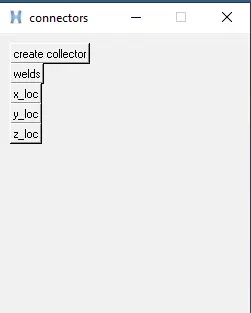
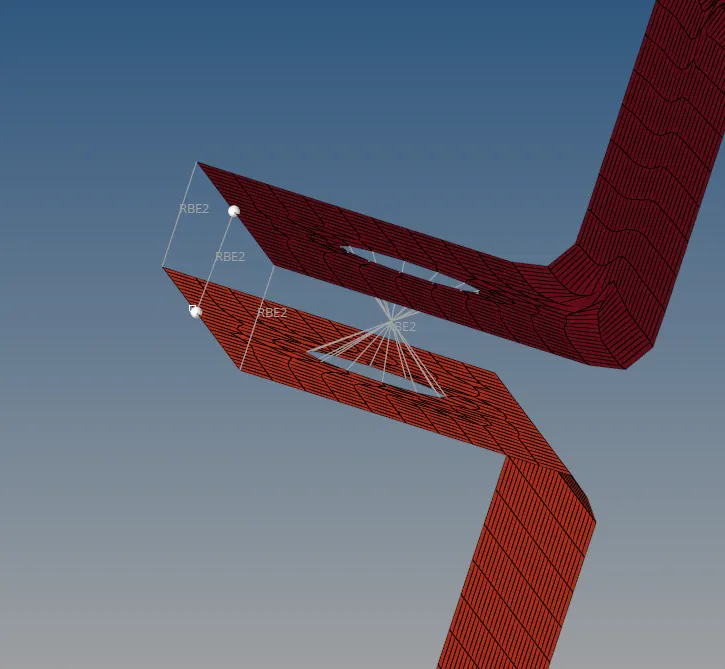
Using the above GUI collectors and connectors are created.
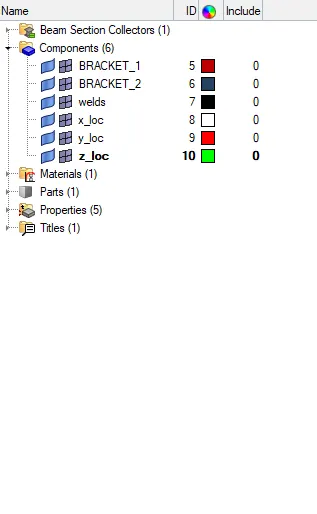
Similar components:
Write a macro to select all the components that are avaialable and also similarly select all the surfaces.
Put all the components and surafces in an argument.
Similarly write a command to create panel and to select the target component.
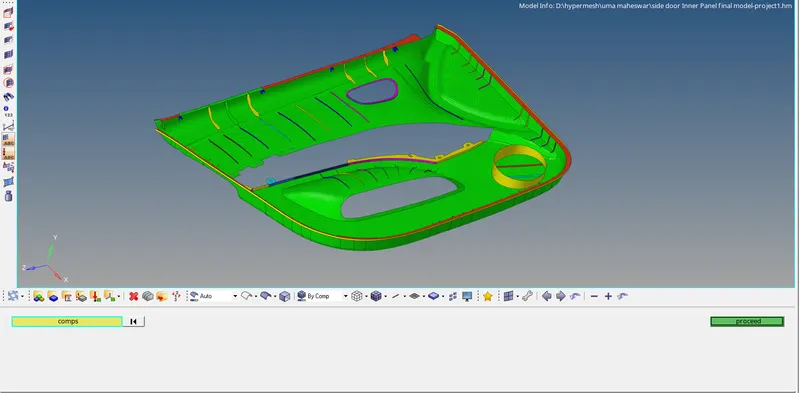
In the picture there a dialogue box where the interested or target components are selected.
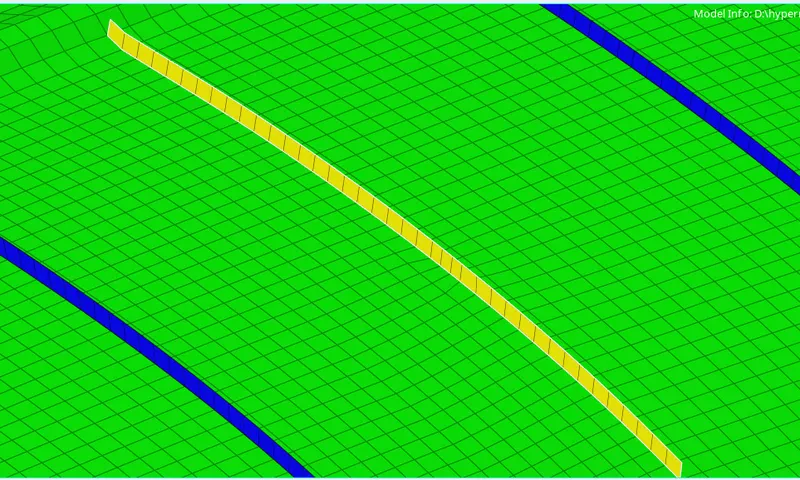
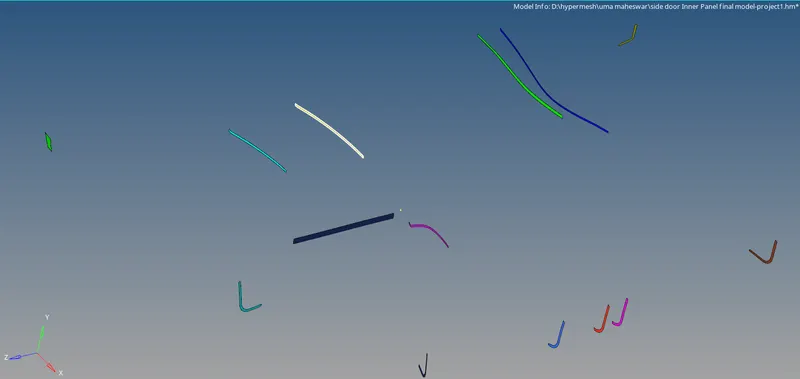
Using lsearch command the selected component and all components are compared.
All the matching components are further displayed.
Read nodes from a file:
create a procedure to read the nodes from the file.
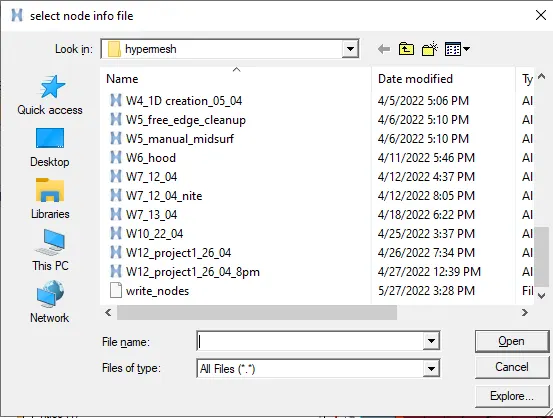
Use tk_getOpenFile command to open a window and also name the window with the flag title.
Store the above function a variable and use open command to read the file. use eof and get the values from pre-saved variable then set those values in anew argument.
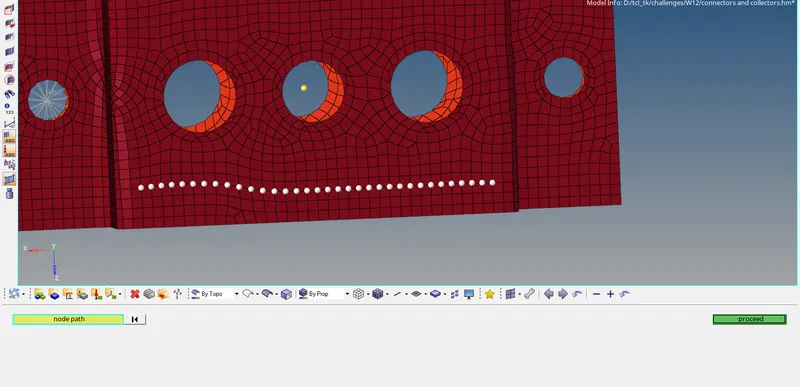
Create nodes using the list of nodes saved in the variable.
Result:
1. The macro for creating connectors and collectors. Also using tcl commands the procedure for creating connectors and using tk commands GUI is created to execute the respective output.
2. Similar componets are identified and isolated using the tcl commands.
3. Nodes from the csv file is imported and those node's co-ordinates were used to create a node in the displayed component.